
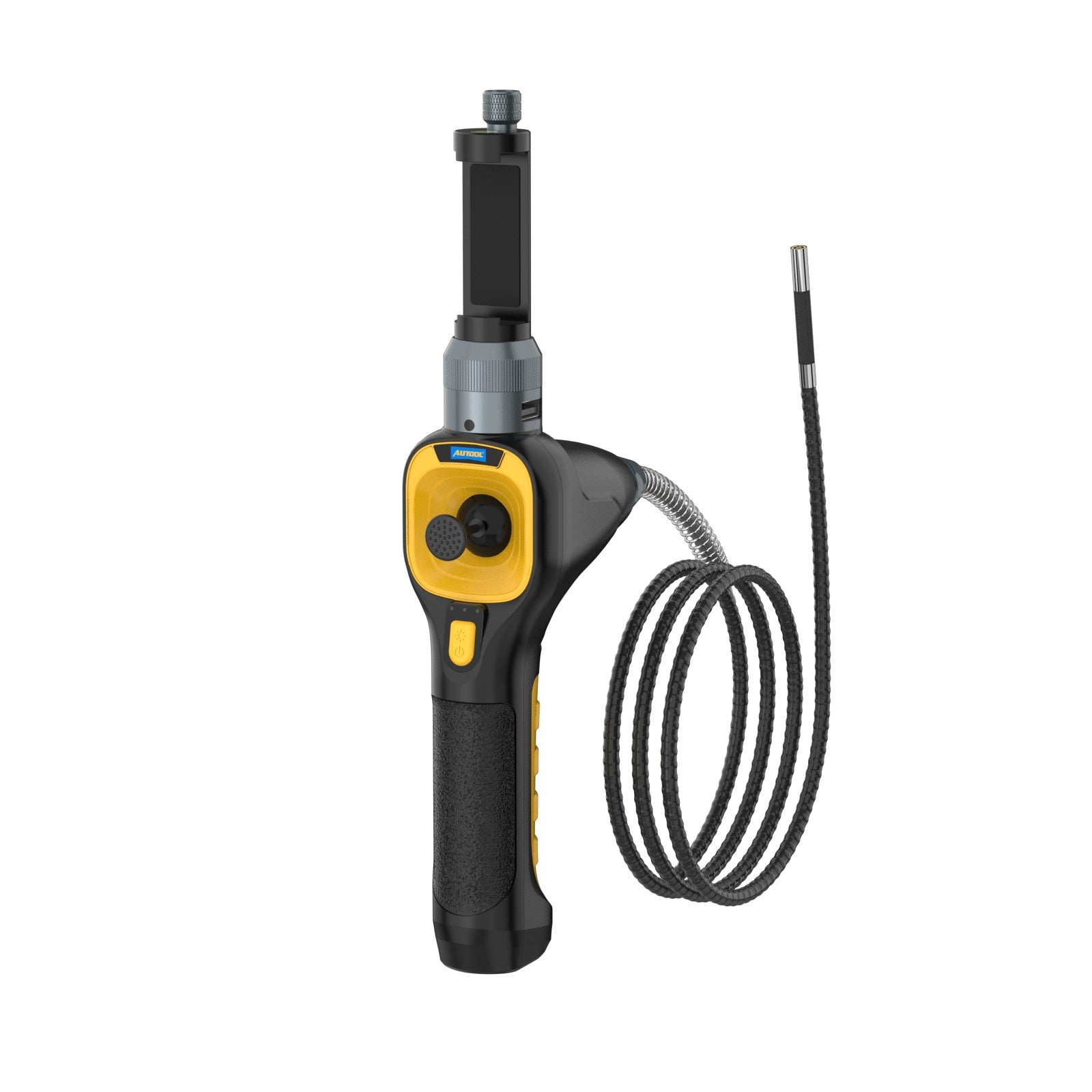
AUTOOL SVB303 Borescope Inspection Camera
$239.00 USD
In stock, ready to ship
Popular Combination
In stock! Ships within 1-2 business days.
3-Year Warranty
Complimentary shipping & returns
Pairs well with
AUTOOL SVB303 Borescope Inspection Camera
China
$239.00 USD
Product Despcription
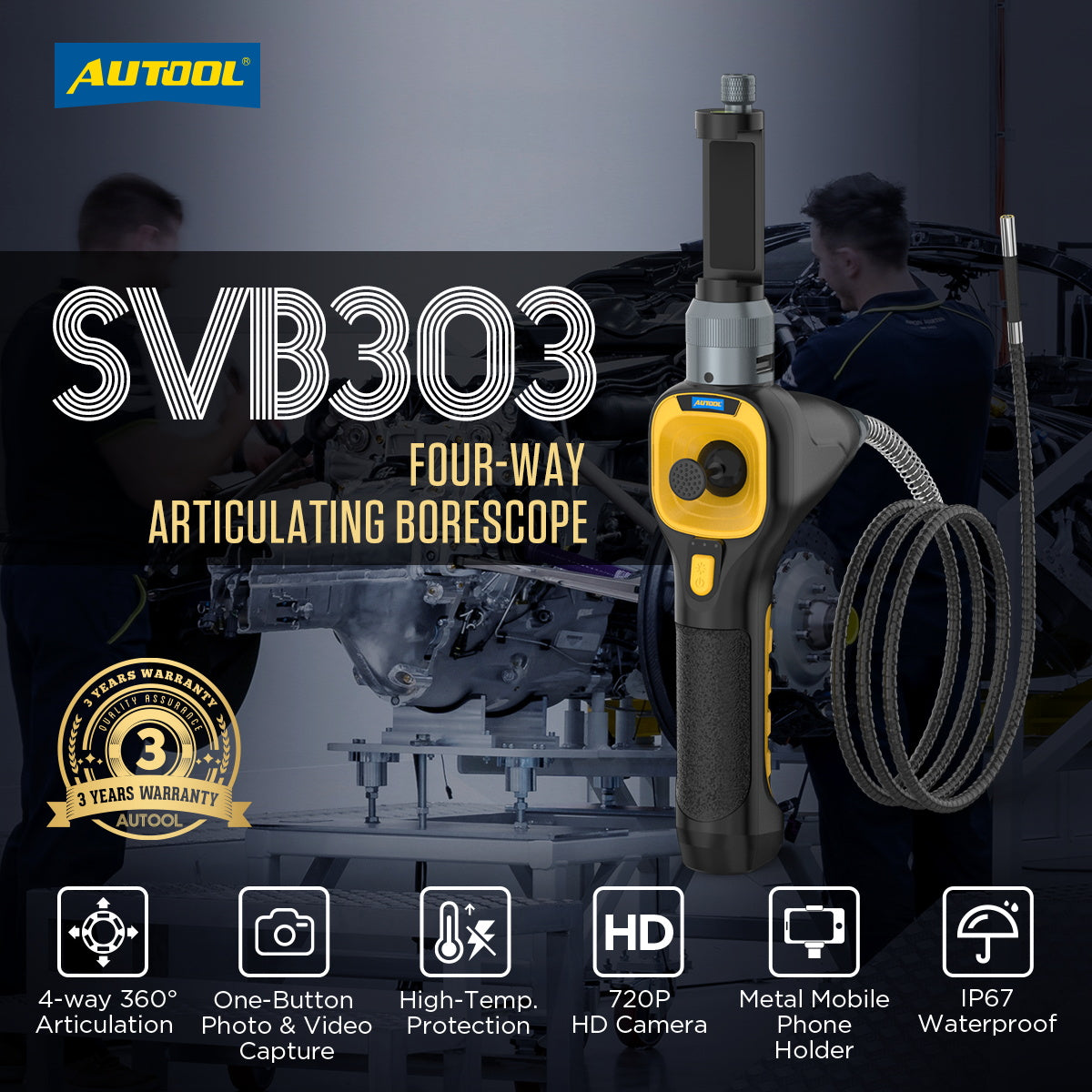
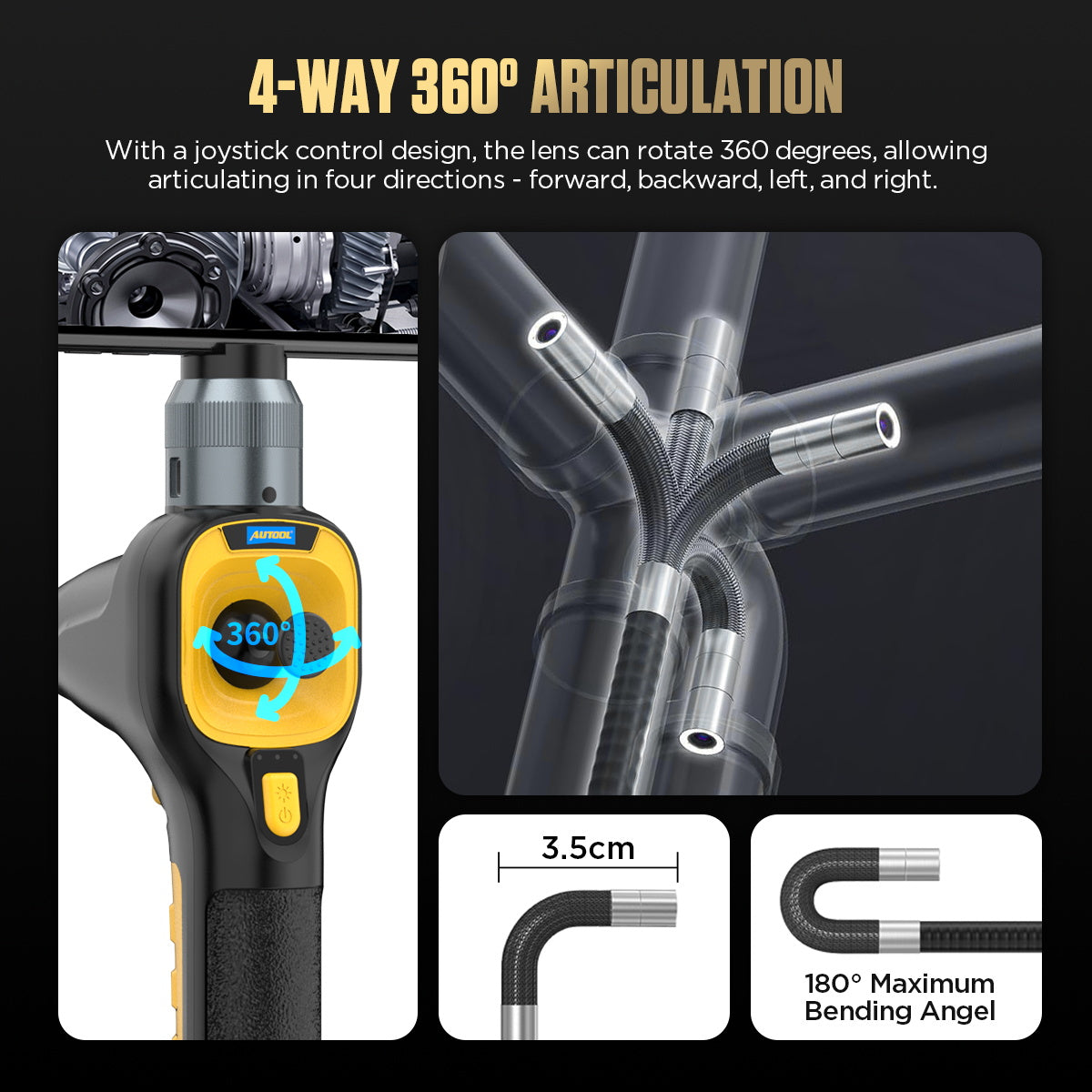
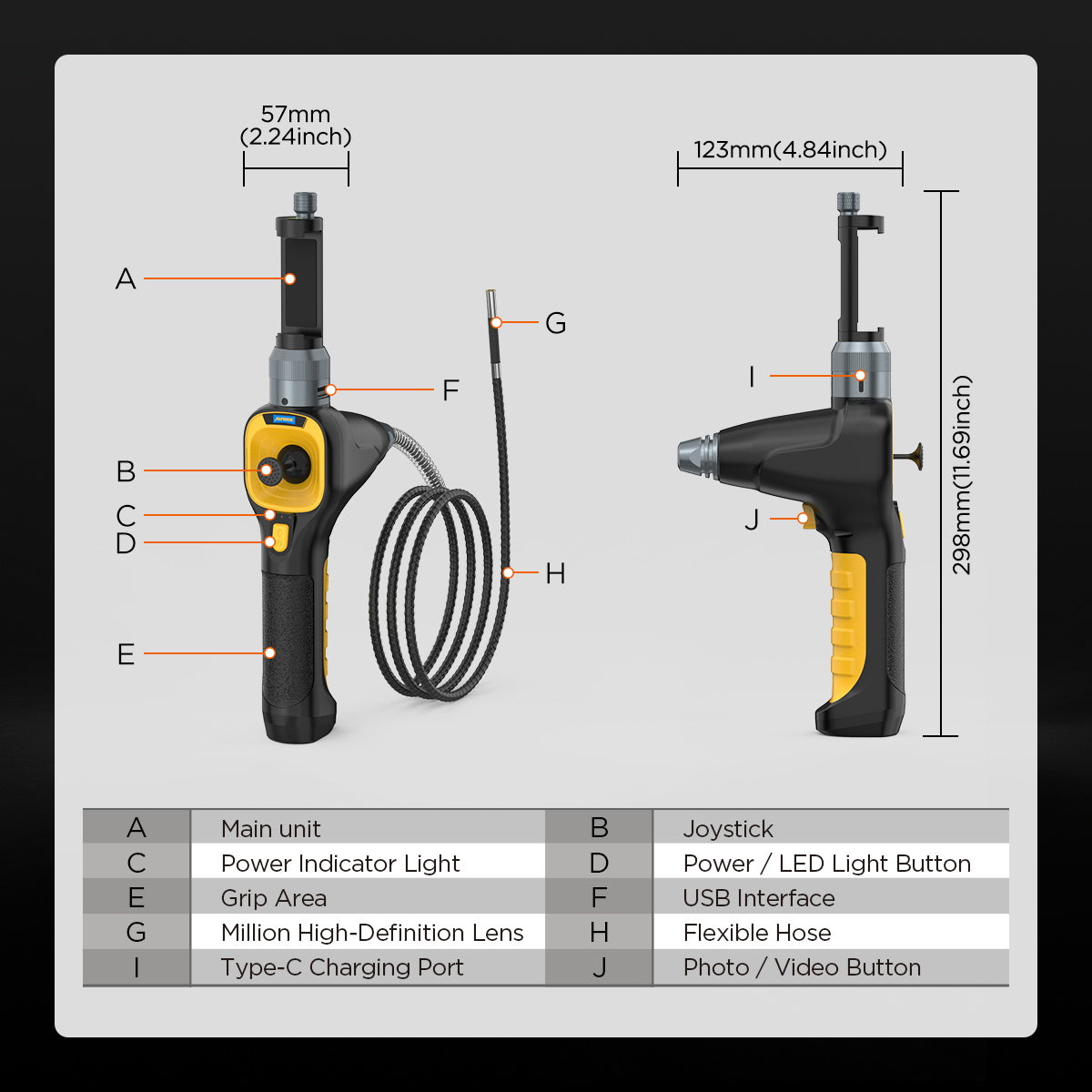
The AUTOOL SVB303 industrial endoscope features unique temperature protection and 360° rotation capabilities, allowing users to maneuver the small probe into confined areas easily.
The AUTOOL SVB303 can transmit data to external devices via real-time imaging. With advanced expandable accessories and a real-time temperature display, the SVB303 meets a variety of inspection needs. It is a high-end inspection tool designed specifically for the automotive industry. The SVB303's four-way articulated design is ideal for inspecting hard-to-reach, narrow, and curved spaces such as evaporator boxes, combustion chambers, and catalytic converter sensors.
Why Choose AUTOOL SVB303 Automotive Scope Camera?
- 4-Directional Rotation Endoscope: Utilizing a joystick for control, the lens can rotate 360° freely, easily reaching into narrow and curved spaces for thorough inspection.
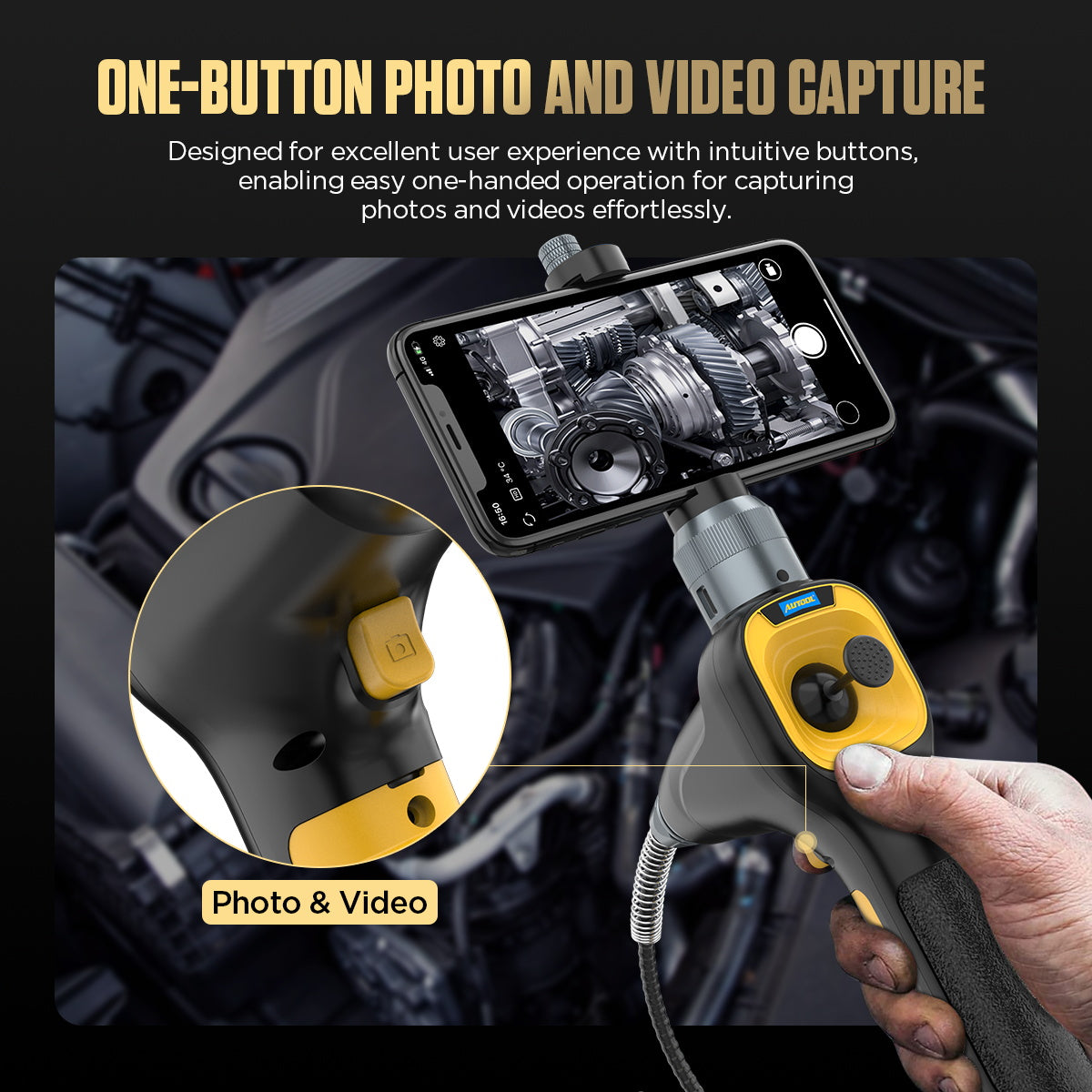
- One-Click Capture/Record: Operable with one hand; intuitive press-button design for quick recording of inspection images.
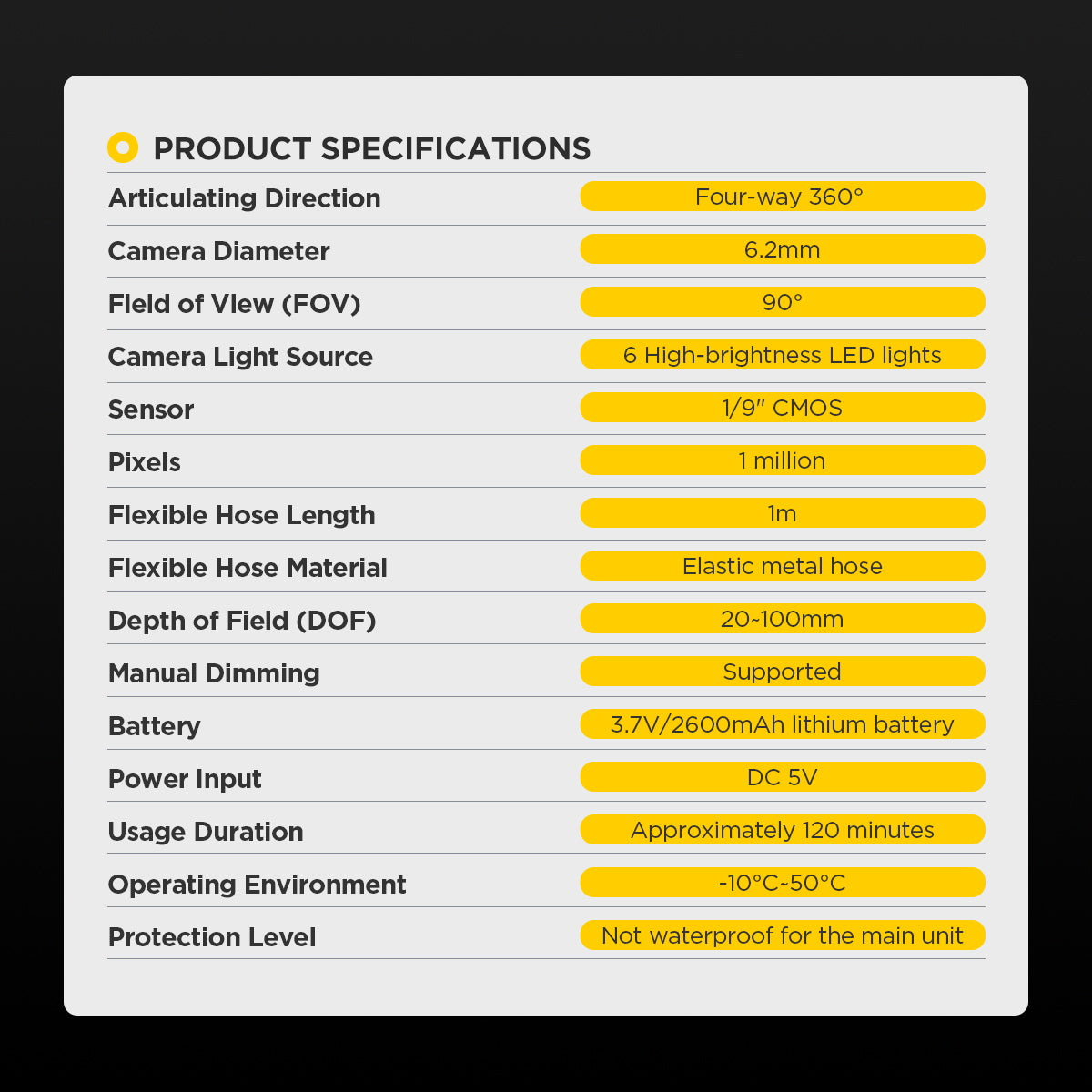
- High-Definition 720P Image: Equipped with 6 LED fill lights and a high-definition lens, delivering clear and bright image quality; supports one-click photo and video capture.
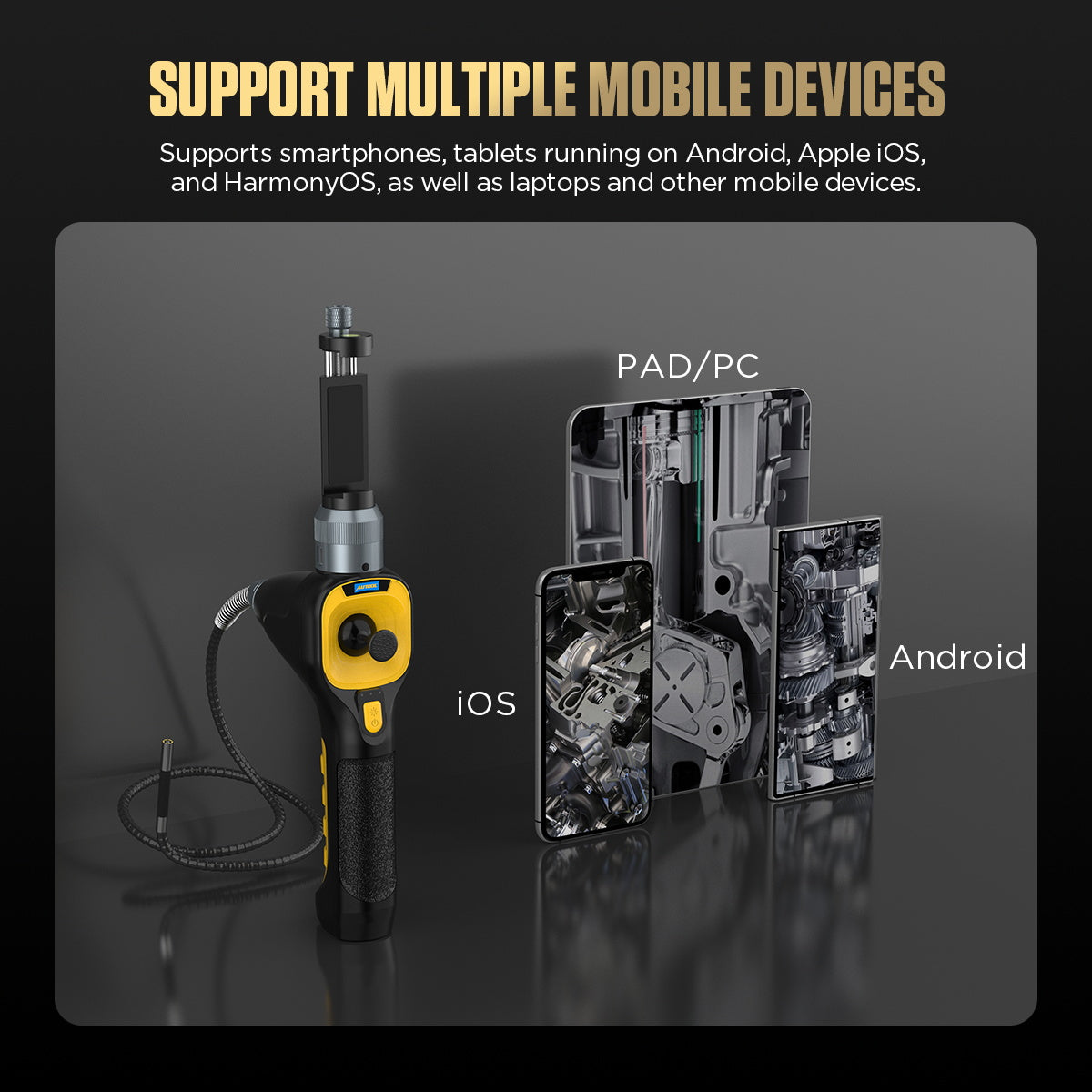
- Wide Compatibility with Multiple Devices: Compatible with Android, iOS, and HarmonyOS phones and tablets, as well as laptops and other mobile devices.
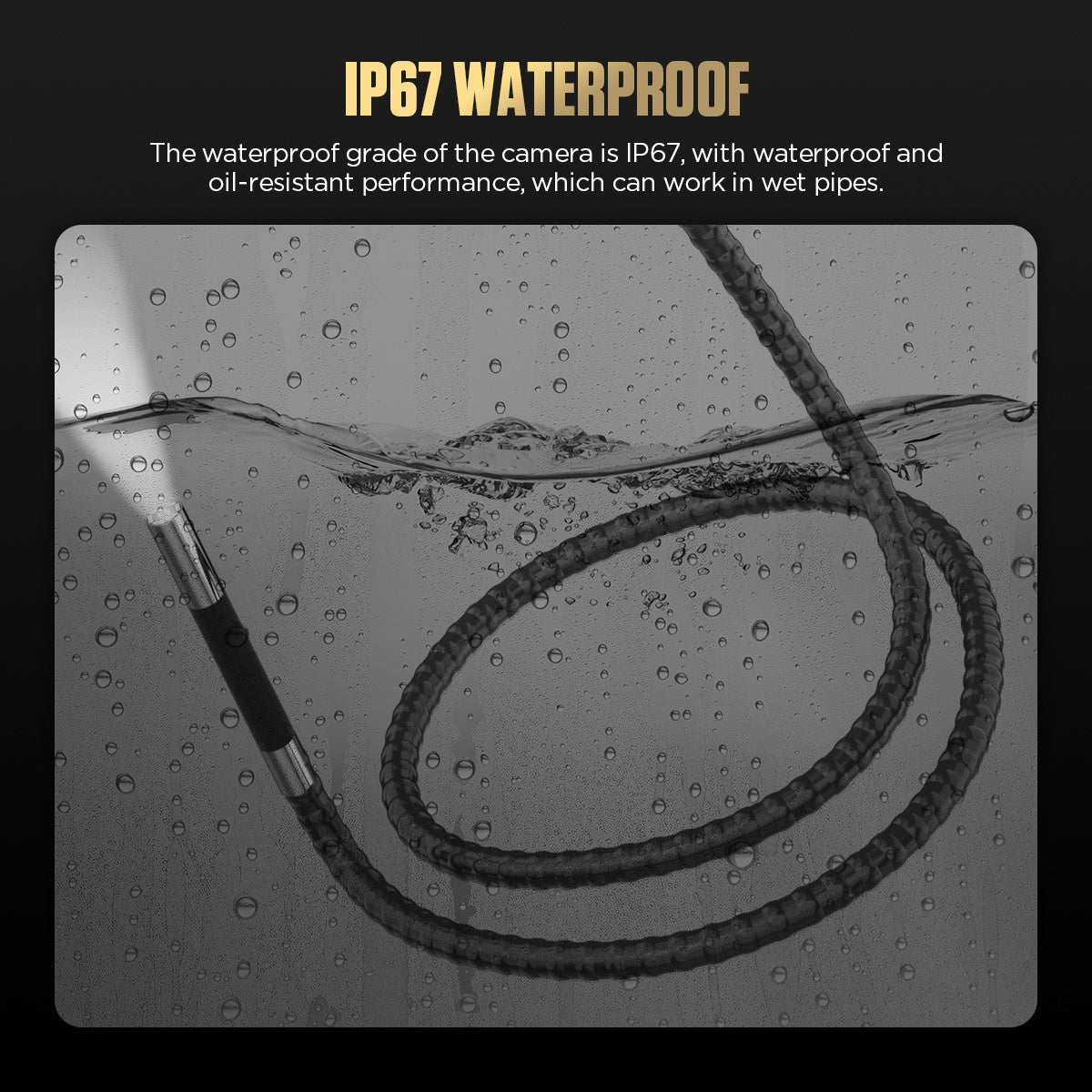
- IP67 Water and Oil Repellent Rating: IP67 protection rating, impervious to humid and oily environments, allowing stable operation in wet conditions such as water pipes.
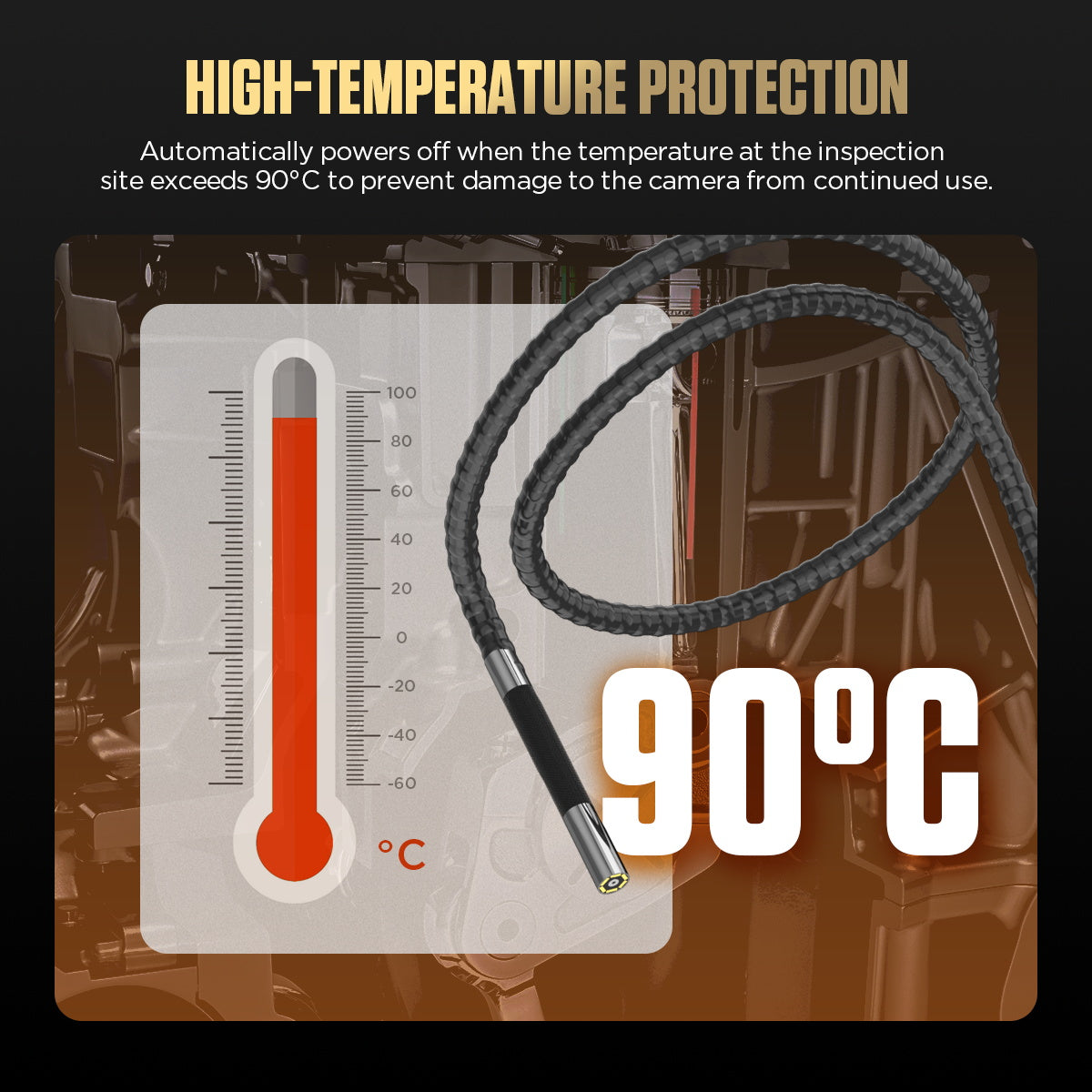
- Automatic High-Temperature Protection: The camera automatically shuts off when the ambient temperature exceeds 90°C to prevent overheating damage.
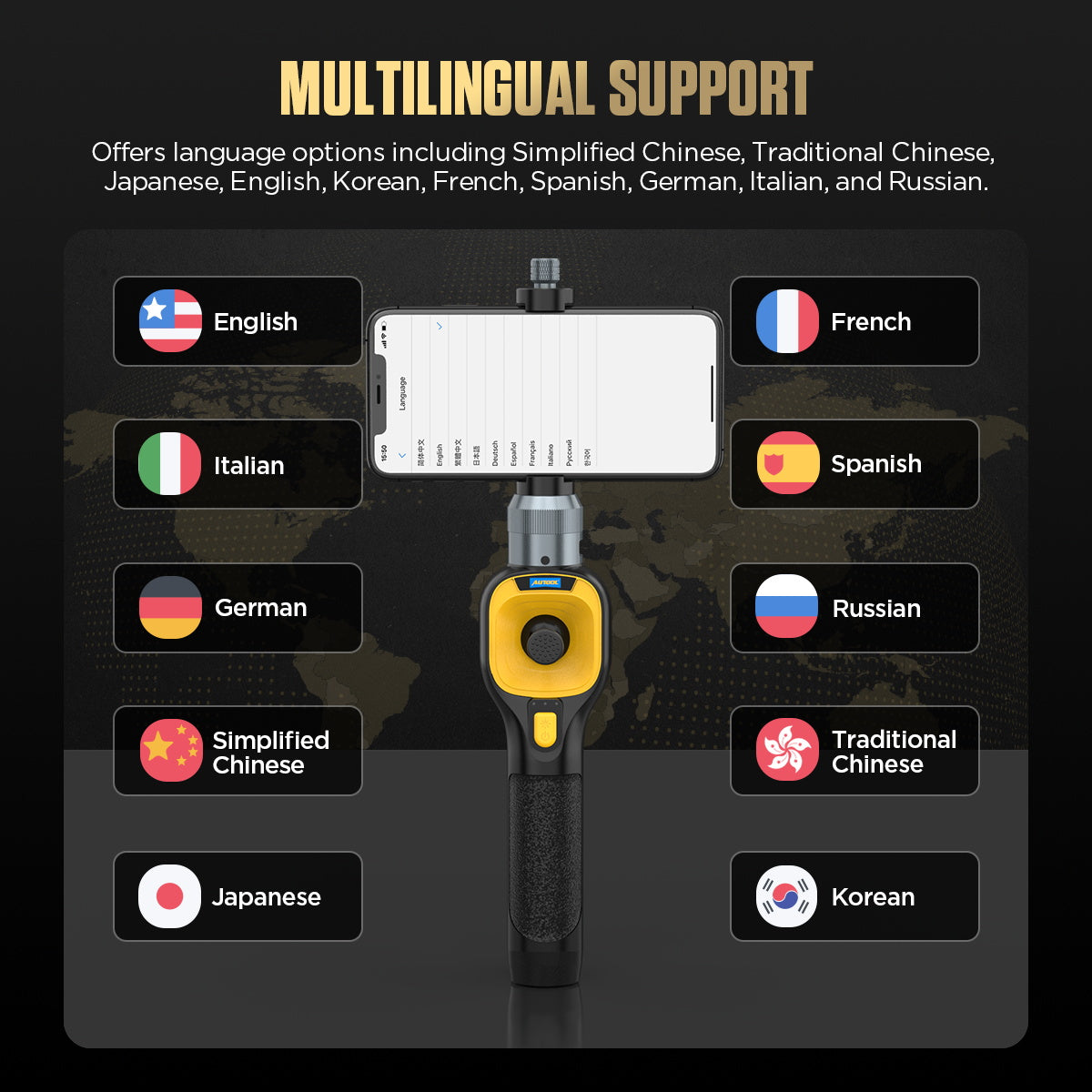
- Ten Language Support: Interface supports multiple languages, including English, French, Spanish, Russian, Traditional Chinese, Korean, Italian, German, Simplified Chinese, and Japanese.
- 3-year warranty commitment: For malfunctions not caused by human error, replacement parts will be sent free of charge within 3 years, ensuring worry-free after-sales service.
Automotive Borescope Operating Instructions
- Step 1: Press and hold the power button and open the camera protective cover.
-
Step 2: Adjust the ideal lighting and insert the probe into the engine.
-
Step 3: Use the joystick to adjust the camera direction.
-
Step 4: The buttons on the LED screen allow you to zoom and invert images
-
Step 5: The camera handle has a photo button for taking pictures or recording videos.