

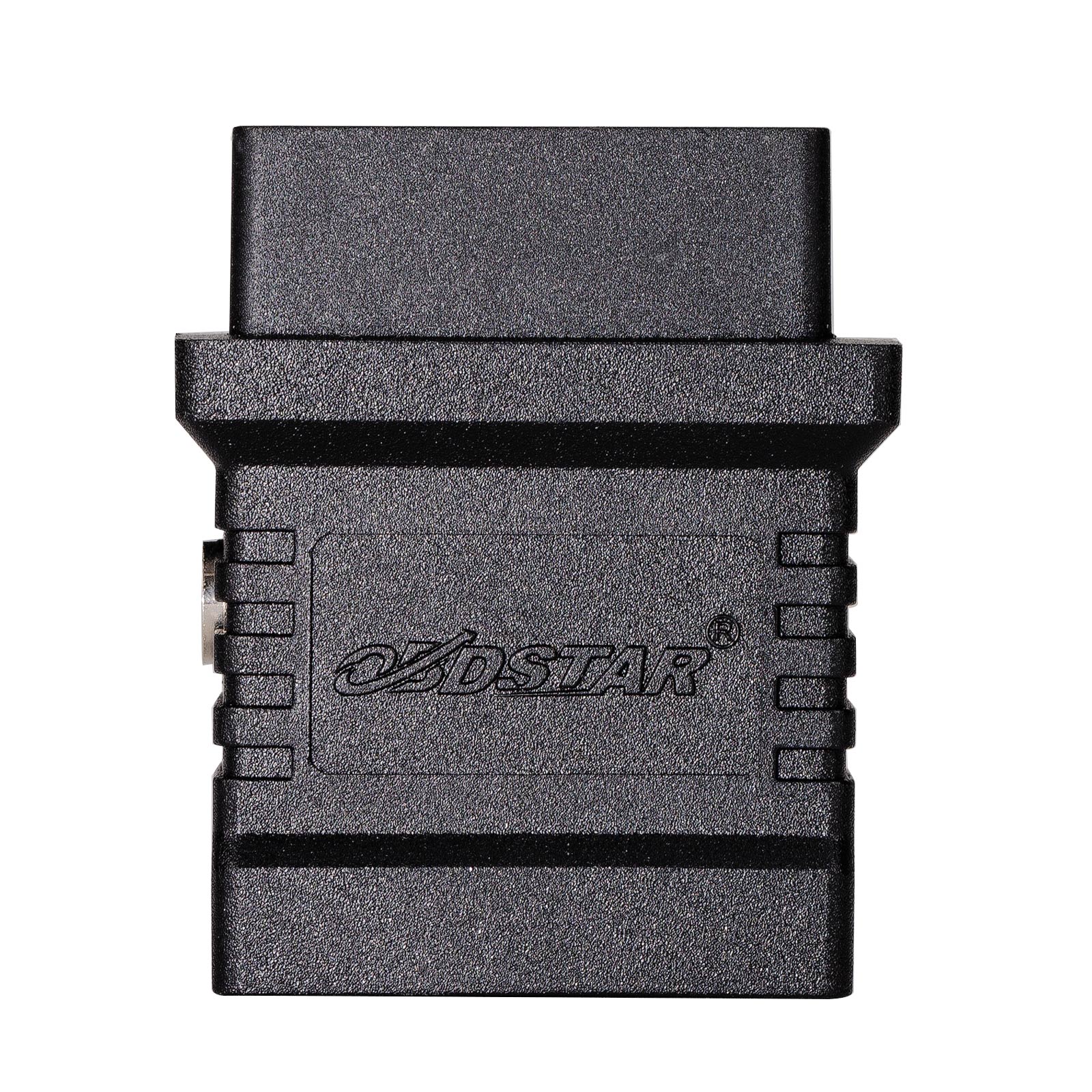
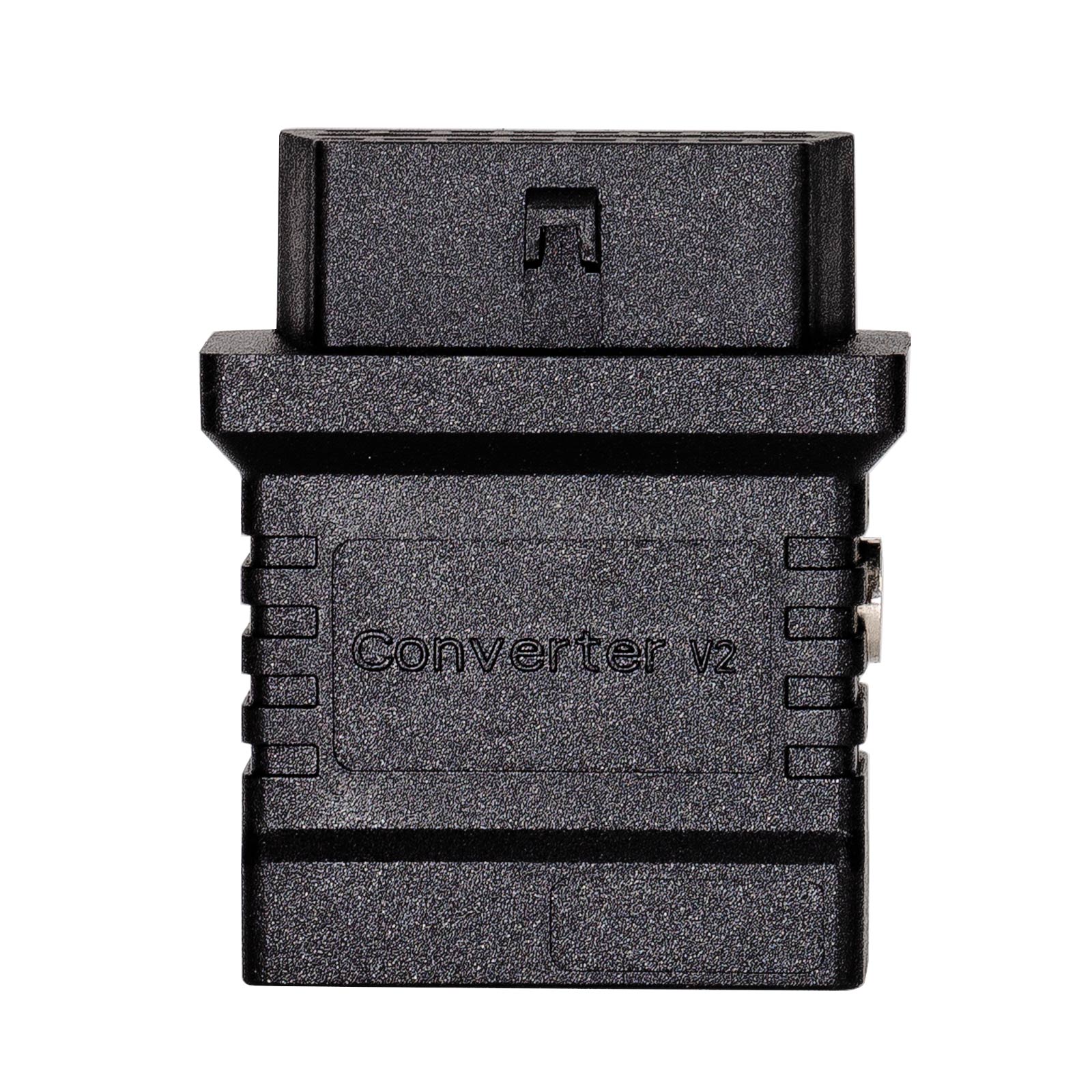
Turn OBDSTAR DB15 Connectors Into an OBD2 Test Platform
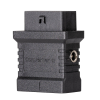
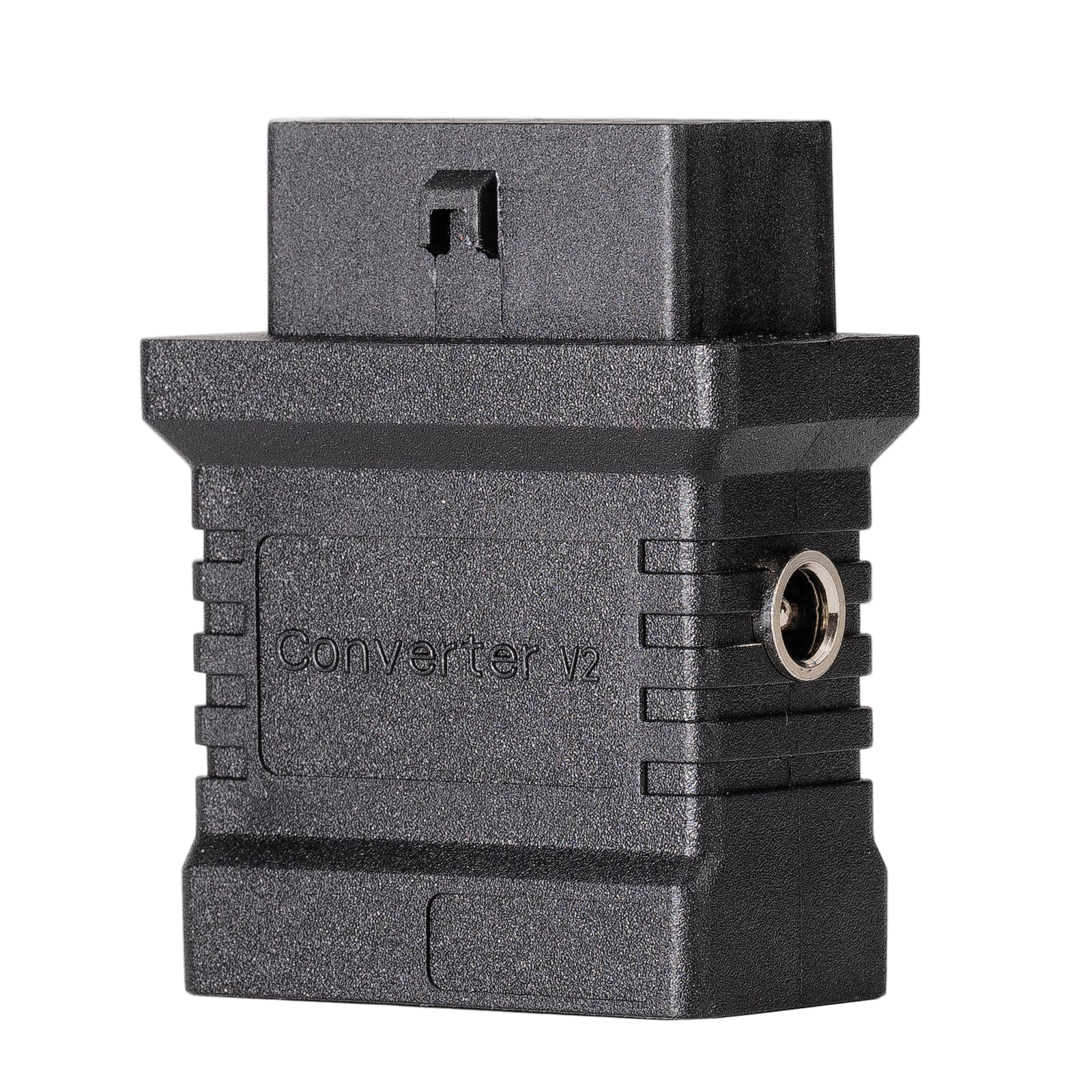
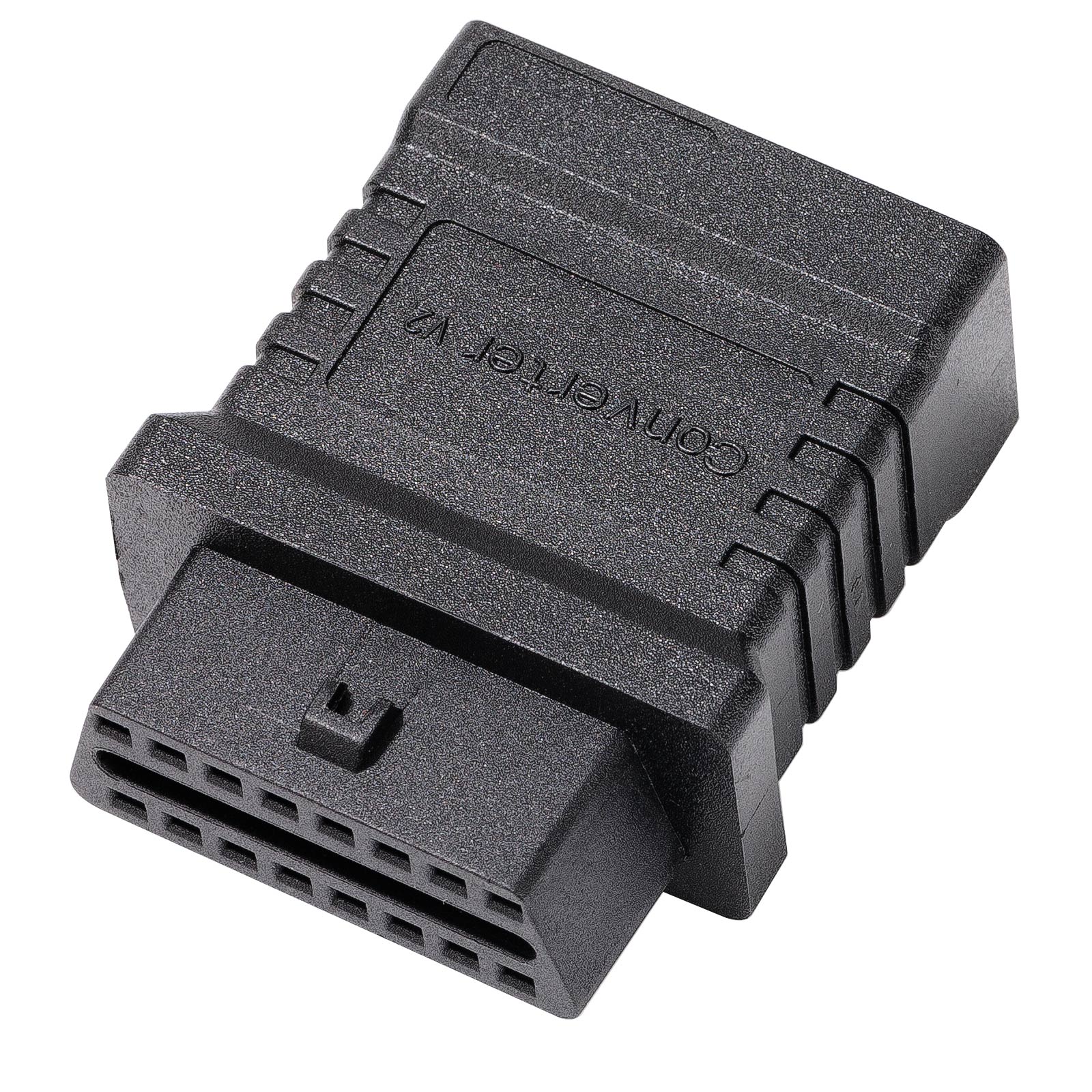
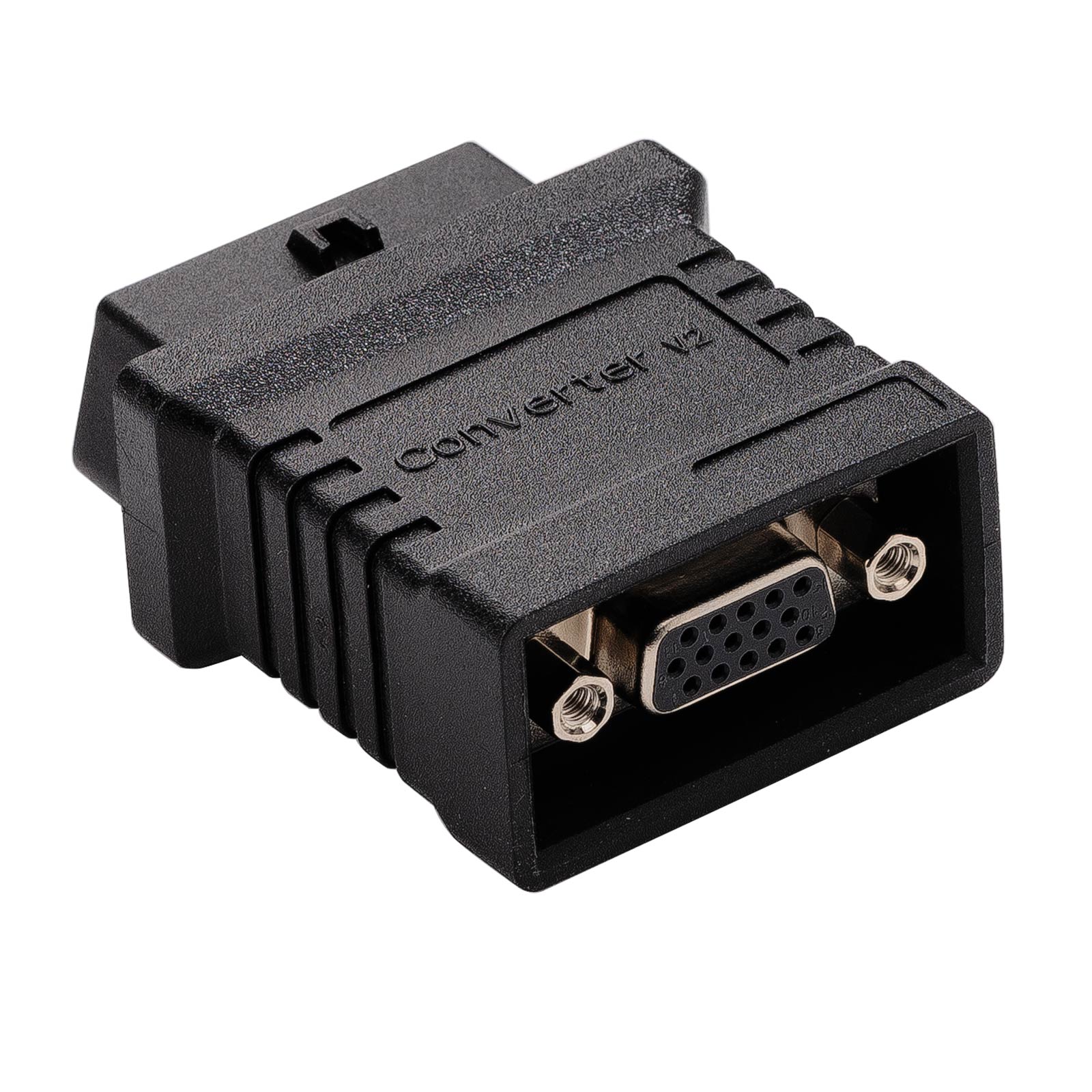
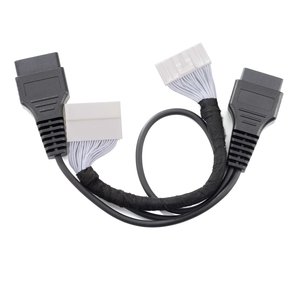
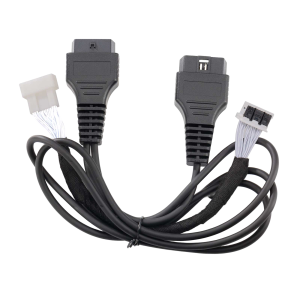
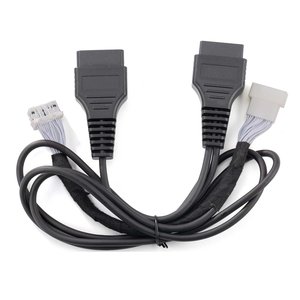
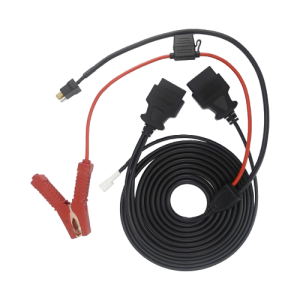
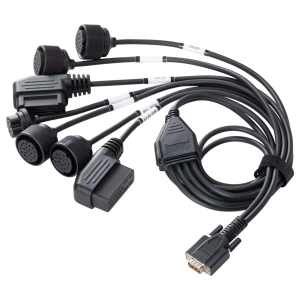
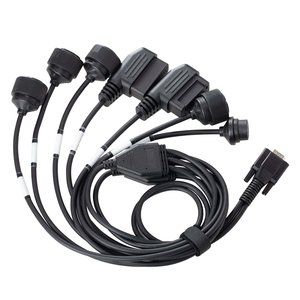
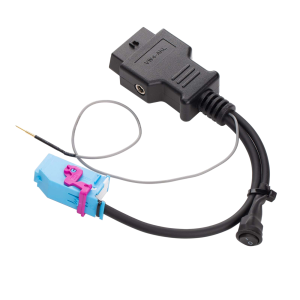
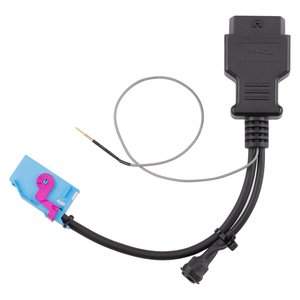
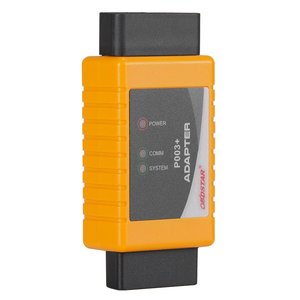
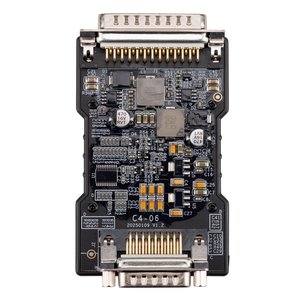
The Converter V2 adapts the DB15 end of OBDSTAR’s dedicated connectors, such as the TCM cables, to a 16-pin OBD2 socket. A removed module can then be diagnosed with the DC706, X300 Classic G3 or a third-party diagnostic device.
- DB15 to OBD2 16-Pin
- DC706 / X300 Classic G3
- Third-Party Scan Tools
- External 12V Supply
Key Features
-
Bench Test Platform
Fitted to a TCM dedicated connector, it lets you read module information and run diagnostic functions with the module off the vehicle.
-
Not Limited to OBDSTAR
Third-party diagnostic devices can connect through the OBD2 socket as well.
-
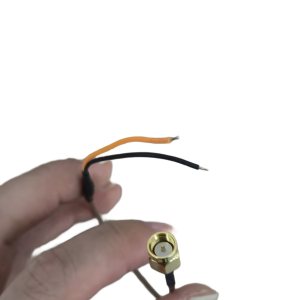
Independent Power Input
Accepts its own external power supply, so the module is powered separately from the tool.
-
Required by Some Cables
OBDSTAR’s TCM-021 cable for 6HP28, 6HP26, 6HP32, 6HP19 and 6HP21 gearboxes is used together with the Converter V2.
-
Fits MP001 Bench Setups
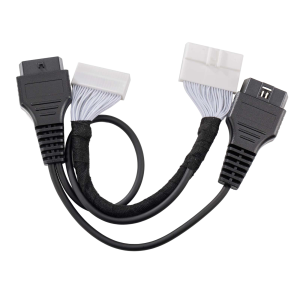
On the DC706 or X300 Classic G3 it can also sit between the MP001’s C2 connector and the ECM-003 bench adapter.
What’s in the Box
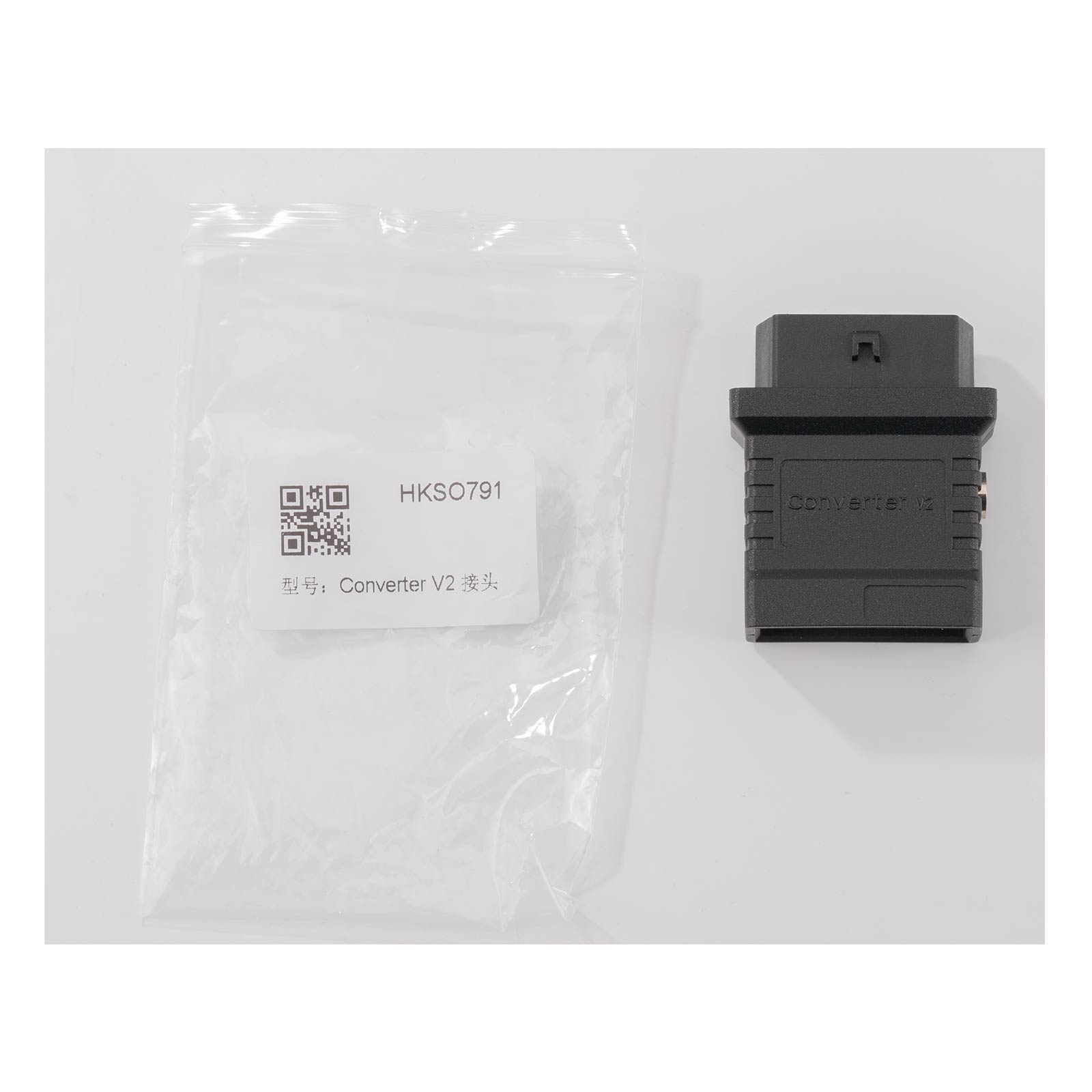
- 1×Converter V2 DB15 to OBD16 adapter
How to Use
- Attach the connectorPlug the Converter V2 into the DB15 end of the TCM dedicated connector fitted to the module.
- Connect the interfacePlug the diagnostic interface head into the adapter’s OBD2 socket.
- Apply powerSupply 12 V to the adapter.
- DiagnoseEnter the diagnostic system on the DC706 or X300 Classic G3 and read the module information.
Good to Know
Caution
- The adapter does not plug into a module by itself. A matching OBDSTAR dedicated connector is required and is not included.

 English
  German
  Spanish