


AUTOBOSSautoboss.com
Source: https://autoboss.com/product/thinkscan-max-connector/
0

Reviews

No reviews yetBe the first to share your experience with this product.

Specifications

BrandTHINKCAR
SKUTHINKCAR-SHOPIFY-8834853077295
Compatible HostsThinkScan Max or ThinkScan Max 2 (select by variant)
CompatibilityThinkScan Max / Max 2 connectors are not interchangeable

Details

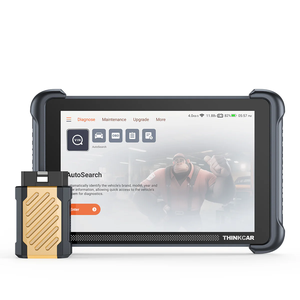
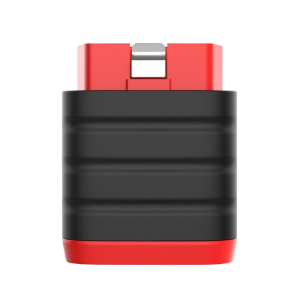
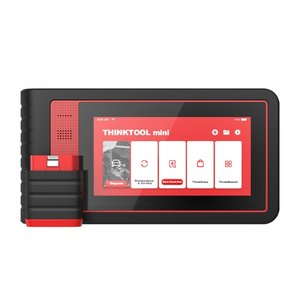
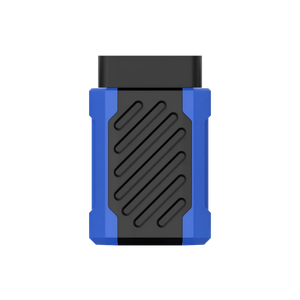
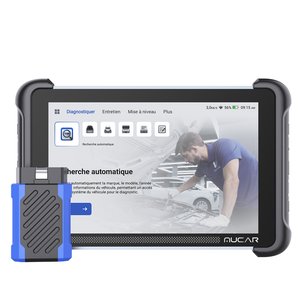
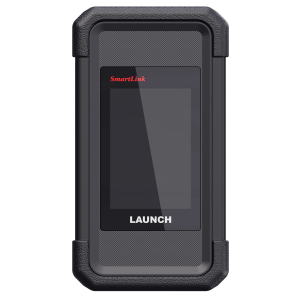
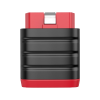
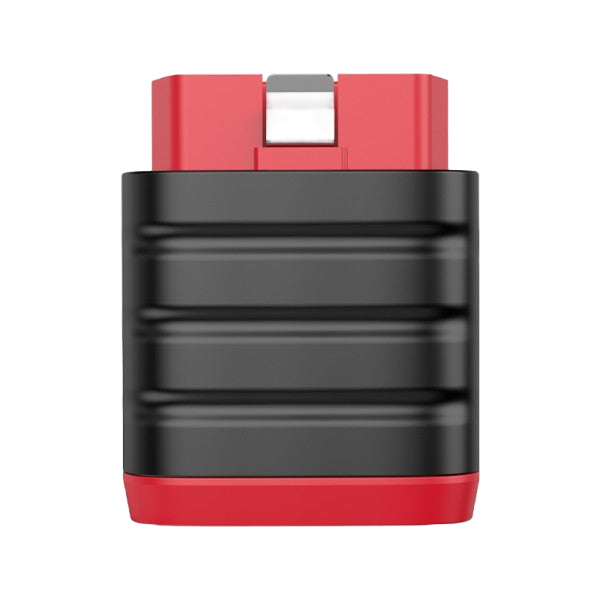
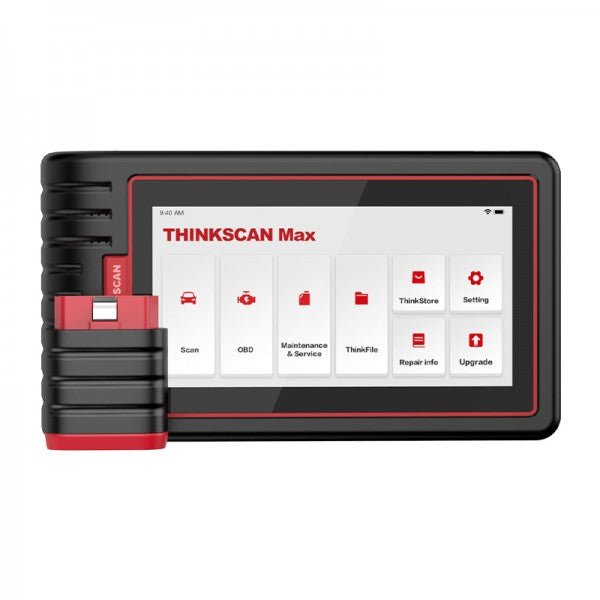
Replacement Bluetooth Dongle for THINKSCAN MAX and MAX 2

The wireless diagnostic dongle that plugs into the vehicle’s OBD port and communicates with the THINKSCAN MAX or MAX 2 handheld over Bluetooth.

  • MAX or MAX 2 Version
  • Bluetooth Wireless
  • Bind to Host Before Use

How to Use

  1. Plug in the dongleInsert it into the vehicle’s OBD port.
  2. Activate and bindOn the handheld, open Settings and use the Dongles option to activate the new dongle and bind it to the host.
  3. Diagnose wirelesslyOnce bound, the handheld communicates with the vehicle through the dongle over Bluetooth.

Good to Know

Caution
  • MAX and MAX 2 dongles cannot be mixed. Order the version that matches your handheld.
You may also like

Select specifications

Delivery

Shipping calculated at checkout

Service

  • Secure checkout

    Payments are processed over an encrypted connection.

  • After-sales support

    Contact us for installation or usage questions.

Specifications

Brand
THINKCAR
SKU
THINKCAR-SHOPIFY-8834853077295
Compatible Hosts
ThinkScan Max or ThinkScan Max 2 (select by variant)
Compatibility
ThinkScan Max / Max 2 connectors are not interchangeable

Write a review

THINKCAR THINKSCAN MAX/MAX 2 Vehicle Communication Interface (VCI) Connector
Overall rating *
What stood out?optional, up to 3
Add photos0 / 5
JPG, PNG or WebP, up to 5 MB each.

Reviews are checked before they appear. Verified Purchase is added automatically when your email matches an order.

THINKSCAN MAX Connector
THINKCAR THINKSCAN MAX/MAX 2 Vehicle Communication Interface (VCI) Connector

US$70.00

Select options This product has multiple variants. The options may be chosen on the product page