

Check Brake Fluid Water Content in DOT3, DOT4 and DOT5.1
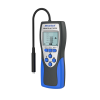
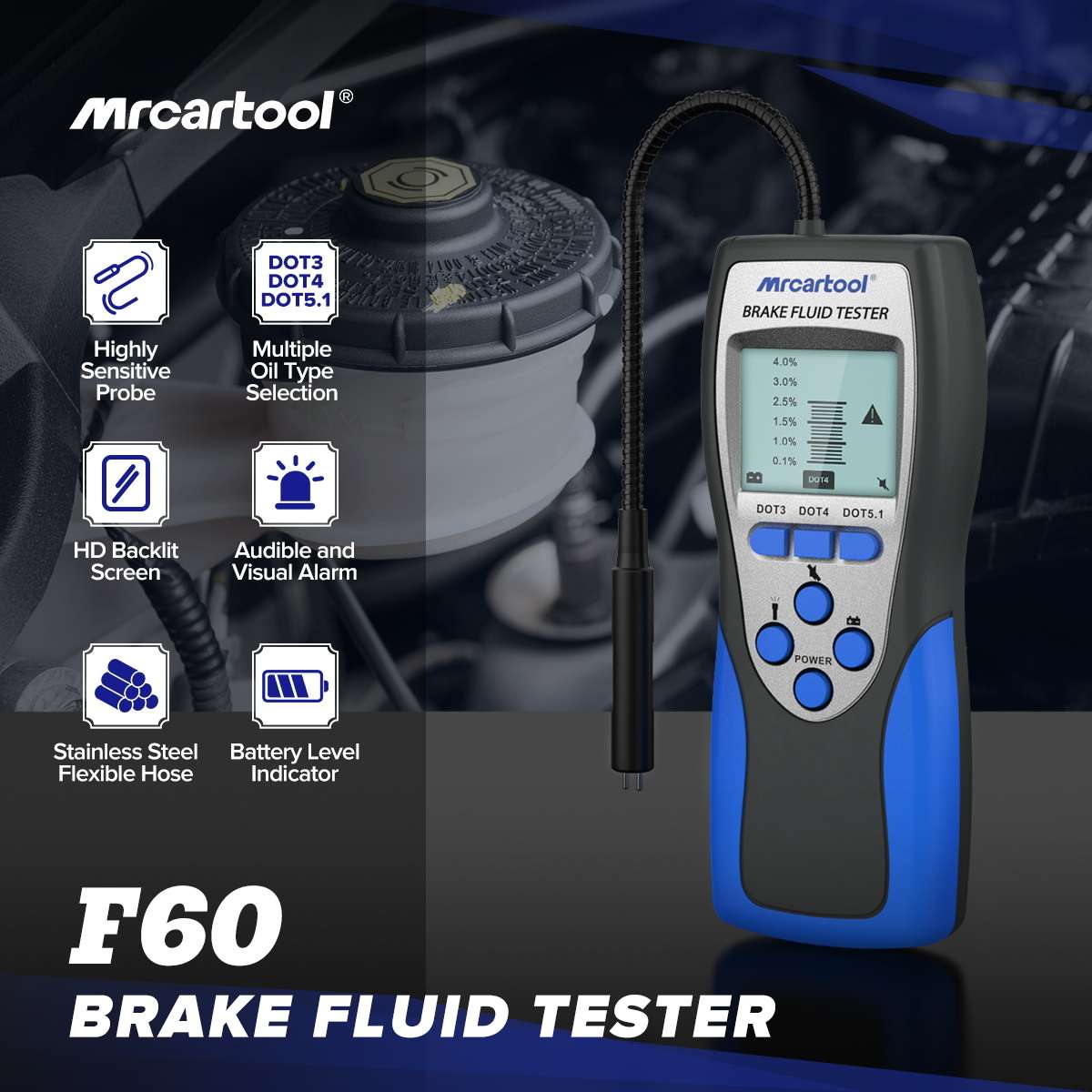
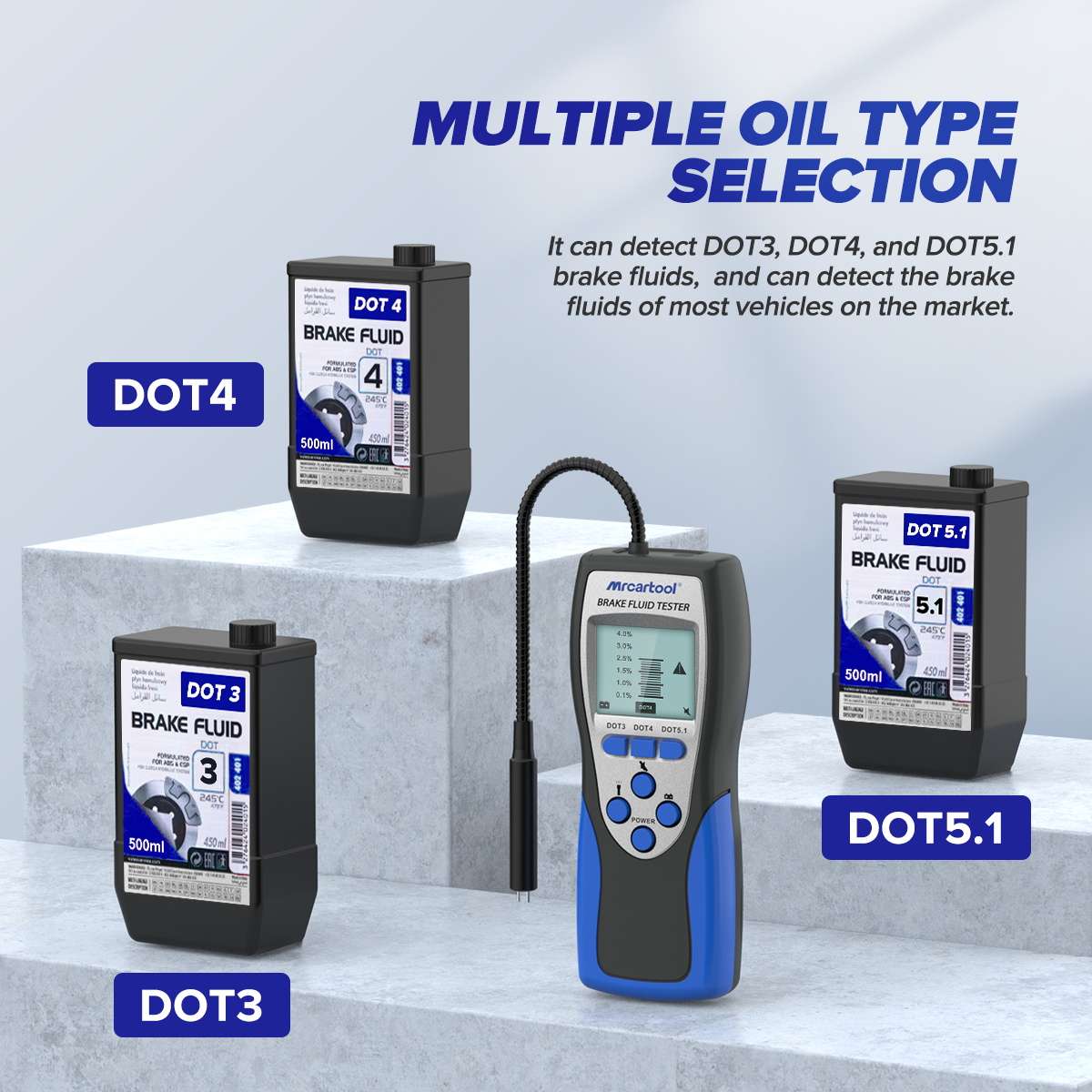
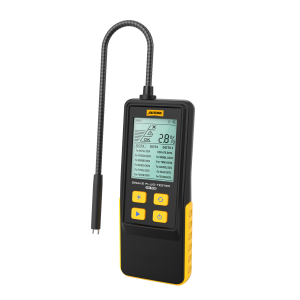
Dip the F60 probe into the brake fluid reservoir and read the water content on its display. When water content exceeds 3%, the screen turns red and a buzzer sounds to signal a fluid change.
- DOT3 / DOT4 / DOT5.1
- Red Screen + Audible Alarm
- 25 cm Stainless Hose
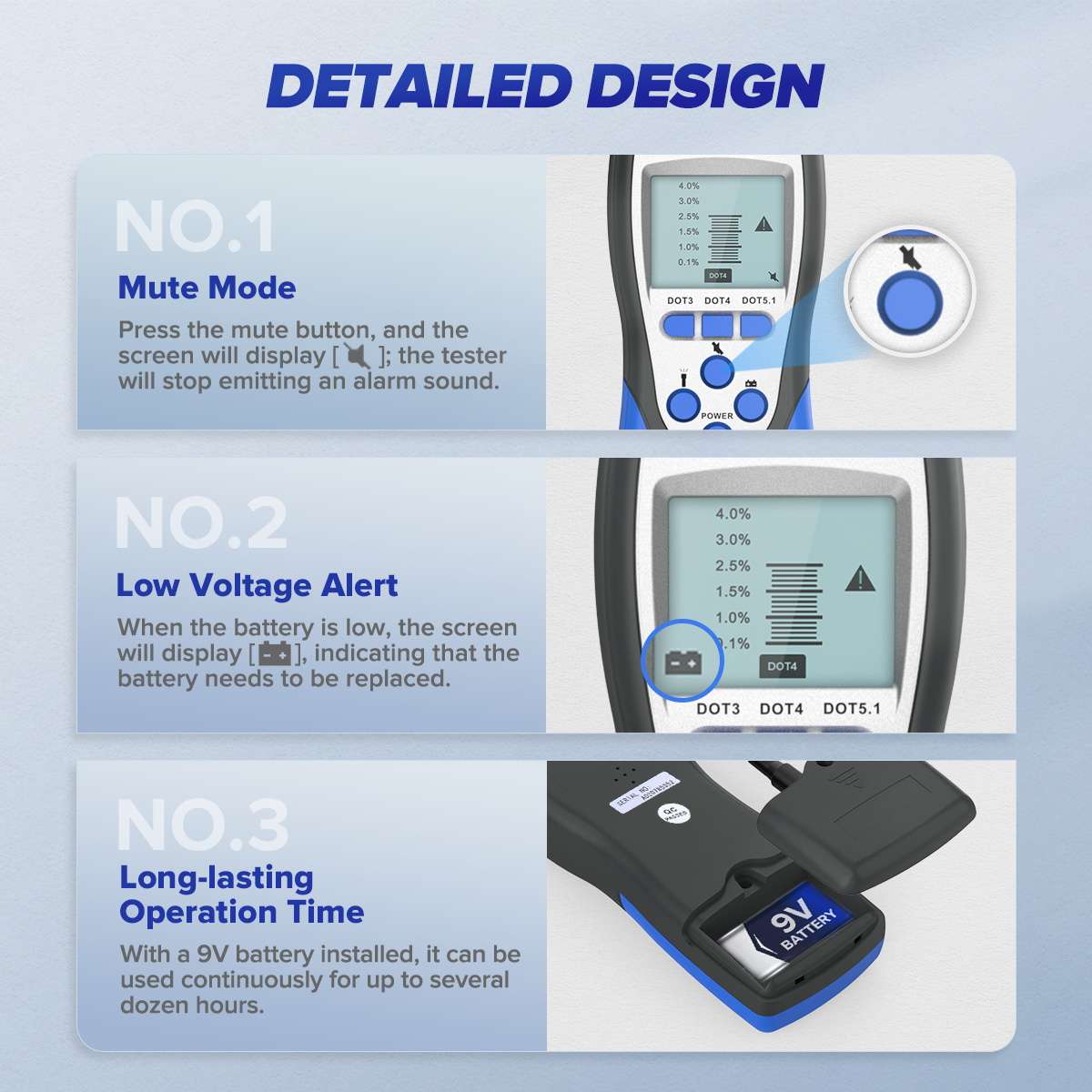
- 9 V Battery
- Mute Mode
Key Features
-
Selectable Fluid Type
Press a button to switch between DOT3, DOT4 and DOT5.1 testing.
-
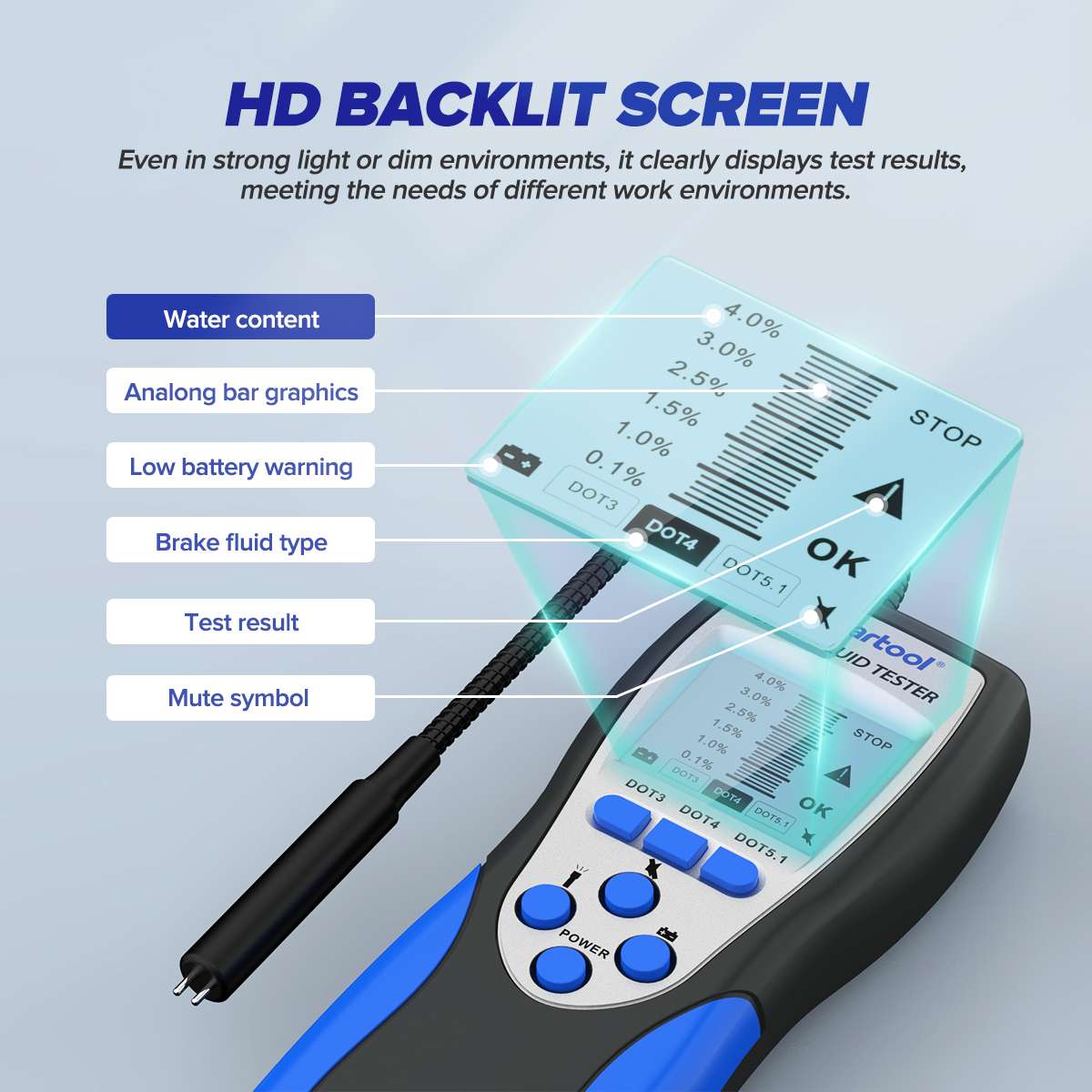
Two-Way Alarm
Above 3% water content, the screen turns red and an audible alarm sounds.
-
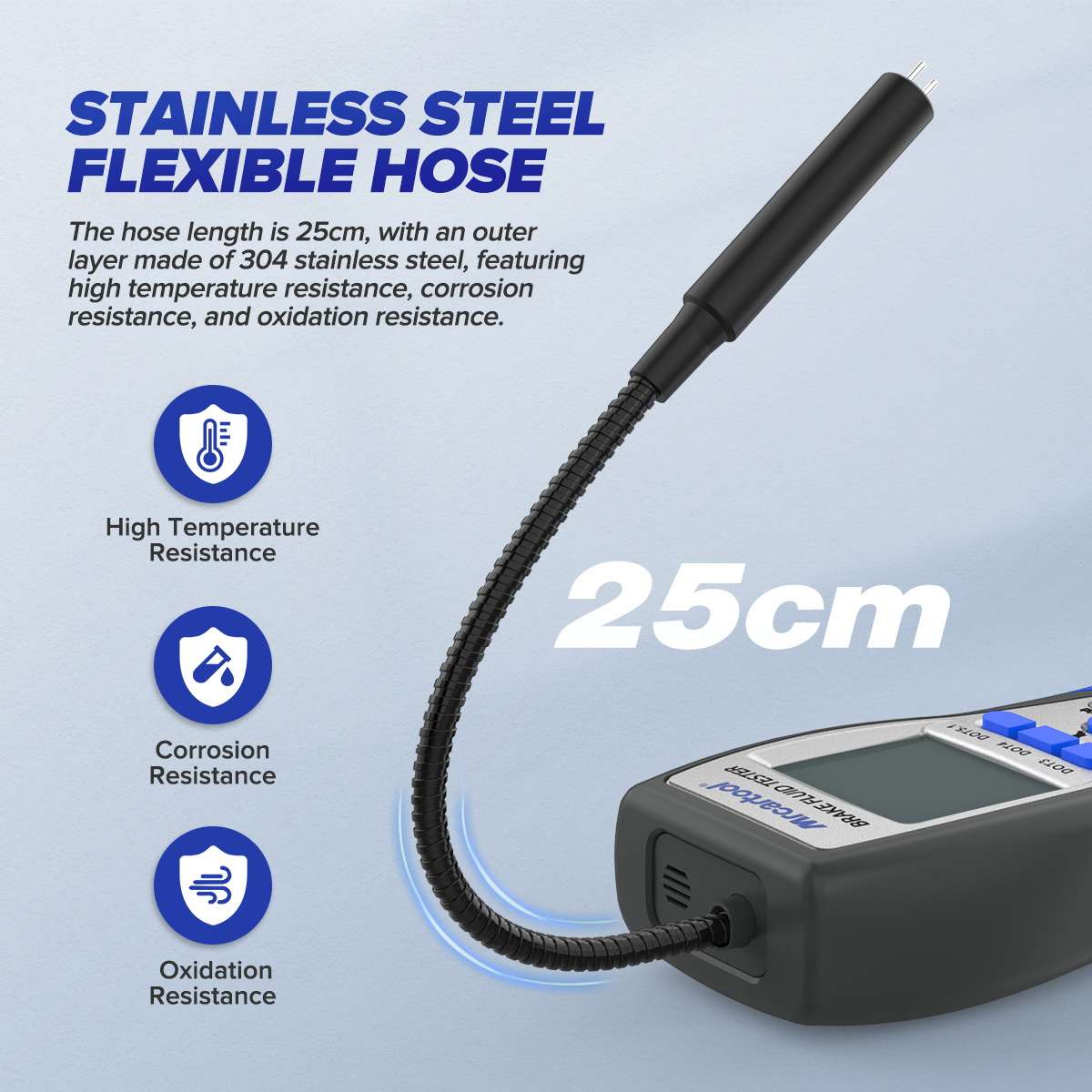
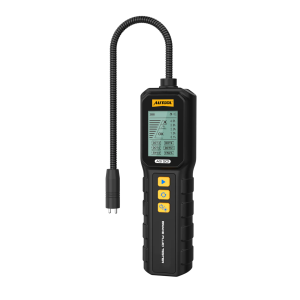
Flexible Probe Hose
The 25 cm adjustable hose has a 304 stainless steel outer layer that resists corrosion, temperature and oxidation.
-
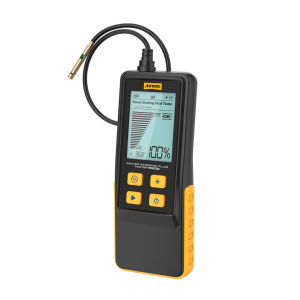
Backlit Bar-Graph Display
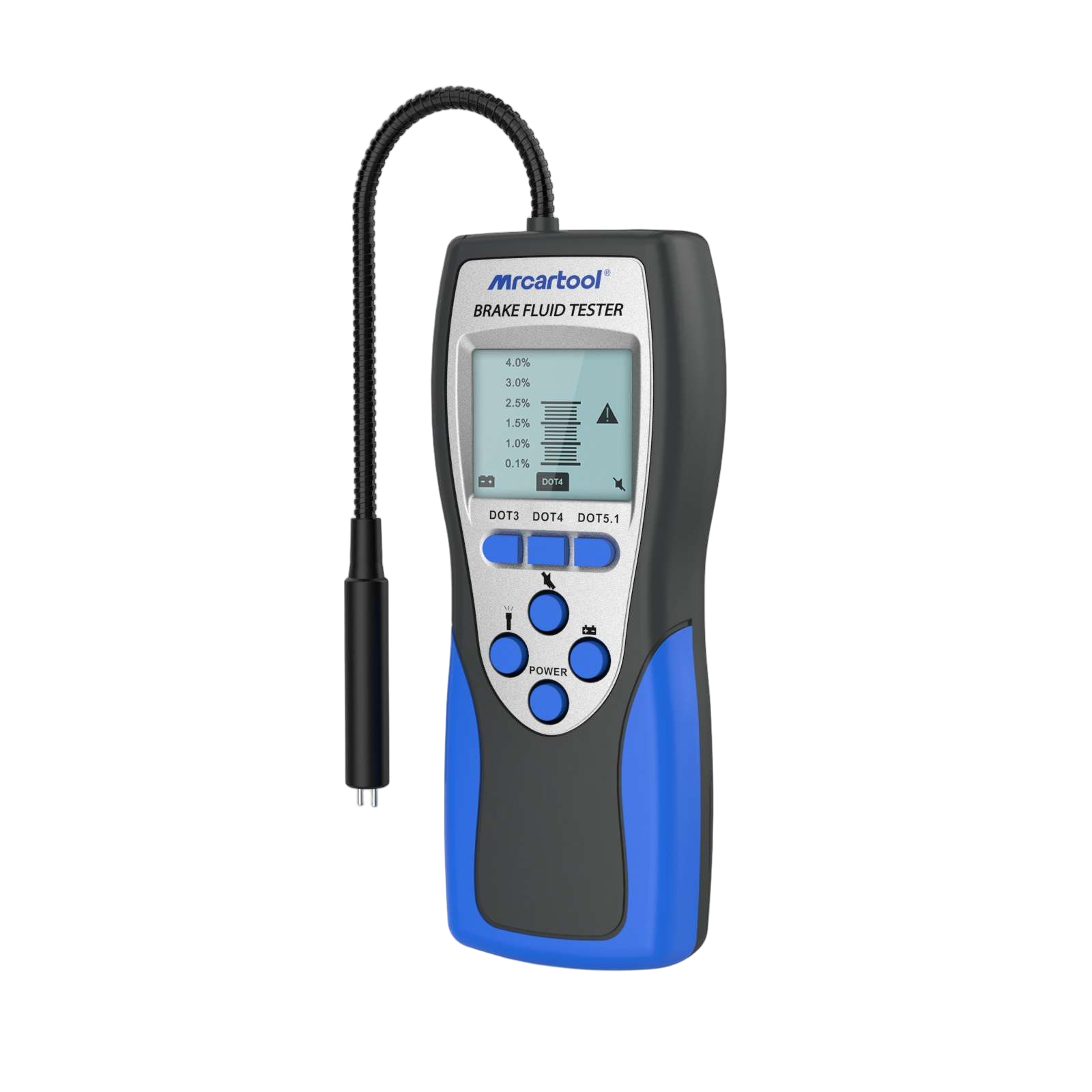
Shows water content, fluid type, test result, low-battery warning and mute status.
-
Simple Button Controls
Separate buttons for power, backlight, mute and battery check; a battery icon shows when the battery needs replacing.
Highlights
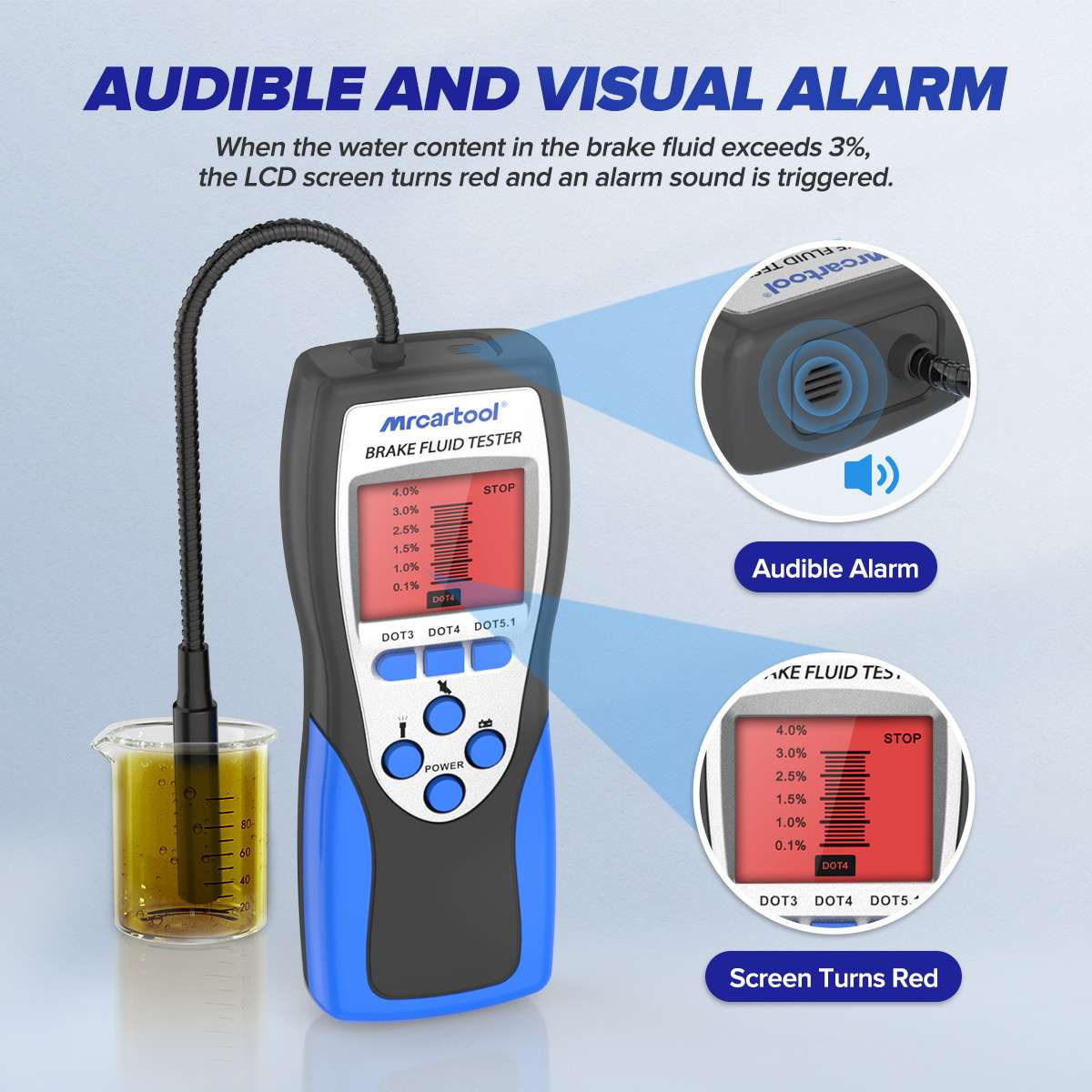
Audible and Visual Alarm
The screen turns red and the buzzer sounds when water content exceeds 3%.
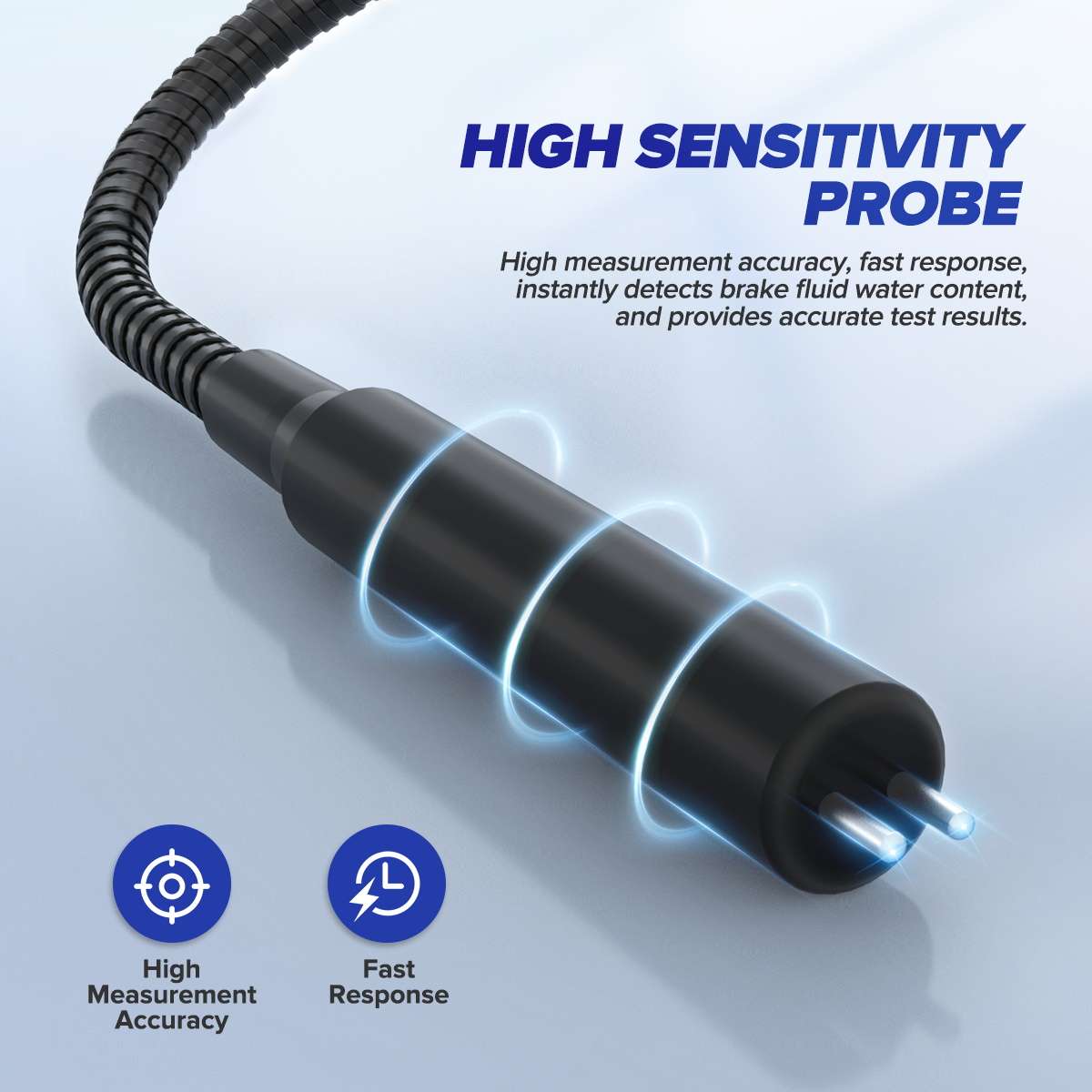
Test Probe
The probe tip is immersed directly in the reservoir fluid.
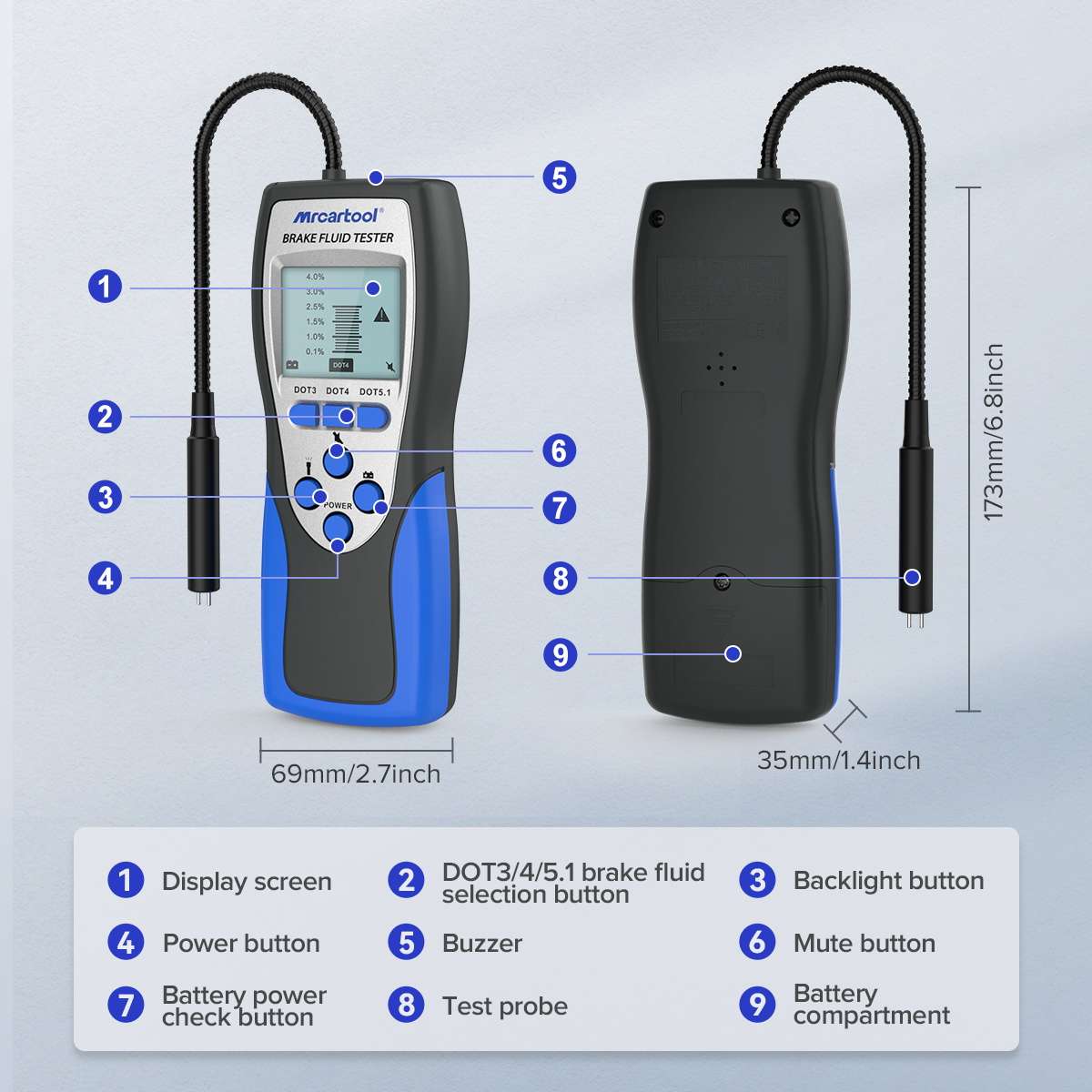
Layout
Display, fluid-type buttons, backlight, mute, power and battery-check buttons, buzzer, probe and battery compartment.
More Specifications
| Main unit size | 173 × 69 × 35 mm (6.8 × 2.7 × 1.4 in) |
|---|---|
| Display scale | Bar graph marked 0.1% to 4.0% water content |
What’s in the Box
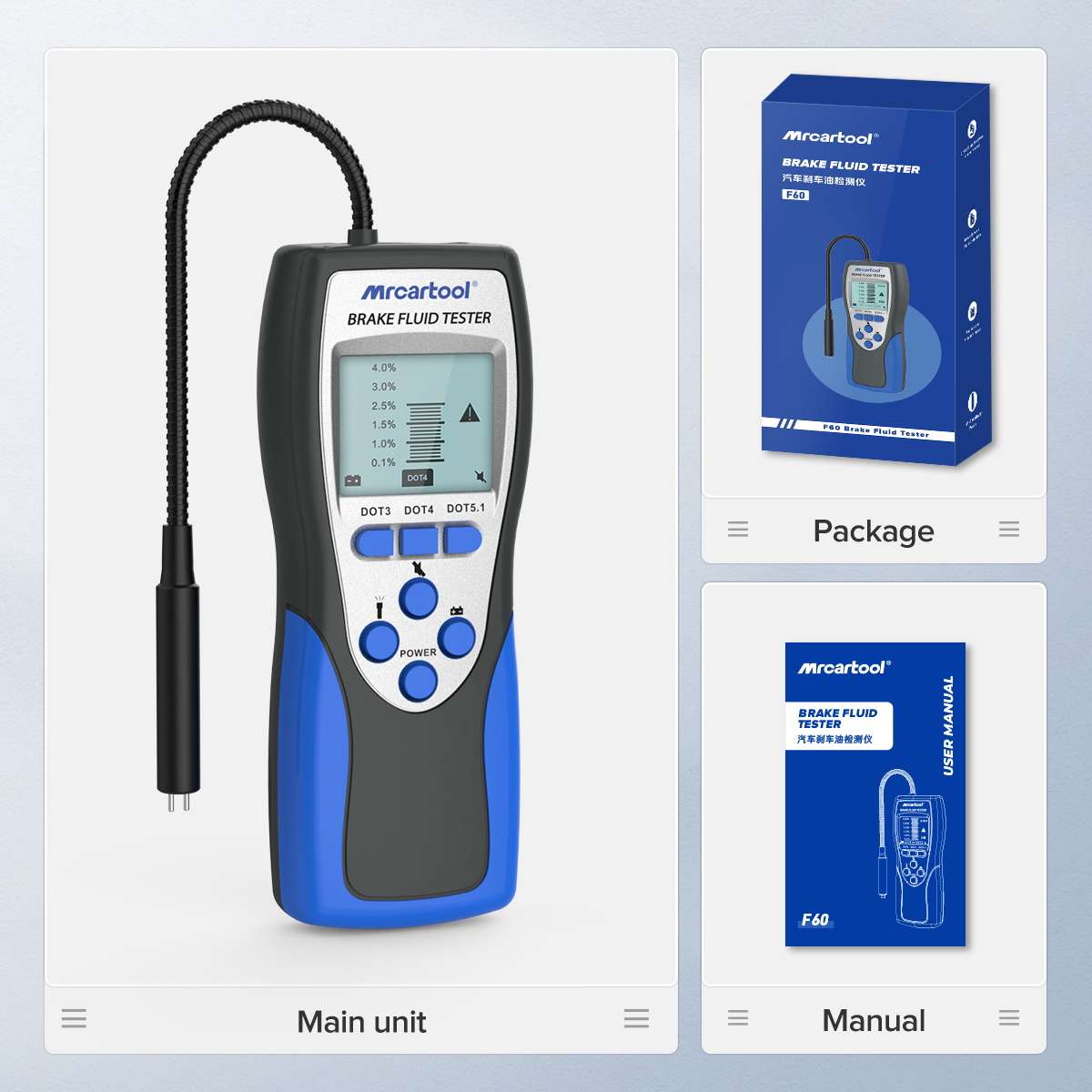
- F60 brake fluid tester
- User manual
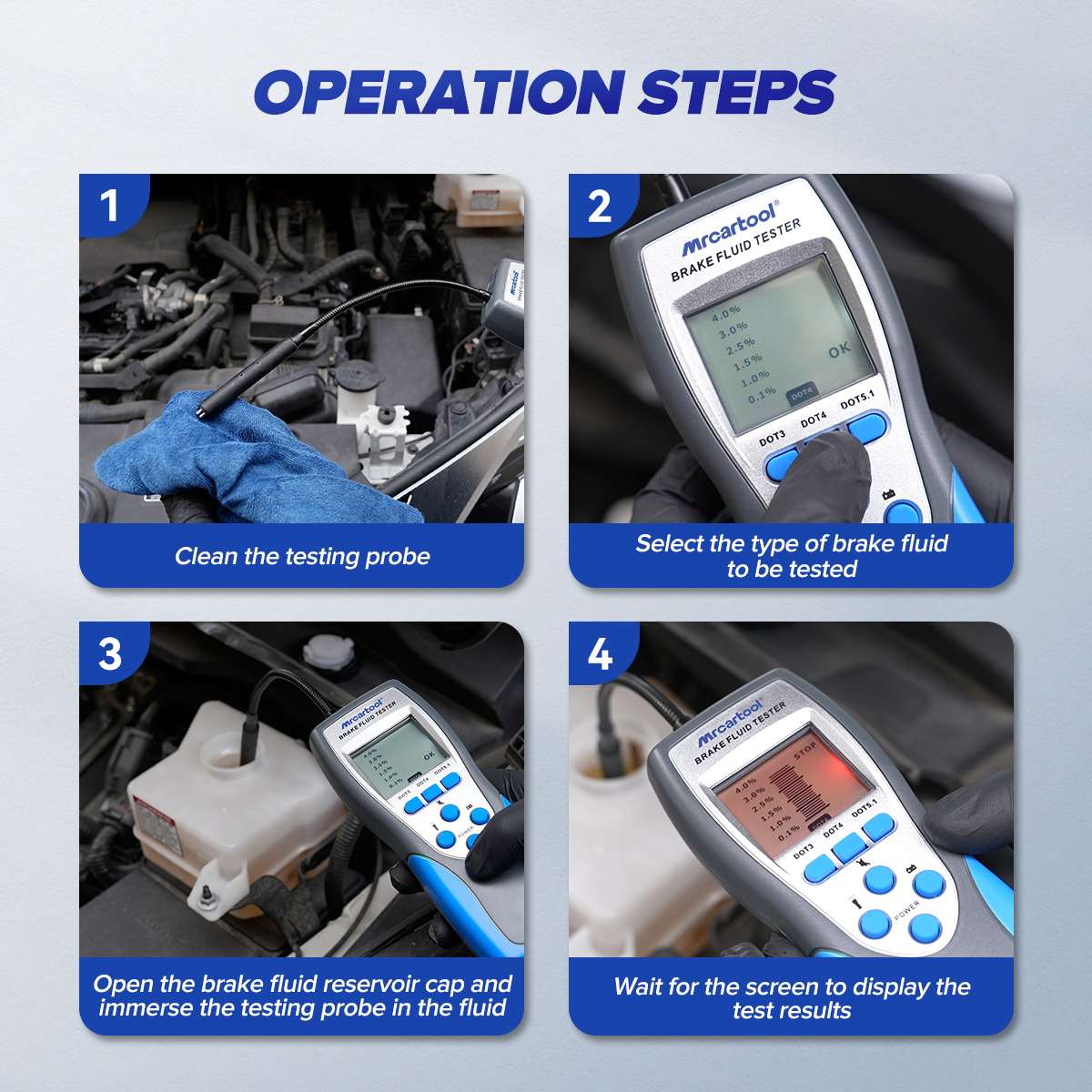
How to Use
- Clean the probeWipe the test probe clean before testing.
- Select the fluidPress the DOT3, DOT4 or DOT5.1 button to match the fluid being tested.
- Immerse the probeOpen the brake fluid reservoir cap and dip the probe into the fluid.
- Read the resultWait for the screen to display the water content and test result.


 English
  German
  Spanish