



AUTOBOSSautoboss.com
Source: https://autoboss.com/es/es/product/autool-bt30-ecu-backup-power-cable/
0

Reseñas

Todavía no hay reseñasSé el primero en compartir tu experiencia con este producto.

Specifications

BrandAUTOOL
SKUAUTOOL-45602
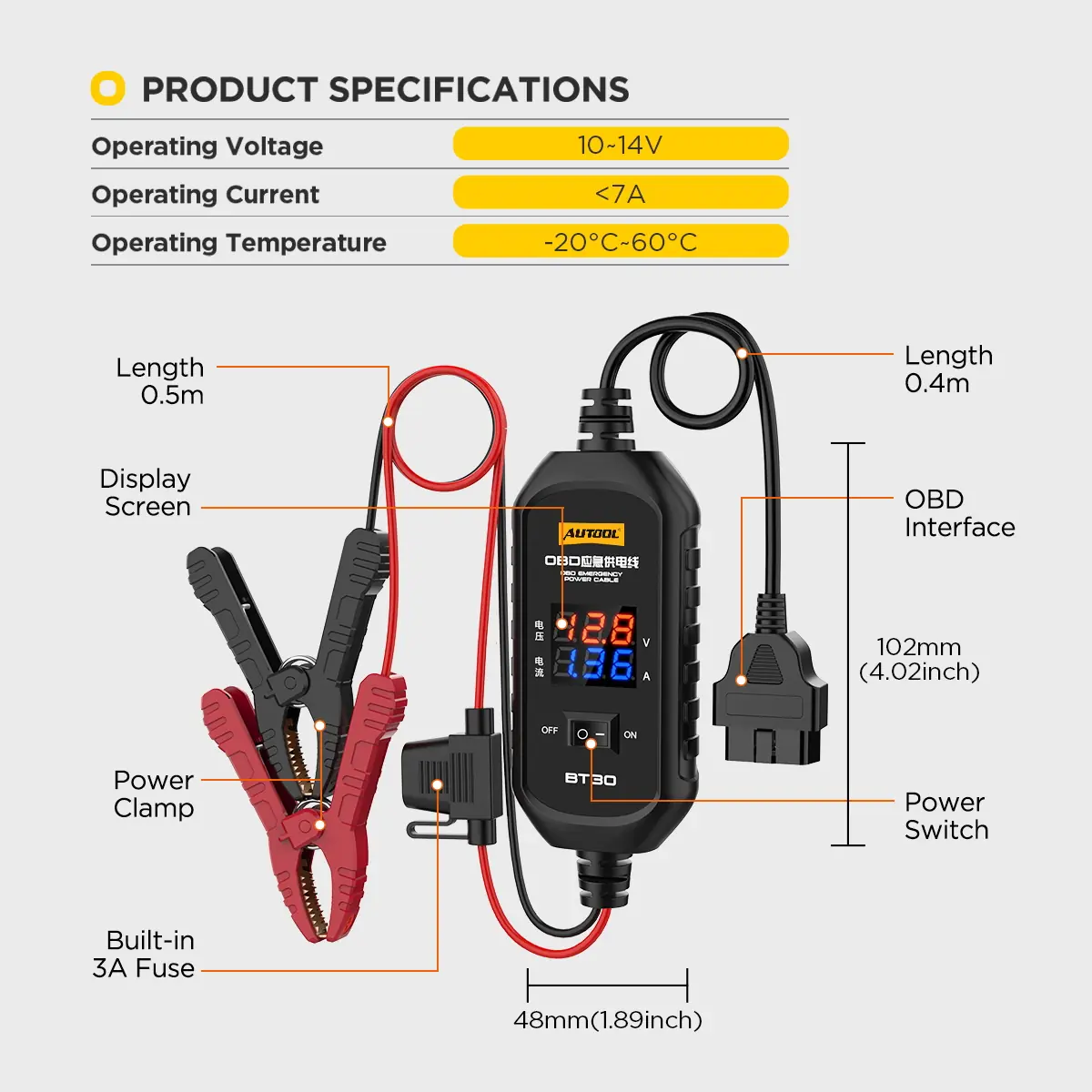
Power SupplyDC 10–14 V (requires a fully charged 12V backup battery; do not use jump starters/power banks)
Fuse3 A built-in (replacement must not exceed 5 A, per included fuse holder marking)
PantallaVoltage / current digital display (new version; old version has no display)
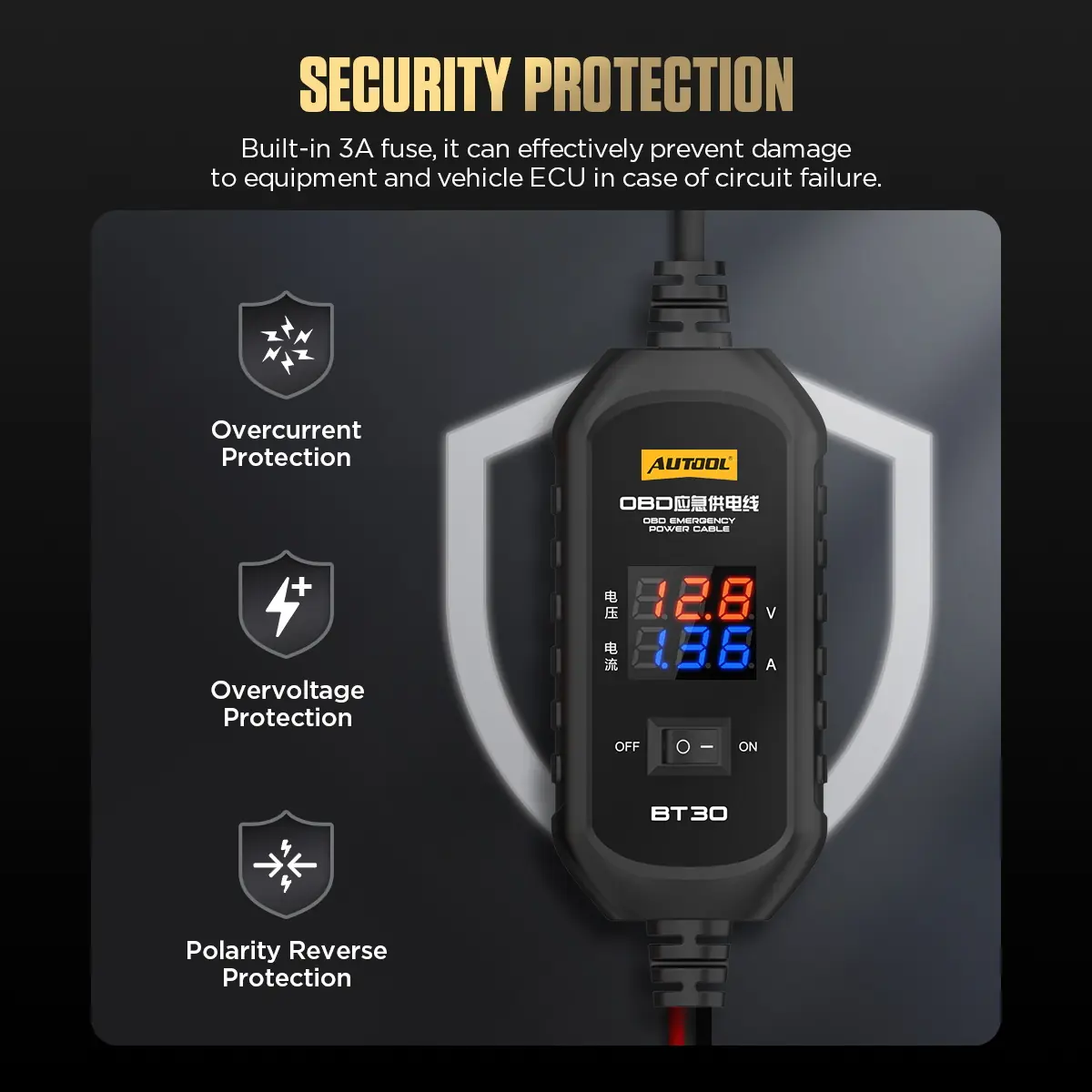
ProtectionOvercurrent, overvoltage, reverse polarity protection
Cable Length0.5 m battery clamp side + 0.4 m OBD side
Operating Temperature-20°C to 60°C
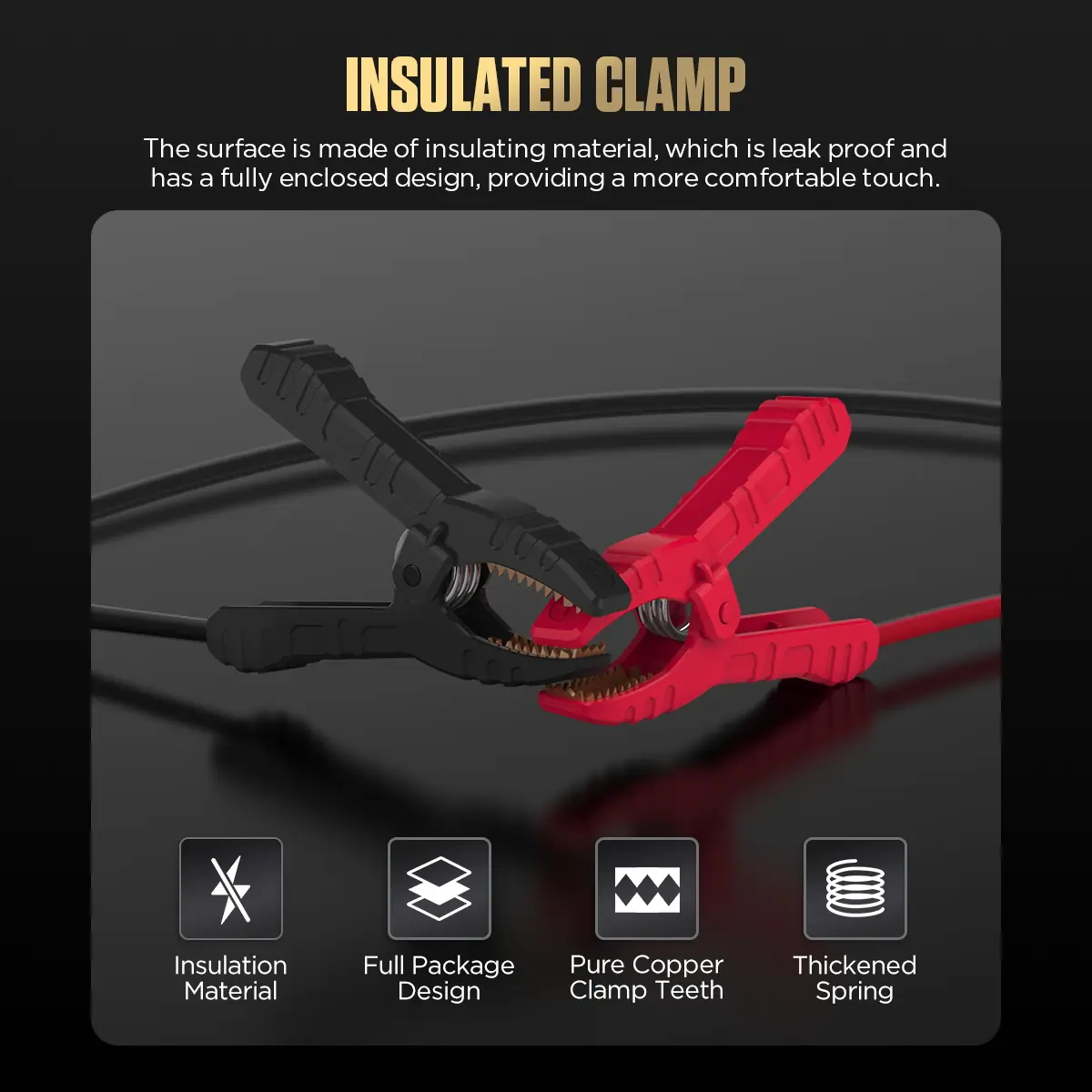
Battery ClampsFully insulated, pure copper jaws, heavy-duty springs
ApplicationTemporarily powers ECU/memory via OBD port during battery replacement; can monitor quiescent/leakage current
Vehicle Coverage12V vehicles that allow backup power via the OBD diagnostic port (some models restricted; follow OEM procedure)

Details

Keep Vehicle Memory Powered While You Swap the Battery

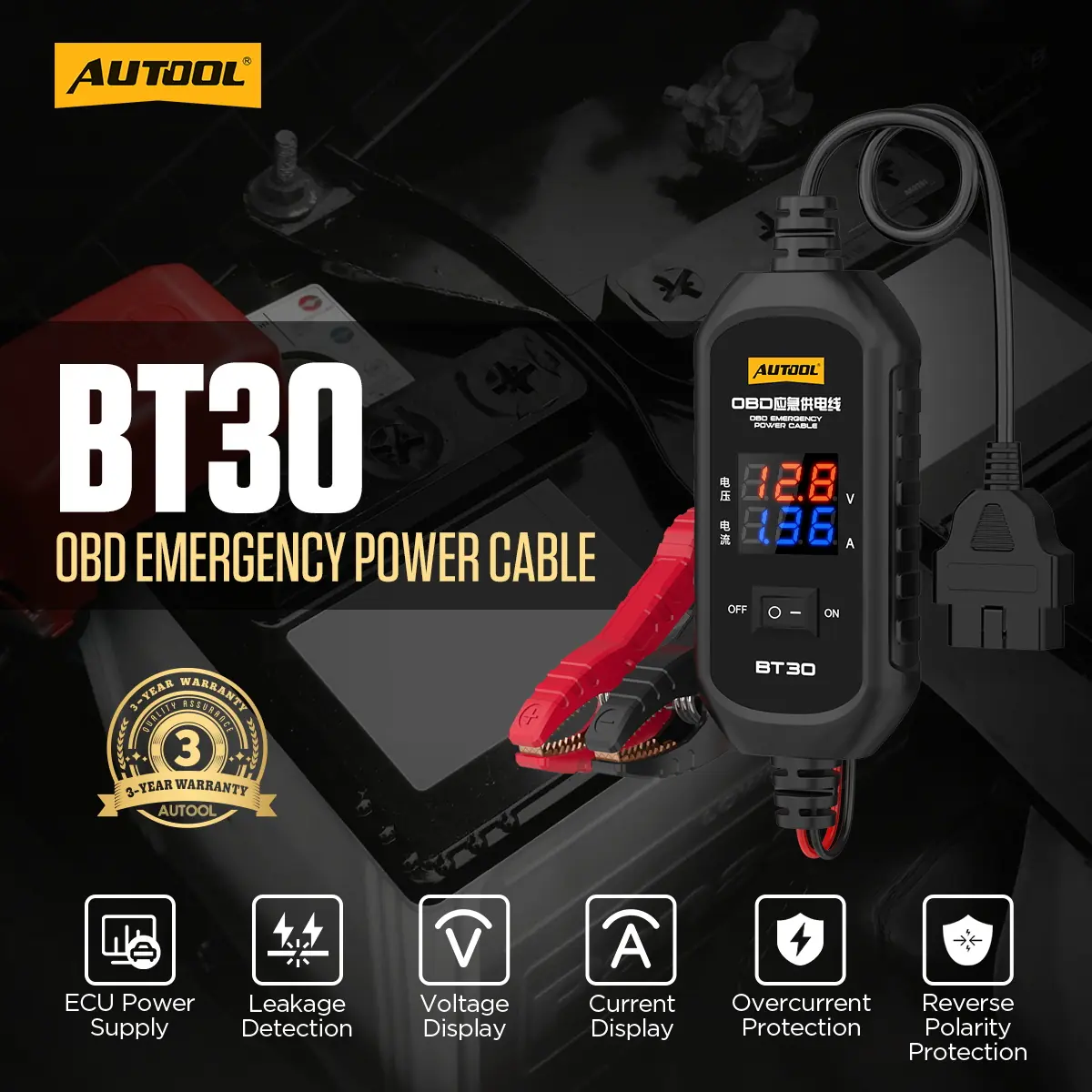
The AUTOOL BT30 feeds temporary backup power from a fully charged 12 V spare battery into the vehicle’s OBD port during battery replacement, with a live voltage and current display and a fused path. It is not a charger, jump starter or programming supply.

  • 10–14 V Backup Source
  • Live Voltage / Current
  • 3 A Fused Path
  • 0.5 m + 0.4 m Leads

Key Features

  1. Backup Power Through the OBD Port

    Helps keep the ECU and vehicle electronics powered while the main battery is out.

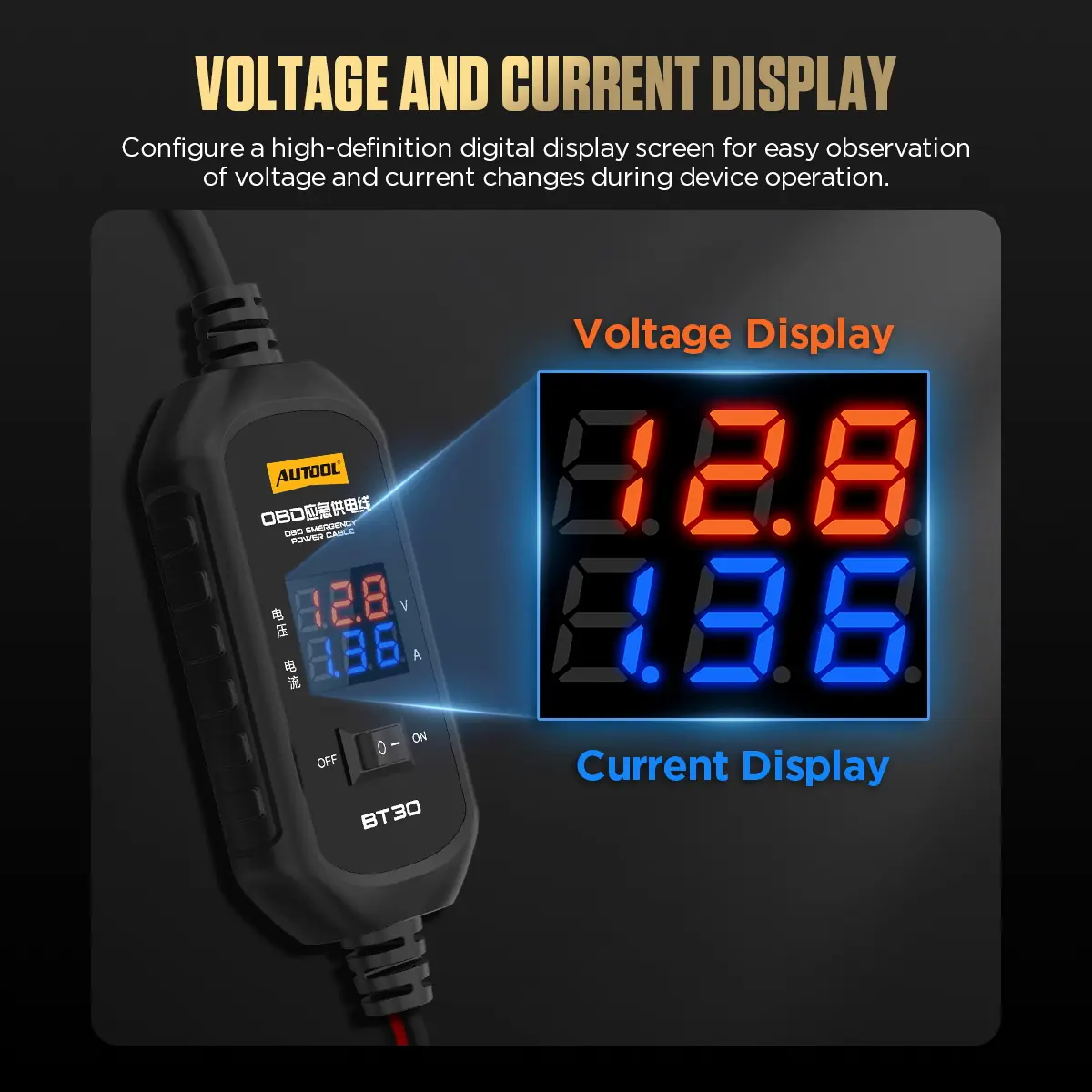
  2. Voltage and Current Display

    Clamp to the spare battery and the screen shows voltage; once the OBD connection is made it can also show current.

  3. Quiescent and Leakage Current Check

    With the spare battery connected and the original battery’s negative terminal disconnected, the display helps observe static and possible leakage current.

  4. Fuse and Circuit Protection

    A 3 A fuse protects the cable and output circuit, backed by overcurrent, overvoltage and reverse-polarity protection.

  5. Insulated Clamps

    Fully enclosed clamps with pure copper teeth and thickened springs for a secure grip and safer handling.

What’s in the Box

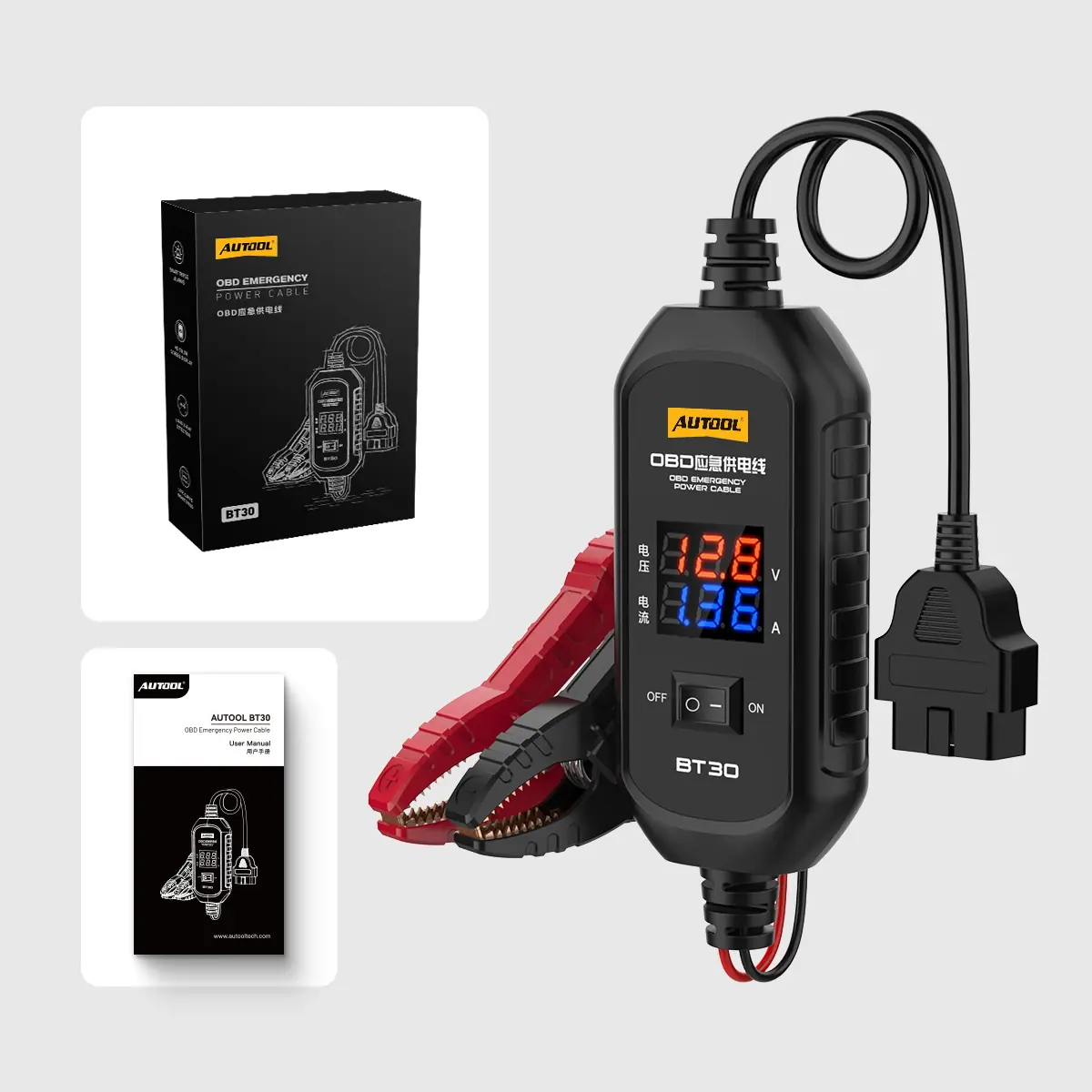
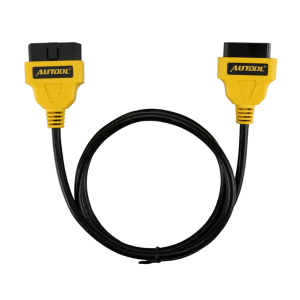
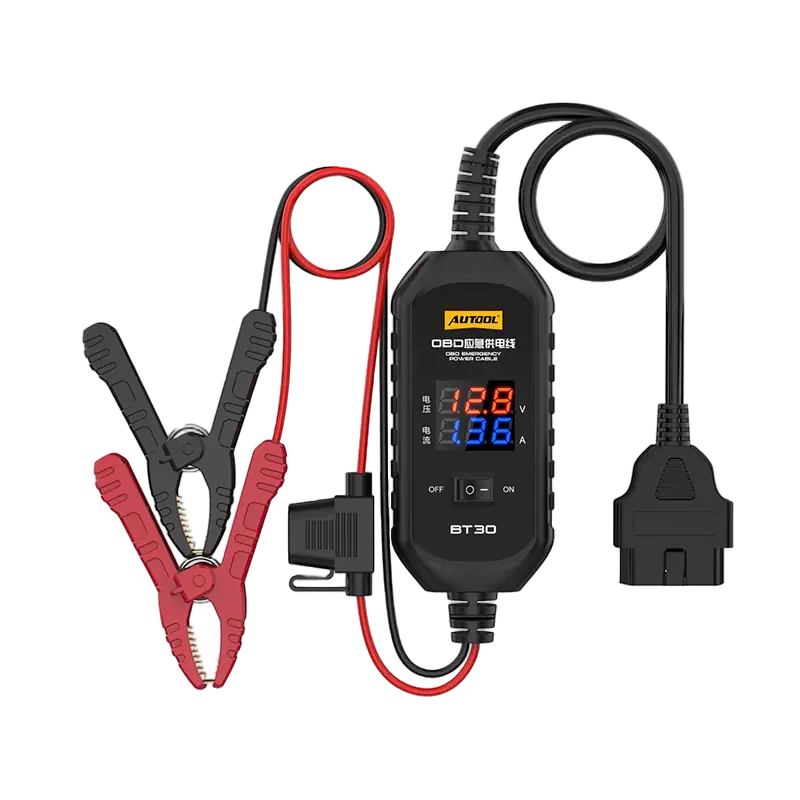
  • BT30 cable with integrated OBD connector, display, battery clamps and 3 A fuse
  • User manual
  • Retail box
AUTOOL BT30 OBD backup power cable with clamps and display, user manual and retail box
BT30 package contents.

How to Use

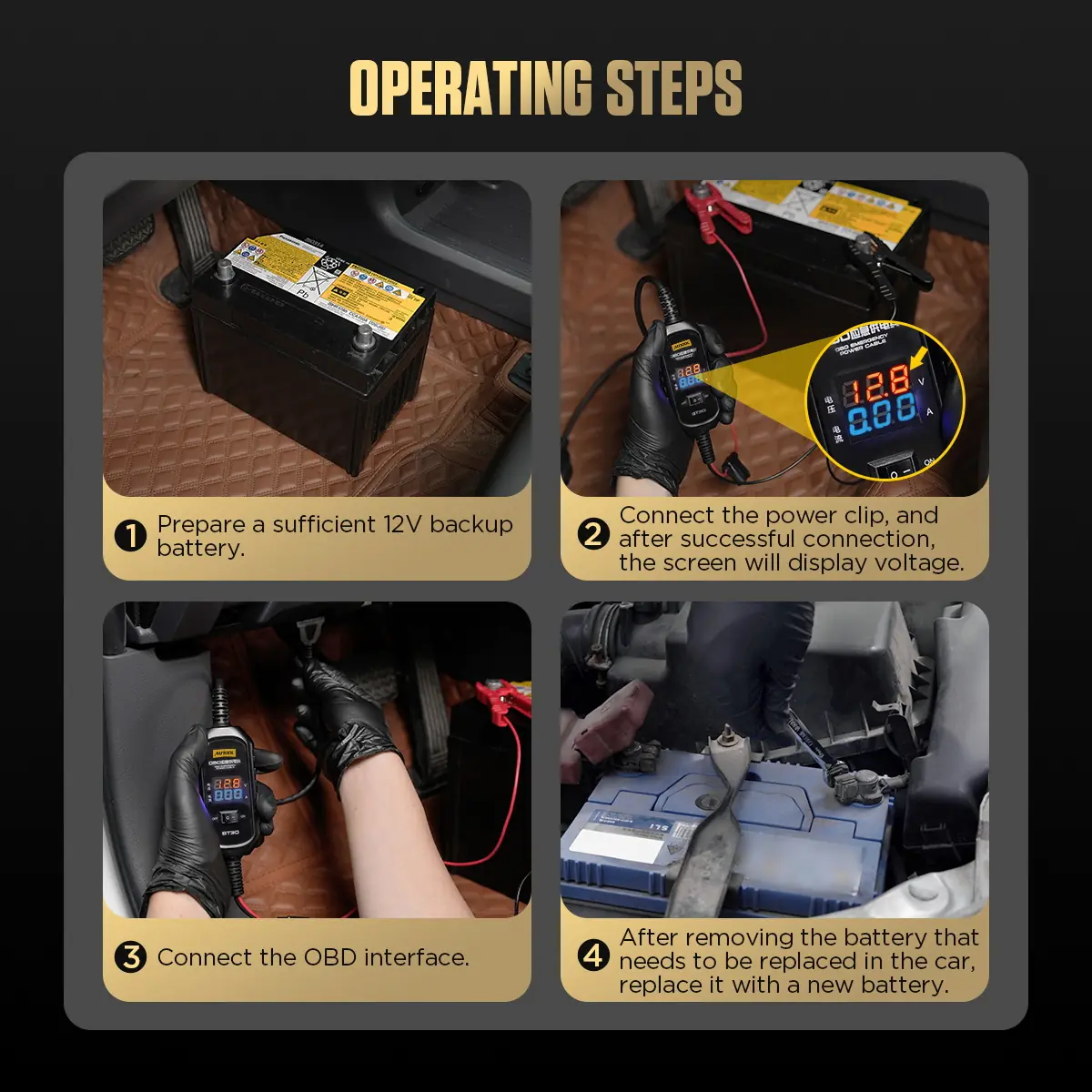
  1. Confirm the procedureCheck that the vehicle permits OBD backup power and which settings battery replacement affects.
  2. Prepare the vehicleSwitch off loads, secure the vehicle and inspect the BT30 fuse and cable.
  3. Connect the spare sourceClamp red to positive and black to negative on a suitable 10–14 V battery and confirm the display.
  4. Connect the OBD leadSeat the connector in the vehicle’s OBD port and confirm stable support before disconnecting the main battery.
  5. Replace and disconnectReplace the battery without shorting loose terminals, reconnect it securely, then remove BT30 and check vehicle functions.

Connection, monitoring and troubleshooting: BT30 user manual (PDF)

Good to Know

Caution
  • Do not use it to crank the engine, charge a battery or power ECU flashing or programming.
  • Some vehicles restrict backup power through the diagnostic connector; follow the model-specific service information.
  • Keep the disconnected main-battery leads isolated while backup power is present.
  • Do not bypass the fuse. Replace a blown fuse only with the type and rating marked on the supplied fuse holder.
Care
  • Put the vehicle into sleep mode and keep the key at least 3 meters away to avoid a high-current alarm.
  • If it beeps as soon as it is connected, the spare battery voltage is too low; use one above 12 V.
  • It will not power on from a jump starter or power bank; use a vehicle battery.
  • Keep the vehicle power switch off and electrical loads off during the swap, and store the cable dry.

You may also like

Select specifications

Offers

  • 10%
    10% off AUTOOL & MRCARTOOLBrands: AUTOOL, MRCARTOOL, FXTUL, CMTOOL, DUOYICode: AB10OFF

Offers are applied at checkout according to the store rules.

Delivery

Ships in 1-3 business days

Warehouses

  • CN Warehouse
  • DE Warehouse
  • UK Warehouse
  • US Warehouse

Choose the warehouse in the specifications.

Payment methods

  • Tarjeta de Crédito / DébitoVisaMastercardAmerican Express
  • PayPalPayPal
  • LinkLink
  • iDEAL | WeroiDEAL | Wero
  • BancontactBancontact
  • EPSEPS
  • Przelewy24Przelewy24

Available methods may vary by currency and billing country; the final list is shown at checkout.

Service

  • Secure checkout

    Payments are processed over an encrypted connection.

  • After-sales support

    Contact us for installation or usage questions.

Specifications

Brand
AUTOOL
SKU
AUTOOL-45602
Power Supply
DC 10–14 V (requires a fully charged 12V backup battery; do not use jump starters/power banks)
Fuse
3 A built-in (replacement must not exceed 5 A, per included fuse holder marking)
Pantalla
Voltage / current digital display (new version; old version has no display)
Protection
Overcurrent, overvoltage, reverse polarity protection
Cable Length
0.5 m battery clamp side + 0.4 m OBD side
Operating Temperature
-20°C to 60°C
Battery Clamps
Fully insulated, pure copper jaws, heavy-duty springs
Application
Temporarily powers ECU/memory via OBD port during battery replacement; can monitor quiescent/leakage current
Vehicle Coverage
12V vehicles that allow backup power via the OBD diagnostic port (some models restricted; follow OEM procedure)

Escribe una reseña

AUTOOL BT30 OBD2 ECU Cable de alimentación de respaldo con pantalla de voltaje y corriente
Overall rating *
What stood out?optional, up to 3
Add photos0 / 5
JPG, PNG or WebP, up to 5 MB each.

Reviews are checked before they appear. Verified Purchase is added automatically when your email matches an order.

AUTOOL BT30 ECU Backup Power Cable
AUTOOL BT30 OBD2 ECU Backup Power Cable with Voltage & Current Display

US$29.00

Seleccionar opciones Este producto tiene múltiples variantes. Las opciones se pueden elegir en la página de producto