








Carga portátil para EV con corriente seleccionable e inicio diferido
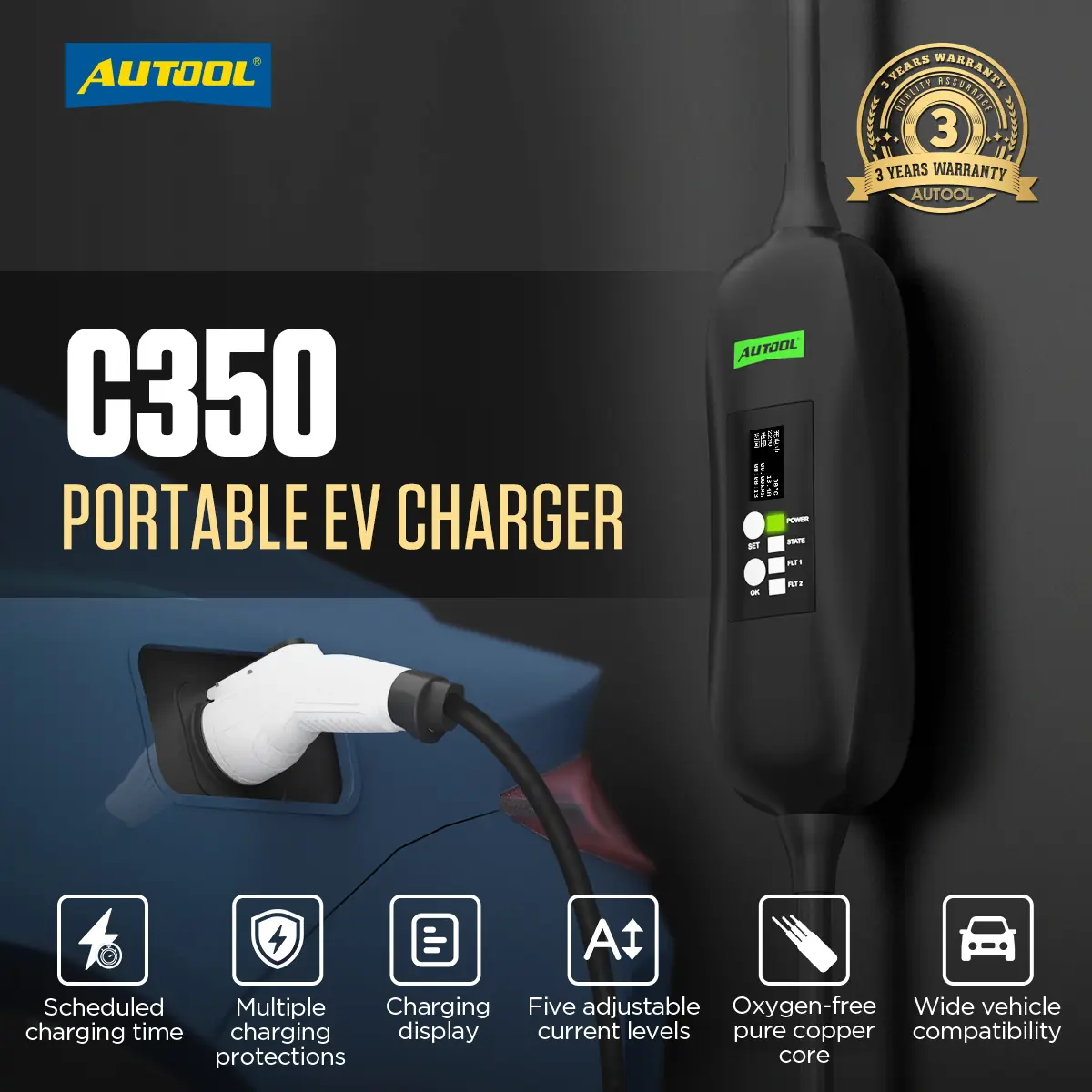
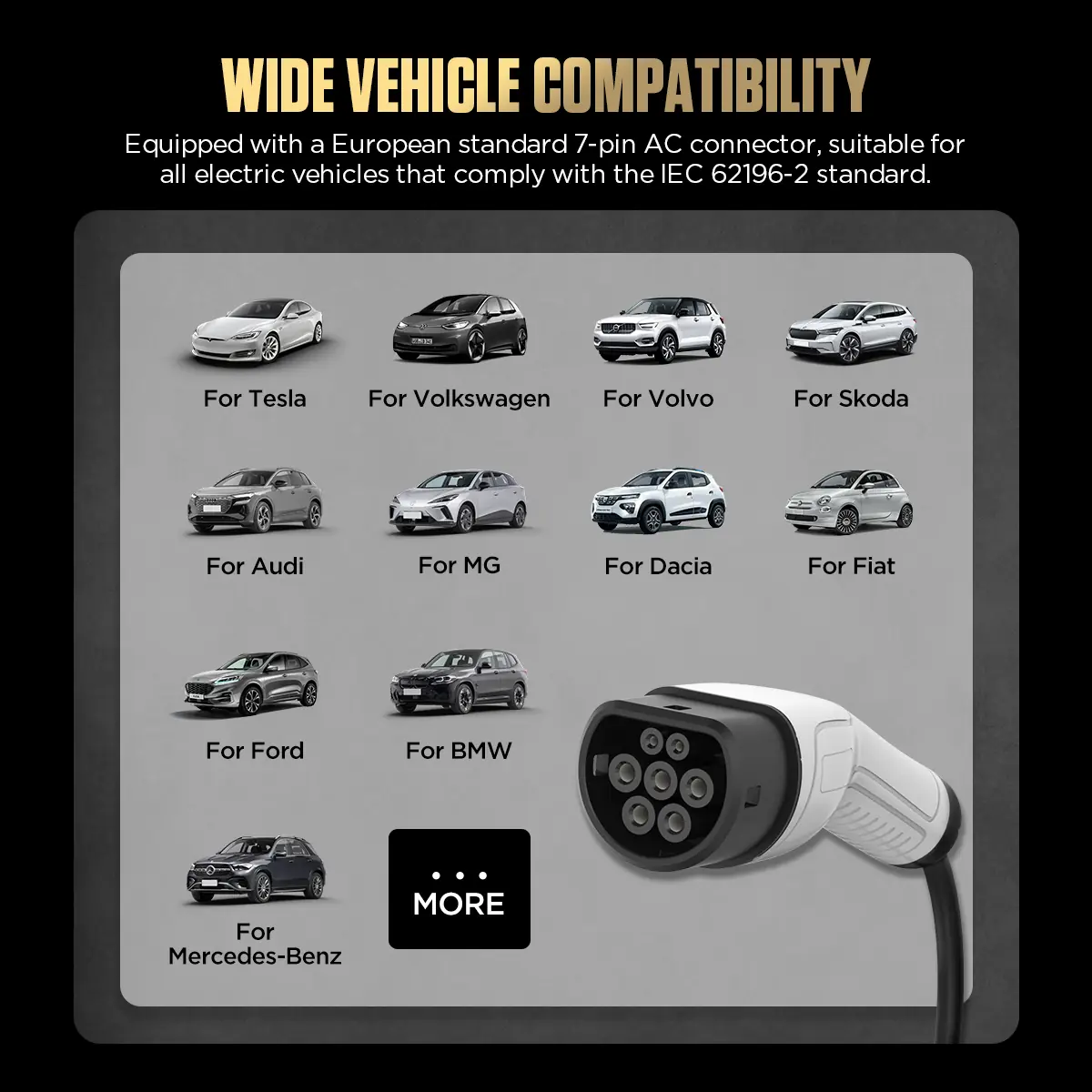
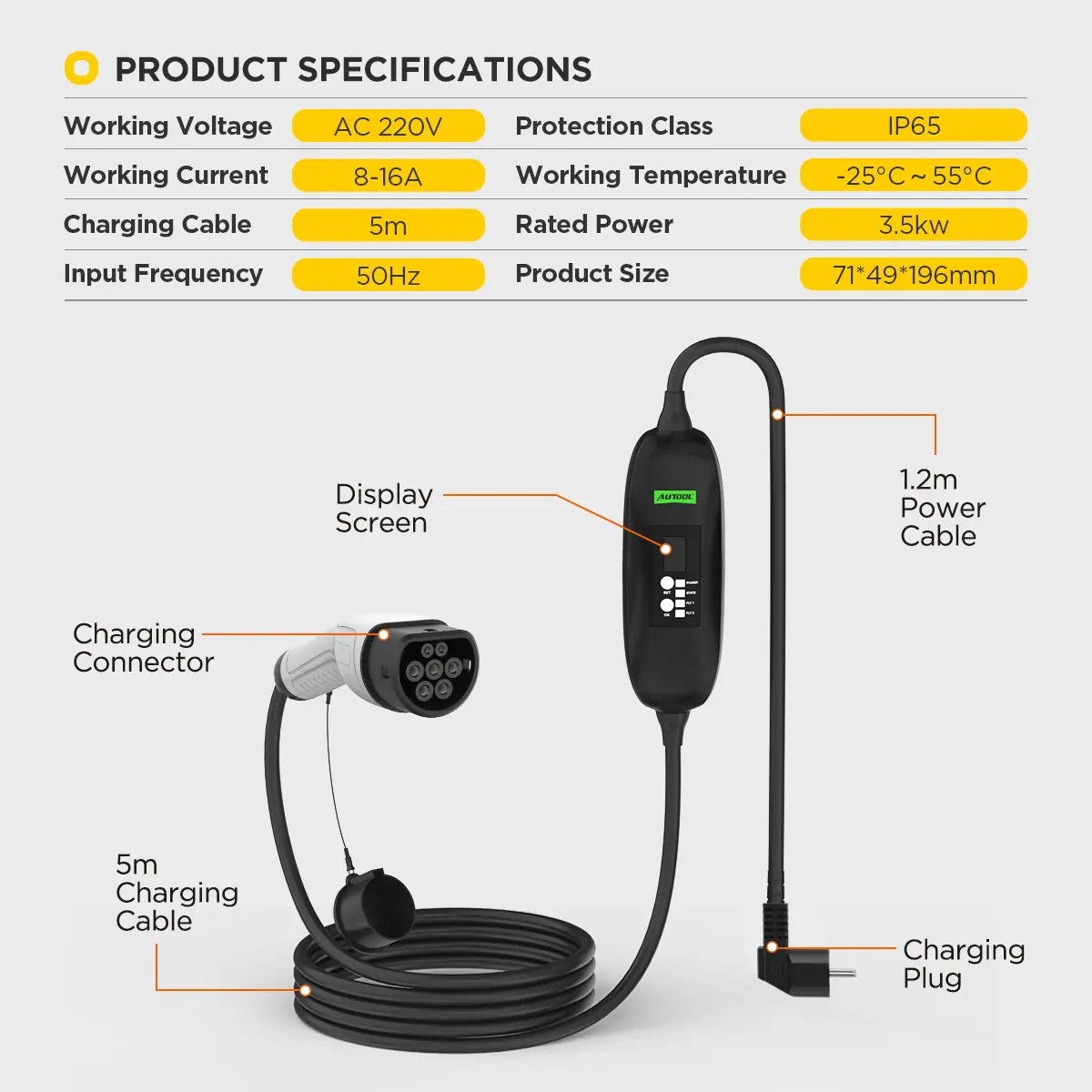
El C350 es un cargador de modo 2 integrado en el cable para EV con entrada europea de AC de 7 pines (IEC 62196-2). Elige una intensidad que la toma de corriente y el circuito puedan soportar, sigue la sesión de carga en la pantalla y retrasa el inicio para aprovechar las horas valle. Pide la versión de enchufe y tensión que corresponda a tu región.
- De 8 a 16 A en 5 pasos
- Potencia nominal de 3.3 kW
- Cable de 5 m
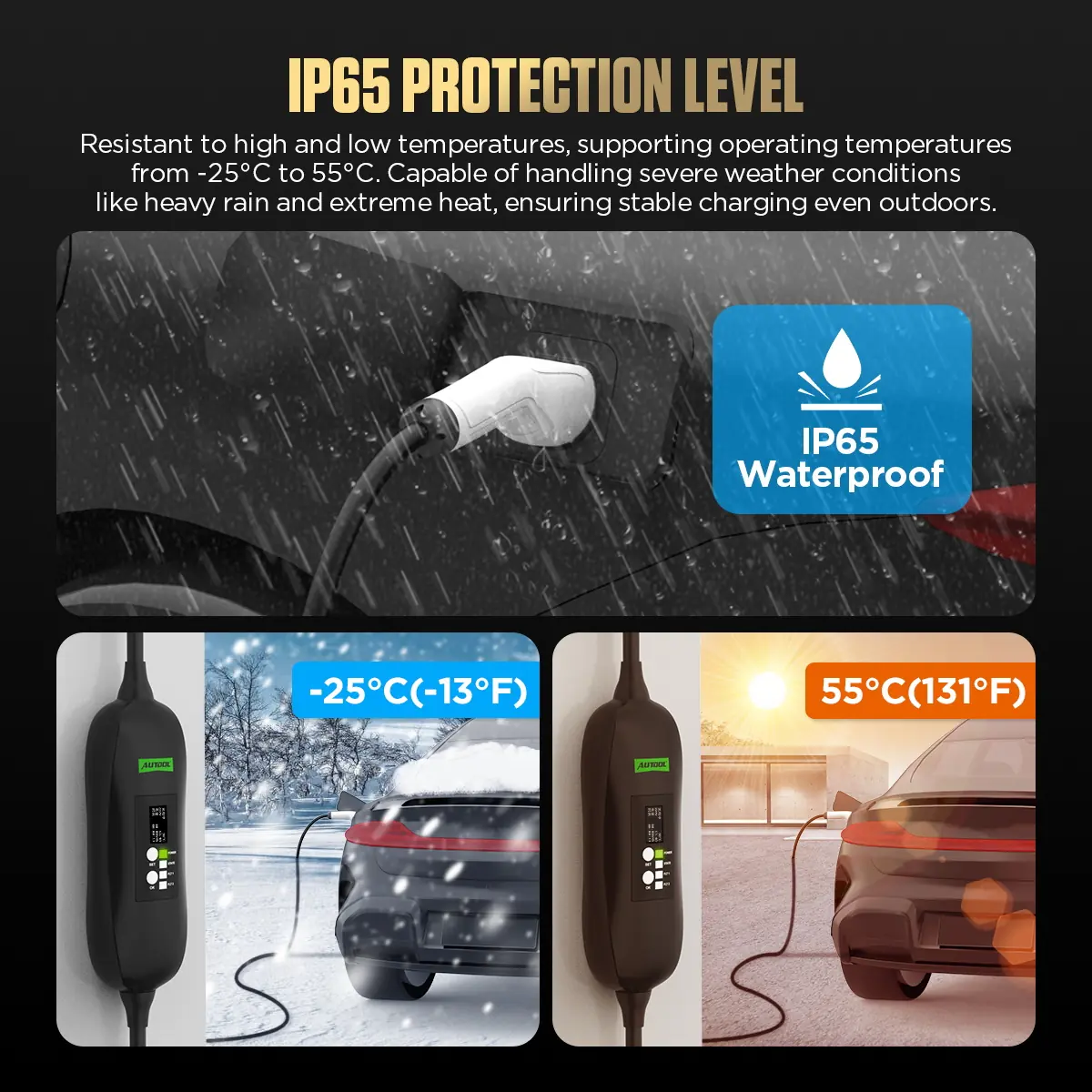
- Caja de control IP65
- Retardo de hasta 8 h
Características principales
-
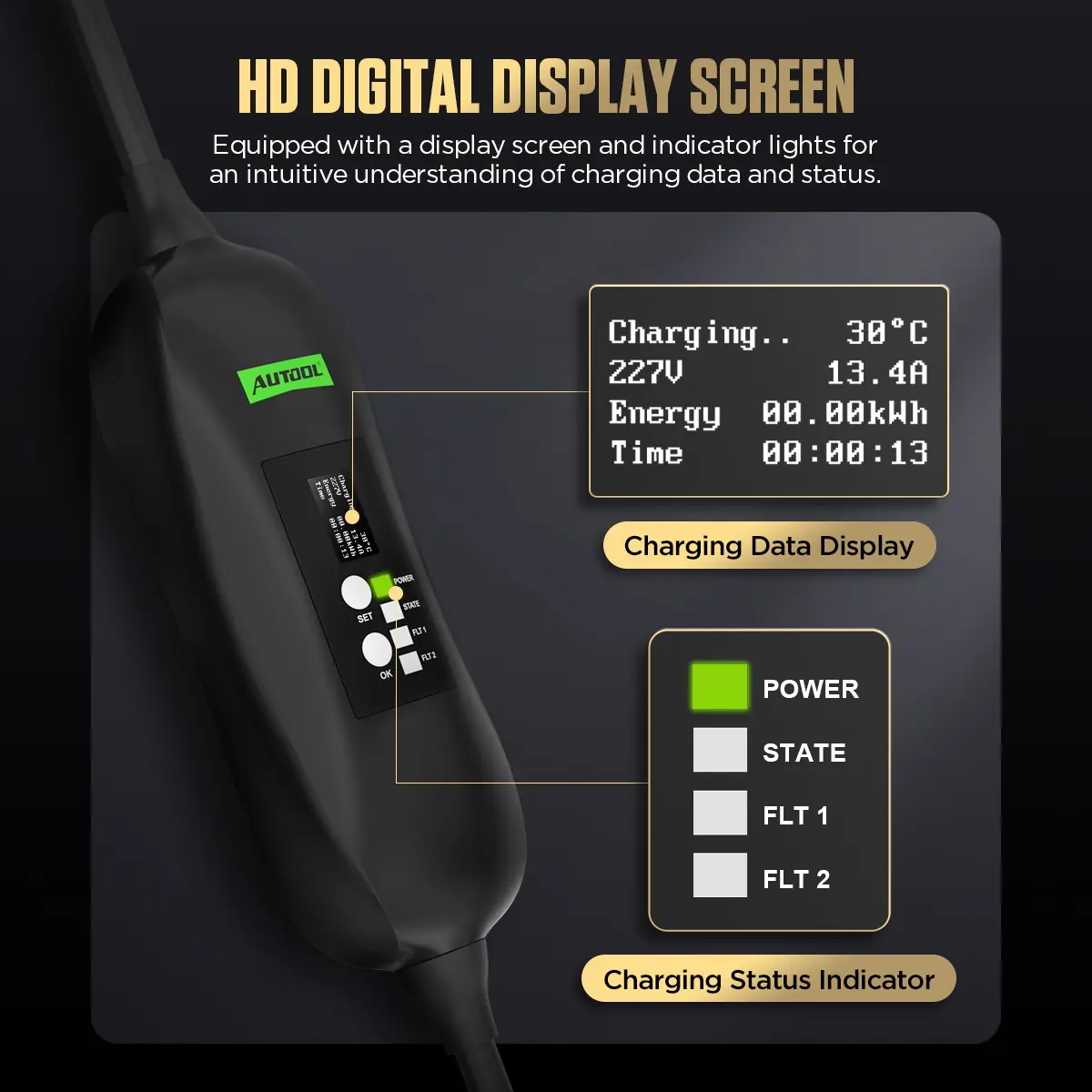
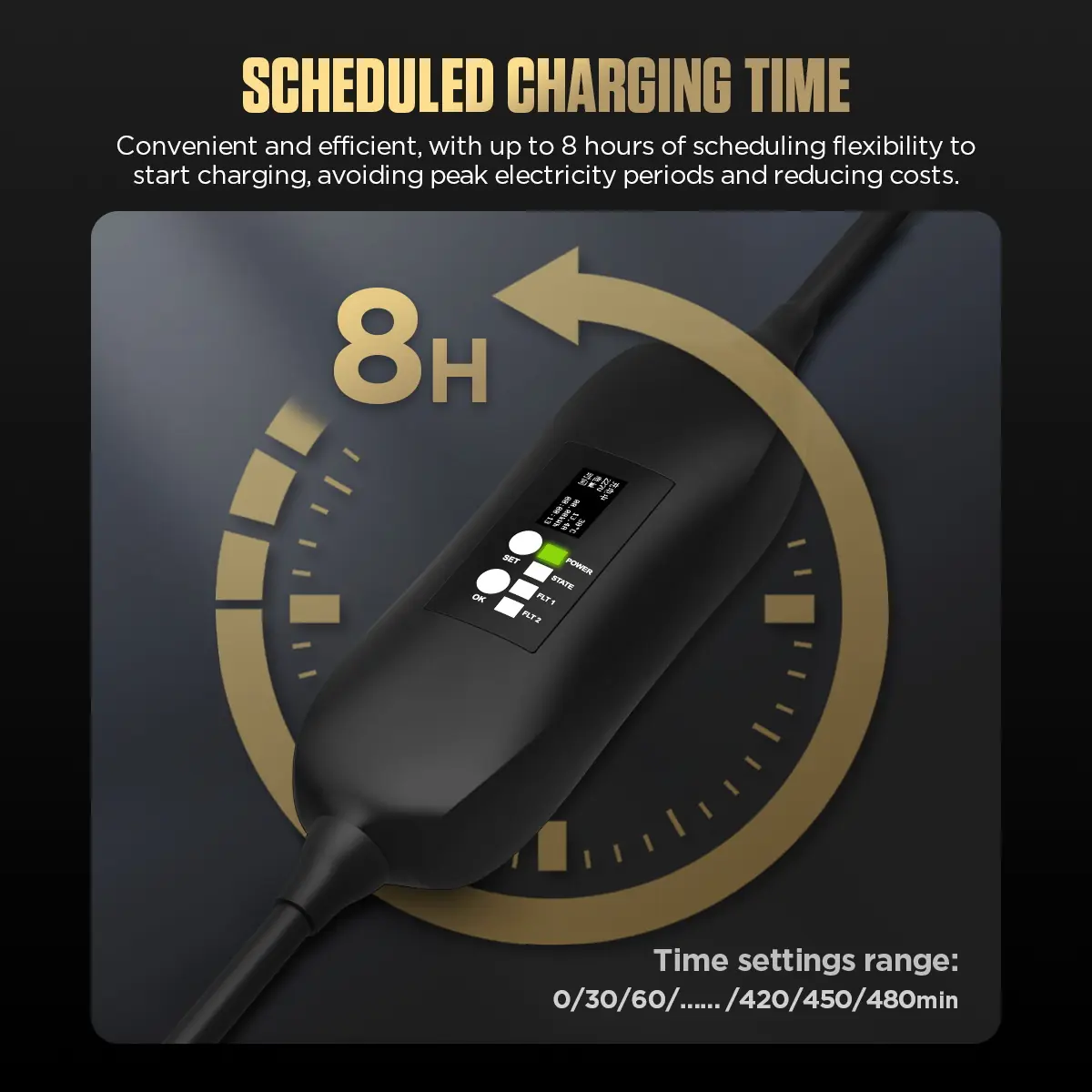
Pantalla de sesión
Muestra la tensión de carga, la corriente, la energía, el tiempo, la temperatura y el estado, con indicadores Power, State, FLT1 y FLT2.
-
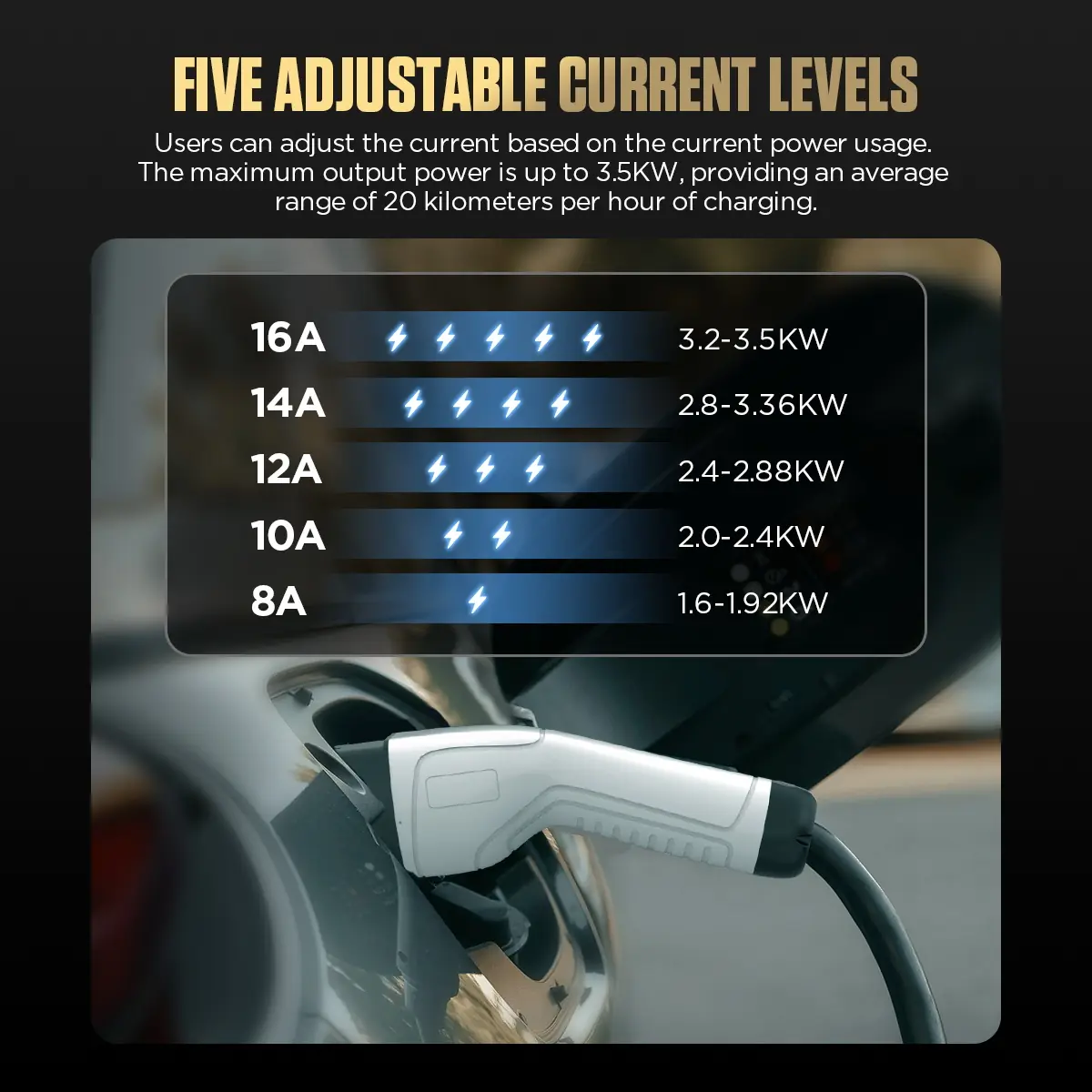
Cinco ajustes de corriente
Selecciona 8, 10, 12, 14 o 16 A según la toma de corriente, la capacidad del circuito y el vehículo; el valor predeterminado es 14 A.
-
Carga diferida
Programa el inicio en intervalos de 30 minutos hasta un máximo de 480 minutos (8 horas) para cargar en horario valle.
-
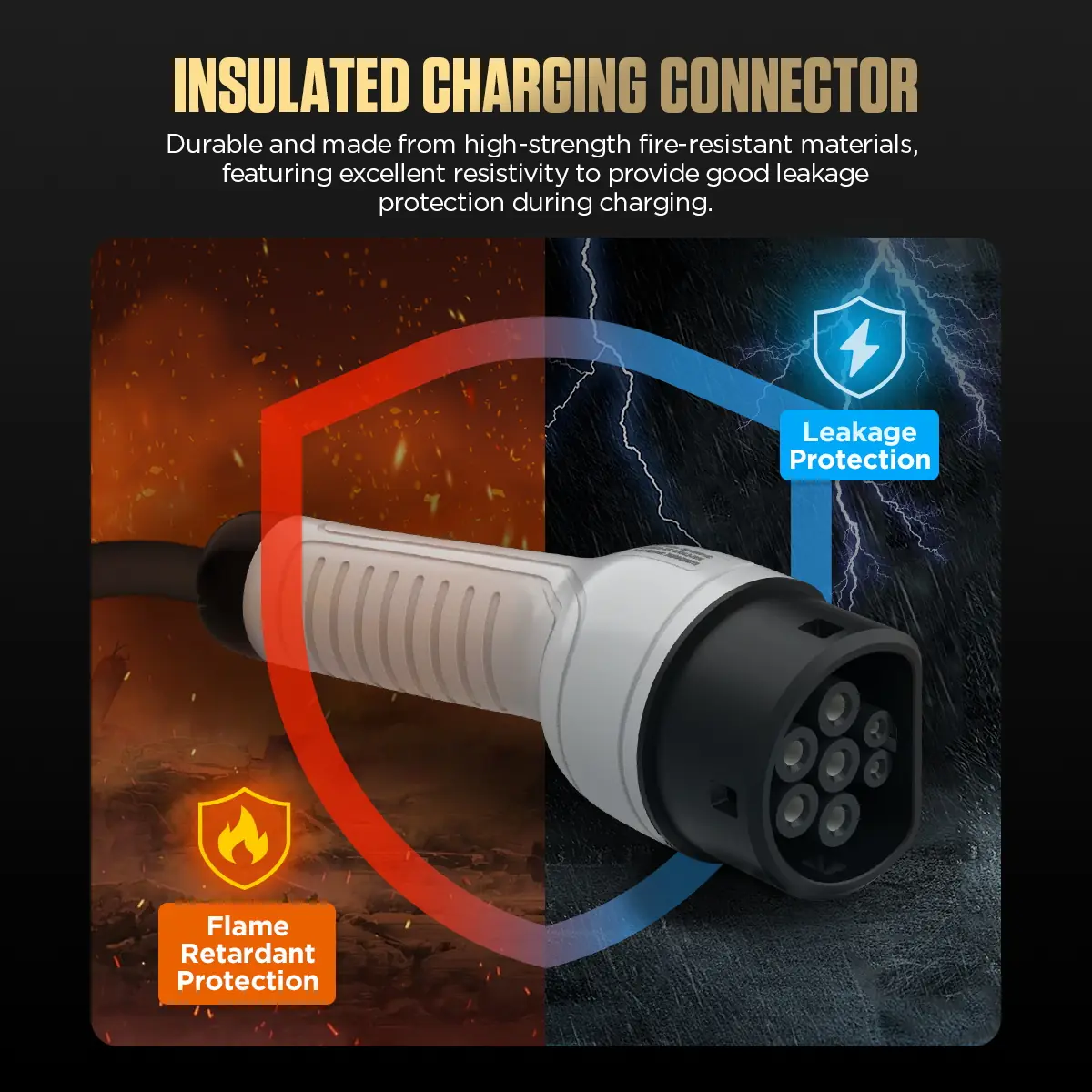
Conector resistente al fuego
El conector del vehículo está fabricado con material de alta resistencia mecánica y resistente al fuego, con protección contra fugas de corriente y propiedades ignífugas.
-
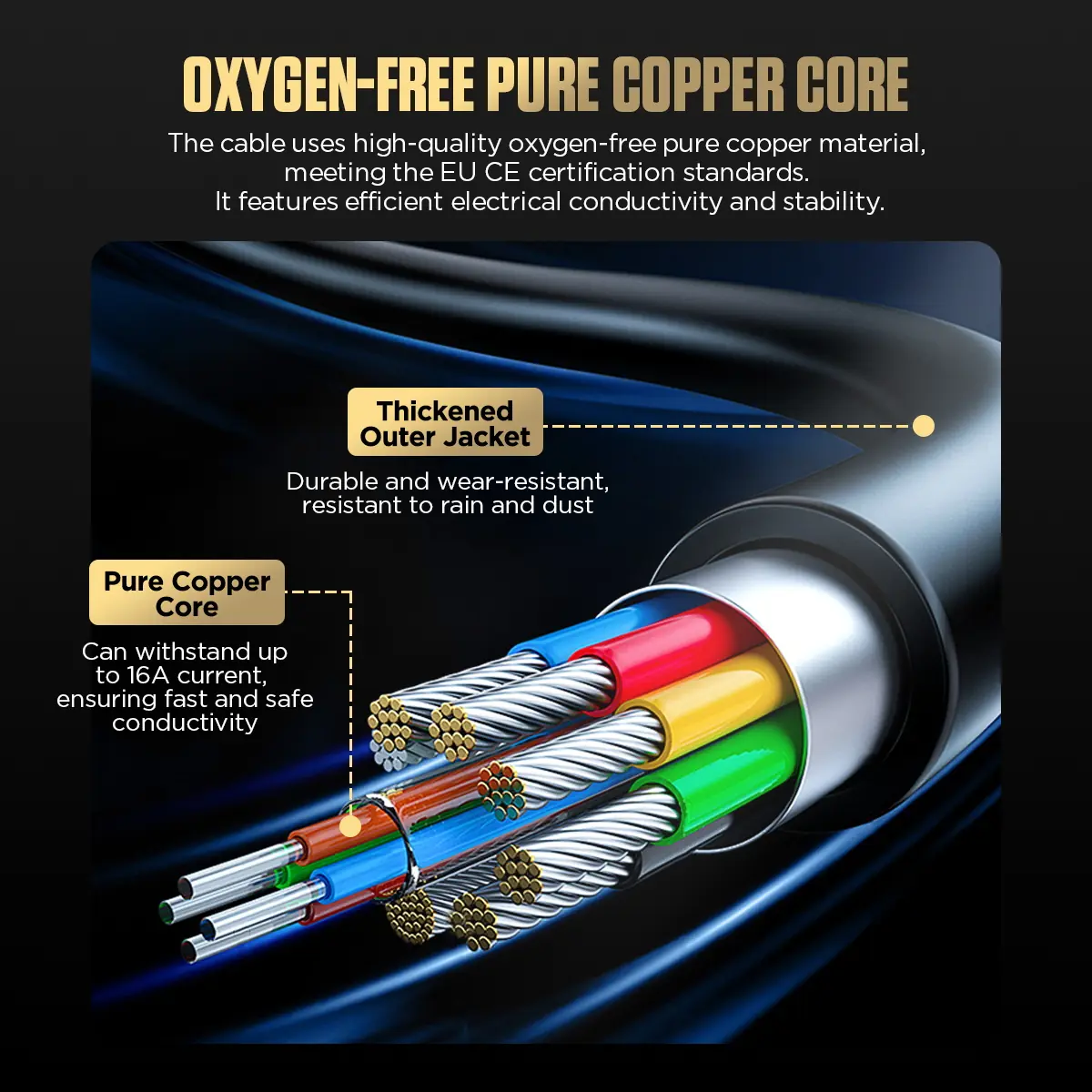
Cable de cobre grueso
Los conductores de cobre puro libre de oxígeno transportan una corriente constante de 16 A y están recubiertos por una capa exterior resistente al desgaste, la lluvia y el polvo.
-
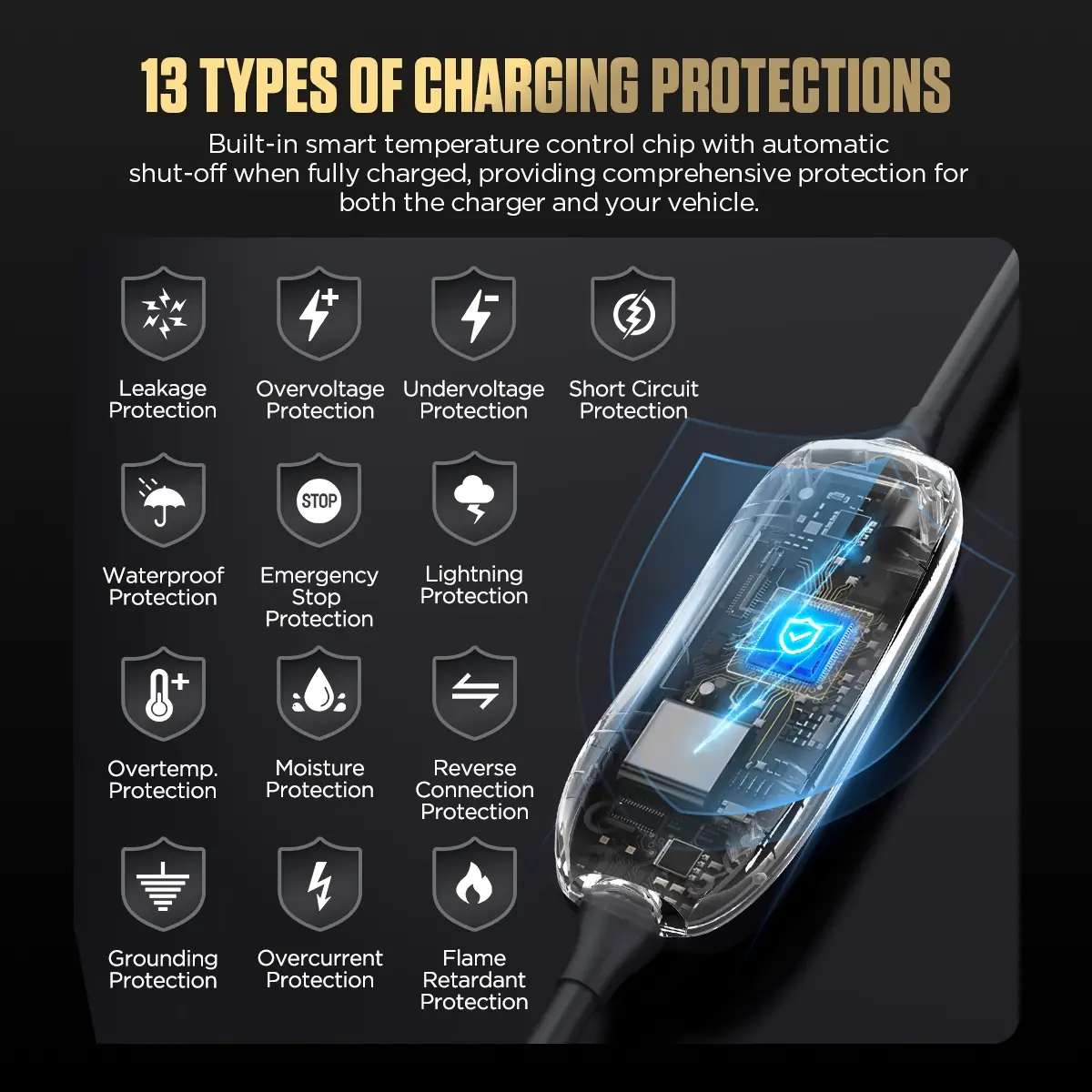
Protecciones indicadas: 13
Protección contra fugas de corriente, sobretensión, subtensión y cortocircuitos, impermeabilidad, parada de emergencia, protección contra rayos, sobretemperatura, humedad y conexión inversa, protección de puesta a tierra, protección contra sobrecorriente y protección ignífuga.
-
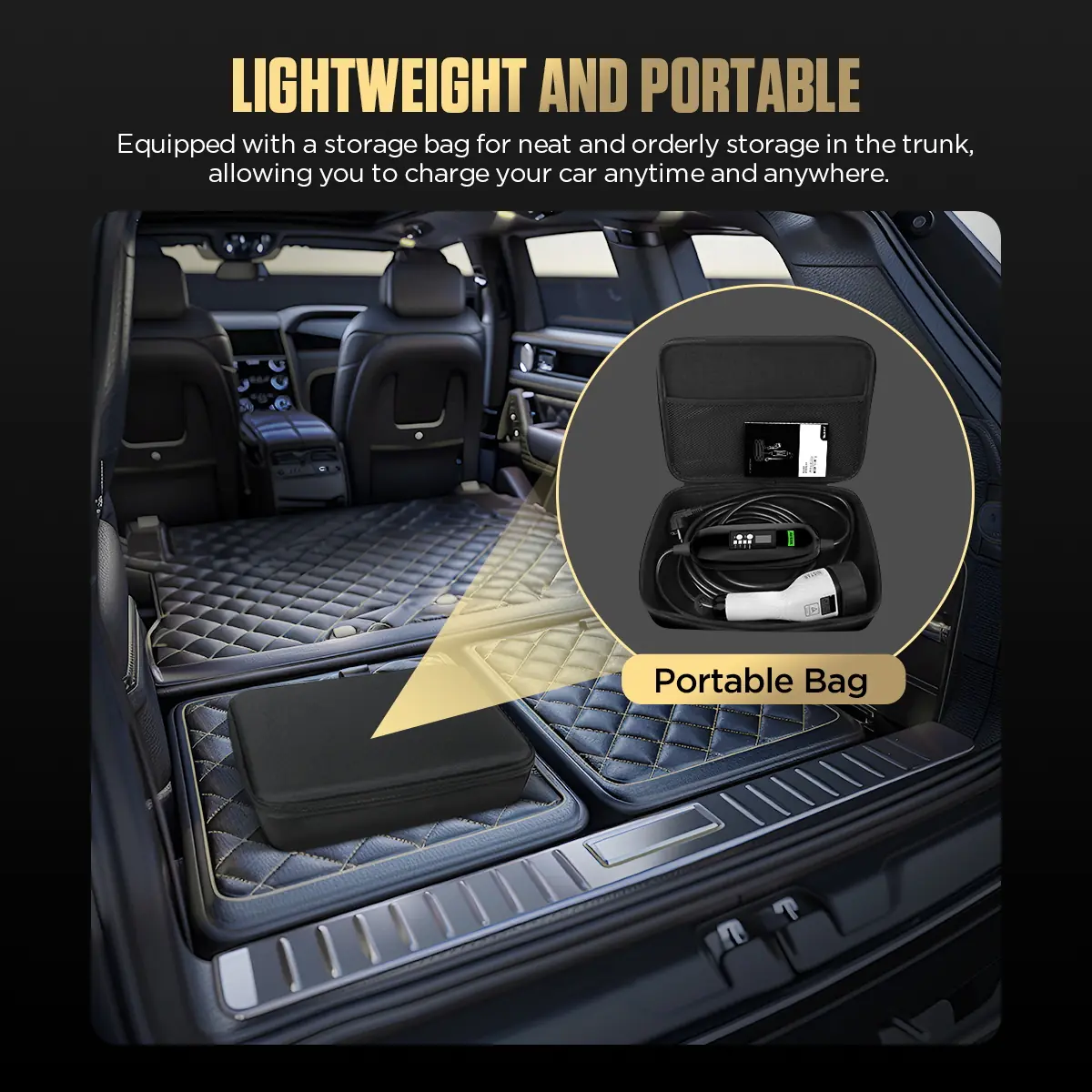
Transporta y guarda
Una bolsa de almacenamiento mantiene el cargador recogido en el maletero.
Más especificaciones
| Material de la carcasa | ABS y PC de alta resistencia |
|---|---|
| Marcas de certificación | MD, LVD, FCC, CE, RoHS |
| Indicador FLT1 | Protección por sobrecorriente, fuga de corriente, fallo de autocomprobación, sobretensión, subtensión o sobretemperatura |
| Indicador FLT2 | Fallo de autocomprobación, fallo de comunicación, ausencia del cable de tierra o corriente de fuga |
Contenido de la caja
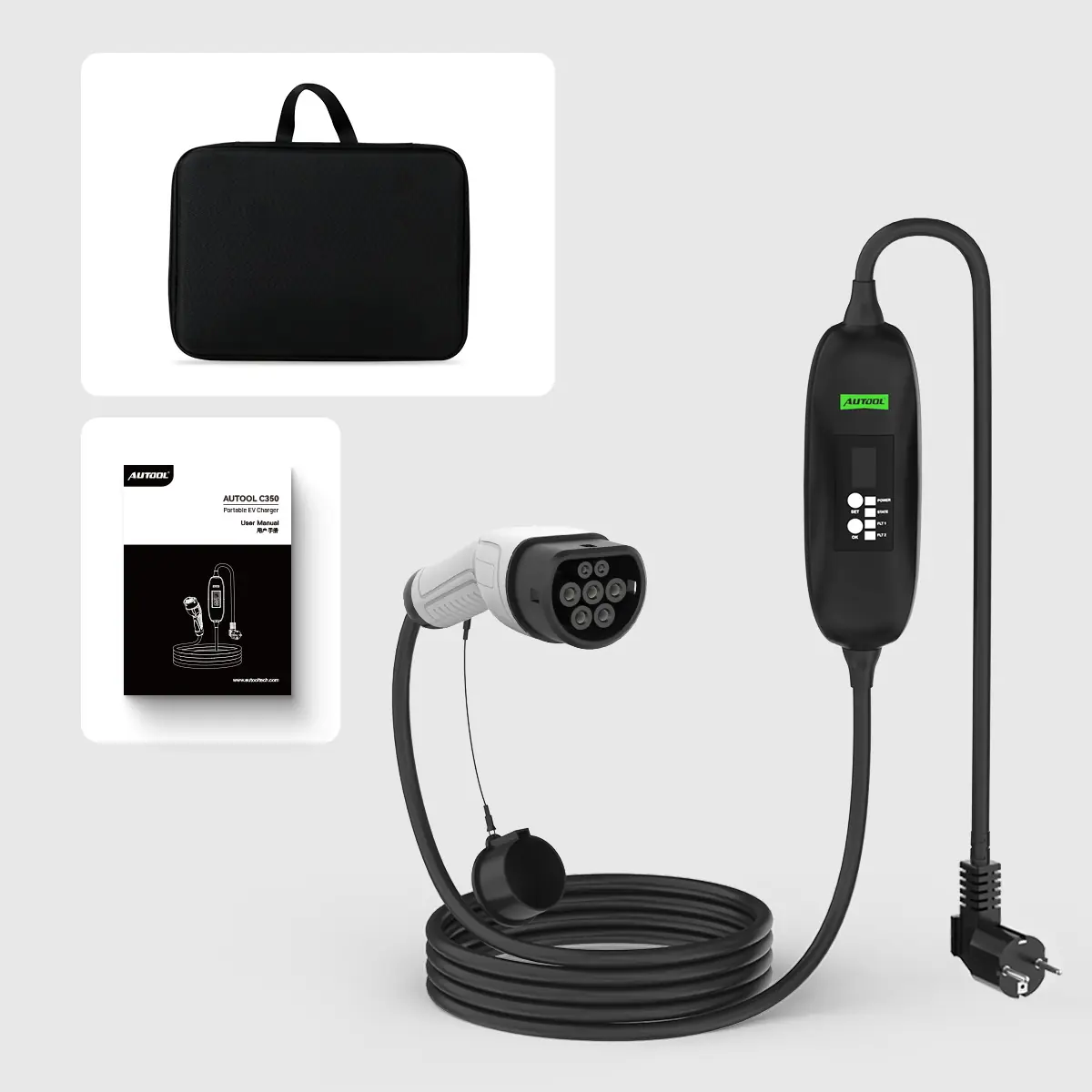
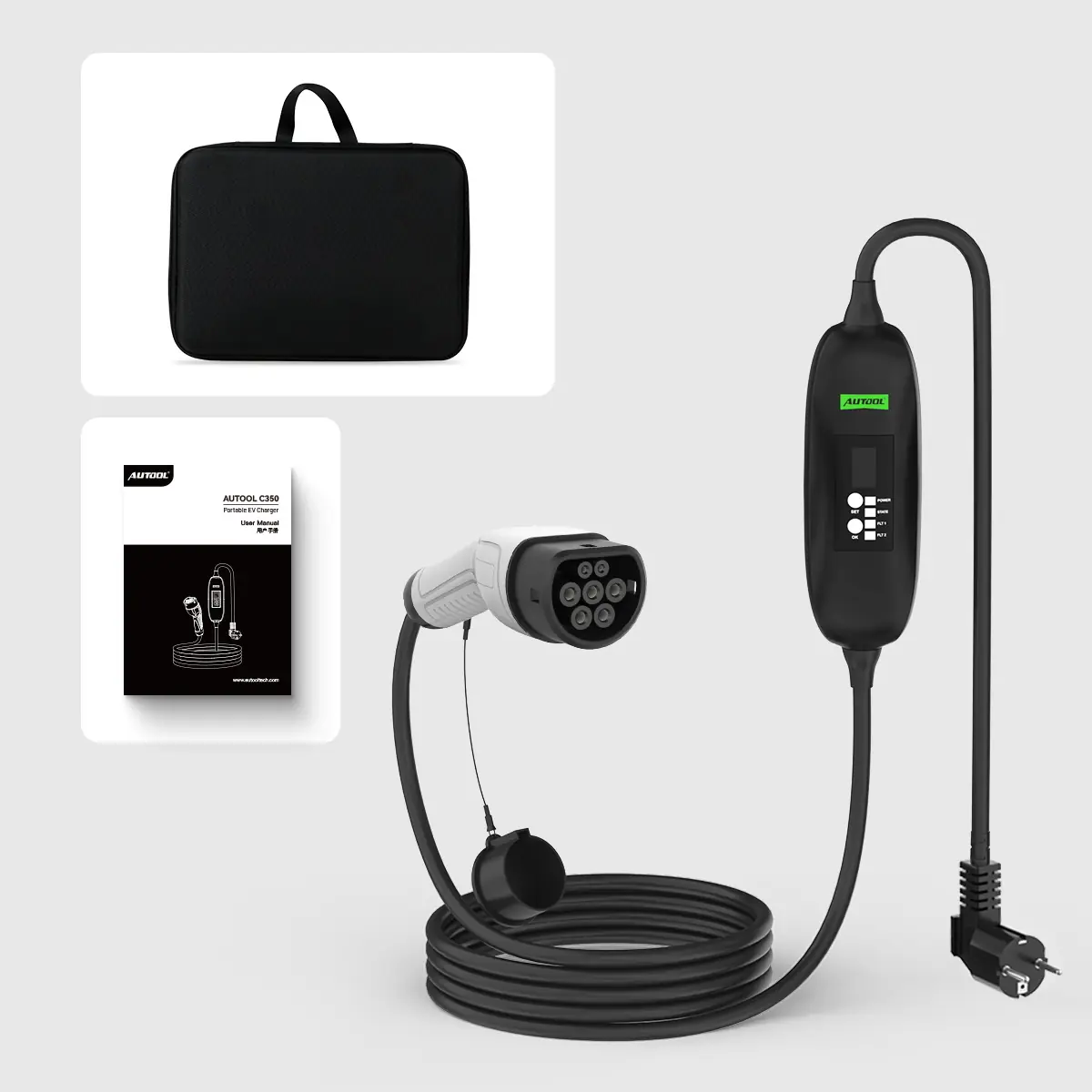
- Unidad de control C350 con cable de carga y conector para el vehículo acoplados
- Enchufe de alimentación correspondiente a la versión regional pedida
- Bolsa de almacenamiento
- Manual de usuario
Cómo usarlo
- Comprueba el conjunto de cargaConfirma la versión del enchufe y del conector y, a continuación, inspecciona la toma de corriente, el circuito, la puesta a tierra, el cable, la caja de control, el conector y la toma de carga del vehículo para detectar daños, calor, humedad o residuos.
- Conecta la alimentaciónConecta el equipo a una toma de corriente AC que cumpla la normativa y esté dimensionada para la intensidad que vayas a utilizar, y comprueba que el estado de la alimentación sea normal.
- Conecta el vehículoInserta completamente el conector del vehículo y comprueba el estado de la conexión en la pantalla.
- Ajustar corriente o retardoUsa SET / OK para seleccionar una intensidad de corriente que admitan la toma, el circuito y el vehículo, o para programar el inicio.
- Supervisar y desconectarDetén el proceso si se produce un fallo, un calentamiento inusual, algún daño o una conexión inestable; corta la alimentación y, después, desenchufa sujetando el conector por su empuñadura.
Si la carga no se inicia, comprueba que la toma tenga corriente, que el enchufe esté bien conectado, que el conector del vehículo esté completamente insertado, que la entrada de carga del vehículo esté limpia y sin daños, y si hay algún indicador de fallo encendido. Manual: Manual de usuario C350 (PDF).
Conviene saber
Precaución
- Utiliza una toma de corriente y un cableado con conexión a tierra y capacidad adecuada para la carga continua de EV a la intensidad seleccionada. No utilices tomas que no cumplan los requisitos.
- Confirma la toma de carga del vehículo, el tipo de enchufe y la versión de 110 V o 220 V antes de hacer el pedido.
Cuidado
- Evita las curvas pronunciadas, los tirones o la tensión en el cable durante la carga.
- Comprueba que no haya objetos extraños en el conector ni en la toma del vehículo antes de cada uso.


 English
  Deutsch
  Español
  Nederlands
  Français