





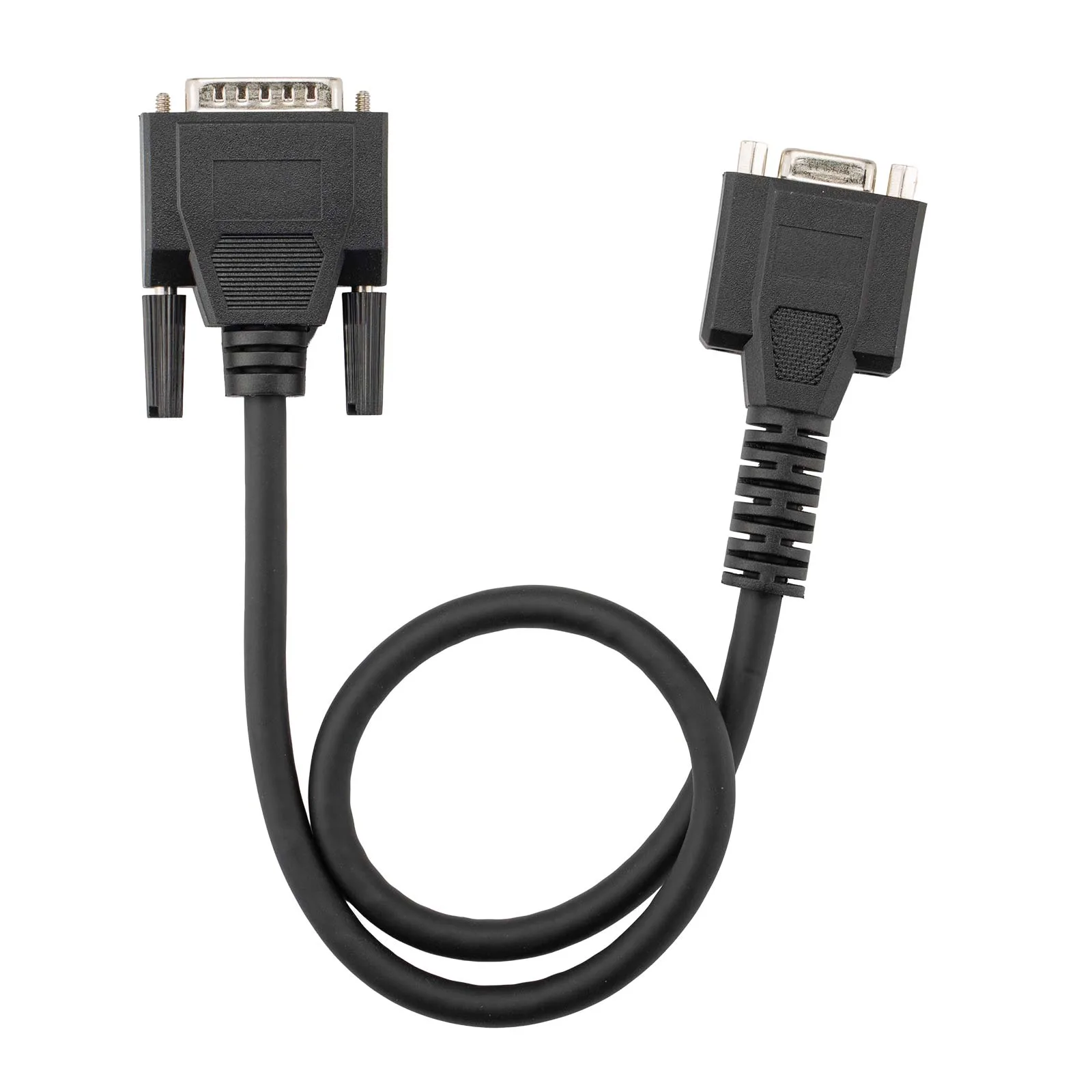


Link ECU MASTER to OBDSTAR Dedicated Adapters
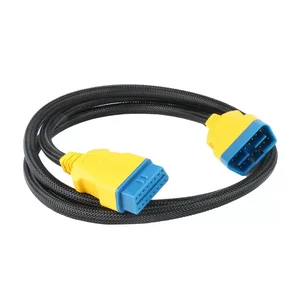
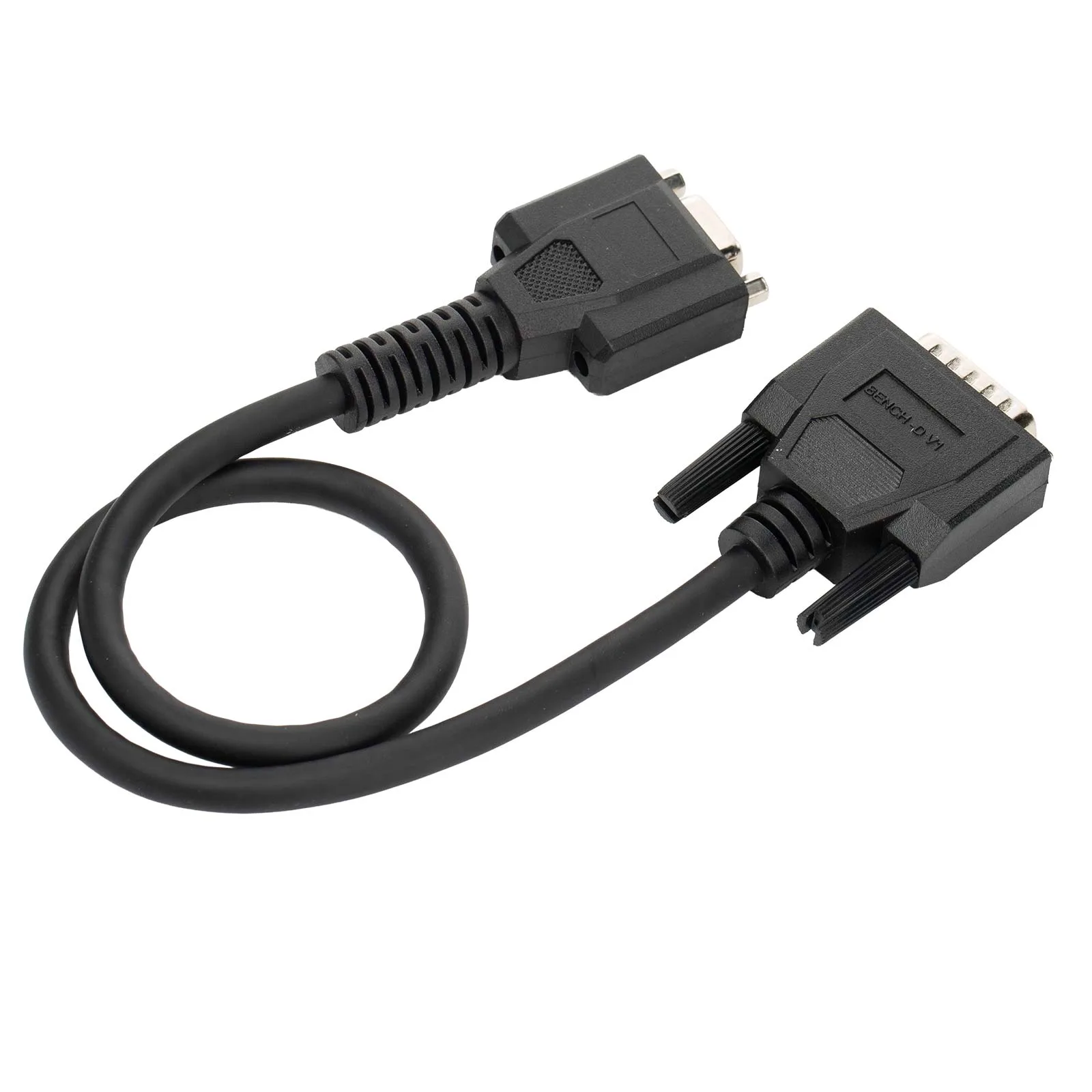
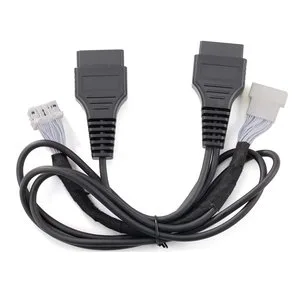
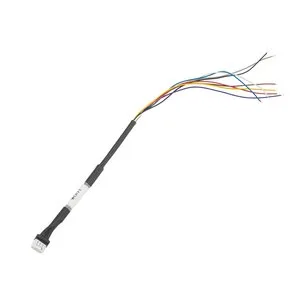
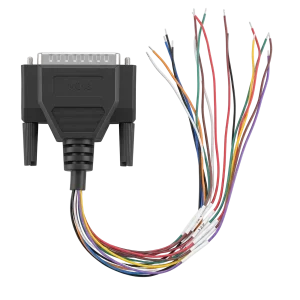
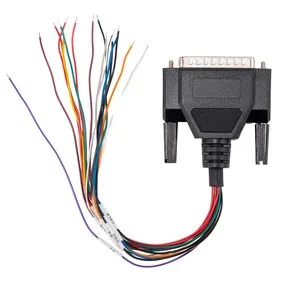
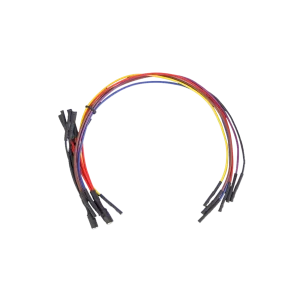
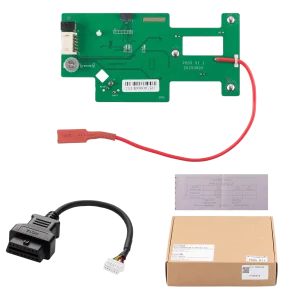
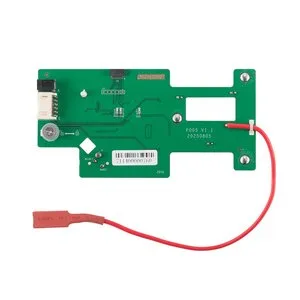
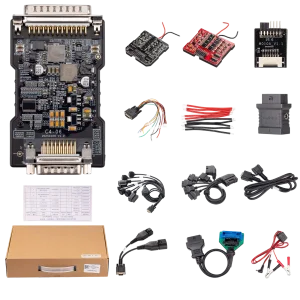
The BENCH-D V1 is the link cable between the OBDSTAR ECU MASTER and OBDSTAR’s solder-free dedicated adapters, such as the gearbox (TCM) adapters, so a module can be read and written on the bench without soldering.
- For ECU MASTER
- Gearbox Adapters
- HD Connectors
- Plugs Into C3 Port
Key Features
-
Gearbox Adapter Link
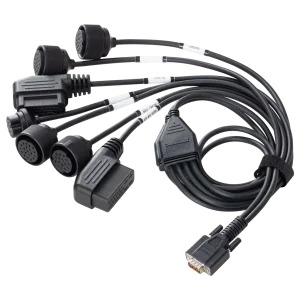
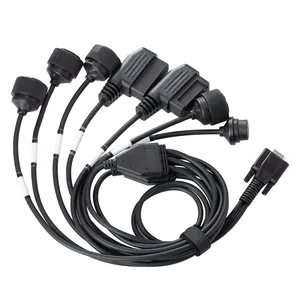
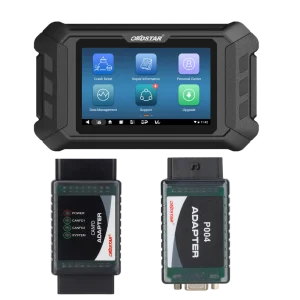
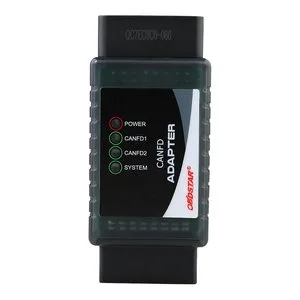
Needed to run OBDSTAR’s 7-in-1 or individual gearbox adapters from the ECU MASTER; the adapter then plugs straight onto the transmission module.
-
Base for HD Connectors
OBDSTAR’s heavy-duty connector cables for Mercedes-Benz, Volvo, Scania and MAN units connect to ECU MASTER units with the C package through this cable.
-
Bench Adapters Too
Also sits between the ECU MASTER and the ECM-003 bench adapter for BMW MD1/MG1 engine ECUs.
What’s in the Box
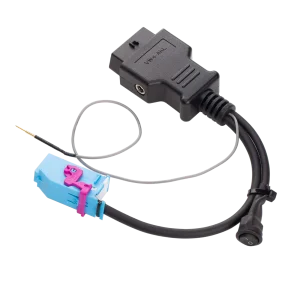
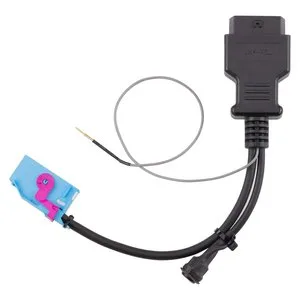
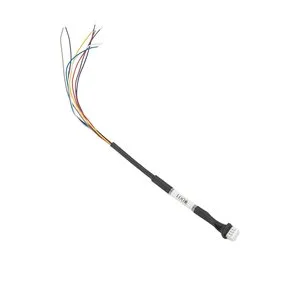
- 1×BENCH-D V1 cable
How to Use
- Connect to the PCLink the ECU MASTER to the computer with its USB cable.
- Plug into C3Connect the BENCH-D V1 to the C3 connector on the ECU MASTER.
- Attach the adapterConnect the other end to the OBDSTAR gearbox or bench adapter.
- Connect the modulePlug the adapter’s connector into the transmission module or ECU.
- Power up and workConnect the power supply to the ECU MASTER, then read and write the module data.
Good to Know
Caution
- Only the cable is included. The ECU MASTER and the dedicated gearbox, HD or bench adapters are separate purchases.

 English
  Deutsch
  Español
  Nederlands
  Français