


Non-Contact Sonic Belt Tension Tester for Timing, V and Ribbed Belts
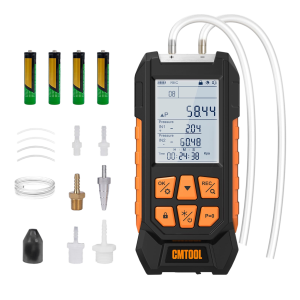
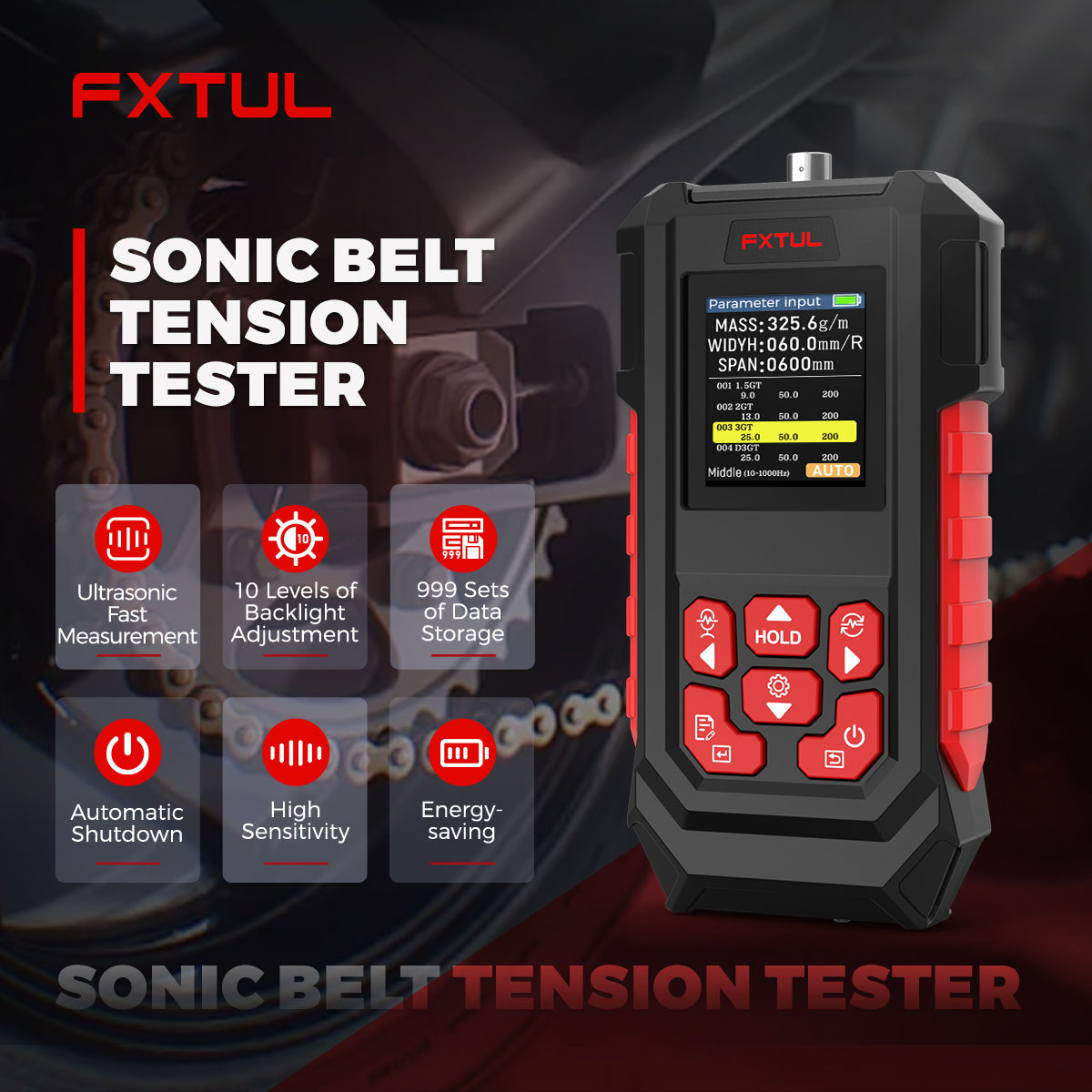
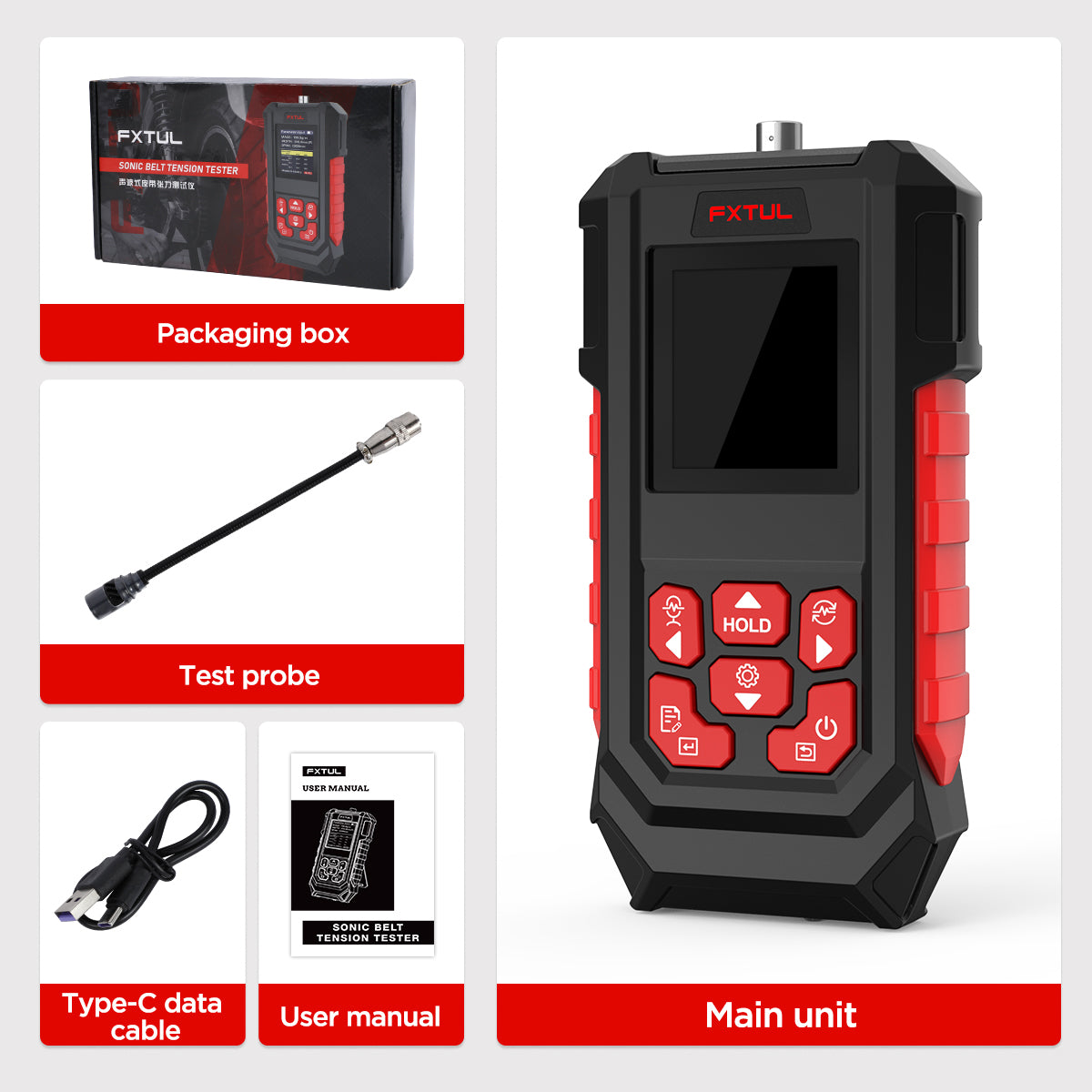
This FXTUL tester works out belt tension from the sound a belt span makes when it vibrates, without touching the belt. Enter or select the belt’s unit mass, width and span, set the span vibrating, and it shows the frequency and the calculated tension.
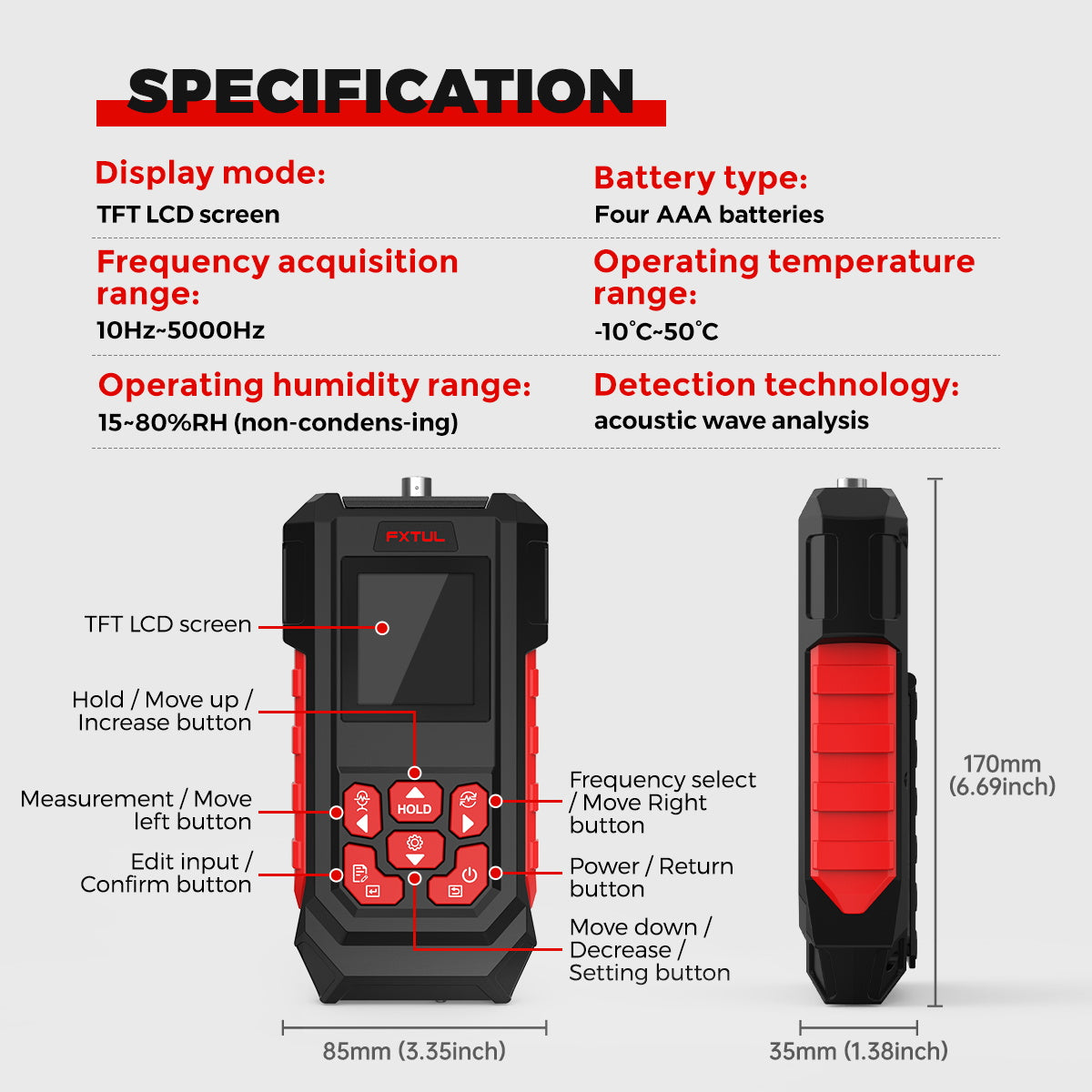
- 10–5000 Hz
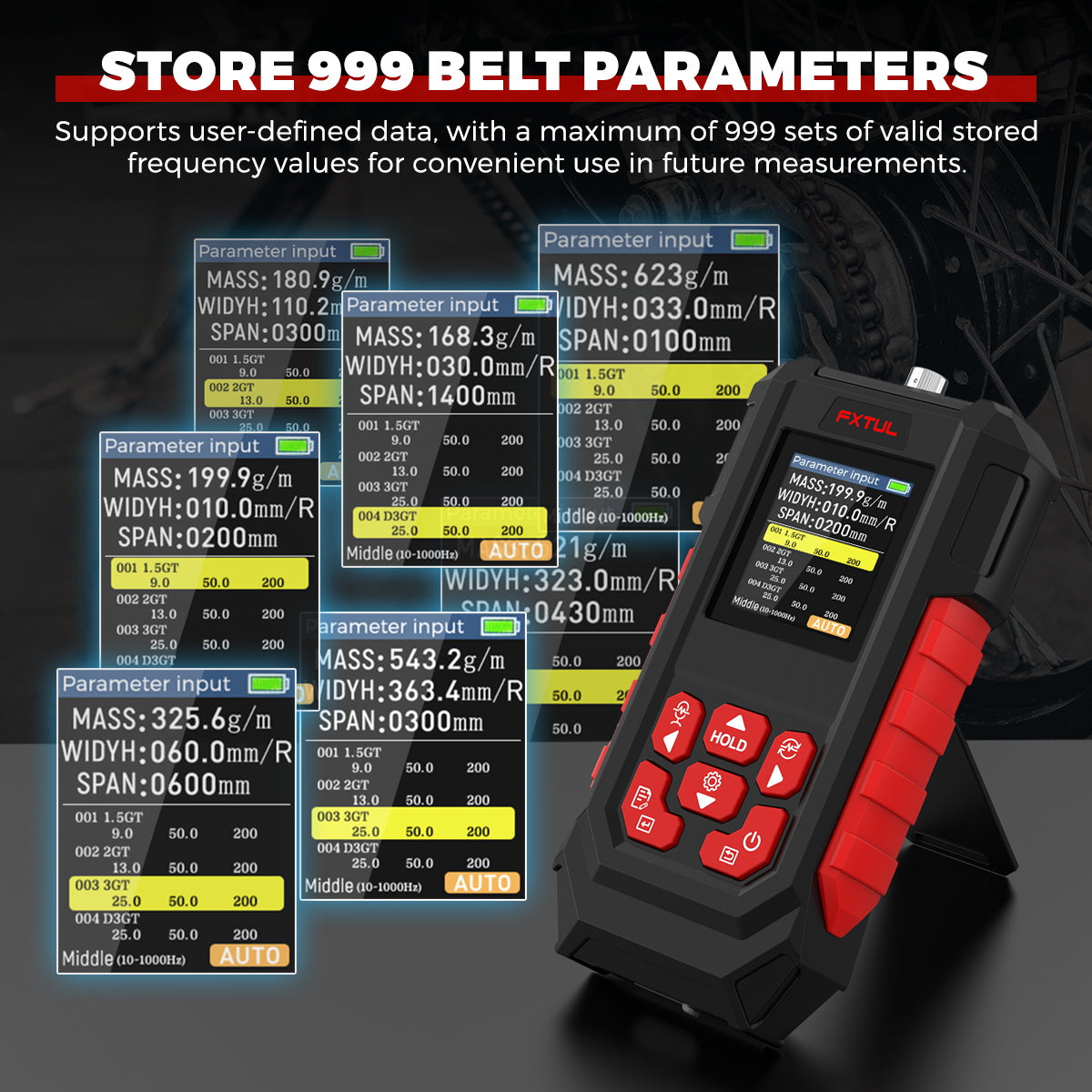
- 999 Custom Belt Sets
- TFT Color Screen
- 4 × AAA Batteries
Key Features
-
Acoustic Measurement
A belt plucked between pulleys vibrates at a frequency set by its type, mass, width and span. The probe picks up that sound and converts it to installation tension.
-
Belt Database with Quick Select
Common belt specifications can be selected directly. Mass, width and span can also be keyed in for a one-off belt that is not in the list.
-
Your Own Belt Library
Over USB Type-C, the DATA.CSV table can be edited in Excel to store up to 999 user-defined belts.
-
Single or Continuous Mode
Manual mode captures one reading per press. AUTO mode keeps measuring until Hold locks the latest result.
-
Noise Filtering by Range
Pick the frequency range that fits the belt to ignore sounds outside it. A spectrum graph shows what the probe hears.
-
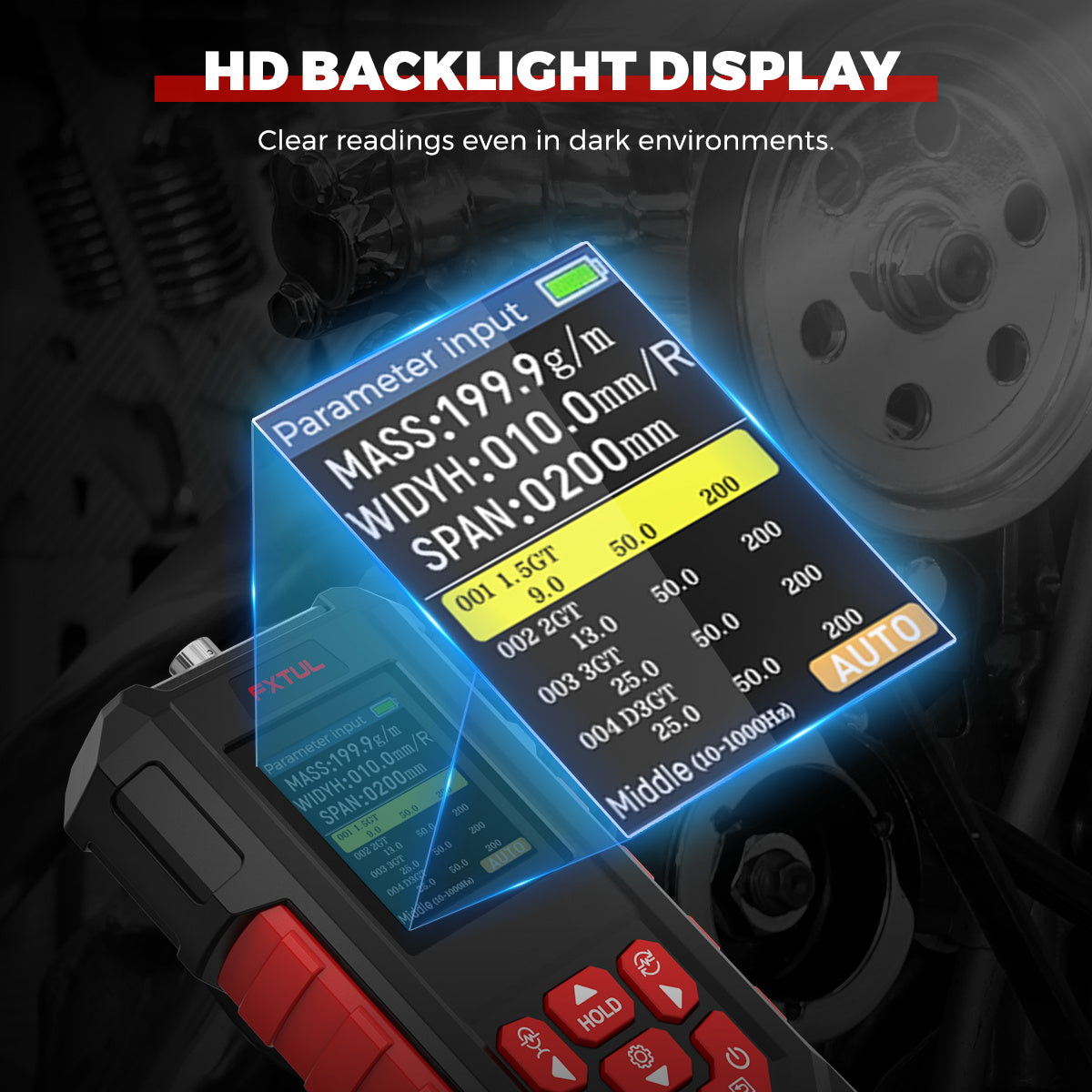
Readable Display
The color TFT screen has 10 backlight levels, several display themes and a battery level indicator.
More Specifications
| Belt width input | 0.1–999.9 mm (timing and flat belts); rib count for V-ribbed belts |
|---|---|
| Unit mass input | 0.1–999.9 g/m |
| Span input | Up to 9999 mm |
| Calibration | With a 1000Hz sound source; factory calibration can be restored |
| Settings | Measurement mode, probe sensitivity, backlight, display style, language |
| Custom entry name | Up to 9 characters |
How to Use
- Stop the machineSwitch off the machine and make sure the belt has stopped before testing.
- Enter the beltSelect a preset belt or enter unit mass, width or rib count and span. Span is the distance between the pulley contact points and can be measured with a tape.
- Choose the rangePress the frequency key to pick the range that suits the belt.
- MeasurePress Measure, hold the probe near the span without touching it and set the belt vibrating.
- Read and holdRead the frequency and tension; in continuous mode press Hold to lock the result.
Full operating details: Sonic Belt Tension Tester User Manual (PDF).
Good to Know
Caution
- Saving an edited data table replaces the old one permanently. If the format cannot be read after a restart, the tester overwrites it with a blank table.
- Use an English input method, follow the template format, keep the file name, store no other files on the device and never unplug the USB cable while saving.
- Do not use the tester where there is a risk of fire or explosion.
Care
- Copy DATA.CSV to your computer before editing it.
- If readings are missing or unstable, check the entered values, change the frequency range, replace low batteries and test somewhere quieter.
- Do not twist the probe or bend its hose sharply, and do not clean the tester with solvents such as thinner or gasoline.
- Remove the batteries when storing the tester for a long time.





 English
  German
  Spanish