

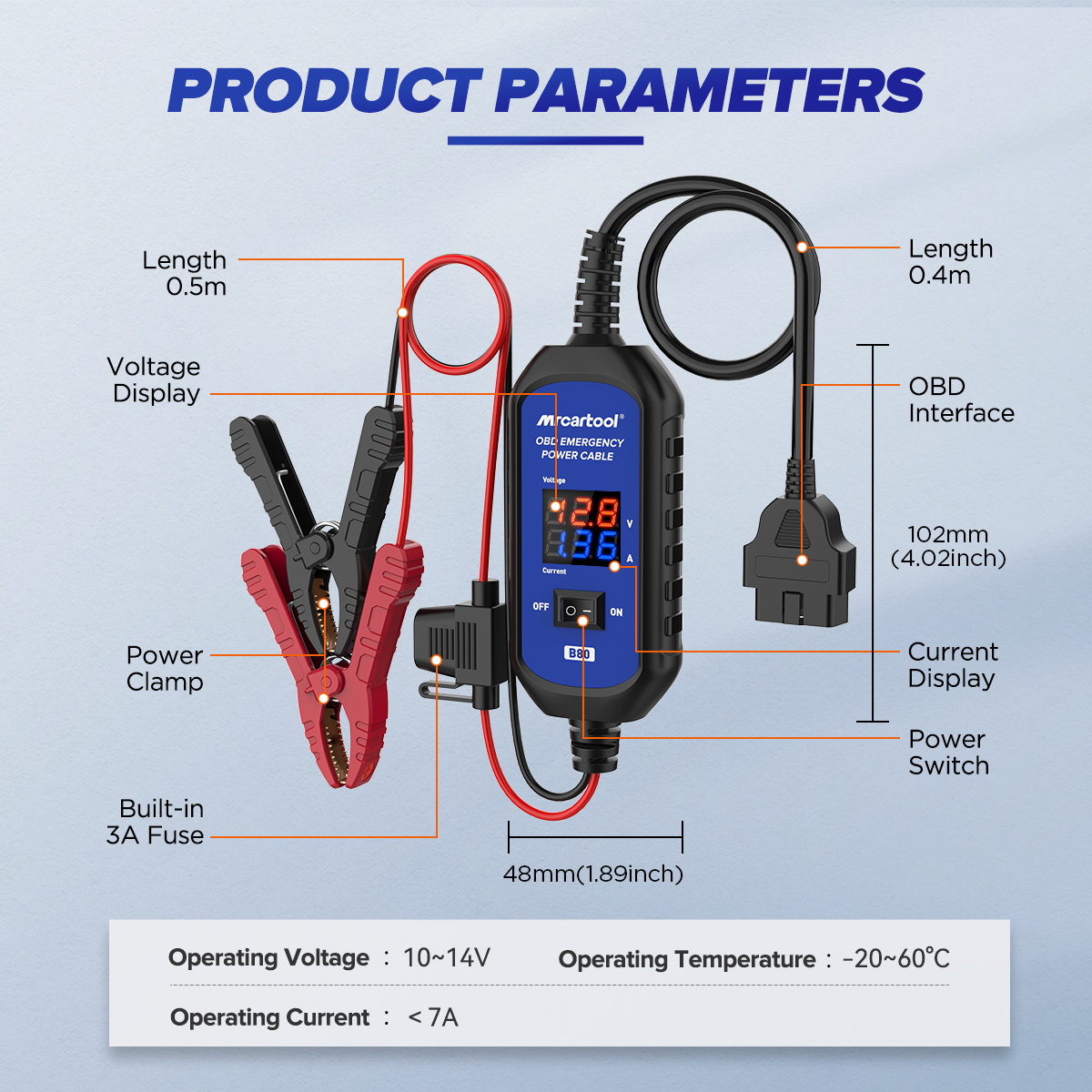
Keep Vehicle Memory Settings Through a Battery Replacement
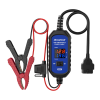
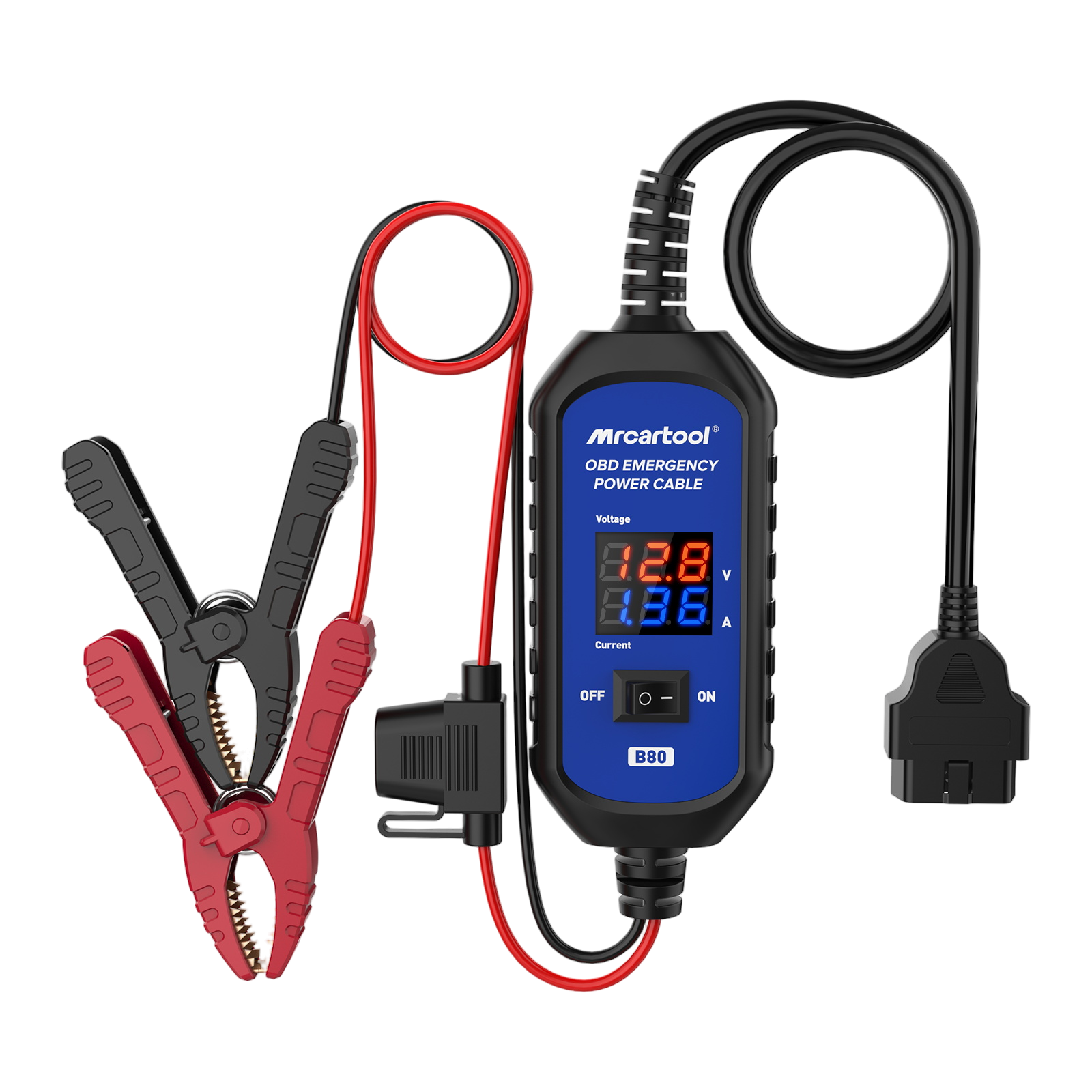
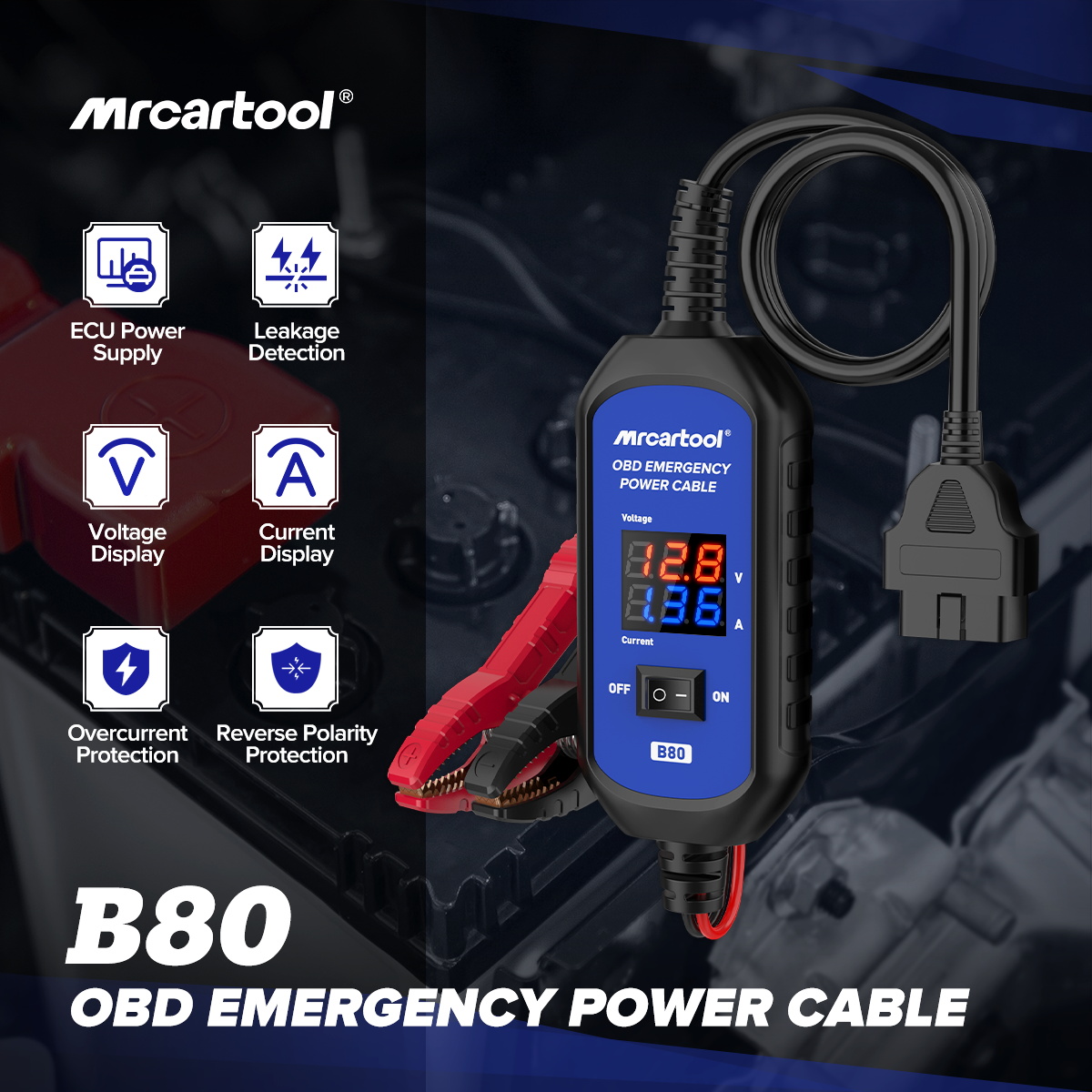
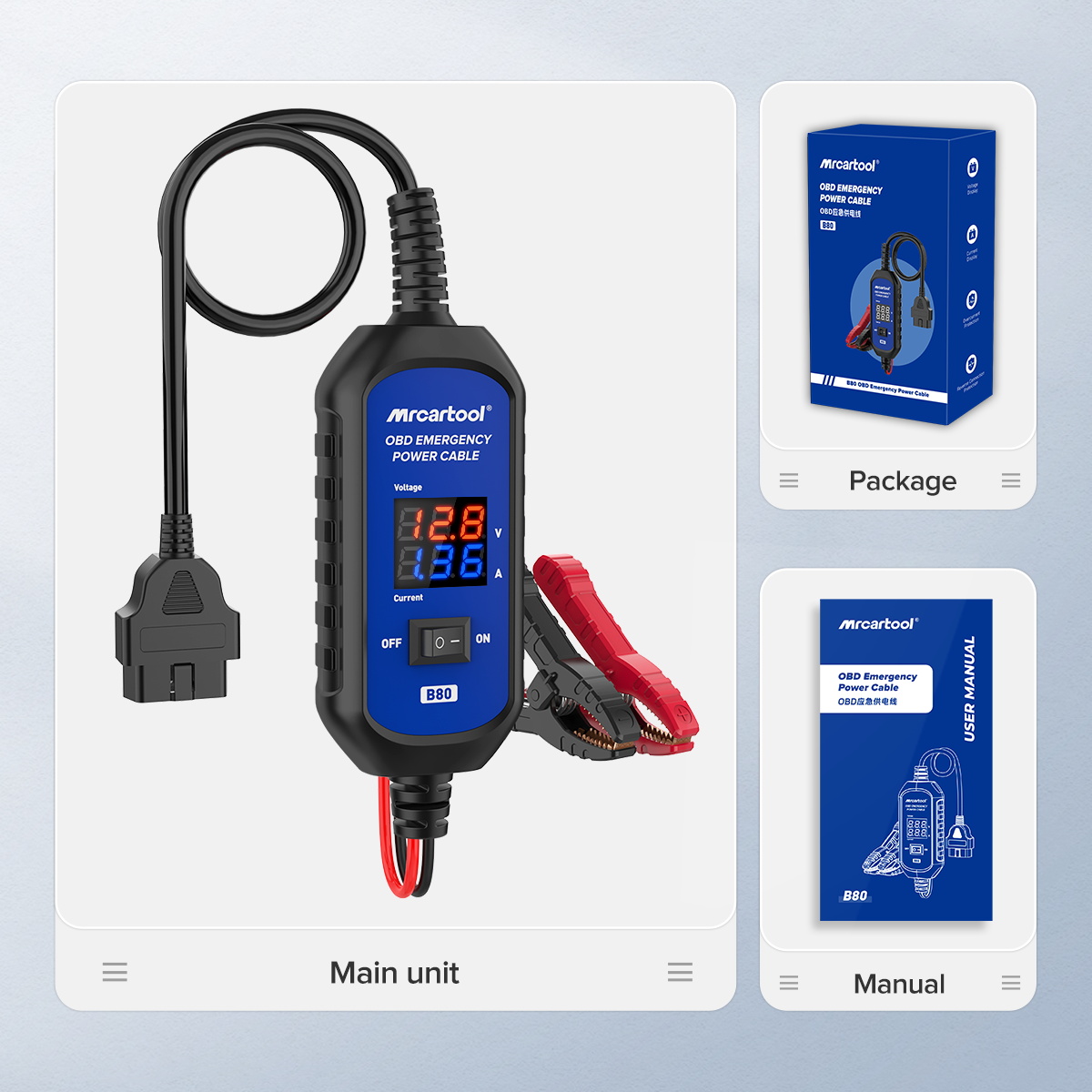
The B80 feeds power from a 12 V backup battery into the OBD2 port while the vehicle battery is out, so radio presets, seat positions, PCM and comfort settings stay intact however long the job takes. A charged 12 V backup battery is required.
- 16-Pin OBD2 Connection
- Voltage and Current Display
- Built-In 3 A Fuse
- Reverse Polarity Protection
Hauptmerkmale
-
Retains Key Settings
Keeps radio presets, seat positions, error codes, door, sunroof, window, air conditioning and infotainment settings during battery replacement or service.
-
Works With Ignition On or Off
The standard OBD2 connection supplies stable power regardless of ignition status, even through long service sessions.
-
Backup Battery Check
The built-in meter shows whether the backup battery has enough voltage before you start.
-
Reverse Connection Guard
If the clamps are connected the wrong way round, the display stays dark and no power is passed.
-
Fault Alarm
Abnormal battery voltage or current triggers an alarm and the screen flashes.
Highlights
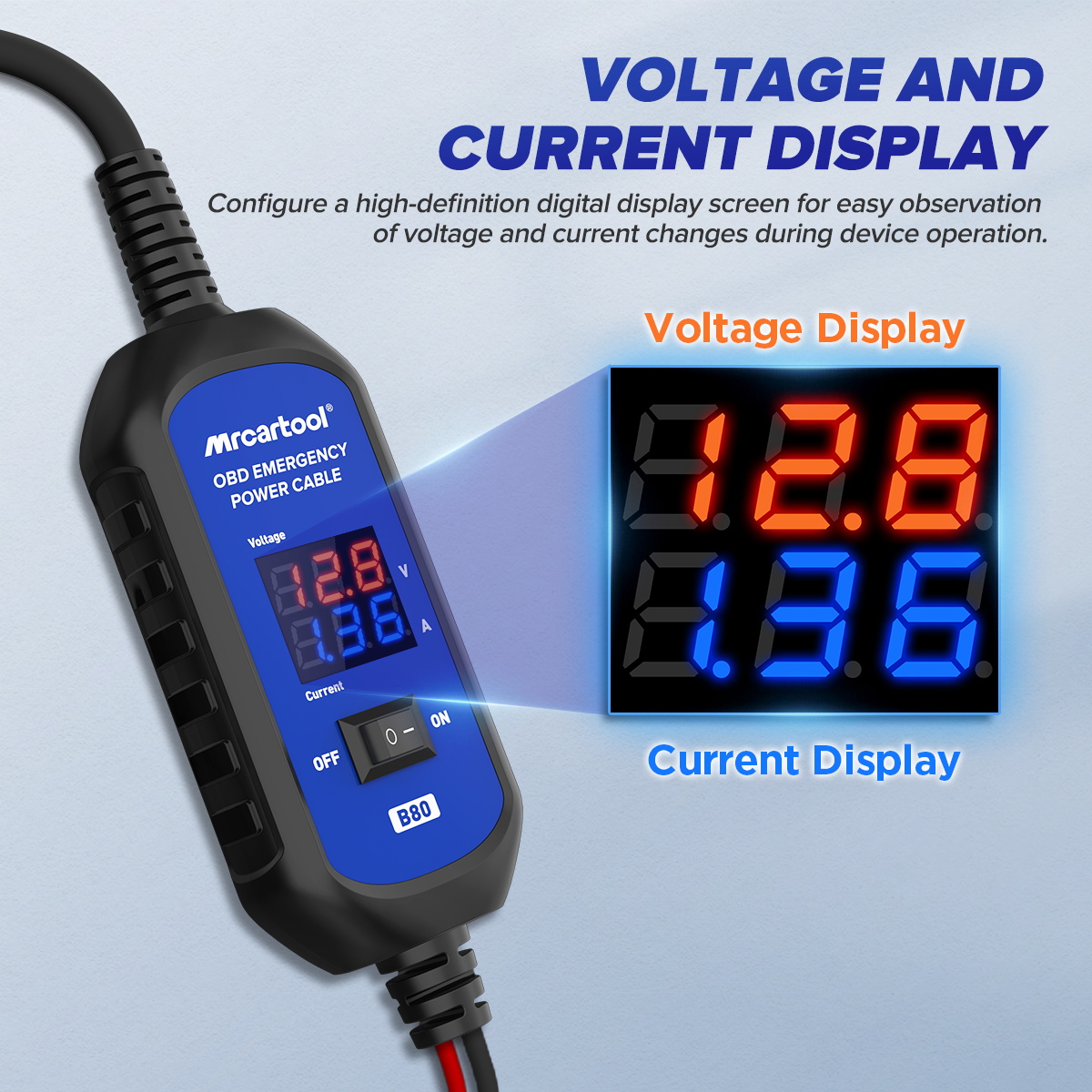
Voltage and Current Readout
The digital display shows voltage and current changes while the cable is in use.
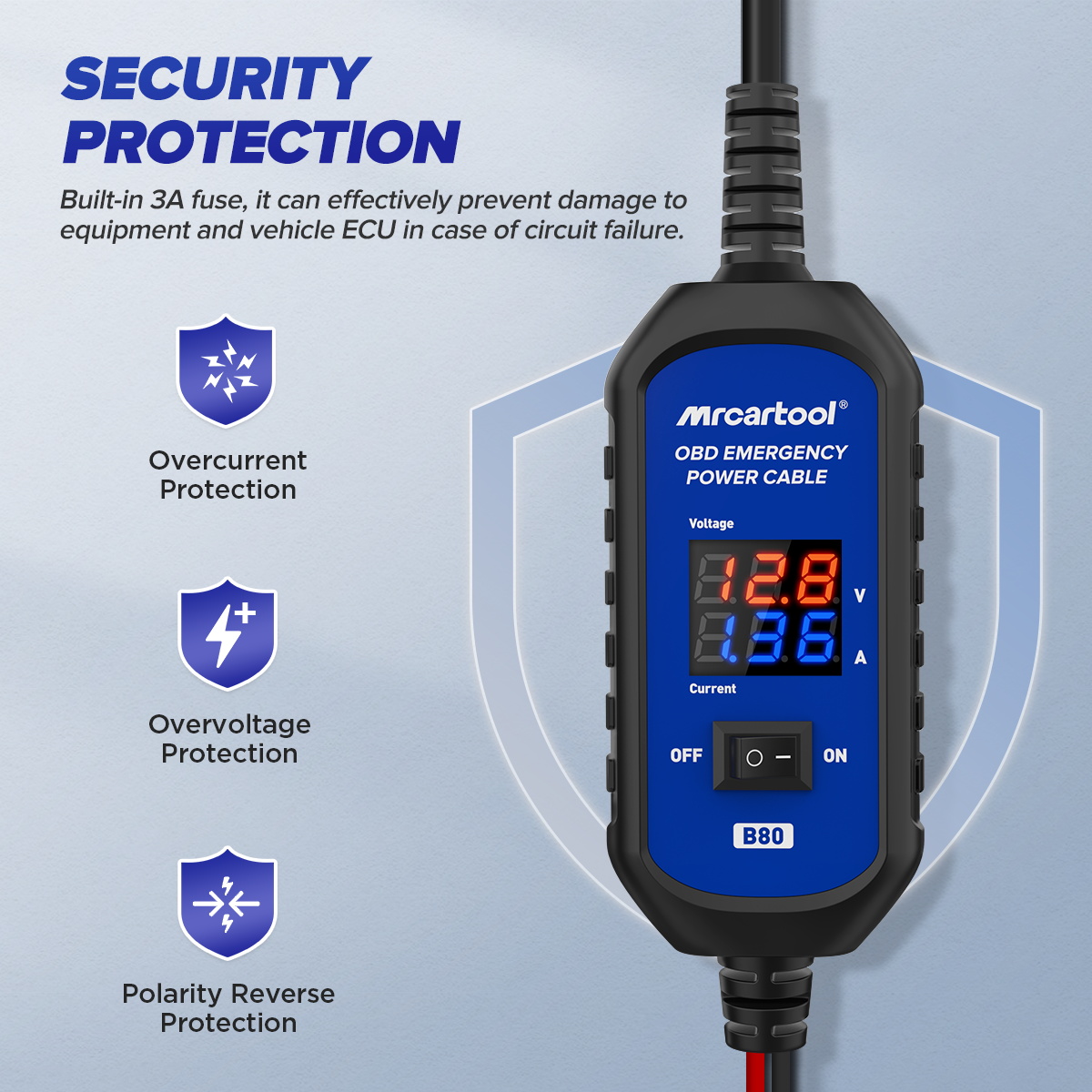
Circuit Protection
The 3 A fuse helps prevent damage to the tool and the vehicle ECU if a circuit fails.
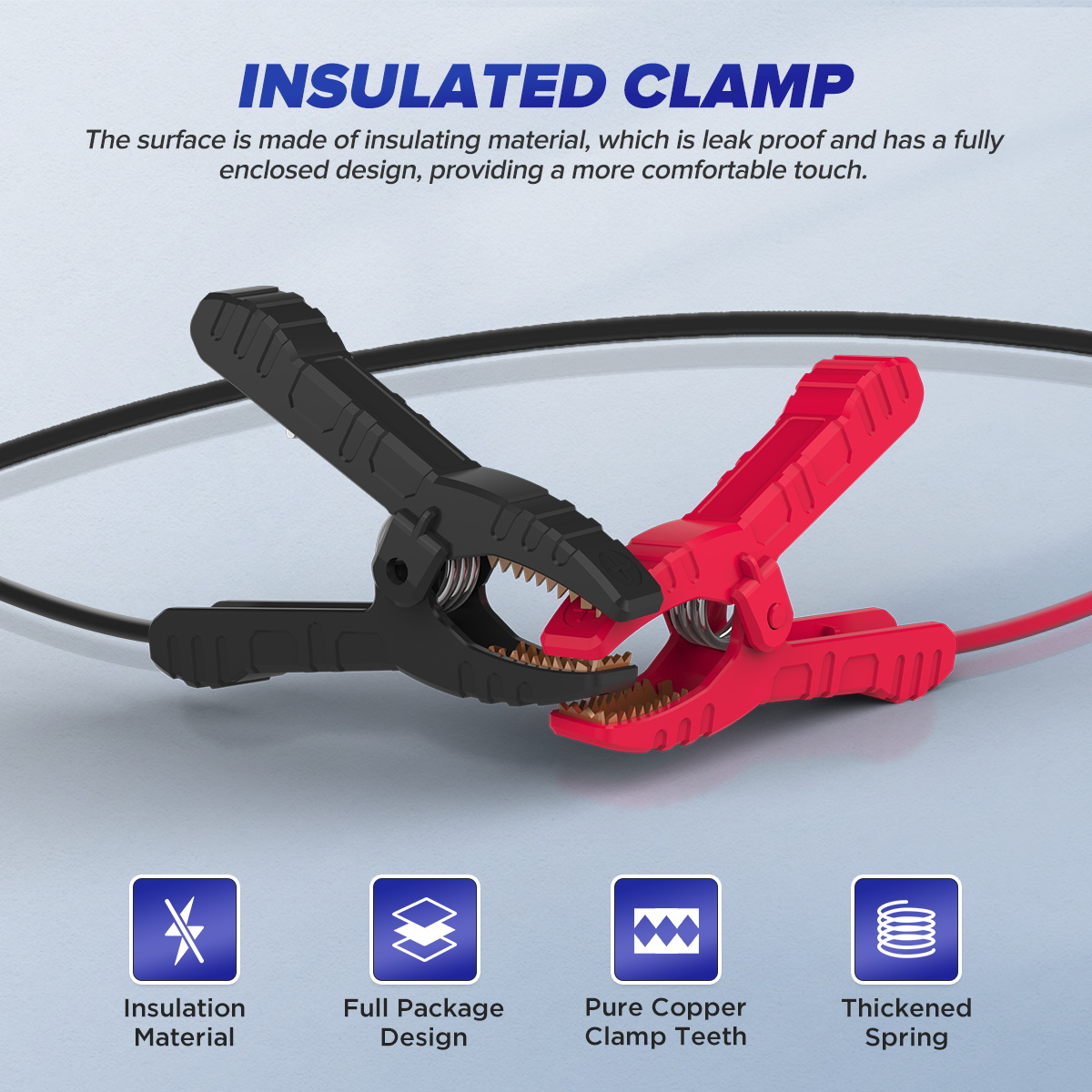
Insulated Clamps
Fully enclosed insulated clamp bodies with copper teeth and thickened springs.
More Specifications
| Operating voltage range | 10–14 V |
|---|---|
| Operating current | < 7 A |
| Operating temperature | -20 to 60 °C |
| Cable lengths | Clamp lead 0.5 m; OBD lead 0.4 m |
What’s in the Box
- B80 OBD emergency power cable
- Bedienungsanleitung
Anwendung
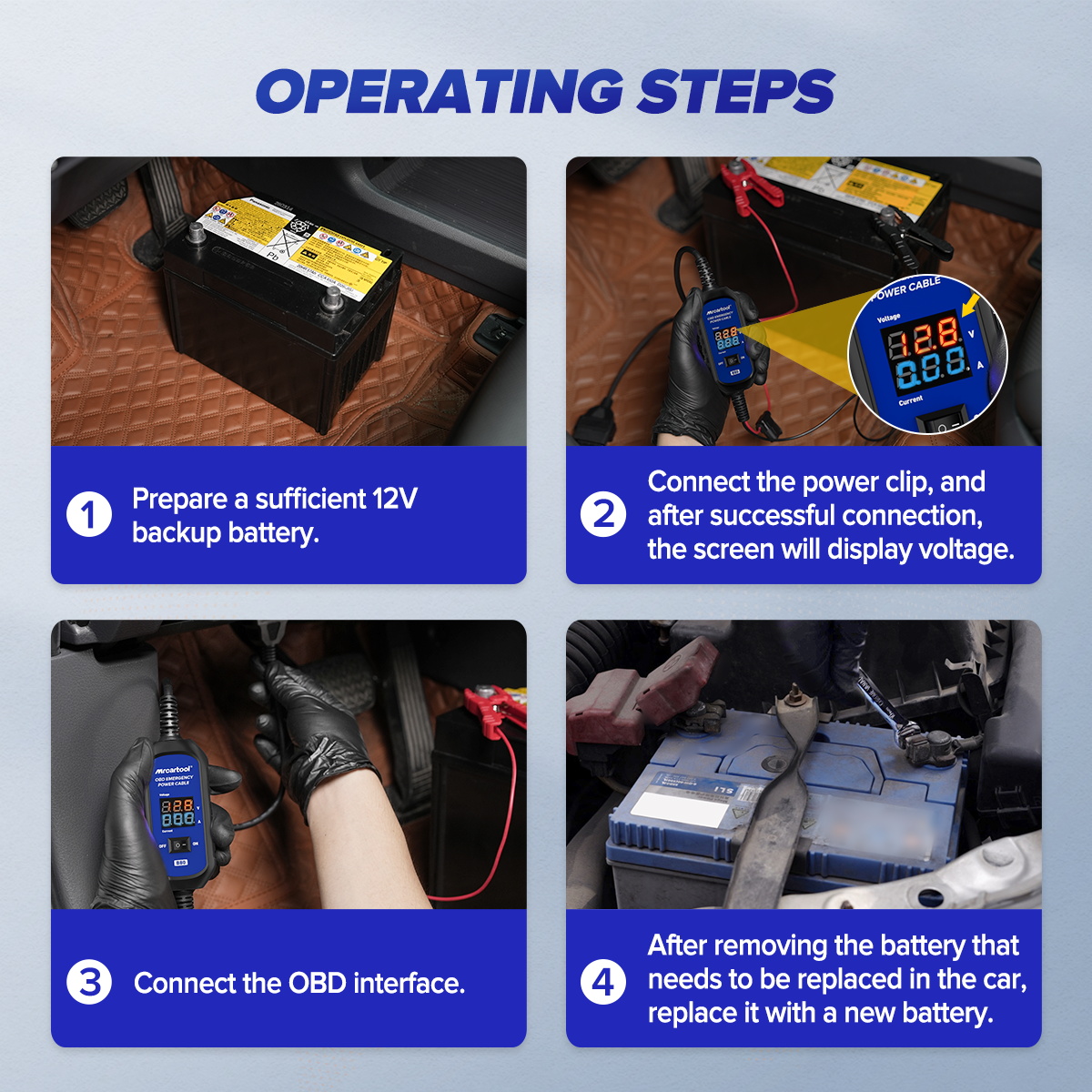
- Prepare a backup batteryHave a sufficiently charged 12 V backup battery ready.
- VerbindenSwitch off the vehicle, plug the OBD2 end into the vehicle port and attach the clamps to the backup battery.
- Check the indicatorsAfter a successful connection both LEDs light green and the display shows voltage.
- Replace the batteryRemove the old vehicle battery and fit the new one; the settings are kept when you start the car.
Good to Know
Caution
- While the battery is out, do not open the doors, turn on lights, start the vehicle, switch on any electronic device or touch the connections; doing so may damage the vehicle’s OBD connector.





 English
  German
  Spanish