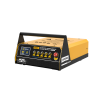




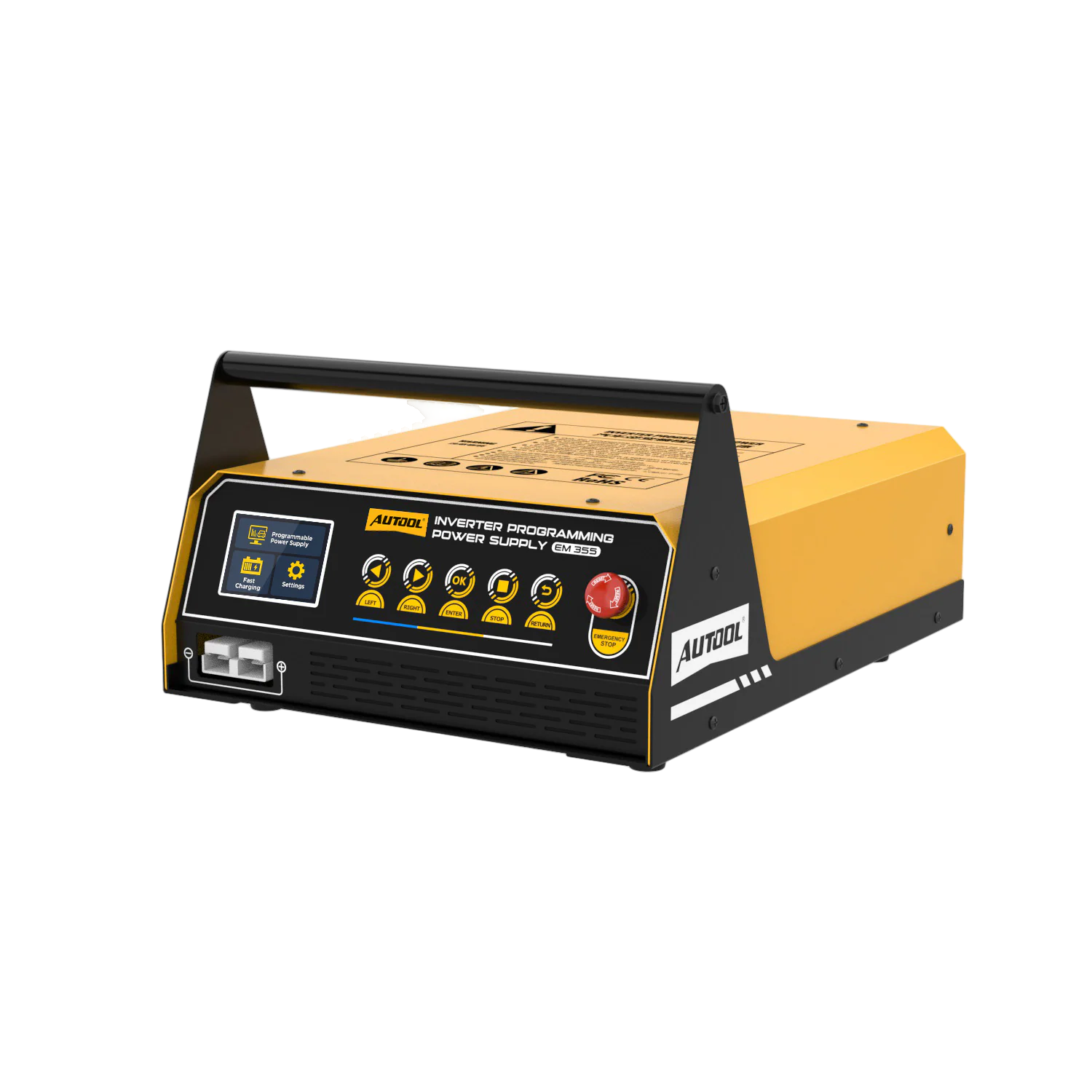
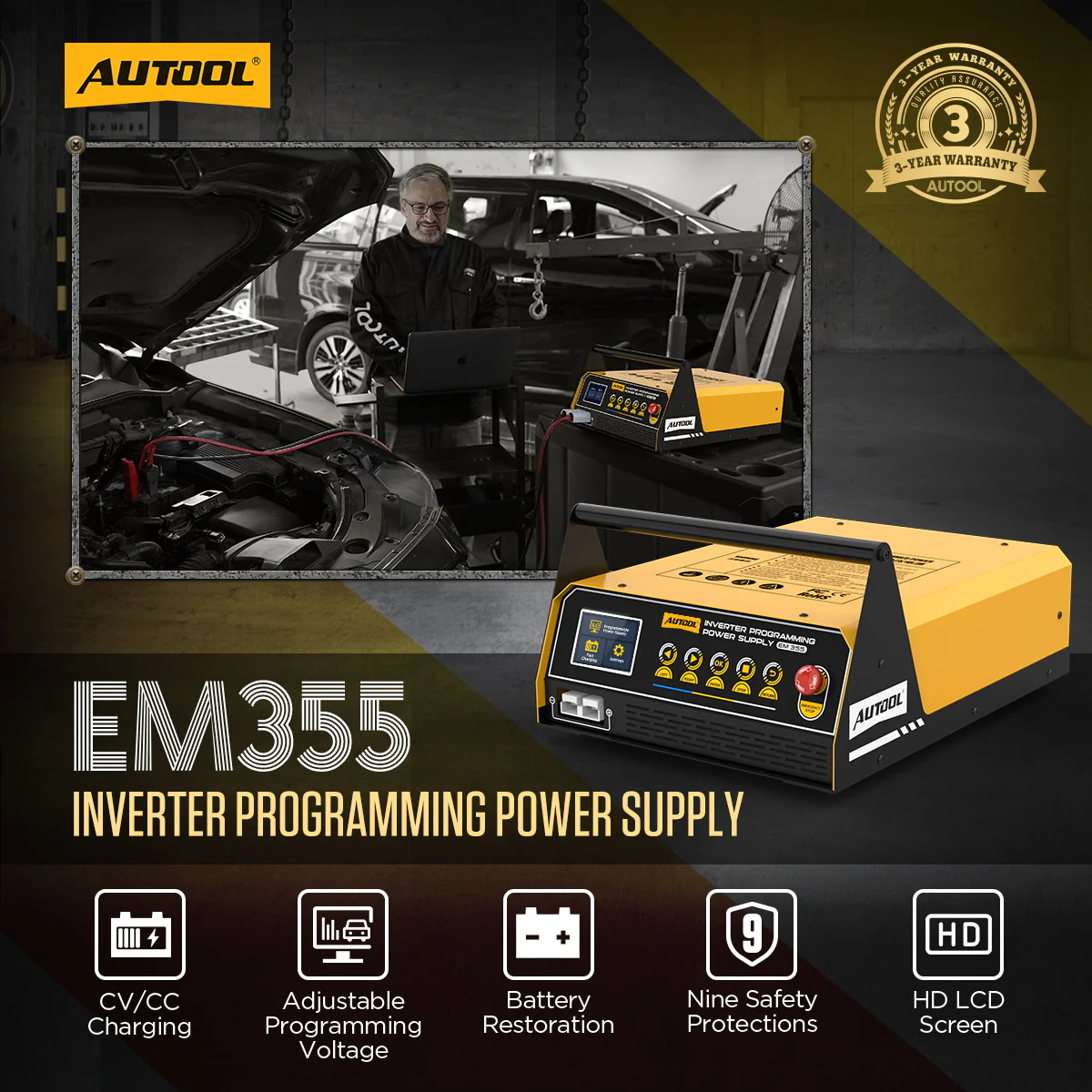




Stable Battery Support for ECU Programming, Plus Lead-Acid Charging
The EM355 holds a set support voltage while your separate programming tool works on the vehicle, then switches to charging or restoring 12 V lead-acid batteries between jobs. It does not program the ECU itself and does not charge lithium batteries.
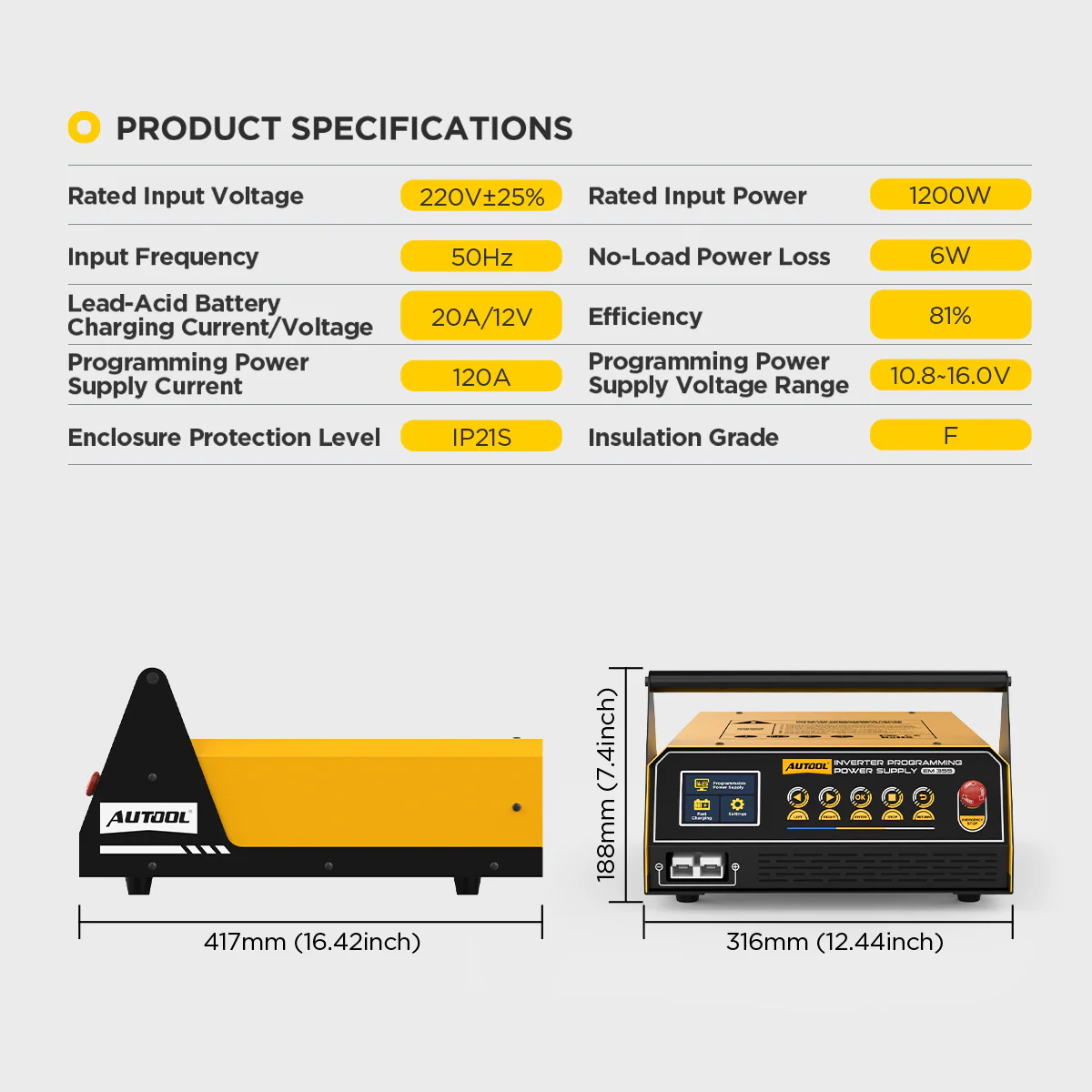
- 10.8–16 V or Fixed 14 V
- Up to 120 A for ~3 min
- 20 A Lead-Acid Charging
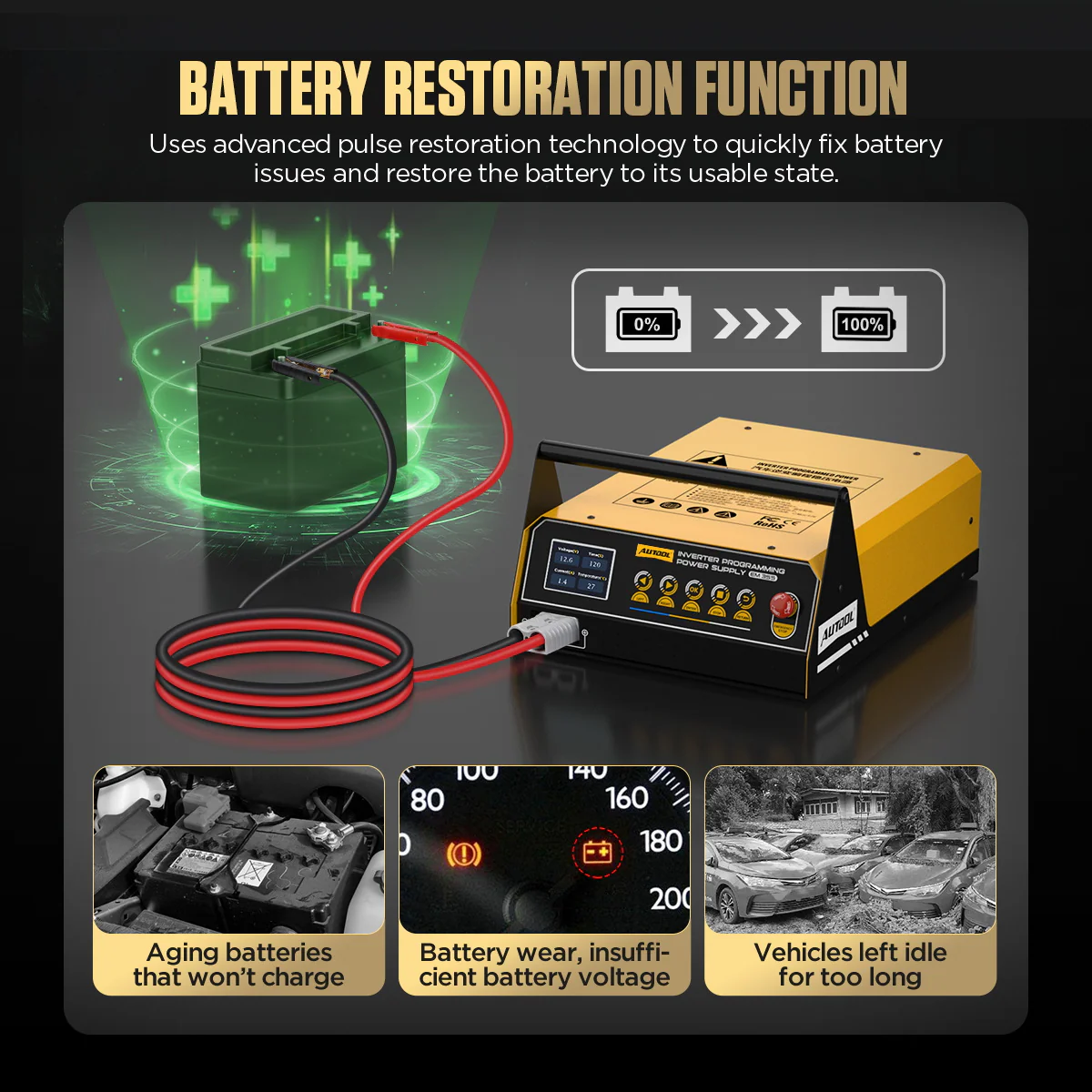
- Battery Restoration Mode
- 5 Interface Languages
Hauptmerkmale
-
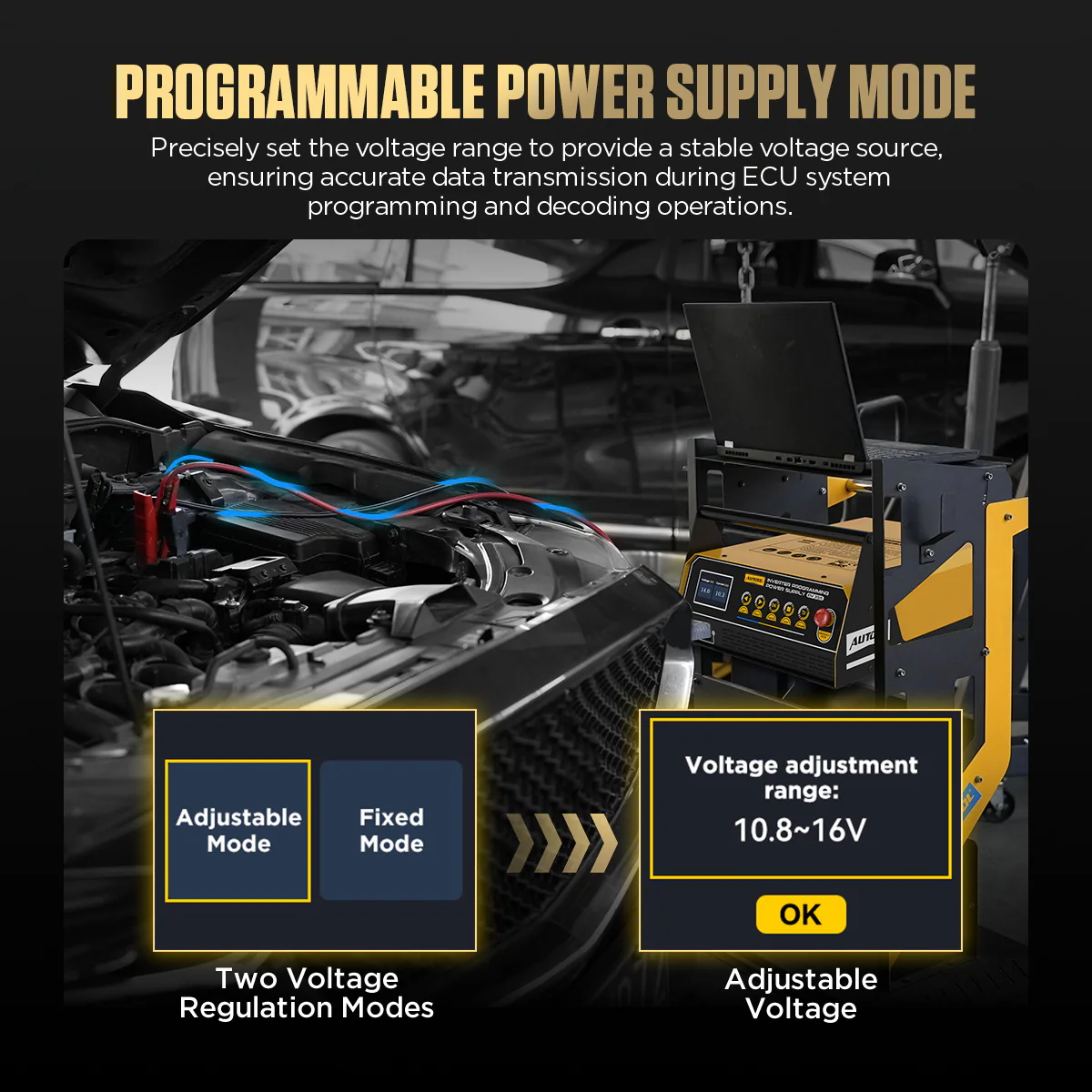
Adjustable or Fixed Programming Voltage
Adjustable Mode sets 10.8–16 V to match the vehicle procedure; Fixed Mode supplies 14 V.
-
Live Output on a Color Display
Output voltage and current stay on screen during programming, charging and restoration.
-
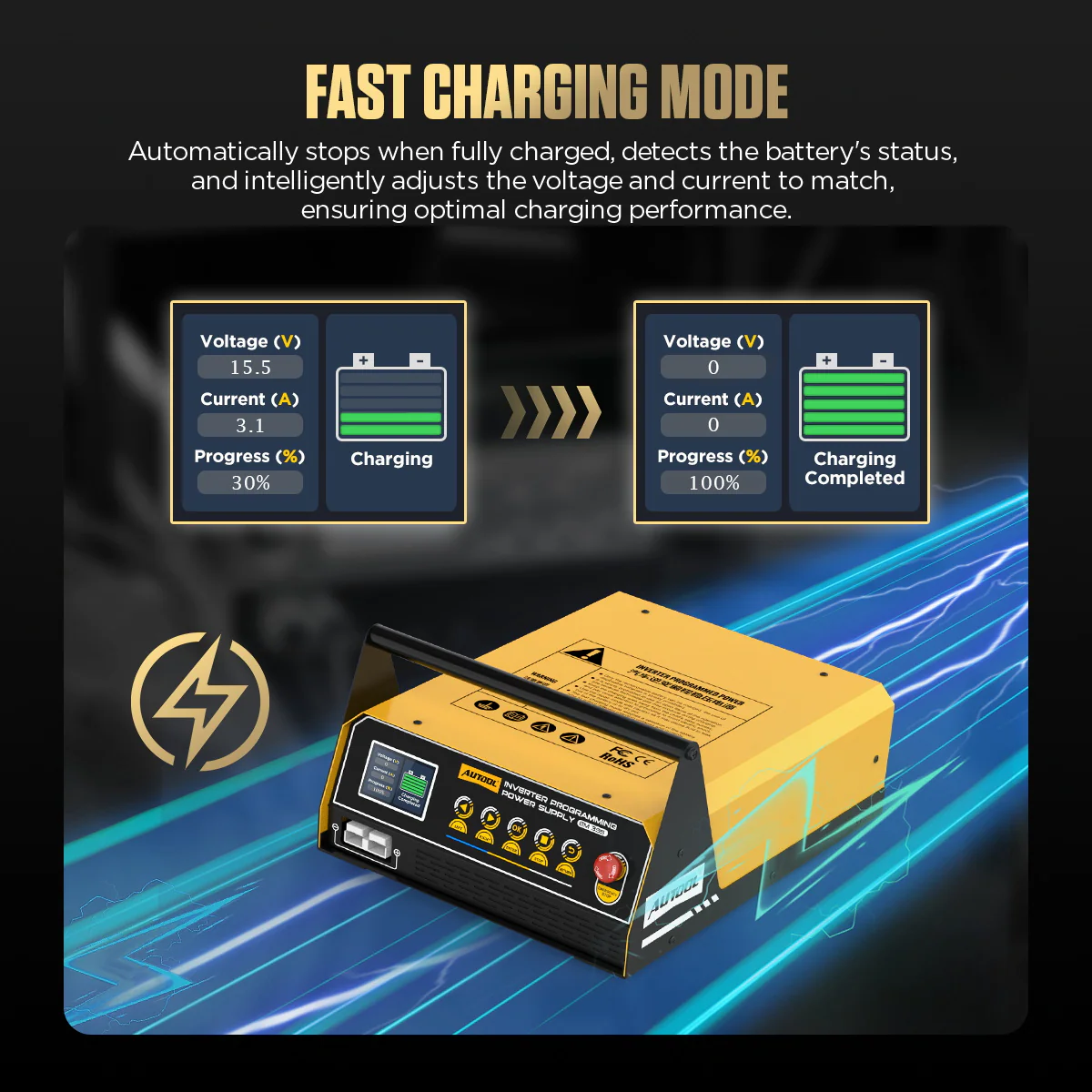
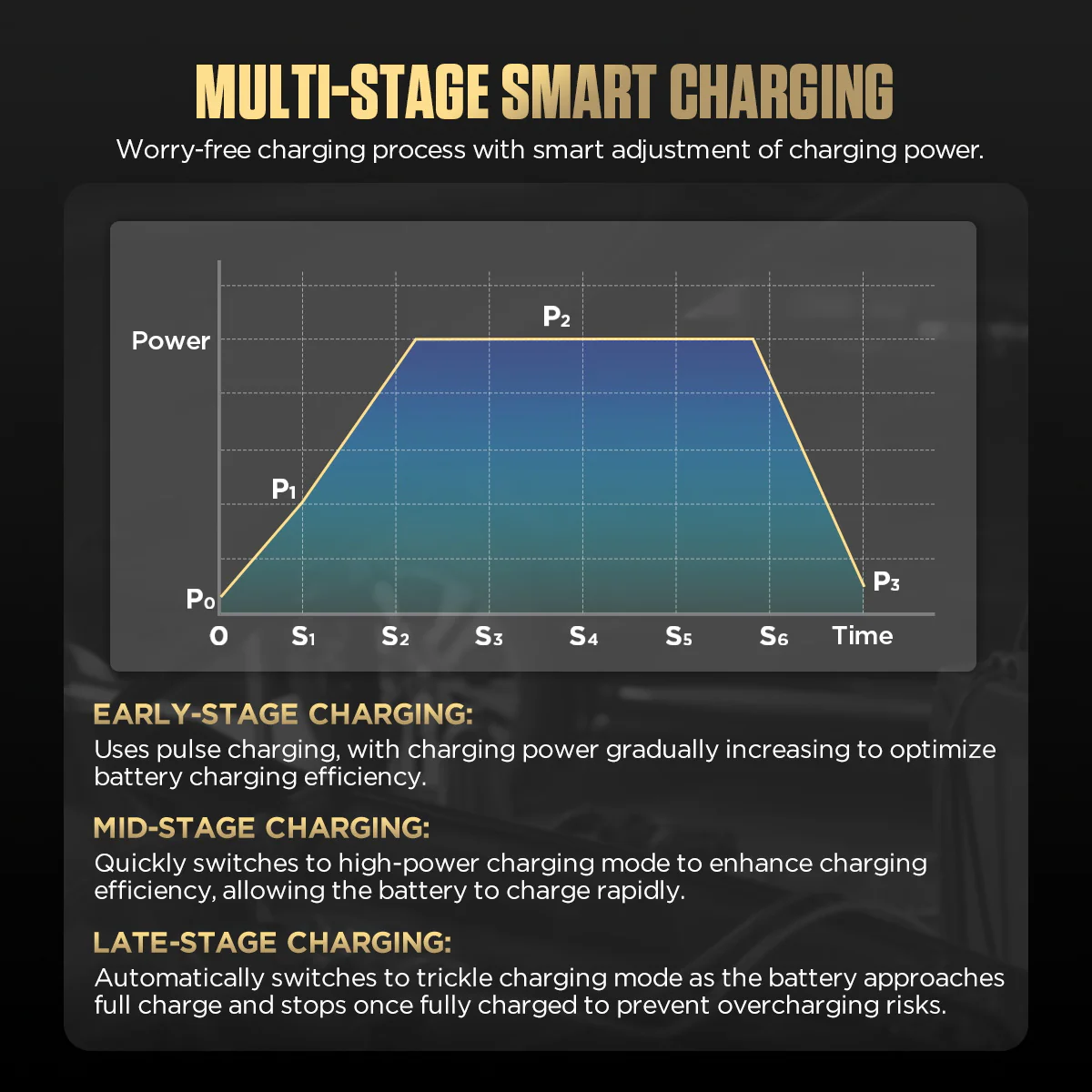
Multi-Stage Intelligent Charging
Fast Charging adapts voltage and current to the battery’s condition, shows progress and indicates when charging is complete.
-
Restoration for Long-Idle Batteries
A dedicated mode treats discharged or long-idle lead-acid batteries off the vehicle; results depend on condition and sulfation.
-
Straightforward Controls
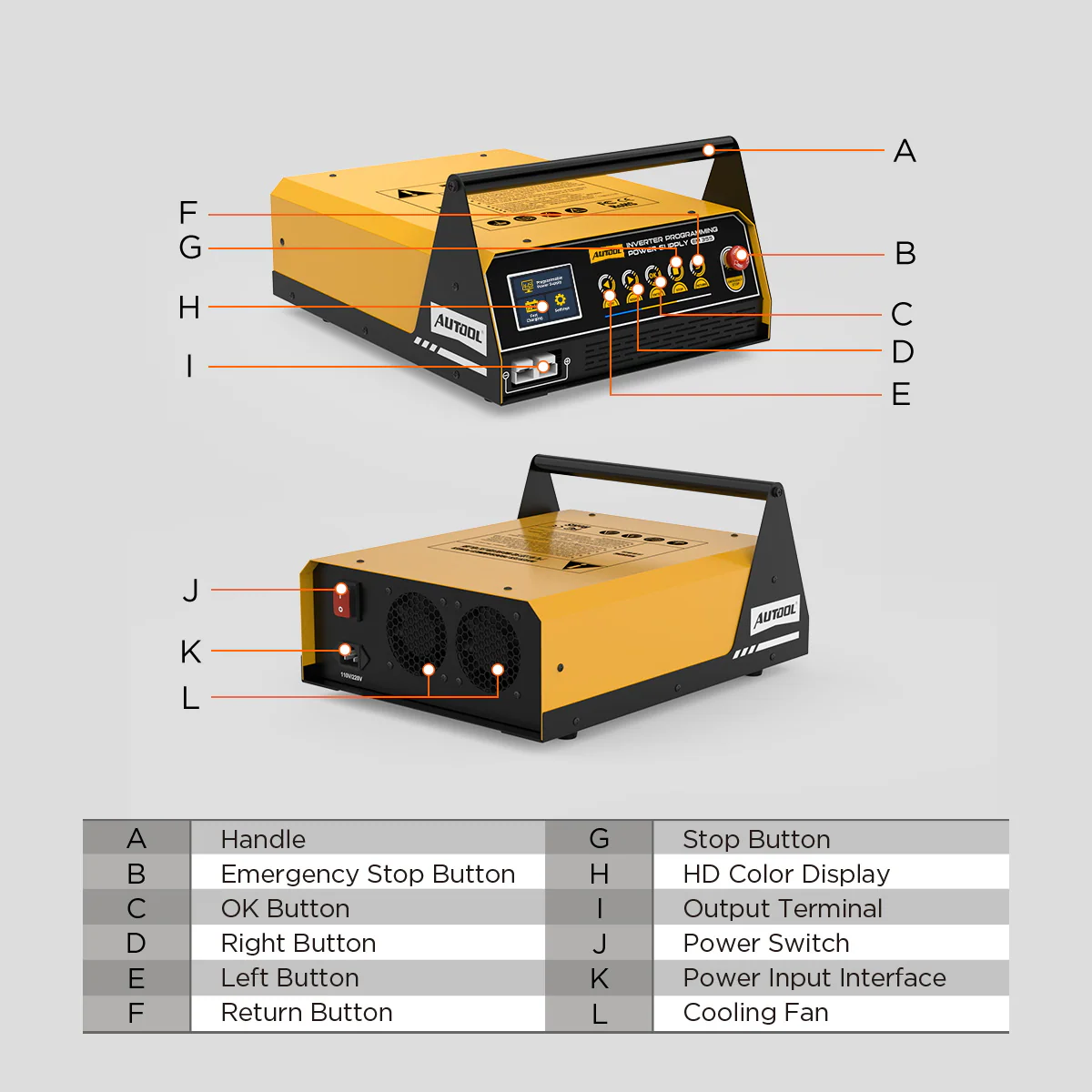
Physical arrow, OK, STOP and Return keys, adjustable screen brightness and a high-speed cooling fan.
Model Comparison
| EM355 | EM365 | EM385 | |
|---|---|---|---|
| Max programming current | 120 A, approx. 3 min | 150 A, approx. 3 min | 150 A, approx. 3 min |
| Screen | Color display | 2.8-inch | 4.3-Zoll-Touchscreen |
| Momentary starting support | No | 400 A / 12 V | 400 A / 12 V |
| Vehicle display mode | No | Yes | Yes |
| Lithium (LFP / NCM) charging | No | No | Up to 20 A, battery removed |
| Separate adjustable supply | No | No | 3–8.9 V / 1–20 A; 9–16 V / 1–100 A |
What’s in the Box
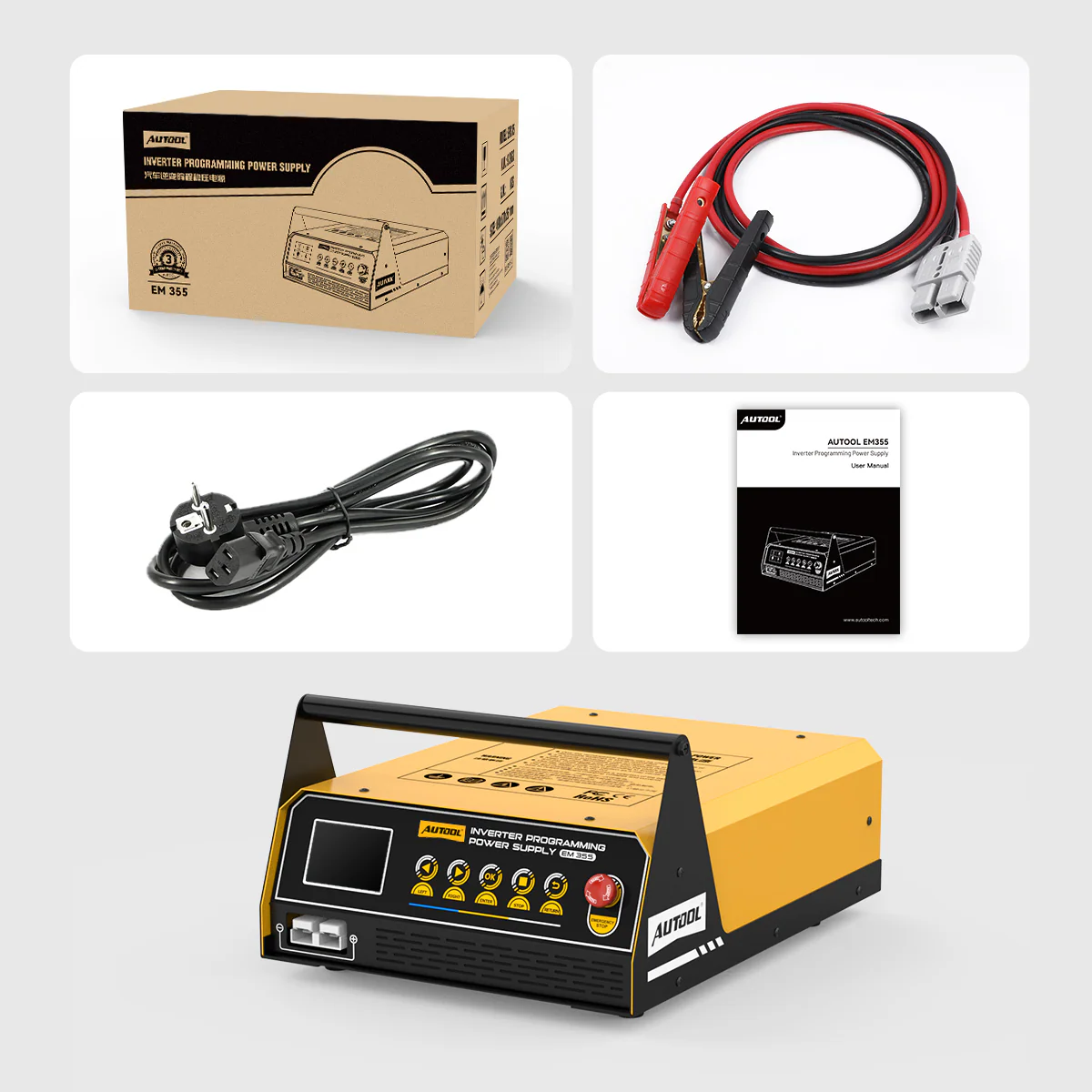
- EM355 inverter programming power supply
- Battery clamp cable
- Power cable (plug type depends on regional version)
- Bedienungsanleitung
Anwendung
- Prepare the vehicleCheck the required support voltage in the vehicle procedure and start with a fully charged 12 V battery.
- Connect the unitUse a grounded AC supply that matches your unit’s version, keep vents clear, and connect red to positive and black to negative.
- Select programming powerChoose Programmable Power Supply with the arrow keys, press OK and follow the prompts.
- Set the voltageSet 10.8–16 V in Adjustable Mode, or use Fixed Mode for 14 V.
- Run and monitorConfirm the displayed voltage and current, then carry out the procedure with your programming tool.
- Stop before changingStop output with the unit’s controls before changing settings or disconnecting.
Menus, connections and troubleshooting: EM355 user manual (PDF)
Good to Know
Caution
- A separate programming or diagnostic tool is required; the EM355 only supplies battery support power.
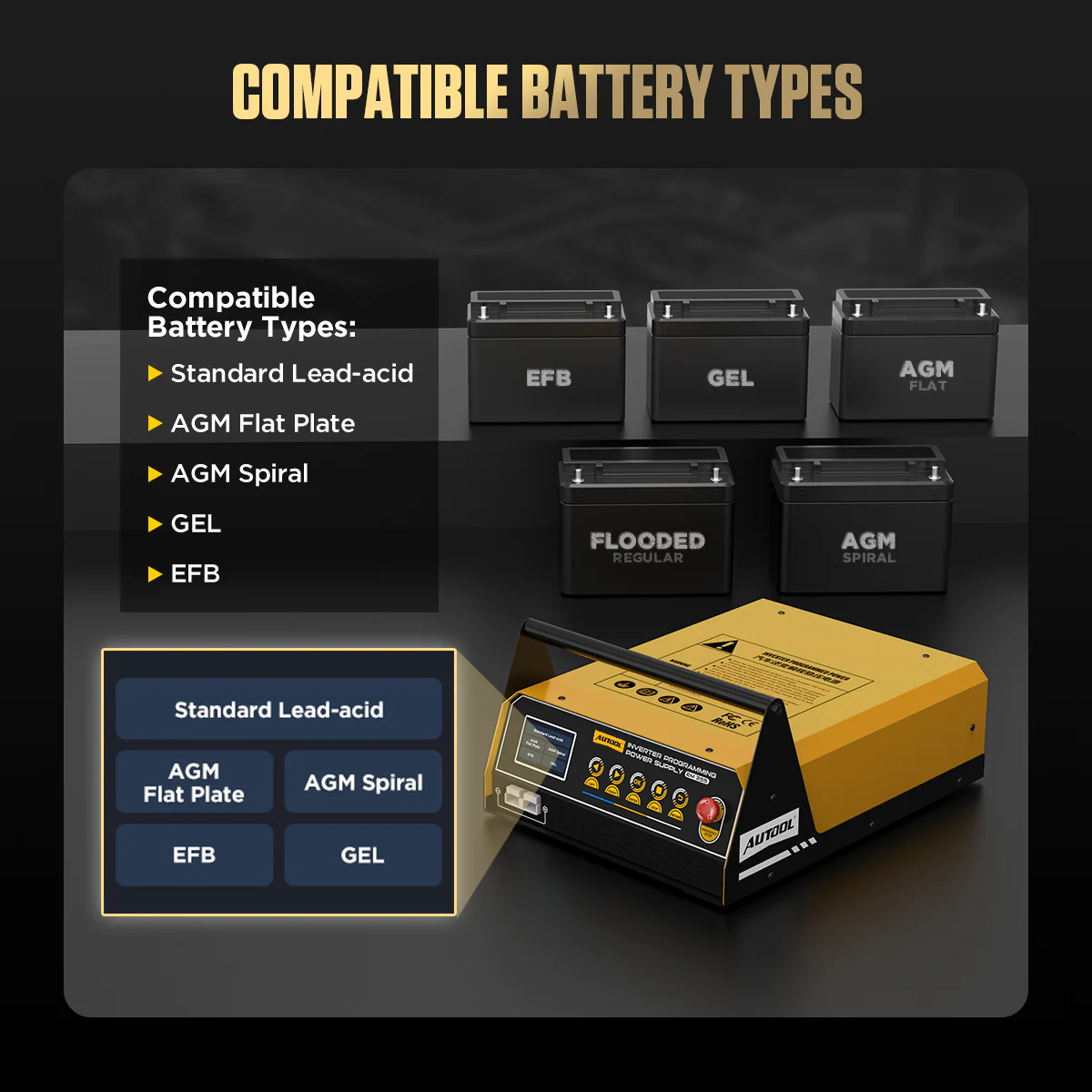
- EFB charging and Battery Restoration require the battery to be removed from the vehicle.
- Confirm the selected voltage and available output cover the full programming session and its expected load.
Care
- Use in a dry, ventilated location with the vents clear.
- Fit clamps with correct polarity on clean terminals before enabling output; stop output or charging before removing them.
FAQ
Why use programming mode instead of battery charging?
Programming mode holds the support voltage you select for the vehicle procedure. Charging follows a process that changes output as the battery charges.
Which programming voltage should I select?
The voltage specified in the vehicle procedure. Use Fixed Mode only when 14 V is the appropriate value.
What happens when the unit gets hot?
At an internal temperature of 70 °C the maximum current drops to 50 A, and returns to full output once the unit cools to 50 °C.



 English
  German
  Spanish