

Screen Brake-Fluid Water Content in Tight Reservoirs
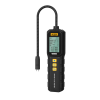
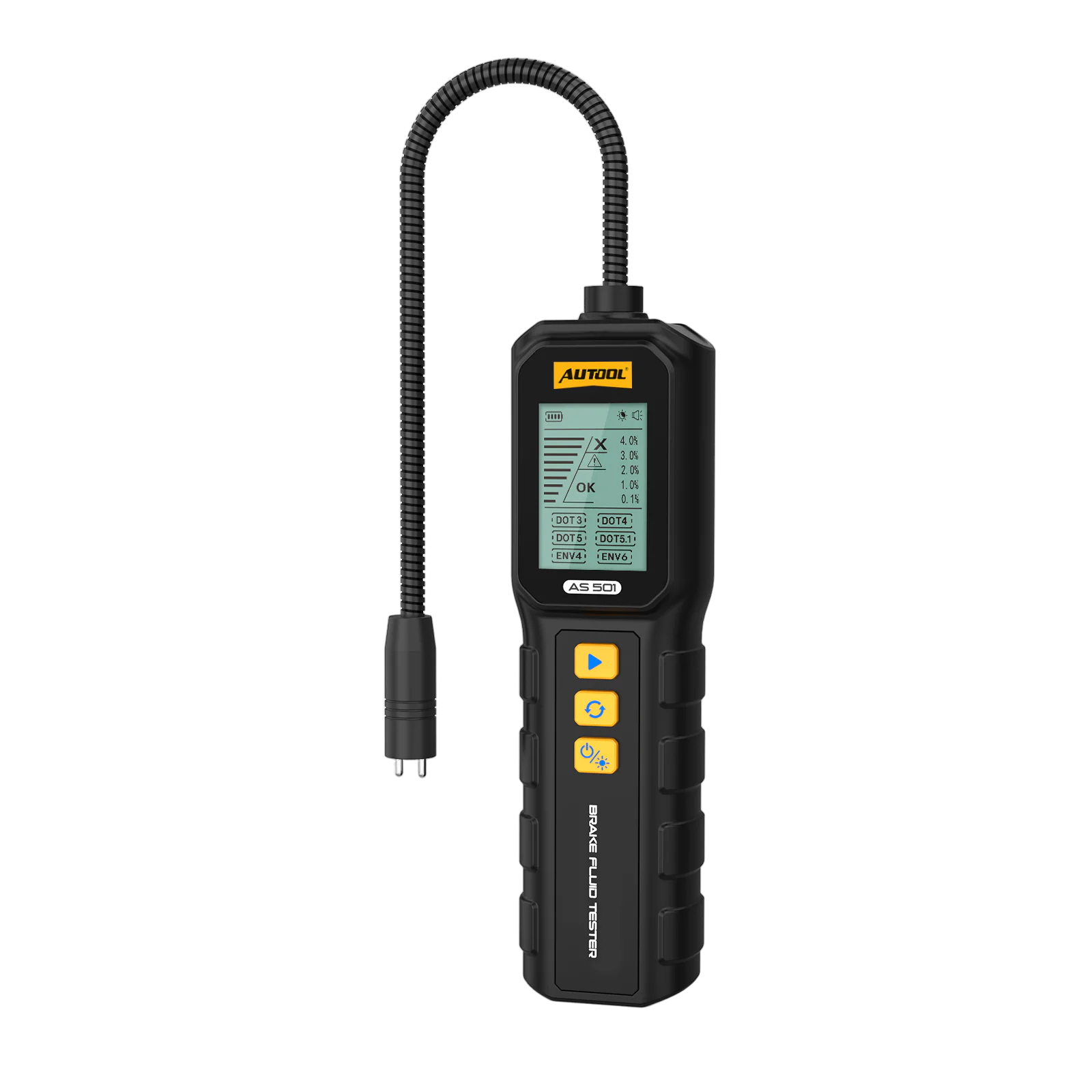
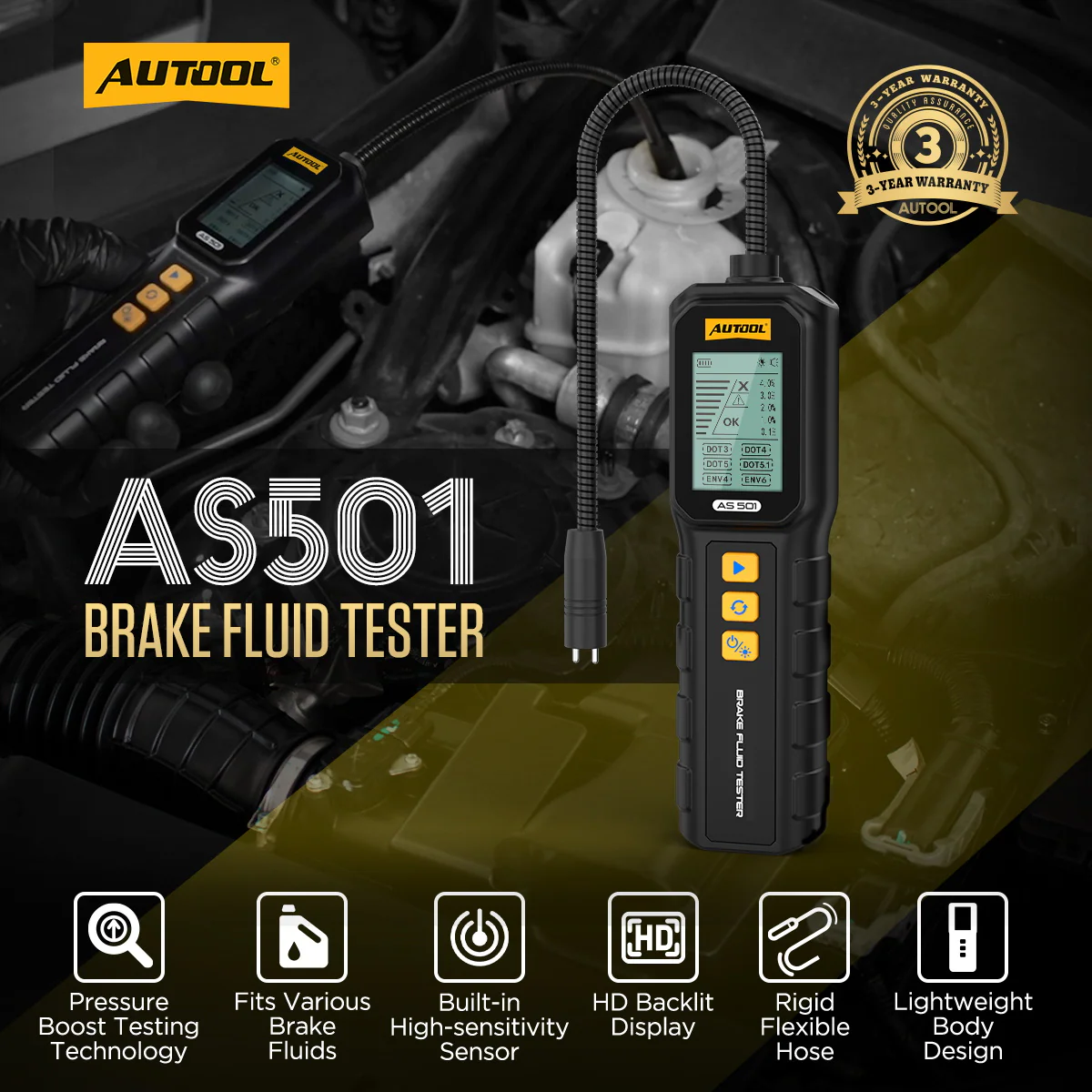
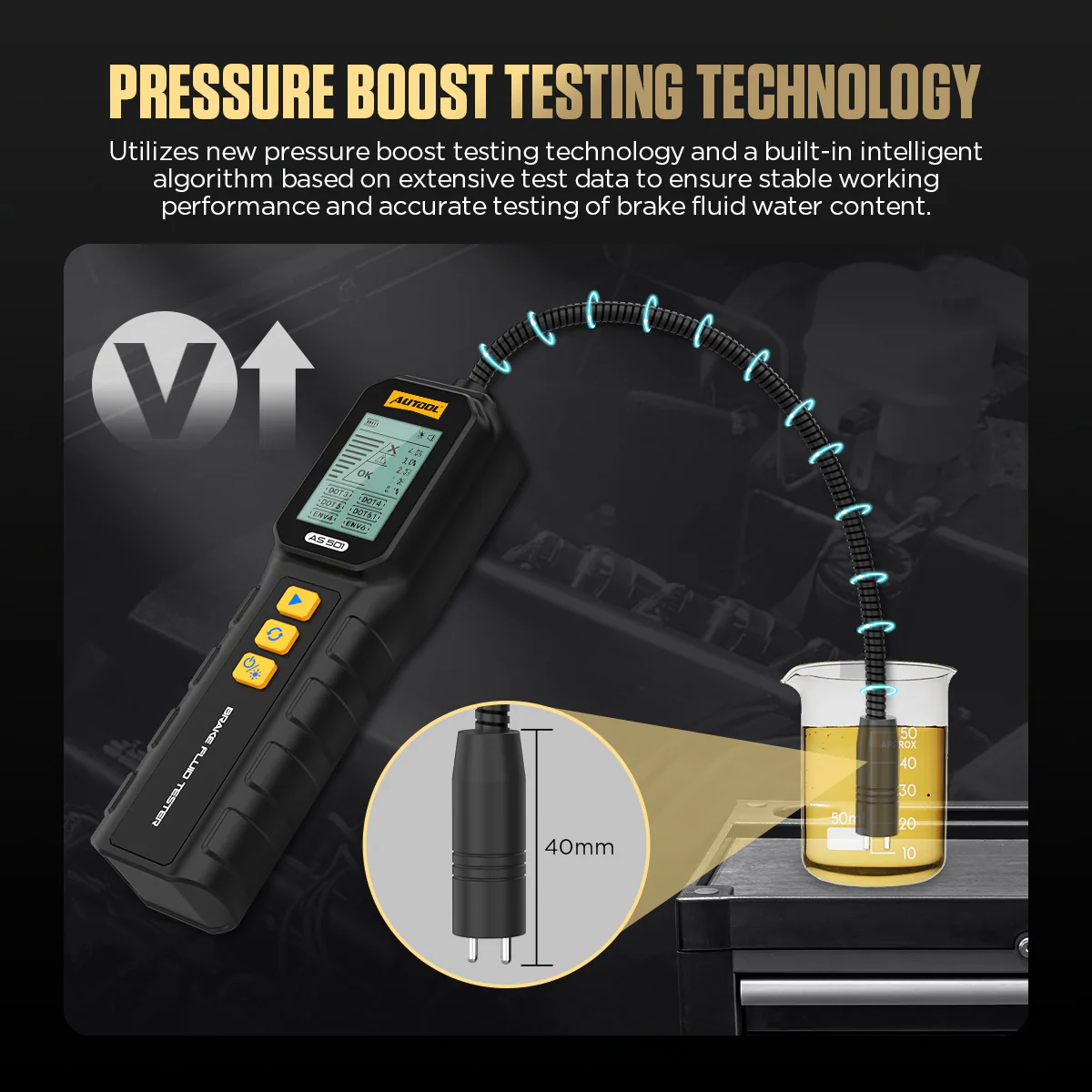
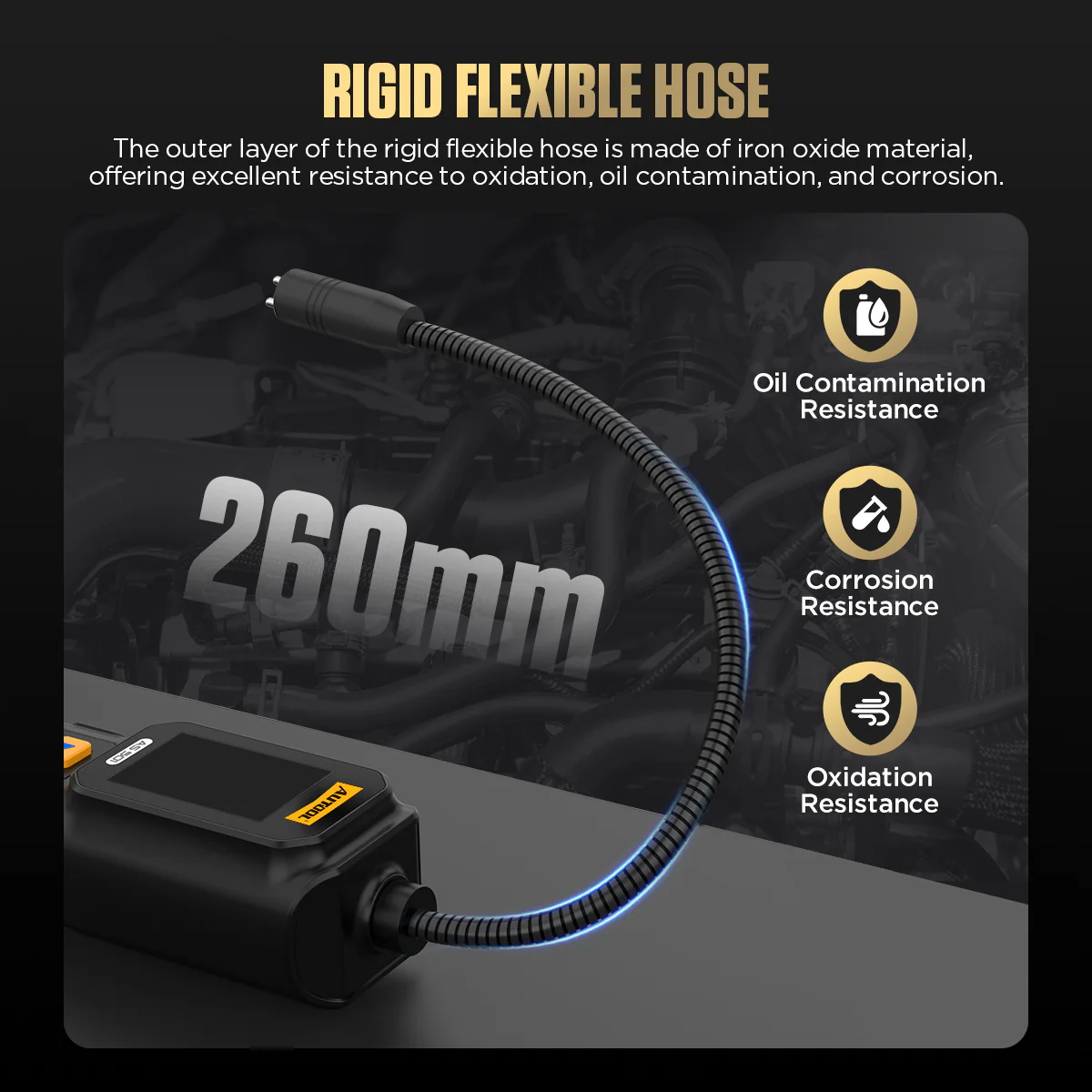
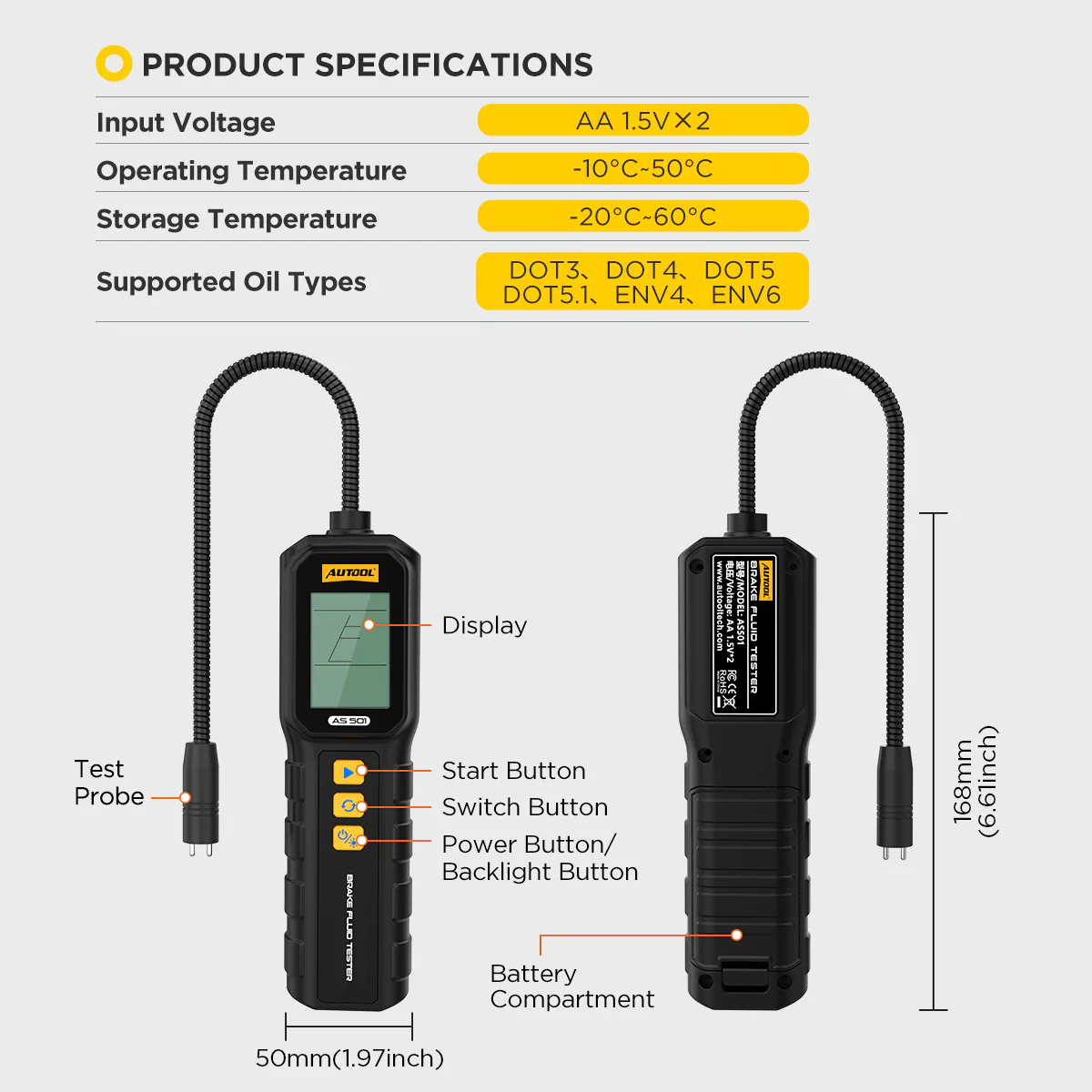
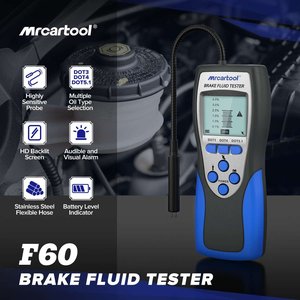
Select the matching DOT or ENV mode, reach into the reservoir with the flexible probe and read water content and fluid grade on the backlit display. The result is a quick screening value, not a standardized wet boiling-point test.
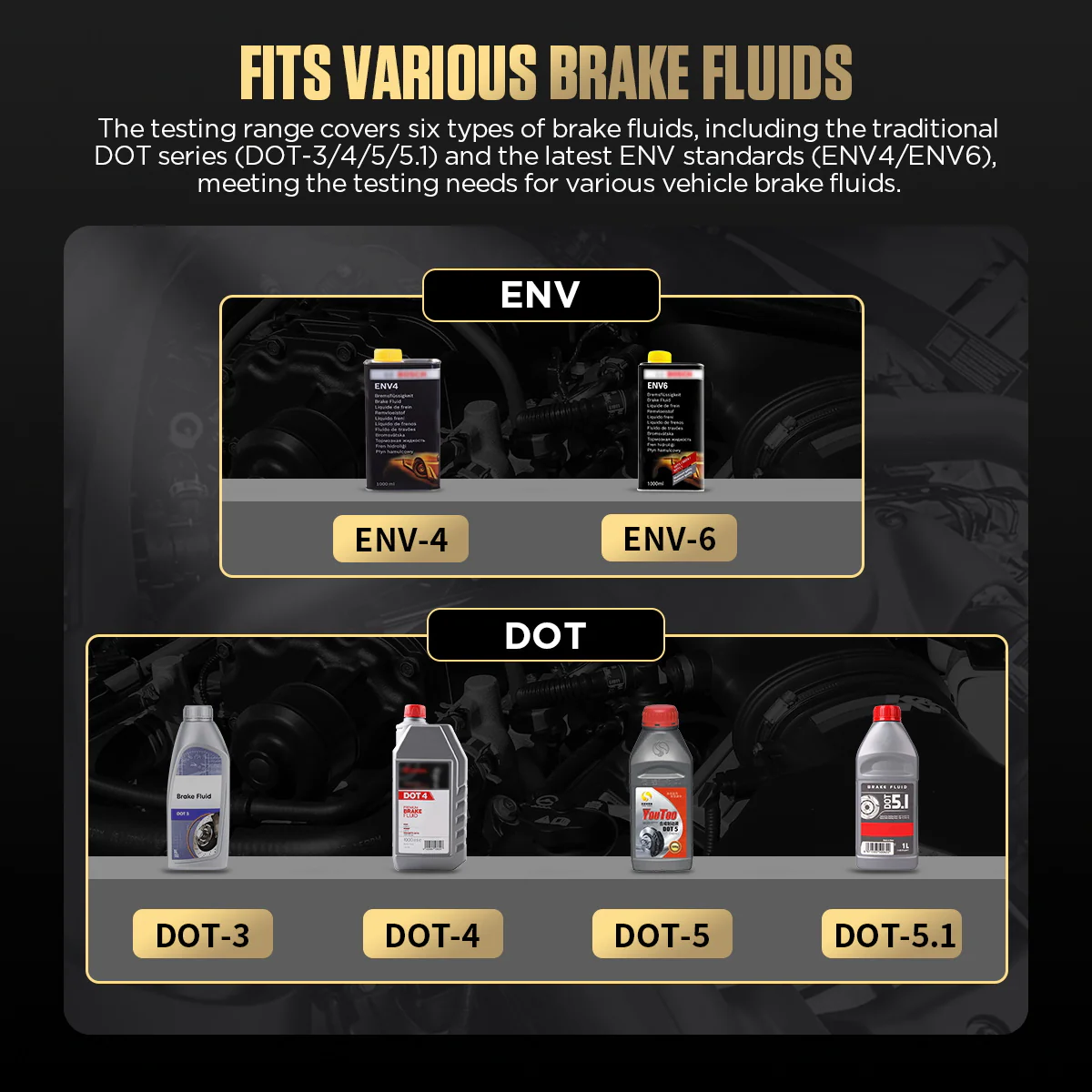
- 6 Fluid Modes
- About 10 s per Test
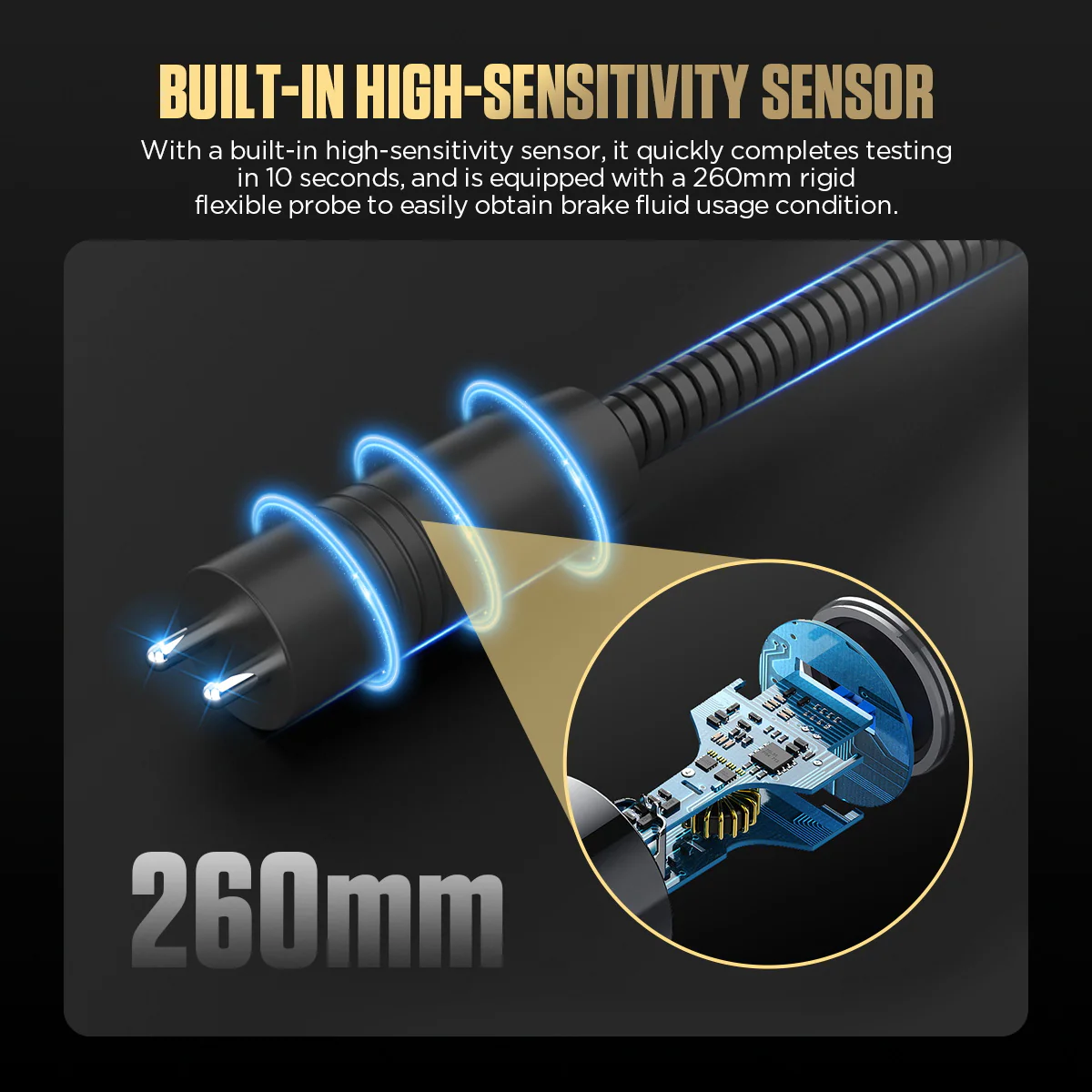
- 260 mm Flexible Probe
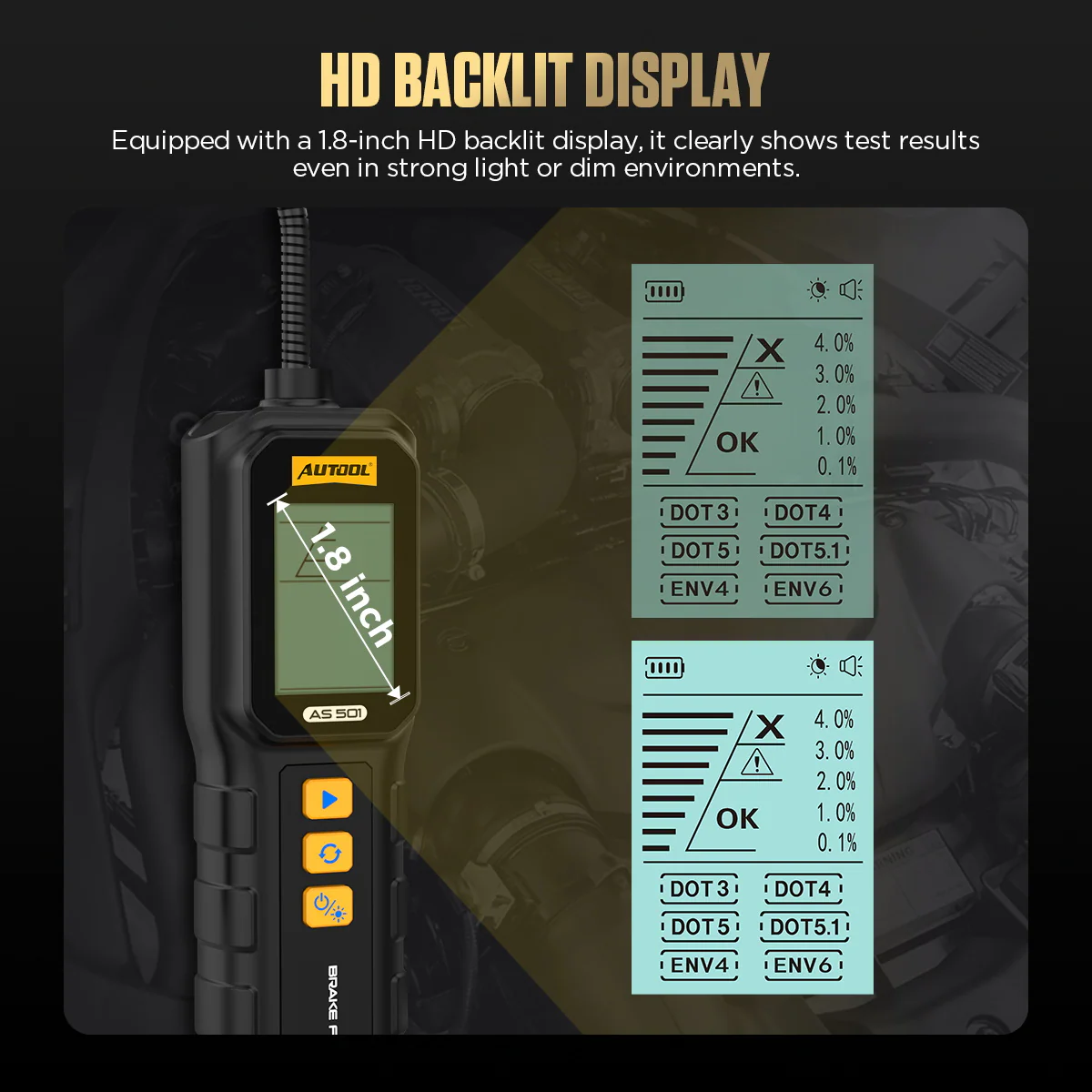
- 1.8-Inch Backlit Display
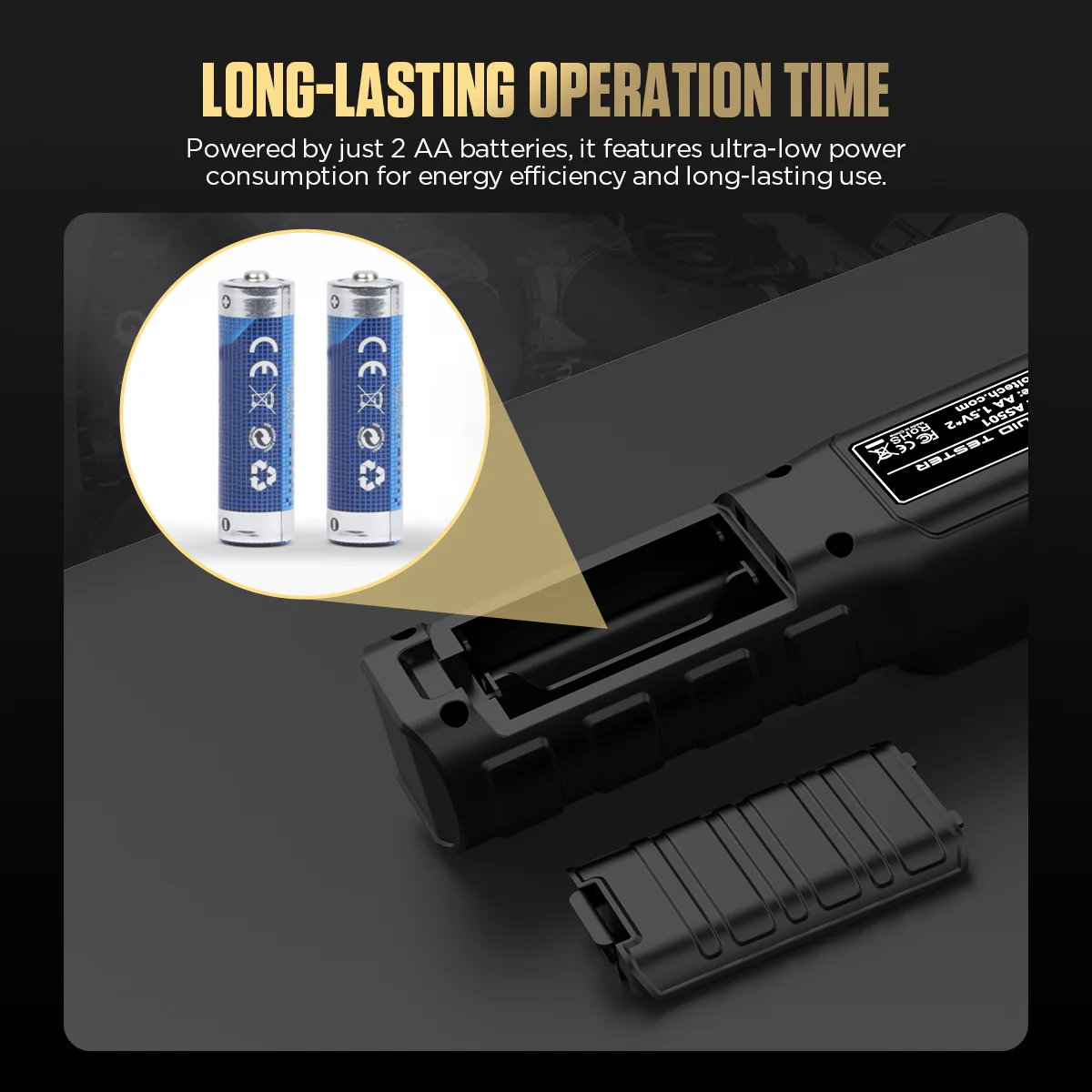
- 2 × AA Power
Hauptmerkmale
-
Six Fluid Modes
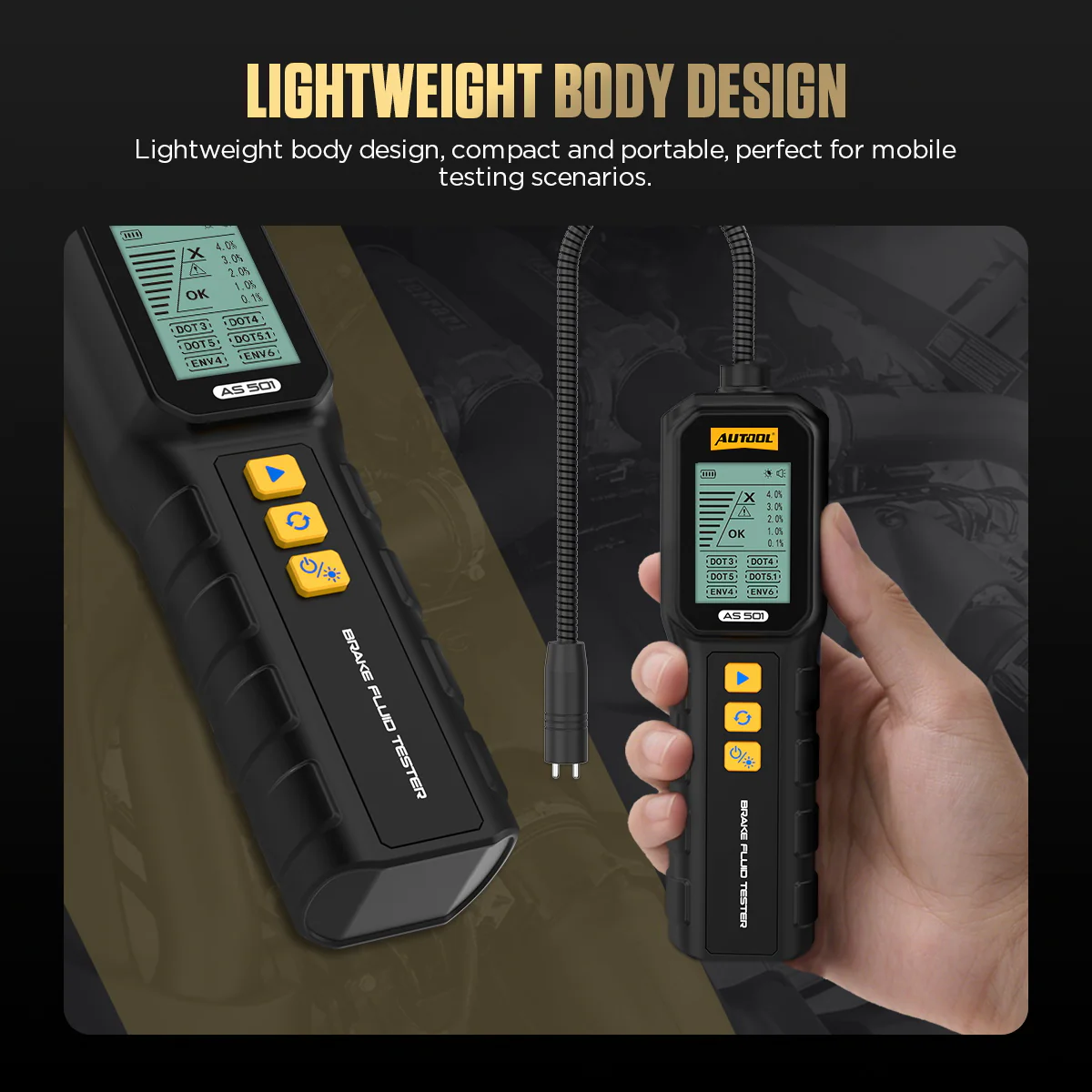
Choose DOT 3, DOT 4, DOT 5, DOT 5.1, ENV 4 or ENV 6 before testing so the result uses the intended fluid setting.
-
Water Content and Fluid Grade
Each test shows the water-content percentage together with a fluid grade.
-
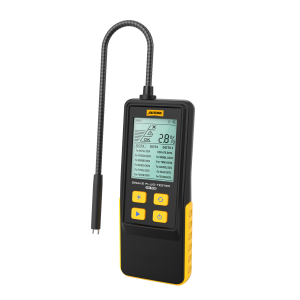
Flexible Gooseneck Probe
Reaches confined reservoir openings while the handheld display stays in view.
-
Backlit Screen
Keeps the selected mode and result readable in bright or dim service areas.
-
No Vehicle Connection Needed
Two AA batteries power the tester.
AS501 vs AS502
| AS501 | AS502 | |
|---|---|---|
| Fluid types | 6: DOT 3, DOT 4, DOT 5, DOT 5.1, ENV 4, ENV 6 | 3: DOT 3, DOT 4, DOT 5.1 |
| Test modes | Normal | Normal / Expert |
| Display | 1.8-inch backlit | 2.8-inch backlit |
| Supply voltage | 3V | 6V |
| Hose material | Iron oxide | 304 stainless steel |
What’s in the Box
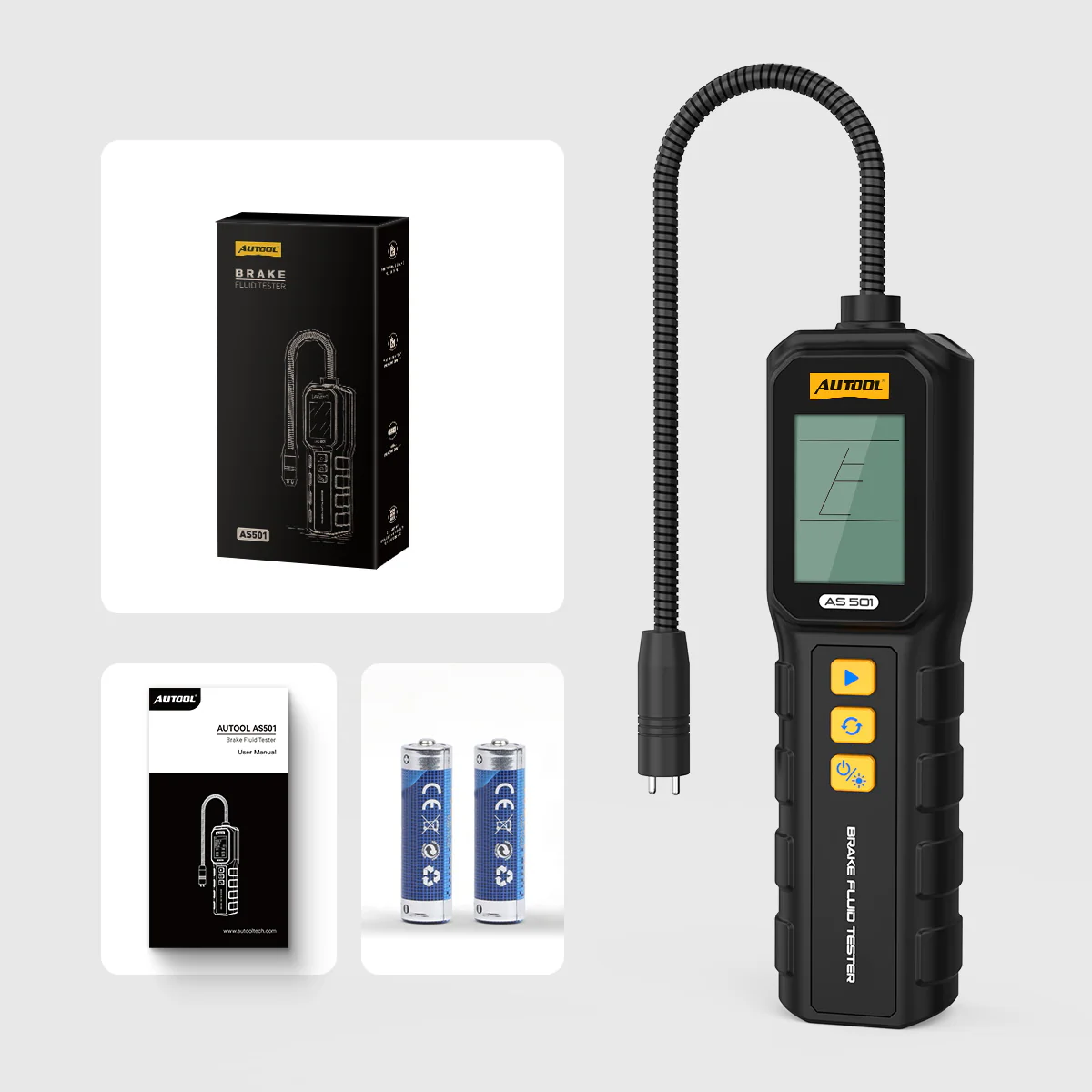
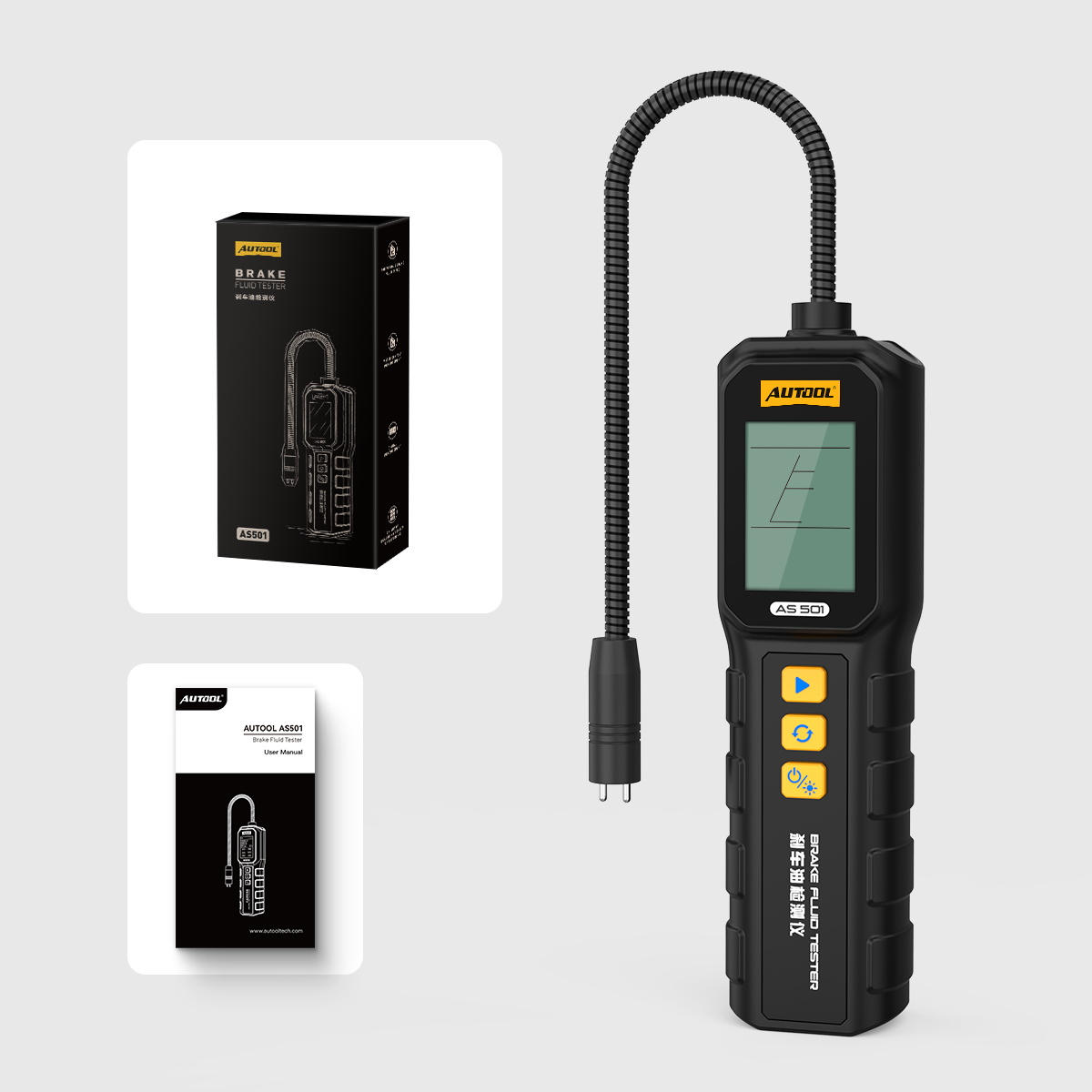
- AS501 brake fluid tester
- Bedienungsanleitung
- Retail box
Anwendung
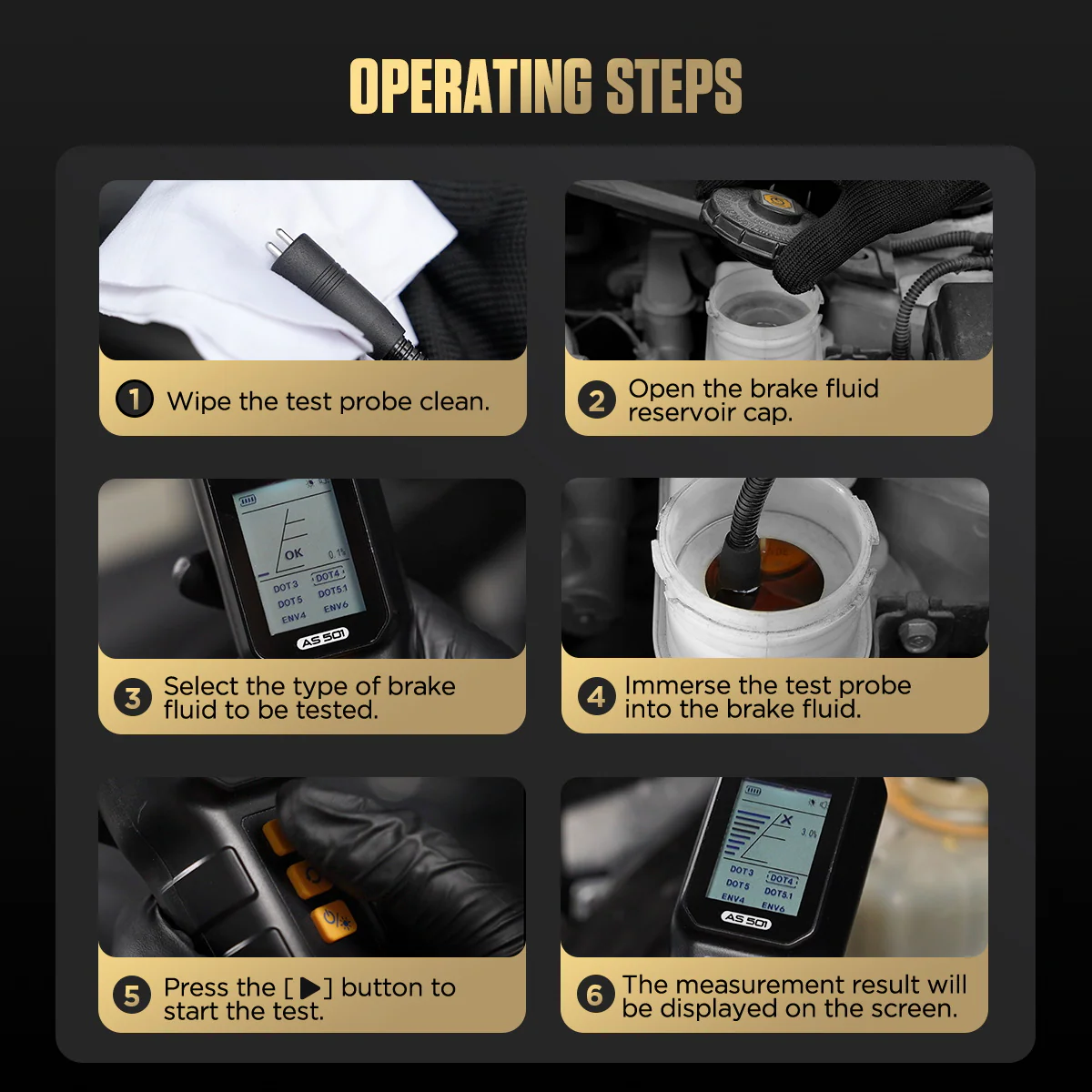
- Confirm the fluidIdentify the exact fluid family and select the matching mode.
- Prepare the probePower the tester and clean the probe so residue from another fluid cannot affect the sample.
- Take the readingImmerse the probe as directed and hold it steady until the result is complete.
- Interpret the resultCompare the water-content percentage and fluid grade with the applicable service information.
- Clean and storeClean the probe promptly with the approved method and store the tester dry.
Mode selection, testing and troubleshooting: AS501 user manual (PDF).


 English
  German
  Spanish