






Battery, Cranking and Charging Checks for 12 V Lead-Acid Systems
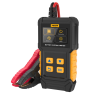
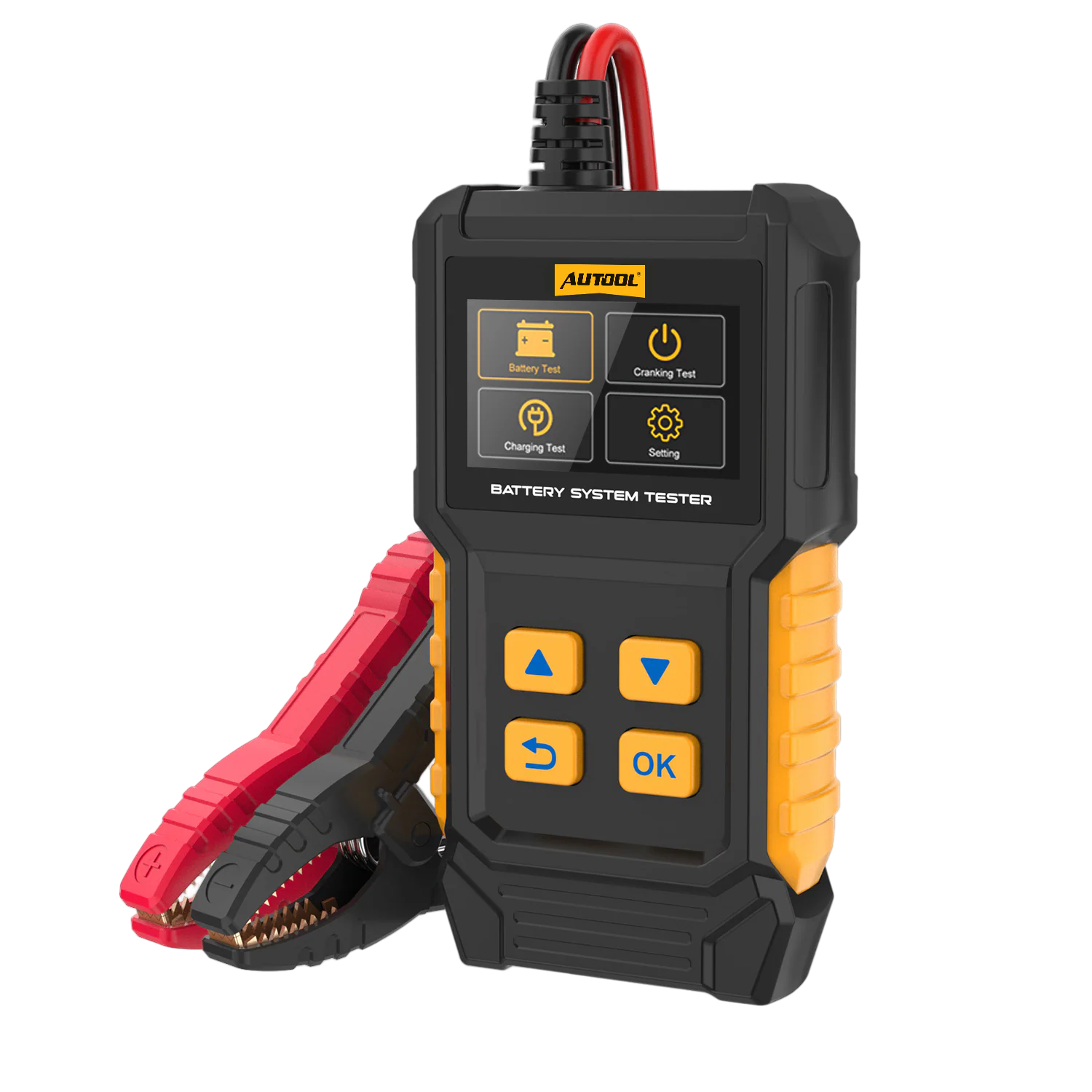
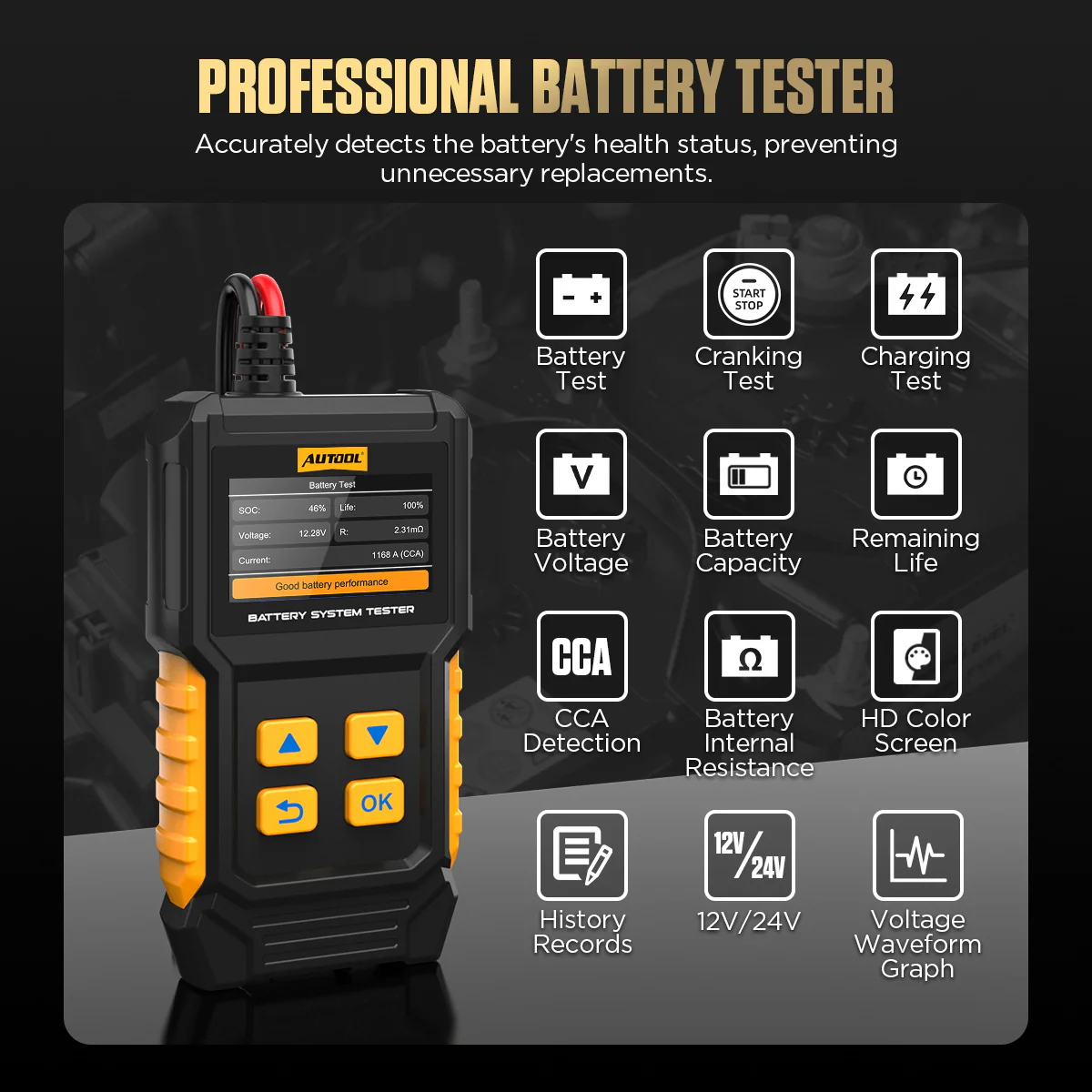
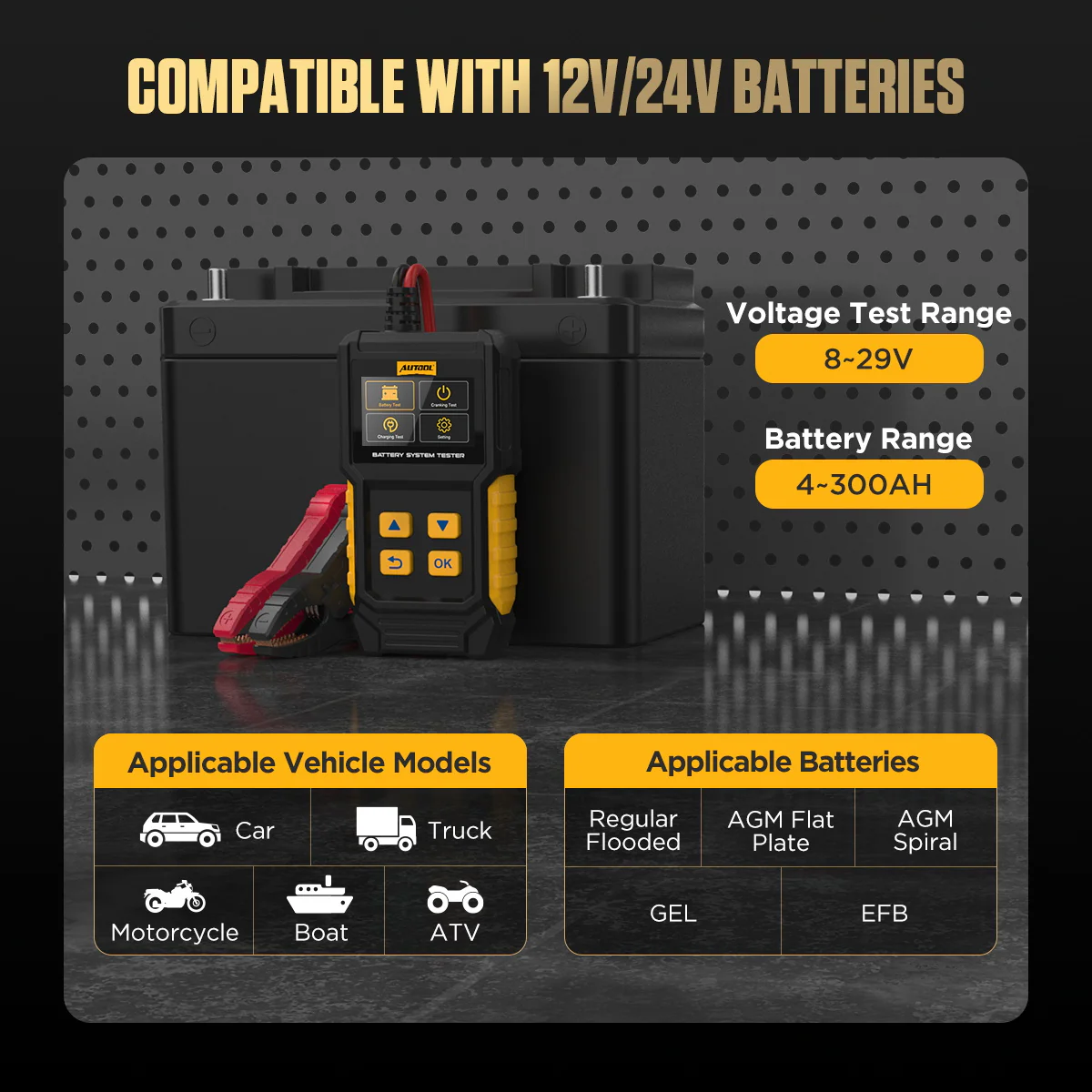
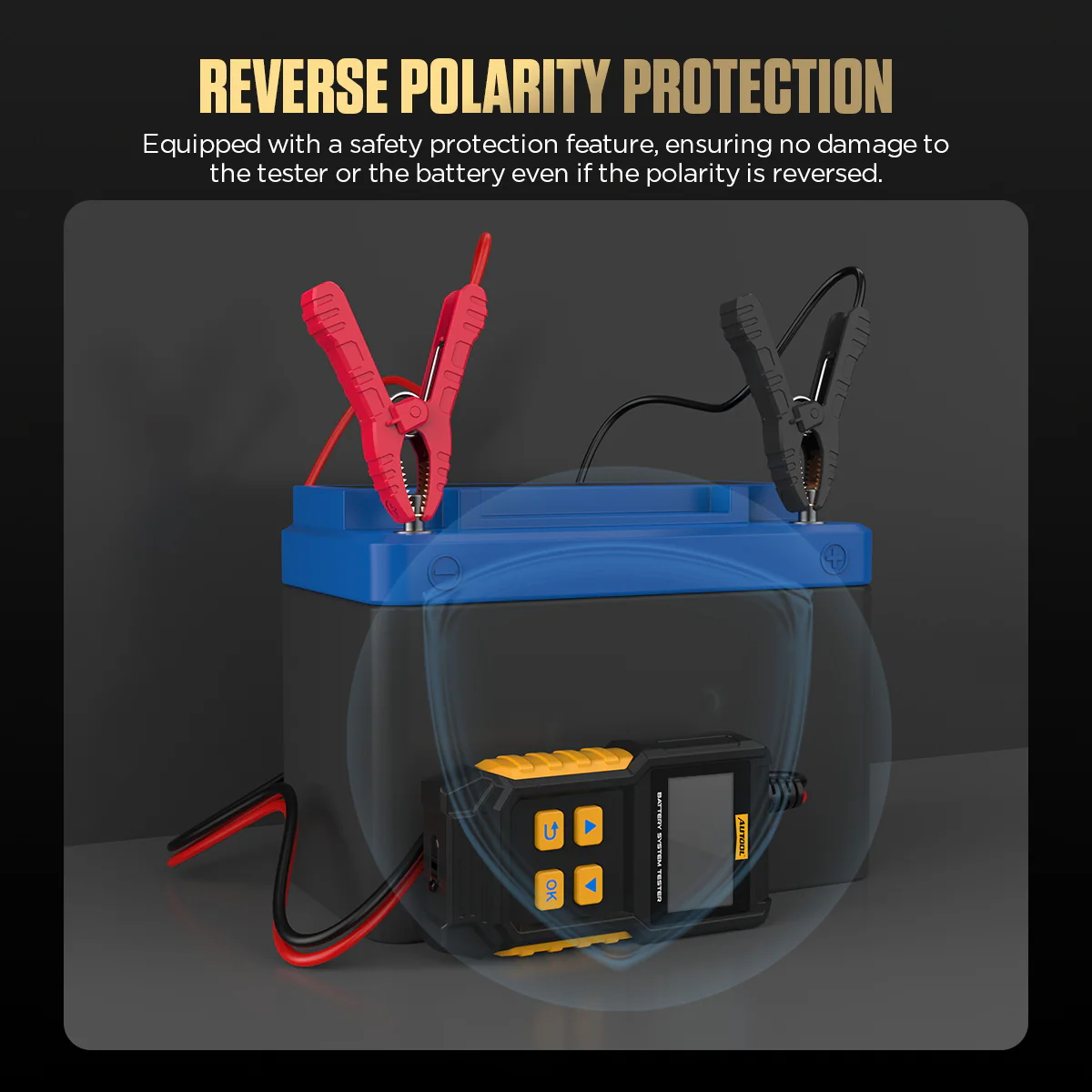
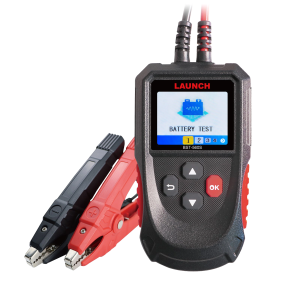
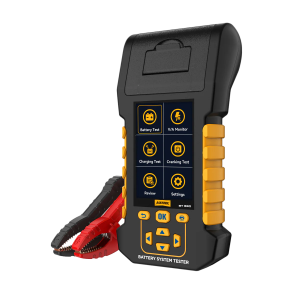
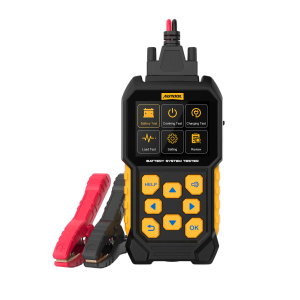
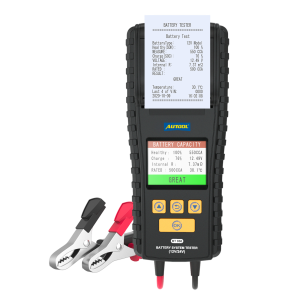
The BT360 tests flooded, AGM, GEL and EFB starting batteries, then checks cranking and charging-system voltage with on-screen prompts. It is a tester only: it does not charge batteries, run a maximum load test or support lithium batteries.
- Battery, Cranking & Charging Tests
- 30–2000 CCA
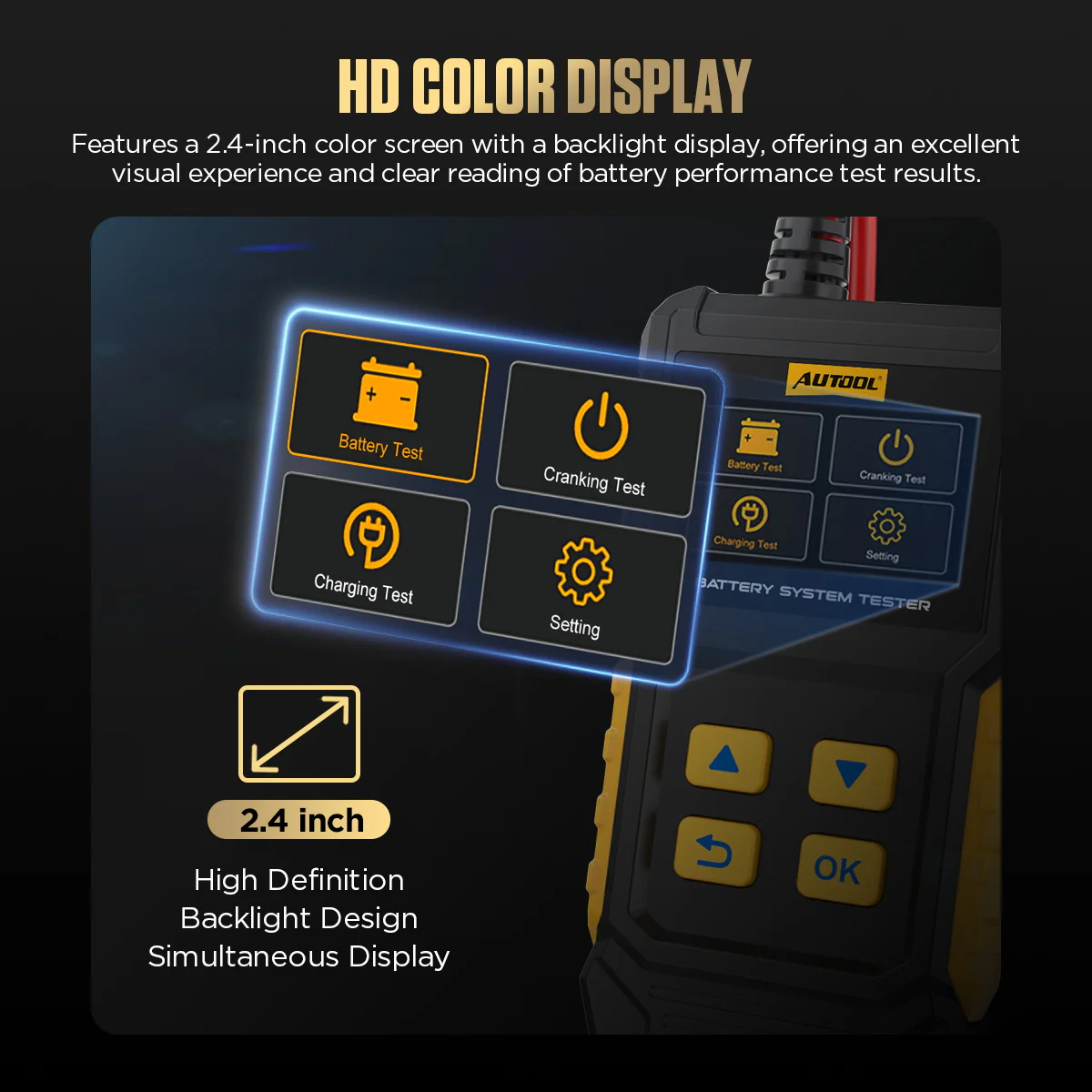
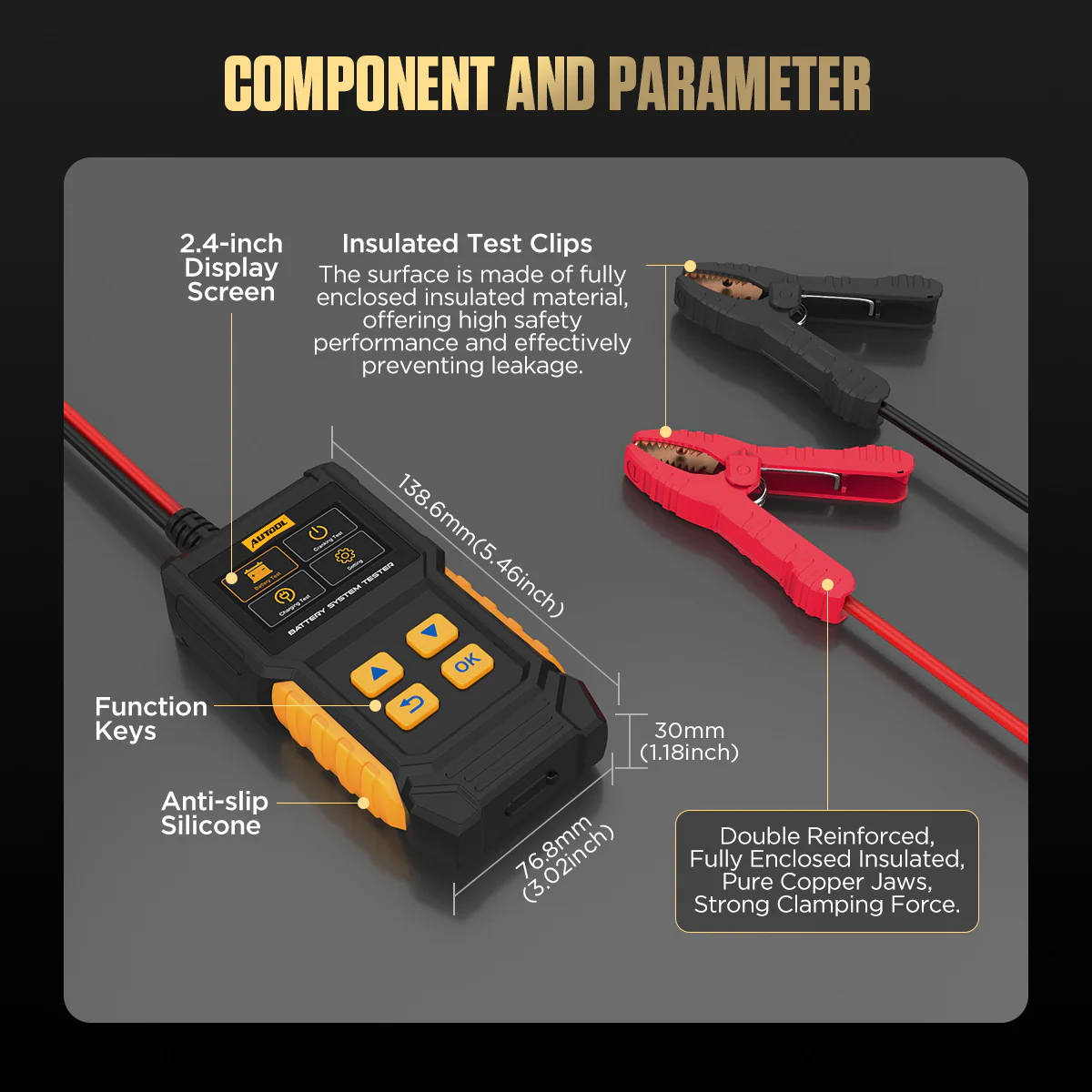
- 2.4-Zoll-Farbdisplay
- Saved Records & Waveforms
- 14 Languages
Hauptmerkmale
-
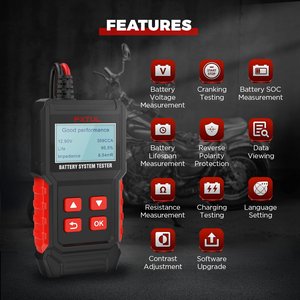
Battery Health and Conductance
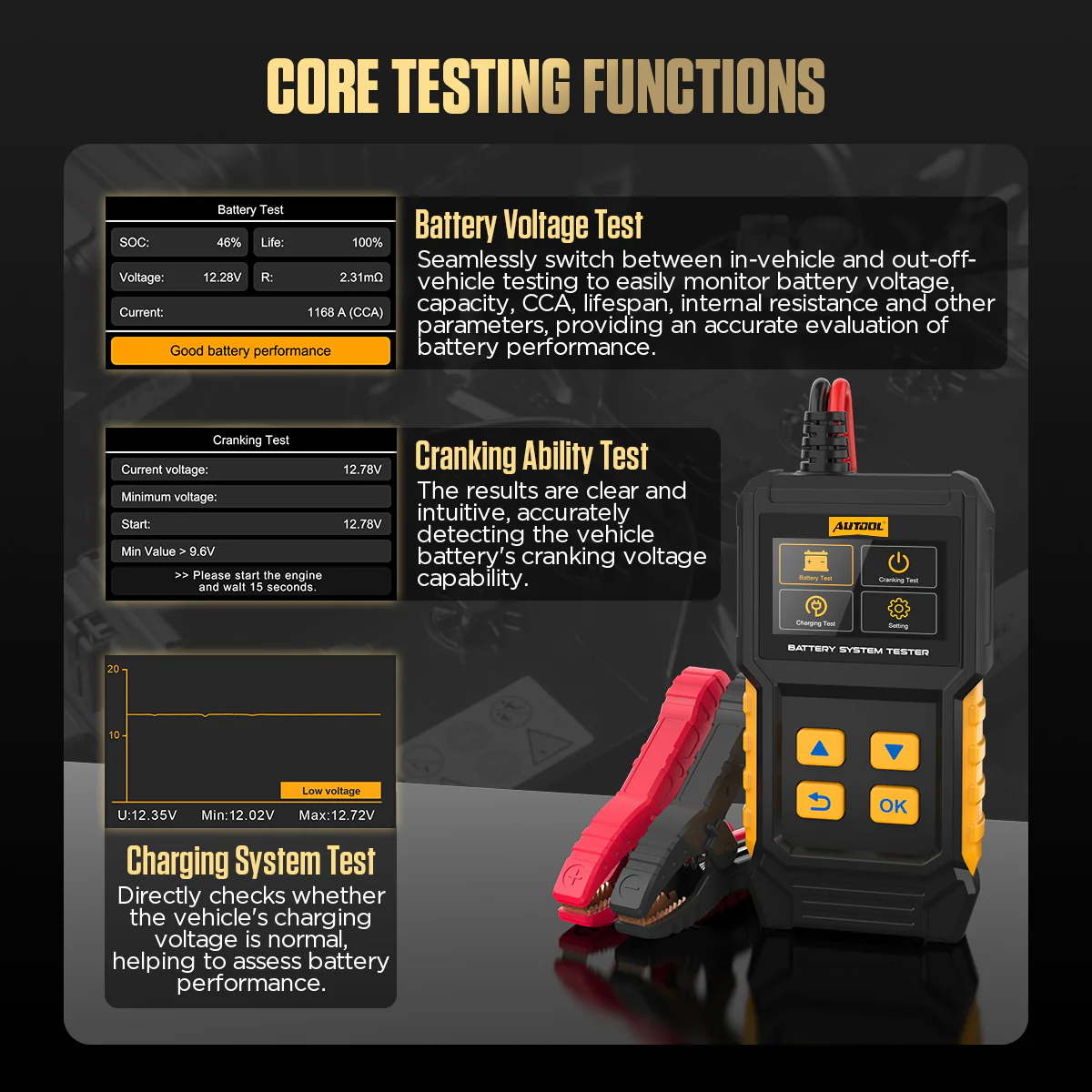
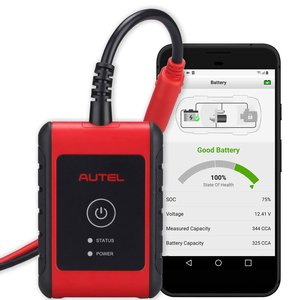
Check voltage, CCA, internal resistance, state of charge and health. The tester compares measured conductance with reference values for a good battery to estimate health, capacity change and cold-cranking capability.
-
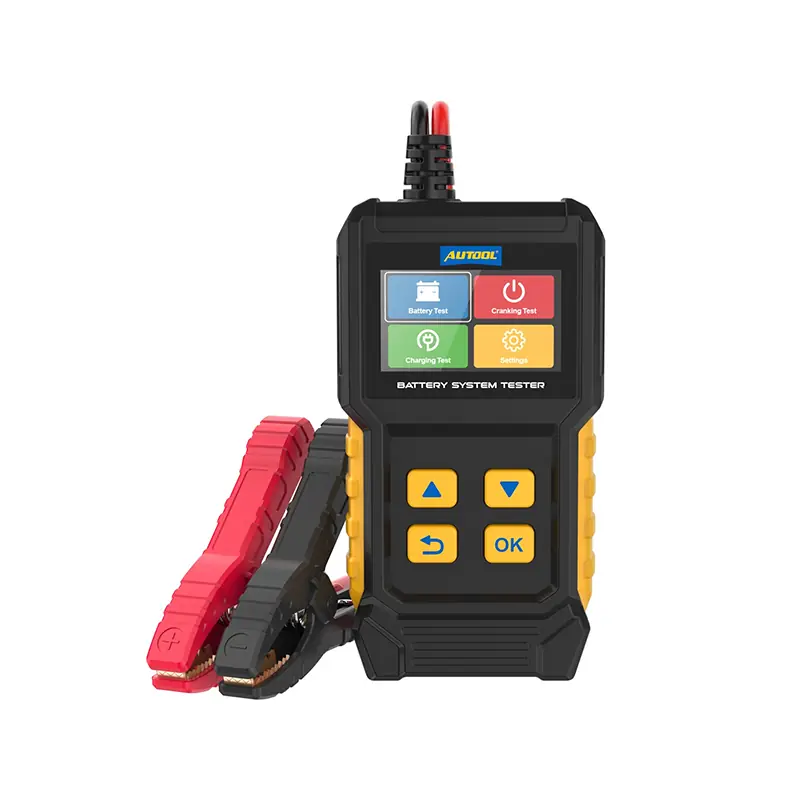
Cranking Test
Start the engine when prompted to evaluate the battery’s cranking voltage.
-
Ladesystemtest
Raise engine speed to about 2500 RPM for 5 seconds when prompted, then press OK to see whether charging voltage is normal.
-
Rating Standard Selection
Enter the standard and rated value printed on the battery label so results match the battery.
-
Records and Waveforms
Review saved test information and voltage waveforms after testing.
-
Handheld Design
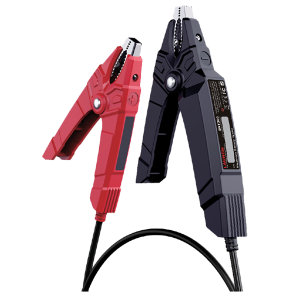
Compact body, dedicated buttons and insulated clamps, with results on screen within a few seconds.
More Specifications
| Power supply | Powered from the connected 12 V battery |
|---|---|
| Clamp cable | Integrated red and black battery clamps |
| Data printing | Not available |
Model Comparison
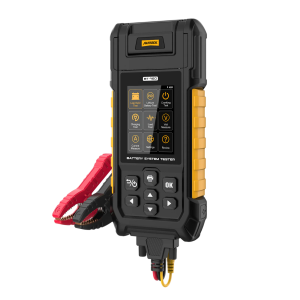
| BT360 | BT460 | BT960 | |
|---|---|---|---|
| Rated battery voltage | 12 V | 12 V / 24 V | 12 V / 24 V |
| Voltage test range | 8–20 V | 8–30 V | 0–80 V |
| Maximum load test | No | Yes | Yes |
| Lithium batteries | No | No | Yes |
| Data printing | No | No | Yes |
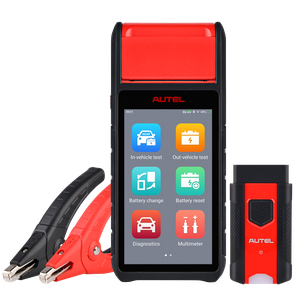
| Screen size | 2.4 inch | 2.8 inch | 3.2 Zoll |
What’s in the Box
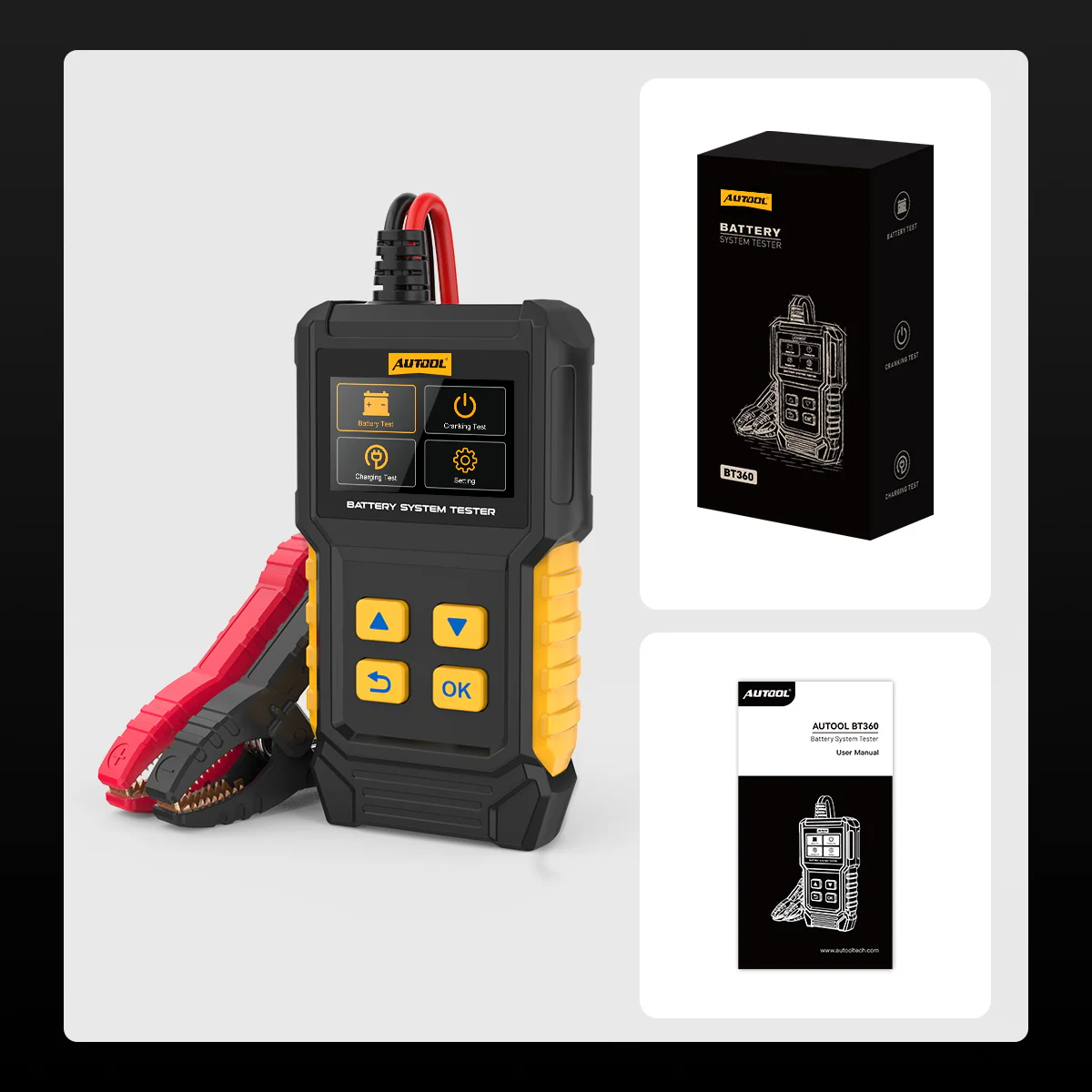
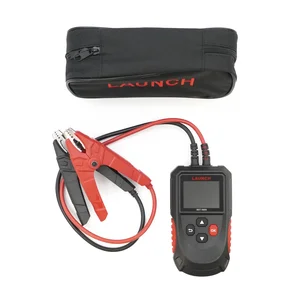
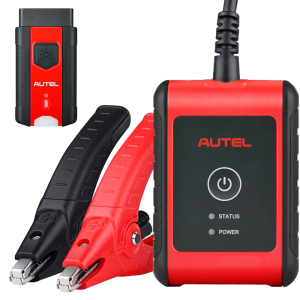
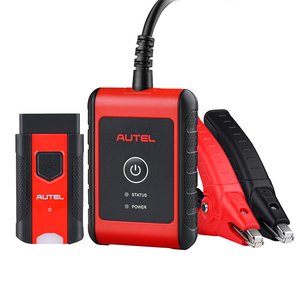
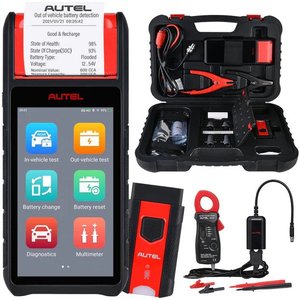
- BT360 battery system tester with integrated clamp cable
- Bedienungsanleitung
Anwendung
- Prepare the vehicleSwitch the vehicle off, select Park or Neutral, set the handbrake and work in a dry, bright, ventilated area.
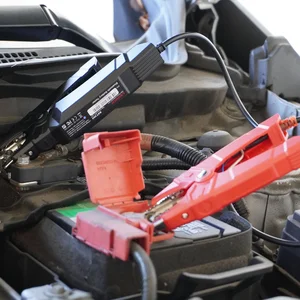
- Connect the clampsRed clip to the positive terminal, black clip to the negative terminal.
- Select test settingsChoose the battery type, test standard and range from the battery label.
- Run the battery testRead the result and suggested next step on screen.
- Run cranking or charging testFollow the prompts to start the engine or raise engine speed, then press OK.
Rating selection, saved records and troubleshooting: BT360 user manual (PDF)
Good to Know
Caution
- Not a charger or maintainer; the charging test only checks the vehicle’s charging system.
- Do not test lithium batteries; the BT960 is the model for lithium support.
- Do not connect or disconnect the tester with the ignition on or engine running unless the selected test requires it.
- Do not use the tester if the power or connection cable is damaged.
Care
- If a result looks wrong, recheck clamp contact, battery type, standard and range, then test again.
FAQ
Are the CCA, SOC and health readings exact measurements?
No. They are algorithm-based indicators, not measured remaining amp-hours or an exact service-life forecast. Use them with the battery rating, charge state and vehicle tests to choose the next step.
Why may my unit look different from the photos?
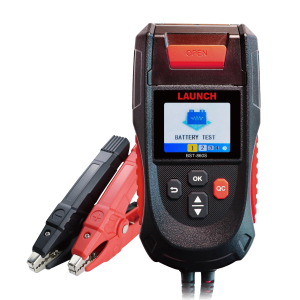
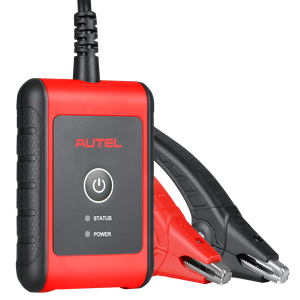
New and old BT360 versions may ship at random. Functions are the same; only the color screen and LED screen appearance differ.









 English
  German
  Spanish