

Diagnose and Service BMW Motorcycles From One Handheld
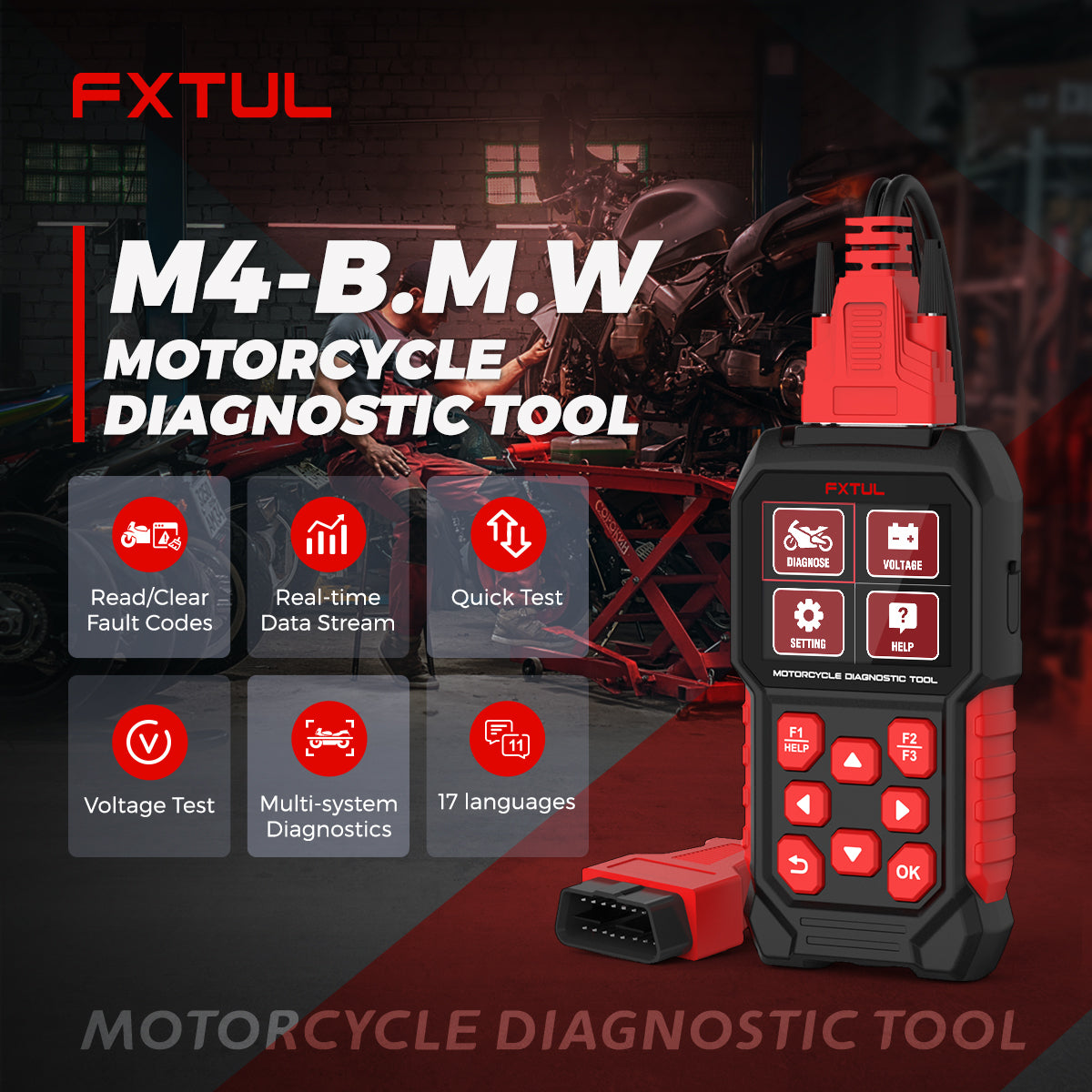
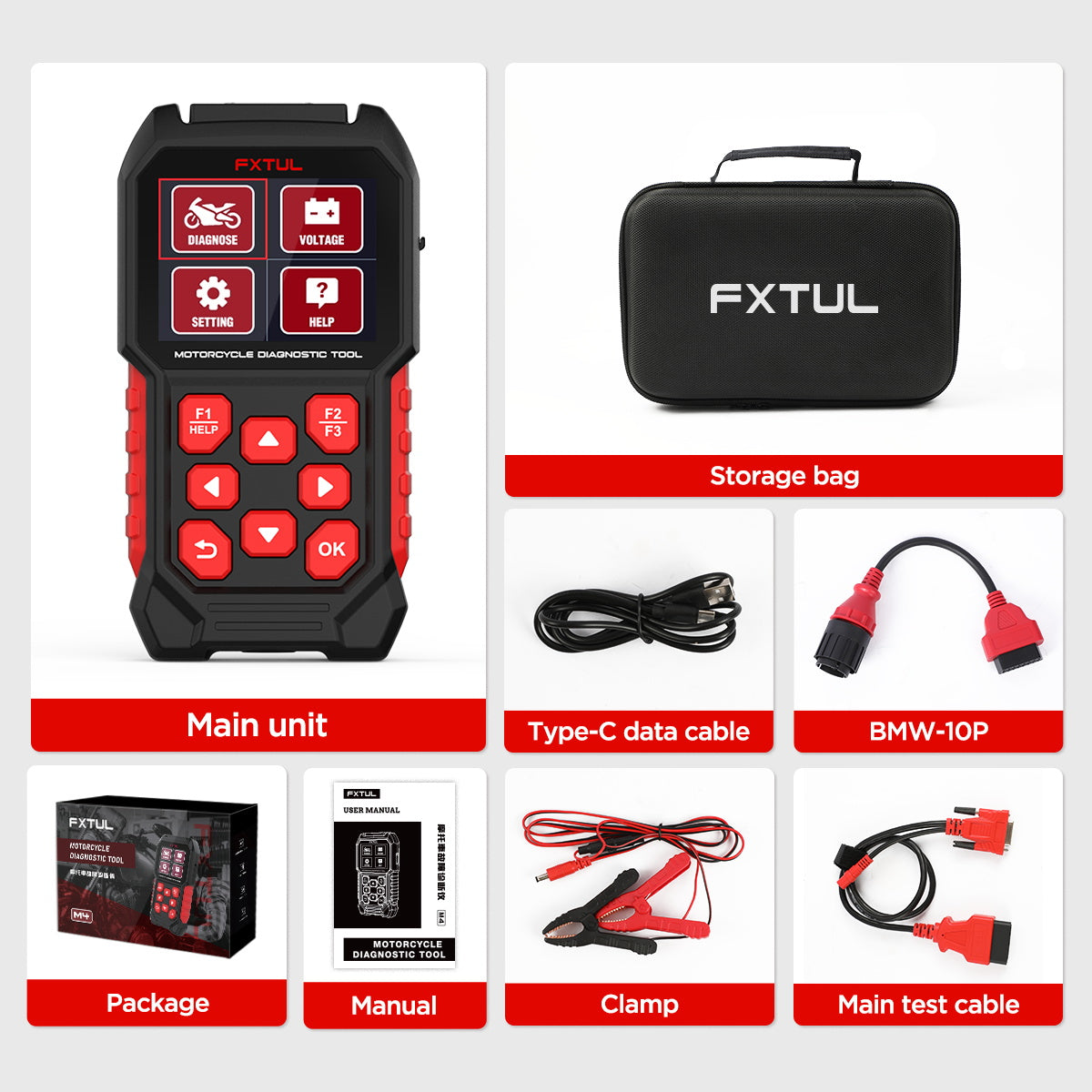
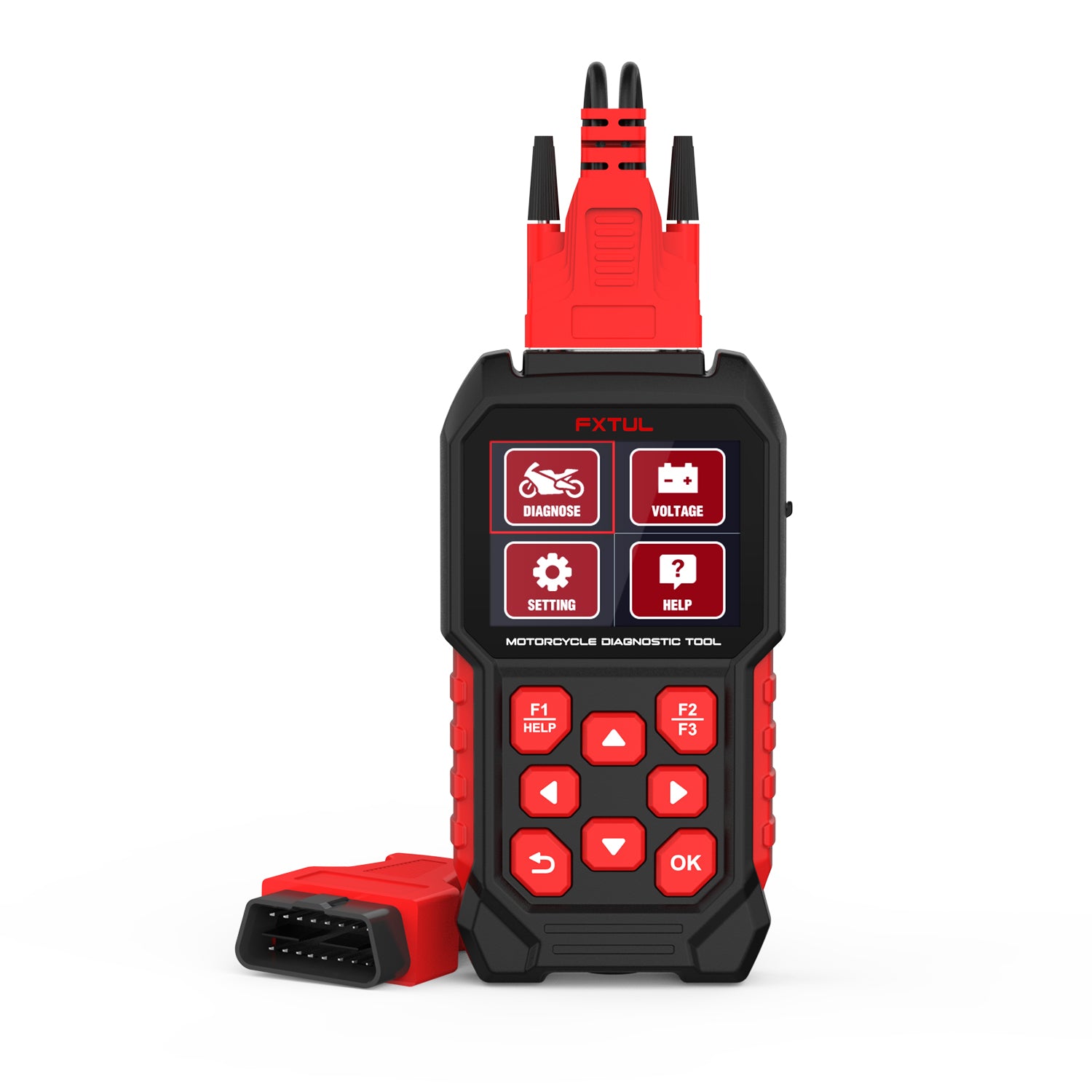
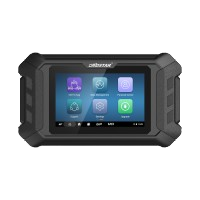
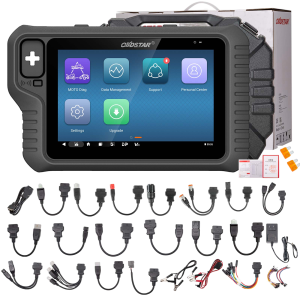
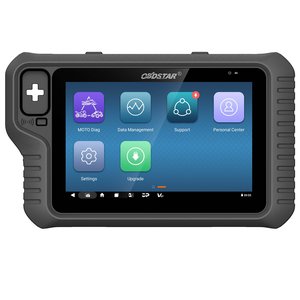
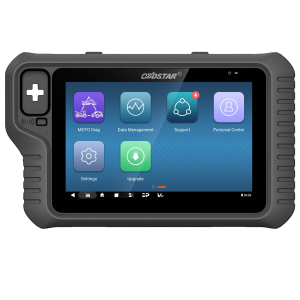
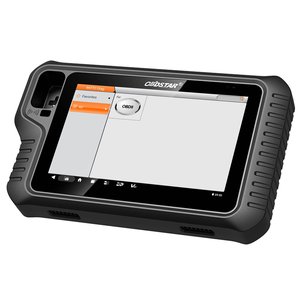
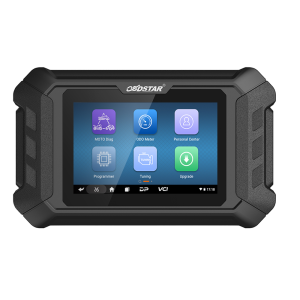
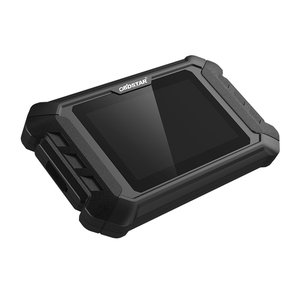
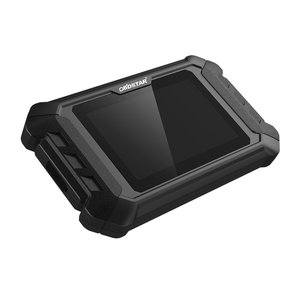
The FXTUL M4-BMW is built only for BMW motorcycles, from the C, F and G series to the HP, K, M, R and S series. It reaches 15 control units, runs component tests and service routines, and can read and write EEPROM data on some modules.
- BMW Only
- 15 Systems
- 8 Model Series
- EEPROM Read/Write
- One-Time Purchase
Hauptmerkmale
-
Beyond Engine and ABS
Besides ECM, ABS, instrument cluster, body control and immobilizer, it covers left hand control, side view assist, internal load system, infotainment, radio and headlamp adjustment.
-
Component Activation
Switch individual parts on for testing, such as the coolant temperature indicator light, brake light and taillight, or a fuel injector.
-
Service Routines
Idle actuator initialization, self-adaptive A/F parameter reset, throttle valve adaptation and the front brake purge procedure for brake bleeding.
-
Service Interval Setting
Read and set the next service date and service distance after routine maintenance.
-
Module Data and Freeze Frames
Shows detailed information for each module and reads freeze frame data stored with a fault code.
-
Generic OBD-II
Standard OBD-II diagnostic functions are available alongside the BMW-specific menus.
M4-BMW vs Other M4 Versions
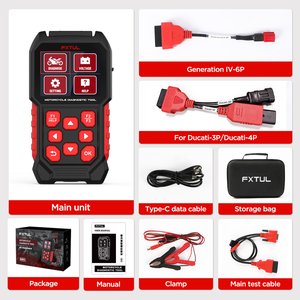
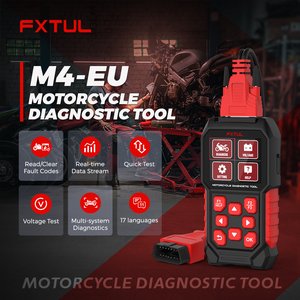
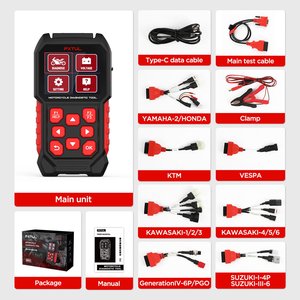
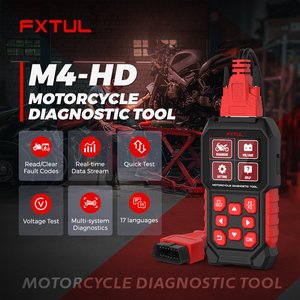
| M4-BMW | M4-DUC | M4-HD | M4-EU / M4-Asia | |
|---|---|---|---|---|
| Brand coverage | BMW | Ducati | Harley-Davidson | 10 brands each |
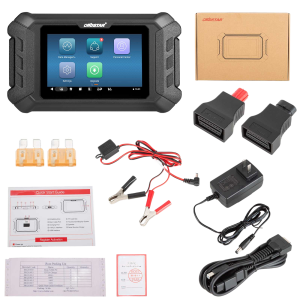
| Connecting cables | 4 | 5 | 5 | 10 |
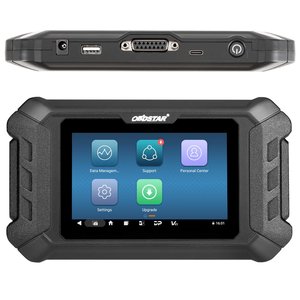
| Screen | 2.8-inch | 2.8-inch | 2.8-inch | 2.8-inch |
Anwendung
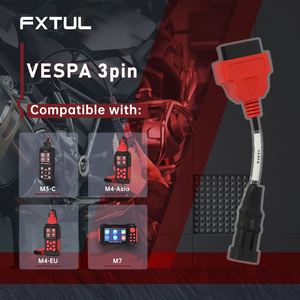
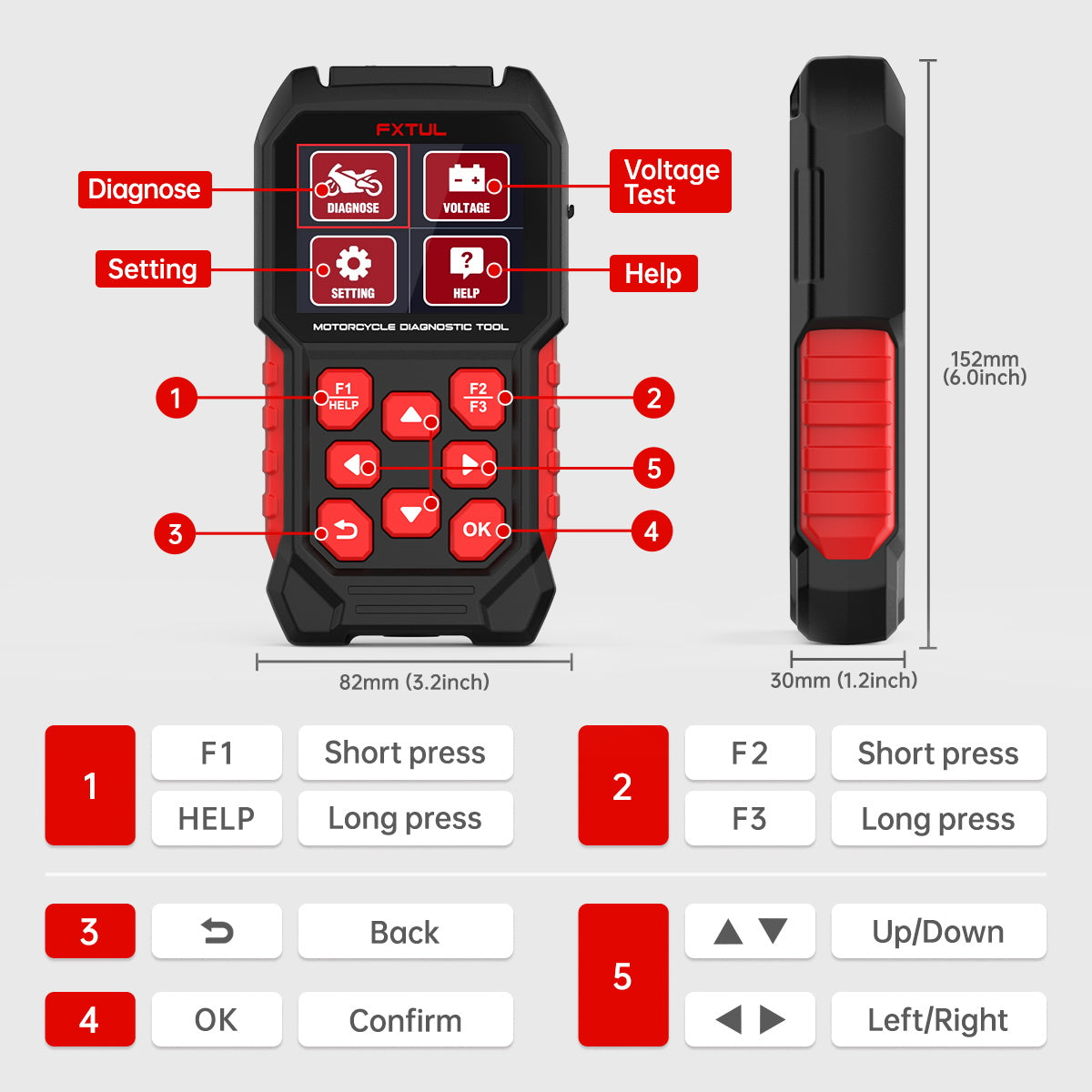
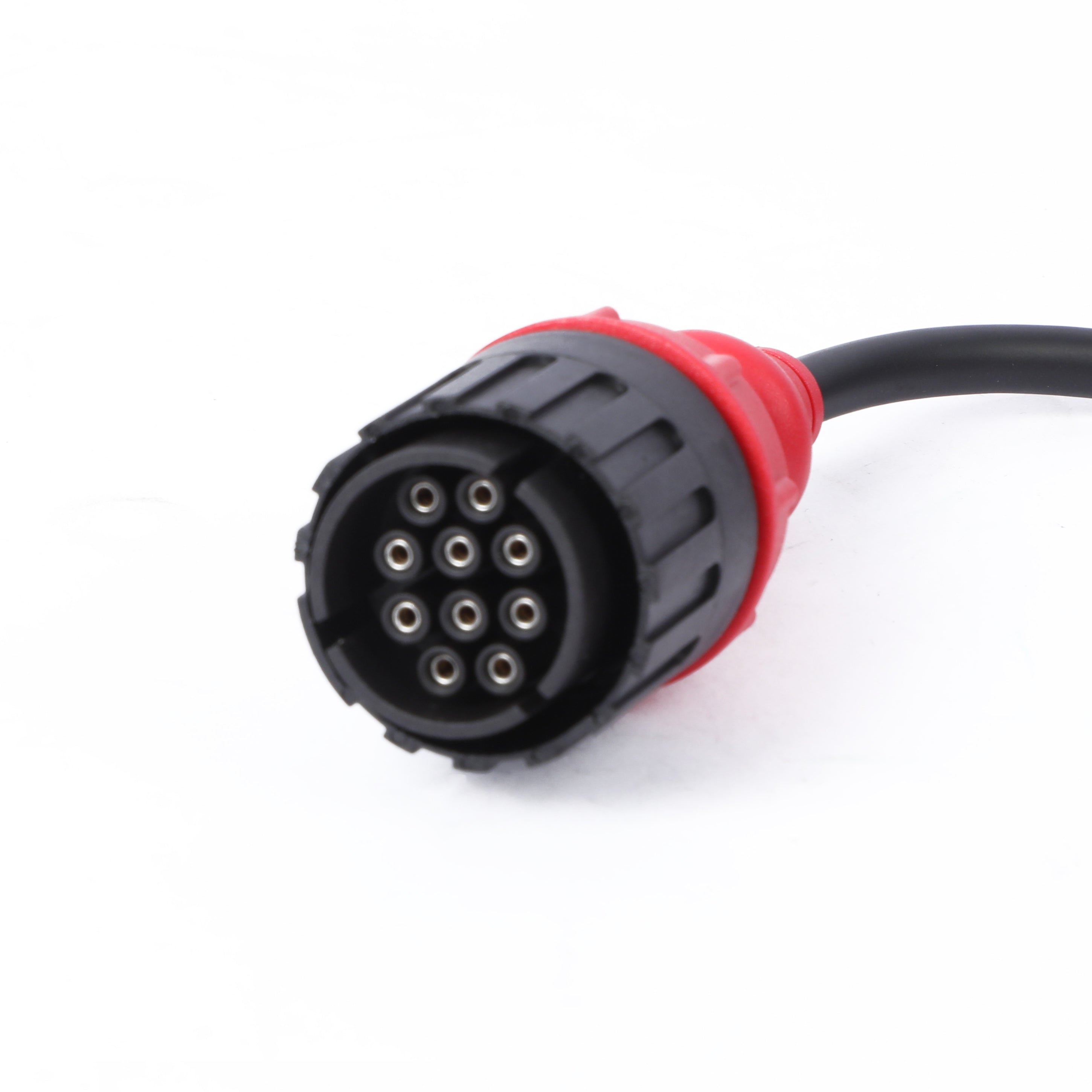
- VerbindenLink the M4-BMW to the motorcycle's diagnostic socket with the matching BMW cable.
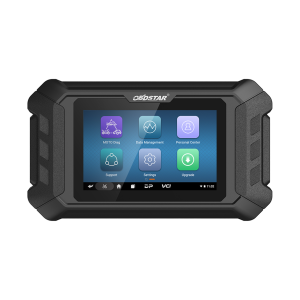
- Choose DiagnoseSelect Diagnose on the main menu and pick the model series.
- Scan or selectUse Quick Test to check every system and build a fault report, or Control Unit to open one module.
- Pick a functionChoose module information, codes, live data, activation tests or service functions and follow the prompts.
Full menu walkthrough: FXTUL M4 user manual (PDF)
Updates & Support
Good to Know
Caution
- EEPROM writing is intended for advanced users. Writing wrong data to a module can stop it from working.
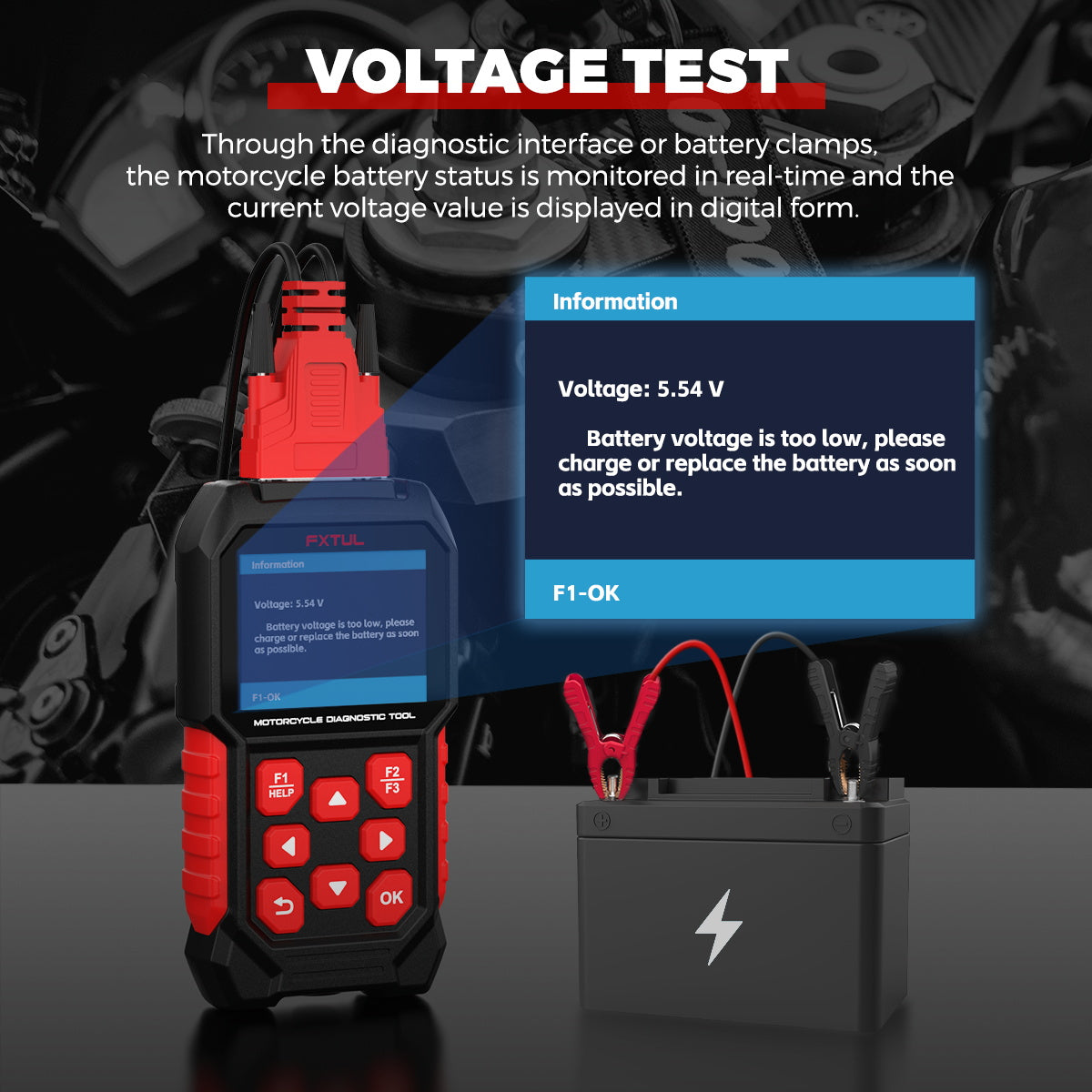
- The USB port runs on 5V and is meant only for updating from a computer; a fast charger above 5V can damage the tool.


 English
  German
  Spanish