


Read and Clear Codes on Honda, Kawasaki and Yamaha Motorcycles
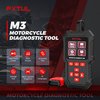
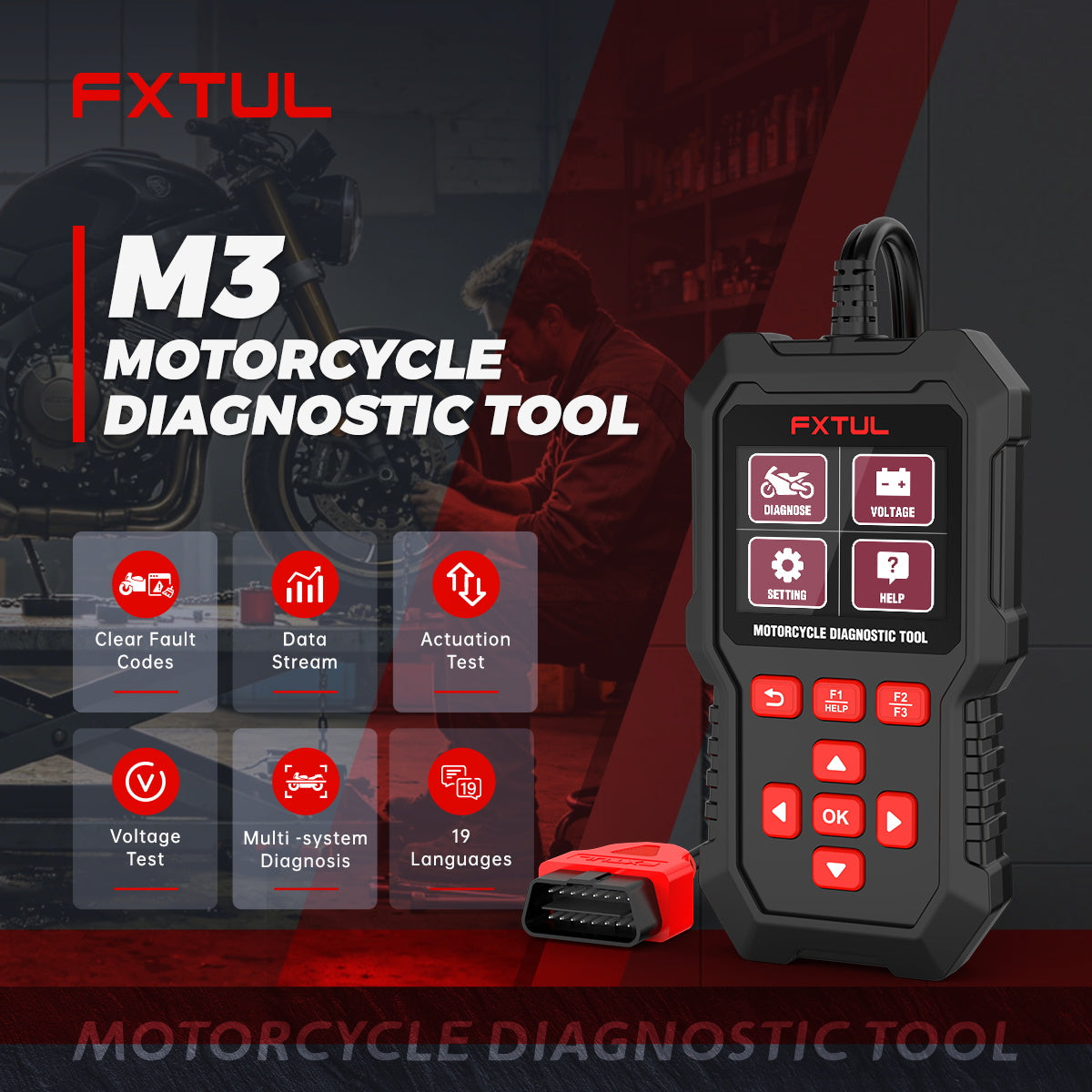
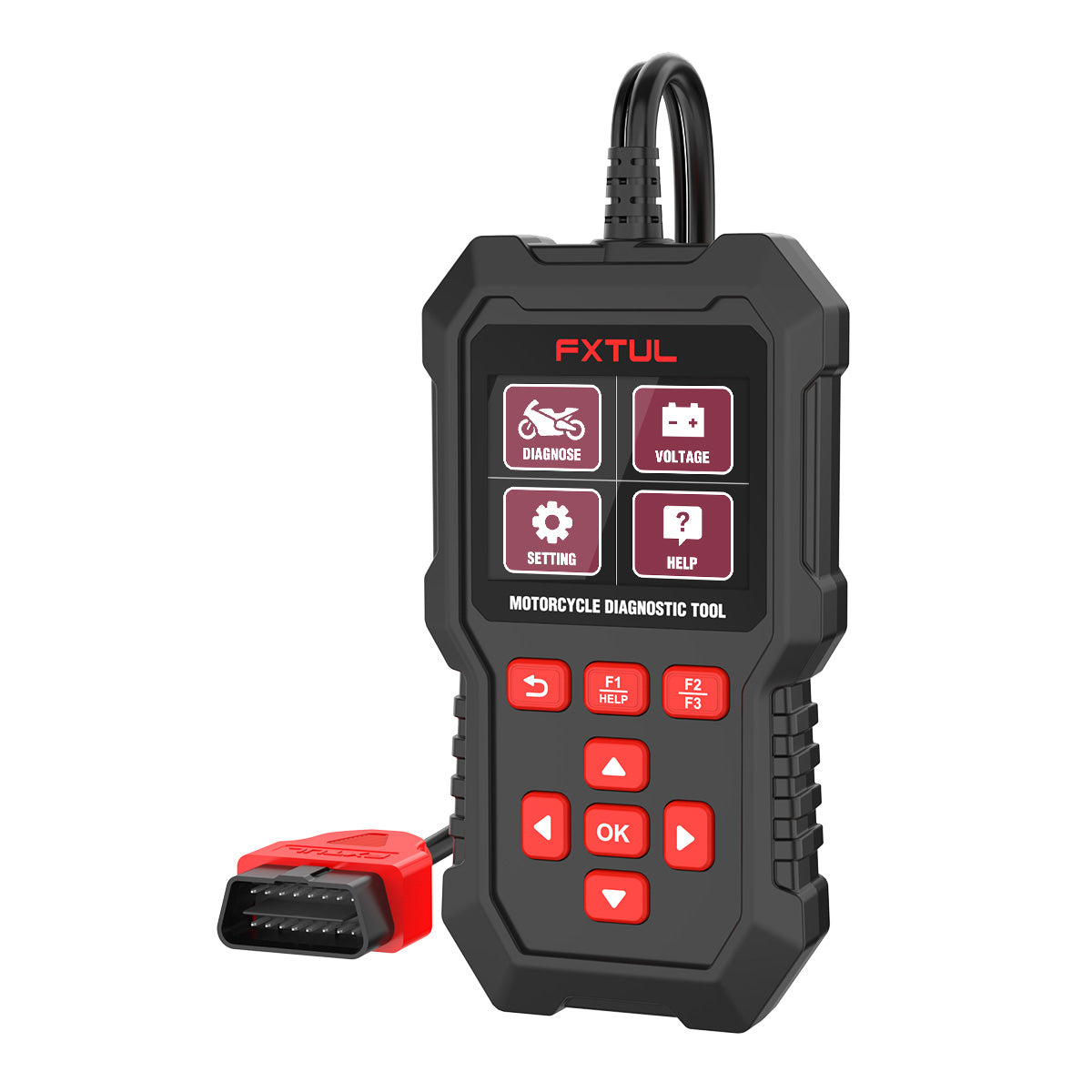
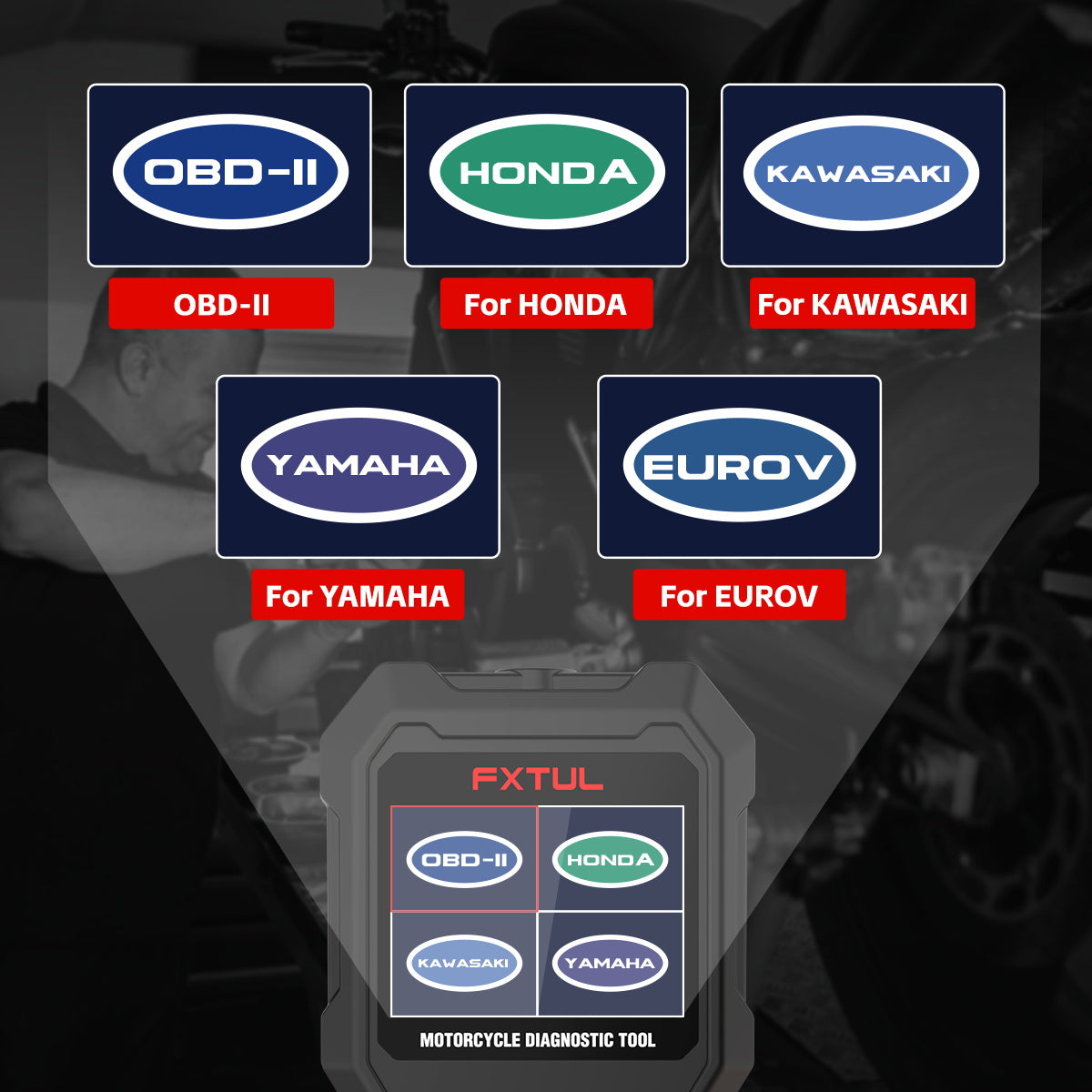
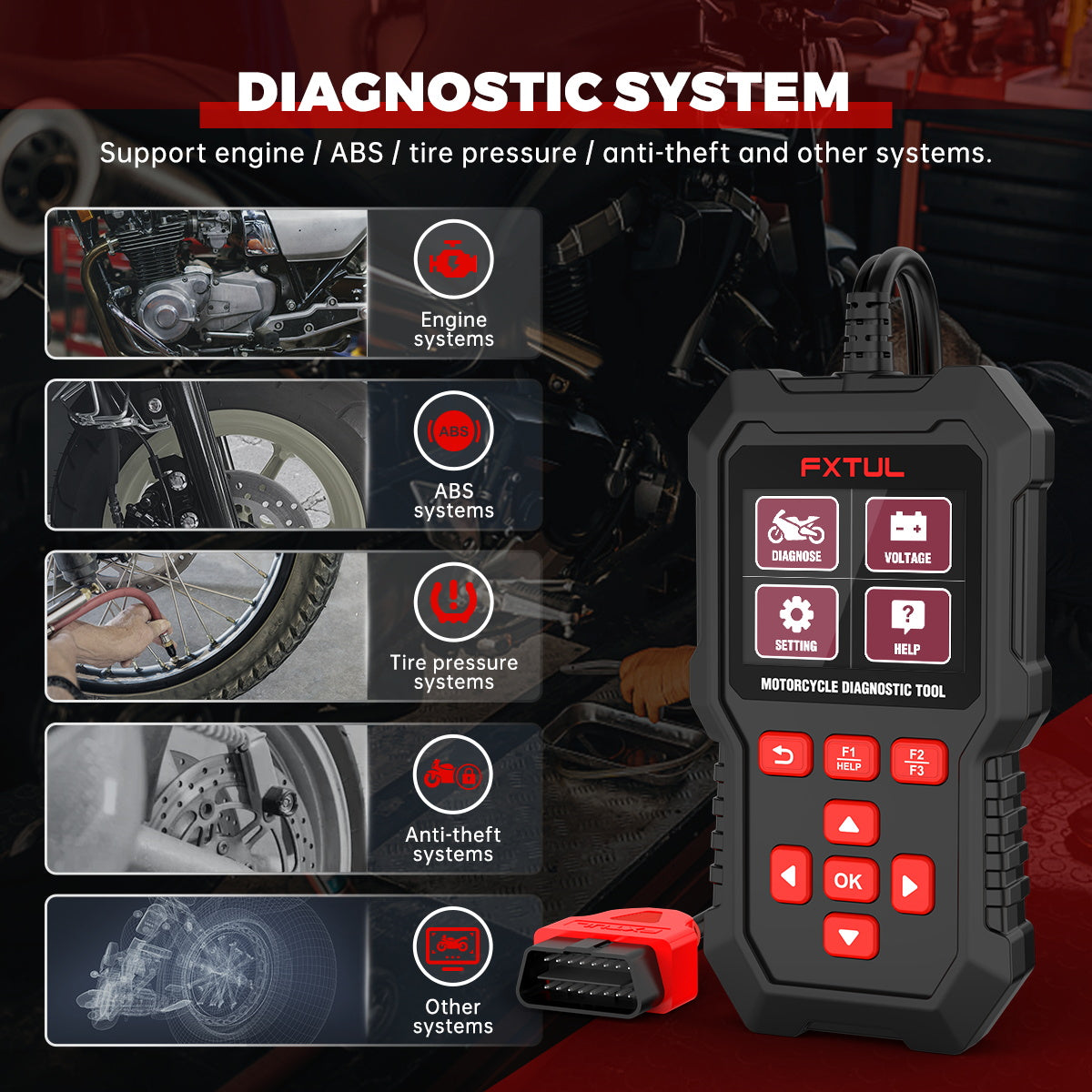
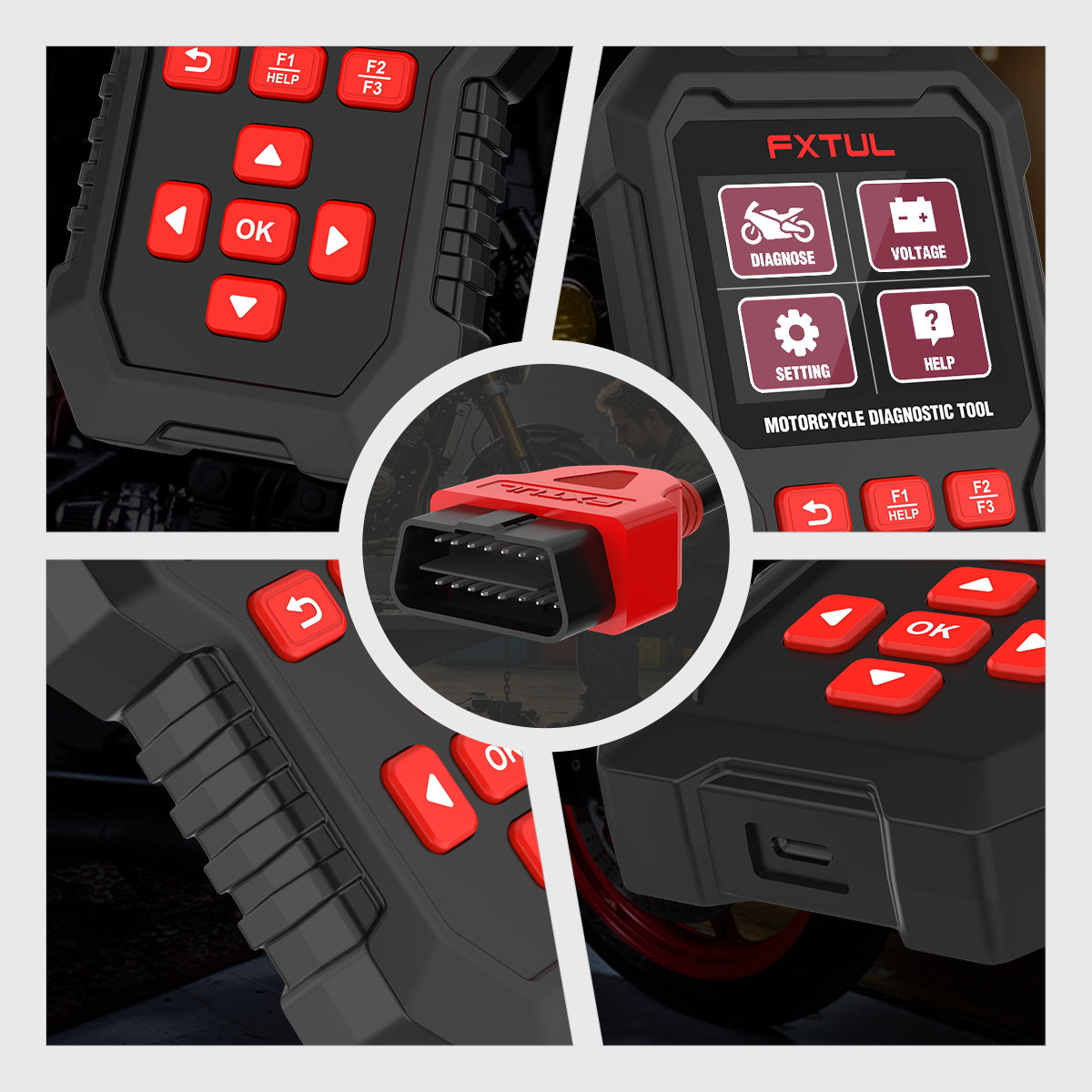
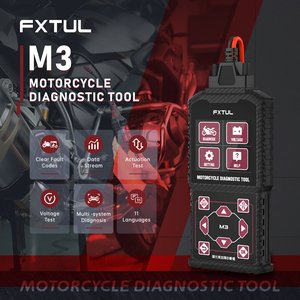
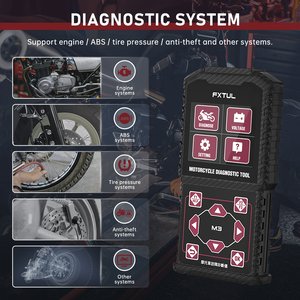
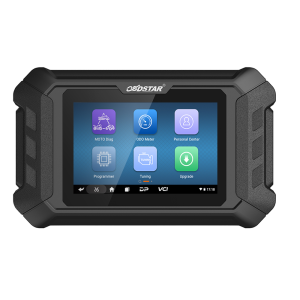
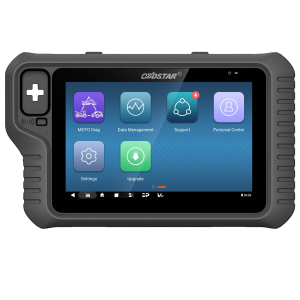
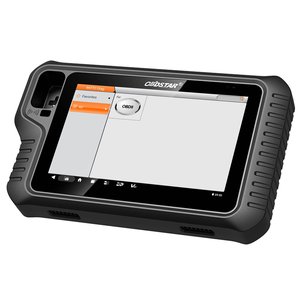
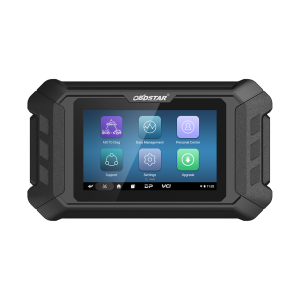
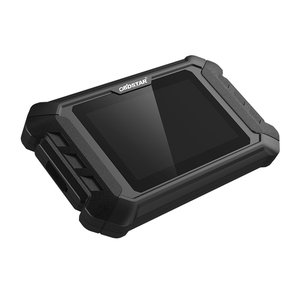
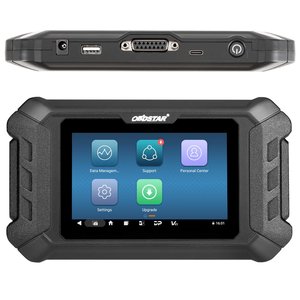
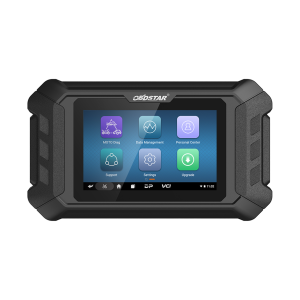
The FXTUL M3 is a one-hand scanner for Honda, Kawasaki, Yamaha, EUROV and OBD2 motorcycles. It reaches the engine, ABS, tire pressure and immobilizer systems without needing an internet connection.
- 2.8-inch Color Screen
- 19 Languages
- Actuator Test
- ECU Reset
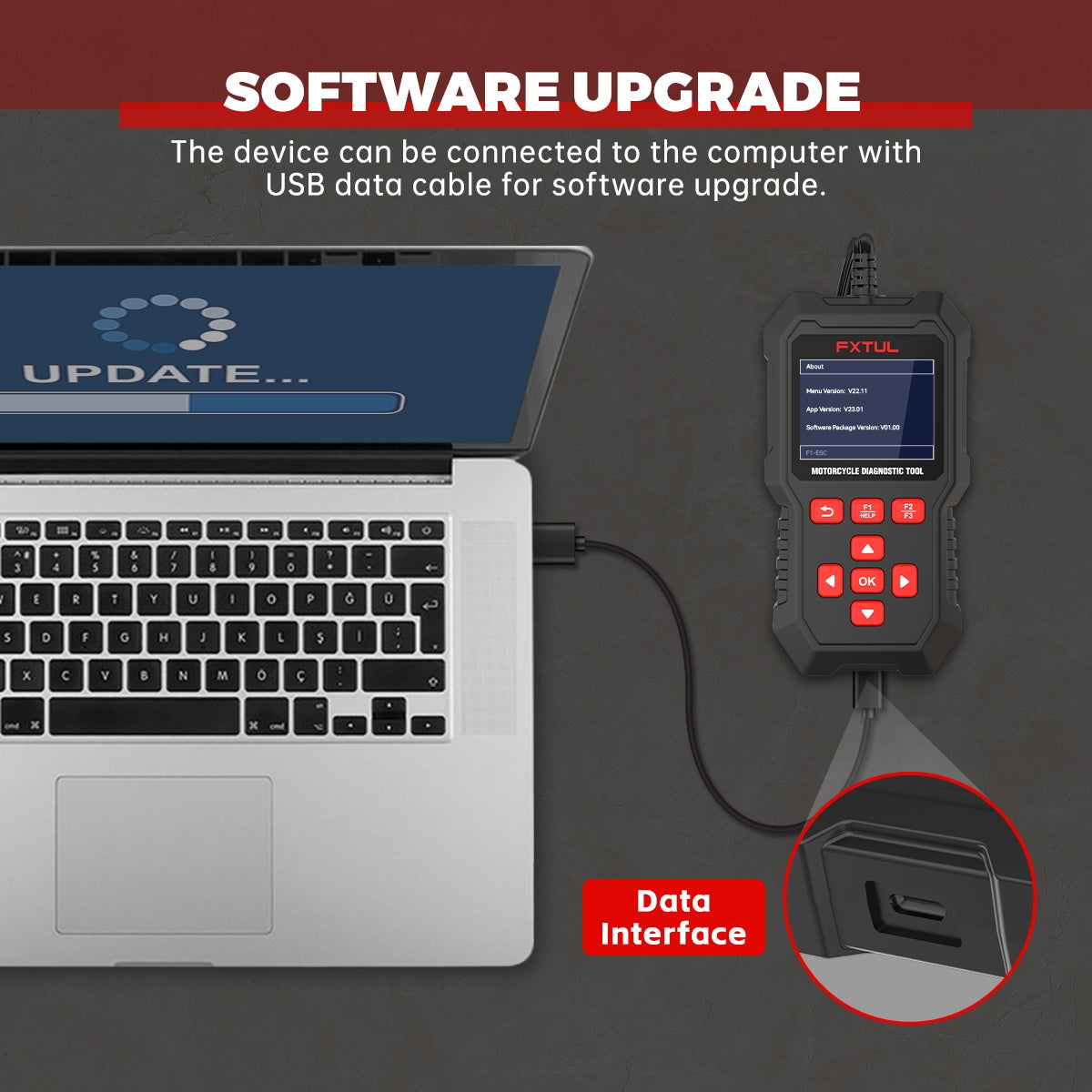
- USB Updates
Hauptmerkmale
-
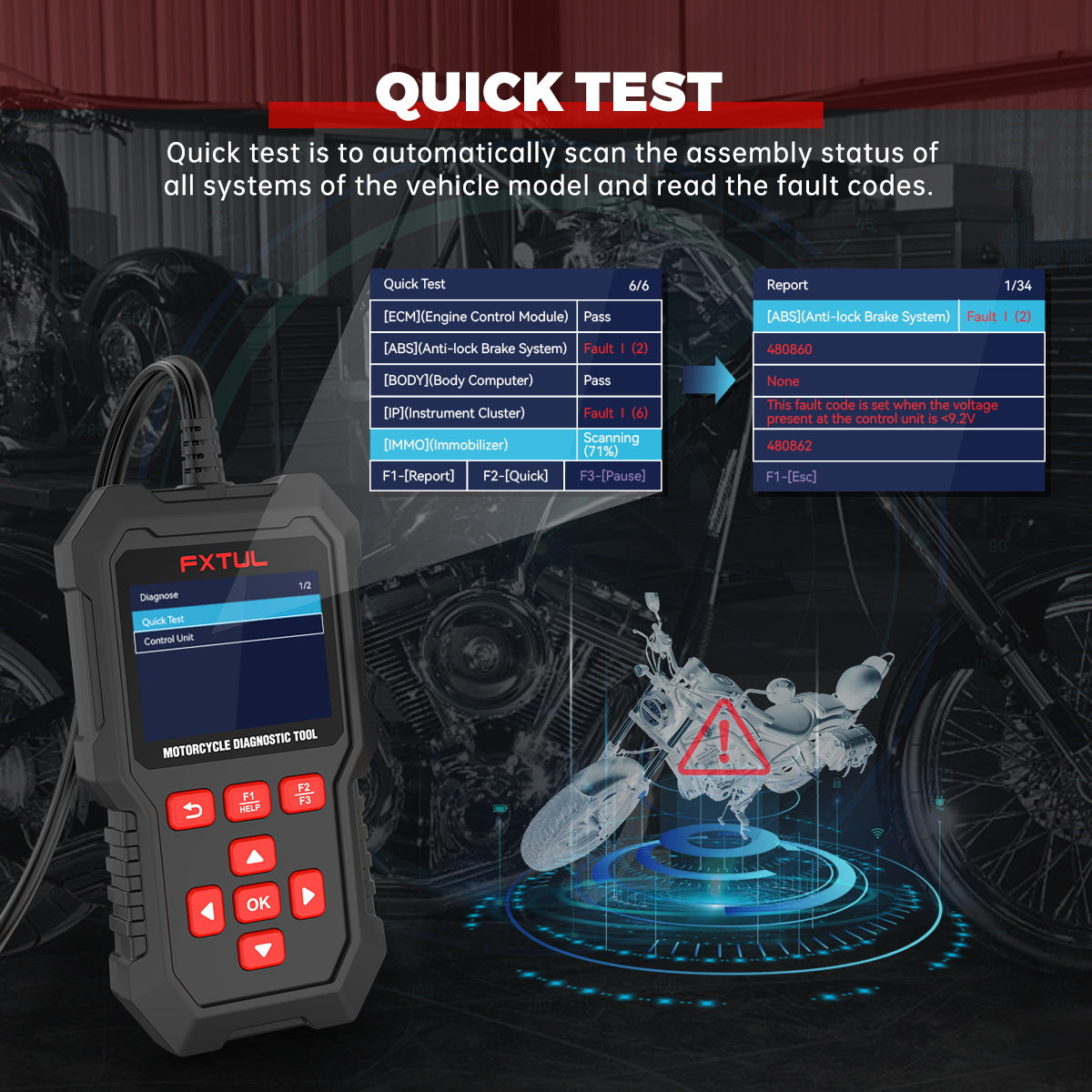
Whole-Bike Scan
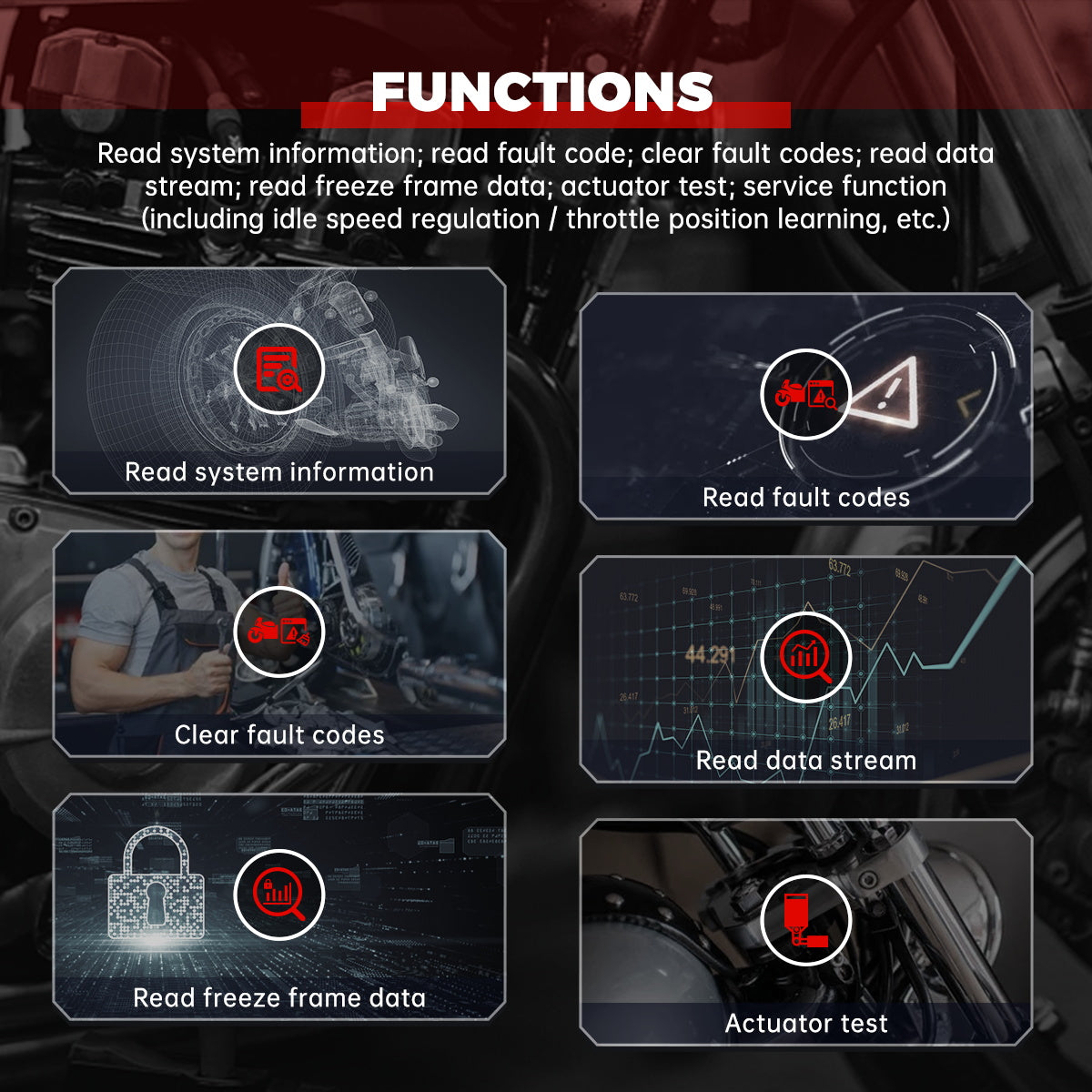
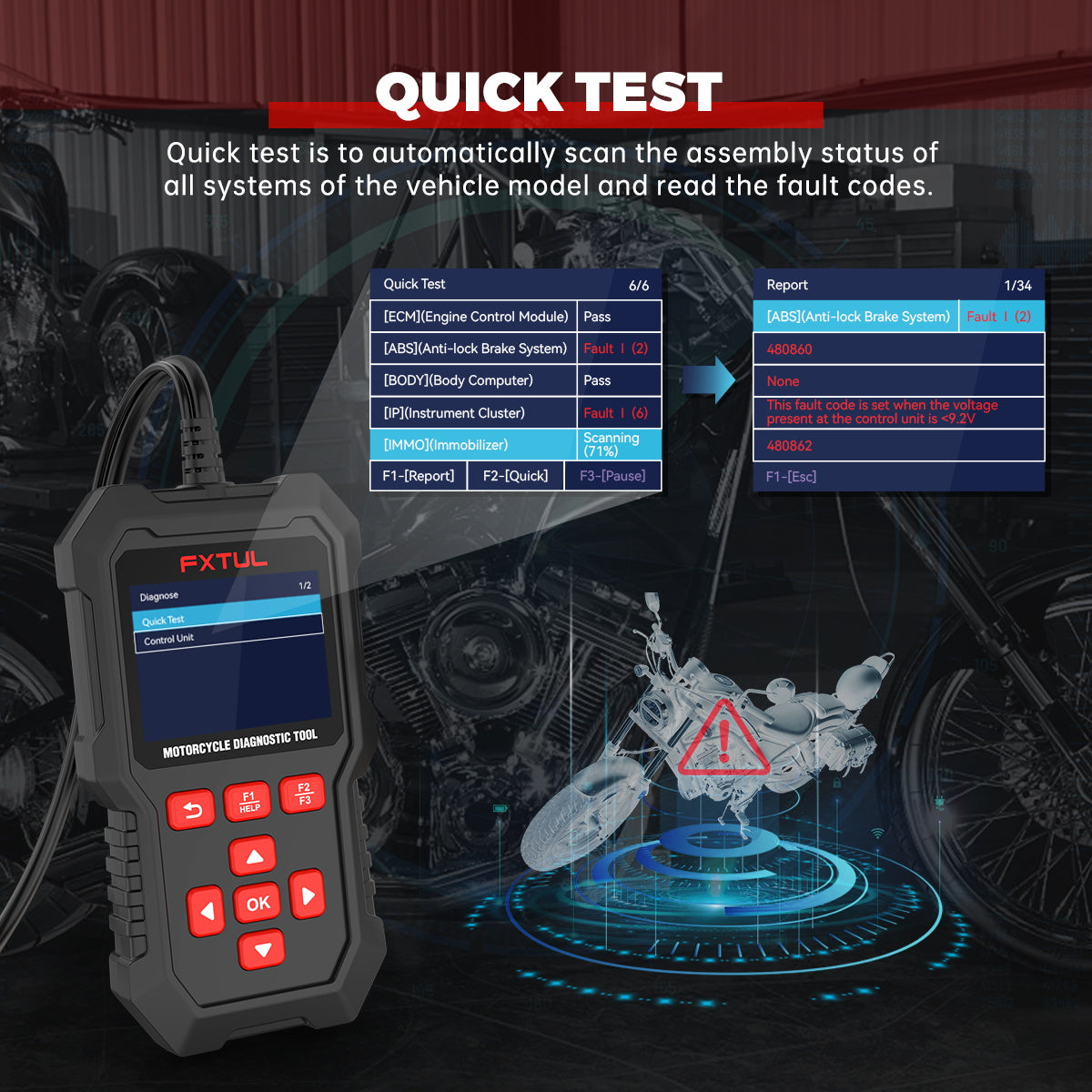
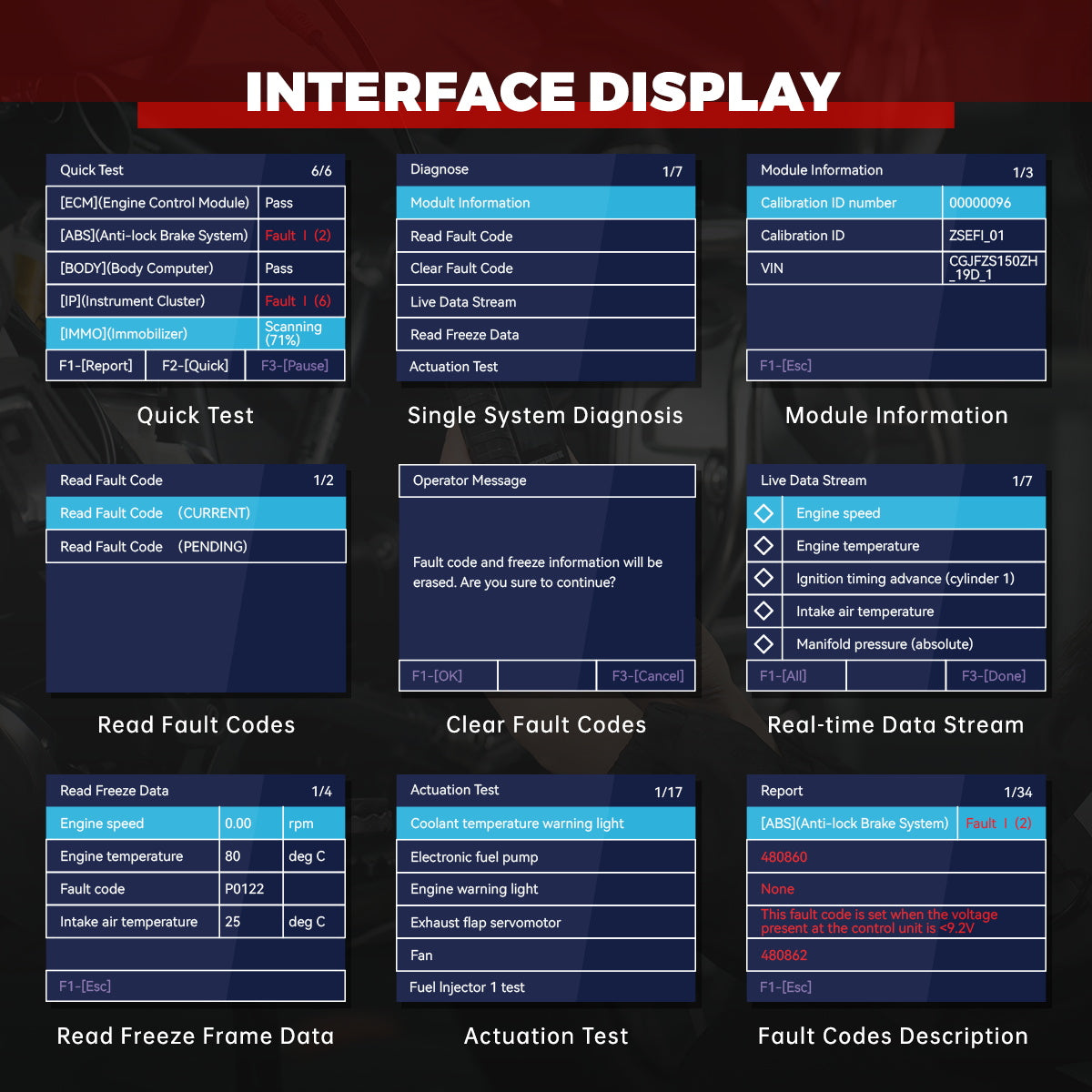
Scans every system on the selected model, shows which systems are fitted and which hold fault codes, and clears codes in all systems in one step.
-
Live Data With Waveforms
Shows the data stream as numbers or as a waveform, and reads freeze frame data captured when a fault was stored.
-
Actuator and Action Tests
Drives components on command so you can confirm a part works before replacing it.
-
Service Functions
Covers idle speed regulation, throttle position learning and ECU reset on supported models.
-
Battery Voltage Check
A separate menu reads battery voltage at the diagnostic socket in real time, with a waveform view.
-
Settings You Can Change
Switch voice prompts on or off, change between metric and imperial units, and pick from 19 menu languages.
M3 vs M4 vs M7
| M3 | M4 | M7 | |
|---|---|---|---|
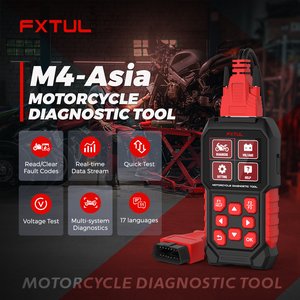
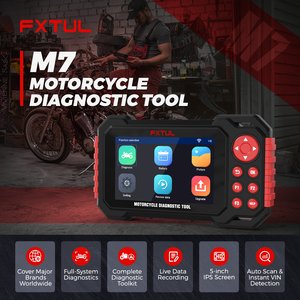
| Brands supported | 5 | 10 (EU and Asia versions); 1 (Ducati, Harley-Davidson or BMW versions) | 76 |
| Backlit screen | 2.8-inch | 2.8-inch | 5.0-inch |
| Upgrade method | USB | USB | USB or Wi-Fi |
| Screenshot, data recording and playback | No | No | Yes |
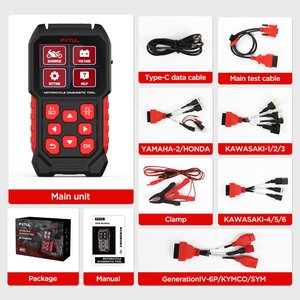
| Connecting cables | 5 | 10 (EU and Asia), 5 (Ducati and Harley-Davidson), 4 (BMW) | 17 |
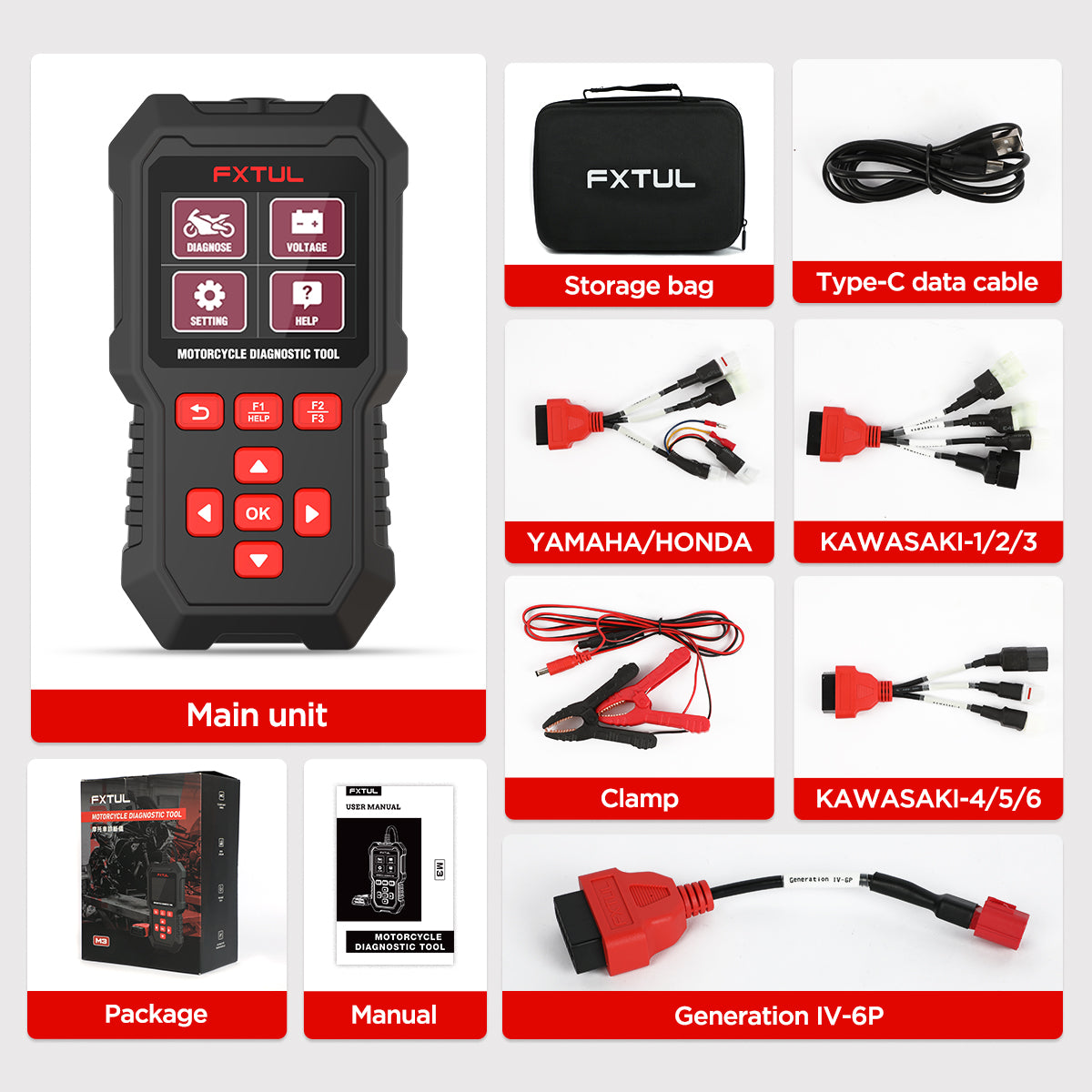
What's in the Box
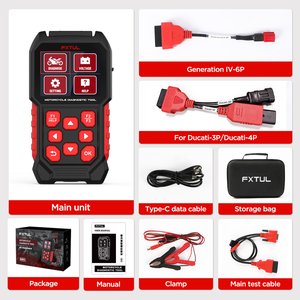
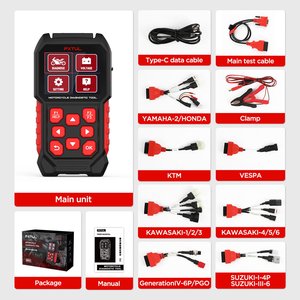
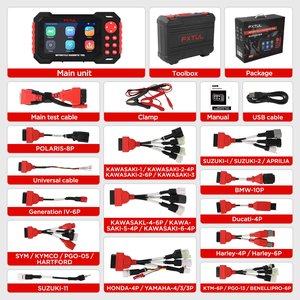
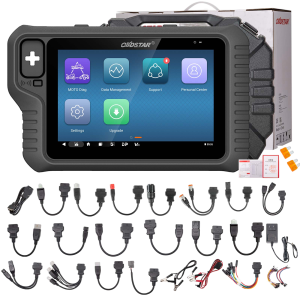
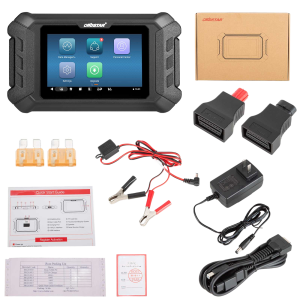
- M3 diagnostic scan tool
- Storage bag
- Clip cable
- China IV connector
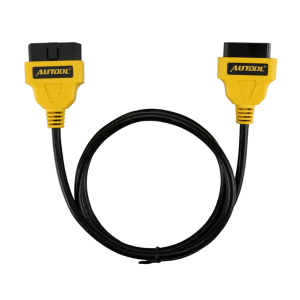
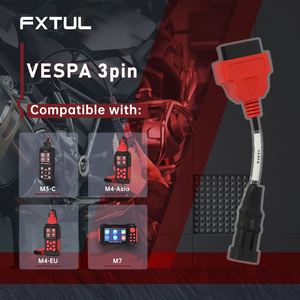
- OBD cables for Yamaha, Honda and Kawasaki
Anwendung
- Connect the bikePlug the matching brand cable into the motorcycle's diagnostic socket and the M3.
- Open DiagnosisSelect Diagnosis on the main menu, then choose the motorcycle brand.
- Match the modelPick the model from Model Selection, or use System Selection if your model is not listed.
- Choose a modeRun Quick Test to scan every system and read codes, or Control Unit to work on one system.
- Run the functionRead or clear codes, view live data, or start an actuator or service function and follow the on-screen prompts.
Full menu walkthrough: FXTUL M3 user manual (PDF)
Updates & Support
Update files come from the FXTUL official website or customer service. Unzip the download, put the files in the drive's root directory and do not rename them. If the screen stays black in upgrade mode, do not press OK; keep using the USB method.
Good to Know
Caution
- The USB port runs on 5V and is only for updating from a PC. Do not plug it into a fast charger rated above 5V.
Care
- If your motorcycle is not recognized, check that the software is the latest version before trying again.

 English
  German
  Spanish