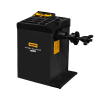


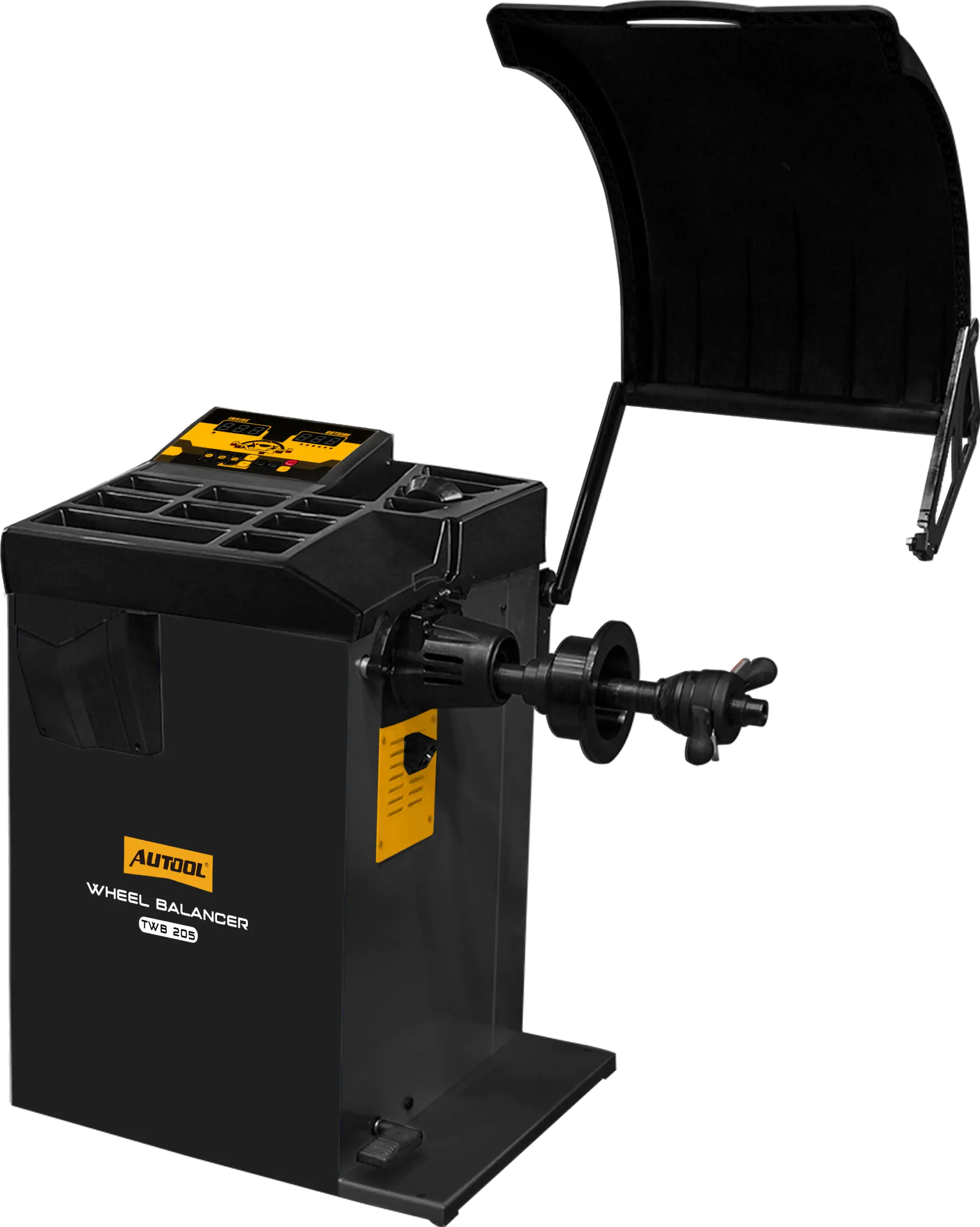
Wheel Balancing with Manual Entry or Guided 2D Setup
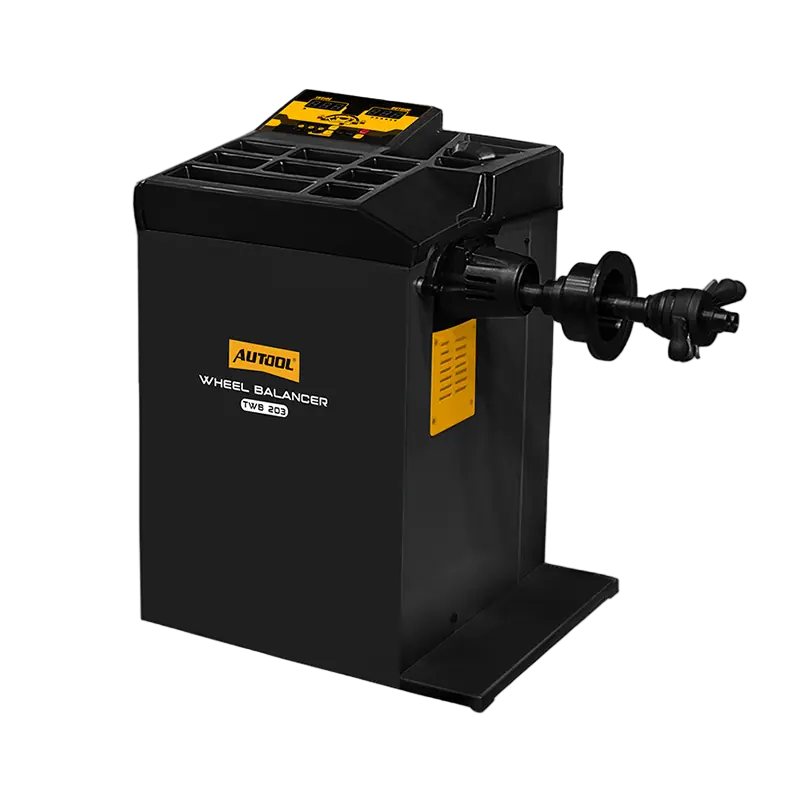
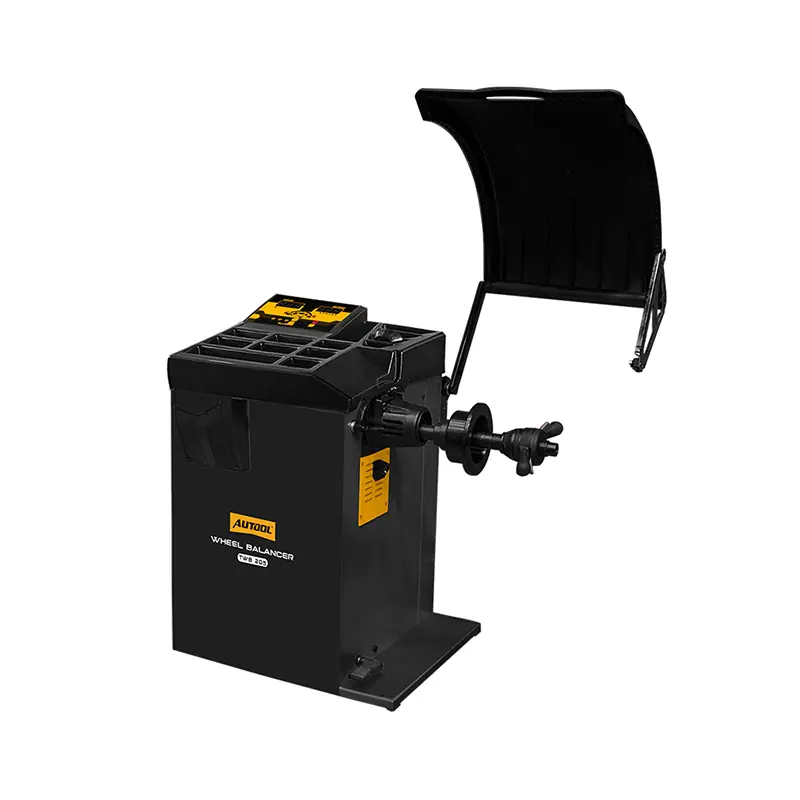
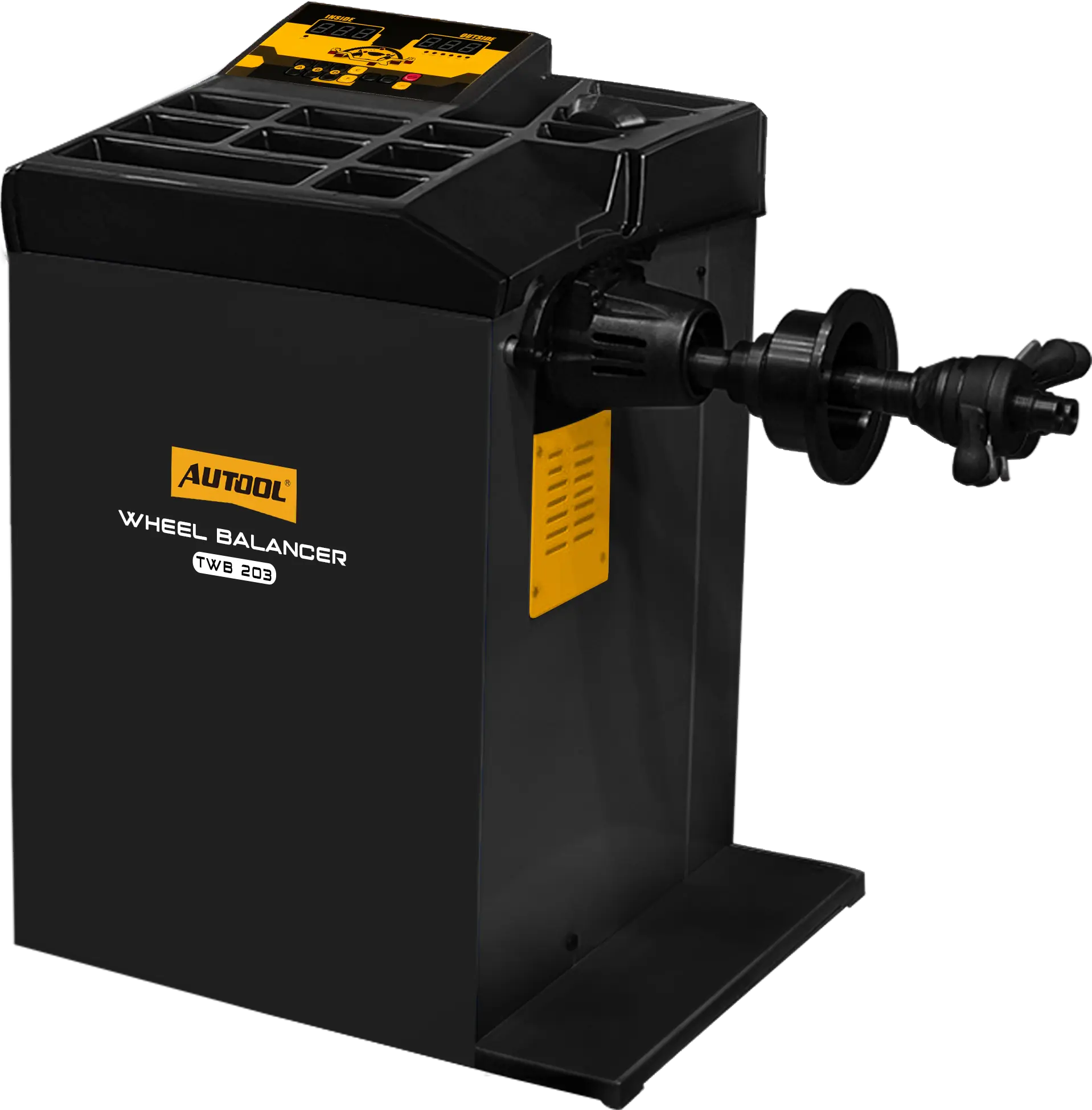
Choose the TWB203 for static, dynamic and ALU balancing with keypad data entry and a self-checking control board, or the TWB205 for automatic distance and diameter input, laser-guided weight placement, a foot brake and SPO hidden weights.
- 1 g Accuracy
- 7 s Cycle
- 40 mm Shaft
- OPT on Both Models
- SPO + Lasers on TWB205
Hauptmerkmale
-
Multiple Balancing Modes
The TWB203 offers several static, dynamic and ALU modes; the TWB205 adds guided parameter input and weight placement.
-
ARM Control Board with Self-Check
An ARM microprocessor runs the interface and a board self-check that serves as a first machine check.
-
Digital Display and Keypad
A digital tube display and keyboard keep readings clear and operation simple.
-
40 mm Main Shaft
A thickened, extended shaft with a 40 mm lead screw for wider rims; confirm the space needed by the cone or flange, pressure cup and quick nut.
-
Weight Work Platform
A tray for cutting and fitting weights, with a storage slot for a 100 g calibration weight, plus a wheel protection cover.
-
OPT Tire/Rim Optimization
Guides you to rotate the tire on the rim to reduce the correction weight needed for mass imbalance.
-
SPO Hidden Weights (TWB205)
Splits the correction weight and places it behind the spokes for a cleaner-looking wheel.
-
2D Measurement, Lasers and Foot Brake (TWB205)
The measuring arm reads distance and diameter, upper and lower lasers mark the weight position, and a cast-iron foot brake holds the wheel at the imbalance point.
Anwendung
- Inspect the wheelCheck tire and rim condition, remove debris and old weights, and confirm the wheel is within the machine limits.
- Clean and centerClean the shaft and mating faces, choose the correct cone or flange and clamp the wheel squarely.
- Enter dimensionsSet distance, diameter and width, using TWB205 automatic measurement where equipped, and check the values.
- Select the modeChoose the mode for clip-on, adhesive or hidden-spoke weights.
- Close the guard and spinKeep clear of the wheel, close the protection cover and run the cycle.
- Fit the weightRotate to the indicated position, clean the surface and fit the weight, using TWB205 laser guidance where equipped.
- VerifySpin again; if imbalance remains, recheck mounting, dimensions, calibration and wheel condition.
Good to Know
Caution
- On the TWB205, automatic width input needs the width sensor or optional measuring configuration; otherwise enter width manually.
- The external sonar measuring ruler is optional and not included.
- Confirm the power version of the selected model before ordering.
- Do not balance a wheel with structural rim damage, loose parts or severe tire damage.
Care
- OPT gives tire/rim phase guidance for mass imbalance; it is not a loaded road-force measurement.
- Run the calibration procedure when required and confirm every correction with a second spin.


 English
  German
  Spanish