

Active Tests, Full-System Diagnostics and Key Matching from Your Phone
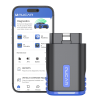
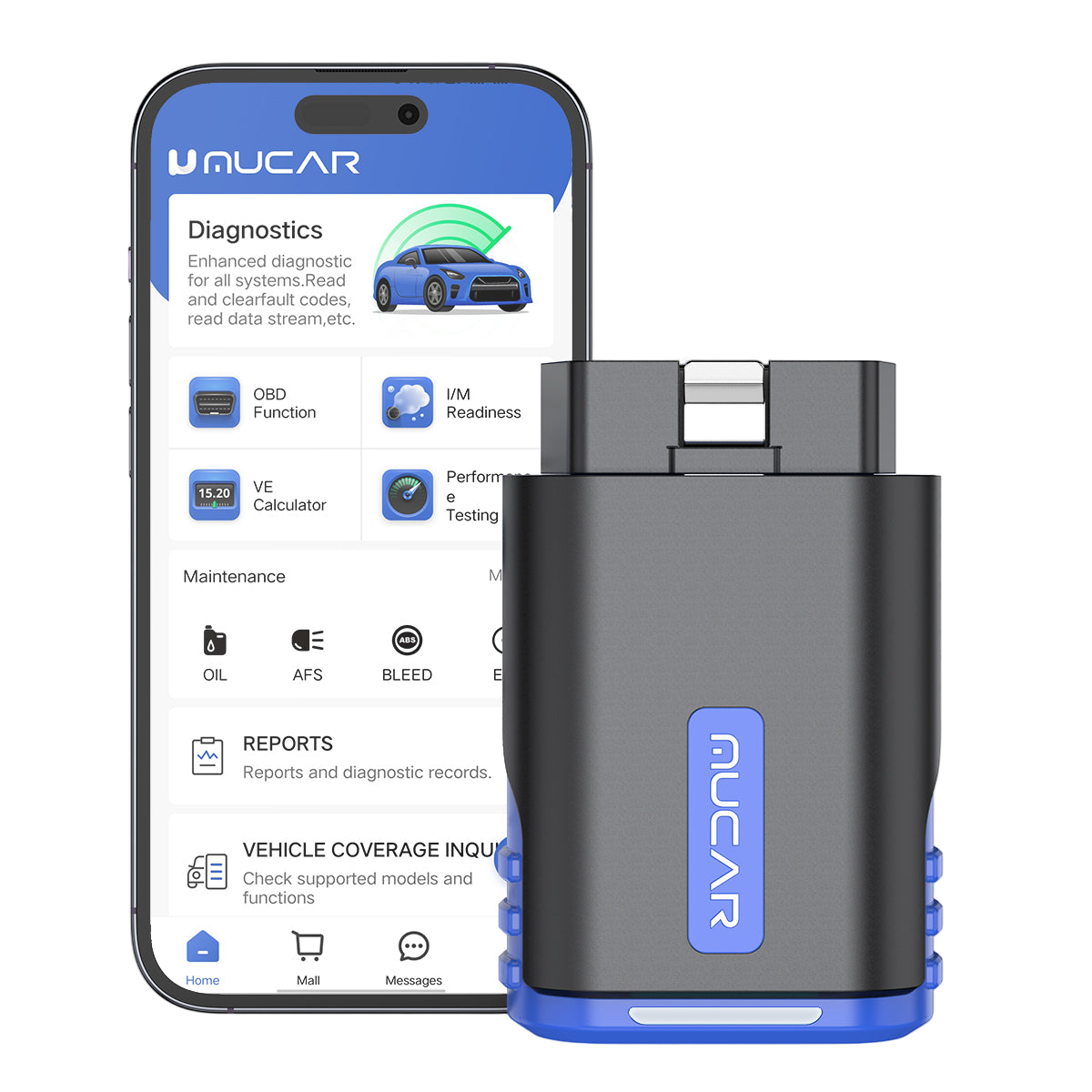
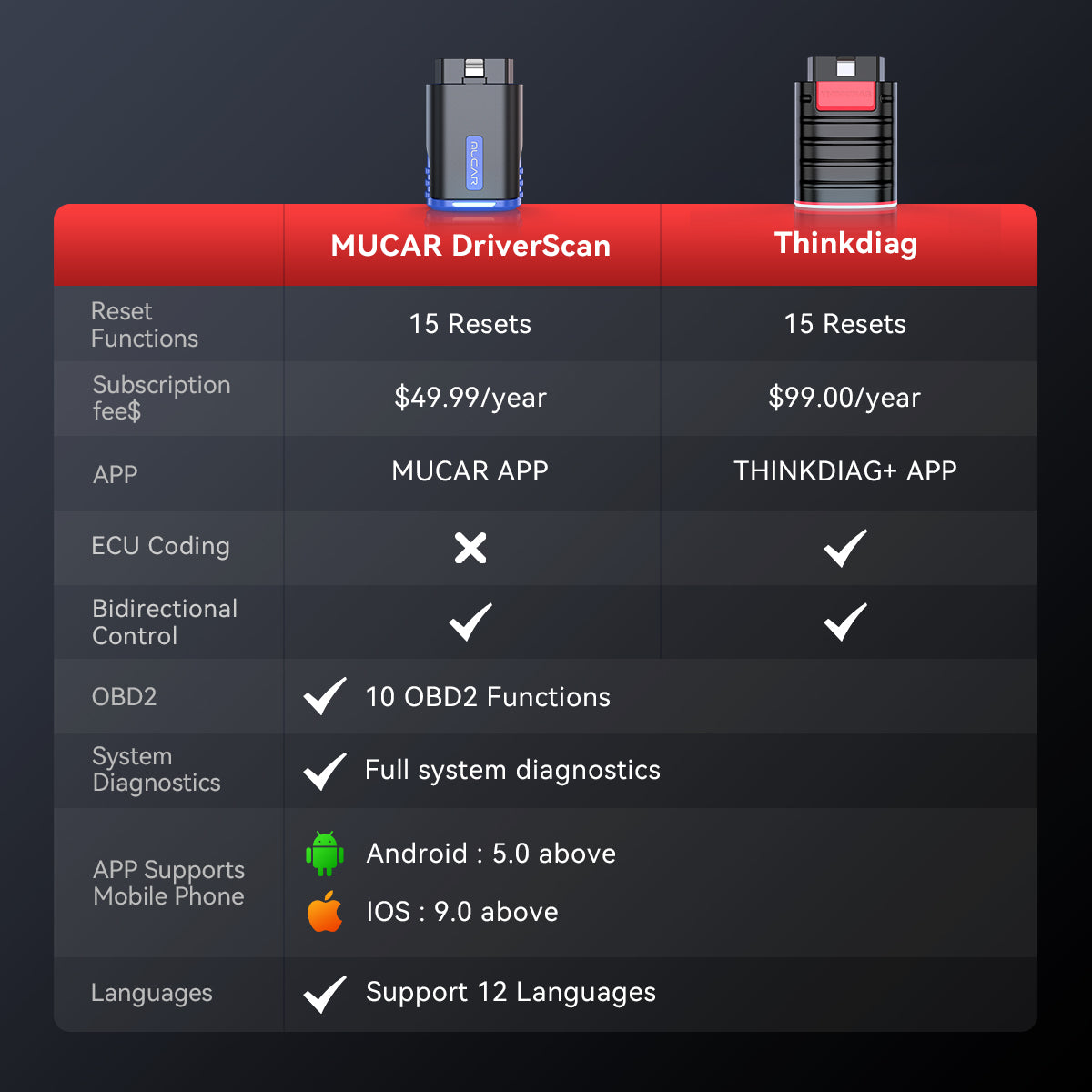
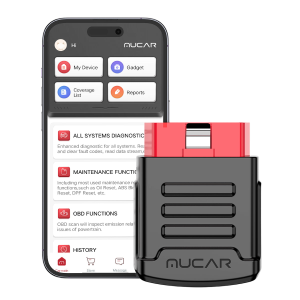
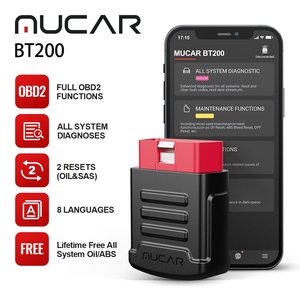
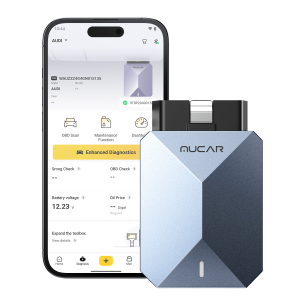
MUCAR DriverScan is a Bluetooth OBD dongle that works with the MUCAR DriverScan app (iOS) or DriverScan+ (Android) for OE-level full-system diagnostics, active tests, maintenance functions and IMMO key matching.
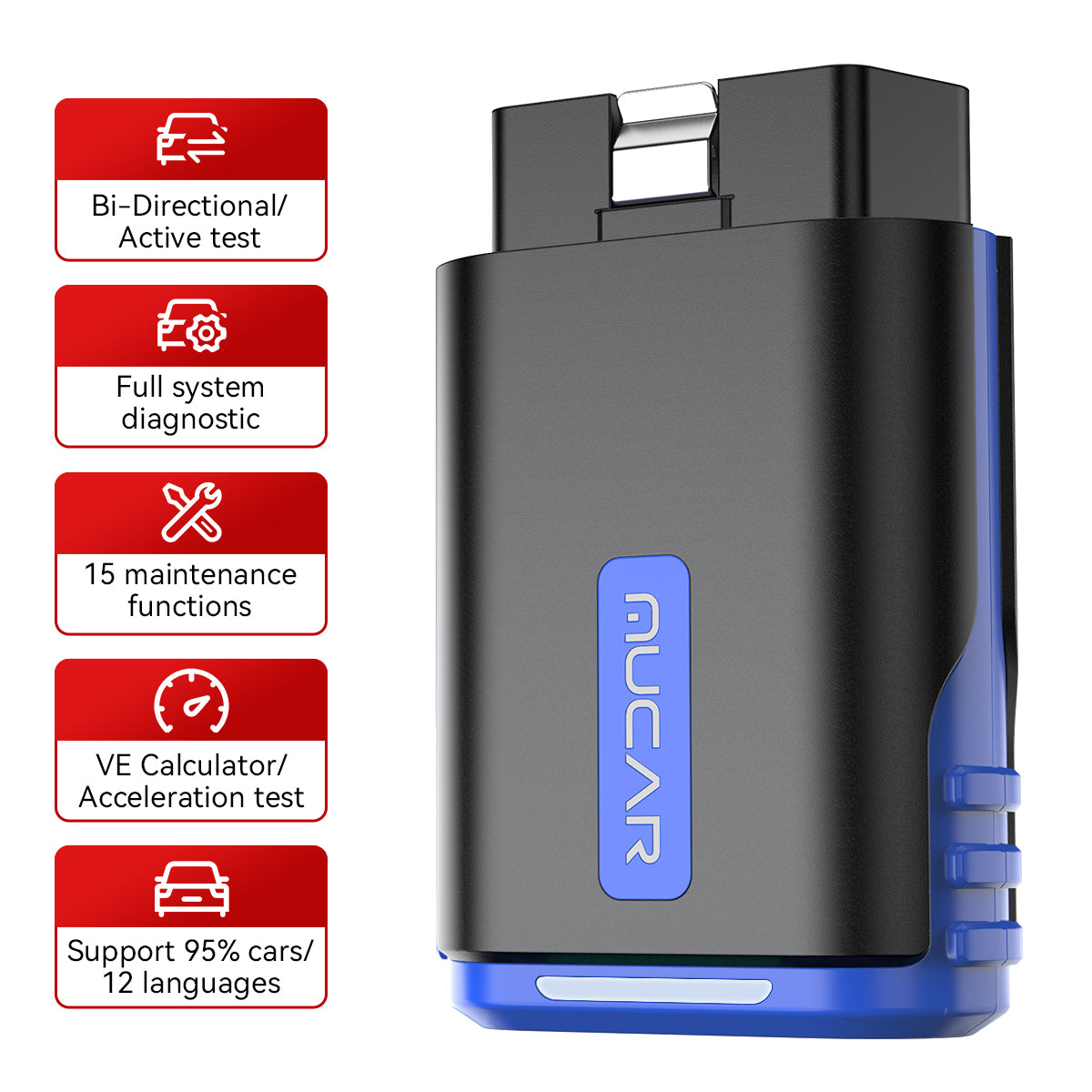
- Active Test
- Full-System Diagnostics
- 15+ Maintenance Functions
- IMMO Key Matching
- VE Calculator
Key Features
-
Active Test
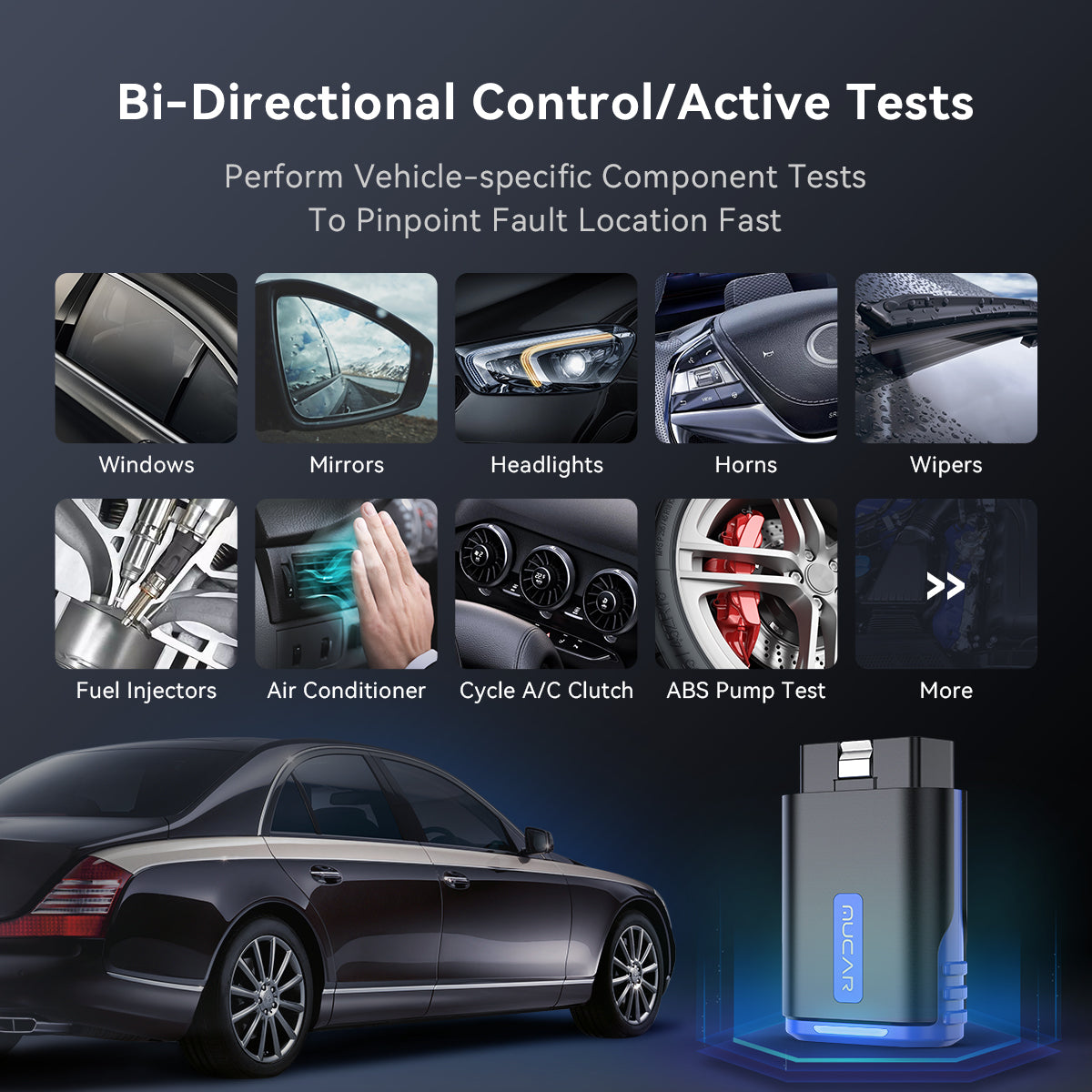
Test whether actuators work without using the vehicle controls: turn on the radiator fan, modulate the throttle, open and close windows, operate mirrors, switch lights and horn, and test door locks.
-
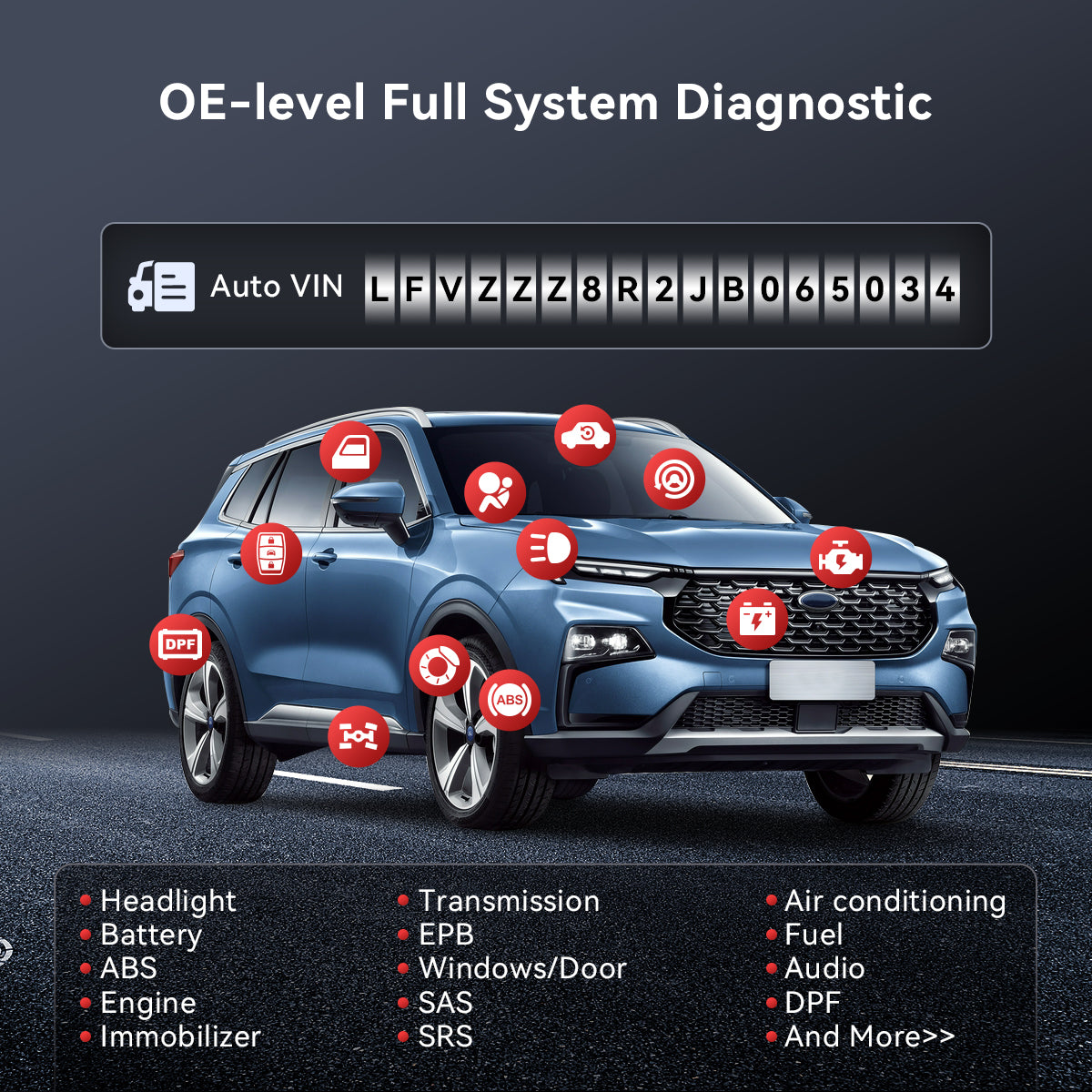
OE-Level Full-System Diagnostics
Diagnose ABS, SRS, engine, A/C, transmission, wiper, seat, EPB, TPMS, body system, AWD, door lock system, battery, ESP, parking sensor, cruise control and instrument.
-
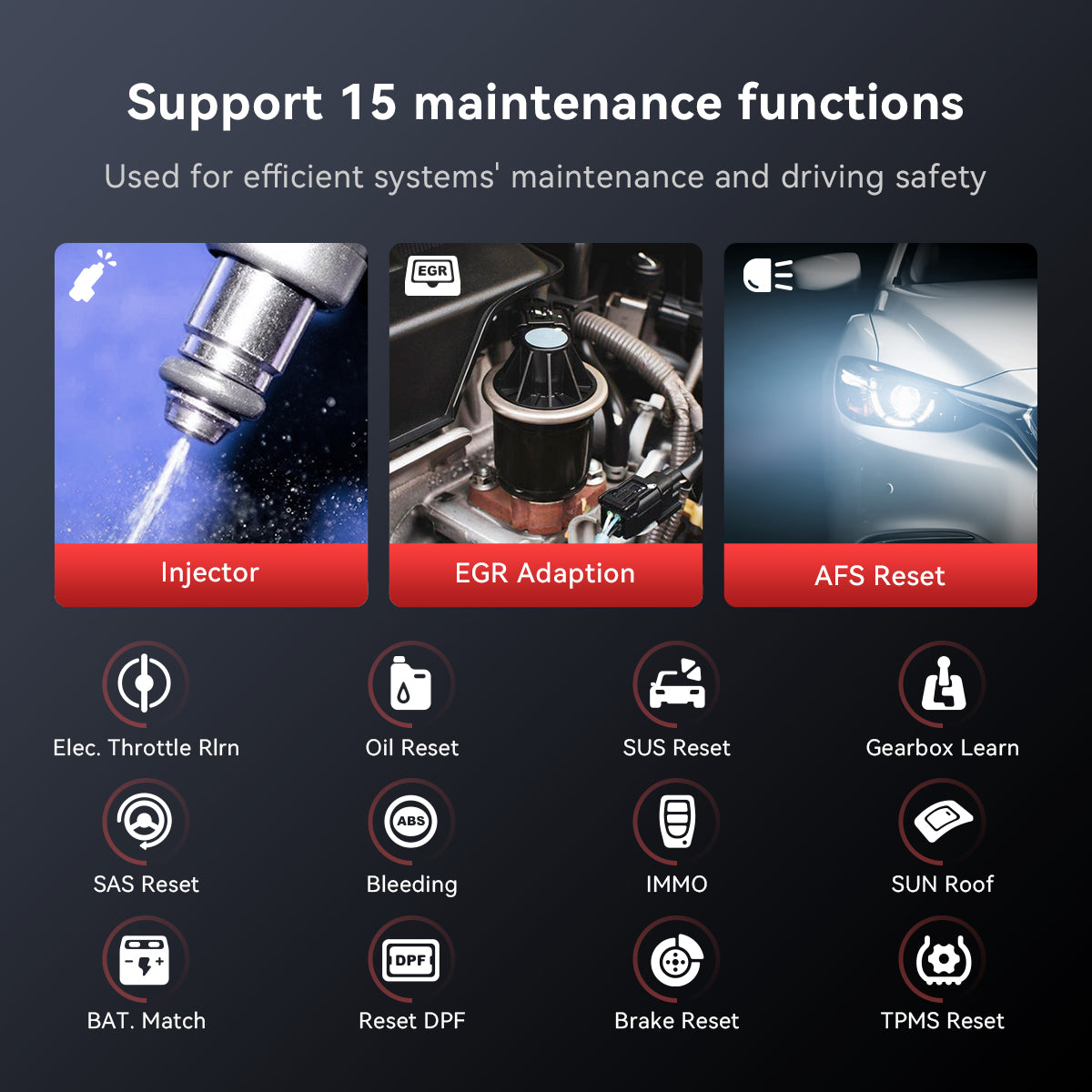
15+ Maintenance Functions
Oil reset, steering angle calibration, EPB reset, battery register and maintenance, ABS bleeding, electronic throttle reset and learn, DPF regeneration, TPMS reset, anti-theft matching, injector matching, air suspension reset, gearbox reset, sunroof reset, AFS reset and EGR reset.
-
IMMO Key Matching
Add, delete and reprogram keys, rewrite smart keys, handle all smart keys lost, replace the smart key ECU or knob ignition, and relearn a key. Reads the PIN code on most cars built before 2008.
-
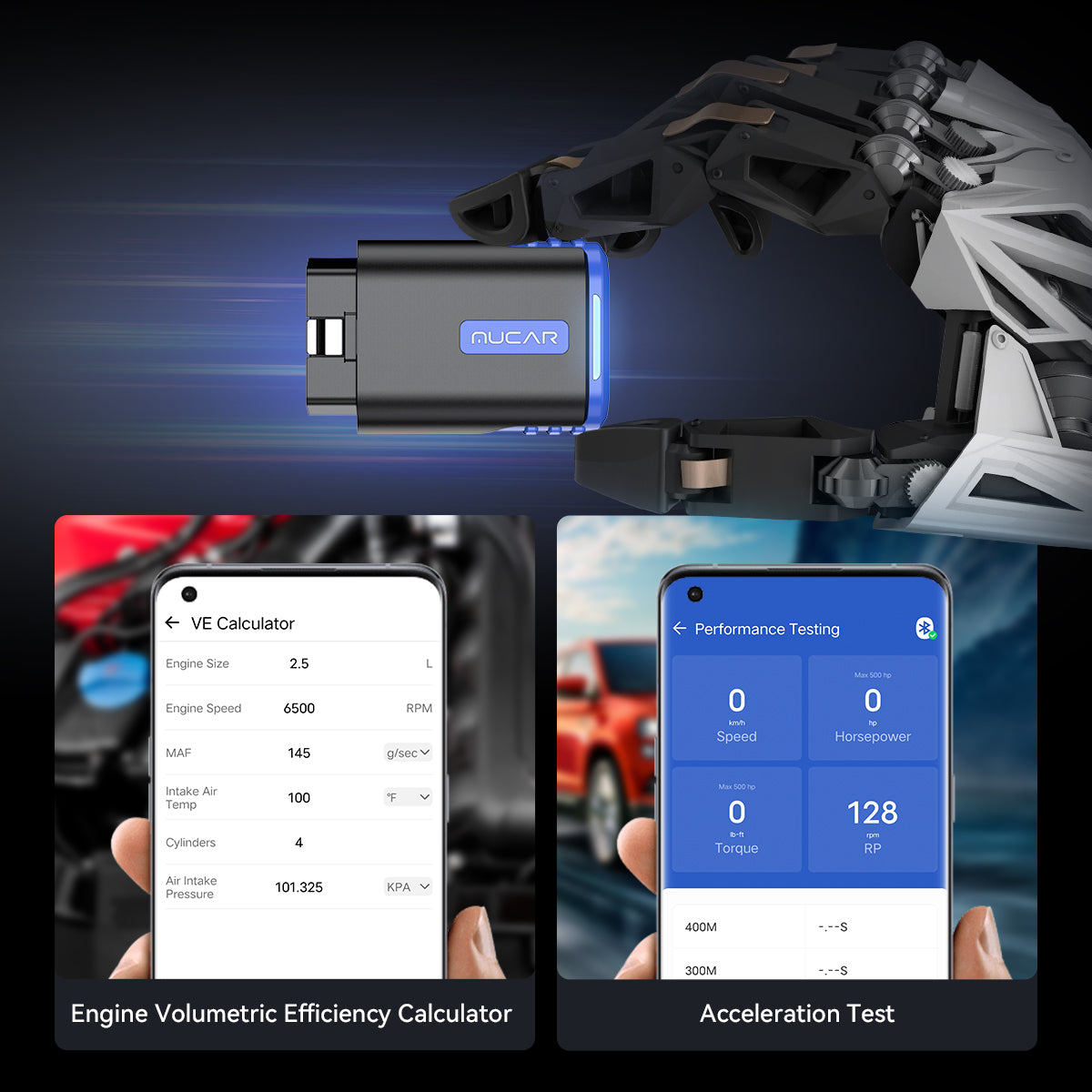
VE Calculator and Acceleration Test
The VE calculator tests gasoline combustion efficiency; the acceleration test calculates 100 km acceleration time based on car parameters.
-
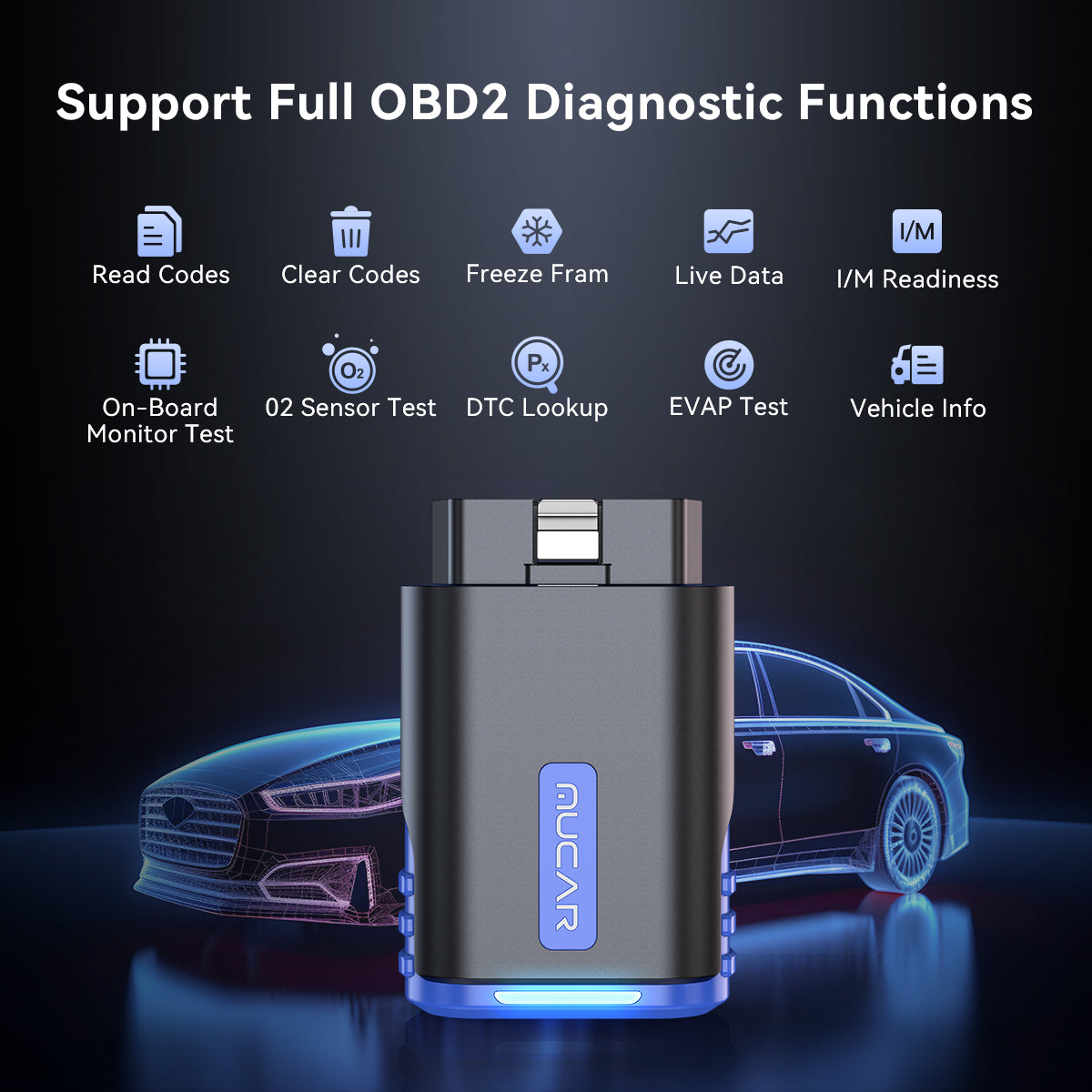
Full OBD2 Functions
Read and clear DTCs, freeze frame, graphed data stream, O₂ sensor test, EVAP system test, on-board monitor test, VIN information, DTC lookup, MIL off and I/M readiness.
-
More in the App
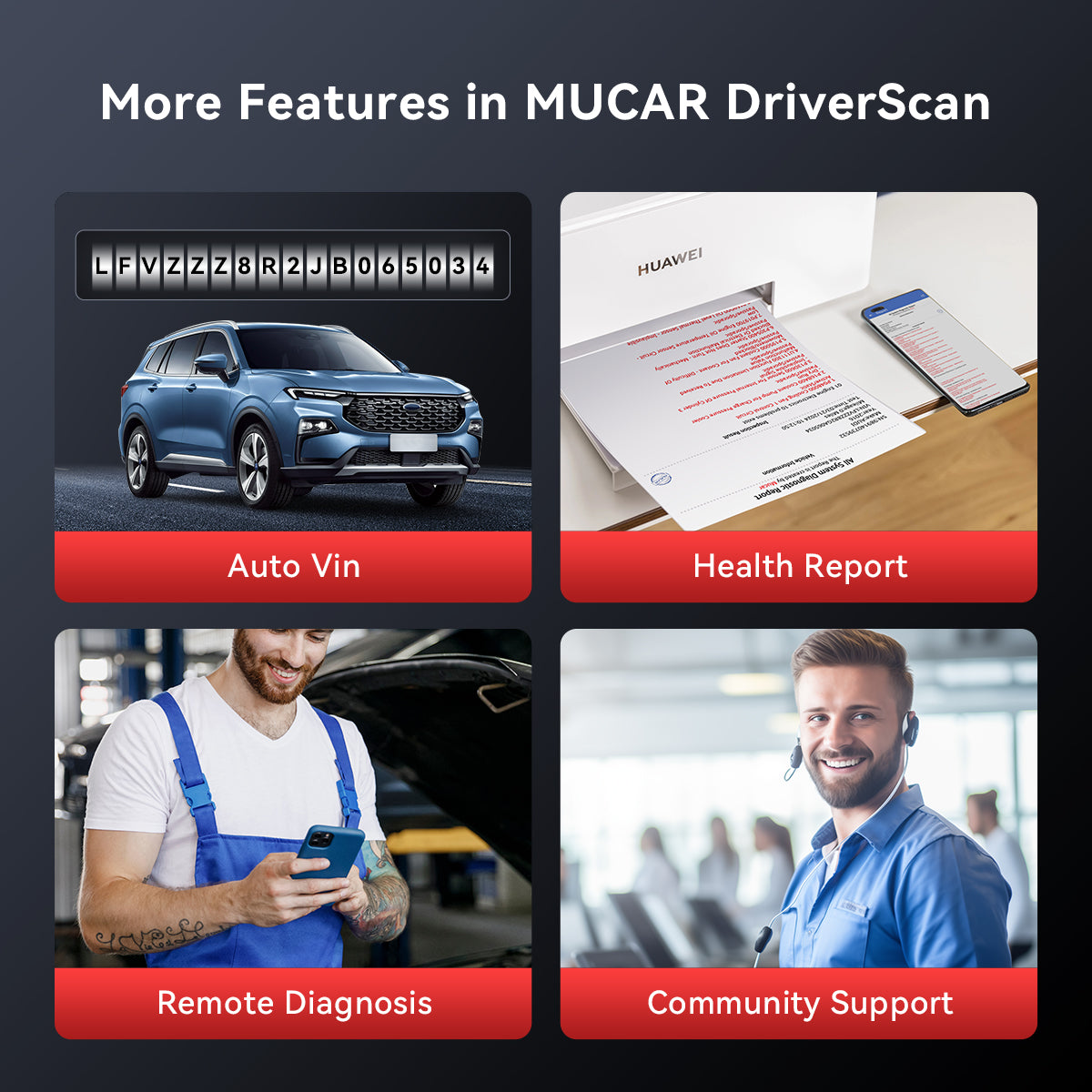
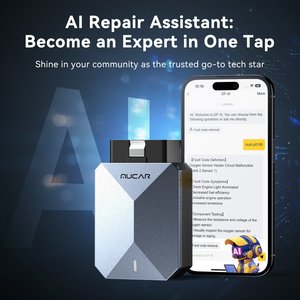
AutoVIN identifies make, model and year; printable car health reports, remote diagnosis and community support.
Highlights
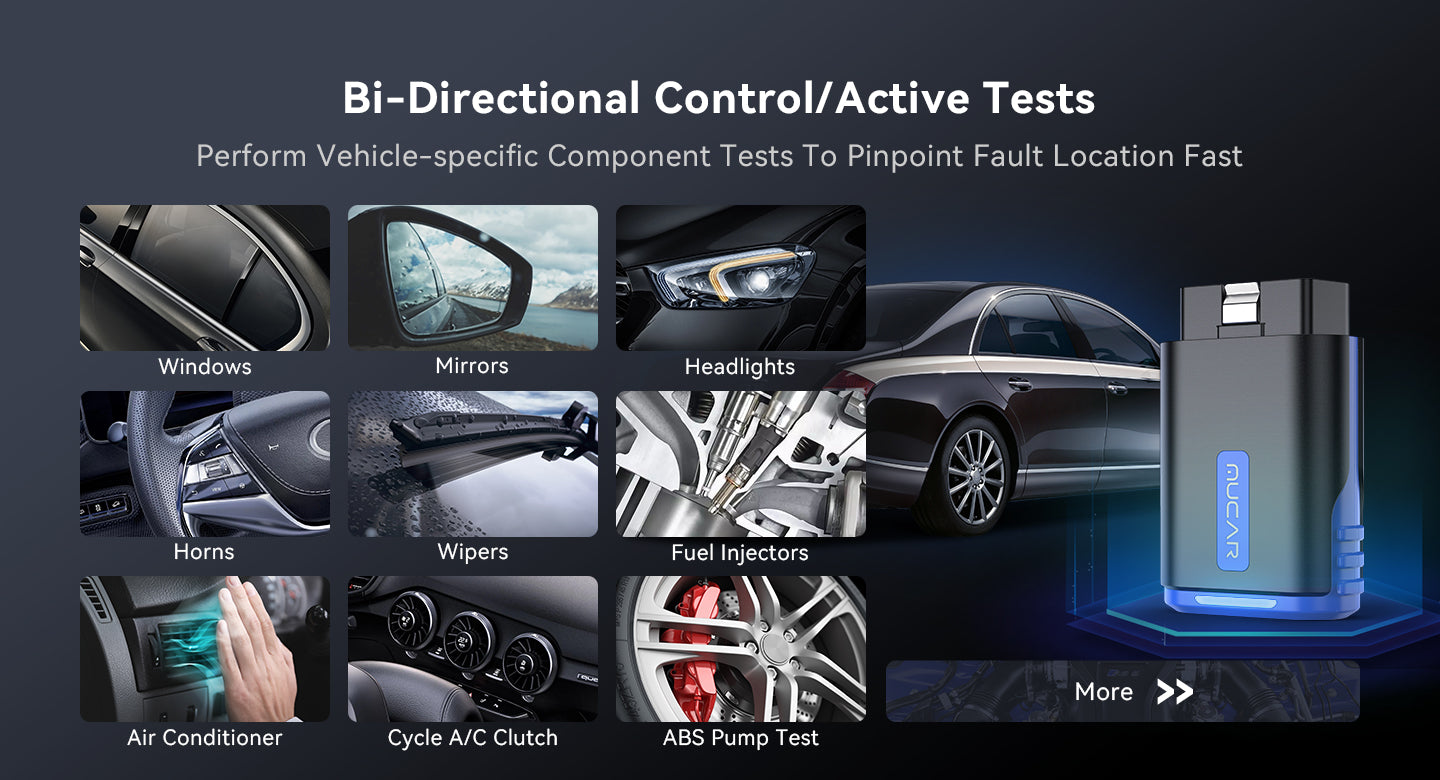
Active Tests
Command components directly to check that they work.
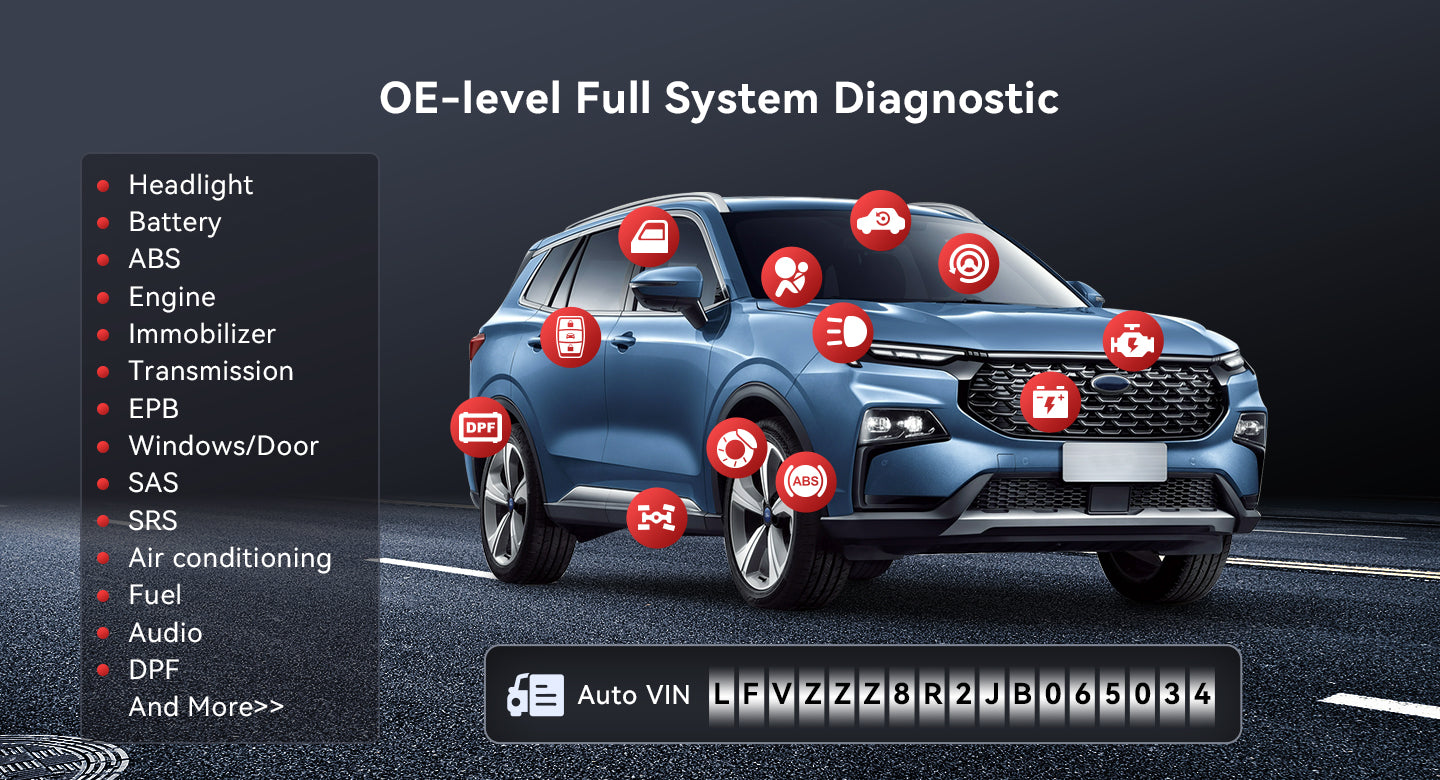
Full-System Scan
Engine, chassis, body and comfort systems in one scan.
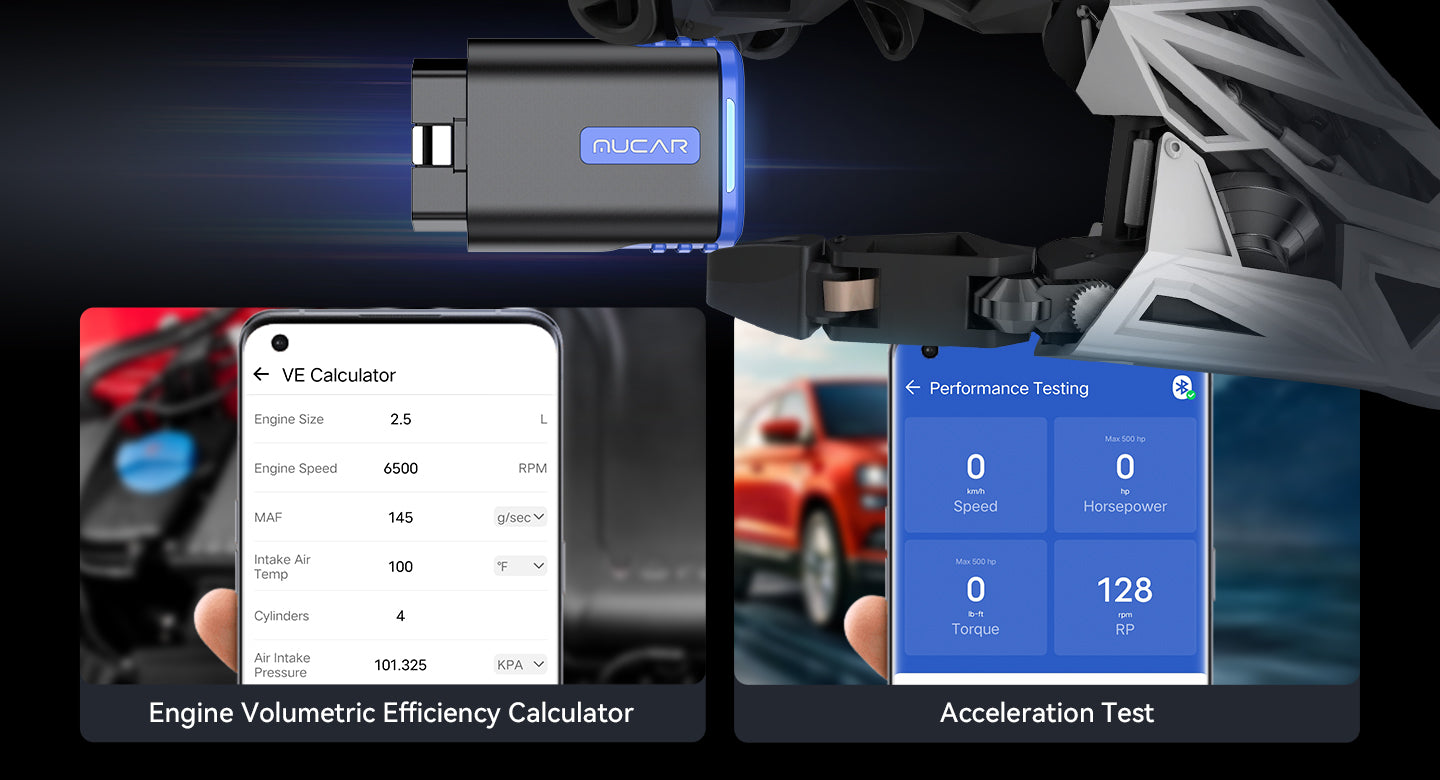
Performance Tools
VE calculator and acceleration test in the app.
How to Use
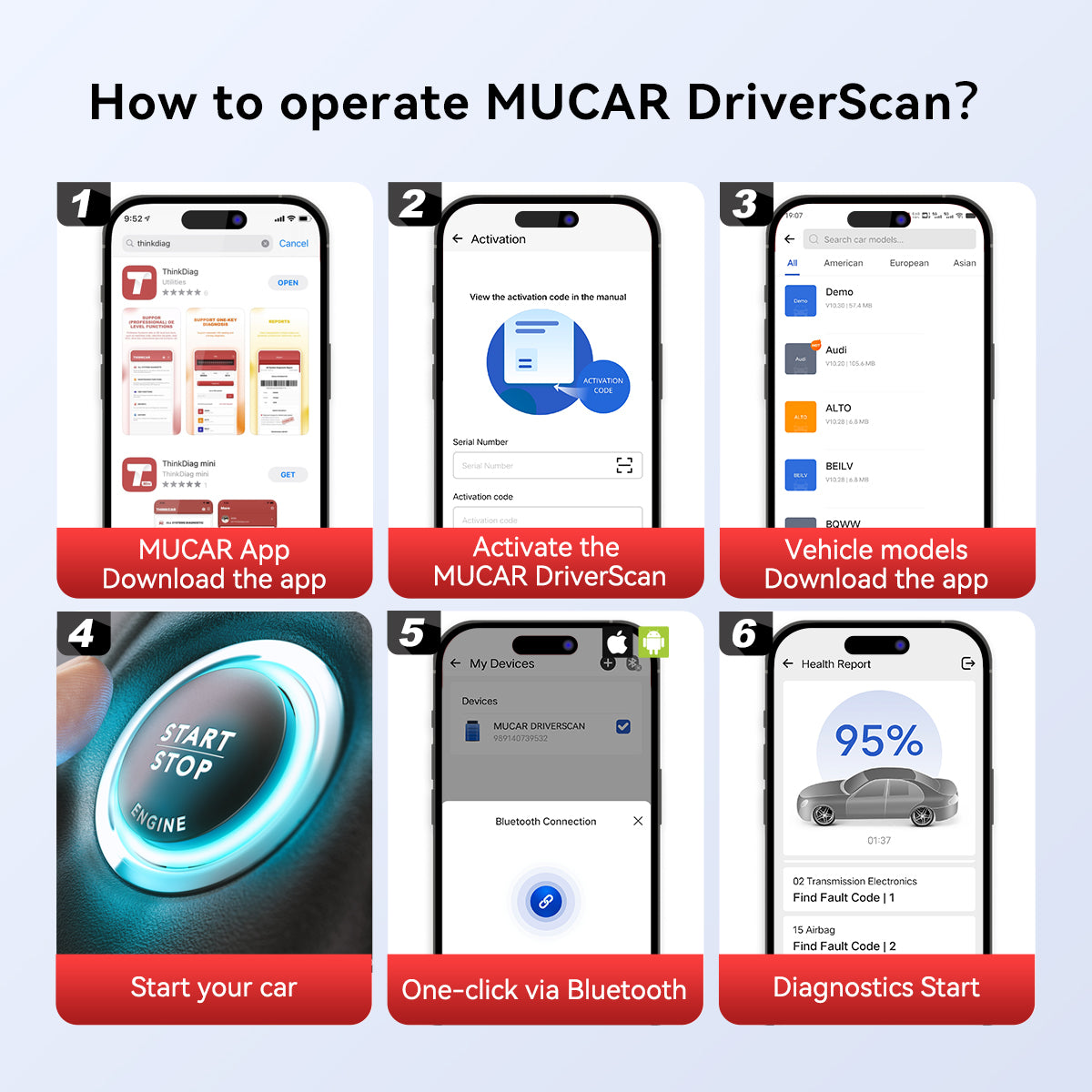
- Install the appOn iOS, download MUCAR DriverScan from the App Store; on Android, download MUCAR DriverScan+ from Google Play.
- Register and log inCreate an account and sign in.
- Activate the deviceEnter the serial number from the back of the dongle and the password from the white sticker in the manual.
- Download softwareDownload all available software in the app.
- Connect and diagnosePlug the dongle into the vehicle, read the VIN and start diagnosis.
Good to Know
Caution
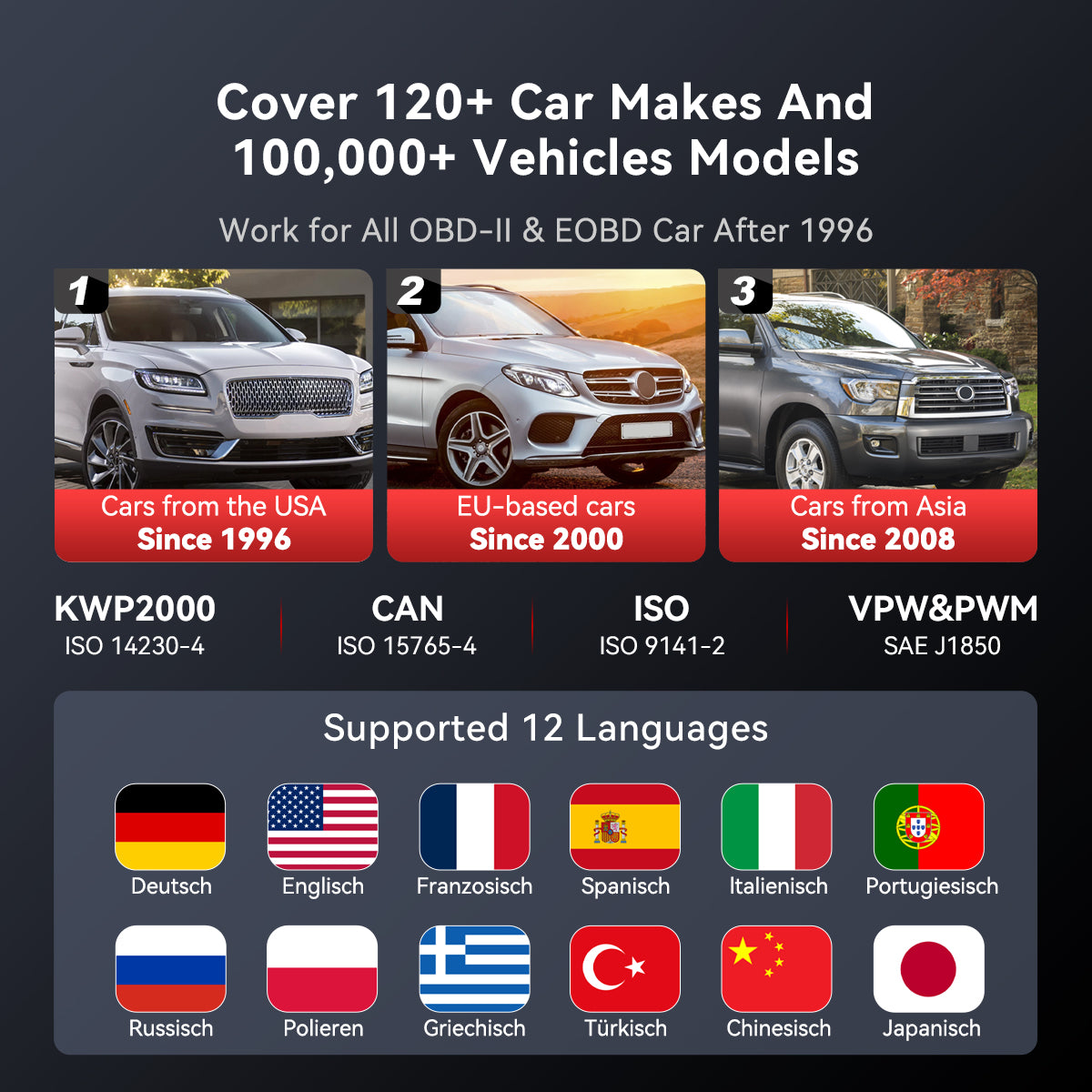
- Key functions are not universally compatible; check support for your vehicle before purchase.
- For vehicles built after 2008, you need the PIN code to program keys.

 English
  German
  Spanish