






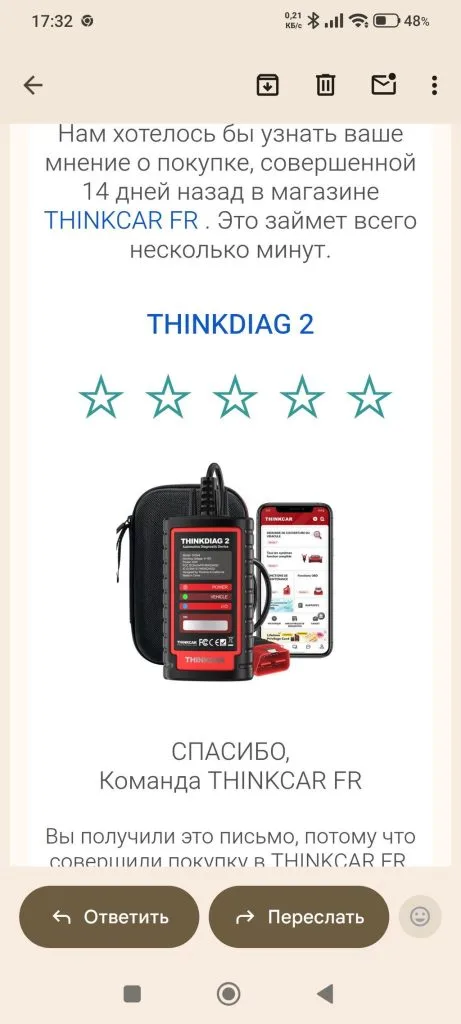


Full-System-Diagnose, Codierung und aktive Tests von Ihrem Smartphone
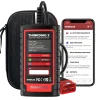
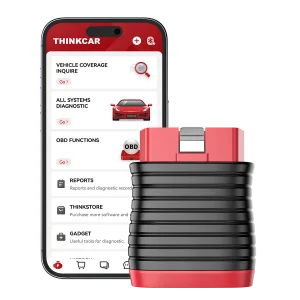
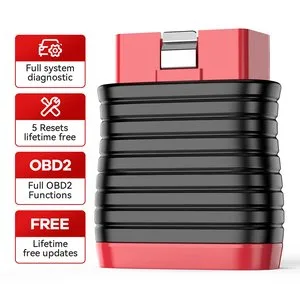
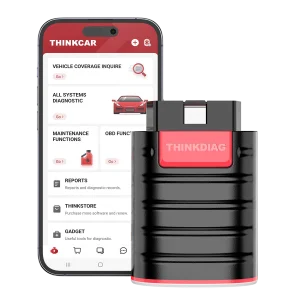
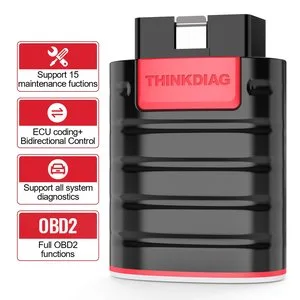
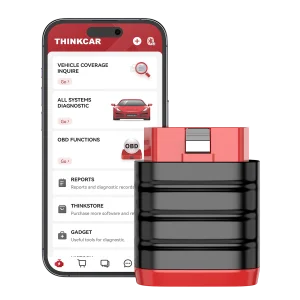
THINKDIAG 2 wird an den OBD2-Anschluss angeschlossen und mit der ThinkDiag-App gekoppelt, um Diagnose auf OE-Niveau für alle Systeme, ECU-Codierung, aktive Tests und Wartungs-Rückstellungen für 120+ Automarken durchzuführen. Integriertes CAN FD ergänzt 2020-und-später GM-Fahrzeuge. Der Dongle muss vor der Verwendung in der App aktiviert werden.
- CAN FD Support
- 120+ Automarken
- ECU Codierung
- Bidirektionale aktive Tests
- 1 Jahr kostenlose Updates
Hauptmerkmale
-
Diagnose auf OE-Niveau für alle Systeme
Codes lesen für ABS, SRS, Motor, Getriebe, BCM, TPMS, EPB, Karosserie, AWD, Türschloss, Batterie, ESP, Parksensor, Tempomat, Instrument und mehr.
-
ECU Codierung
Adaptive Daten in Steuergeräten nach Reparatur oder Austausch von Bauteilen ändern, z. B. elektrische Fensterheber, Innenraumbeleuchtung, Lichtsteuerung, Schiebedach, Klimaanlage, Display- und Einheiteneinstellungen.
-
Aktive Tests
Aktoren ohne die Fahrzeugsteuerung betätigen: Lüfter, Drosselklappe, Fenster, Spiegel, Lichter, Hupe und Türschlösser.
-
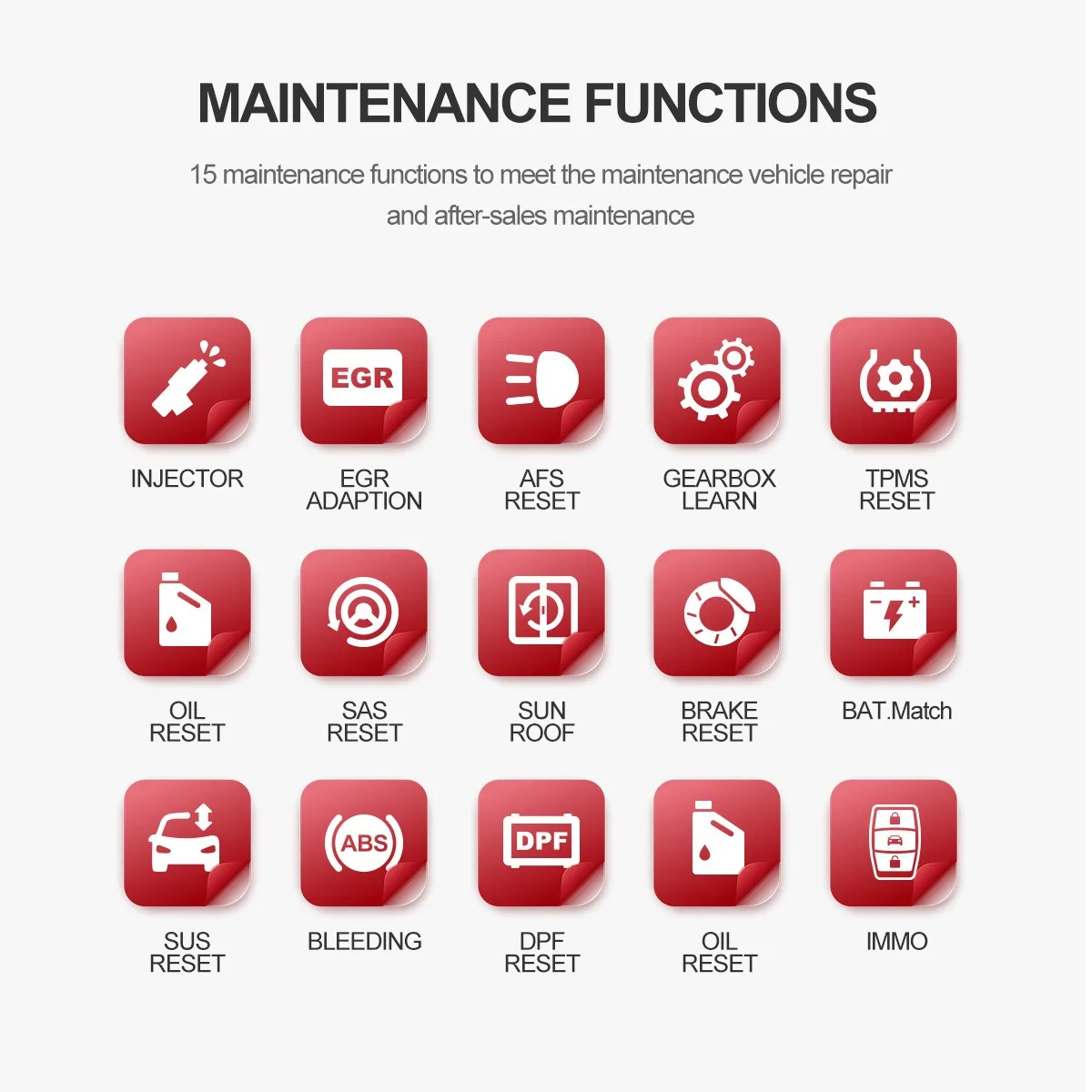
Wartungs-Rückstellungen
Öl, EPB, DPF-Regeneration, SAS, ABS-Entlüftung, Injektorcodierung, Wegfahrsperren-Reset, TPMS, Batterieanpassung, Getriebe-Neuanlernen, Drosselklappen-Neuanlernen, EGR, Schiebedach, Fahrwerk und adaptives Kurvenlicht.
-
Schlüssel- und Fernbedienungsanlernen
Zu den IMMO-Funktionen gehören Schlüssel-Anlernen, Fernbedienungs-Anlernen und das Hinzufügen einer Fernbedienung.
-
Live-Daten, Auto VIN und Berichte
Stellen Sie bis zu vier Live-Datenpunkte gemeinsam in einem Diagramm dar, zeichnen Sie Daten auf, erkennen Sie VIN, Jahr, Modell und Motor automatisch und erstellen Sie Gesundheitsberichte zum Ansehen, Teilen oder Drucken.
-
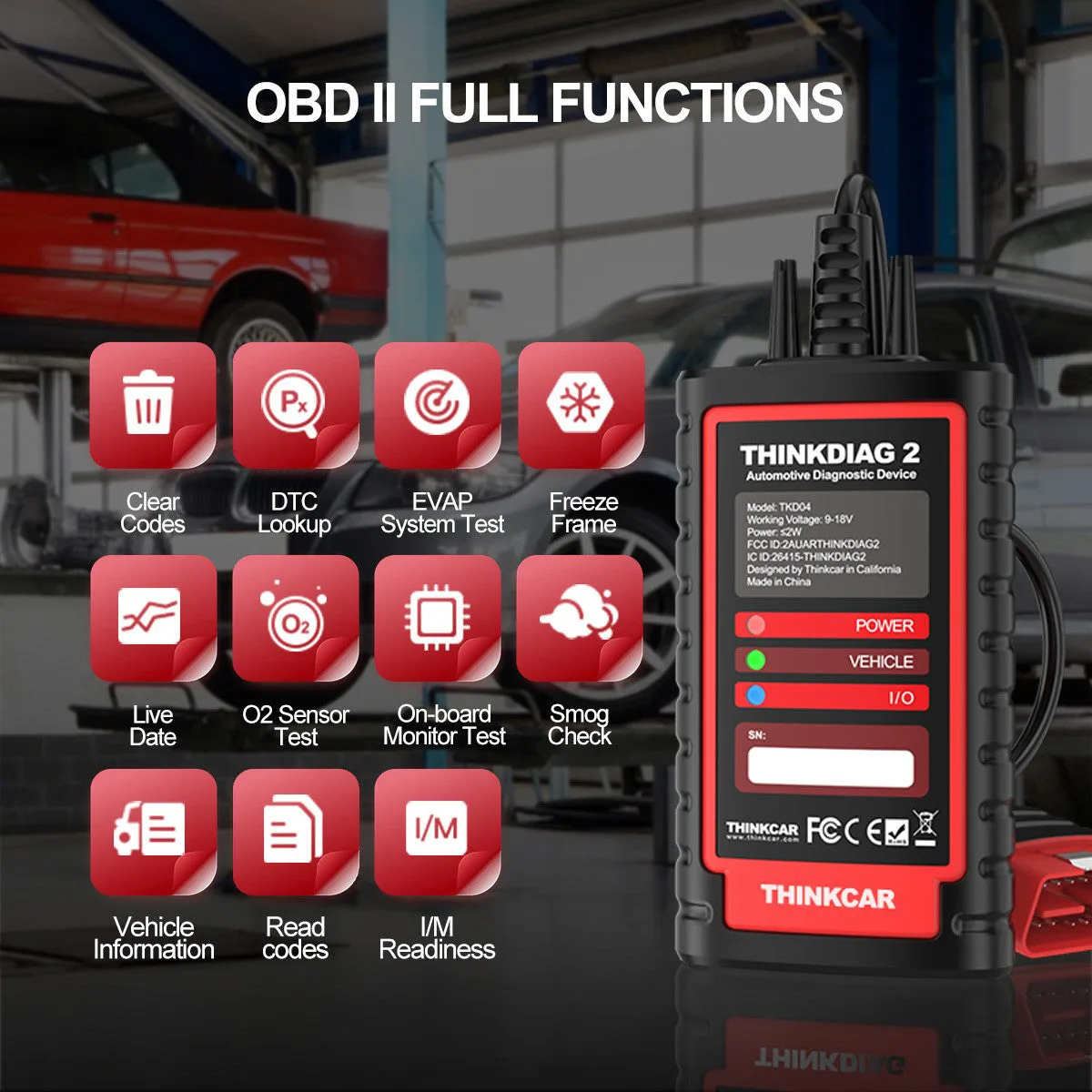
10 OBD2-Funktionen
DTCs lesen und löschen, DTC-Suche, Freeze Frame, Live-Daten-Diagramm, O2-Sensor-, EVAP- und Bordmonitortests, I/M-Bereitschaft, VIN-Informationen und MIL aus.
Highlights

Codierung und bidirektionale Steuerung
Beide laufen über die ThinkDiag-App auf Ihrem Smartphone.
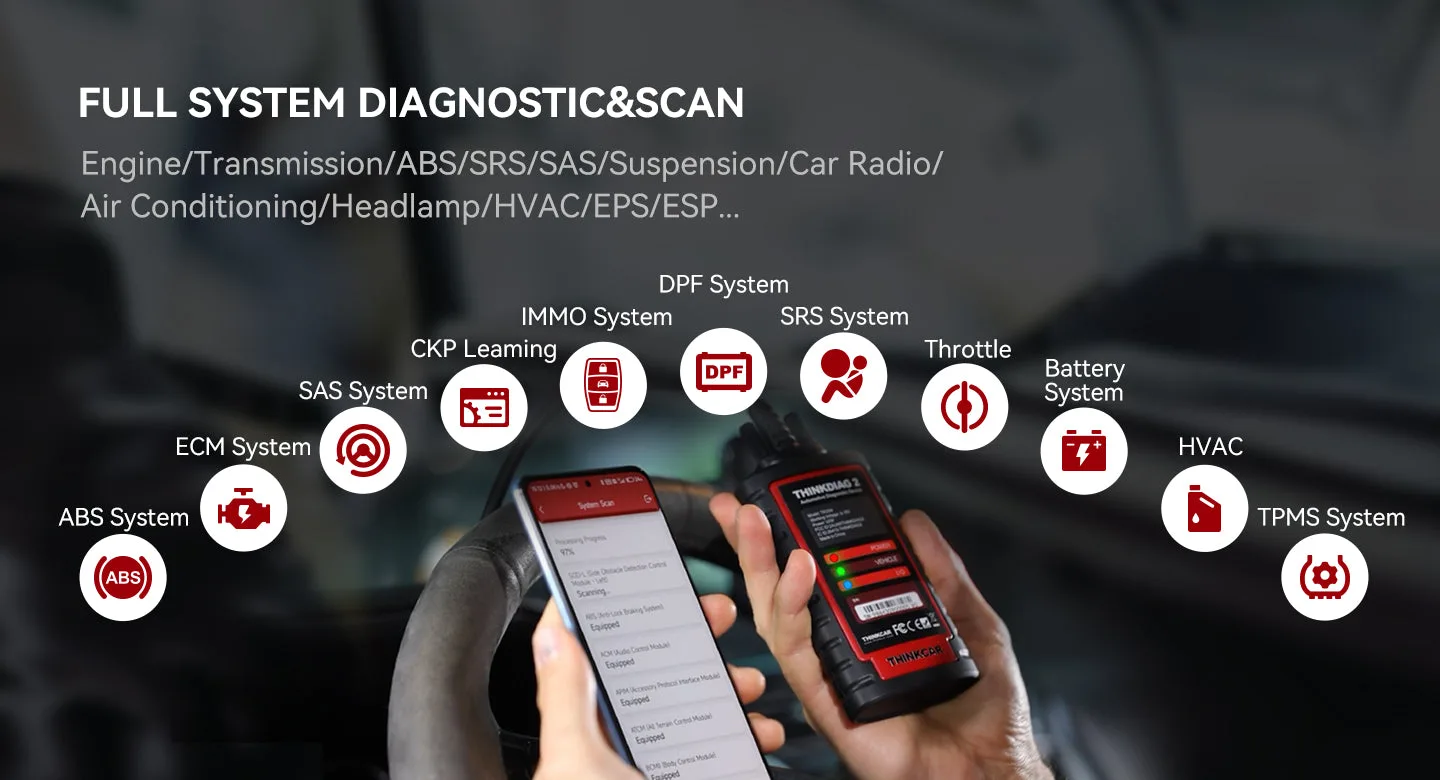
Kompletter Systemscan
Die App listet jedes Modul auf, das beim Scan am Fahrzeug gefunden wird.
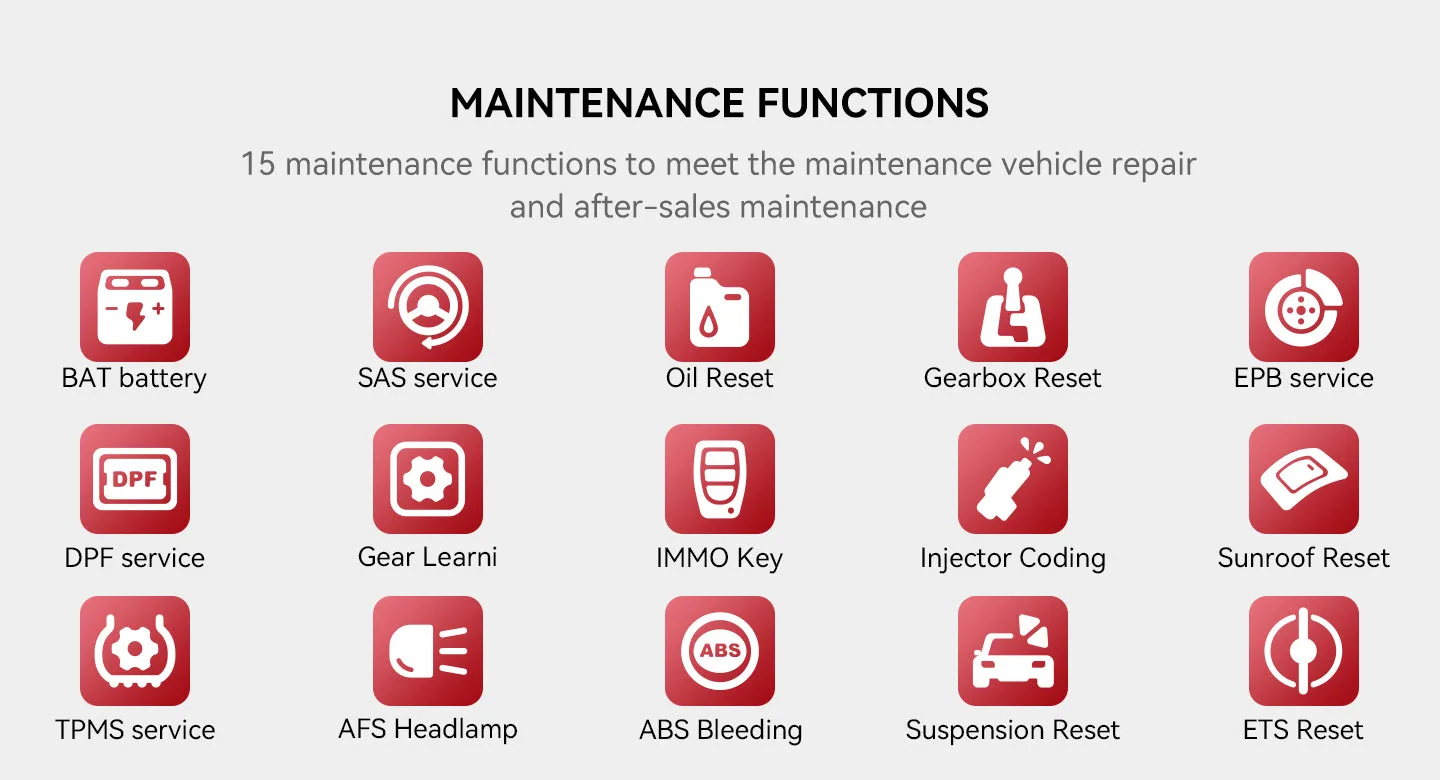
Wartungsmenü
Reset- und Neu-Anlernfunktionen sind in einem separaten Menü zusammengefasst.
Weitere technische Daten
| Betriebsspannung | 9–18 V |
|---|---|
| Leistung | ≤2 W |
| Zusätzliche App-Funktionen | Ferndiagnose, Online-Feedback, Fahrzeughalter-Community |
THINKDIAG 2 vs. THINKDIAG
| THINKDIAG 2 | THINKDIAG | |
|---|---|---|
| CAN FD-Protokoll | Ja | Nein |
| Bluetooth | 5.0 | 4.2 |
| Hinzugefügte GM-Modelle | Onix (2020–2021); Tracker, Escalade, Escalade ESV, Suburban, Tahoe, Yukon, Yukon XL (2021) | Keine |
| Weitere OBD2-Protokolle | ISO 14230-4, ISO 15765-4, ISO 9141-2, SAE J1850 VPW/PWM | ISO 14230-4, ISO 15765-4, ISO 9141-2, SAE J1850 VPW/PWM |
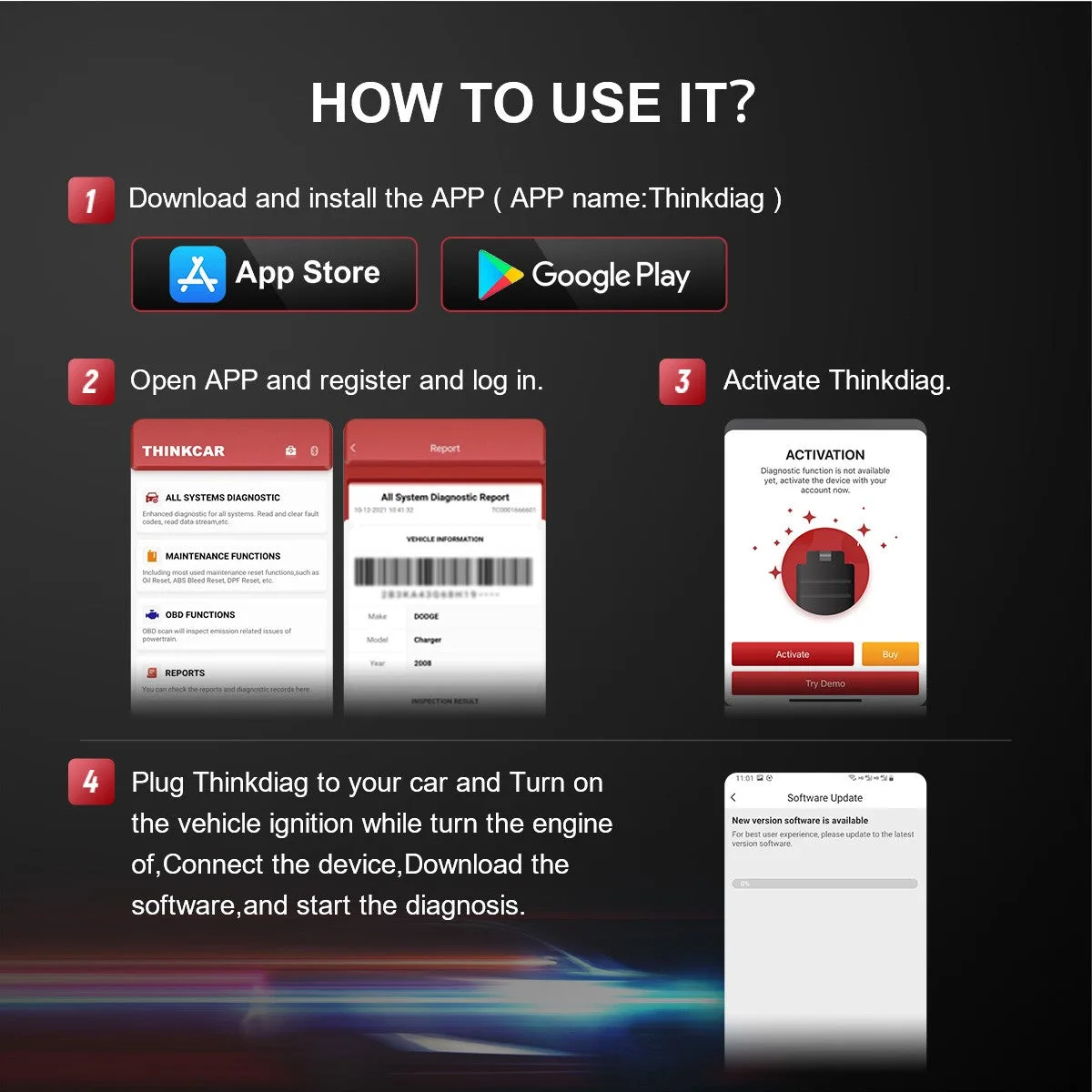
Anwendung
- App holenLaden Sie ThinkDiag bei Google Play oder im App Store herunter.
- AnmeldenRegistrieren und anmelden.
- AktivierenGeben Sie die Seriennummer auf der Rückseite des Dongles und das Passwort vom weißen Aufkleber in der Anleitung ein.
- Software herunterladenLaden Sie die gesamte Fahrzeugsoftware in der App herunter.
- DiagnoseStecken Sie den Dongle in das Auto, lesen Sie den VIN aus und starten Sie die Diagnose.
Updates & Support
Gut zu wissen
Achtung
- Der Dongle muss in der ThinkDiag-App aktiviert werden, um die Software und Funktionen nutzen zu können.
- Die verfügbaren Wartungsfunktionen unterscheiden sich von Fahrzeug zu Fahrzeug.









 English
  Deutsch
  Español
  Nederlands
  Français