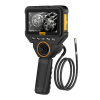


Steer the Probe Four Ways to See Around Corners
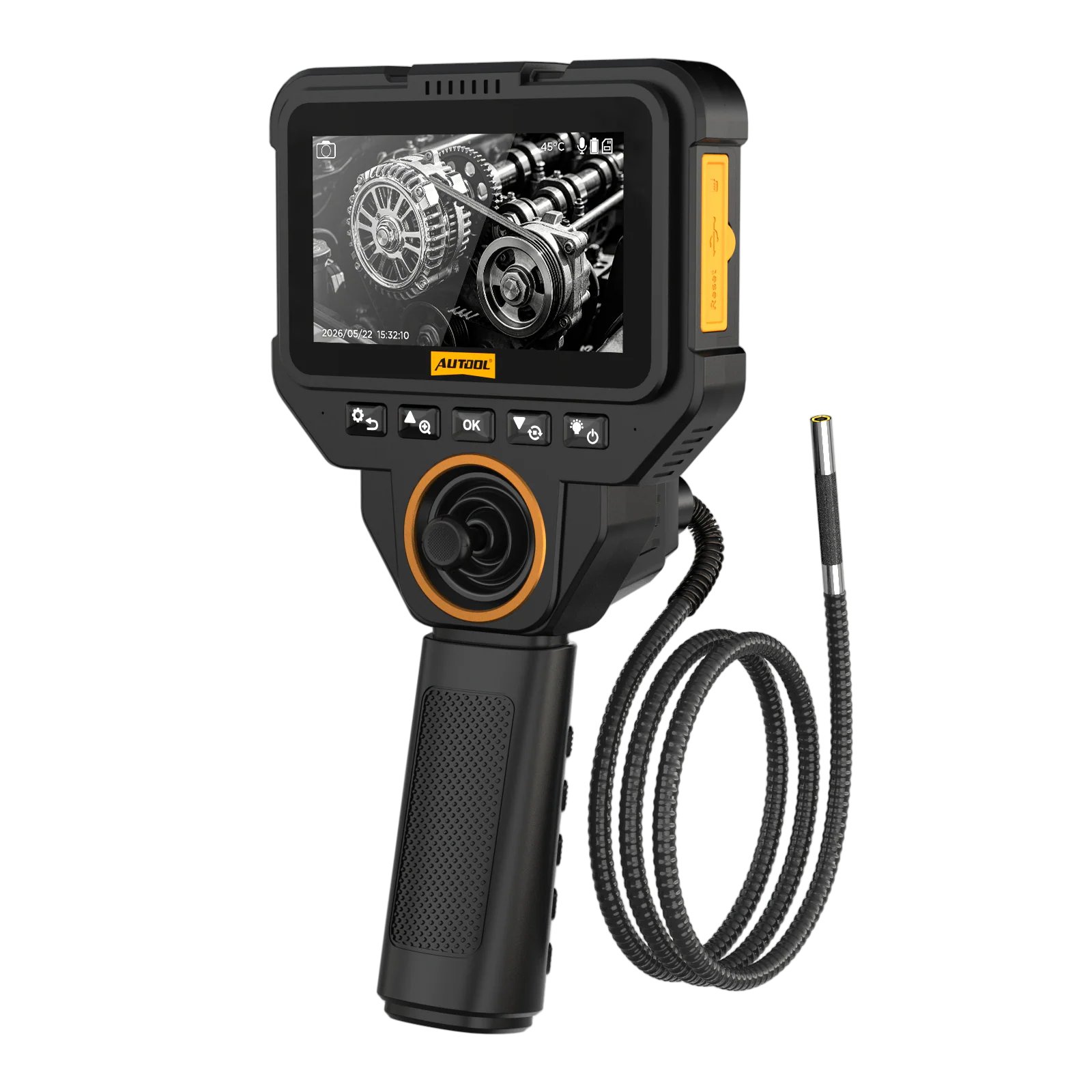
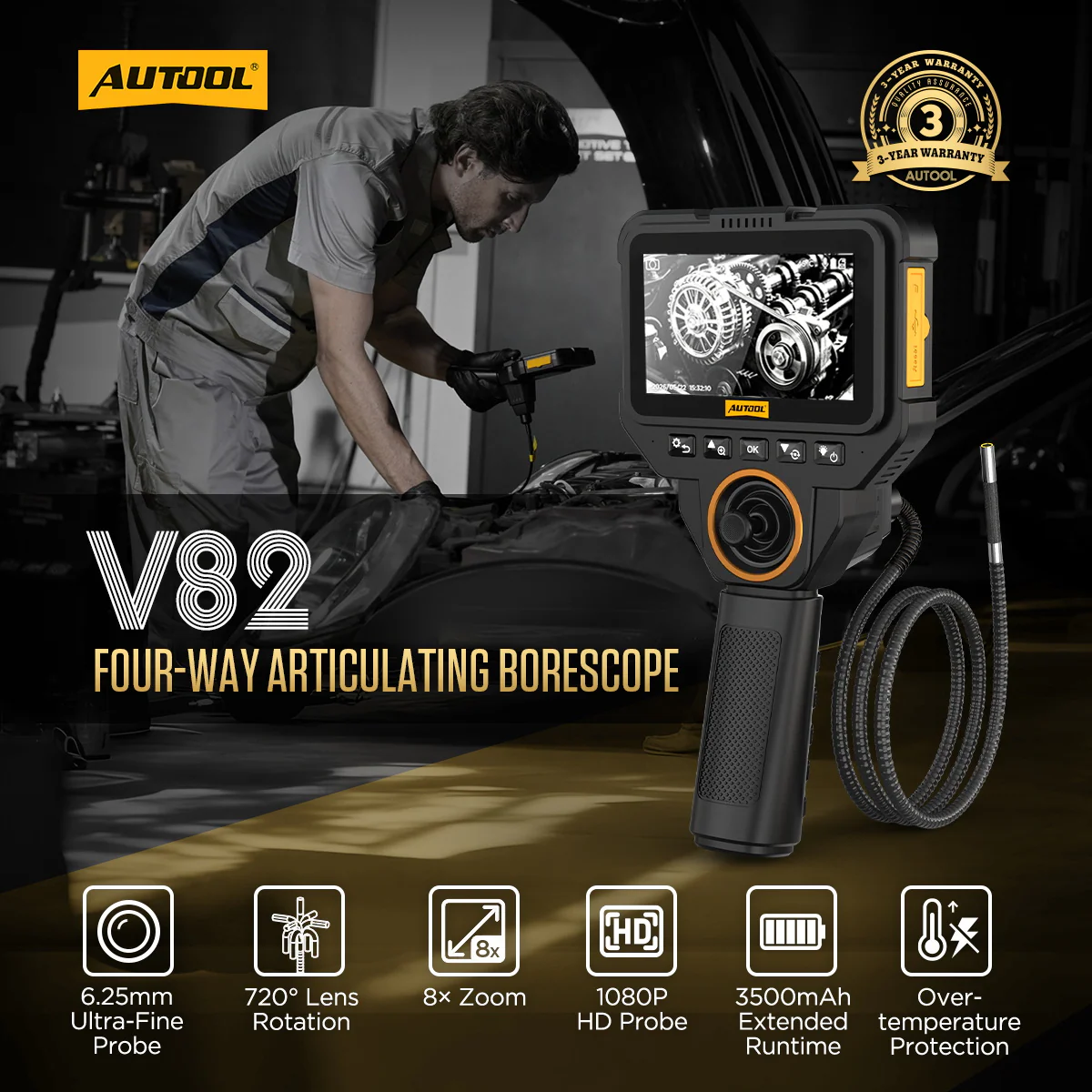
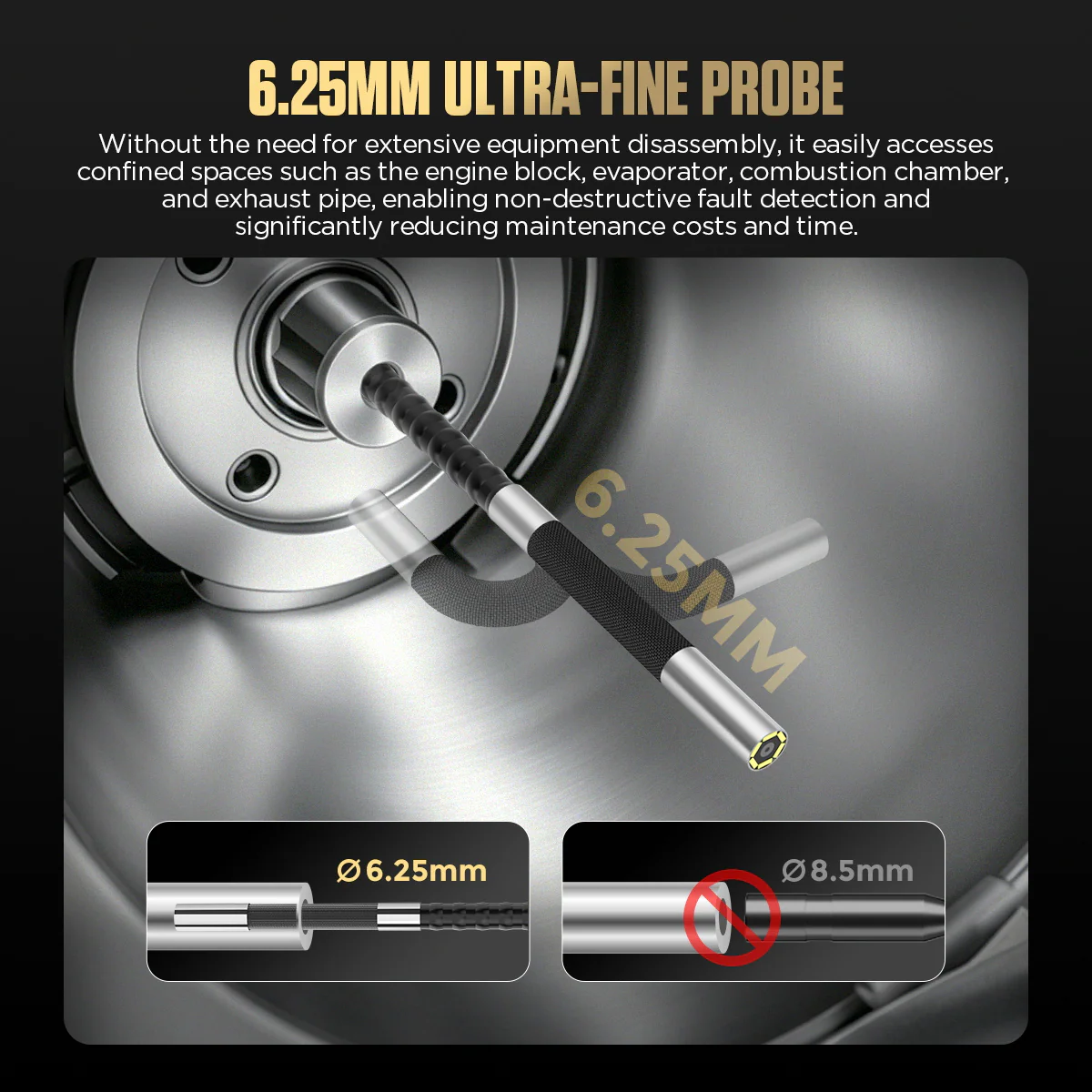
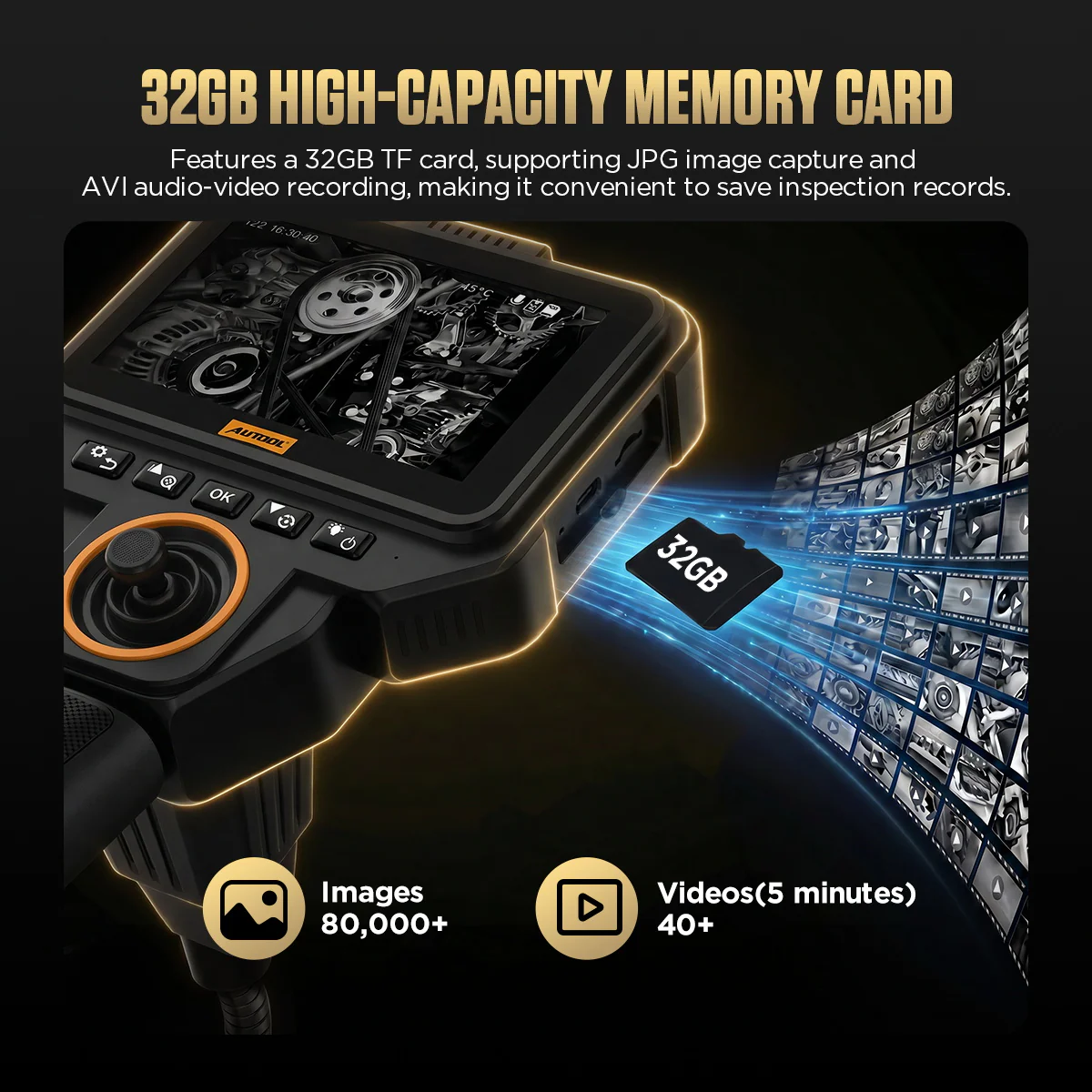
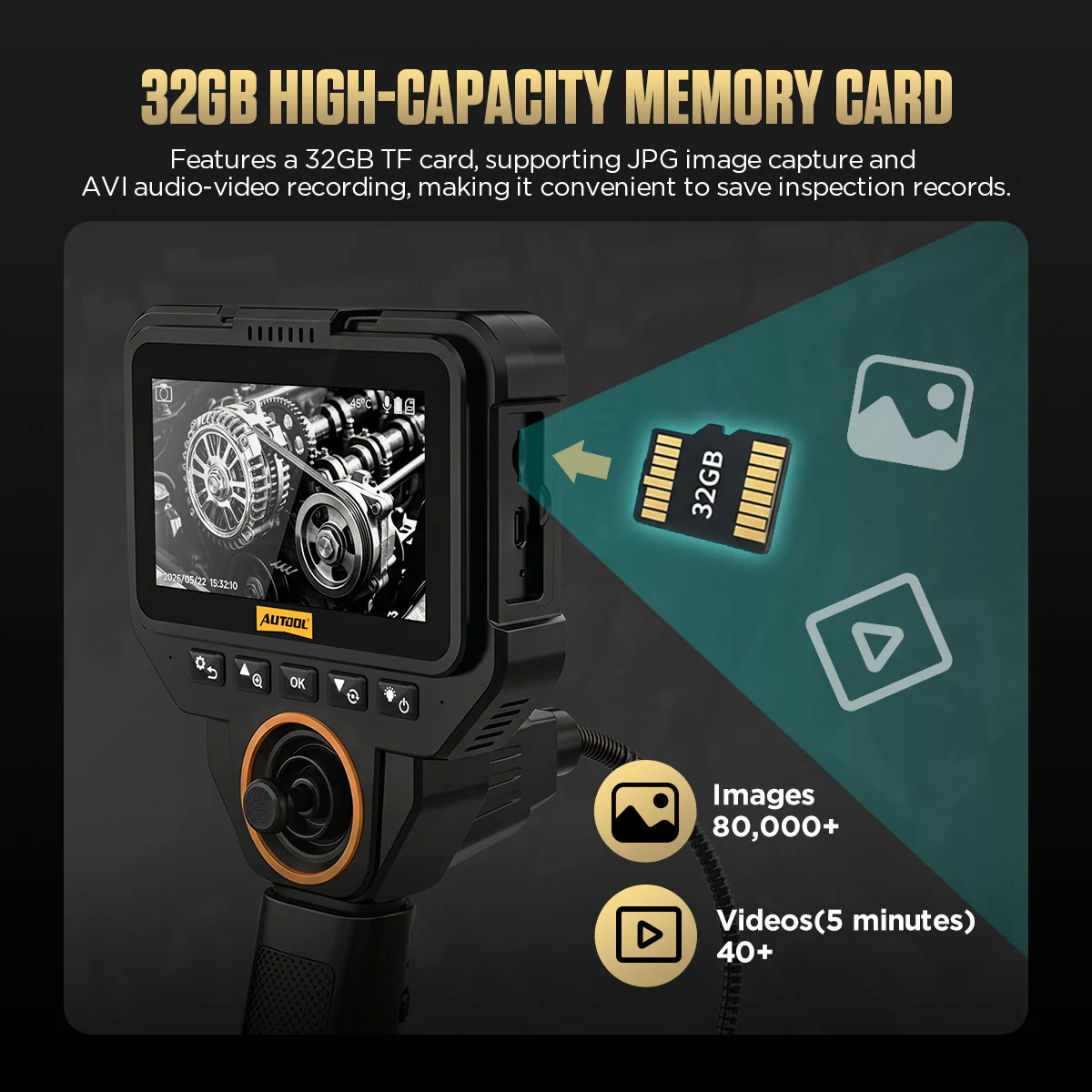
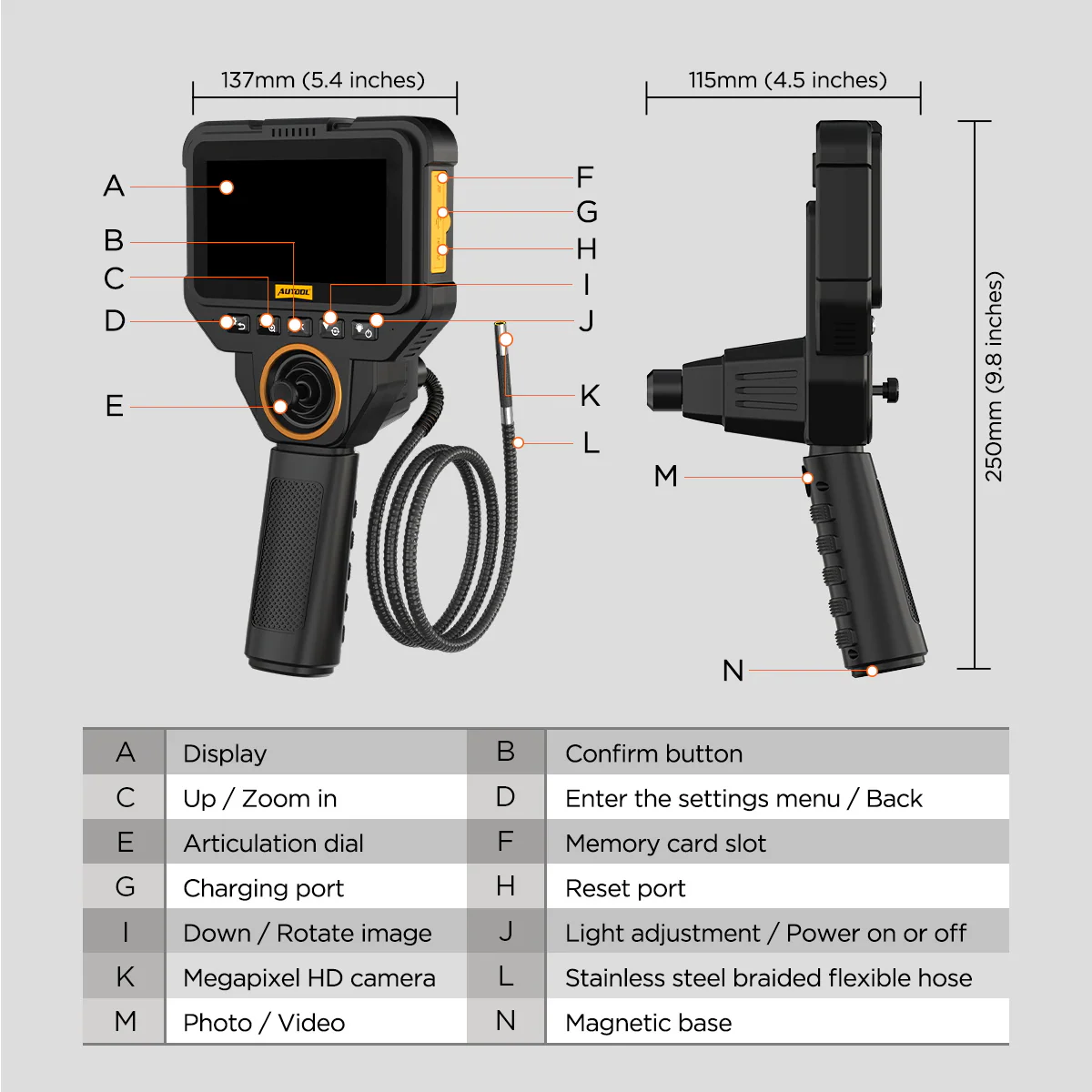
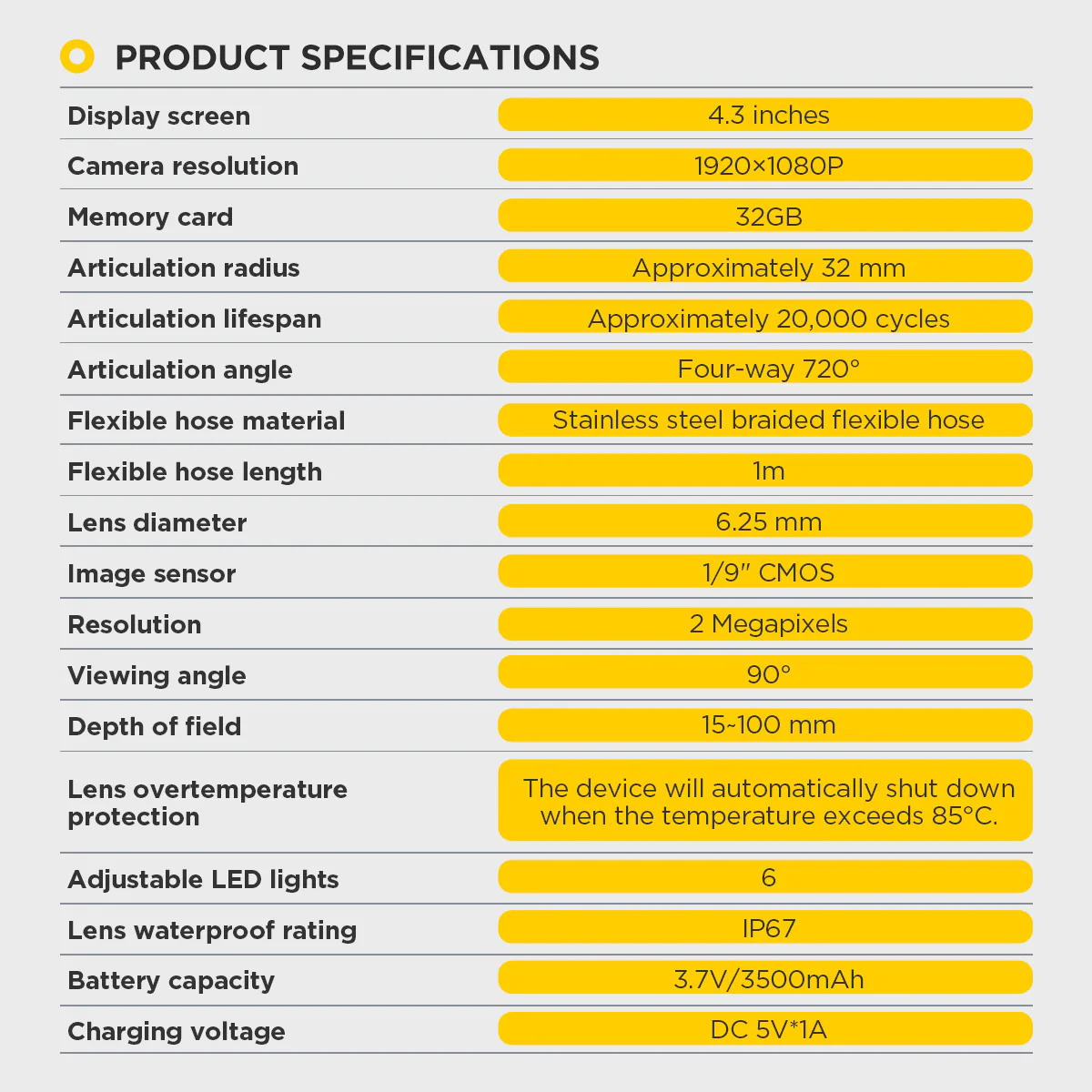
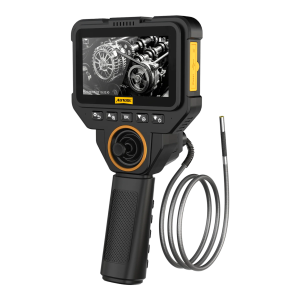
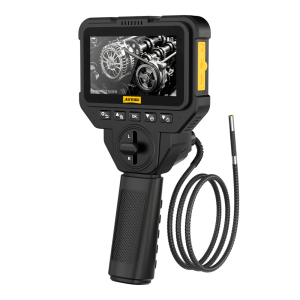
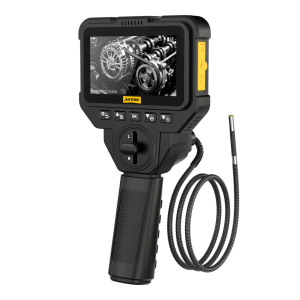
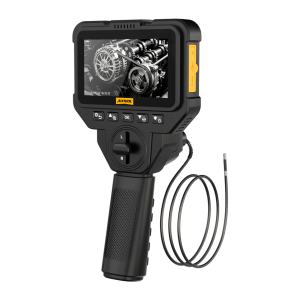
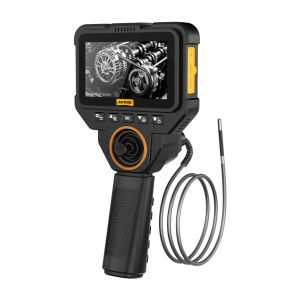
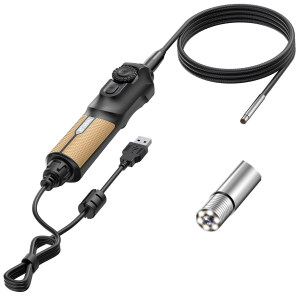
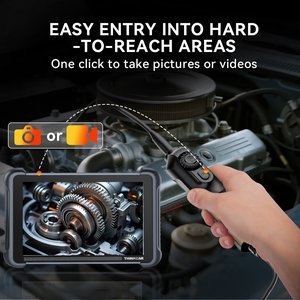
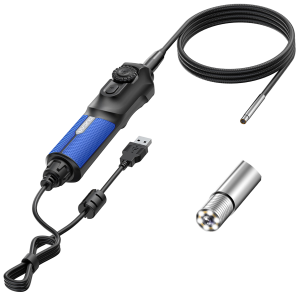
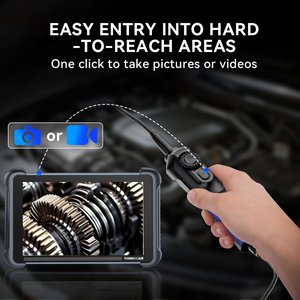
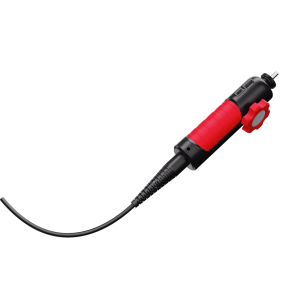
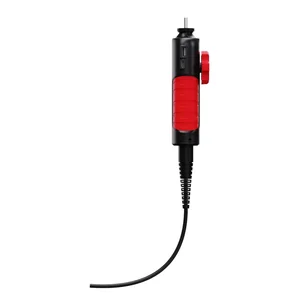
The V82 guides a 6.25 mm, 2 MP probe in four directions and shows the image on its own 4.3-inch screen, with no phone app. Adjust the lighting, record photos or video, and use the magnetic base to hold the unit steady.
- 6.25 mm Four-Way Probe
- 2 MP / 1080p
- 4.3-Inch Screen
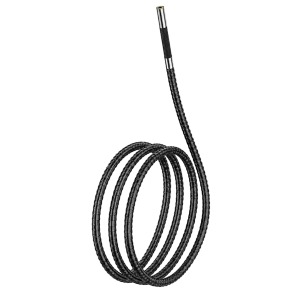
- 1 m Braided Hose
- Photo and Video
Hauptmerkmale
-
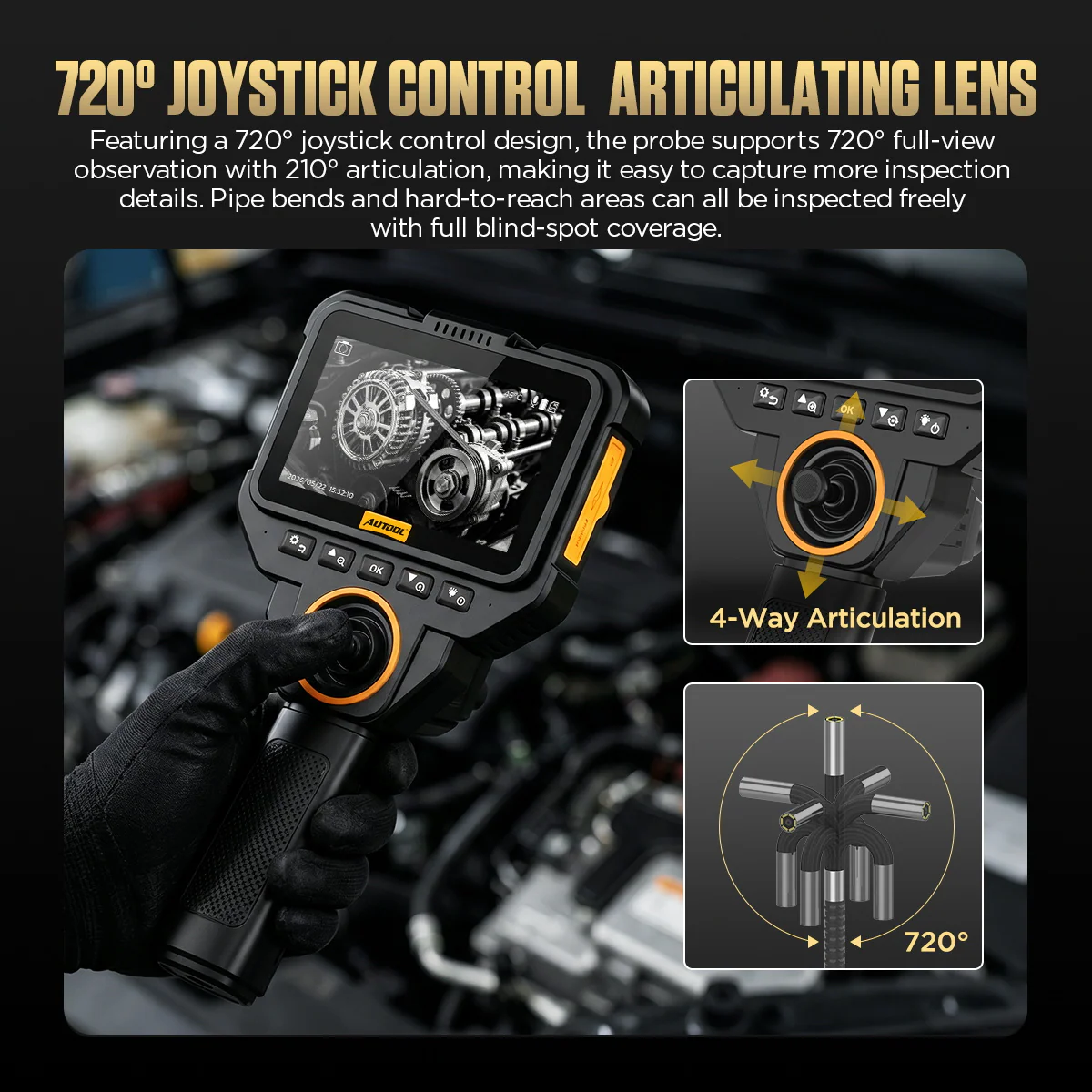
Four-Way Articulation
Steer the tip with four-way control; the 720° in the product name does not mean continuous rotation or coverage of every surface.
-
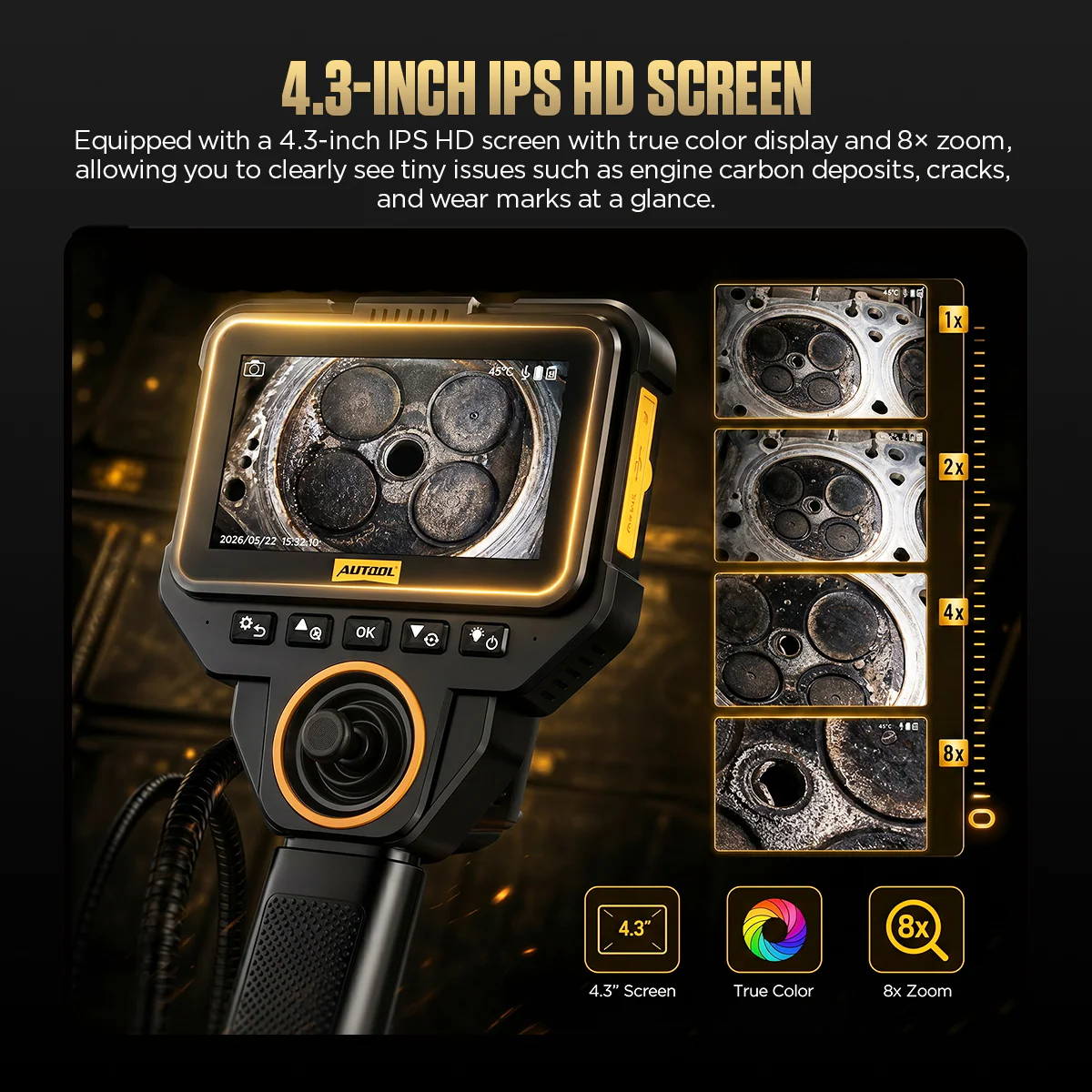
Standalone Display
View the live image on the built-in color screen without installing an app or using a separate mobile display.
-
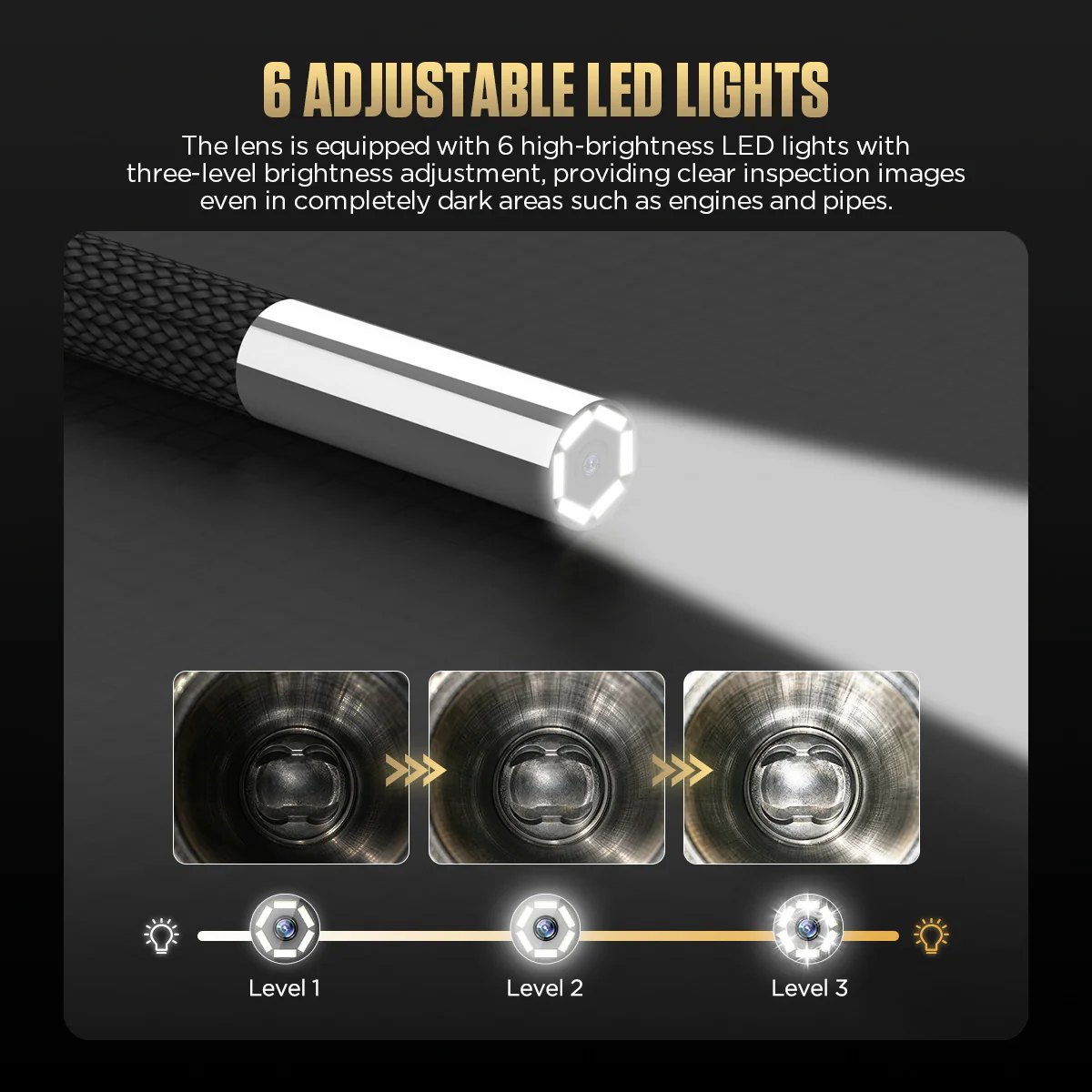
Adjustable Lighting
Set the LEDs to reduce dark areas or reflections, or switch them off.
-
Up to 8× Digital Zoom
Enlarge the displayed image to review a detail; digital zoom does not add optical detail.
-
Photo, Video and Playback
Capture from the handle button, then review files with playback and image rotation.
-
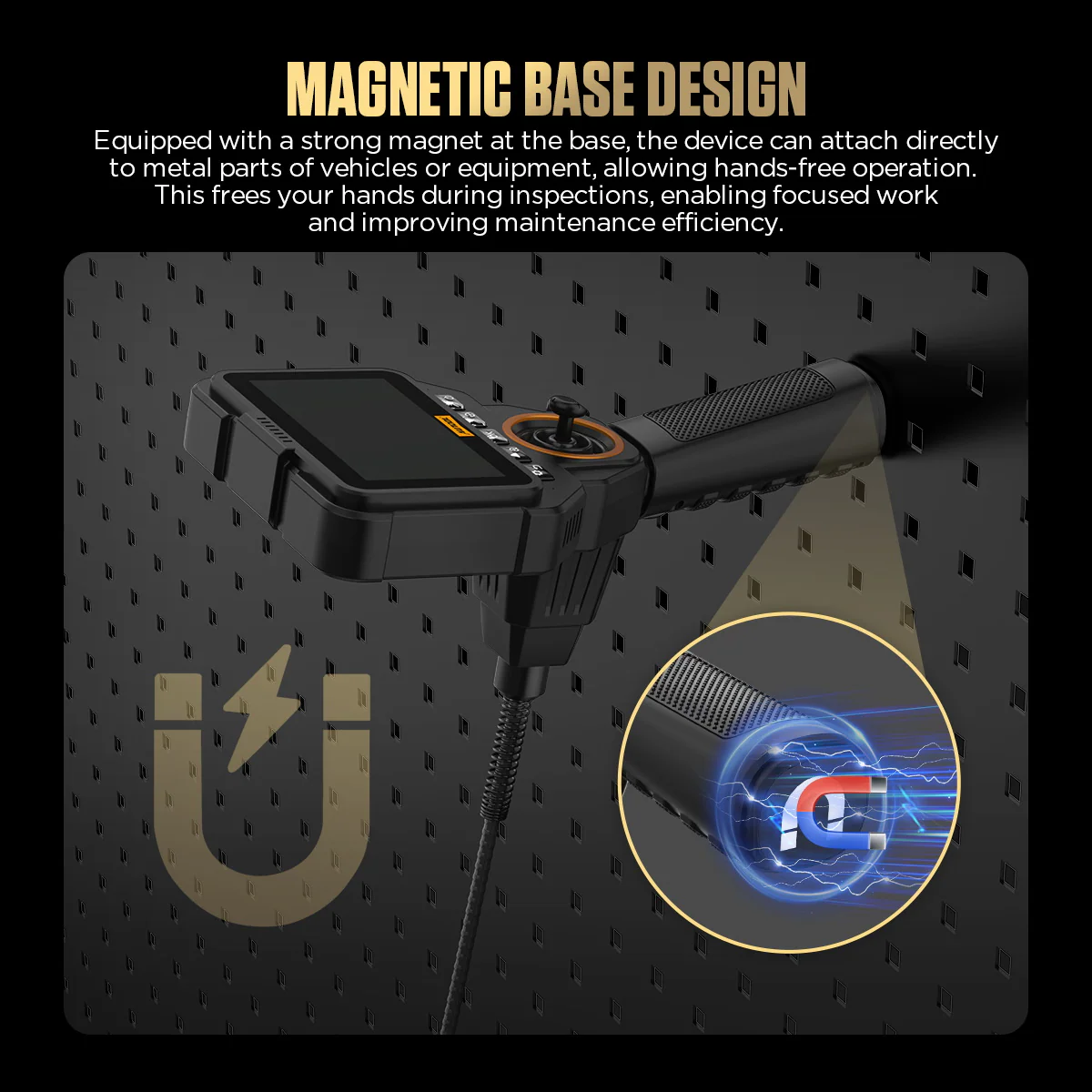
Magnetic Positioning
Attach the magnetic base to a ferrous surface to steady the unit while guiding the probe.
More Specifications
| Image sensor | 1/9″ CMOS |
|---|---|
| Articulation radius | About 32 mm |
| Articulation life | About 20,000 cycles |
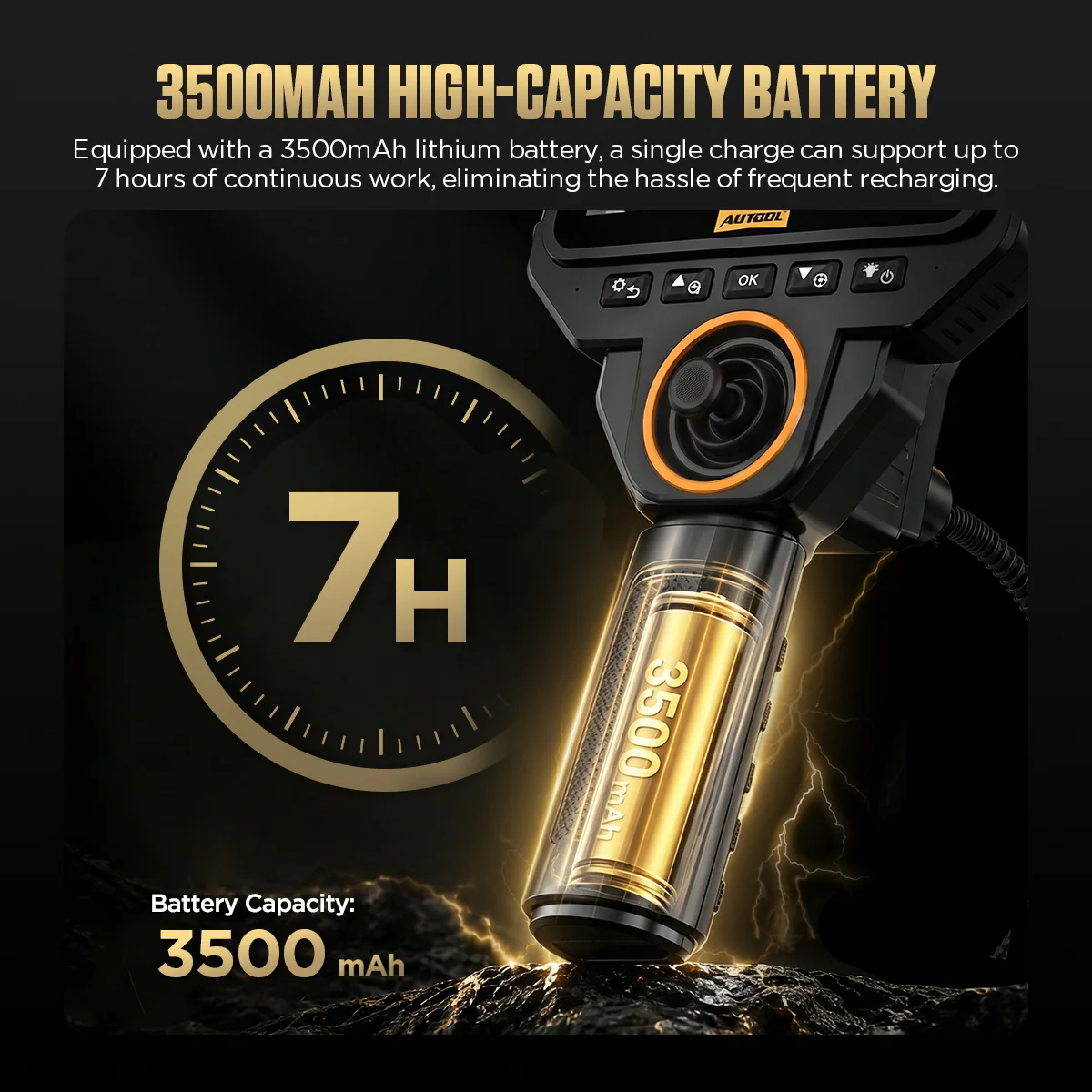
| Charging | DC 5 V / 1 A; fast charging not supported |
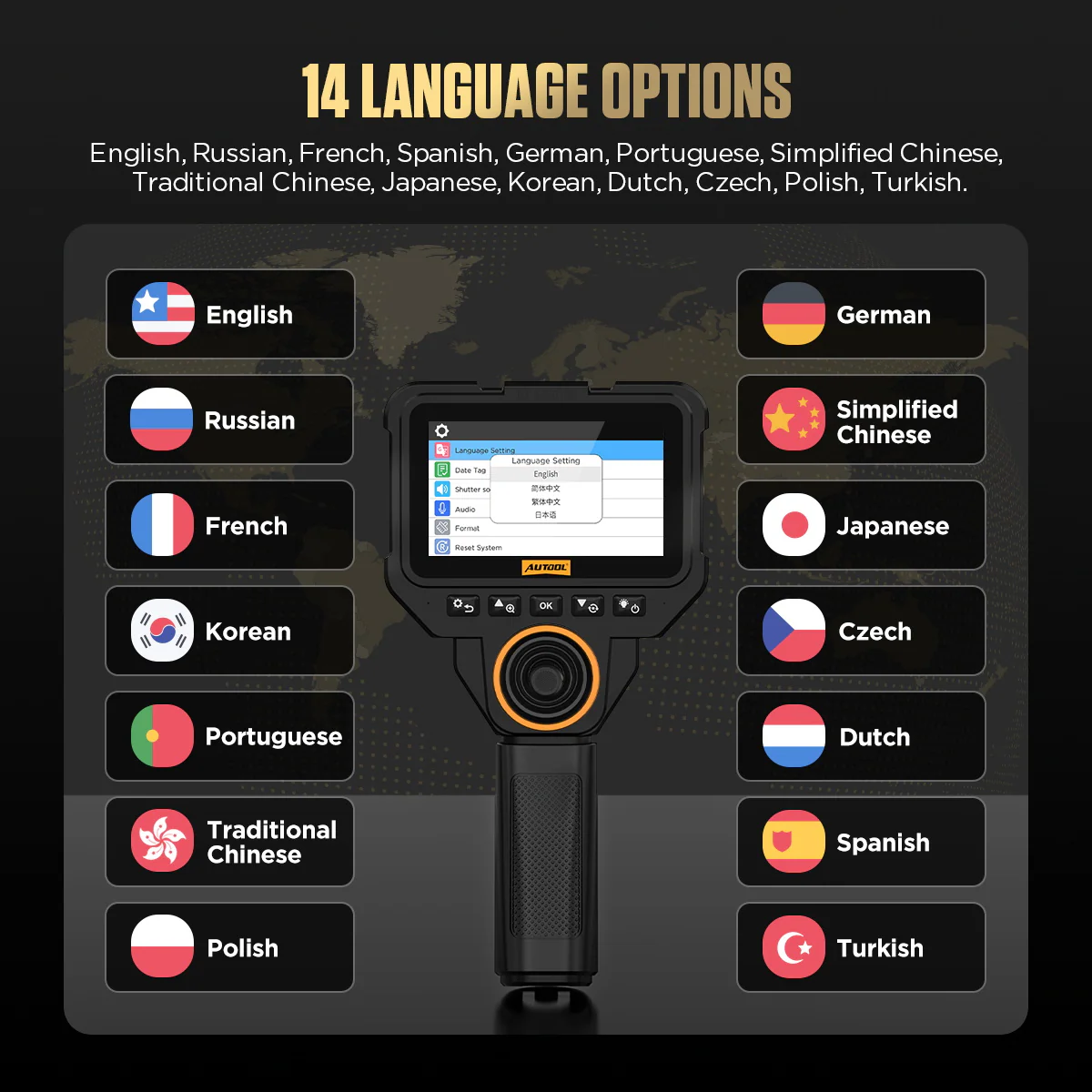
| Menu languages | English, Chinese (simplified and traditional), French, Spanish, German, Czech, Portuguese, Japanese, Korean, Russian, Dutch, Turkish, Polish |
Model Comparison
| V82 | V80 | V83 | V85 | |
|---|---|---|---|---|
| Lens diameter | 6.25 mm | 6.25 mm | 5 mm | 3.95 mm |
| Steering | Four-way | Two-way | Four-way | Four-way |
| Auflösung | 1920×1080 | 1920×1080 | 1280×720 | 1920×1080 |
| LEDs | 6 | 6 | 8 | 6 |
What’s in the Box
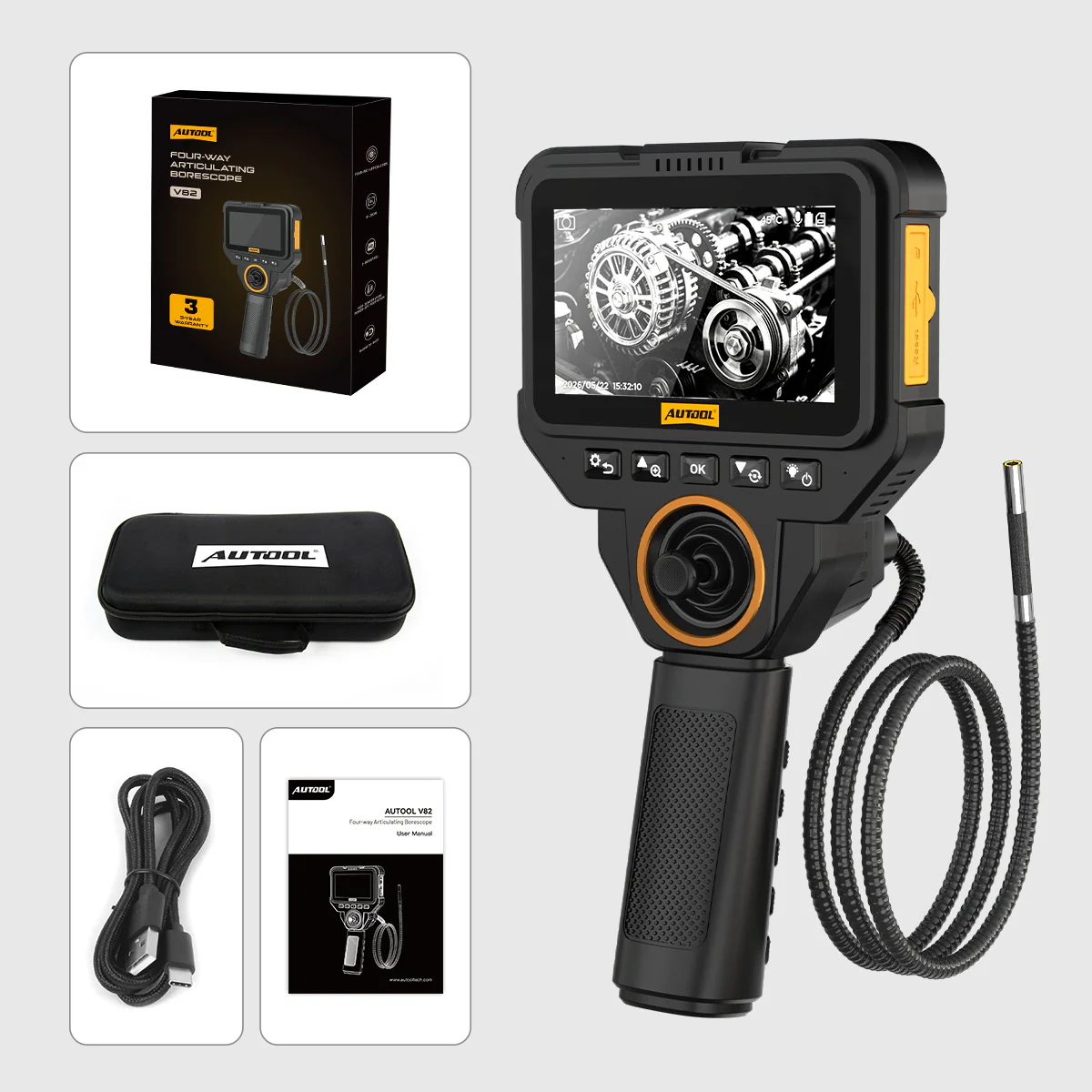
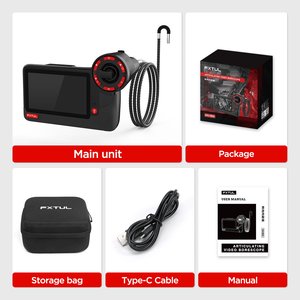
- V82 borescope with 6.25 mm articulating probe and integrated screen
- Carrying case
- USB charging cable
- Bedienungsanleitung
Confirm whether a TF card is supplied with your package.
Anwendung
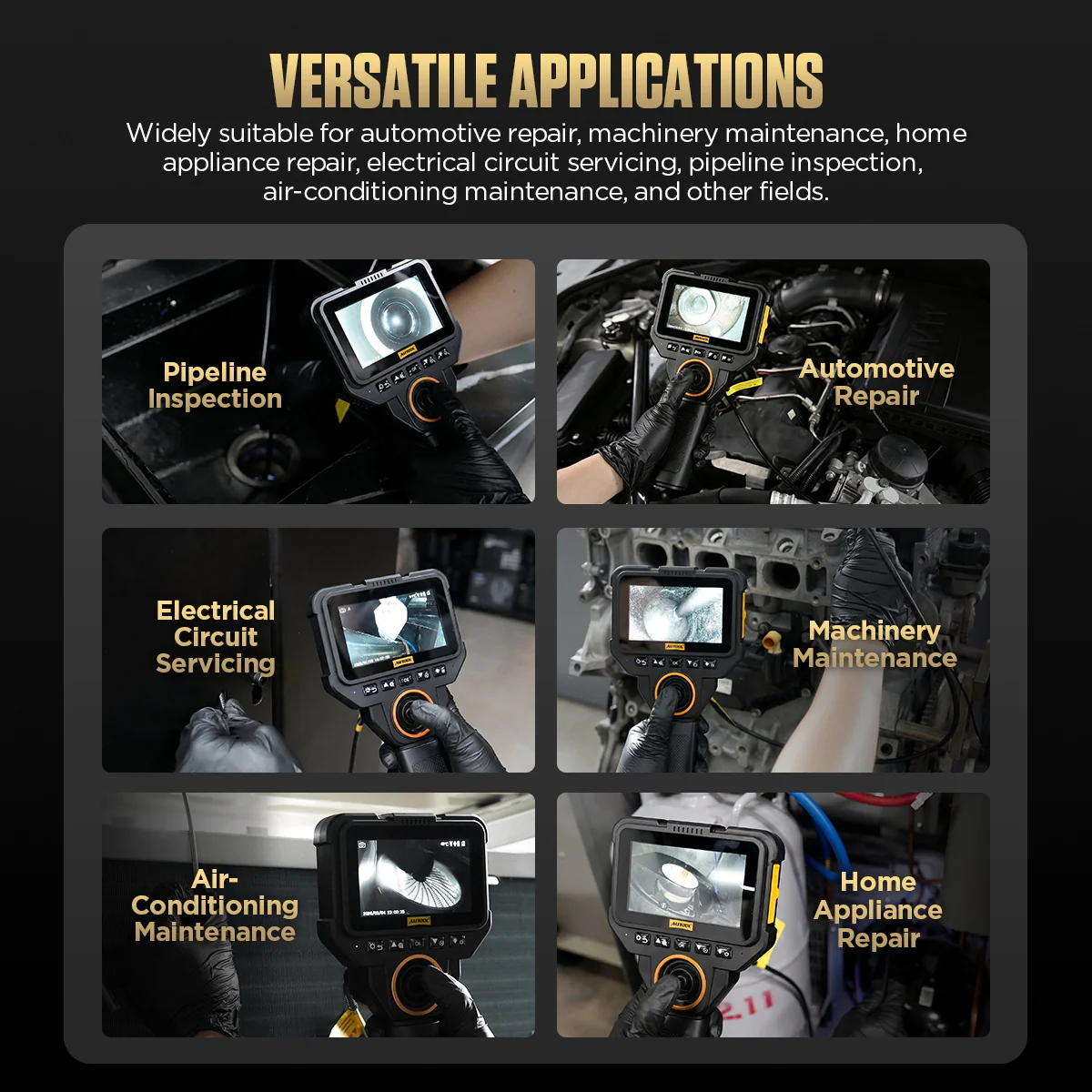
- Define the targetIdentify the entry point and surface to see, and confirm the probe and viewing range suit the path.
- Check the equipmentInspect tip and cable, charge the unit, and test steering, lighting and saving.
- Prepare the vehicleIsolate moving and live parts, let the area cool and prepare a clean access point.
- Guide and illuminateInsert gently while watching the image, and steer and light the target into clear view without forcing a bend.
- RecordCapture useful angles and note the component, entry point and viewing direction.
- Withdraw and storeReturn the tip, withdraw gently, then clean, dry and store the probe.
Steering, controls, recording, charging and troubleshooting: V82 user manual (PDF).
Good to Know
Caution
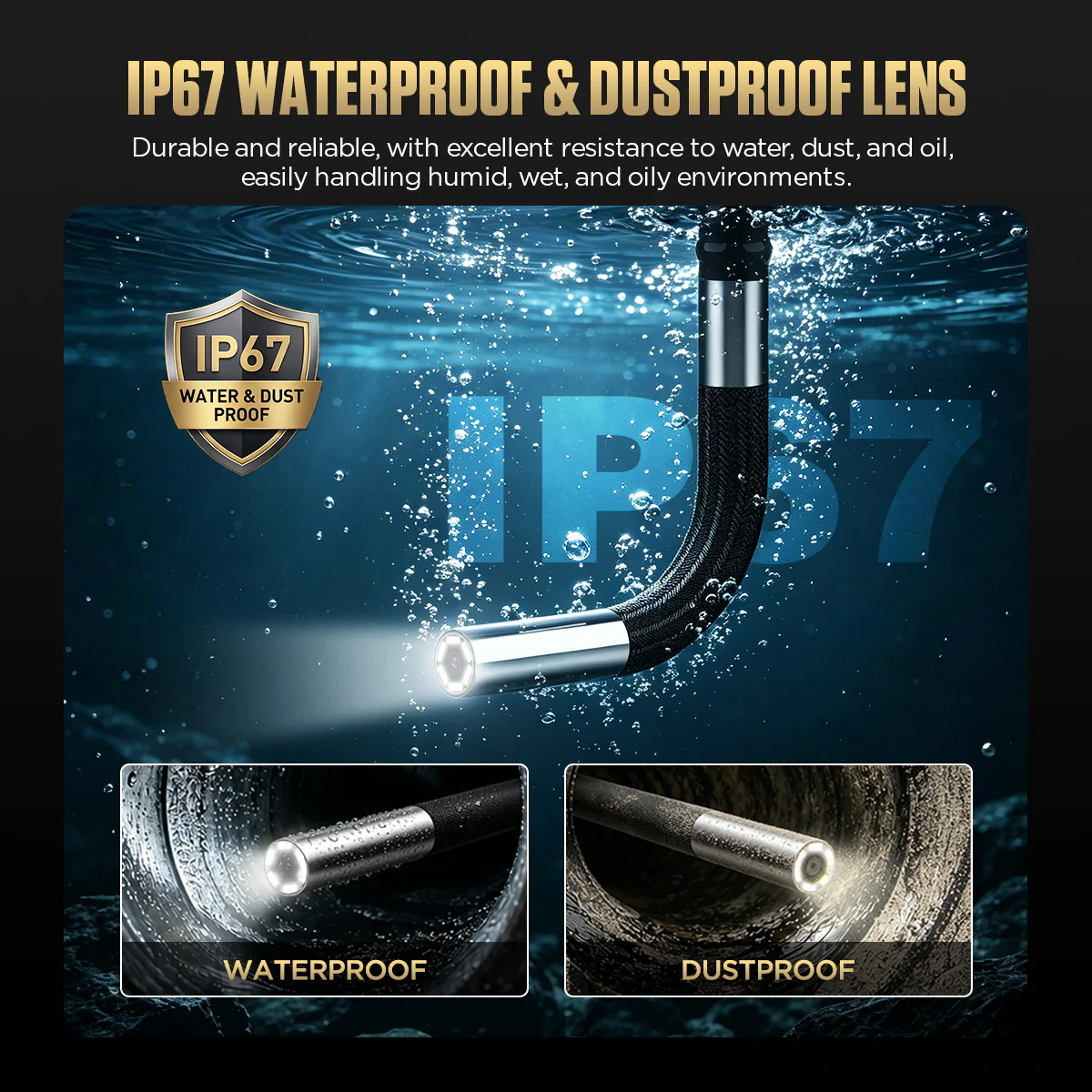
- The IP67 rating covers the probe only; keep the screen and handle dry, and do not infer oil, fuel or solvent compatibility from it.
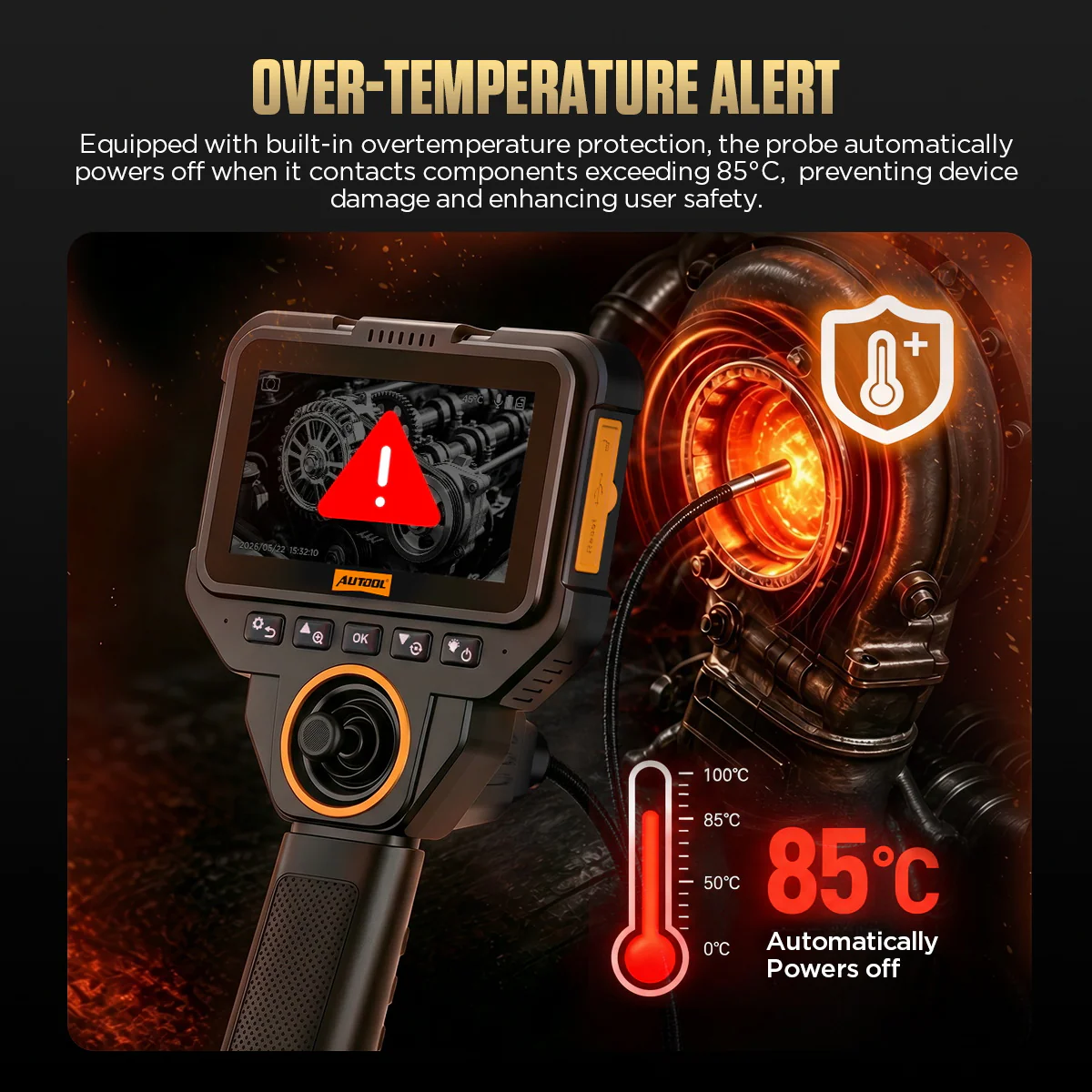
- The heat shutdown is a protection event, not a working-temperature rating; let components cool before inserting the probe.
- If the probe resists withdrawal, stop pulling, return the tip with the control and never restart the engine with the probe inserted.
Care
- Avoid coiled operation and forced bending of the hose.
- If the image is unclear, adjust distance and brightness, clean the lens and try another angle; reflections can look like defects.

 English
  German
  Spanish