




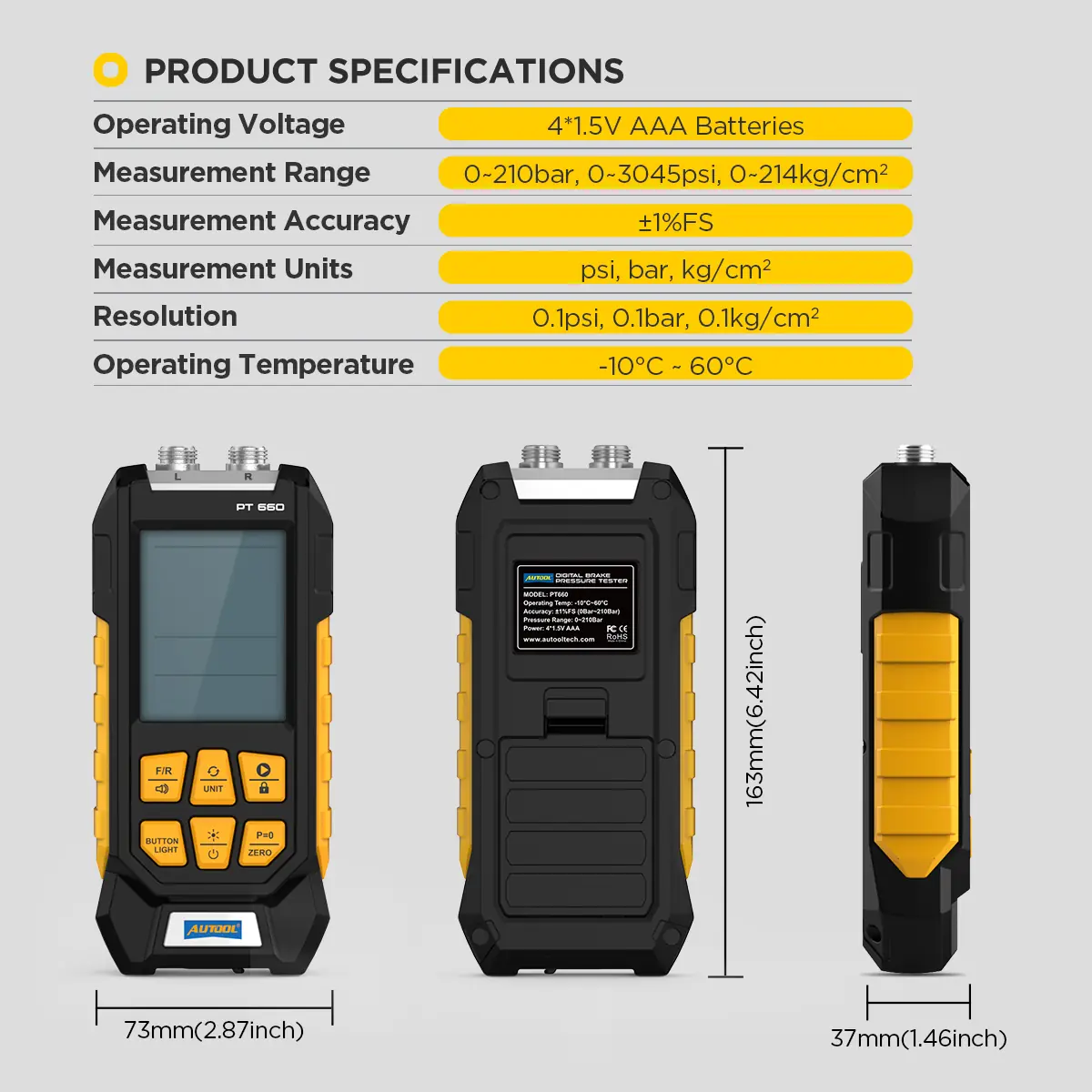
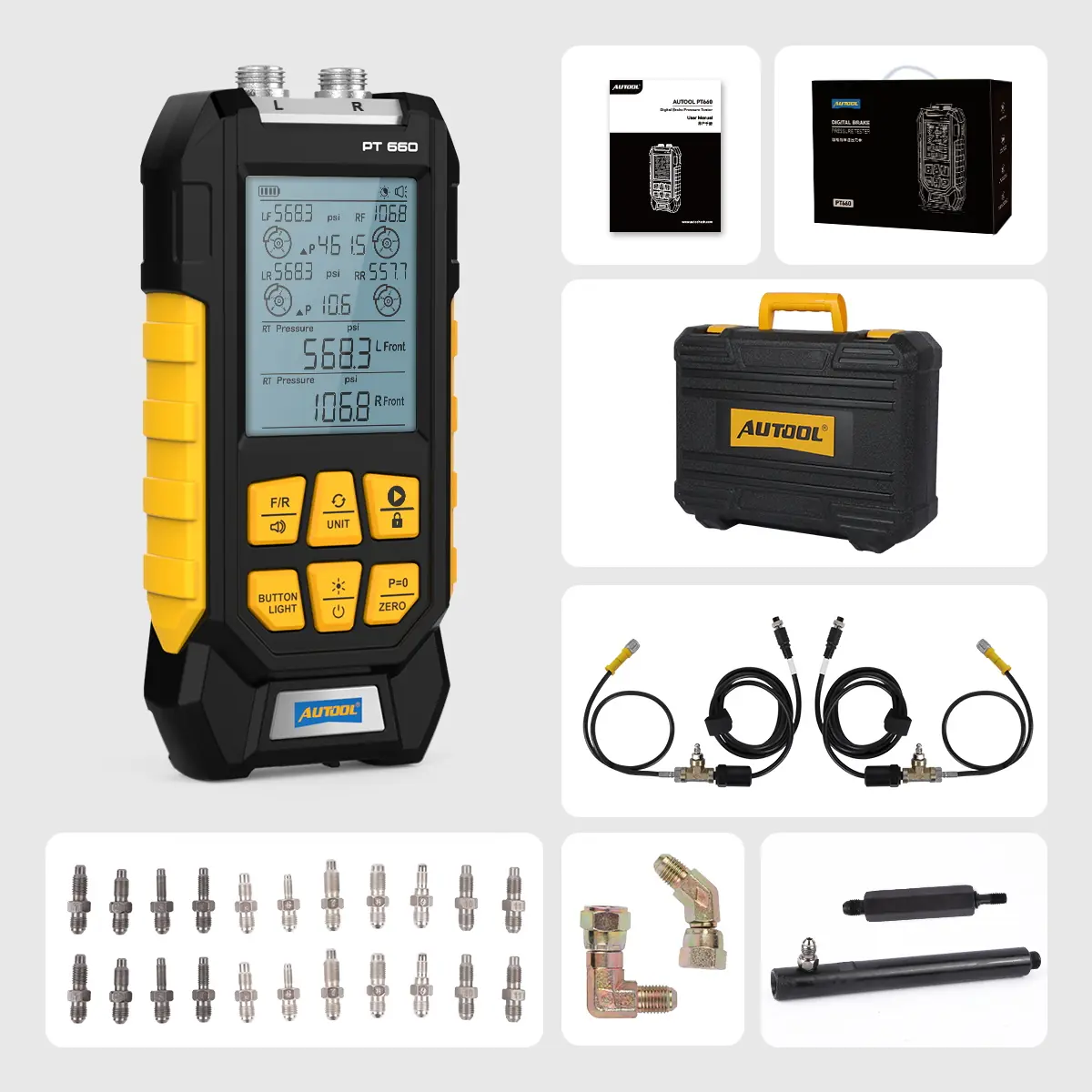
Compare Brake Pressure at Two Points at Once
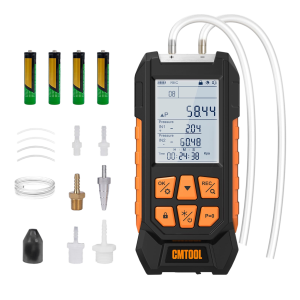
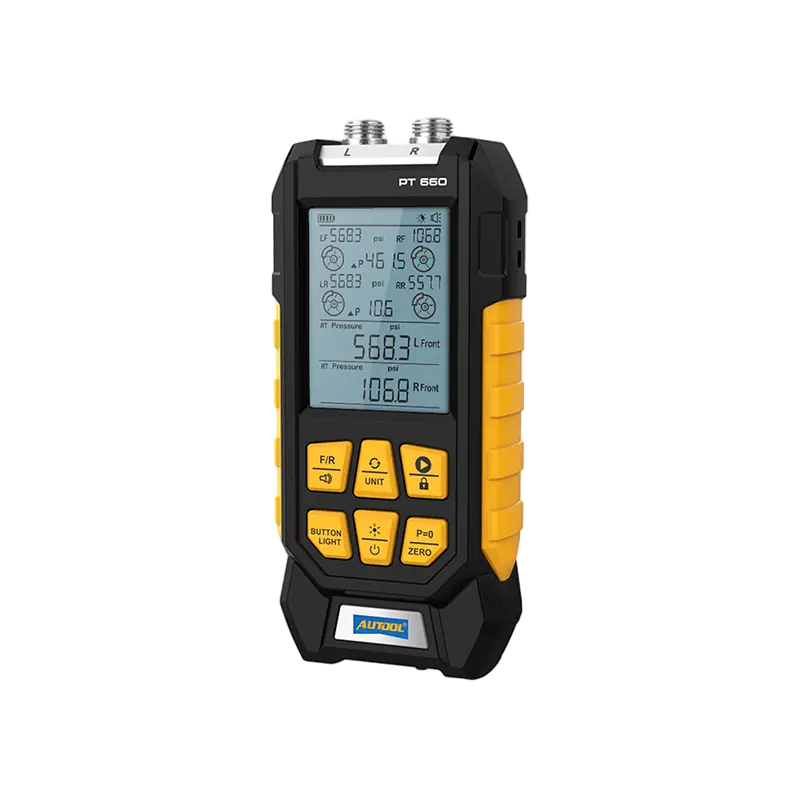
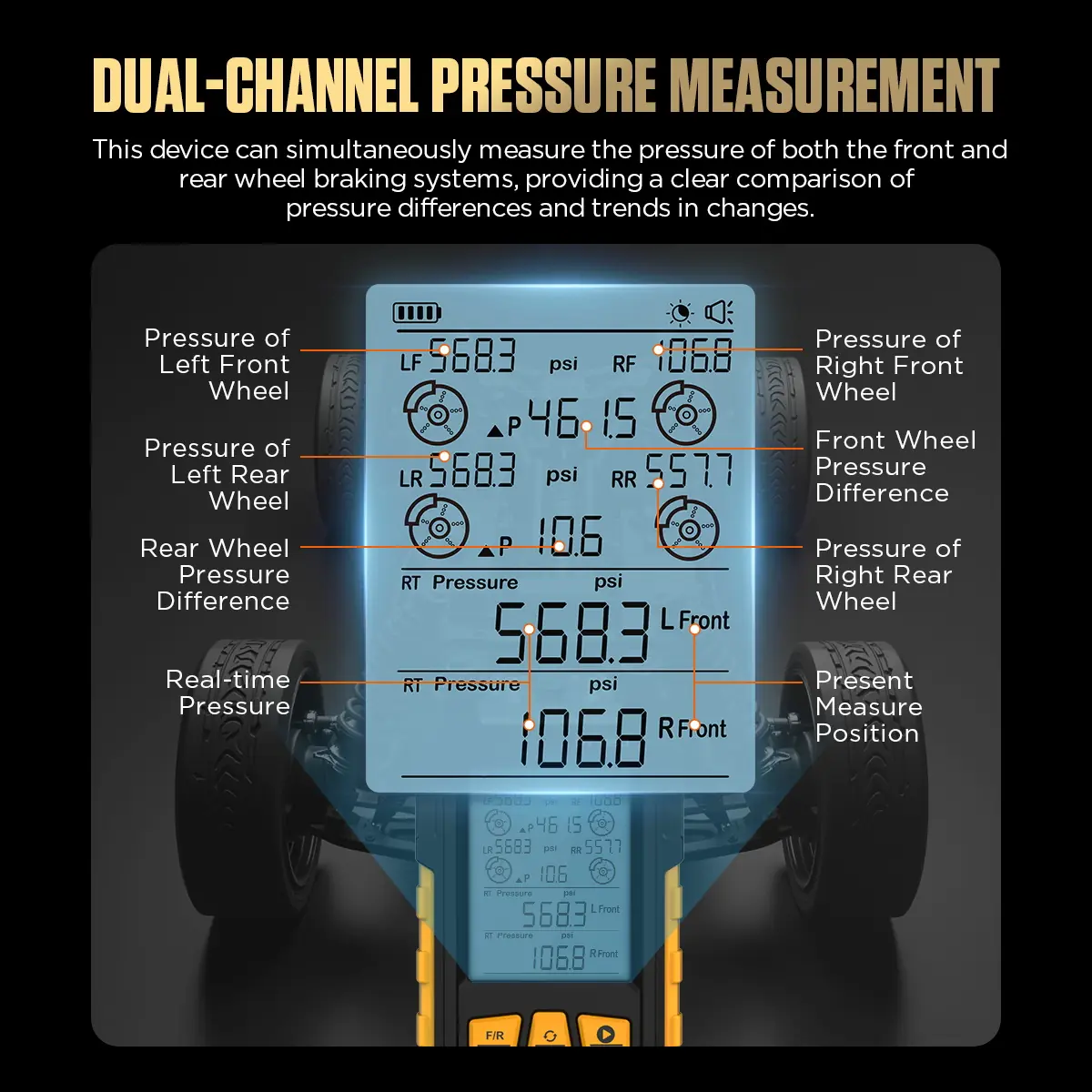
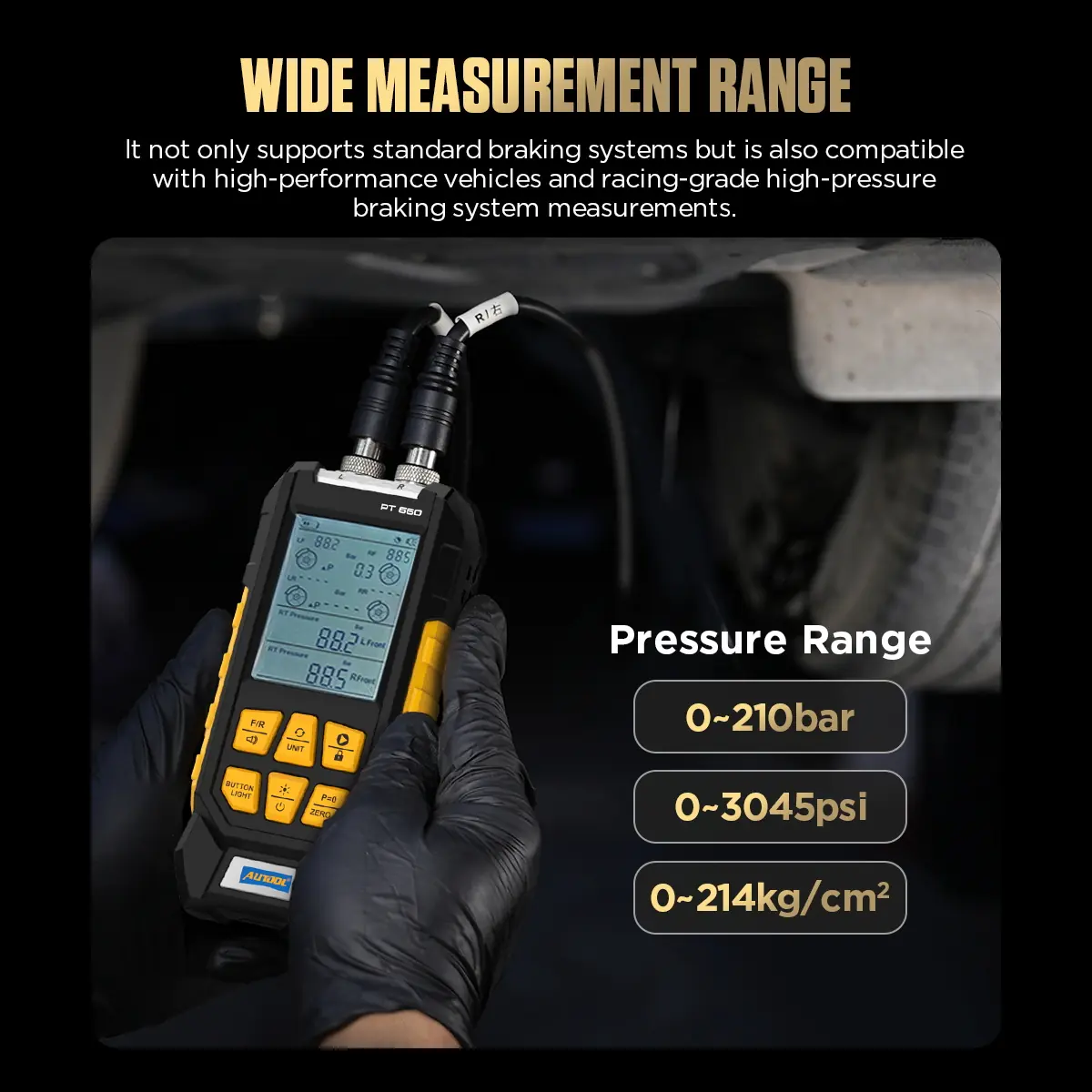
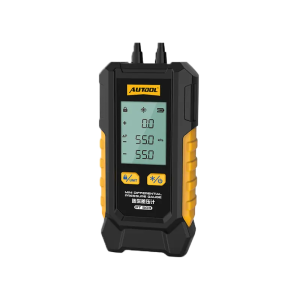
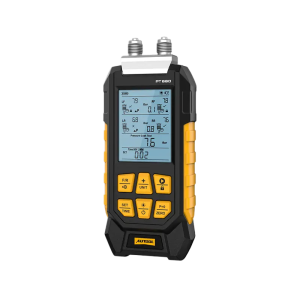
The AUTOOL PT660 reads hydraulic pressure on two channels during the same test condition, so front/rear or left/right imbalance shows up without moving one gauge between points.
- Dual L/R Channels
- 0–210 bar
- ±1% FS
- psi / bar / kg/cm²
- Hold & Zero
Hauptmerkmale
-
Two Channels, One Reading
L and R inputs measure two calipers or brake positions simultaneously to reveal pressure differences.
-
Balance at a Glance
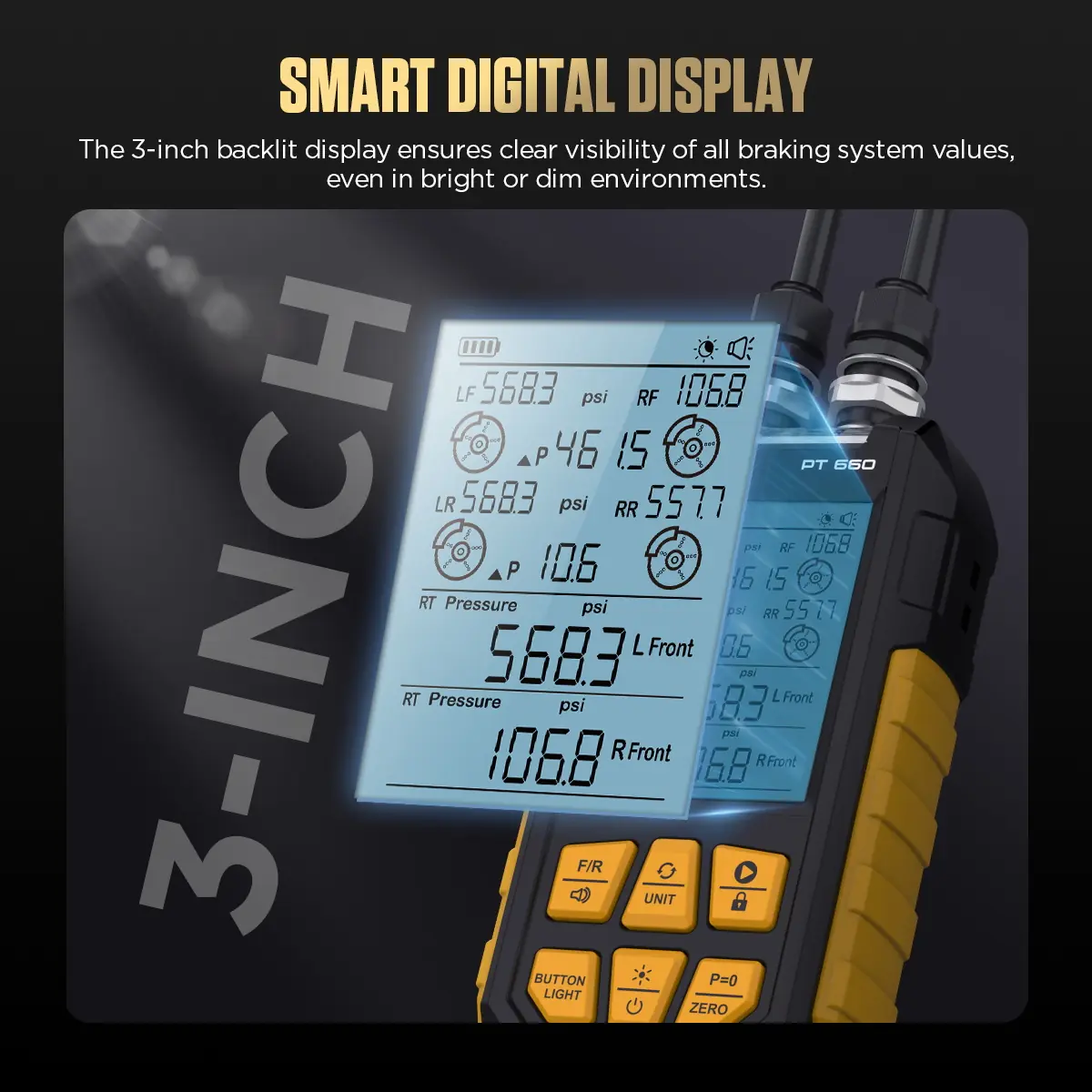
The backlit screen shows left and right real-time pressure, minimum, maximum and the front/rear pressure difference.
-
High-Precision Sensor
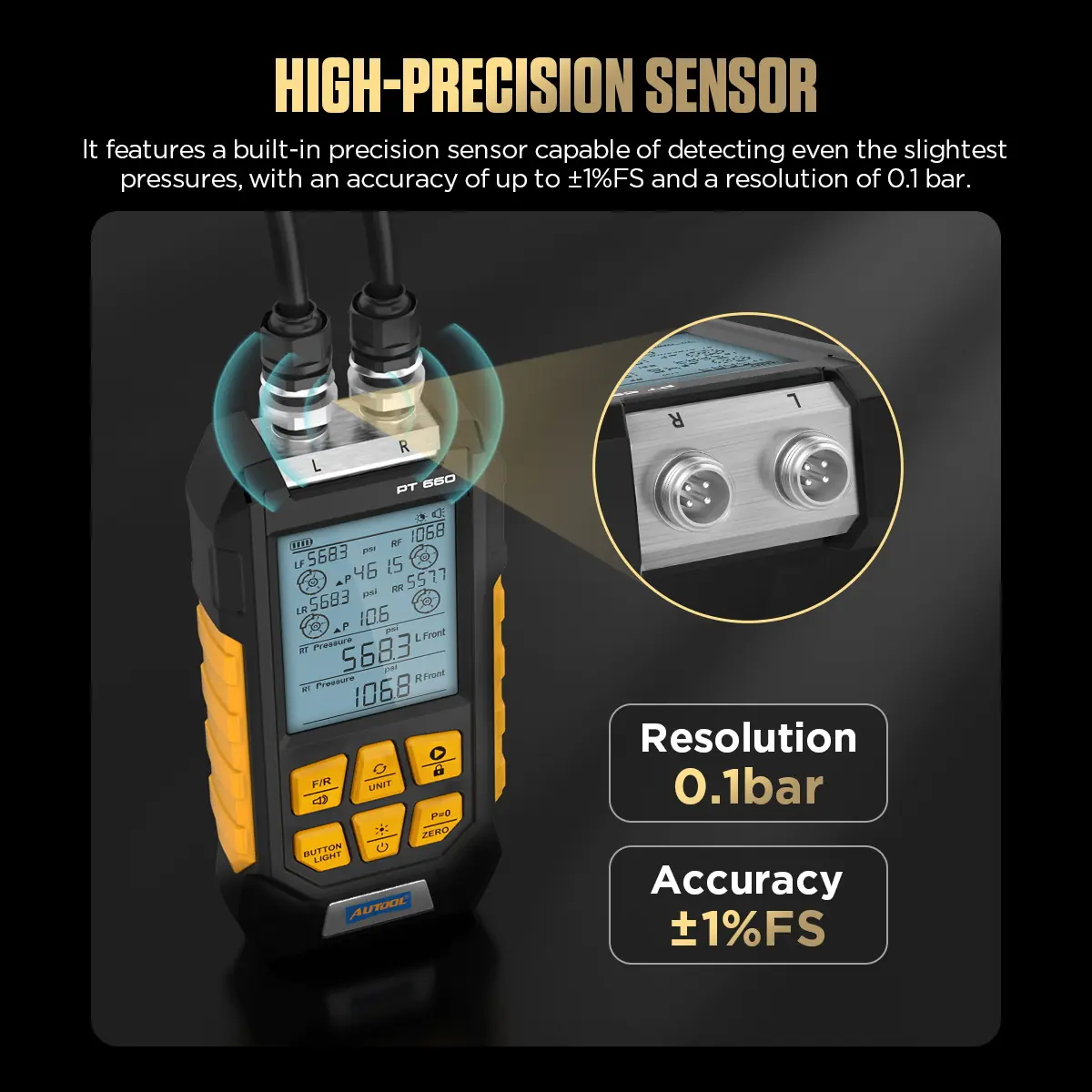
Rated at ±1% FS across the full 0–210 bar range with 0.1 resolution.
-
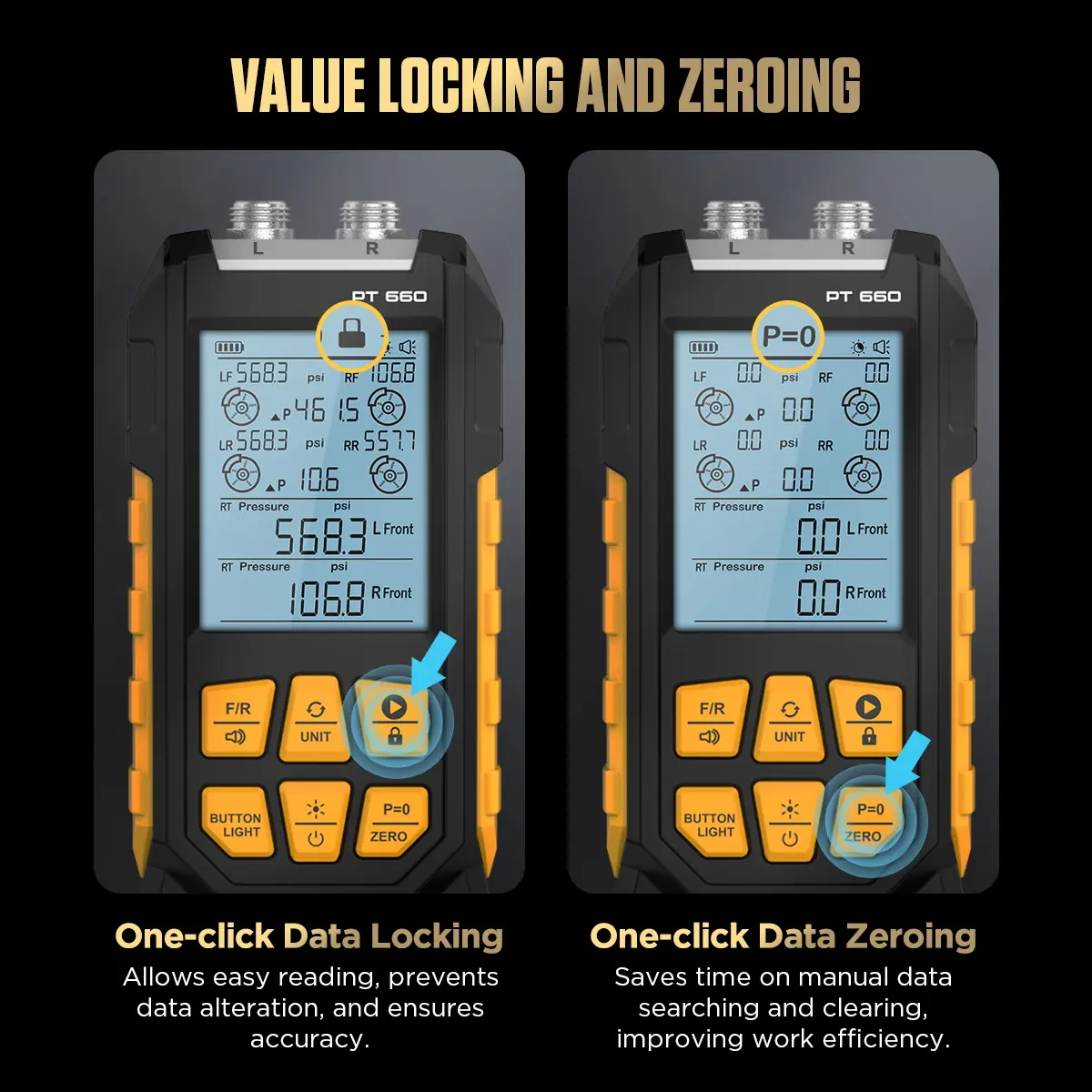
One-Touch Hold and Zero
Lock the current readings or zero both channels to ambient pressure for repeatable setup.
-
Three Pressure Units
Switch between psi, bar and kg/cm² after measuring.
Anwendung
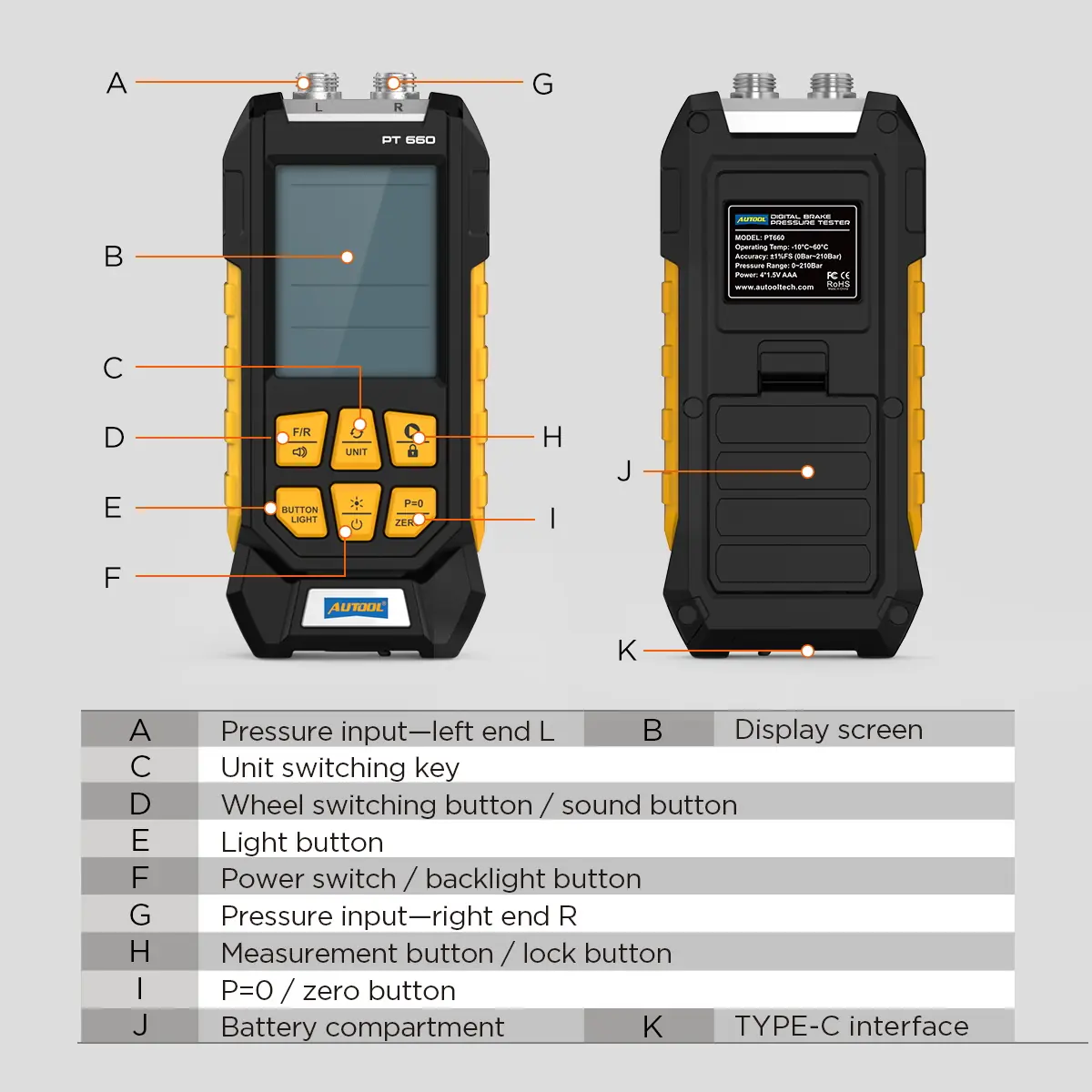
- Connect the inputsPlug the pressure input cable into the L/R slot for the channel you need.
- Zero before testingWith both channels open to ambient pressure and unloaded, zero them before connecting to the brake system.
- Install the adapterFit the model-specific adapter to the probe and confirm it is secure.
- Set unit and wheelChoose psi, bar or kg/cm² and the wheel direction.
- MeasurePress the Measurement button and watch both values under the same pedal condition.
- ReviewCompare the results and switch units as needed; investigate the hydraulic circuit if an imbalance appears.
Full operating and troubleshooting steps: PT660 user manual (PDF).
Good to Know
Caution
- Use brake-fluid-rated hoses and adapters, and depressurize before removing them.
- Stay within 0–210 bar. Beyond the range the display may show only the maximum or minimum value; stop and confirm the pressure condition.
- Wear safety goggles and protective gloves when working near brake fluid.
Care
- Zeroing is a setup step, not a traceable calibration.
- Check the batteries, input cable, hoses, adapters and connections before each use.














 English
  German
  Spanish