



Screen Used Cars for Mileage Inconsistencies
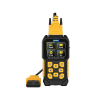
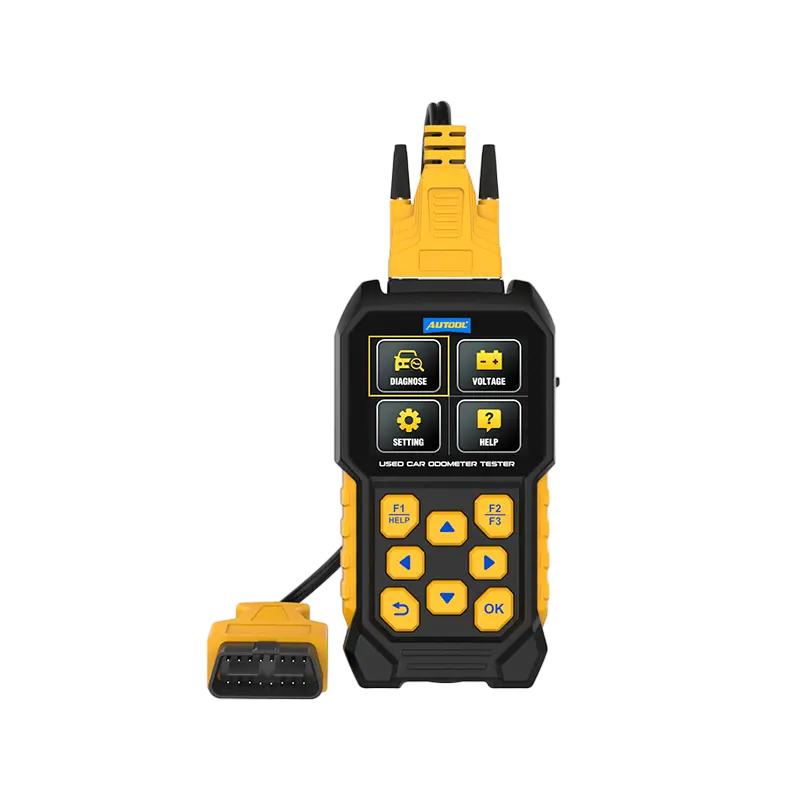
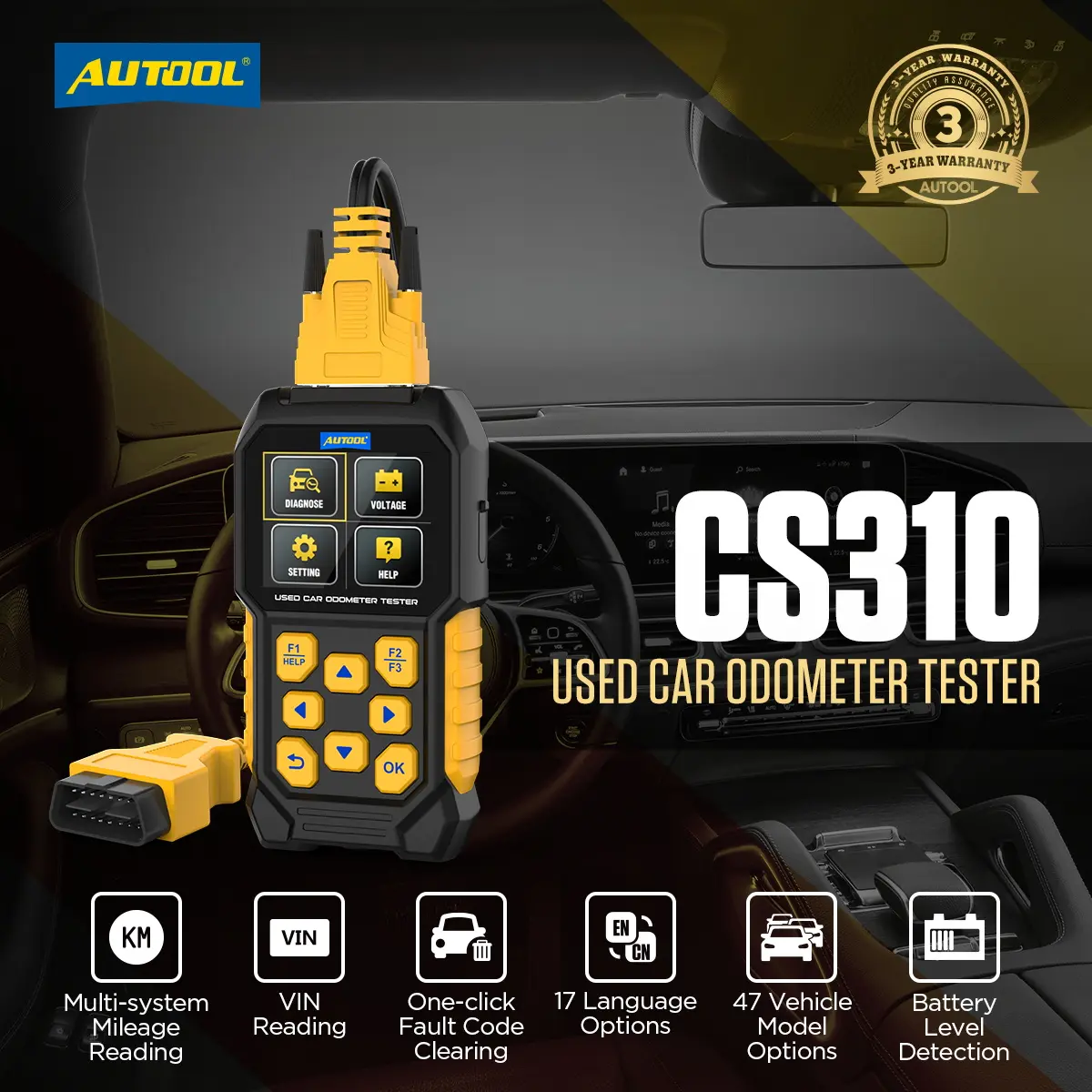
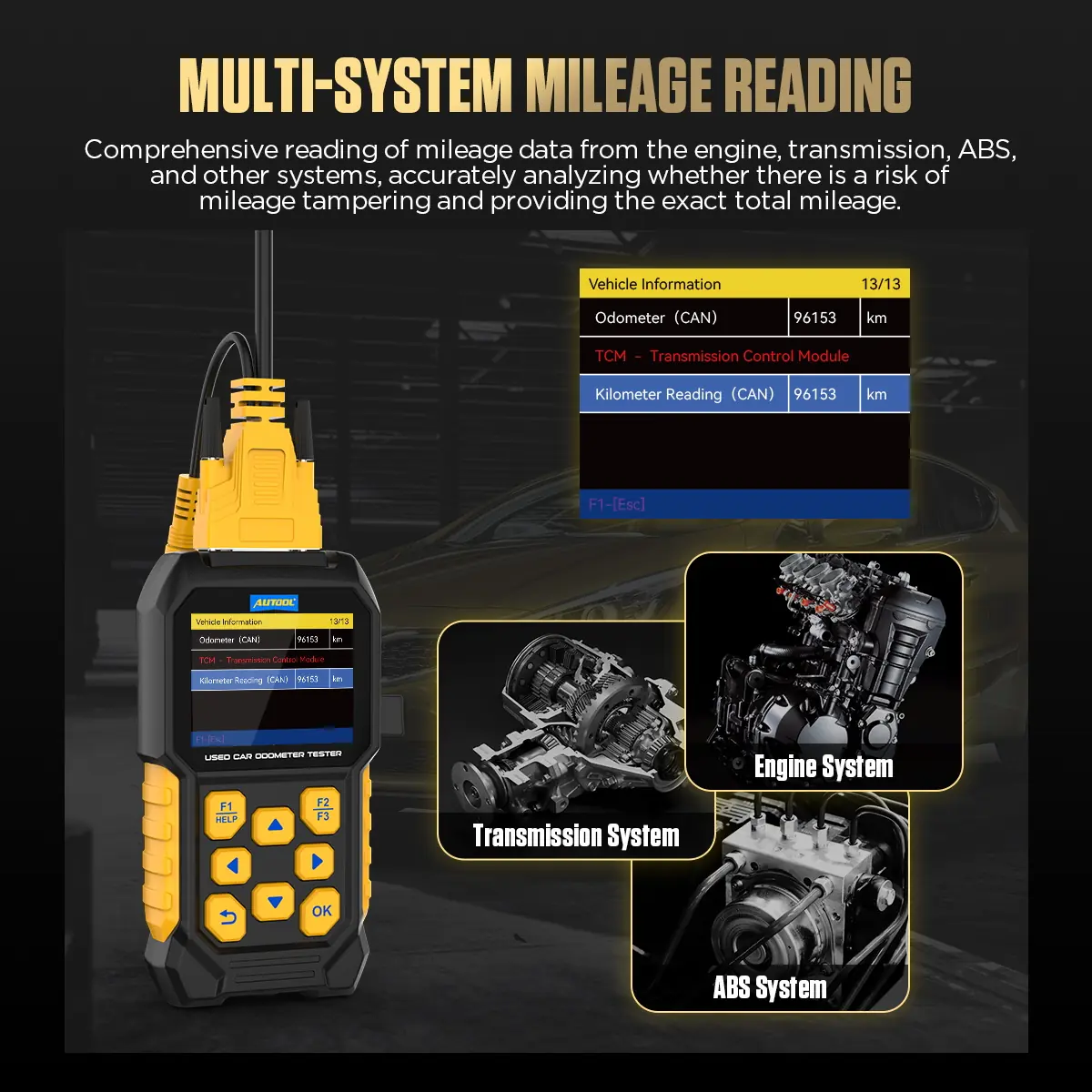
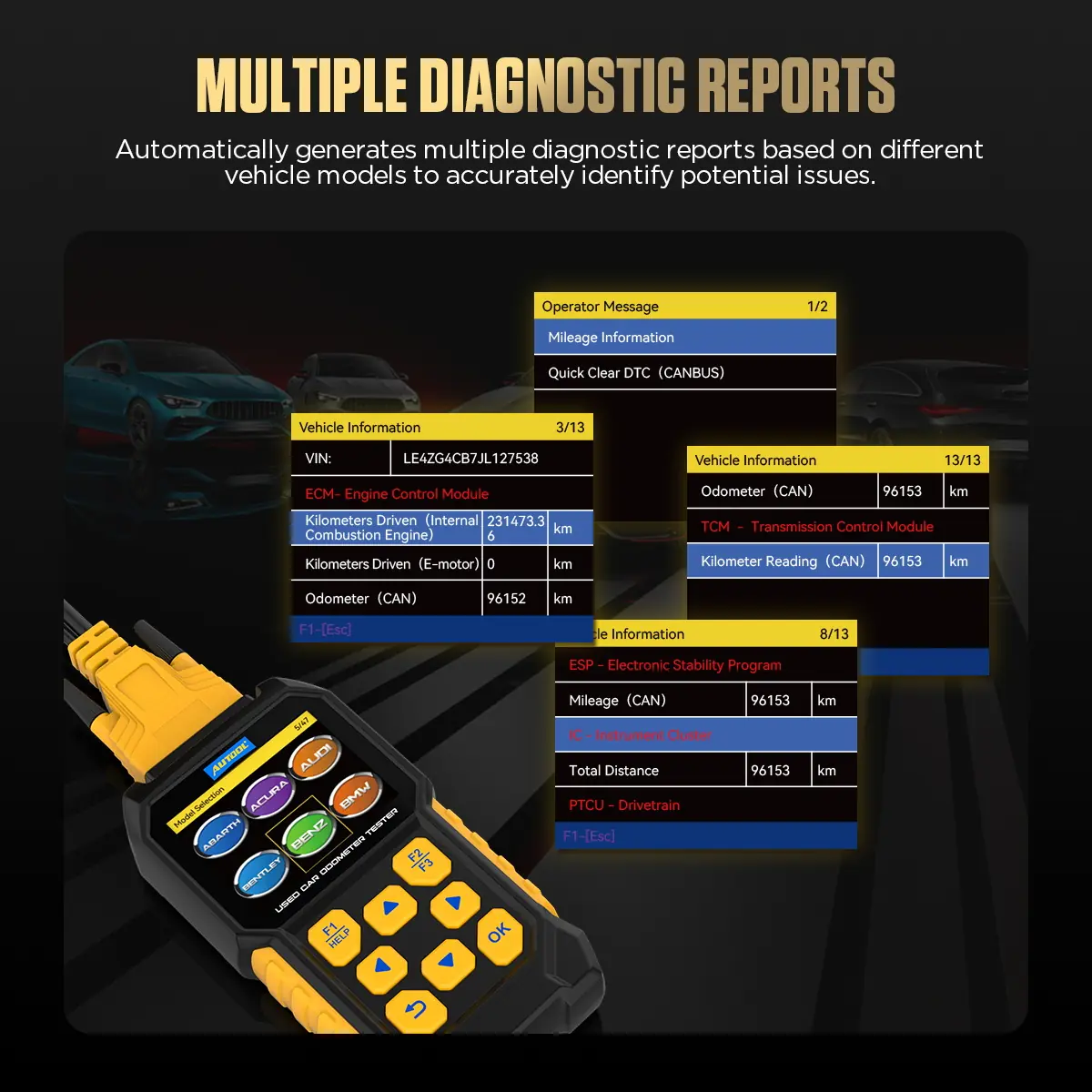
The CS310 reads mileage values from supported engine, transmission, ABS and instrument modules and compares them with the dashboard odometer, adding VIN, fault-code and port-voltage context to a used-car inspection. It reads and compares mileage only; it cannot change or correct it, and supported modules vary by vehicle.
- Cross-Module Mileage Check
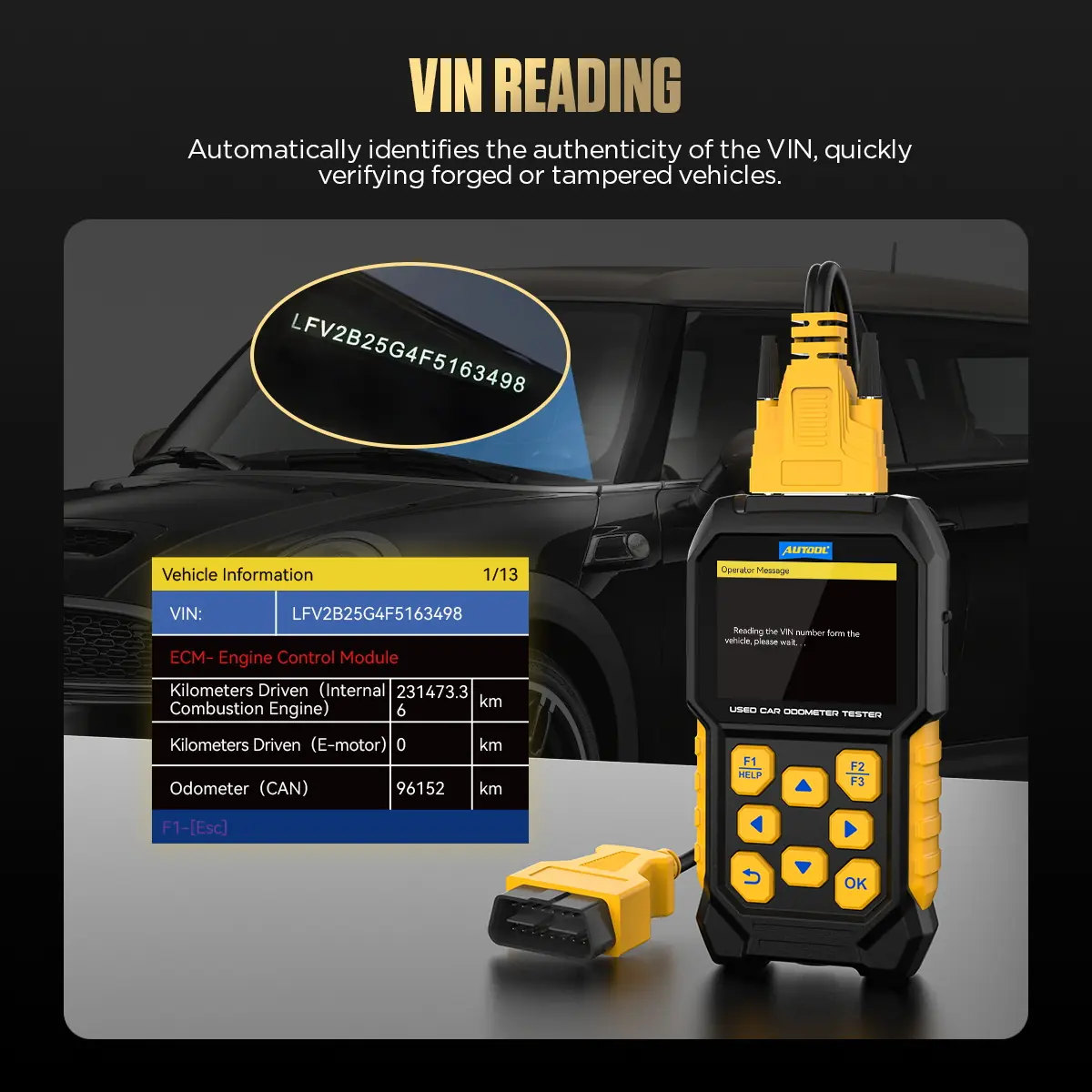
- VIN Reading
- Inspection Reports
- 47 Vehicle Options
Key Features
-
Cross-Module Mileage Comparison
Reads available mileage from supported modules and compares it with the dashboard value to flag possible inconsistencies.
-
VIN Reading
Reads the VIN so you can check the vehicle against purchase records, service history and seller details.
-
Inspection Reports
Generates reports for used-car checks, workshop service, rental verification and owner inspections.
-
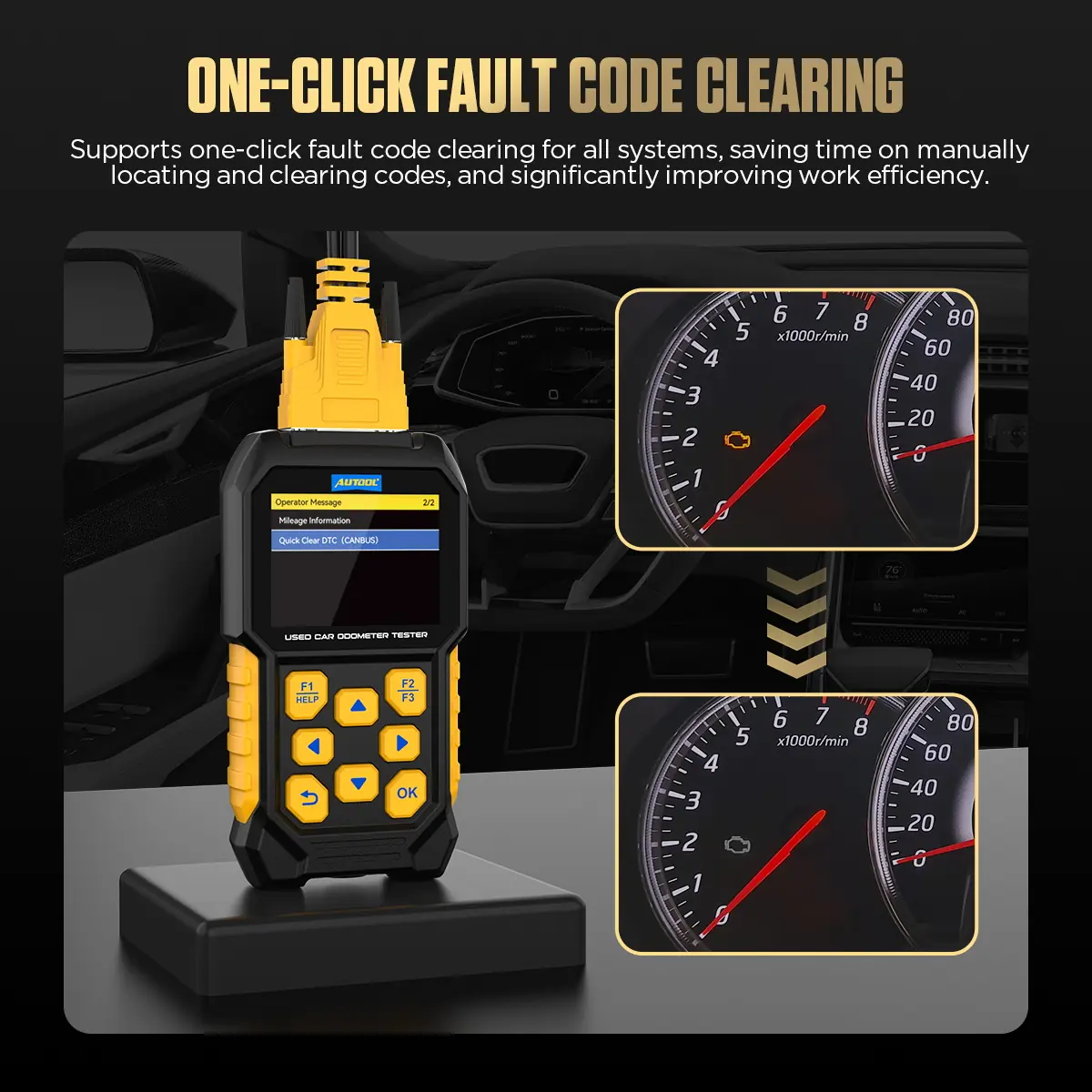
OBD Fault Codes
Reads and clears OBD fault codes; save codes, freeze-frame data and readiness status before clearing.
-
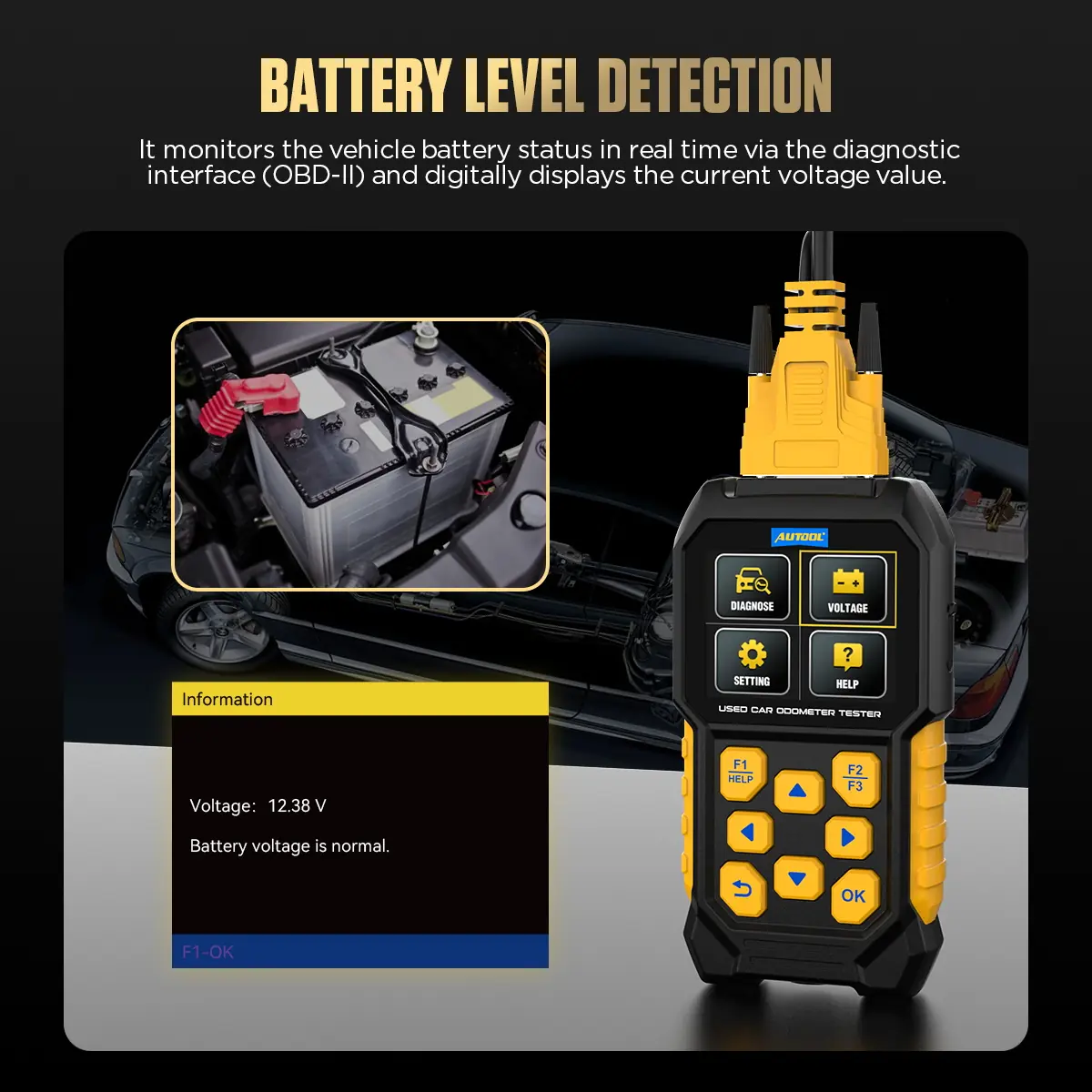
OBD-Port Voltage
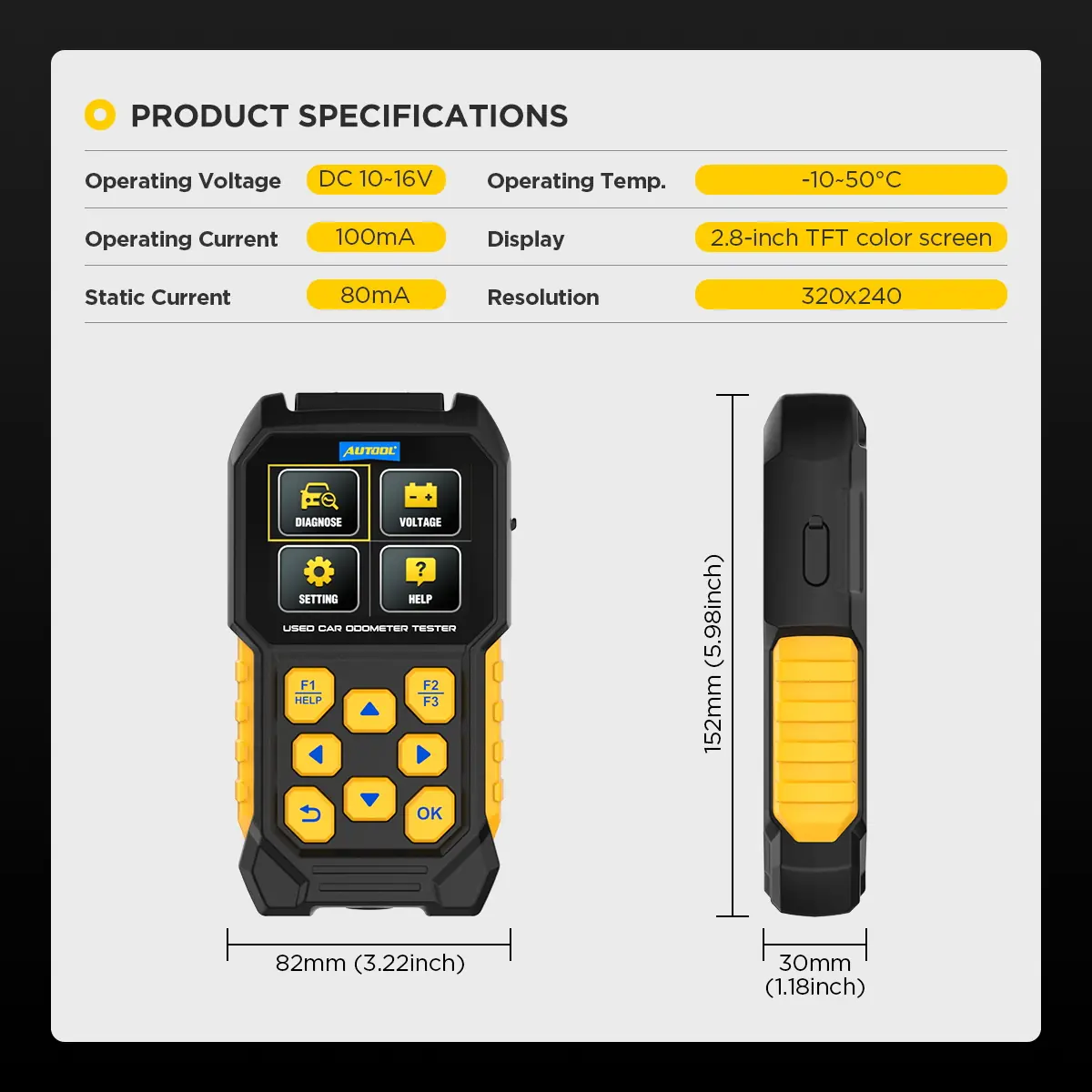
Shows real-time supply voltage at the diagnostic connector during the inspection.
-
Porsche References
On supported Porsche vehicles, reads historical mileage and high-RPM event records as inspection references.
What’s in the Box
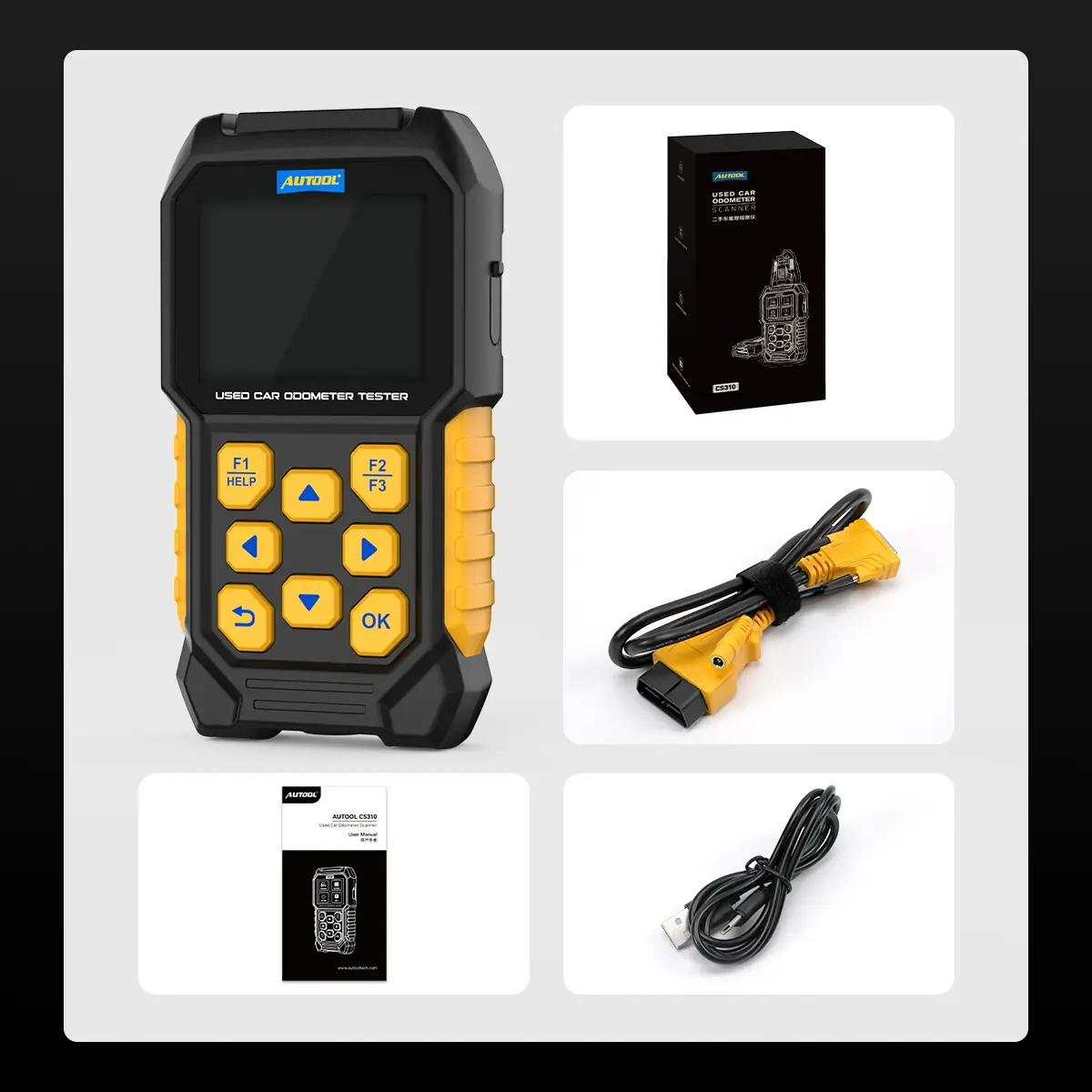
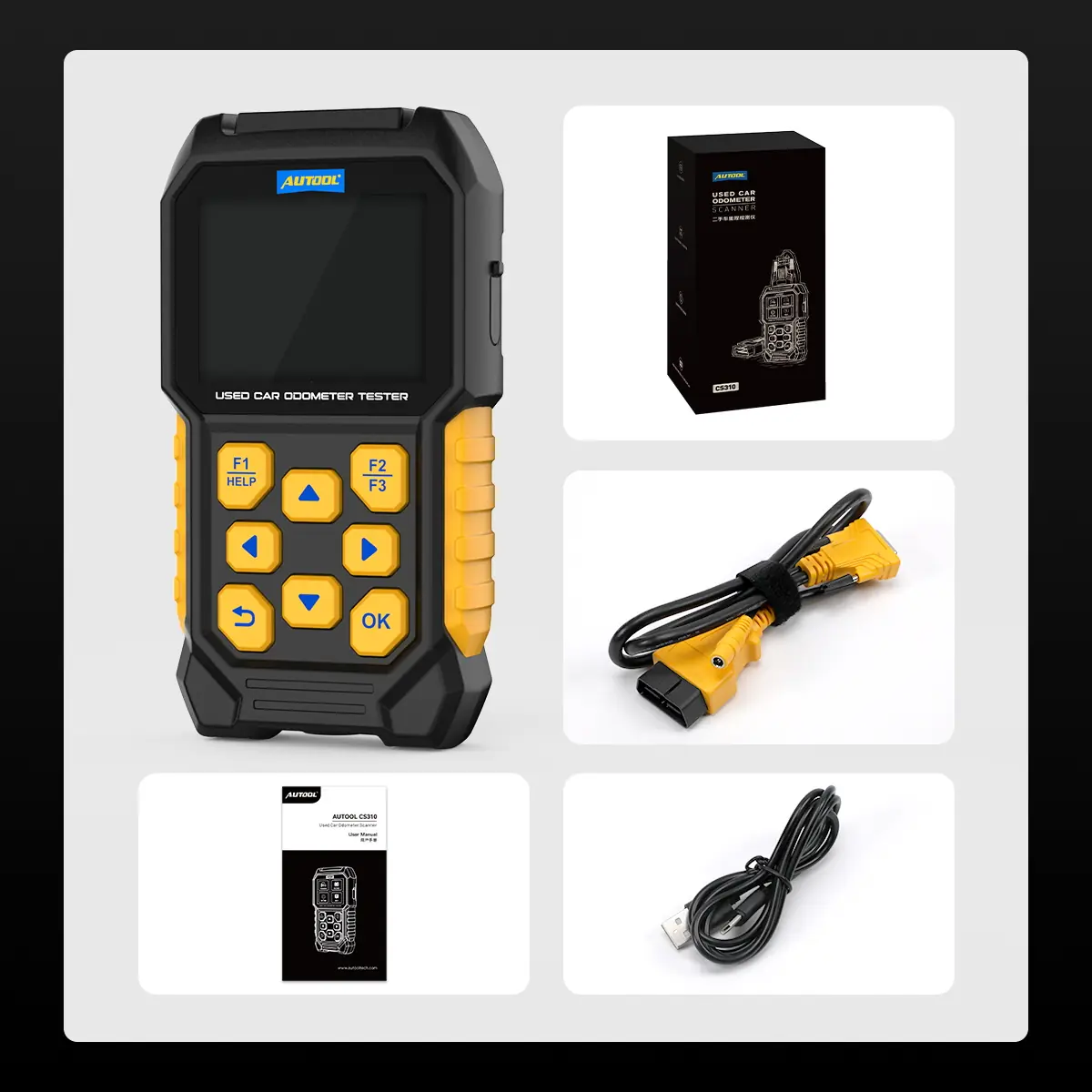
- CS310 main unit
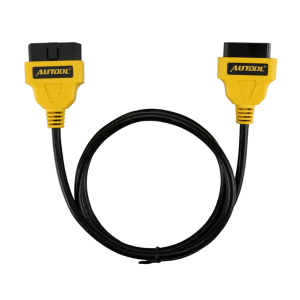
- OBD-II diagnostic cable
- Type-C USB cable
- User manual
How to Use
- Confirm coverageCheck that the brand, model, year and required modules are supported by the current software.
- Record identityWith the vehicle safely parked, connect and record the VIN and dashboard odometer.
- Read before clearingCapture module mileage, codes, freeze-frame or report data, voltage and any unavailable modules before changing anything.
- Compare and flagCompare readings by source and unit; treat differences as leads to investigate.
- Complete the inspectionCheck service records, readiness, body and mechanical condition, and get an independent inspection where appropriate.
Connection, mileage comparison and reports: CS310 user manual (PDF).
Updates & Support
To update, connect the CS310 to a computer, open the newly recognized drive, replace the DIAGNOSE folder with the upgrade folder supplied for the CS310, then restart the device.
Good to Know
Caution
- Supported modules and functions vary by vehicle. Confirm make, model, year and module coverage before ordering.
Care
- The tool compares readable electronic values. Module replacement, software updates, prior work and unavailable data can affect interpretation.
- Porsche history and high-RPM records are references only and do not by themselves prove fraud, abuse or mechanical condition.
FAQ
Can the CS310 change or correct odometer mileage?
No. It reads and compares mileage data only.
Do matching mileage values prove the odometer is original?
No. They only show that the values read did not reveal a difference. Review unavailable modules, service history, body and mechanical condition, and an independent inspection.
Does the voltage display test battery health?
No. It shows voltage at the OBD connector. A full 12 V battery assessment needs a proper battery test.

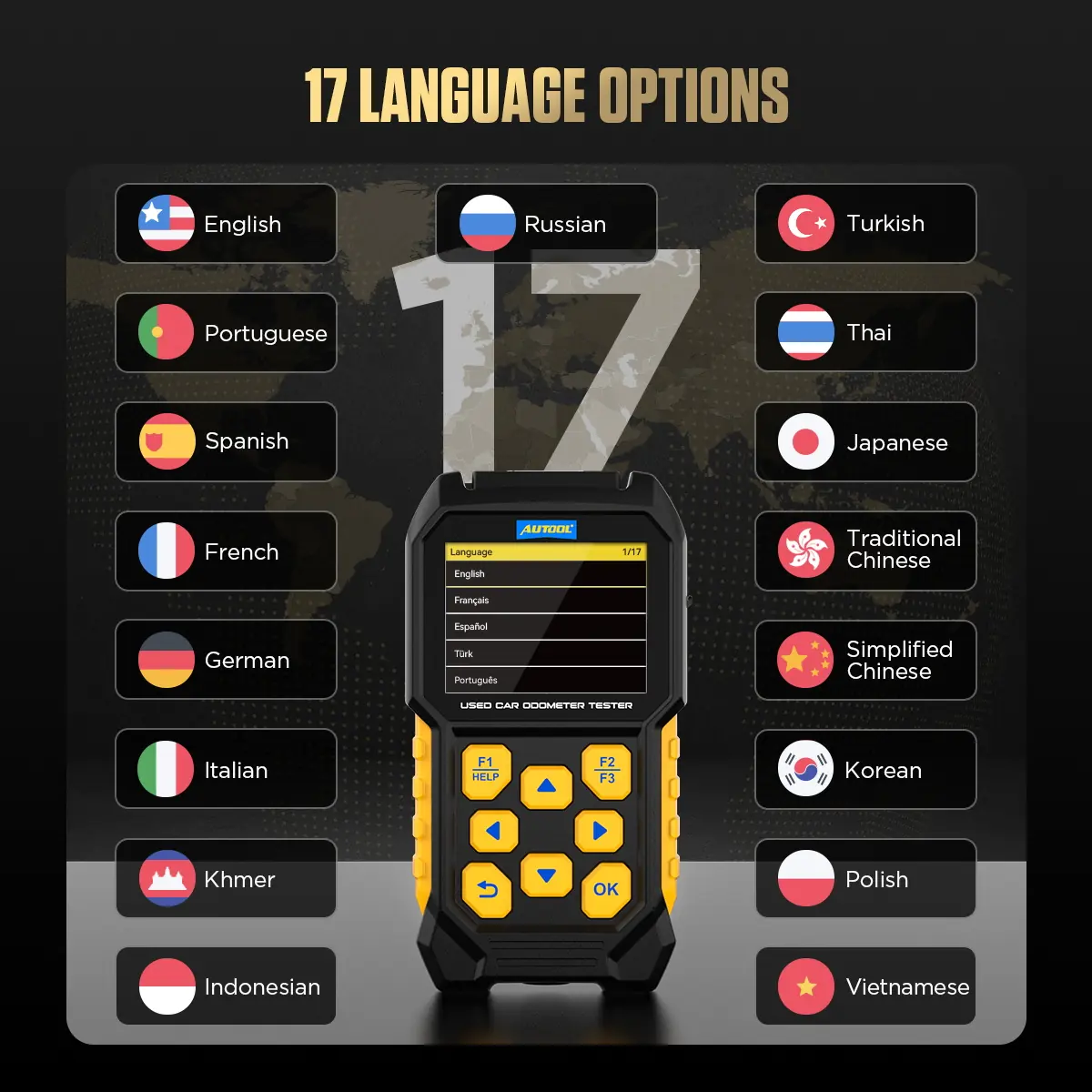
 English
  German
  Spanish