

AUTOBOSSautoboss.com
Source: https://autoboss.com/es/es/product/obdstar-converter-v2-adapter-for-dc706-x300-classic-g3/
0

Reseñas

Todavía no hay reseñasSé el primero en compartir tu experiencia con este producto.

Specifications

BrandOBDSTAR
SKUOBDSTAR-4357
Weight0.050 lbs
ConnectorDB15 to OBD 16
ApplicationTurns an OBDSTAR dedicated connector (e.g. TCM cables) into an OBD2 test platform for bench diagnosis; required by the TCM-021 cable (6HP28/6HP26/6HP32/6HP19/6HP21)
ConnectionDB15 end of the OBDSTAR dedicated connector to the adapter; diagnostic interface plugs into the OBD 16 socket; external 12V supply
Compatible HostsX300 Classic G3, DC706, etc.; compatible with third-party diagnostic devices

Details

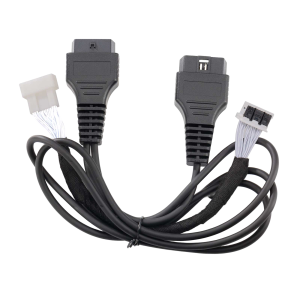
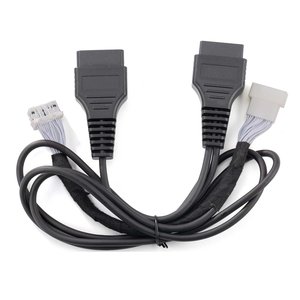
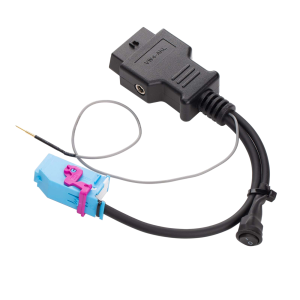
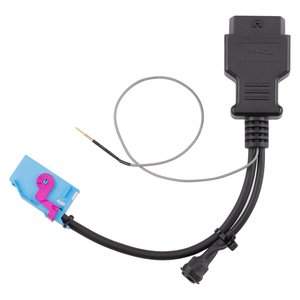
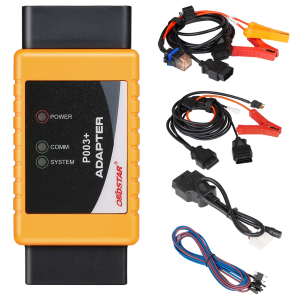
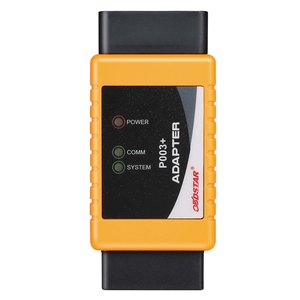
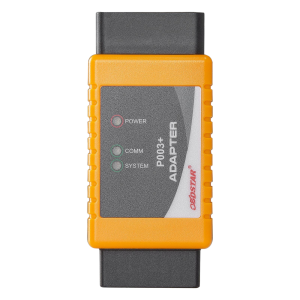
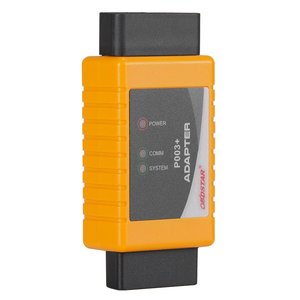
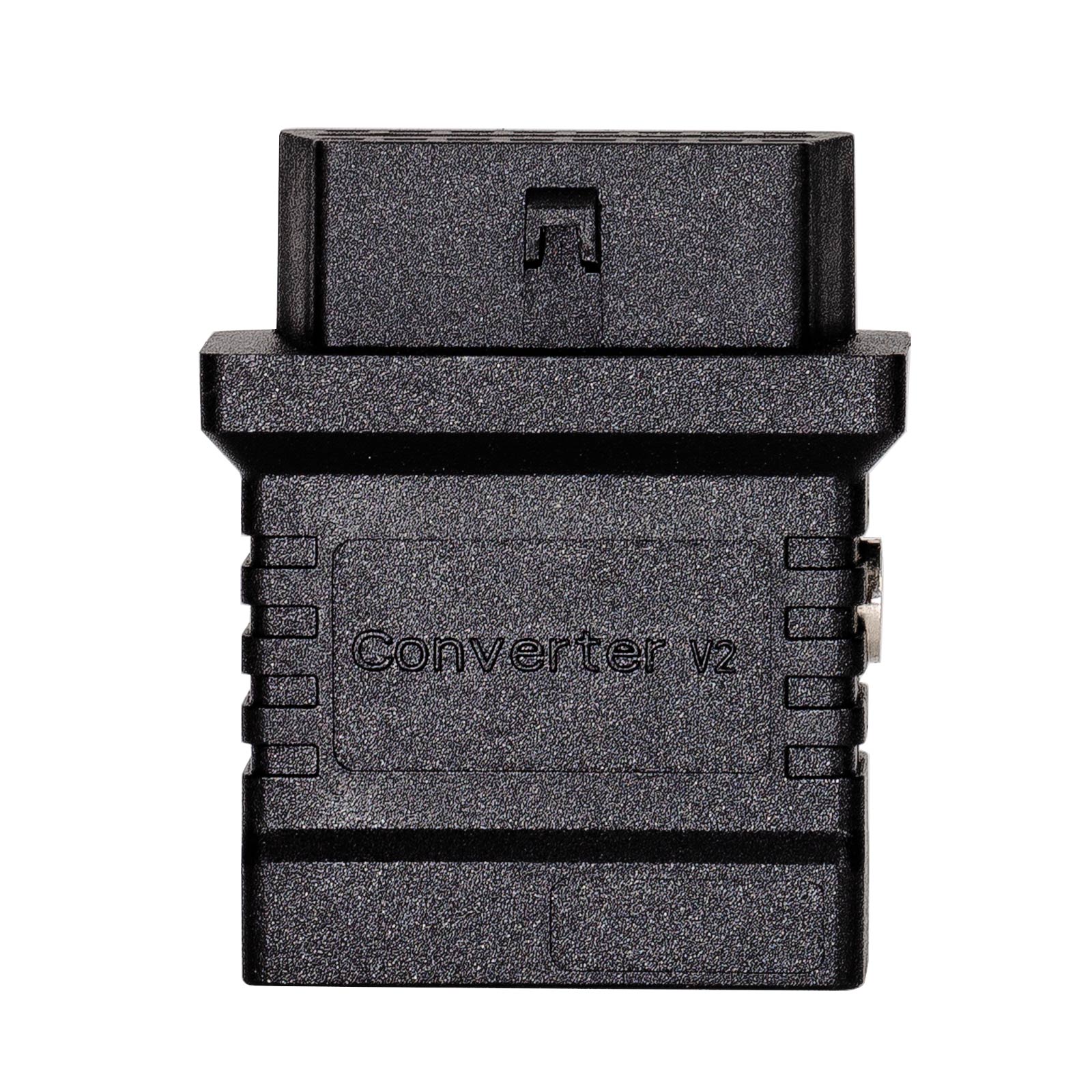
Turn OBDSTAR DB15 Connectors Into an OBD2 Test Platform

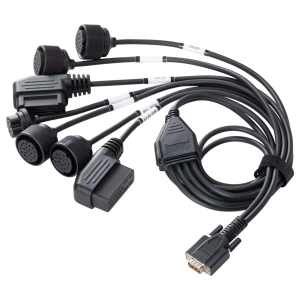
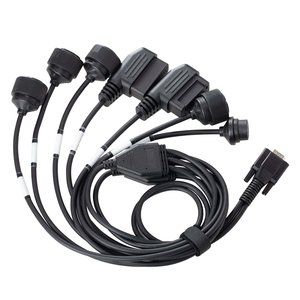
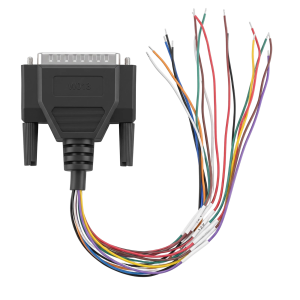
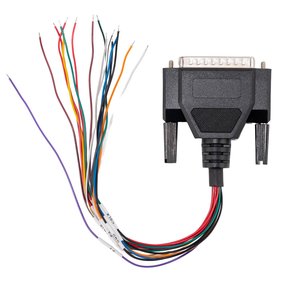
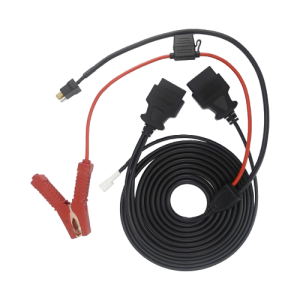
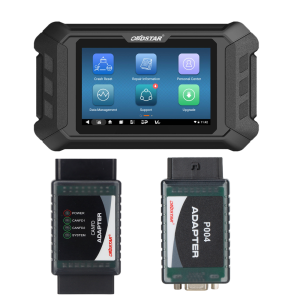
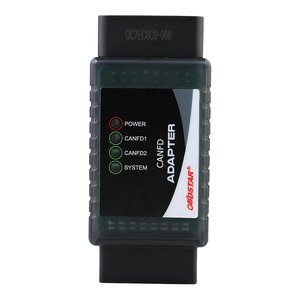
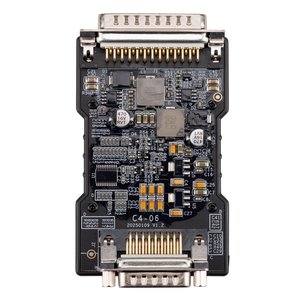
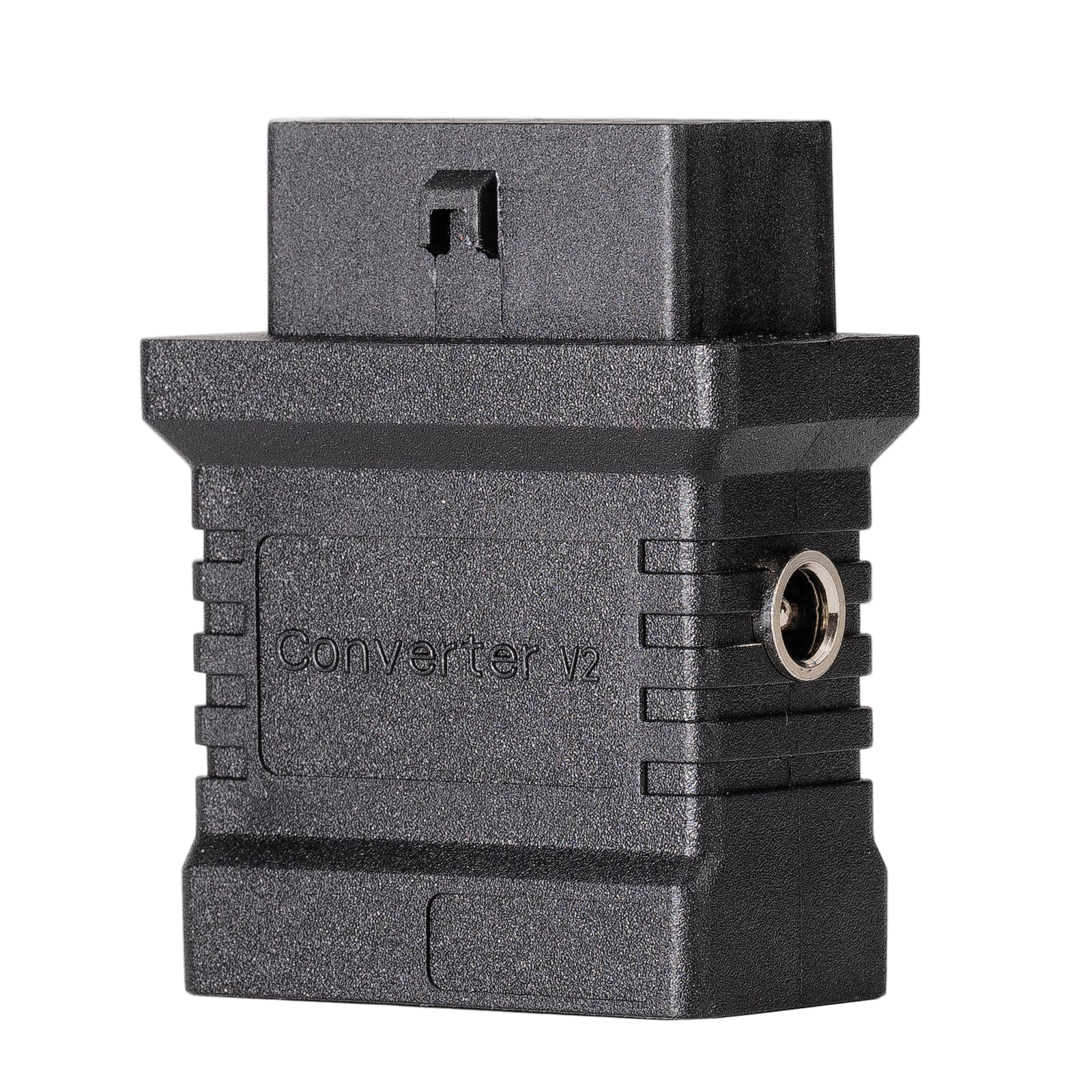
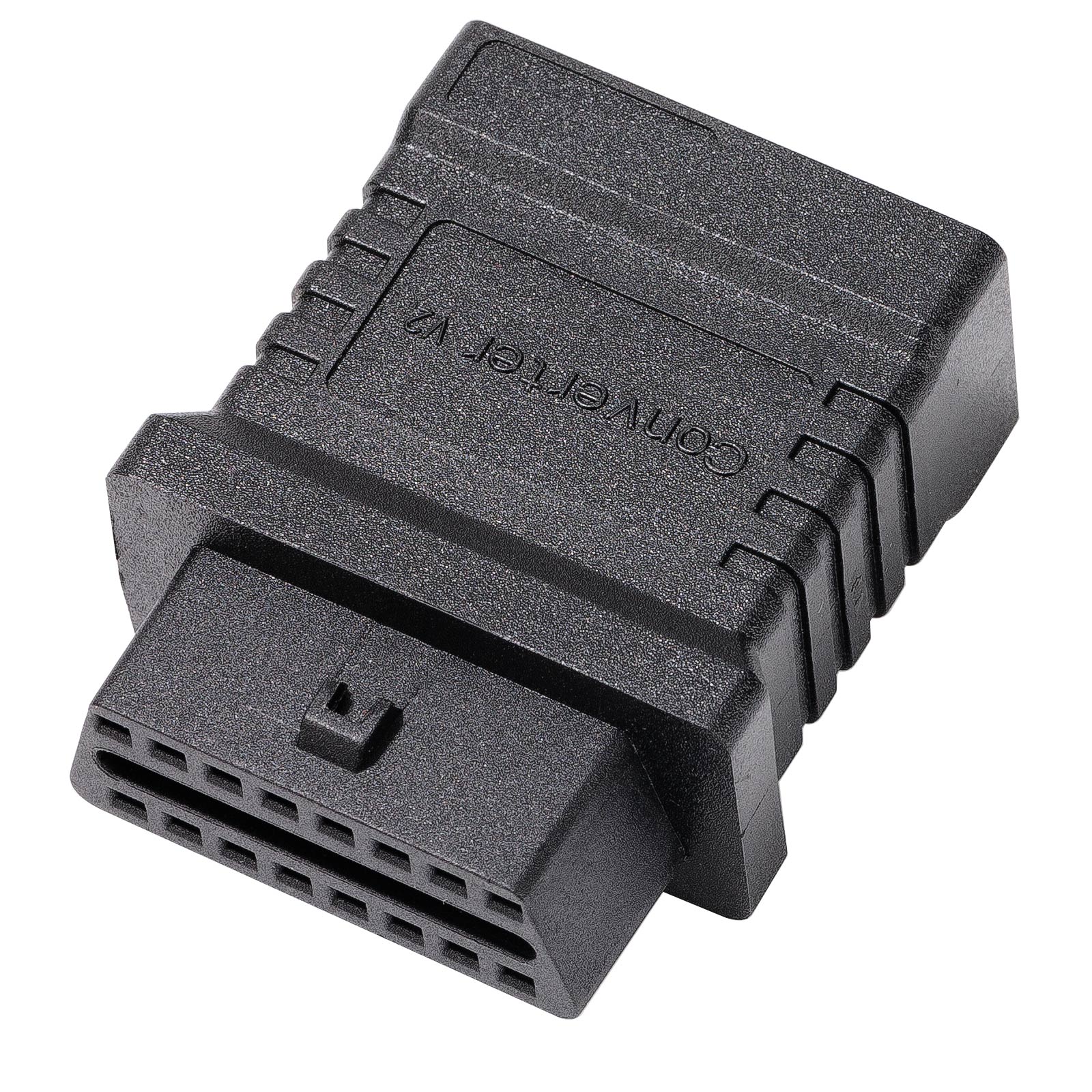
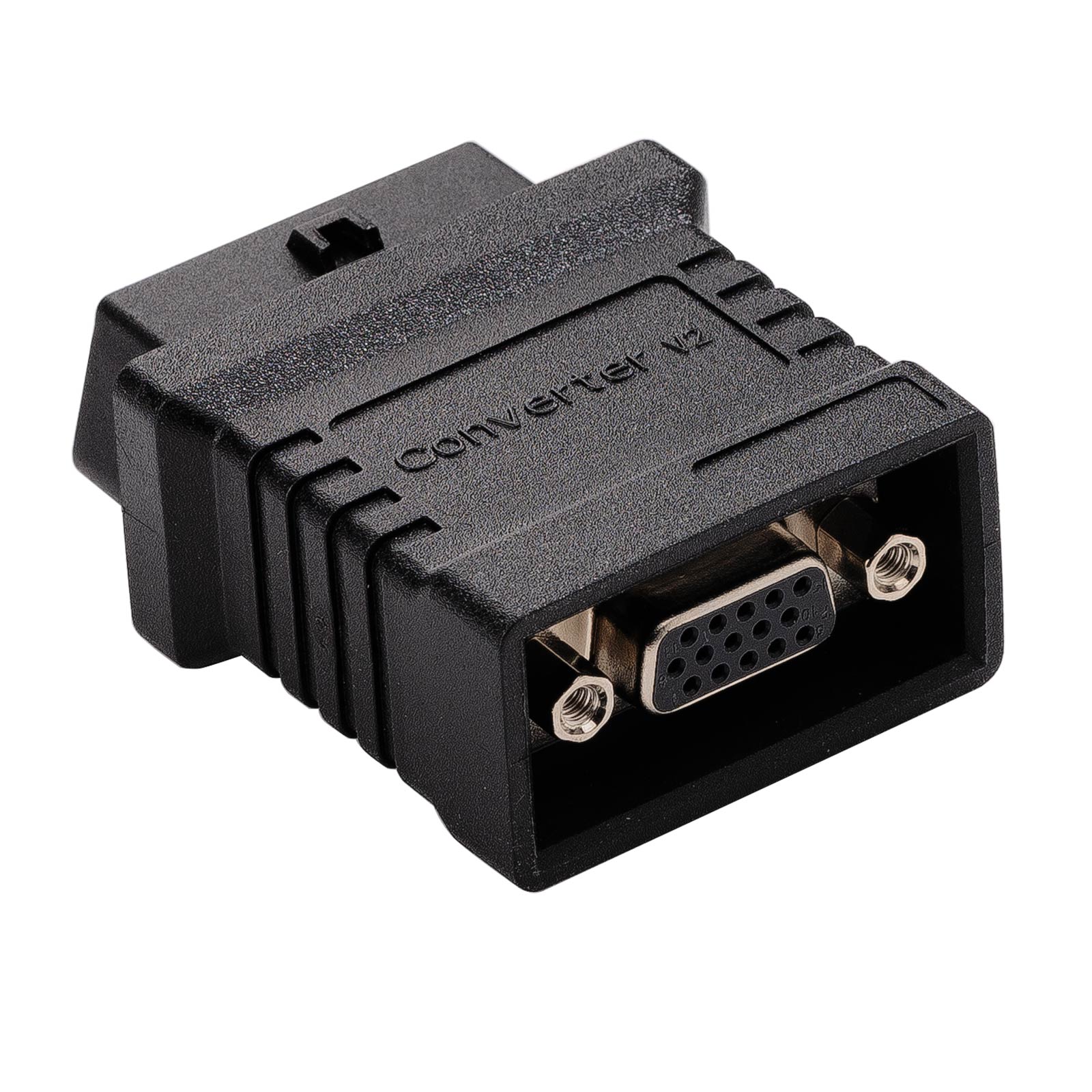
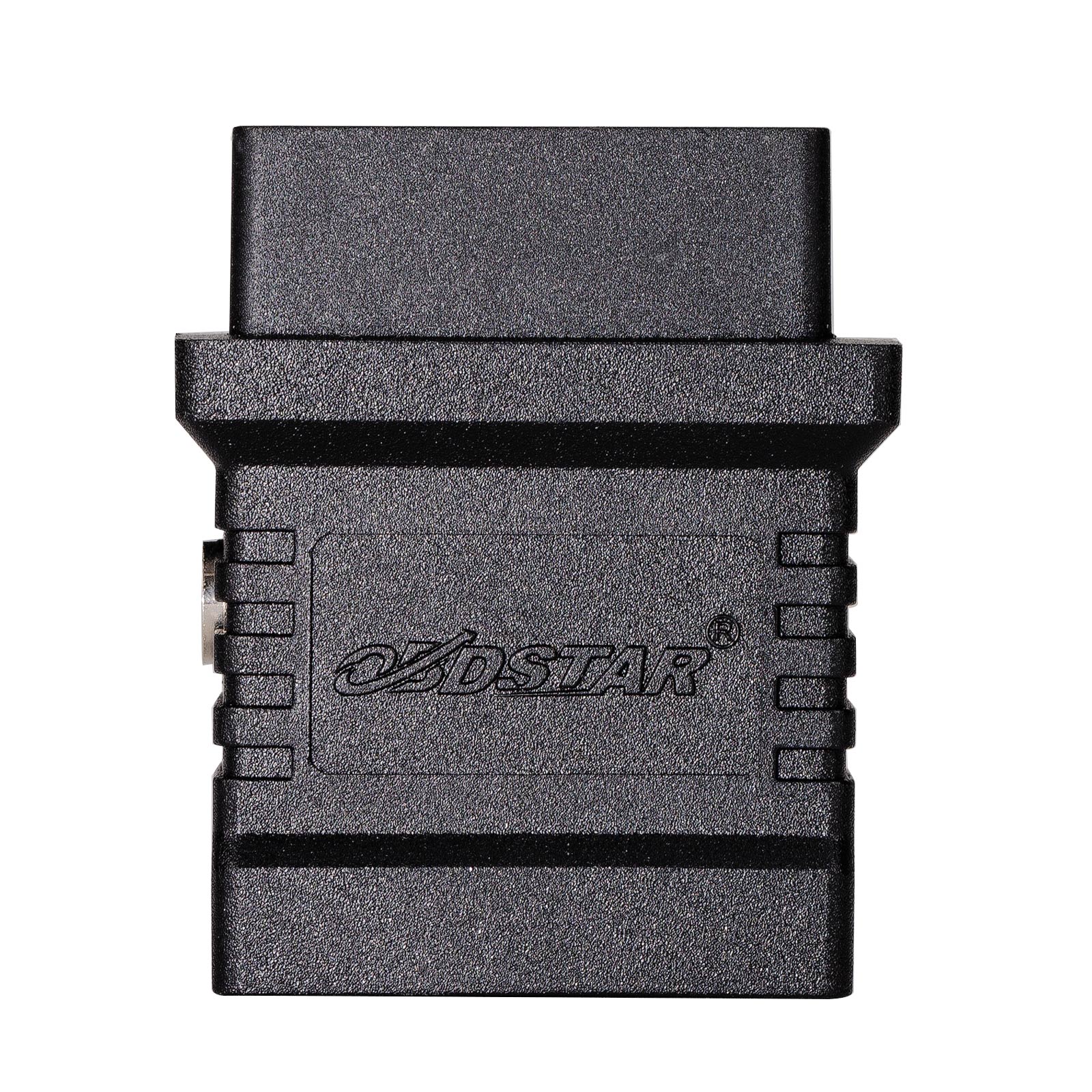
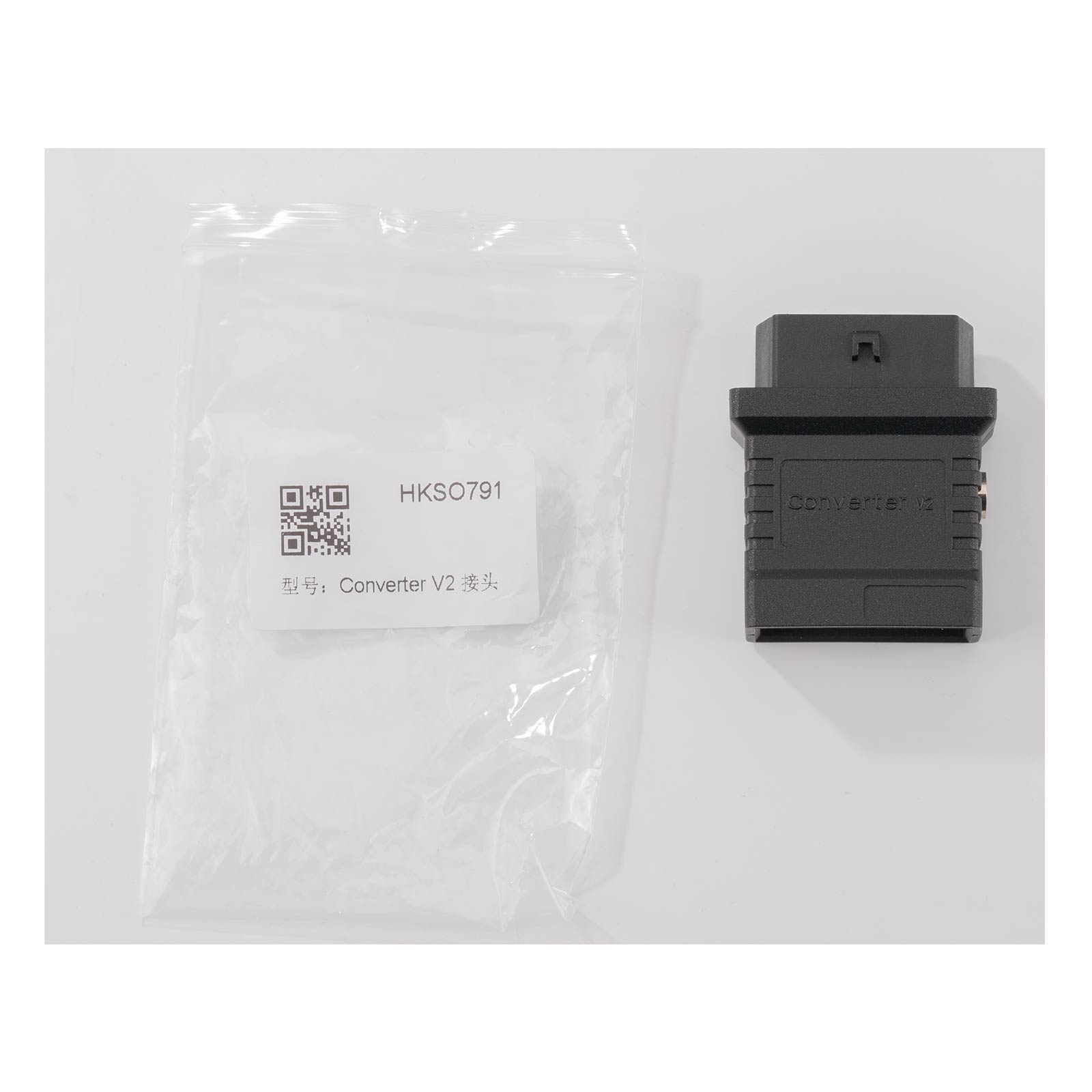
The Converter V2 adapts the DB15 end of OBDSTAR’s dedicated connectors, such as the TCM cables, to a 16-pin OBD2 socket. A removed module can then be diagnosed with the DC706, X300 Classic G3 or a third-party diagnostic device.

  • DB15 to OBD2 16-Pin
  • DC706 / X300 Classic G3
  • Third-Party Scan Tools
  • External 12V Supply

Key Features

  1. Bench Test Platform

    Fitted to a TCM dedicated connector, it lets you read module information and run diagnostic functions with the module off the vehicle.

  2. Not Limited to OBDSTAR

    Third-party diagnostic devices can connect through the OBD2 socket as well.

  3. Independent Power Input

    Accepts its own external power supply, so the module is powered separately from the tool.

  4. Required by Some Cables

    OBDSTAR’s TCM-021 cable for 6HP28, 6HP26, 6HP32, 6HP19 and 6HP21 gearboxes is used together with the Converter V2.

  5. Fits MP001 Bench Setups

    On the DC706 or X300 Classic G3 it can also sit between the MP001’s C2 connector and the ECM-003 bench adapter.

What’s in the Box

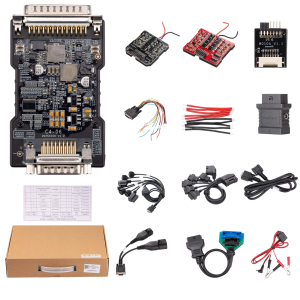
  • 1×Converter V2 DB15 to OBD16 adapter

How to Use

  1. Attach the connectorPlug the Converter V2 into the DB15 end of the TCM dedicated connector fitted to the module.
  2. Connect the interfacePlug the diagnostic interface head into the adapter’s OBD2 socket.
  3. Apply powerSupply 12 V to the adapter.
  4. DiagnoseEnter the diagnostic system on the DC706 or X300 Classic G3 and read the module information.

Good to Know

Caution
  • The adapter does not plug into a module by itself. A matching OBDSTAR dedicated connector is required and is not included.
You may also like

Select specifications

Delivery

Shipping calculated at checkout

Service

  • Secure checkout

    Payments are processed over an encrypted connection.

  • After-sales support

    Contact us for installation or usage questions.

Specifications

Brand
OBDSTAR
SKU
OBDSTAR-4357
Weight
0.050 lbs
Connector
DB15 to OBD 16
Application
Turns an OBDSTAR dedicated connector (e.g. TCM cables) into an OBD2 test platform for bench diagnosis; required by the TCM-021 cable (6HP28/6HP26/6HP32/6HP19/6HP21)
Connection
DB15 end of the OBDSTAR dedicated connector to the adapter; diagnostic interface plugs into the OBD 16 socket; external 12V supply
Compatible Hosts
X300 Classic G3, DC706, etc.; compatible with third-party diagnostic devices

Escribe una reseña

OBDSTAR Converter V2 DB15 to OBD2 16-Pin Adapter for DC706 & X300 Classic G3
Overall rating *
What stood out?optional, up to 3
Add photos0 / 5
JPG, PNG or WebP, up to 5 MB each.

Reviews are checked before they appear. Verified Purchase is added automatically when your email matches an order.

OBDSTAR Converter V2 Adapter for DC706/ X300 Classic G3
OBDSTAR Converter V2 DB15 to OBD2 16-Pin Adapter for DC706 & X300 Classic G3

El precio original era: US$19.00.El precio actual es: US$14.00.

Añadir al carrito