


A Narrow, Lockable Workstation for Diagnostic Equipment
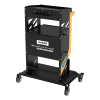
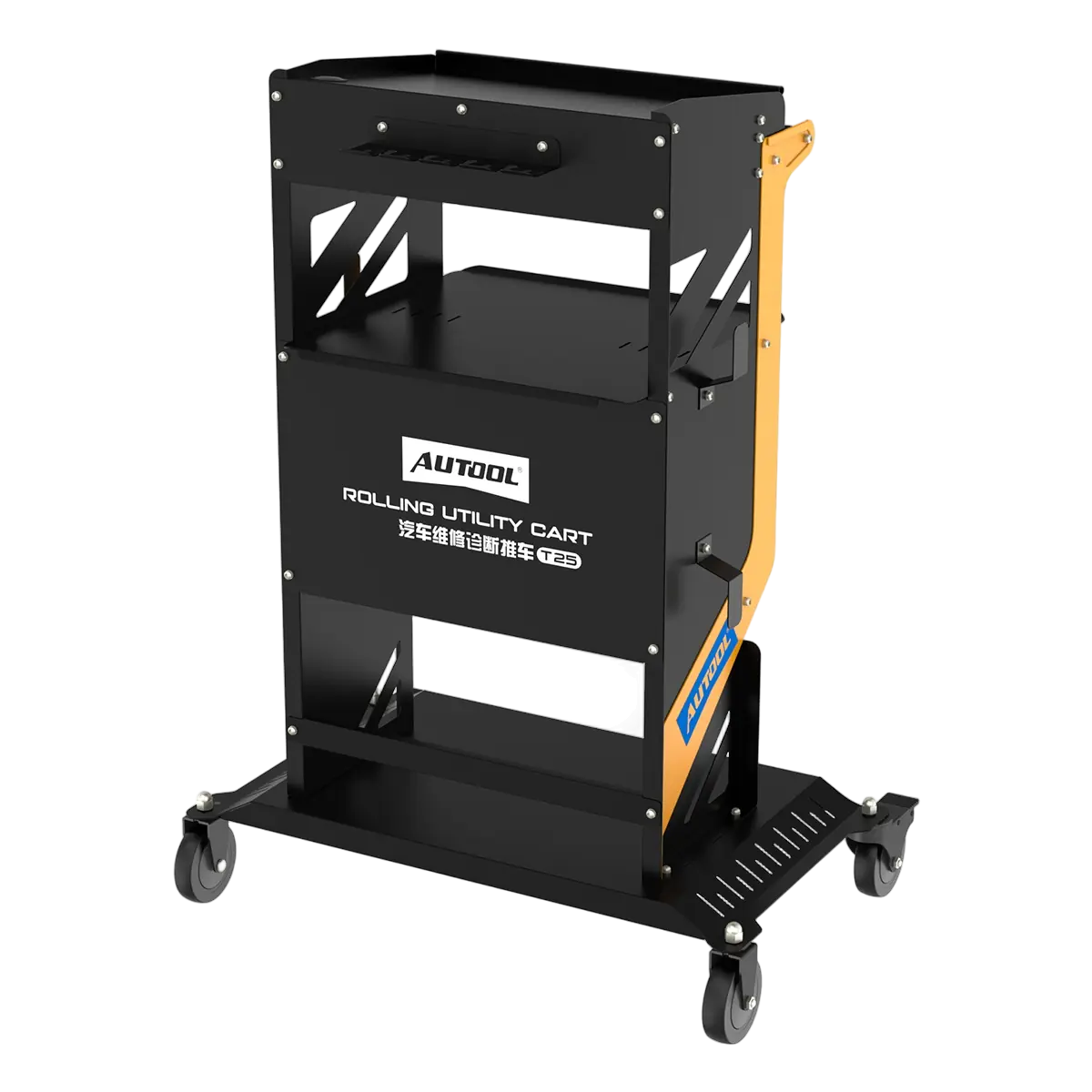
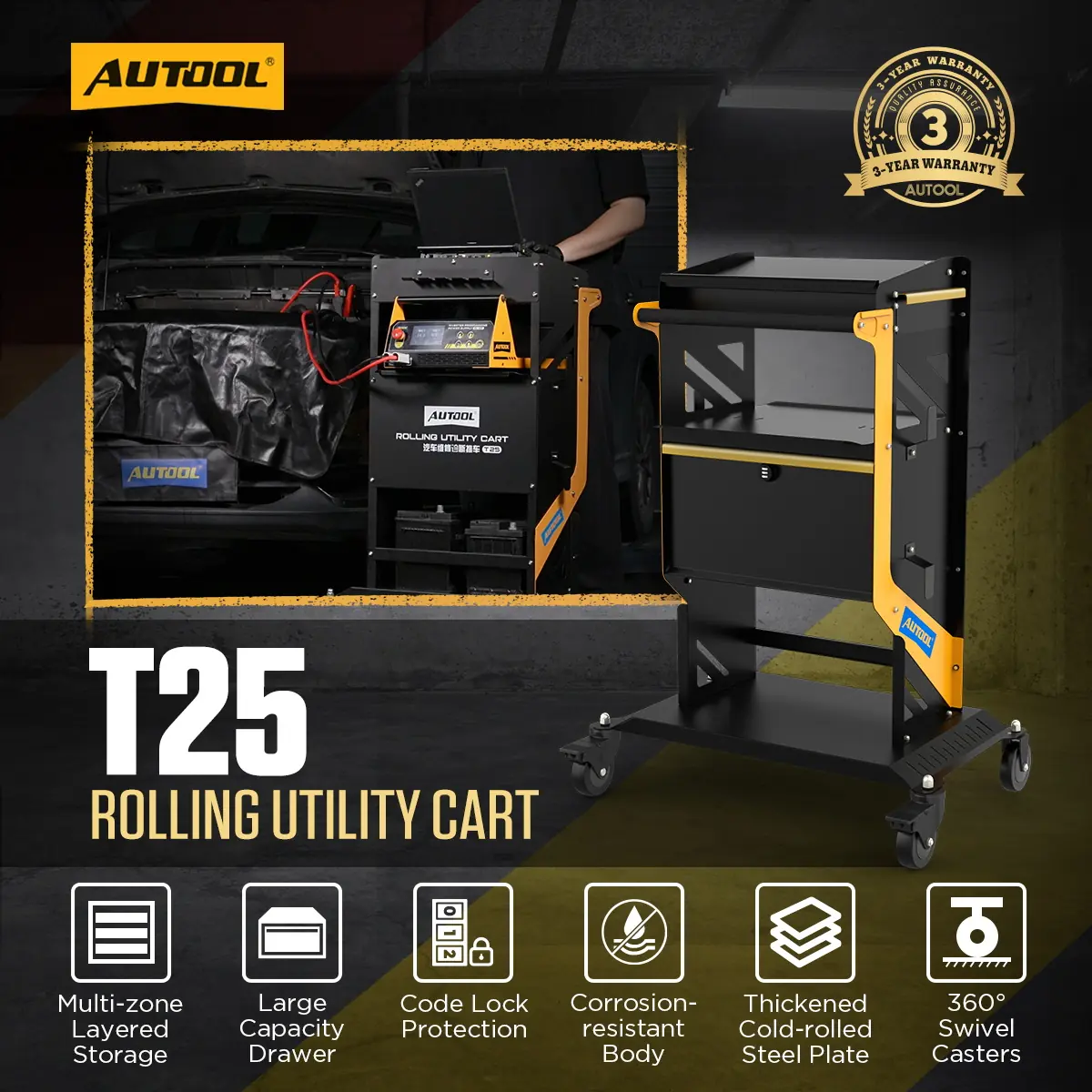
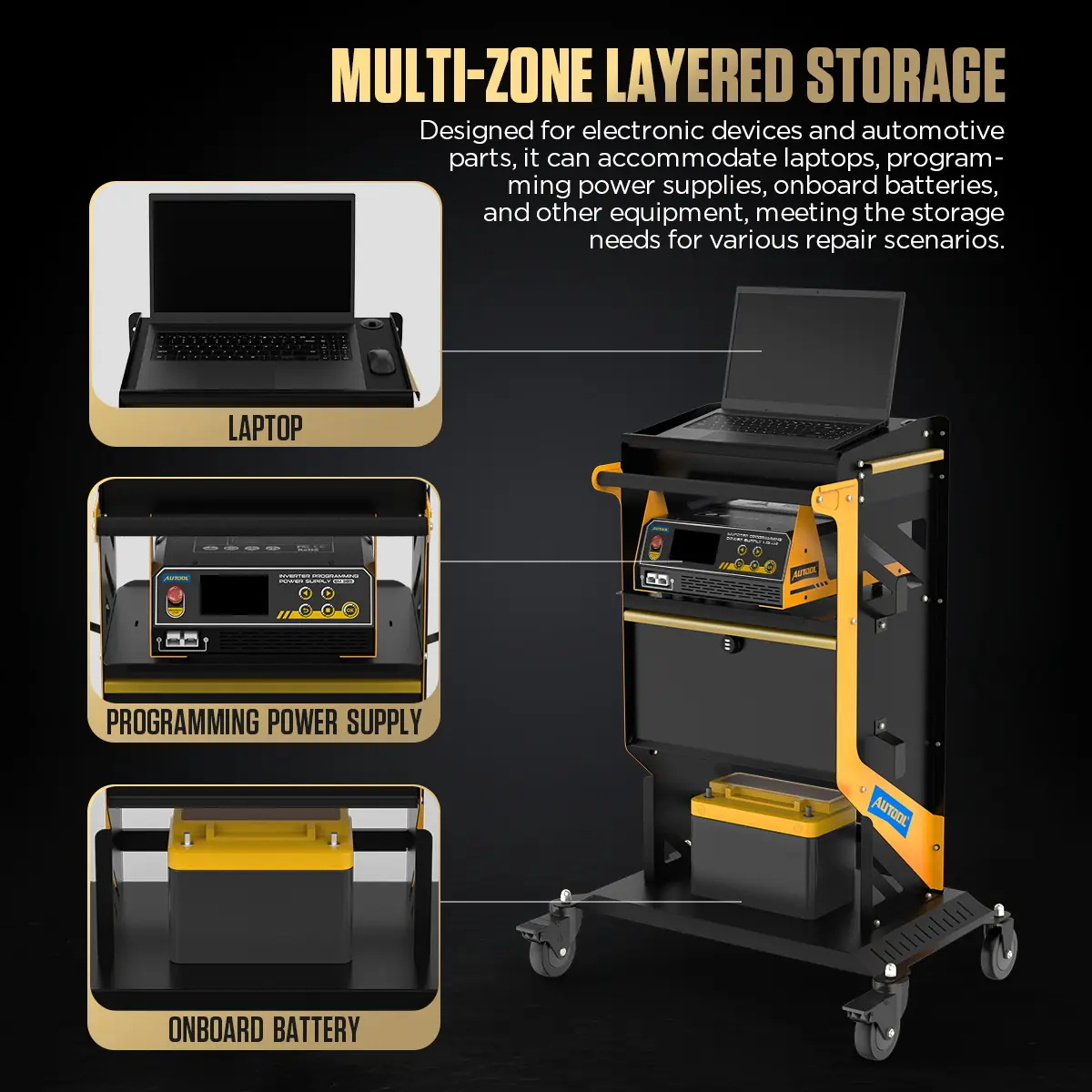
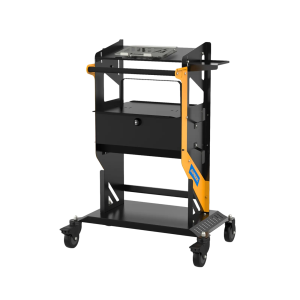
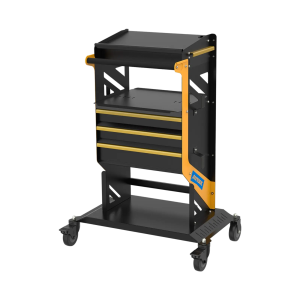
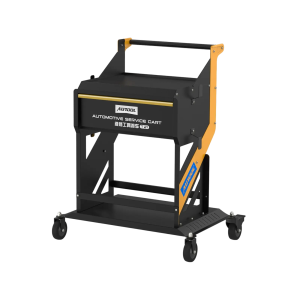
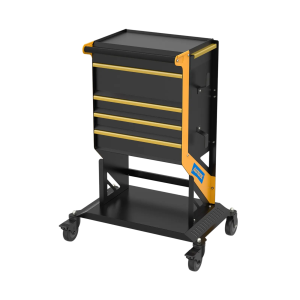
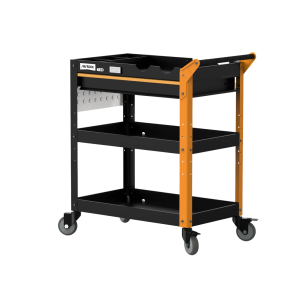
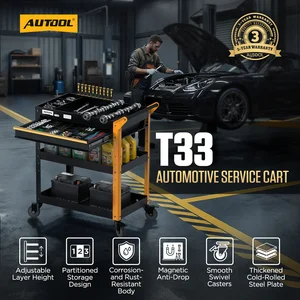
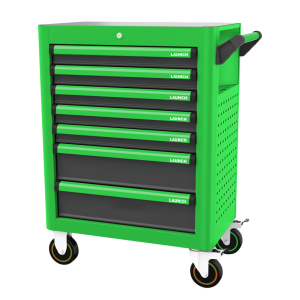
The T25 carries a laptop, scan tool, programming power supply, vehicle battery and hand tools in separate zones on a narrow steel frame, with a combination-lock drawer and braked casters for moving through busy service bays. It is for equipment only, not for standing on.
- Up to 100 kg Load
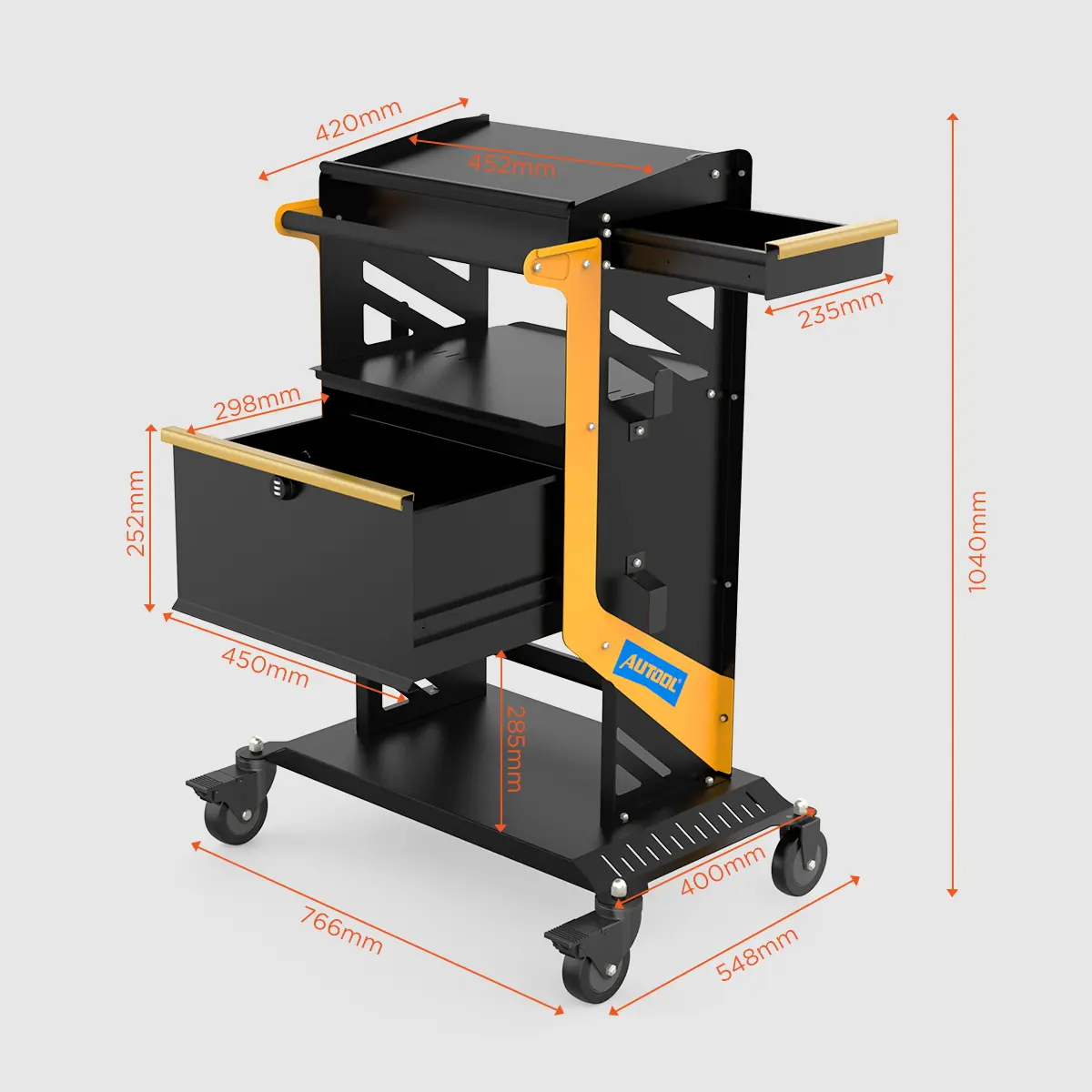
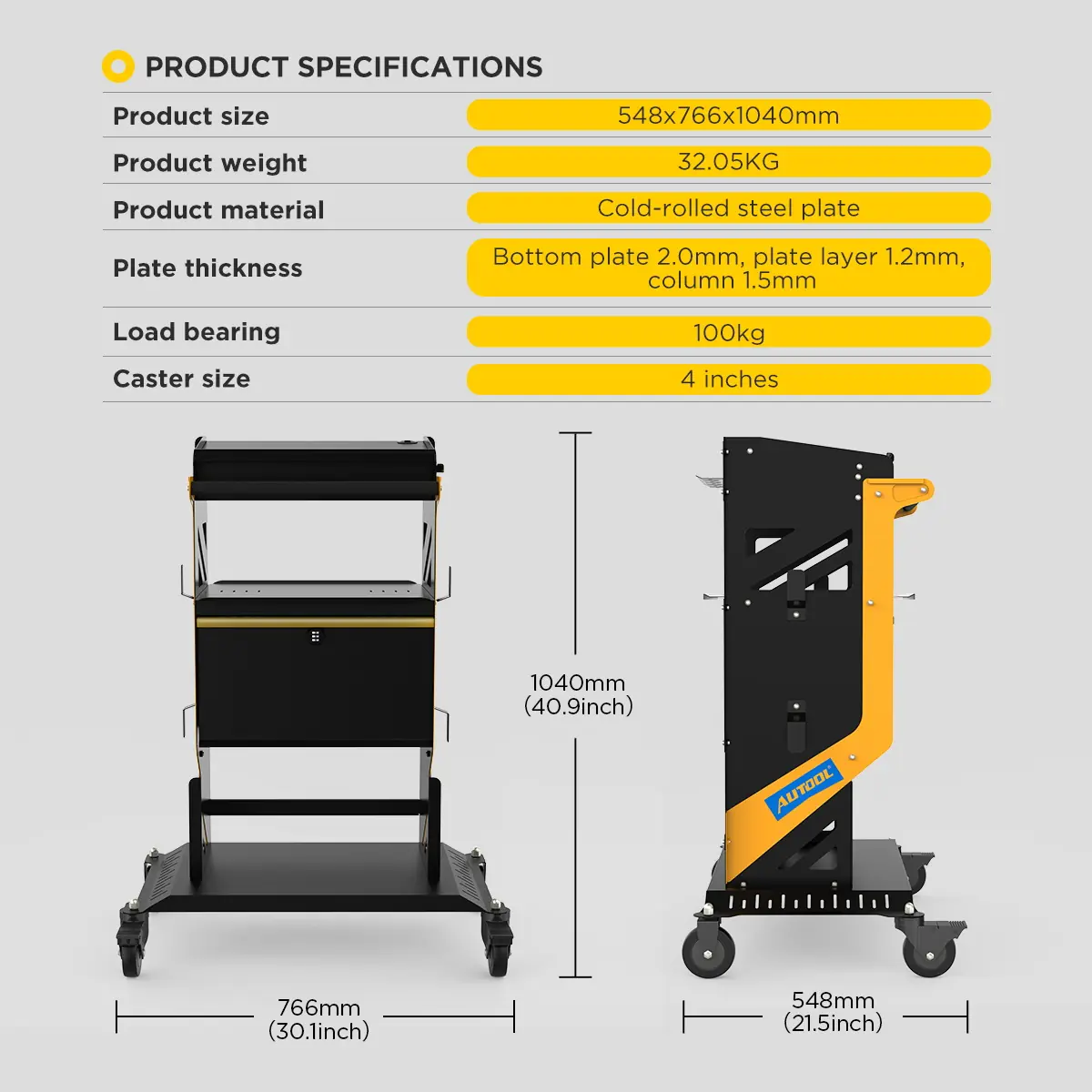
- 440 × 740 × 1000 mm
- Combination-Lock Drawer
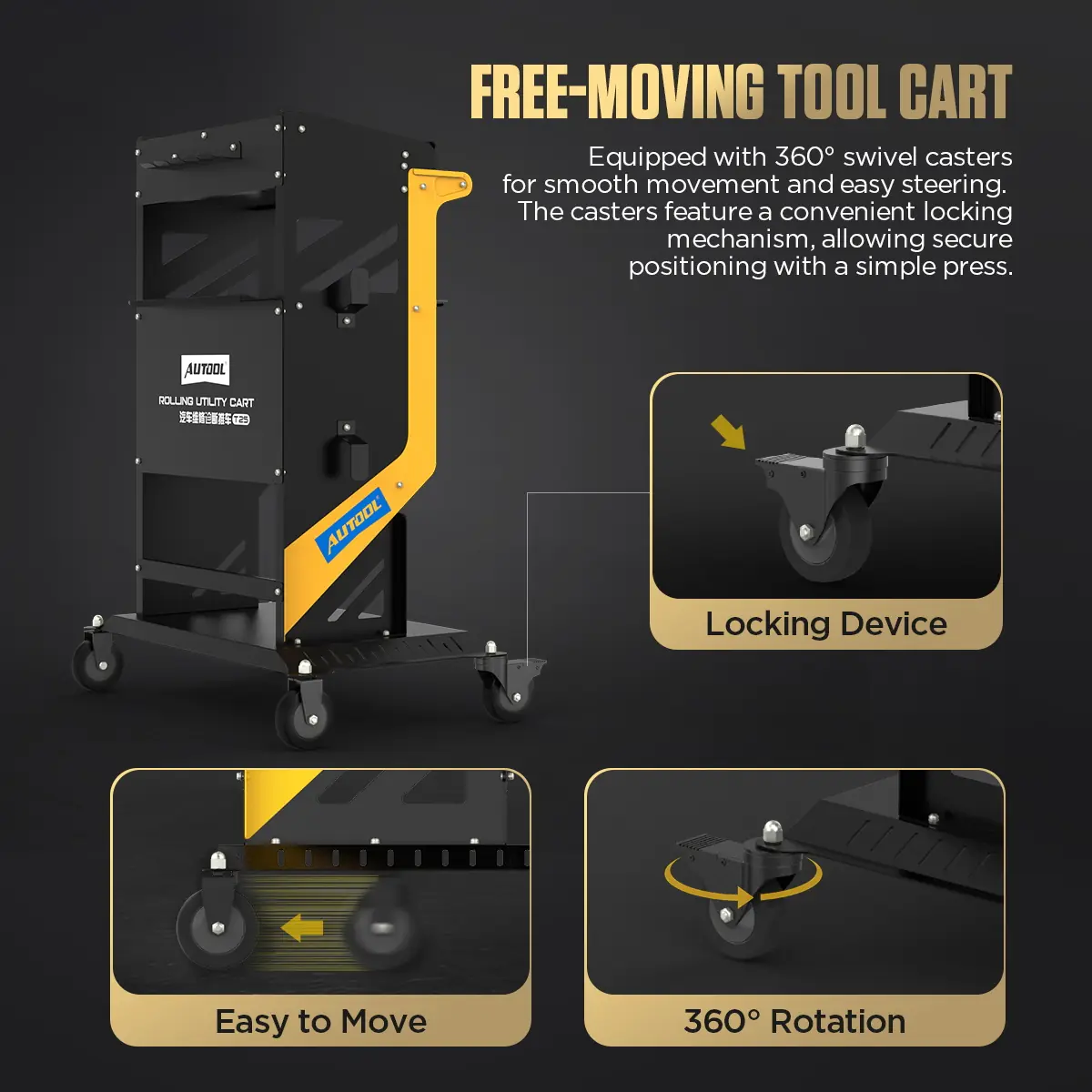
- 3-inch Braked Casters
Hauptmerkmale
-
Multi-Zone Storage
An equipment platform, drawers and lower storage keep the laptop, diagnostic instruments, power supply, battery, toolkits and cables apart.
-
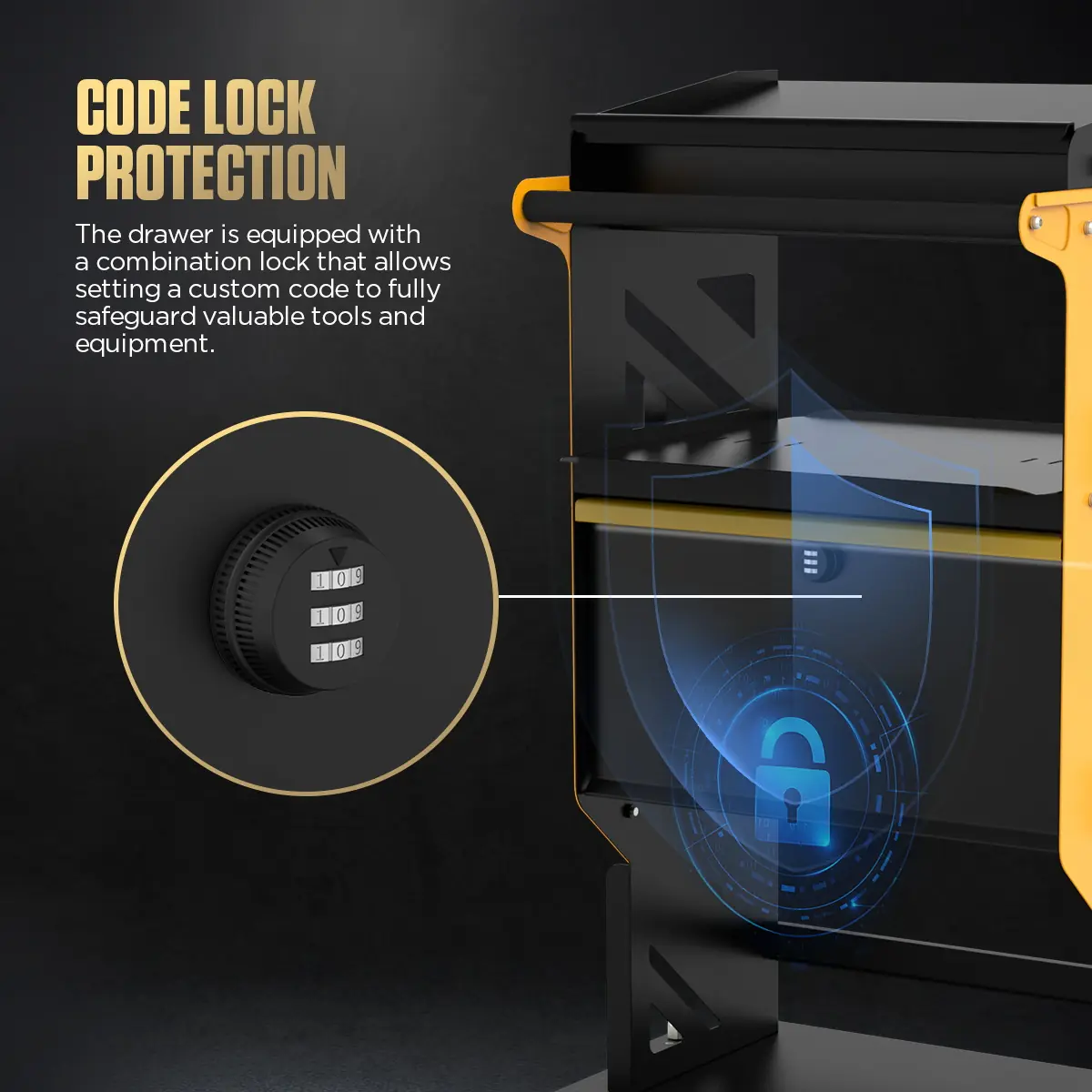
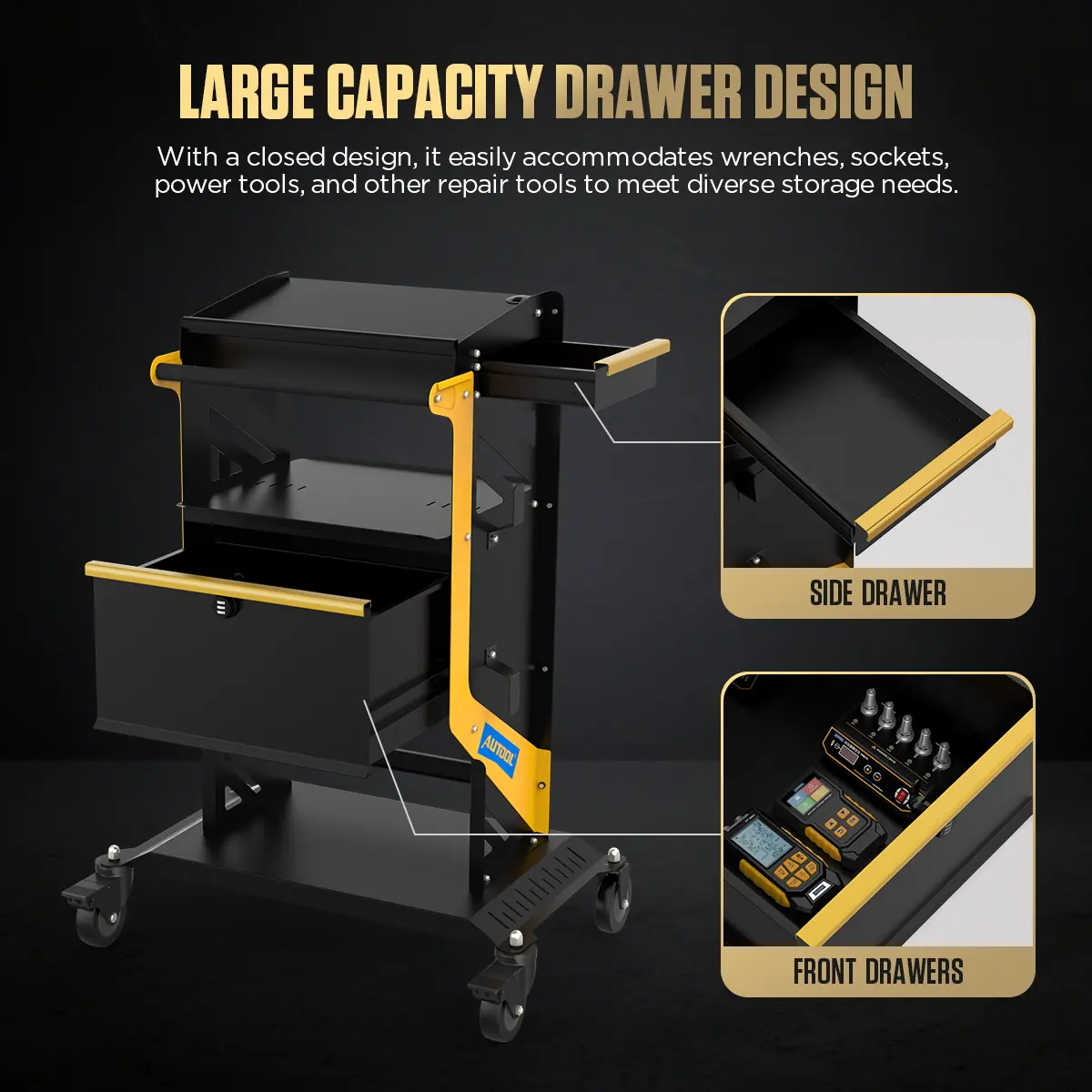
Lockable Drawers
A large front drawer and a side drawer hold wrenches, sockets, power tools and instruments; the combination lock protects valuables during moves and storage.
-
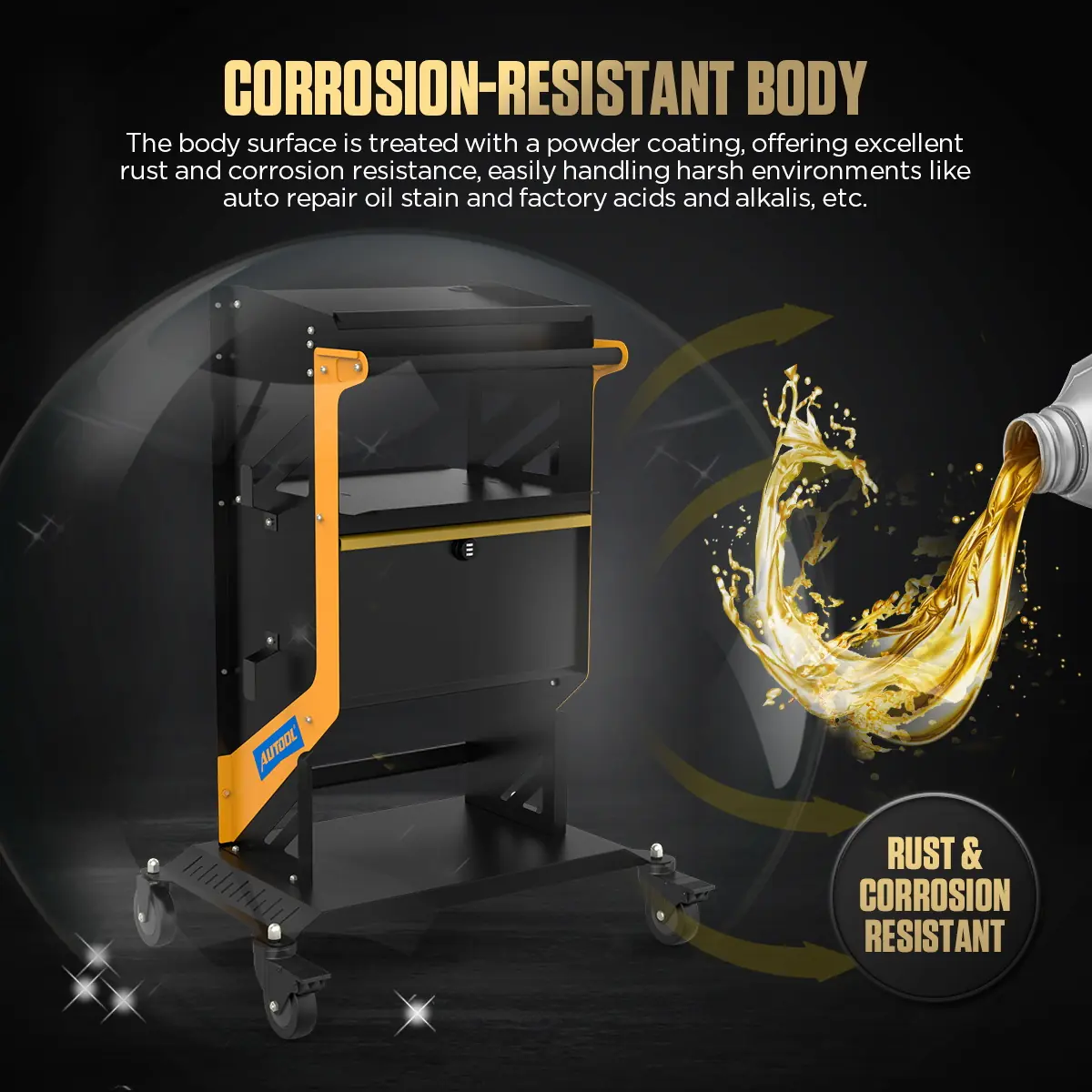
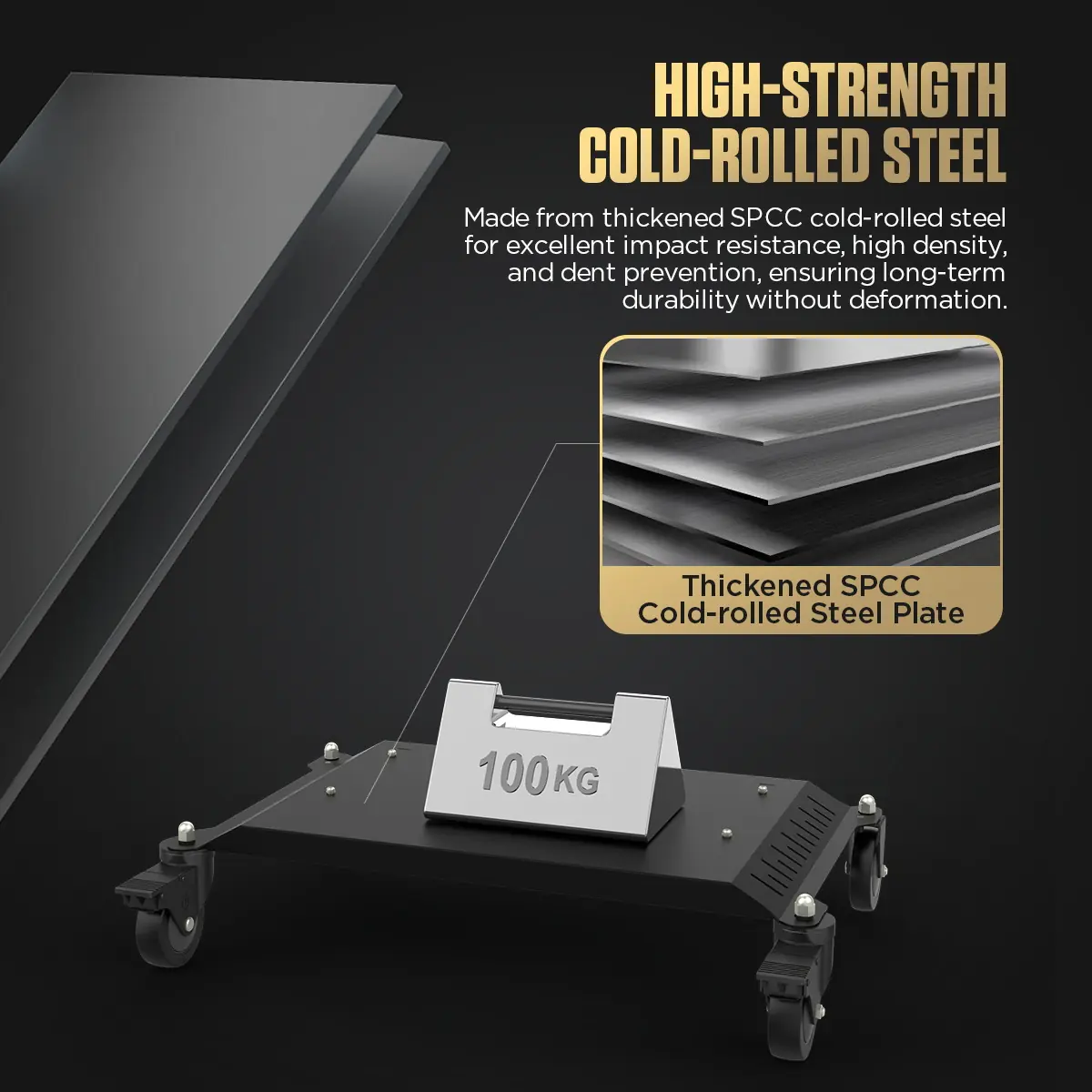
Thickened Steel Body
SPCC cold-rolled steel with a powder coat that resists corrosion, rust, oil stains and common workshop chemicals.
-
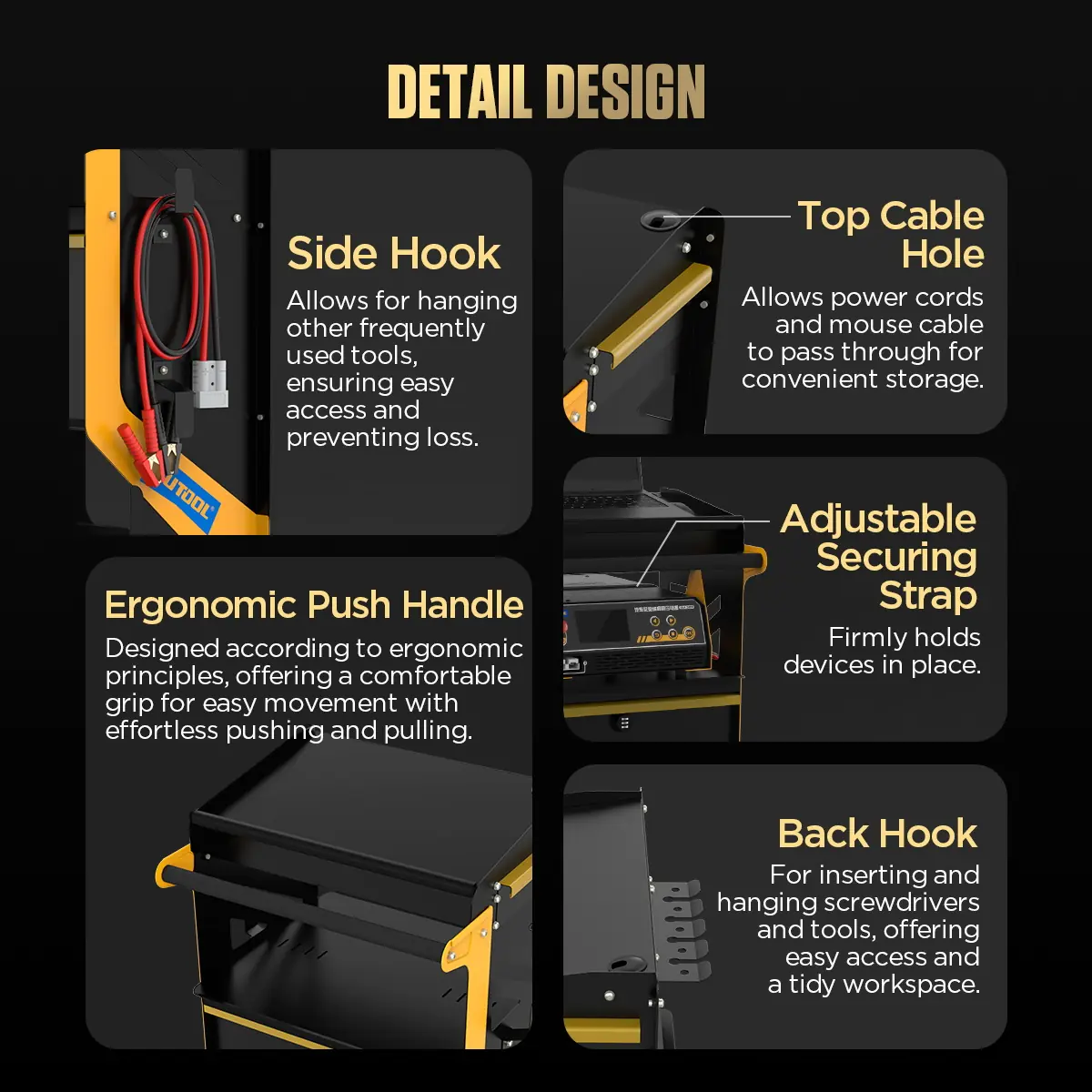
Cable Routing
Top threading holes plus side and rear hooks reduce tangles and keep diagnostic cables within reach.
-
Equipment Strap
An adjustable strap holds the scan tool or programming power supply in place while the cart moves.
-
Swivel Casters With Brakes
360° casters roll smoothly between bays; the brakes hold the cart still during work.
Model Comparison
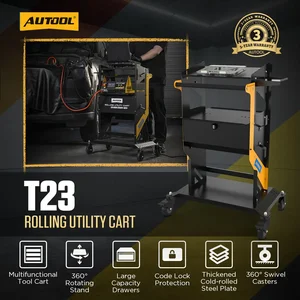
| T25 | T23 | T22 | |
|---|---|---|---|
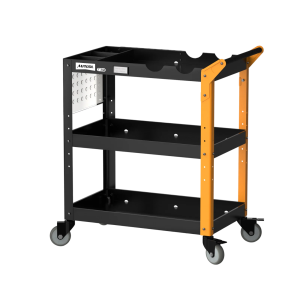
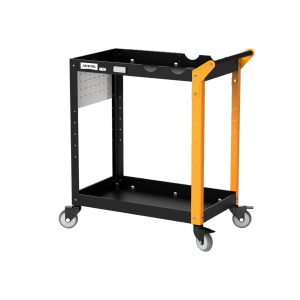
| Lockable drawer | Yes | Yes | No (open shelves) |
| Rotating lift workbench | No | Yes | No |
| Caster size | 3 in | 4 in | 4 in |
| Product size | 44 × 74 × 100 cm | 53 × 74 × 102 cm | 53 × 74 × 102 cm |
What’s in the Box
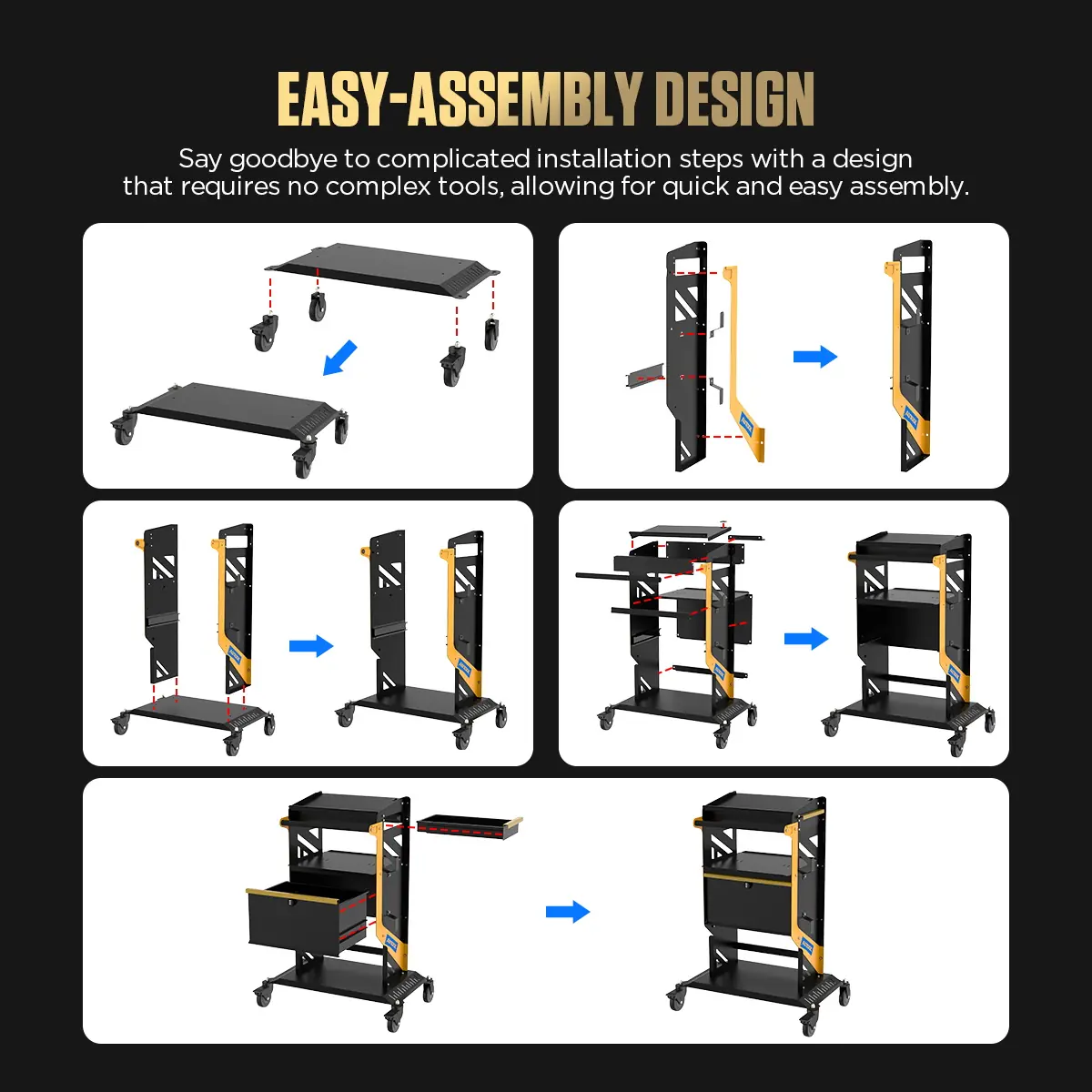
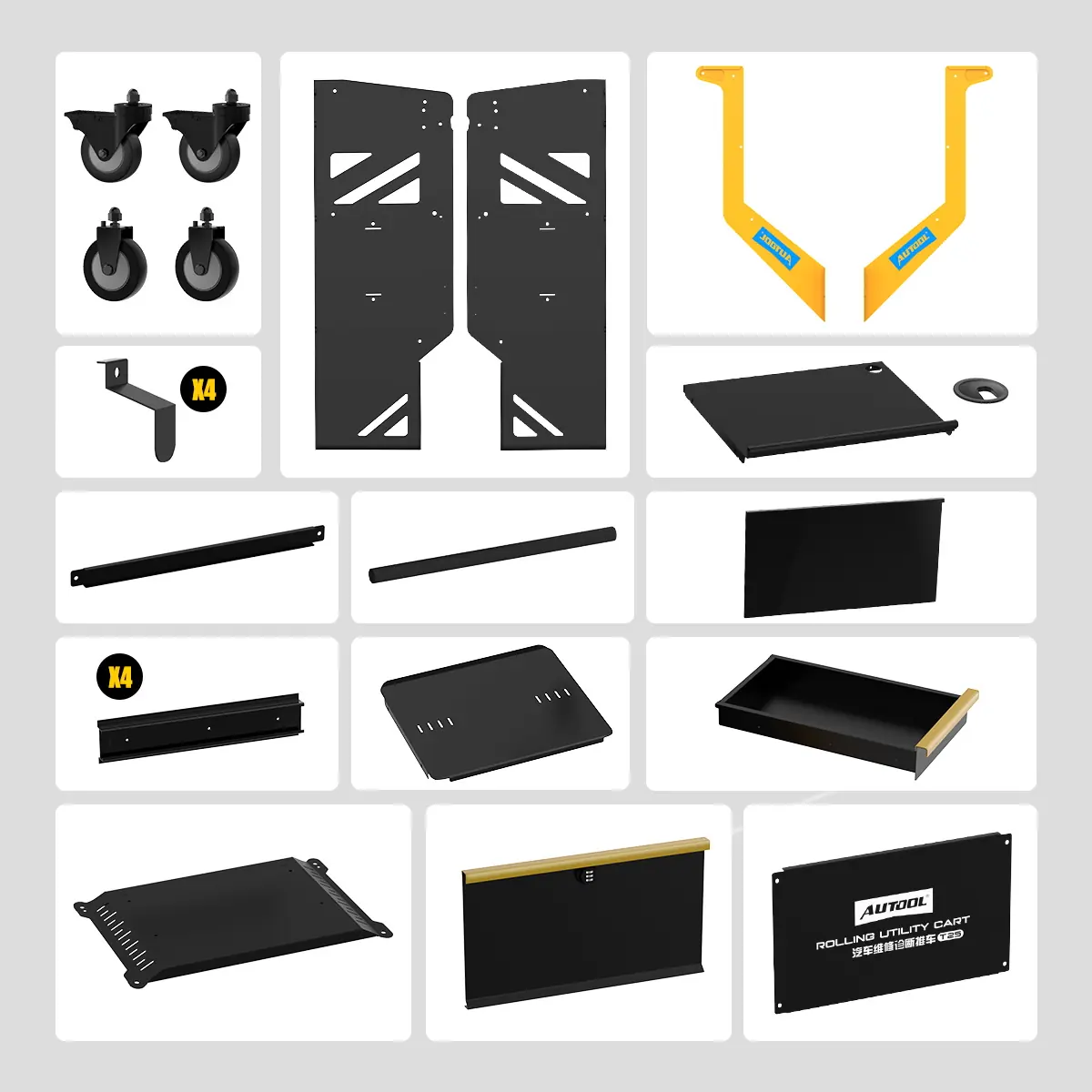
- Body panels: top tray, middle shelf, bottom plate, side panels, rear board and support frames
- Front and side drawer components
- Casters and mounting hardware
- Push handle, cable hooks, rear hooks and strap components
- Screws, fasteners and assembly accessories
- T25 assembly manual
Anwendung
- Check the footprintConfirm the cart size and caster specification against your bay clearance before ordering.
- Assemble and inspectFit the panels, shelves, drawers, handle, hooks, strap and casters per the manual, then tighten all fasteners.
- Load the workstationKeep heavy equipment low, store instruments in the locking drawer, route cables through the top holes and strap down the main device.
- Prepare to moveLock the drawer, disconnect cables from the vehicle, restrain loose items and release the caster brakes.
- Park for serviceMove slowly on a clear, level route and set the caster brakes before operating any equipment.
Assembly and setup details: T25 user manual (PDF).
Good to Know
Caution
- Do not stand on the cart or use it as a step.
- The 100 kg rating is the overall limit; each panel and mounted part has its own lower limit. Overloading can deform the frame or tip the cart.
- Lock the caster brakes while working so the cart cannot slide.
Care
- Place laptops and instruments in a stable position so they cannot slip off.









 English
  German
  Spanish