

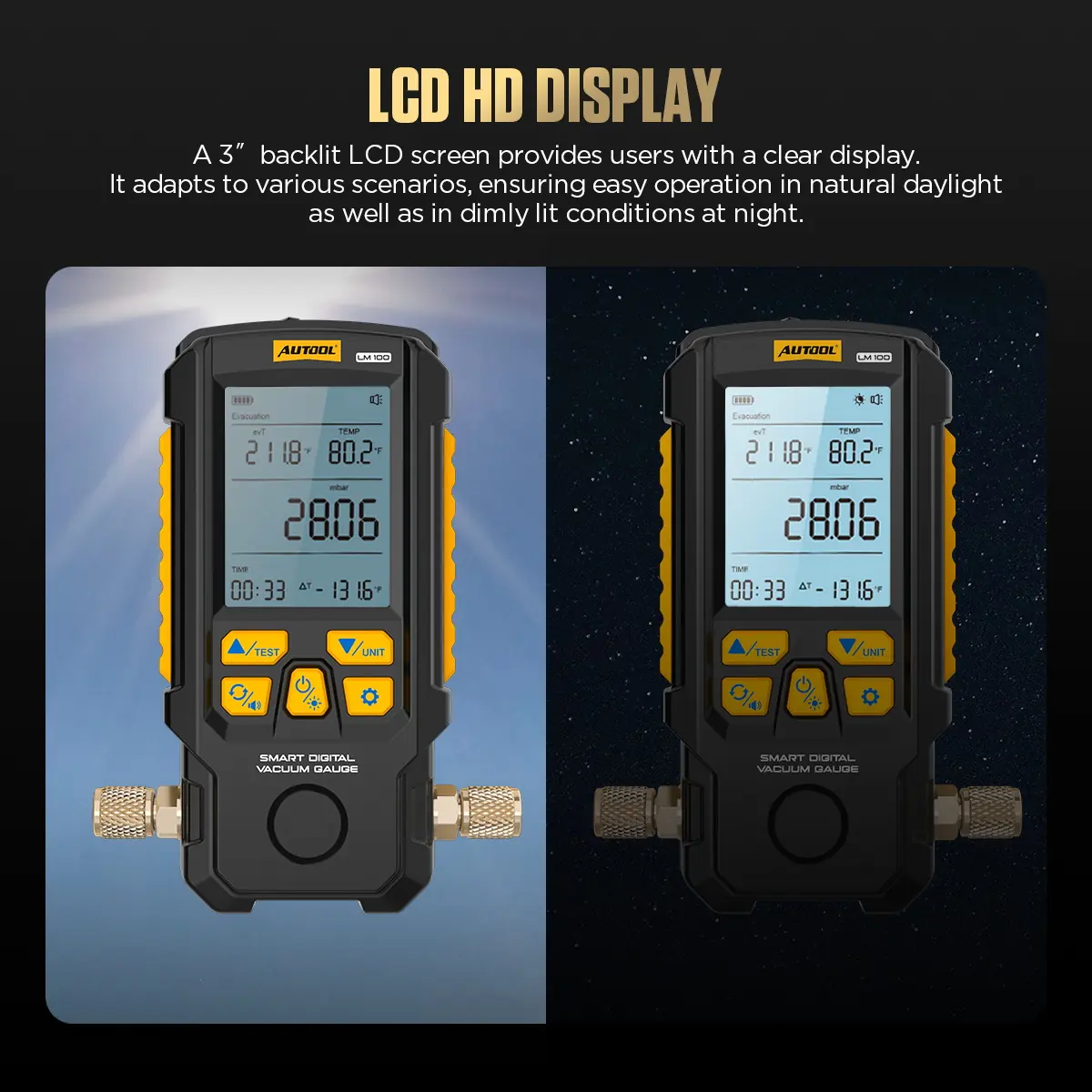
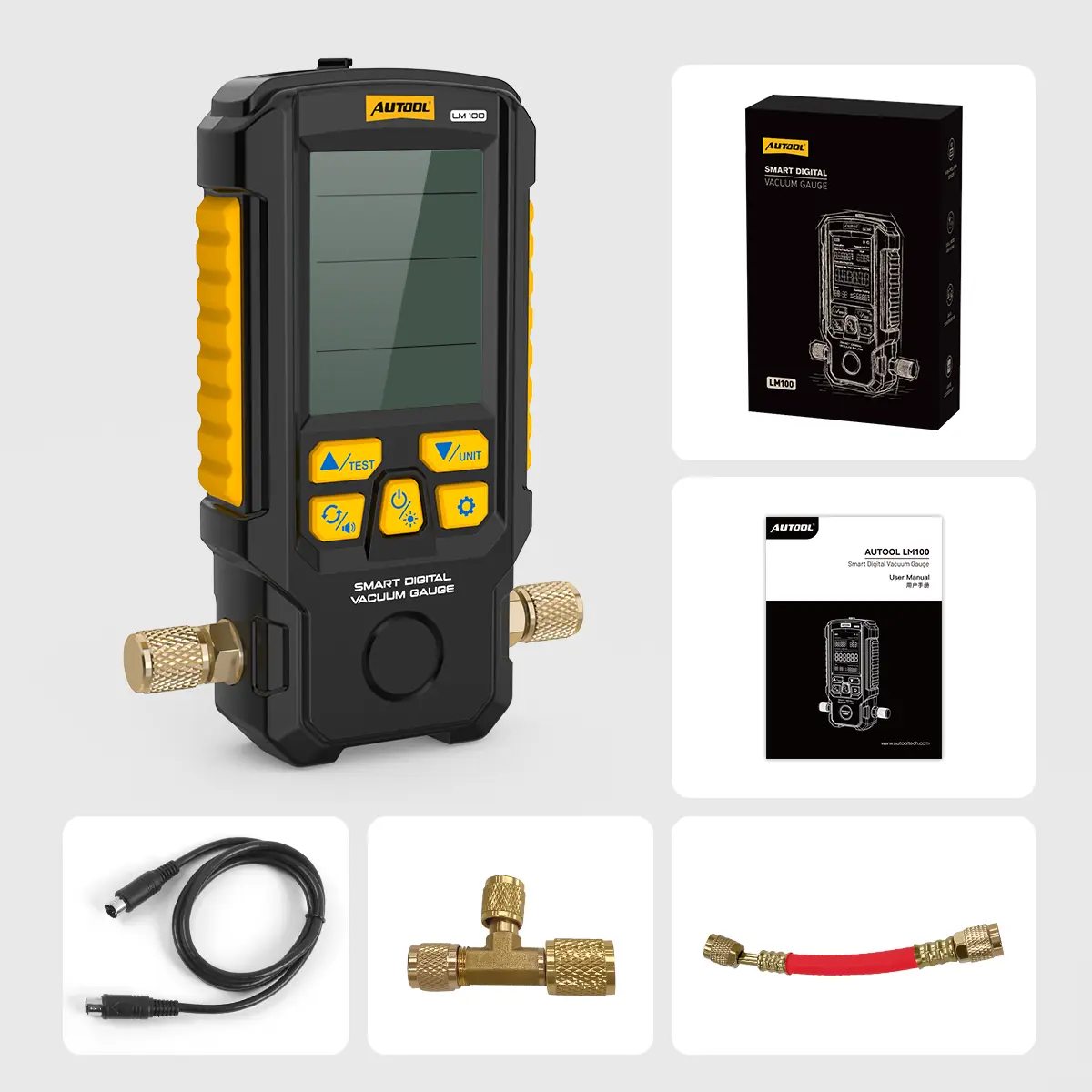
Watch Evacuation and Confirm Vacuum Hold on A/C and Refrigeration Systems
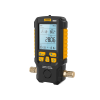
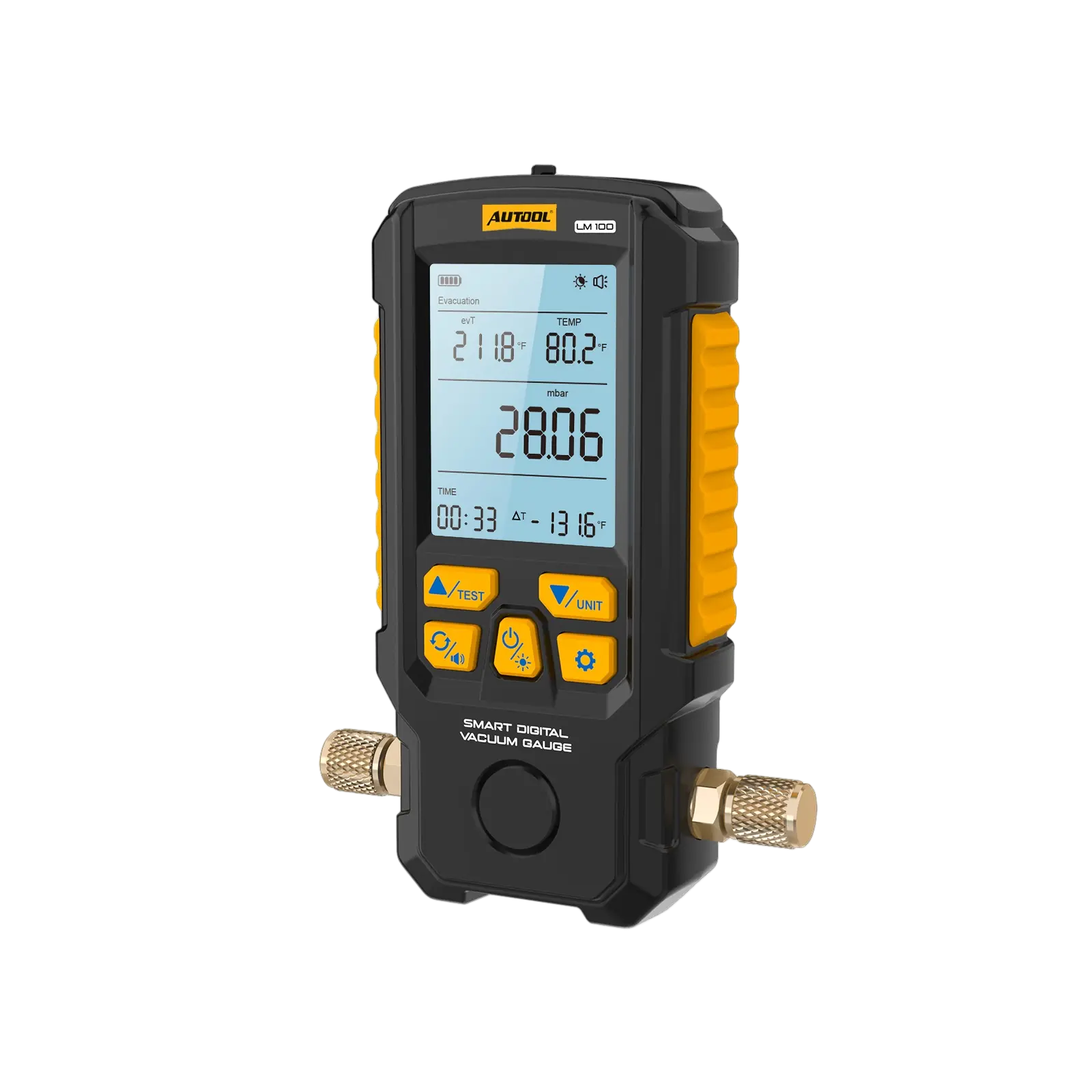
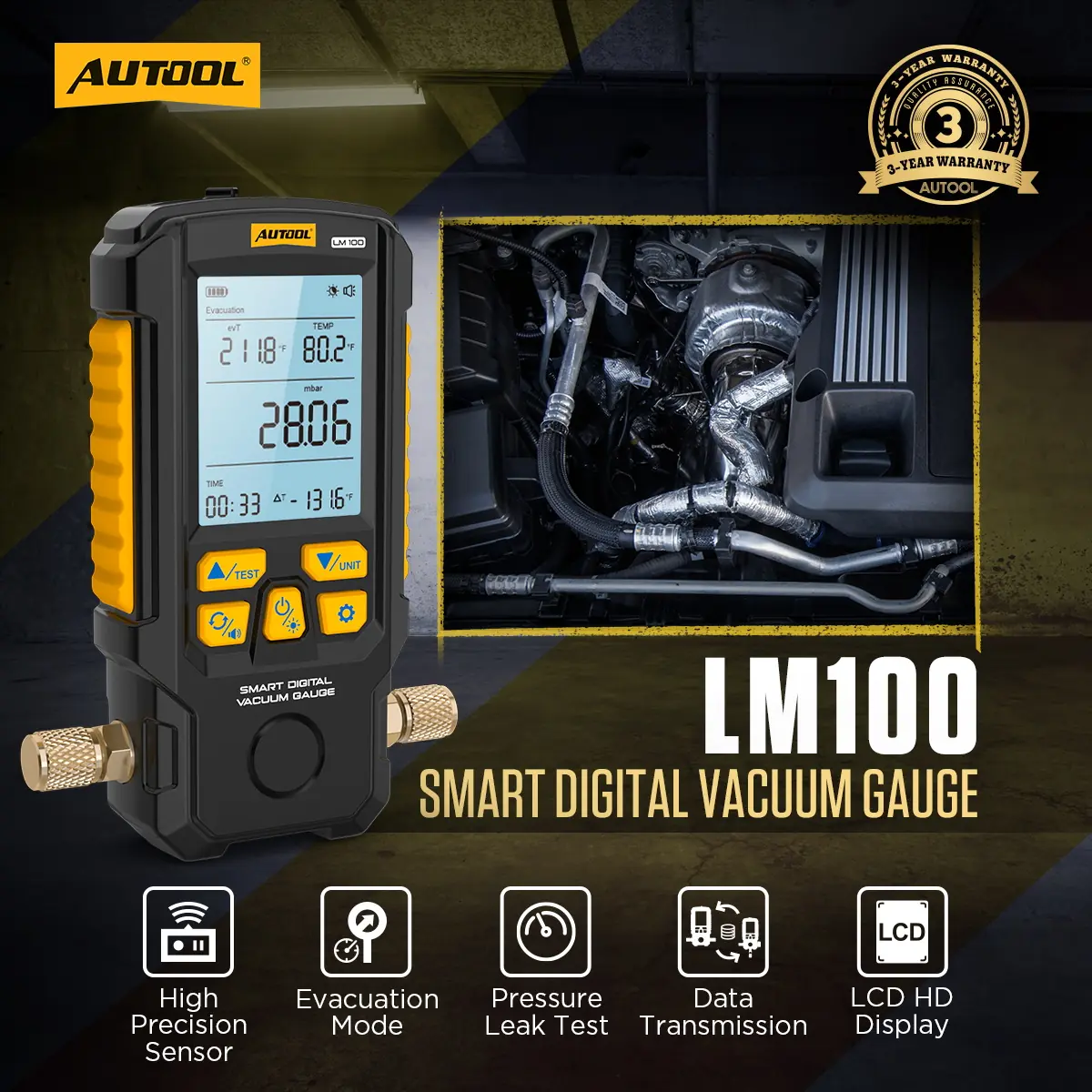
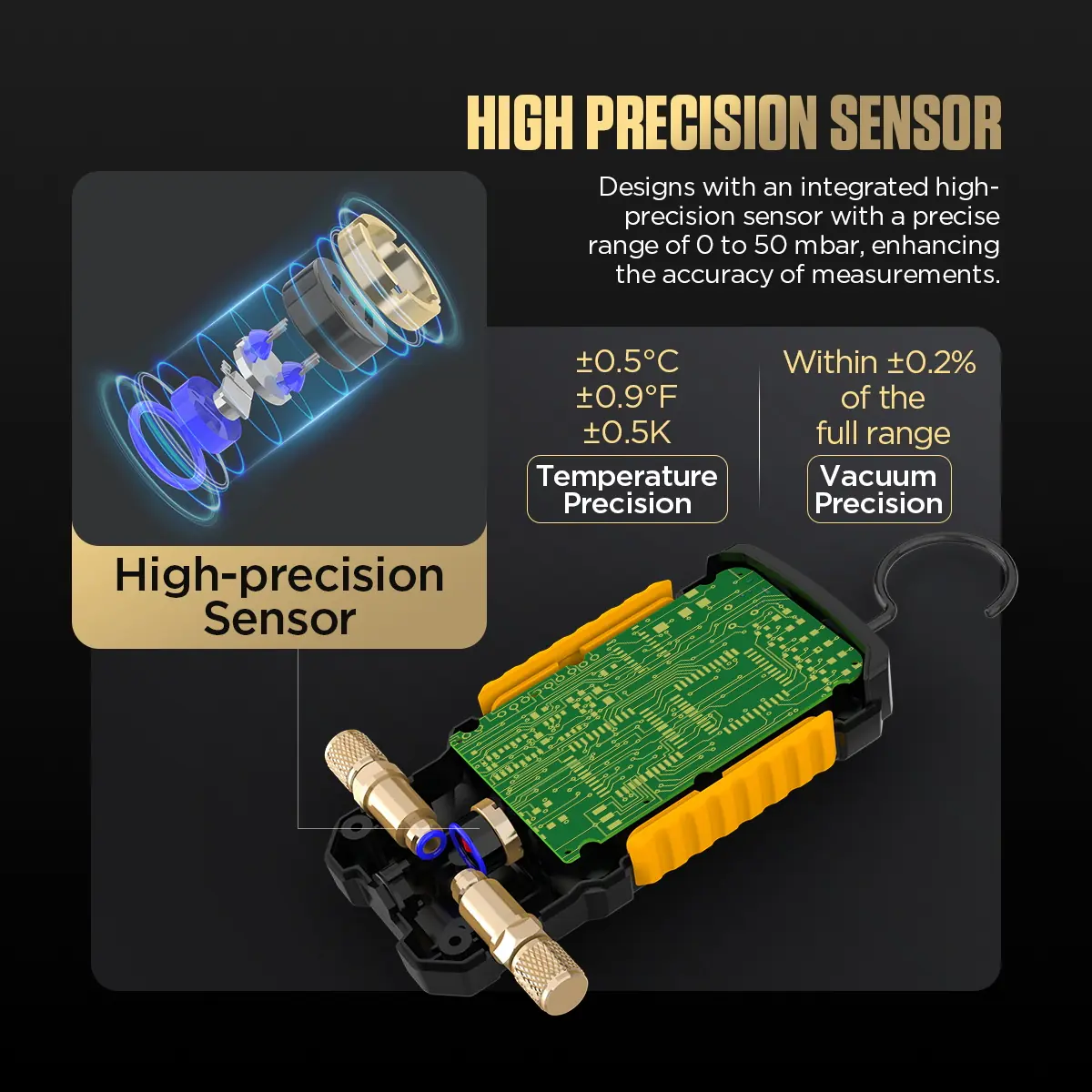
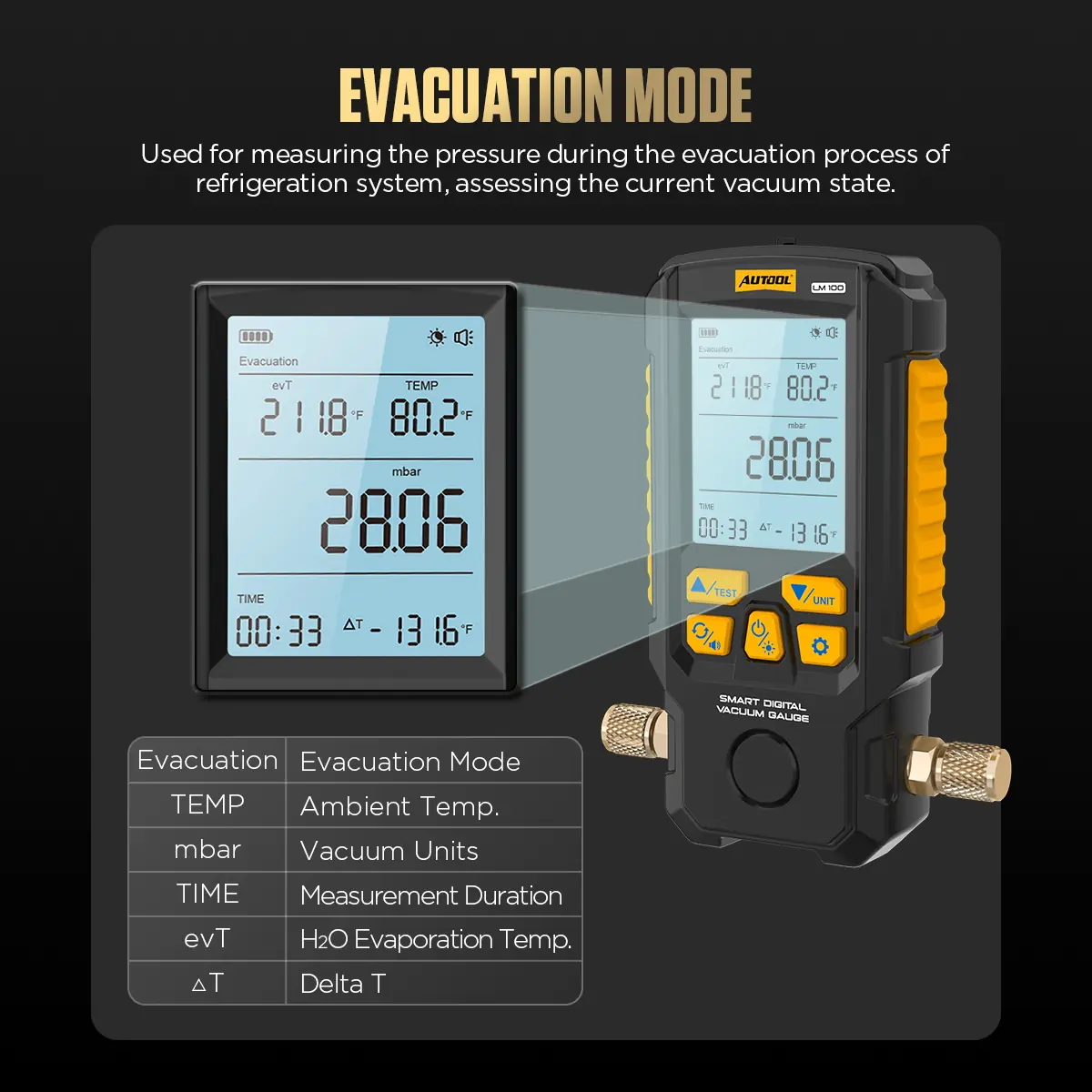
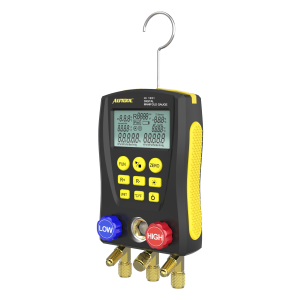
The LM100 tracks vacuum level during evacuation and pressure change after the system is isolated, with vacuum and temperature readings in seven selectable units. It is a vacuum gauge only, with no refrigerant database or manifold charging valves.
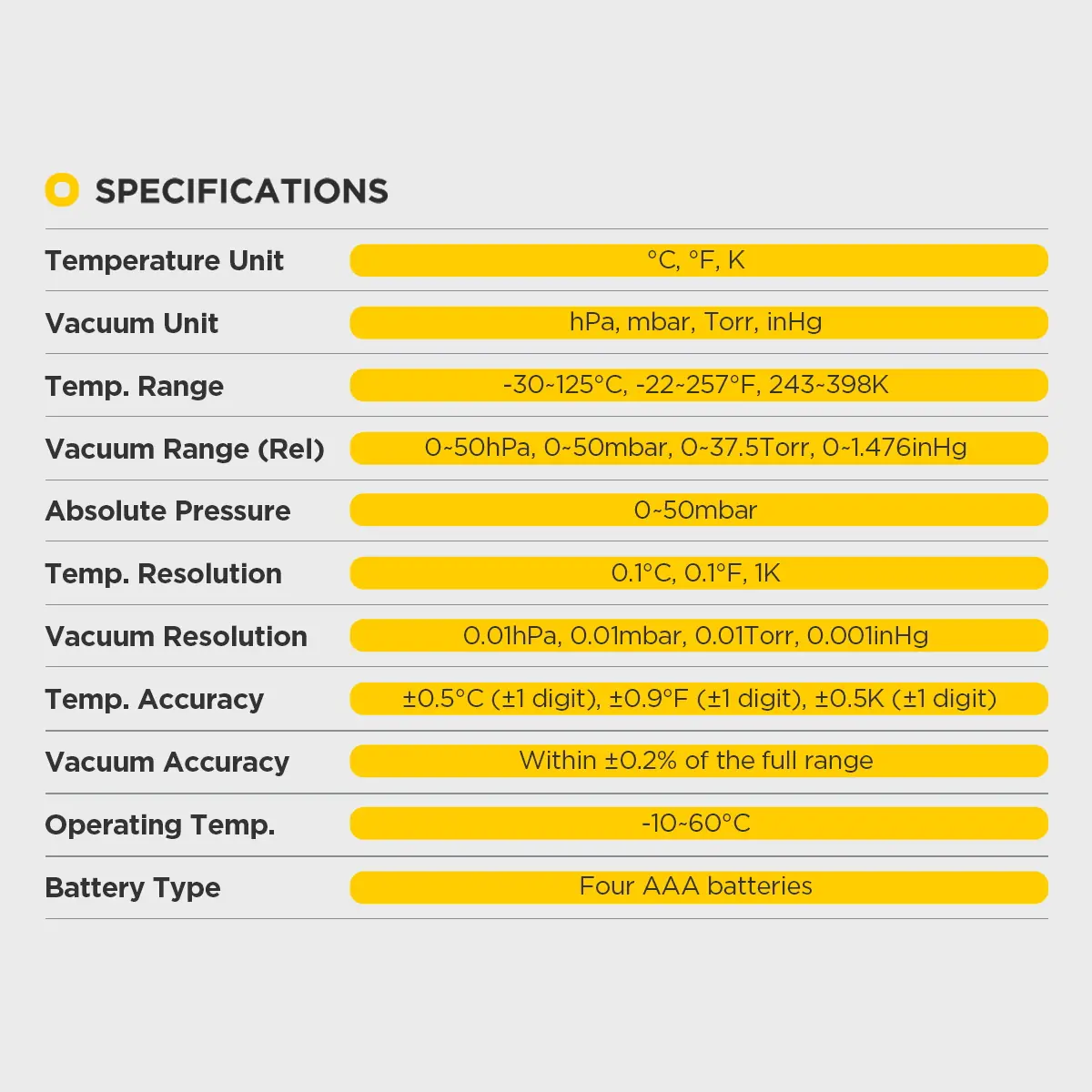
- 0–2000 mbar Vacuum Range
- ±0.2% FS Accuracy
- 0.1 mbar Resolution
- 2.8-Inch Backlit Display
- LM130 Data Link
Key Features
-
Evacuation Monitoring
Follow the vacuum trend while the system is evacuated instead of relying on elapsed pump time alone.
-
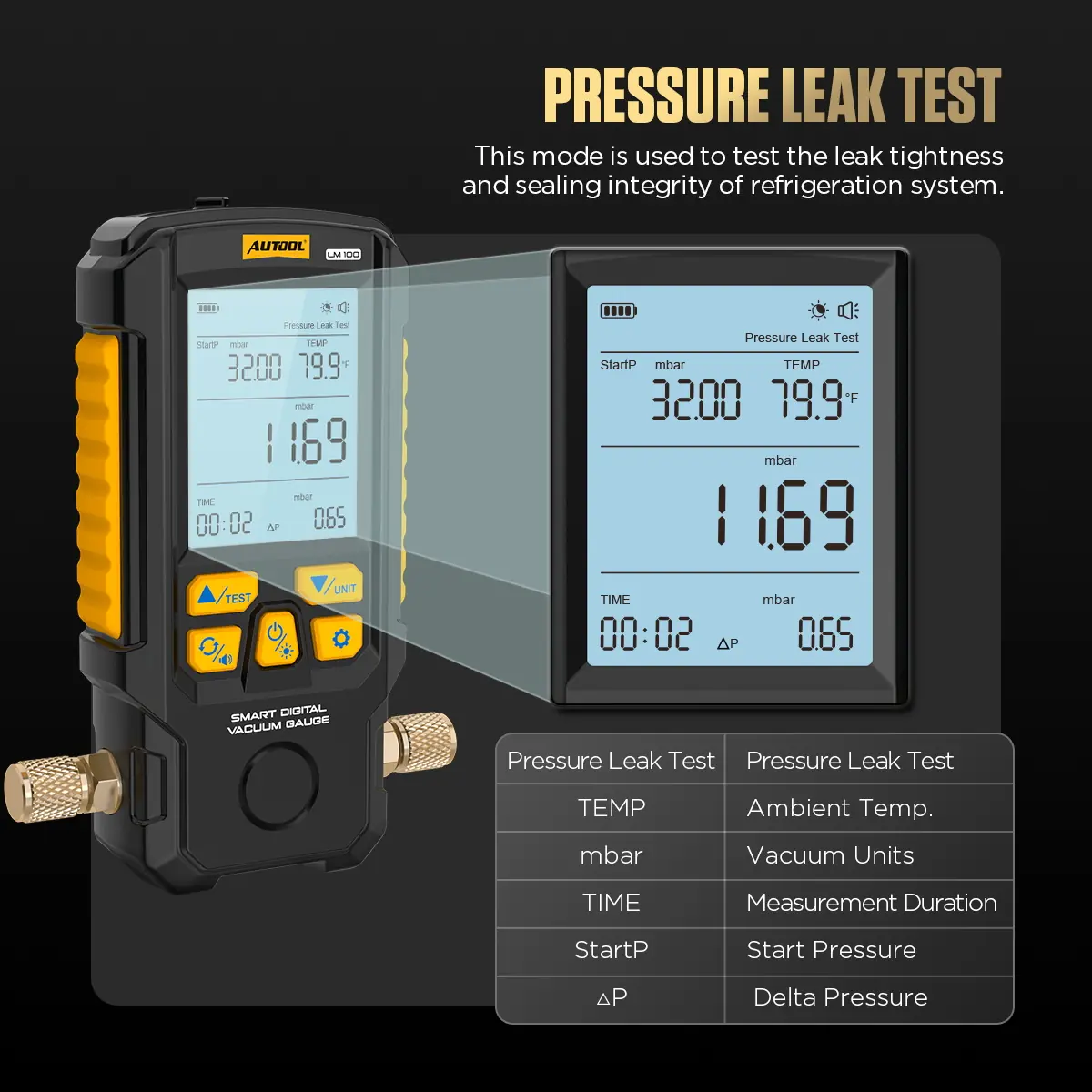
Pressure-Retention Test
Observe pressure change after isolating the system to judge whether sealing needs further investigation.
-
Seven Selectable Units
Switch among hPa, mbar, Torr, inHg, °C, °F and K with one button.
-
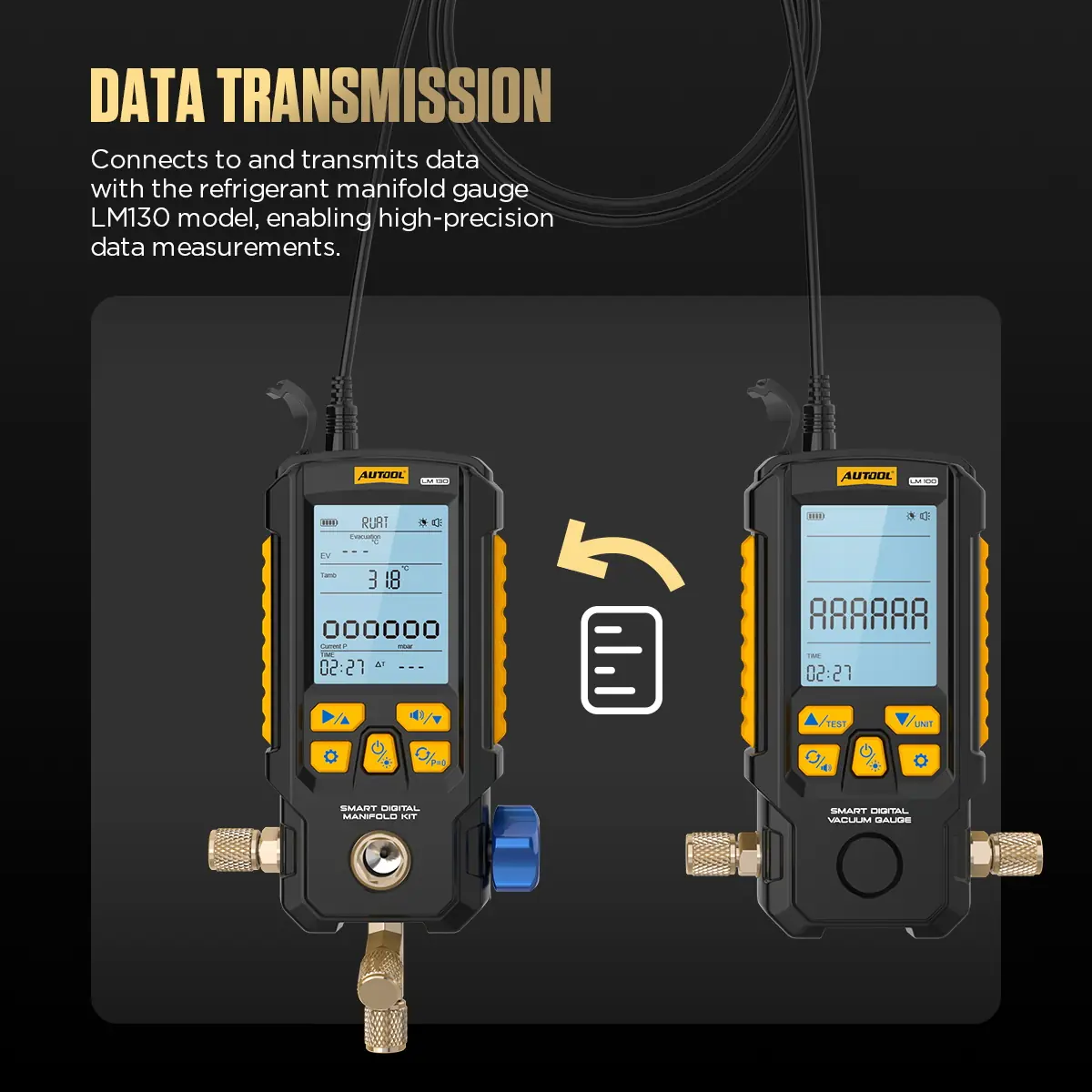
Synchronized Data with LM130
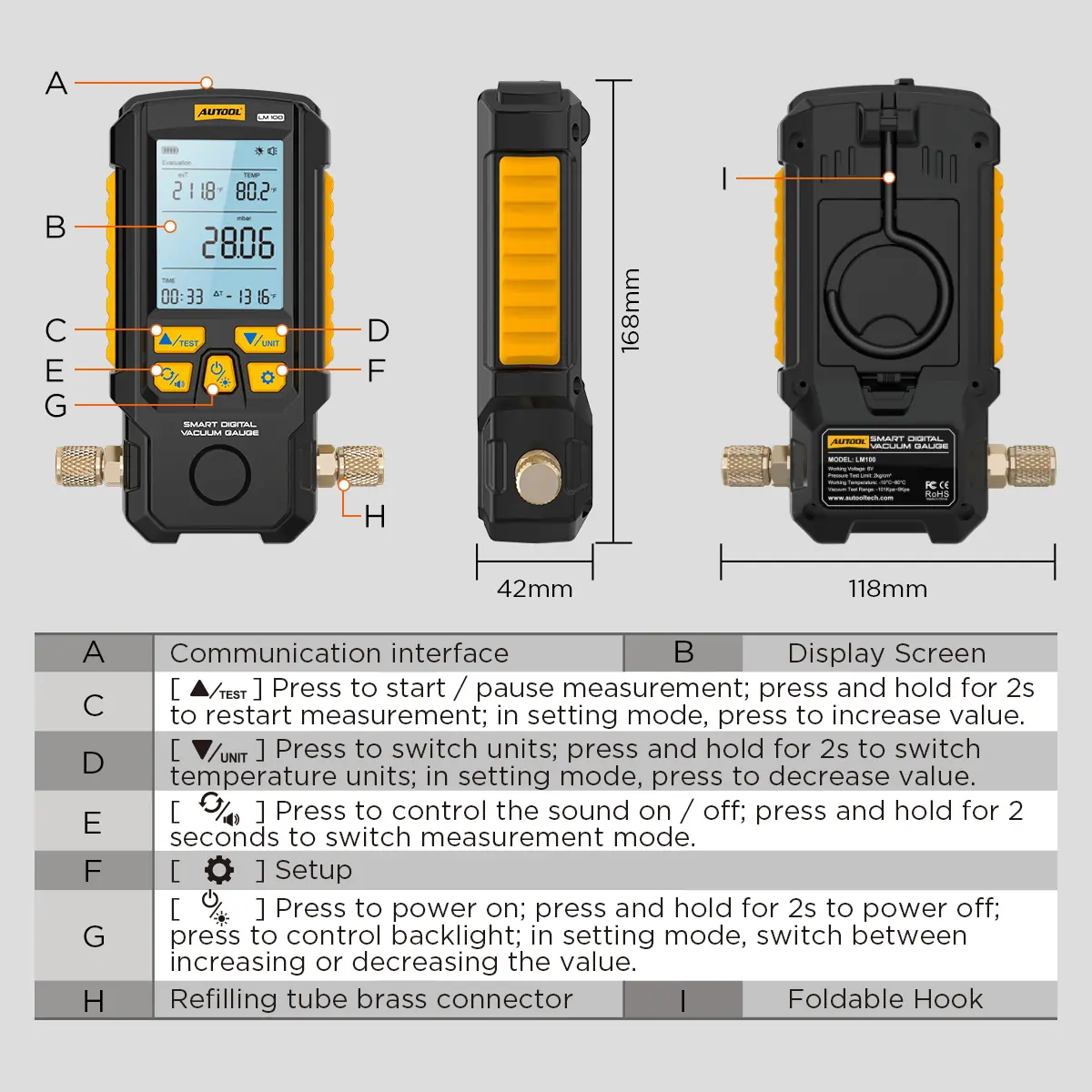
A built-in microprocessor and communication interface share measurement data with a separate AUTOOL LM130.
-
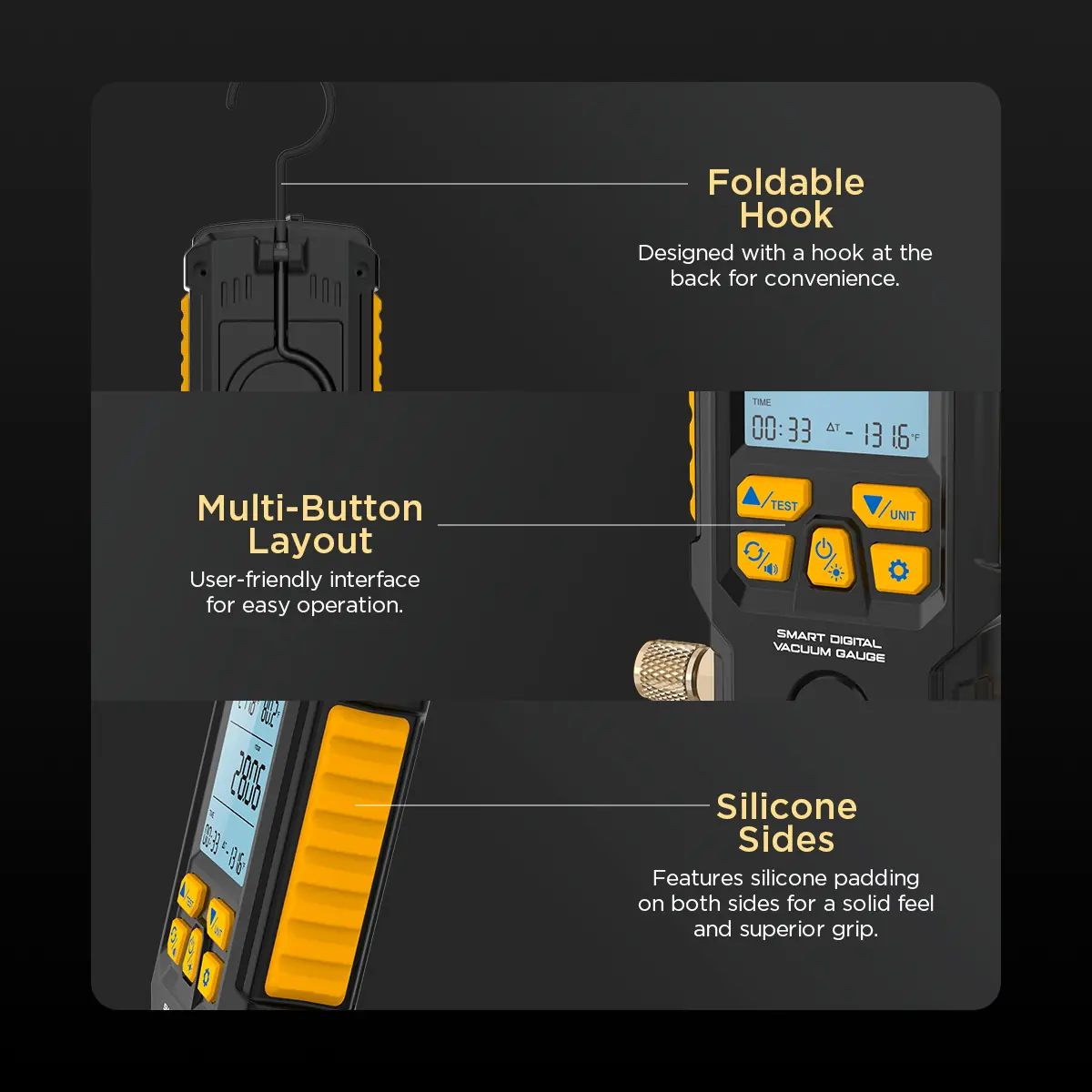
Field-Friendly Housing
Engineering plastic with non-slip silicone sides, a brass valve body and a foldable hook for handheld or hanging use.
More Specifications
| Standard hose working pressure | 600 PSI |
|---|---|
| Standard hose limit pressure | 3000 PSI (not a working-pressure rating) |
What’s in the Box
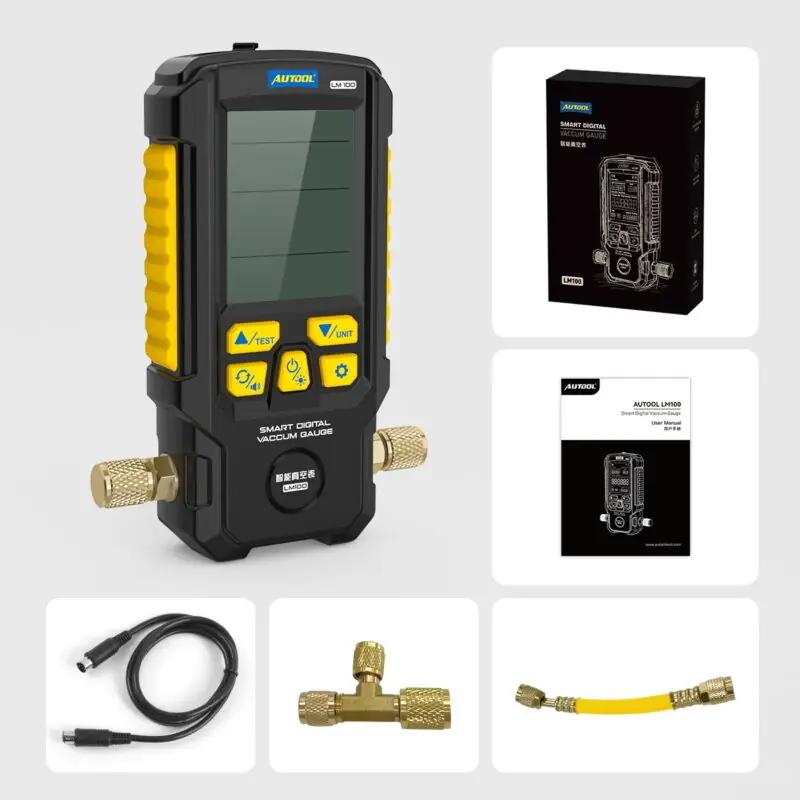
- LM100 smart digital vacuum gauge
- Data/connection cable
- Brass valve connector
- User manual
How to Use
- Confirm the test limitsCheck the equipment rating, the LM100 measuring range and the hose working-pressure rating before connecting.
- Connect and select unitsUse a suitably rated hose, hang the gauge on its hook if useful and choose the unit the procedure requires.
- Monitor evacuationRun the approved evacuation procedure and follow the live vacuum trend until the service specification is reached.
- Isolate and observeClose the system, use pressure-retention mode and watch the change over the specified test period.
- Interpret and follow upIf pressure changes, inspect connections and locate the leak with an approved method before charging.
Setup, unit selection, LM130 data transfer and troubleshooting: LM100 user manual (PDF).
Good to Know
Caution
- Keep operation within the measuring range; the 10 MPa limit is not an operating target. Use the lowest working rating of the system, gauge and hose.
- Refrigerant identification, charging and leak location require other service tools.
- Do not use or store the gauge in high heat, high humidity, flammable or explosive areas or strong electromagnetic fields, and do not modify its circuitry.
Care
- Wear suitable protective equipment and work in a well-ventilated area on pressurized refrigerant systems.
- Use the same connection, units, stabilization period and conditions when comparing repeat tests.
FAQ
Does the LM100 support a refrigerant mode?
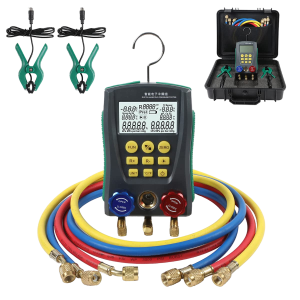
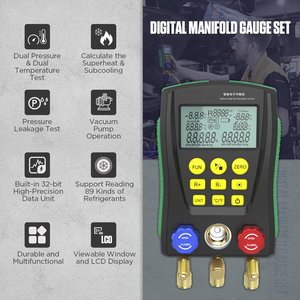
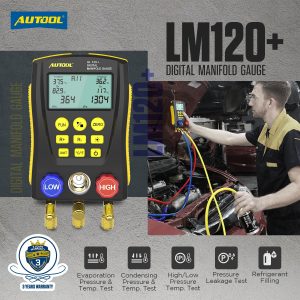
No. It has no refrigerant database or high/low manifold valves; choose a digital manifold such as the LM120, LM150 or LM160 when you need those functions.
Can it locate a leak?
A pressure change tells you to inspect further. Check the setup, then locate the leak with an approved method.
What does a changing isolated reading mean?
It can indicate a connection, hose or system-sealing problem. Recheck the setup and use an approved method to find the cause.

 English
  German
  Spanish