







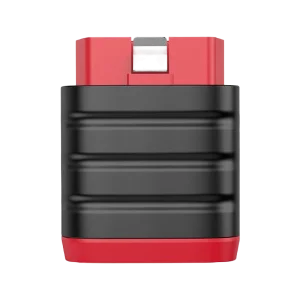
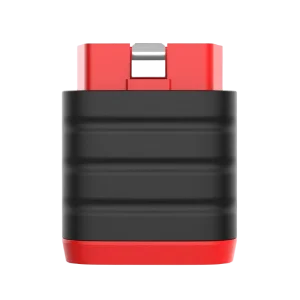
Conector Bluetooth de repuesto para el THINKSCAN 689BT
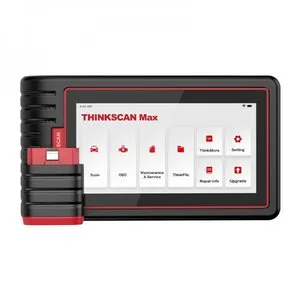
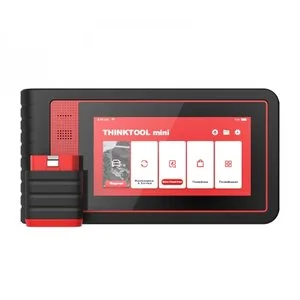
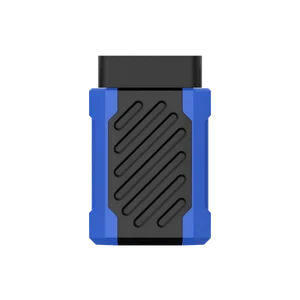
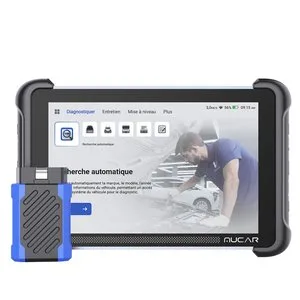
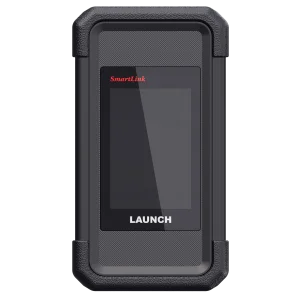
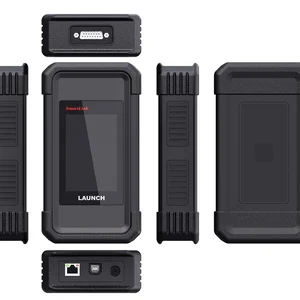
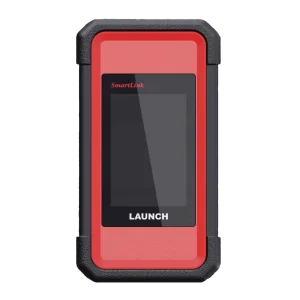
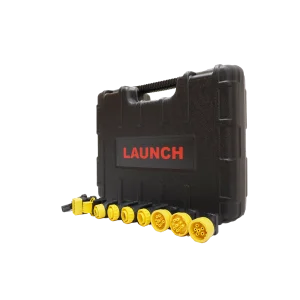
El conector de diagnóstico Bluetooth que se conecta al puerto OBD del vehículo y enlaza la tableta THINKSCAN 689BT con el coche.
- THINKSCAN 689BT
- Conector Bluetooth
- Se conecta al puerto OBD
Más especificaciones
| Tensión de funcionamiento | 9–18V |
|---|---|
| Temperatura de funcionamiento | 0–50°C (32–122°F) |
| Temperatura de almacenamiento | -20–60°C (-4–140°F) |
Cómo usarlo
- Localiza el puertoEl puerto de diagnóstico de 16 pines suele estar debajo del salpicadero, en el lado del conductor, a unas 12 pulgadas del centro del panel de instrumentos; consulta el manual de servicio si está en otro lugar.
- Conecta el conectorEncaja firmemente el conector en el puerto.
- Dar el contactoDa el contacto, después inicia el diagnóstico desde la tableta 689BT.
Conviene saber
Precaución
- Diseñado para el 689BT. El THINKSCAN 689 con cable se conecta mediante un cable de diagnóstico en lugar de este conector Bluetooth.
Cuidado
- El vehículo no responde: comprueba que el conector esté bien colocado, que el contacto esté dado y que el vehículo sea compatible.
- El flujo de datos se detiene durante la lectura: apaga la herramienta, vuelve a insertar el conector con firmeza y enciéndela de nuevo.



 English
  Deutsch
  Español
  Nederlands
  Français