

Connect a GM 12-Pin Diagnostic Port to a 16-Pin Scan Tool
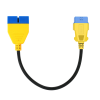
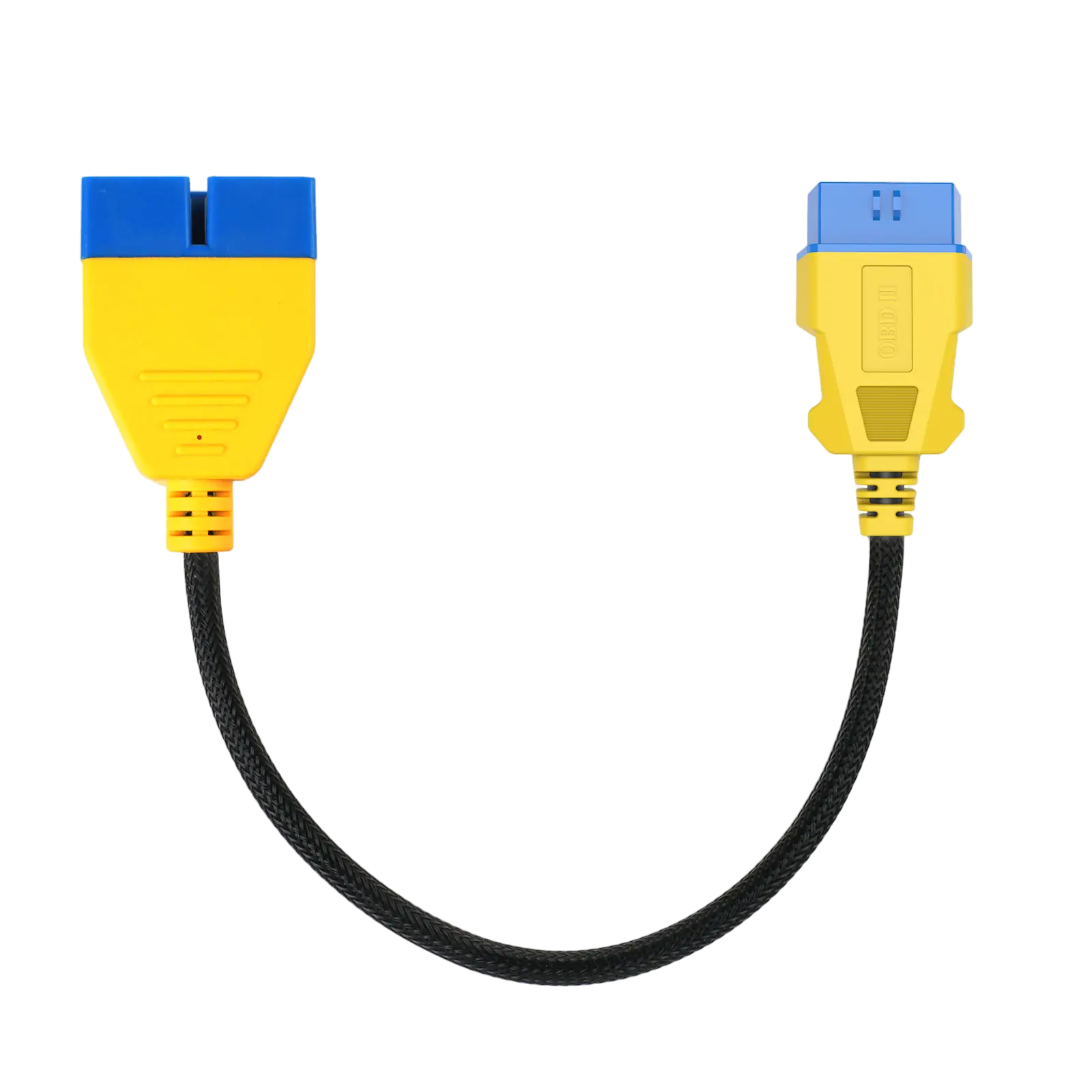
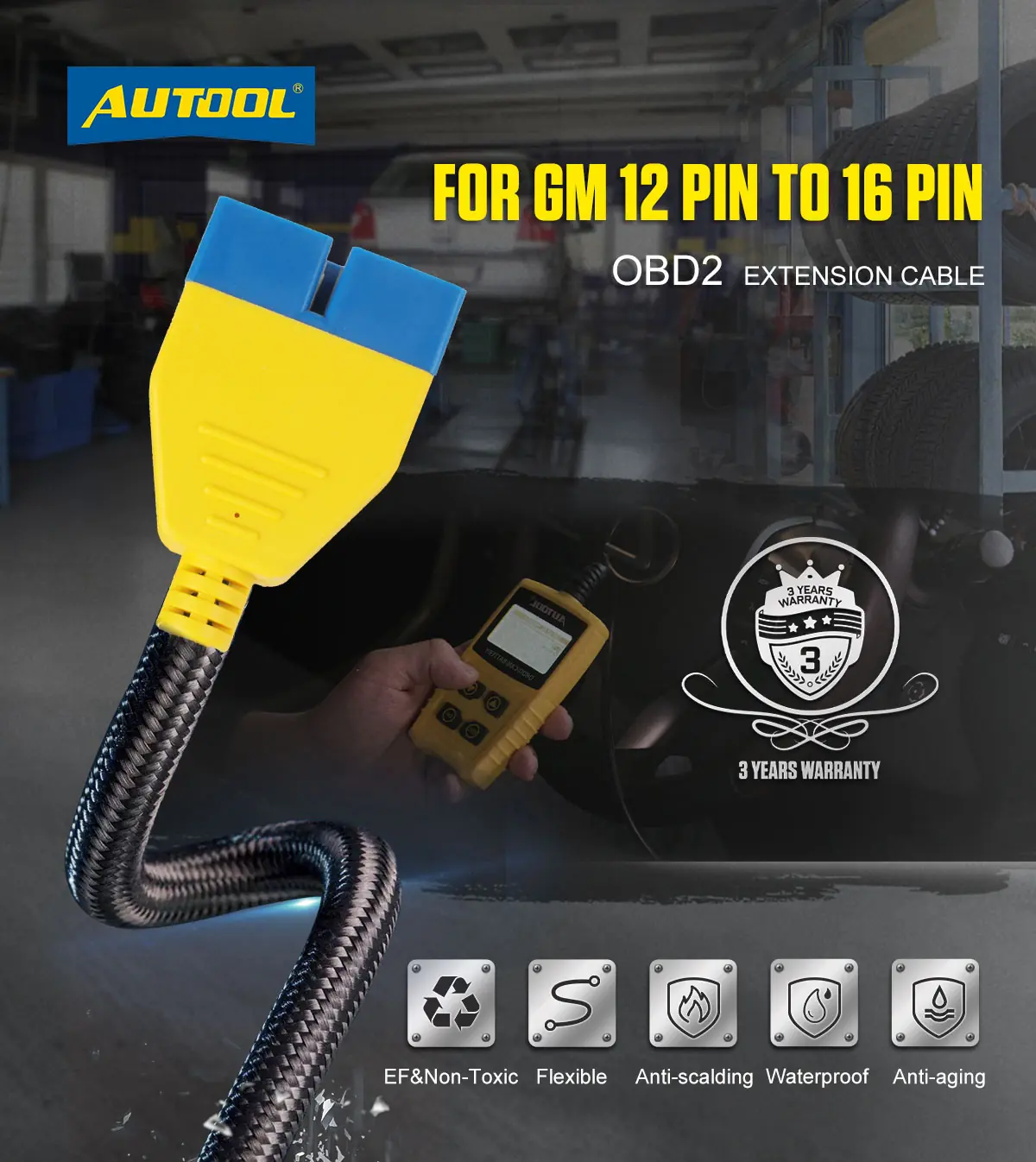
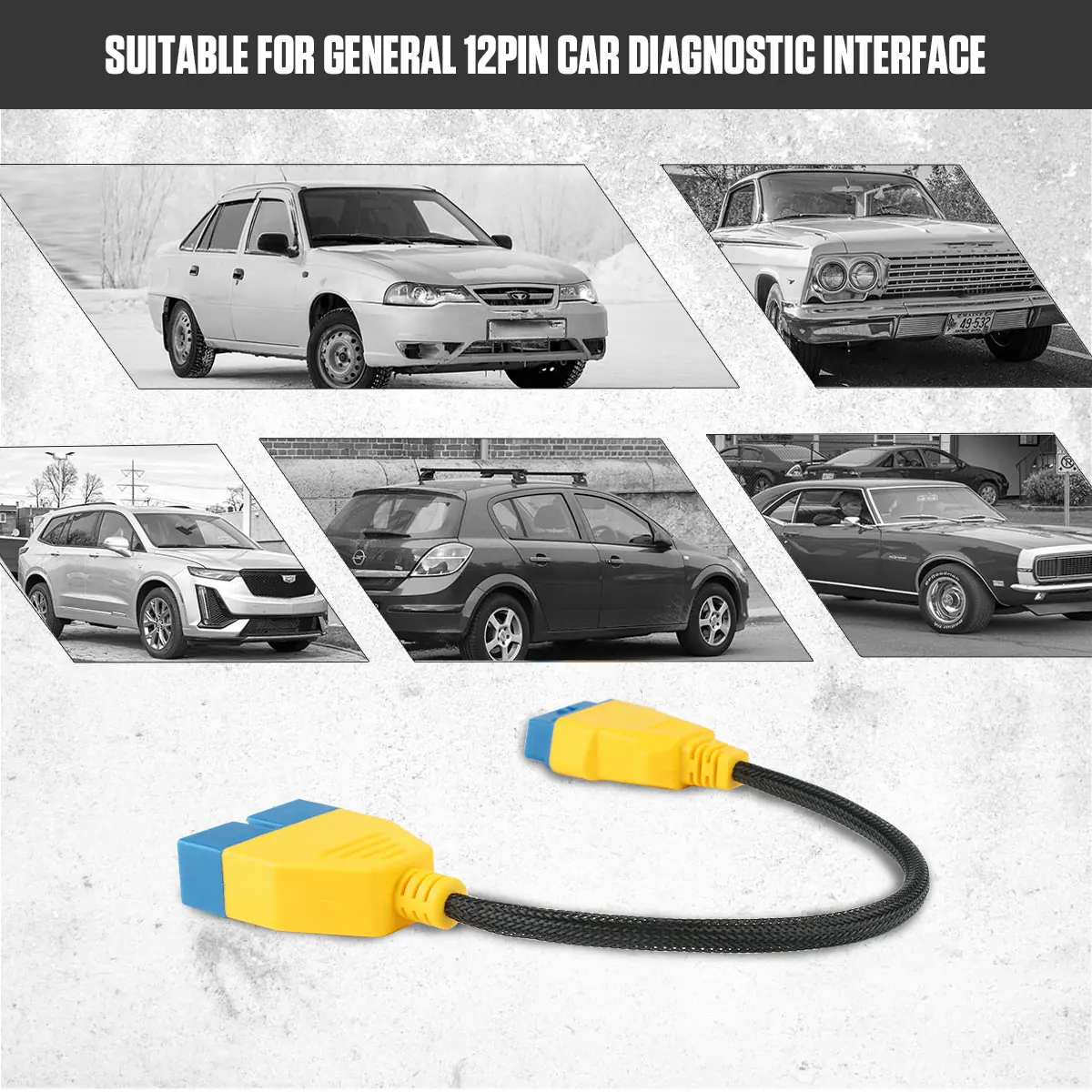
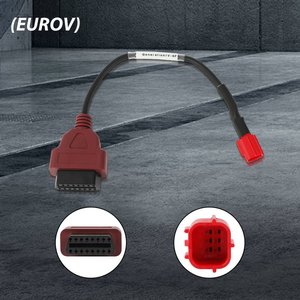
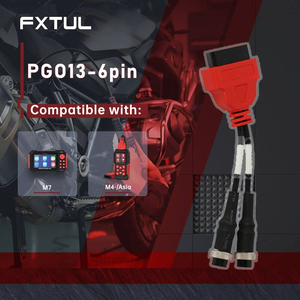
This short passive cable links a matching GM 12-pin vehicle socket to a compatible 16-pin OBD2 tool. It only routes the existing signals; diagnostic functions and protocol support still come from the vehicle and the scan tool.
- GM 12-Pin to 16-Pin
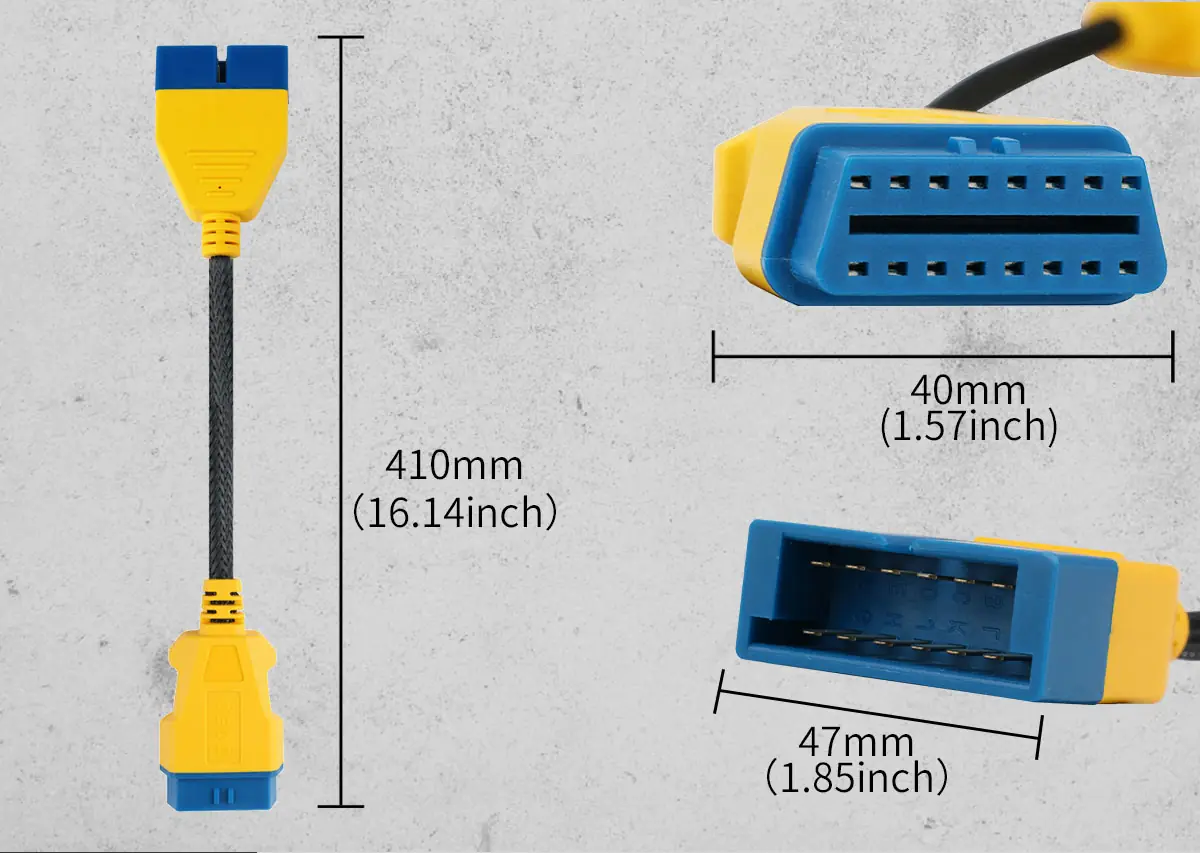
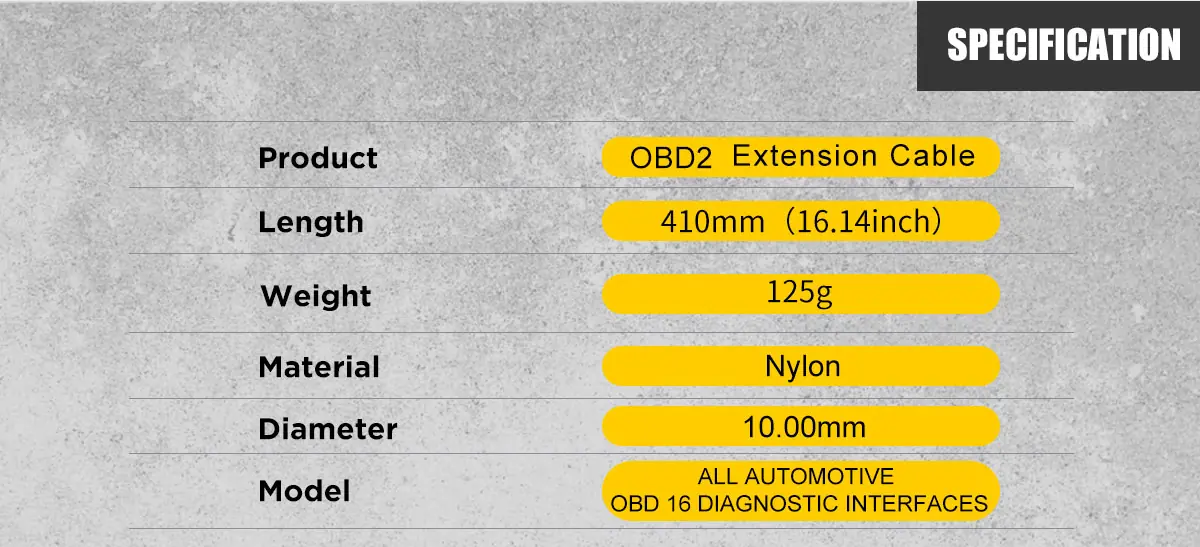
- 41 cm Cable
- Copper Core
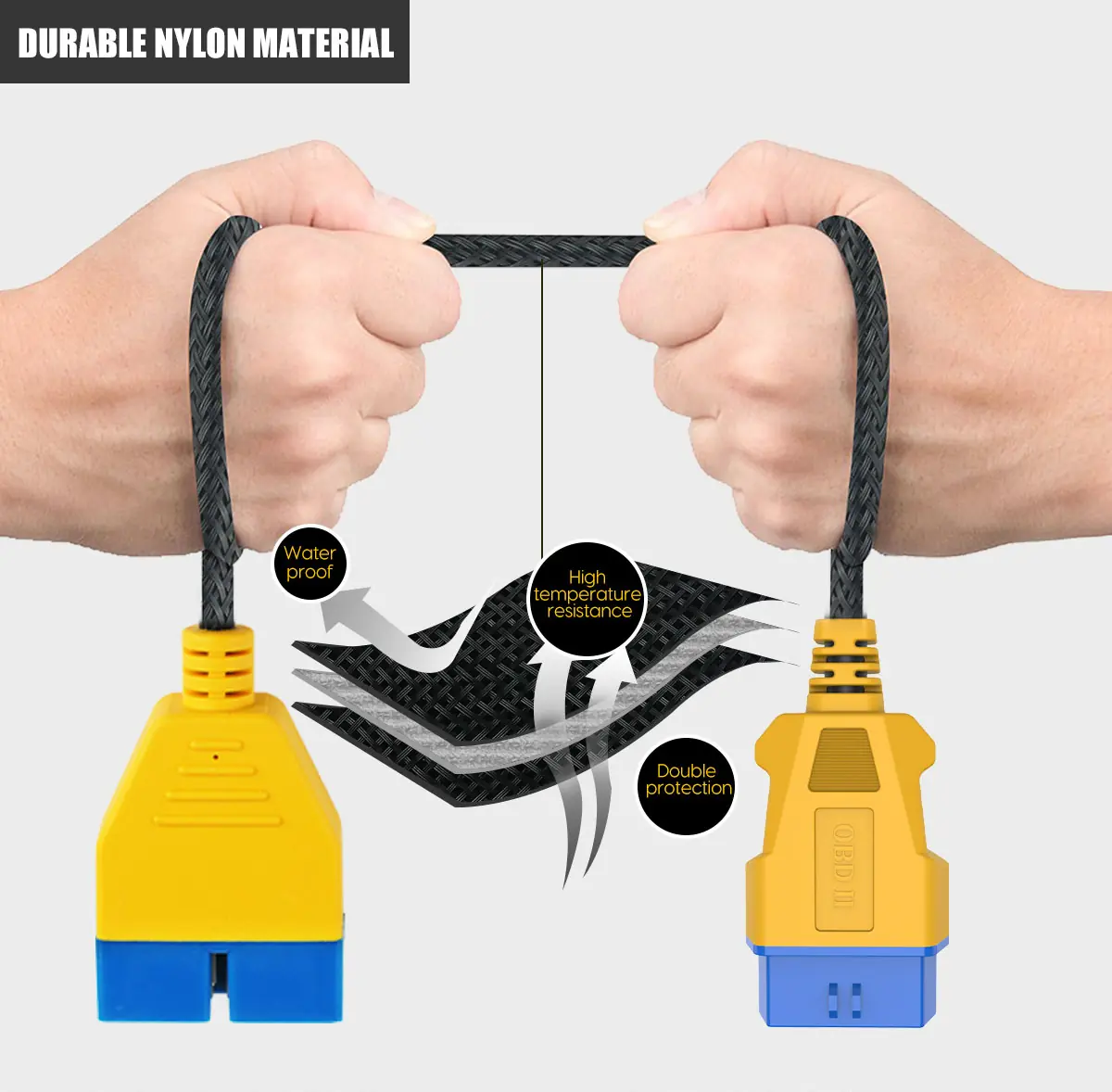
- Braided Nylon Jacket
- Passive Adapter
Key Features
-
Short Extension
The 41 cm length reduces direct pulling on the vehicle diagnostic port while keeping the setup compact.
-
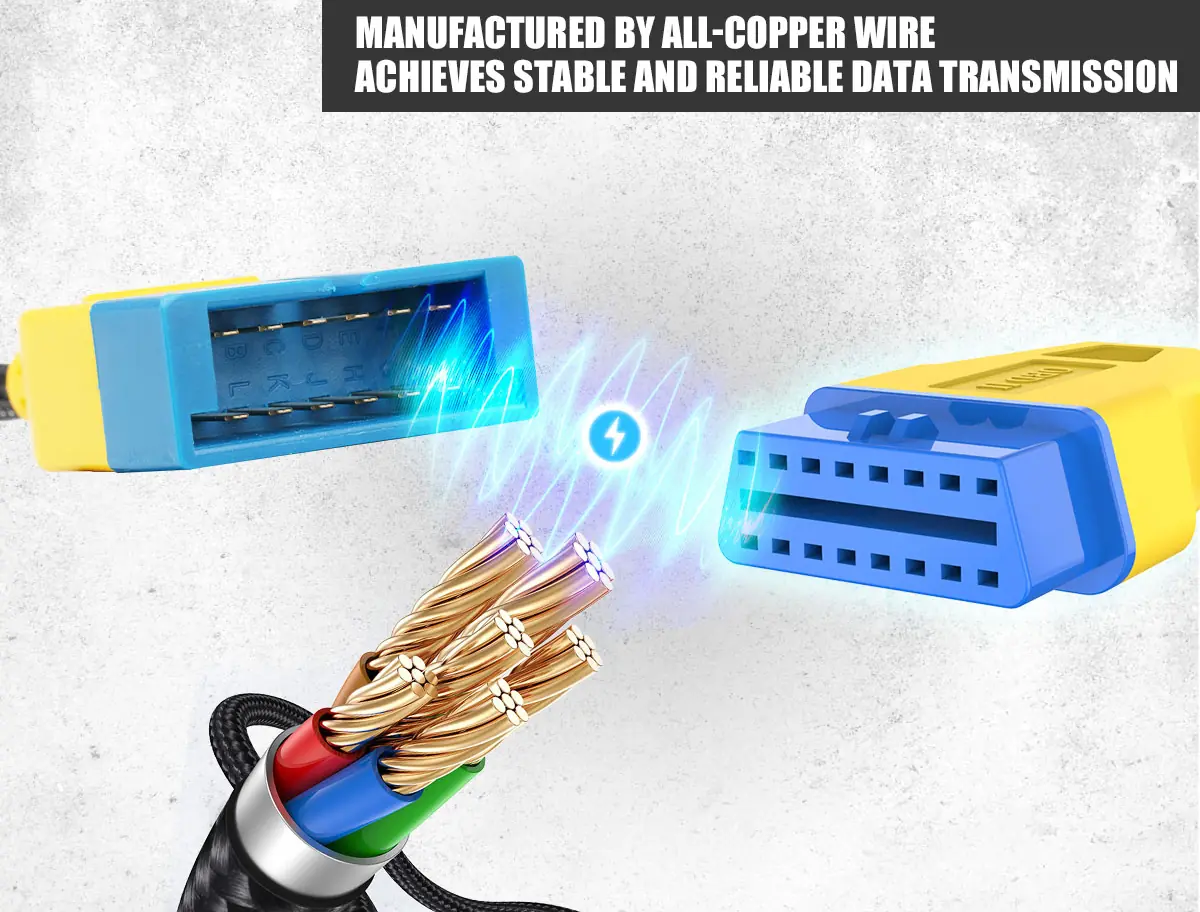
Copper Conductors
Copper wire carries the data between the vehicle port and the diagnostic equipment.
-
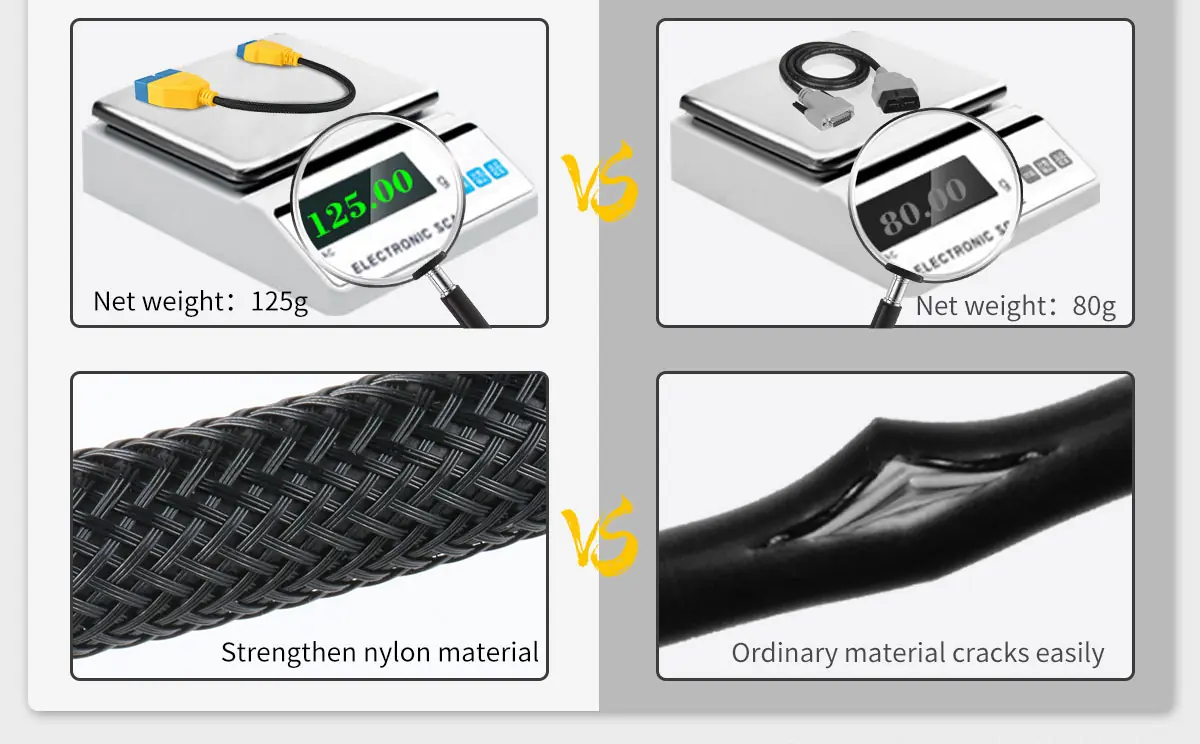
Braided Nylon Protection
The reinforced nylon outer layer adds flexibility and wear resistance for daily use.
-
Light and Compact
At about 125 g, the cable fits easily in a toolbox or diagnostic kit, and the connector body is shaped for quick plug-in.
-
Pin Routing Only
The adapter adds no scan functions and does not convert protocols.
What’s in the Box
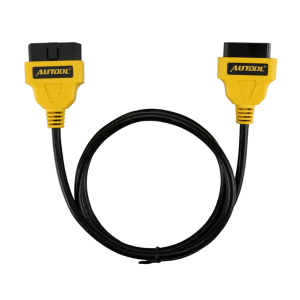
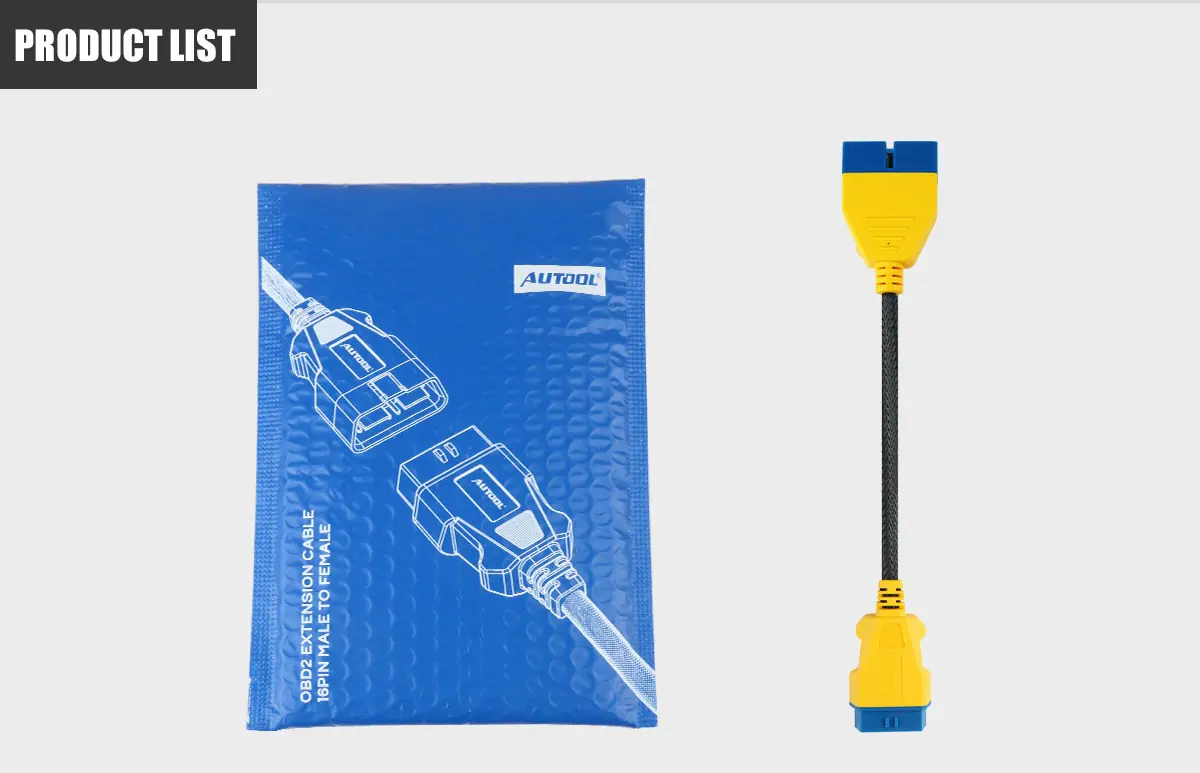
- AUTOOL GM 12-pin to 16-pin OBD2 adapter cable
- Protective package
How to Use
- Confirm the vehicle portCheck that the vehicle has a compatible GM 12-pin socket; identify the connector, year and pinout, and inspect it for damage.
- Confirm the tool chainVerify the scanner, software, protocol, module, task and any authorization independently of the cable.
- Connect safelyAlign the connectors correctly and never force a mismatched plug.
- Route without strainKeep the cable away from pedals, sharp edges, heat, moving parts and pinched trim.
- Verify communicationRun a read-only connection check first; if communication changes, compare with a direct connection.
Good to Know
Caution
- A compatible 16-pin diagnostic scanner and its software are required and sold separately.
- Do not attach unknown or high-current devices to vehicle diagnostic power; follow the vehicle and tool current limits.
- If the tool drops connection, overheats, resets or changes vehicle behavior, stop and return to a known direct connection.
Care
- Keep the cable relaxed during testing and avoid sharp bends at the vehicle port.
- Keep the cable away from hot engine parts, belts, fans and sharp metal edges.
FAQ
Can this cable program a module by itself?
No. It contains no diagnostic or programming electronics. Programming depends on a compatible interface, software, authorization, a regulated power setup and the vehicle-specific procedure.
What should I confirm before ordering?
The exact vehicle connector and pinout, model year, scanner hardware, software version, and the module and task you need.
Can I leave it installed while driving?
Only when the complete installation is approved for that use and cannot interfere with pedals, steering, trim, seat movement or vehicle networks. For workshop tasks, disconnect it after testing.

 English
  German
  Spanish