




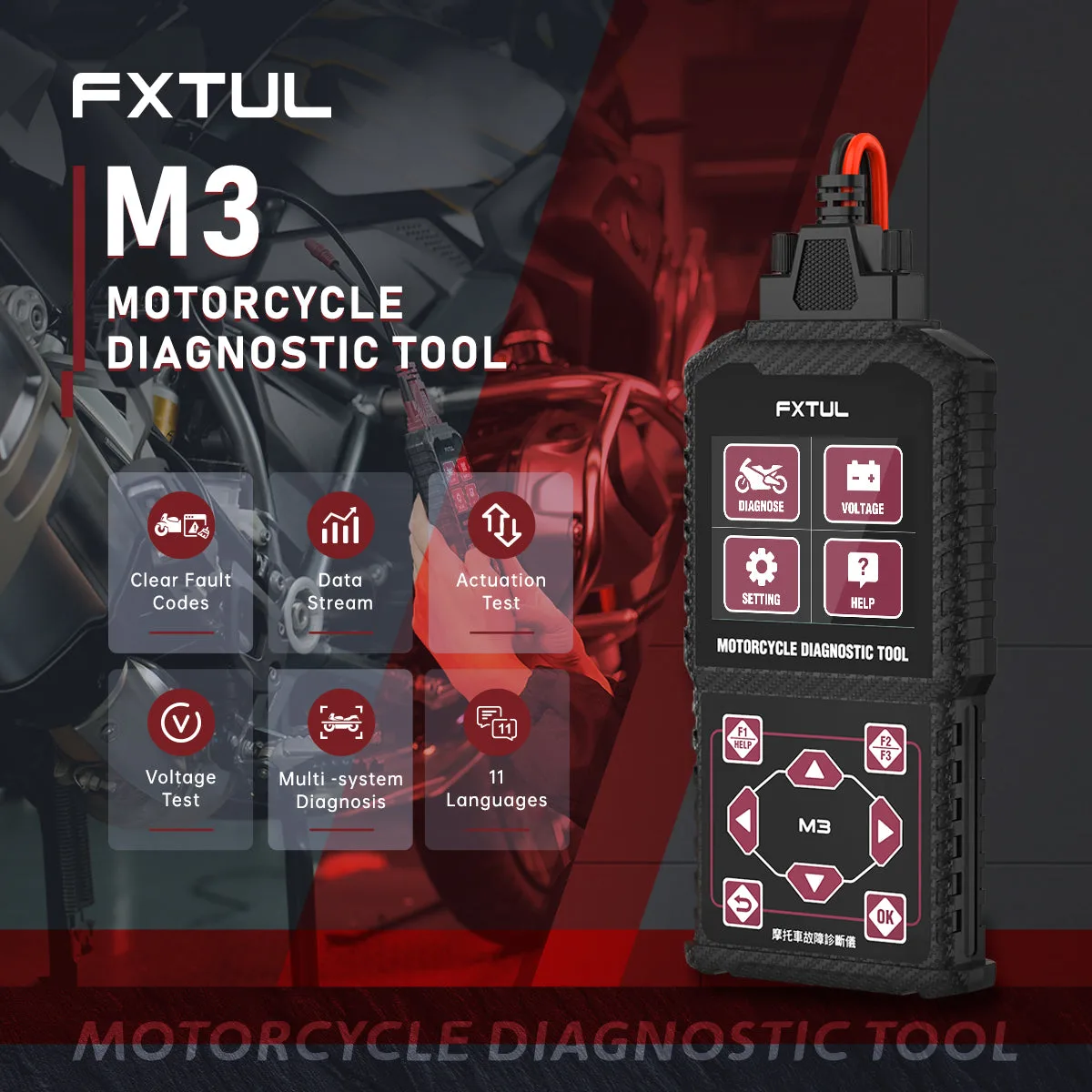




Pick the M3 Version That Matches Your Motorcycle Brands
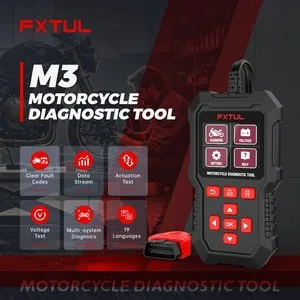
The FXTUL M3 comes in three software versions. Each one reads OBD-II plus a different set of three makes, so choose A, B or C by the bikes you work on.
- 3 Versions
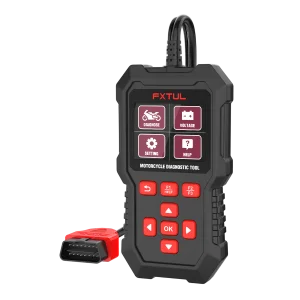
- Écran couleur de 2.8-inch
- 11 Languages
- DC10-15V
- mises à jour gratuites à vie
Key Features
-
Rapport système par système
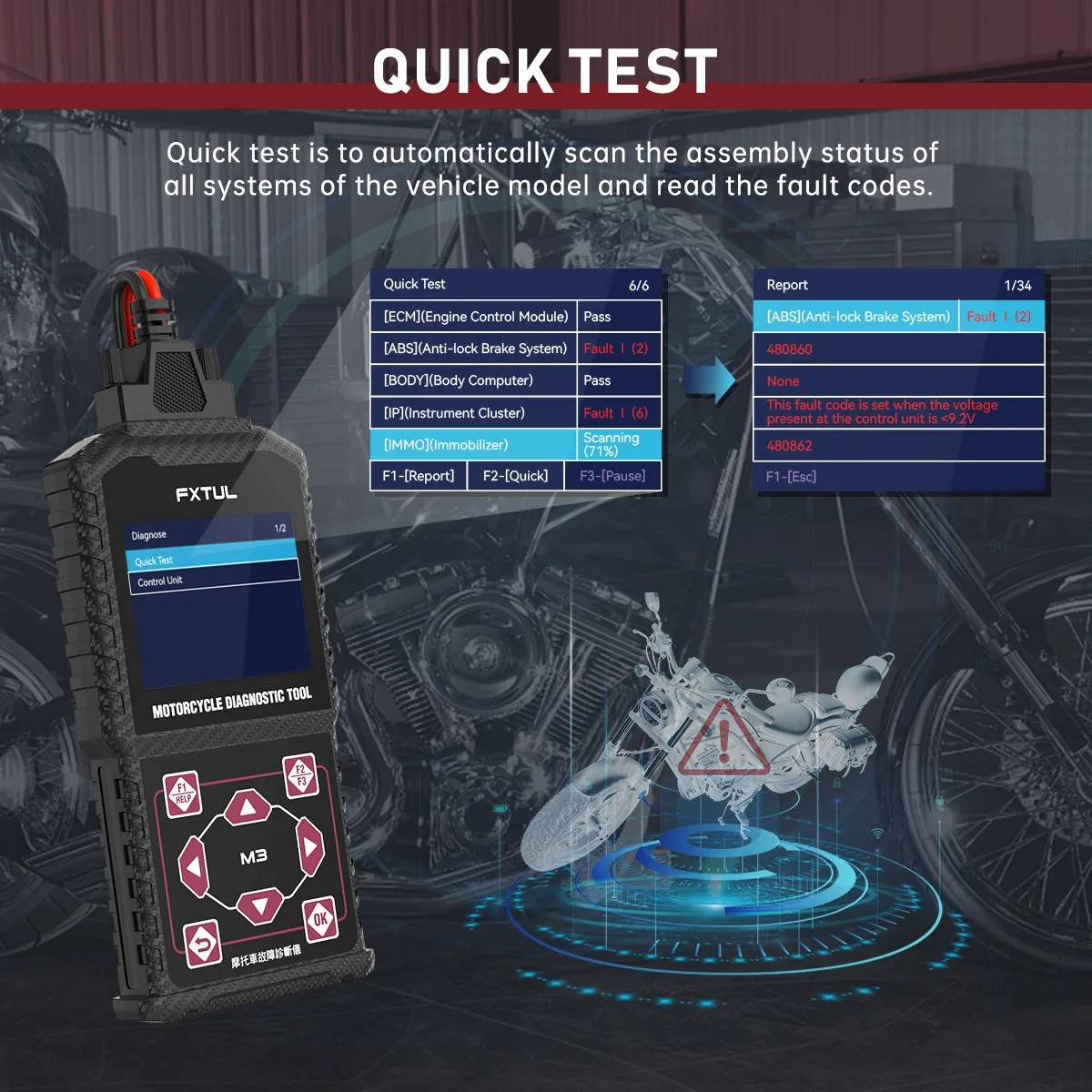
Identifies the fitted systems on the chosen model and flags each one that holds codes; a single command clears codes across all systems.
-
Moteur, ABS, TPMS et antidémarrage
Reads system information, current fault codes and freeze frame data from the main control units.
-
Flux de données de forme d’onde
Live readings can be graphed as a waveform to spot dropouts and unstable signals.
-
Test des actionneurs et réinitialisation ECU
Activates parts for testing and runs service routines such as idle speed regulation and throttle position learning, plus ECU reset.
-
Appareil de poche
At 16.5 × 8.5 × 2.5 cm it is used with one hand and needs no setup or internet connection.
M3-A vs M3-B vs M3-C
| M3-A | M3-B | M3-C | |
|---|---|---|---|
| Protocole générique | OBD-II | OBD-II | OBD-II |
| Marque 1 | Honda | KYMCO | Suzuki |
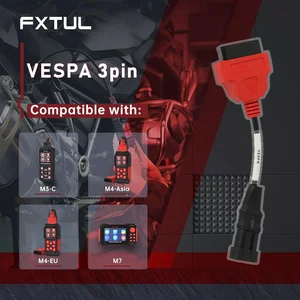
| Marque 2 | Kawasaki | SYM | Vespa |
| Marque 3 | Yamaha | Yamaha | EUROV |
How to Use
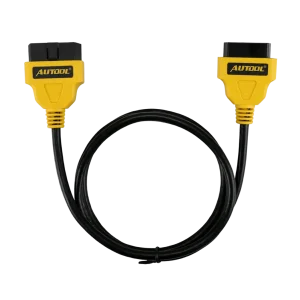
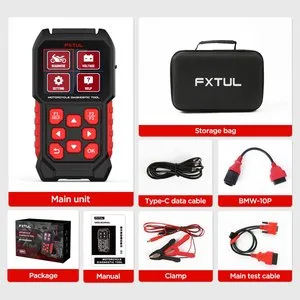
- BrancherConnect the M3 to the motorcycle's diagnostic socket with the matching cable.
- Select brandOpen Diagnosis and choose one of the brands your version supports.
- Find the modelChoose from Model Selection, or switch to System Selection when the model name differs in your region.
- Scanner ou choisir un systèmeQuick Test checks all systems at once; Control Unit lets you open one system on its own.
- Act on resultsClear codes, view data or run a test, following the prompts on screen.
Présentation complète du menu : Manuel utilisateur FXTUL M3 (PDF)
Mises à jour & assistance
Download the package that matches your version and edition. Unzip the download, put the files in the drive's root directory and do not rename them. If the screen stays black in upgrade mode, do not press OK; keep using the USB method.
Good to Know
Attention
- Each version covers only the brands in its column above. Check the list against your motorcycles before ordering.
- The USB port is a 5V port for PC updates only; a fast charger above 5V must not be connected.
Entretien
- Update to the latest software first if a bike or function you expect is not available.








 English
  Deutsch
  Español
  Nederlands
  Français